Appliances Presidents’ Day SaleEnds 2/25. Limited quantities. No rainchecks.Shop now

Main Content

Questions & Answers

Page Showing 1-20 of 86 questions
  • QuestionWhat streaming services are available on this Fire TV Stick?

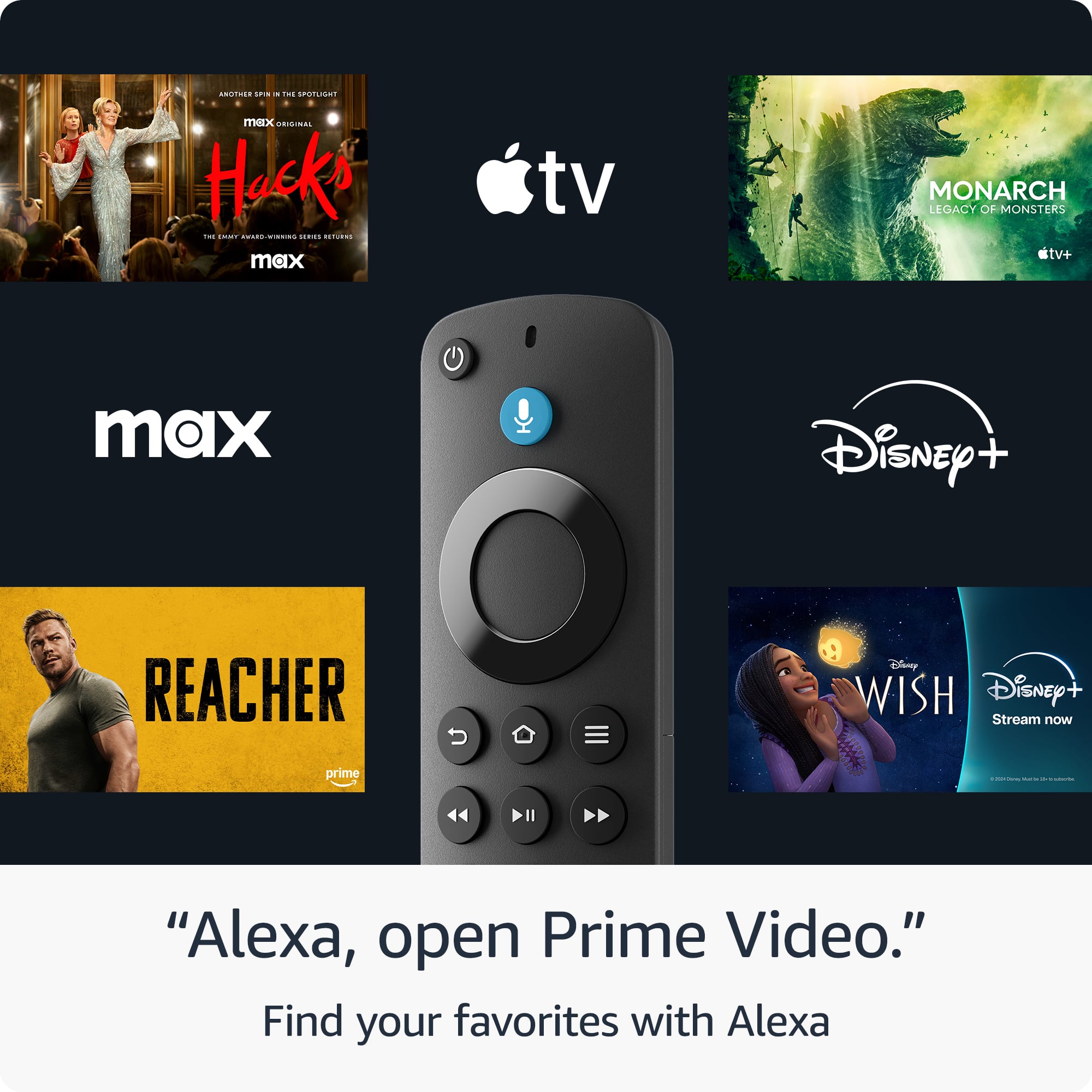
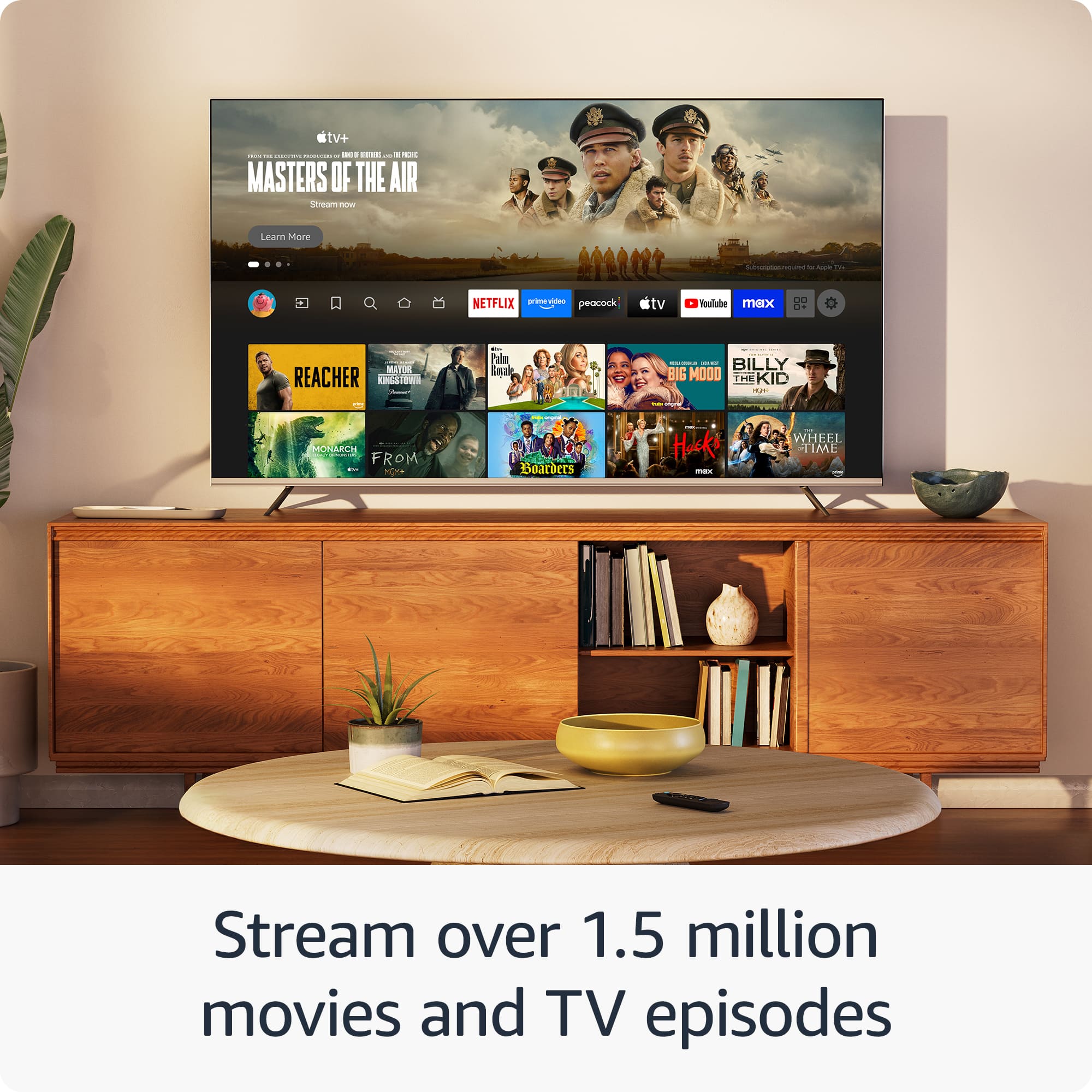
    • Answer You can access a wide range of streaming services, including Netflix, Prime Video, Disney+, Peacock, Amazon Freevee, Tubi, Pluto TV, and more.
    This question and answer was generated by AI based on customer and product data.

  • QuestionDoes this Fire TV Stick support live TV streaming?

    • Answer Yes, you can watch live TV, news, and sports with subscriptions to services like SLING TV and YouTube TV.
    This question and answer was generated by AI based on customer and product data.
  • QuestionIs this Fire TV Stick portable?

    • Answer Yes, you can take it anywhere and connect it to any TV's HDMI port to access your entertainment apps.
    This question and answer was generated by AI based on customer and product data.

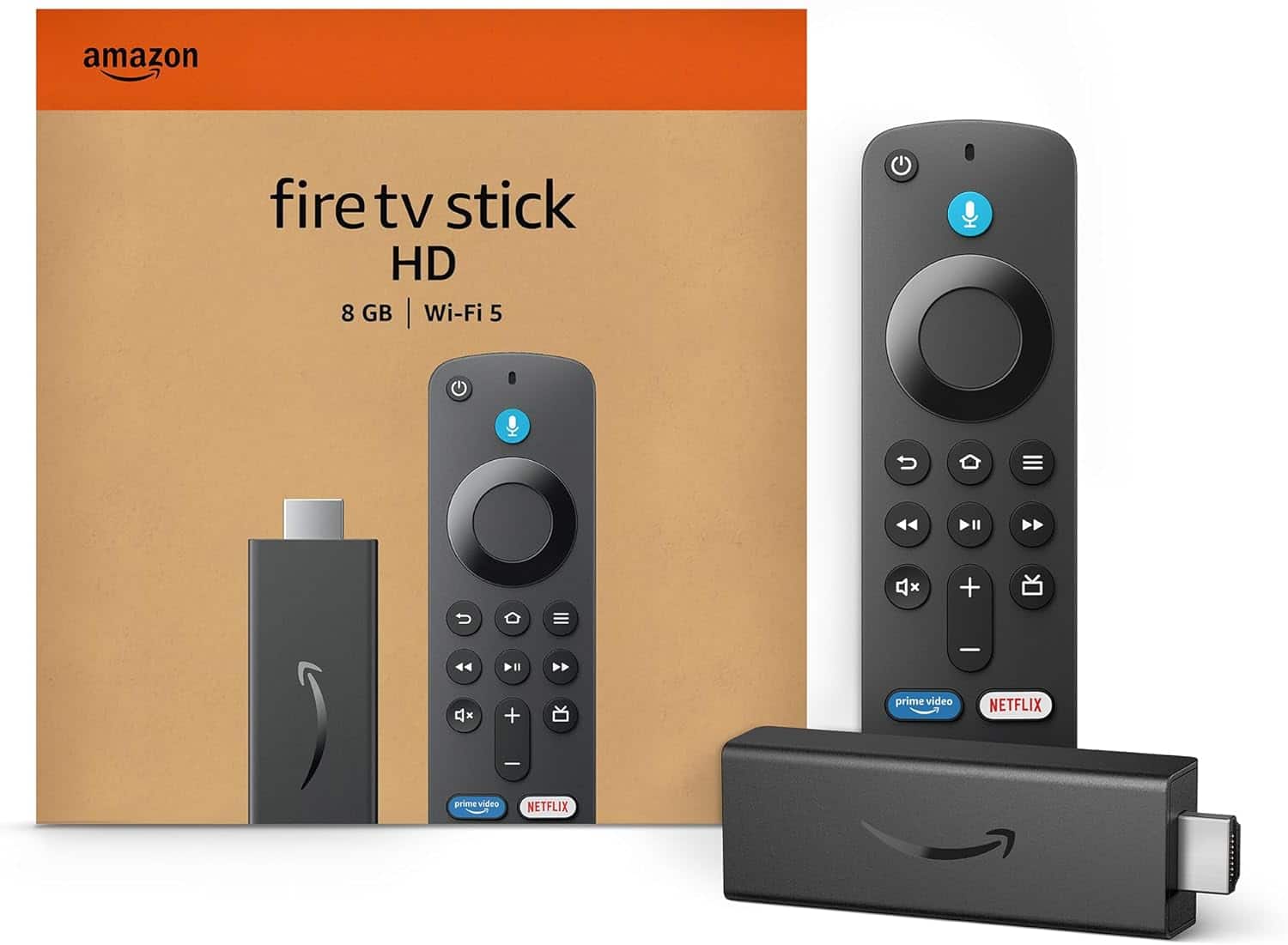
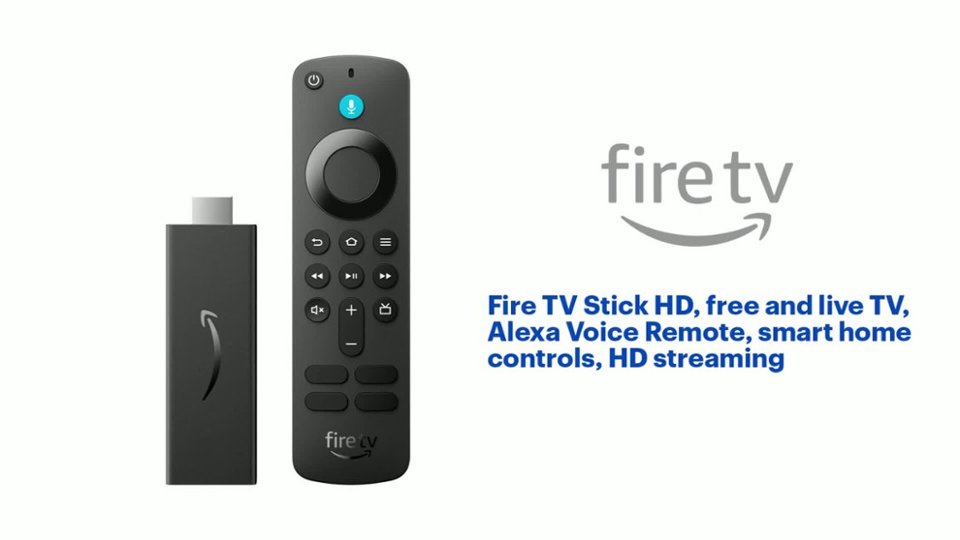
  • QuestionWhat is included with the Fire TV Stick HD?

    • Answer The Fire TV Stick HD comes with the Alexa Voice Remote, allowing you to control your entertainment and smart home devices with your voice.
    This question and answer was generated by AI based on customer and product data.

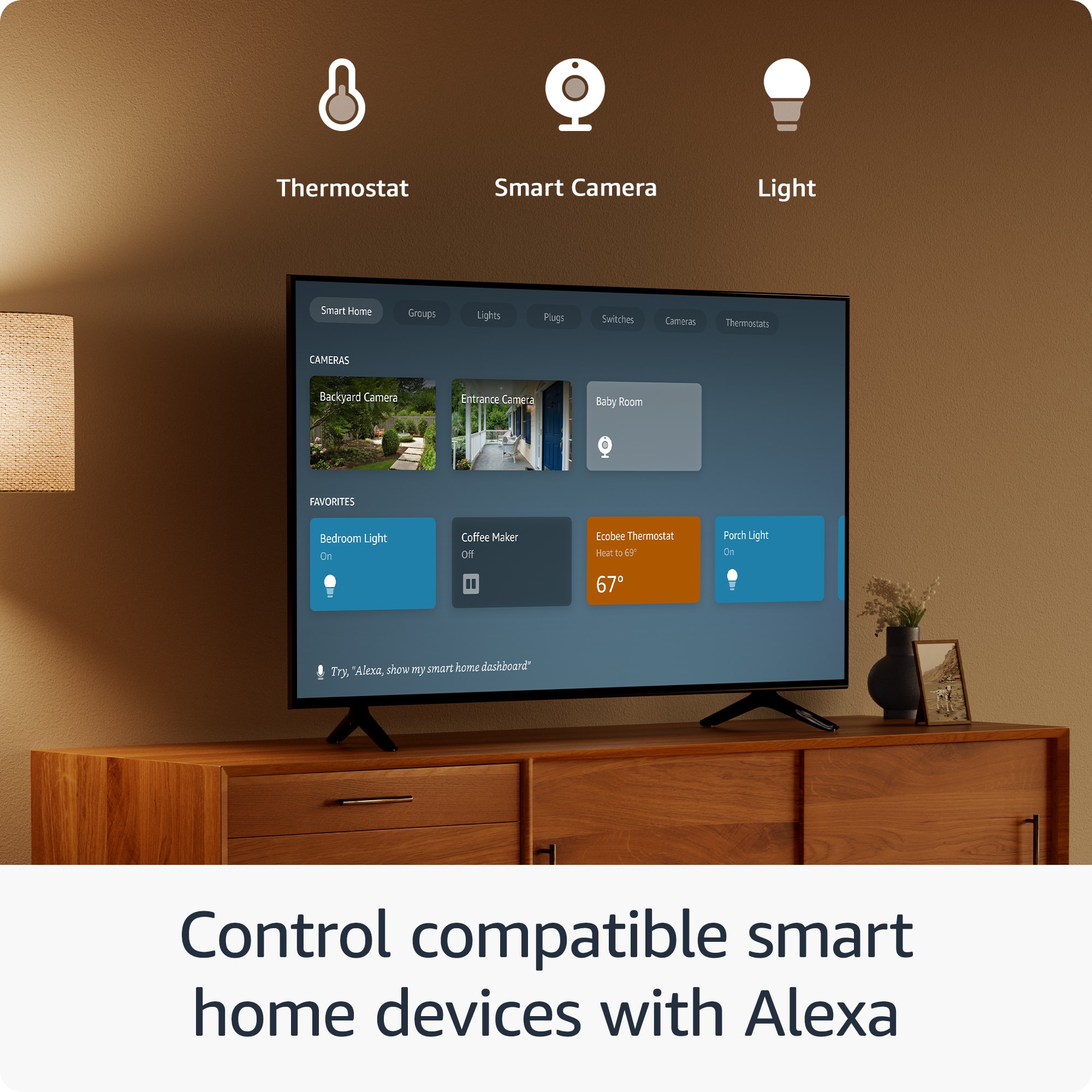
  • QuestionCan I control my smart home devices with this Fire TV Stick?

    • Answer Yes, you can control compatible smart home devices using the Alexa Voice Remote.
    This question and answer was generated by AI based on customer and product data.
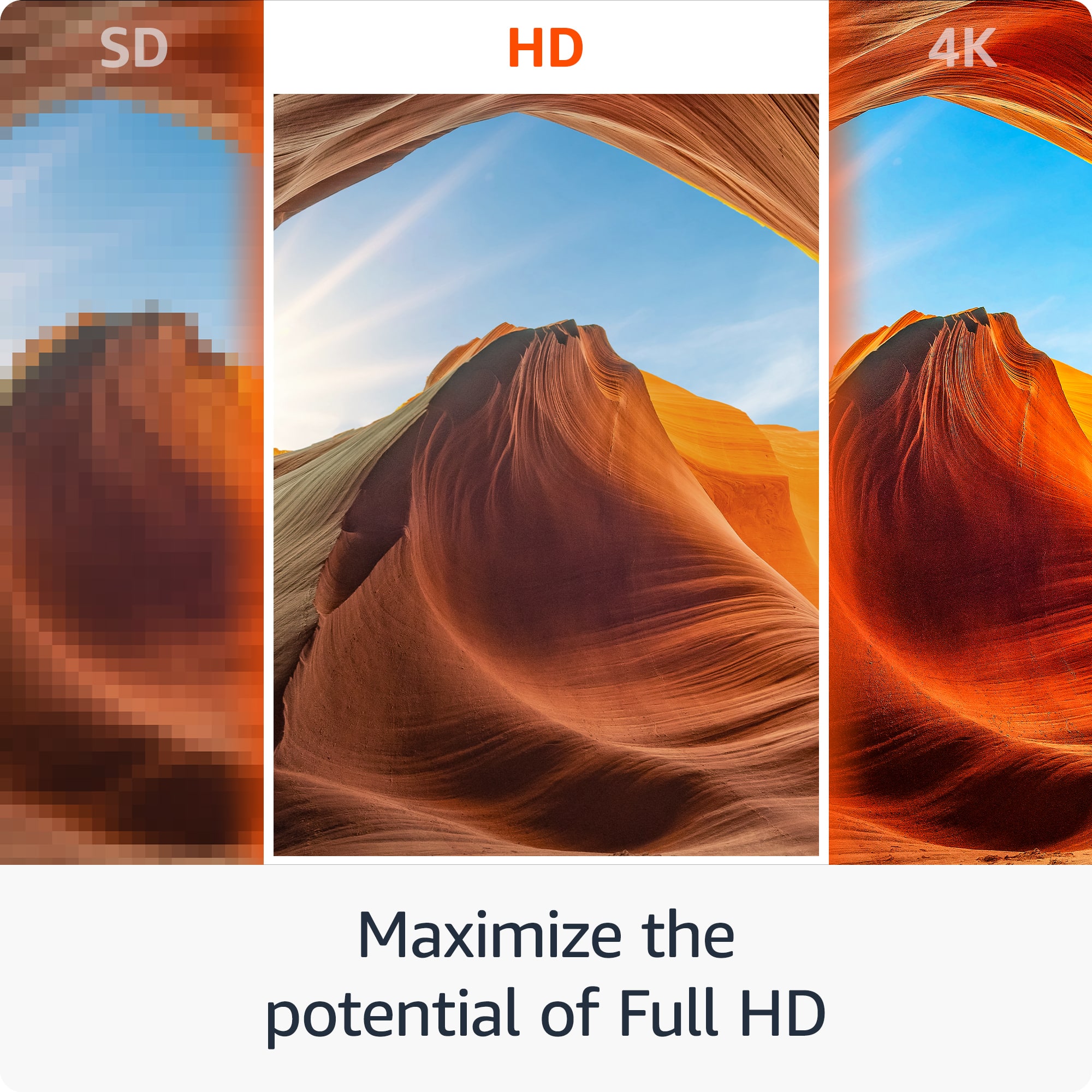
  • QuestionWhat is the maximum resolution supported by this streaming stick?

    • Answer The maximum resolution supported by the Fire TV Stick HD is 1080p.
    This question and answer was generated by AI based on customer and product data.

  • QuestionHow do I navigate and search for content on this device?

    • Answer You can easily search and launch shows across multiple apps using your voice with the Alexa Voice Remote.
    This question and answer was generated by AI based on customer and product data.

  • QuestionCan I listen to music on the Fire TV Stick HD?

    • Answer Yes, you can listen to music through services like Amazon Music, Spotify, and Pandora. Subscription fees may apply.
    This question and answer was generated by AI based on customer and product data.
  • QuestionHi, I saw 1 question answered that it uses the TV to power the stick then I saw another answer that said it came with a power adapter and cable, why would u need cable/adapter if it can be powered through the tv.?

    Asked by Mcsutton.

    • Answer Hello Mel, both of those answers are correct. The Amazon Fire TV Stick does come with a power supply for a wall outlet, which is the recommended way of powering it. Most TVs have a USB outlet on them near the HDMI ports that can power the Fire TV Stick. The downside of using the USB on the TV is that when the TV is powered off, so is the Fire TV Stick. If the Fire TV Stick doesn't have power when you aren't using it, the device will not complete any updates and you will have to manually do updates. I hope that answers your questions. Have a great day!

      Answered by Amazon Devices Customer Support

  • QuestionAny cost for programming?

    Asked by Don.

    • Answer That depends on what you subscribe to. You buy the device, you pick subscriptions if you want them, whichever streaming service you want to use and pay for, but the Firestick itself does not cost you more than the purchase price.

      Answered by Anonymous

  • QuestionDoes the Amazon Fire Stick come with an Internet Browser?

    Asked by GarfieldNut.

    • Answer Hi! Yes, the Fire TV Stick comes with Amazon's Silk Web Browser pre-installed on the device. Hope this helps. Have a great day!

      Answered by Amazon Devices Customer Support

  • QuestionDo I need internat

    Asked by Pp.

    • Answer Internet with wifi

      Answered by TvBroghammer

  • QuestionCan I download jw library with the fire stick

    Asked by GemGirl.

    • Answer Hi GemGirl! While the Fire TV Stick HD does support installing apps, it looks like currently the JW Library app only works on Fire Tablet devices. I would suggest checking out the Fire HD 10 tablet if you're looking for a good sized screen to read on! I hope that helps, have a great rest of your day!

      Answered by Amazon Devices Customer Support

  • QuestionCan I download my NBA League Pass subscription to this and watch games on a 2018 Samsung Smart TV?

    Asked by Taytay.

    • Answer Hello and thank you for asking this question. Fire sticks are compatible with all modern TVs that support an HDMI connection. After signing in to the Fire Stick and downloading the NBA app you should be able to sign in with your NBA account and watch all your content. I hope this answers your question and that you have a great day.

      Answered by Amazon Devices Customer Support

  • Questioncan fubo be used with this stick

    Asked by Anonymous.

    • Answer Yes it can

      Answered by TreyH

  • Questionwill this work on non smart tvs

    Asked by Anonymous.

    • Answer Hello, thank you for your question. Yes, a Fire TV Stick can be used with a non-smart TV. As long as the TV has an HDMI port, it can be connected to the Fire TV Stick, which will then provide access to streaming services and other apps, effectively turning the non-smart TV into a smart TV. I hope this helps, have a great day!

      Answered by Amazon Devices Customer Support

  • Questioncan this work if you don't have Alexa?

    Asked by tootles.

    • Answer Hello, You can use your Fire TV Stick without having any other Alexa products. I hope this information helps. Have a great day!

      Answered by Amazon Devices Customer Support

  • QuestionCan you load a VPN on this firestick?

    Asked by Traveler.

    • Answer Hello Traveler, you want to know if you are able to install a VPN on the Amazon Fire TV Stick HD. You will be able to download a VPN app from the Appstore onto you Amazon Fire TV Stick HD. Hope this has addressed your concern. Have an amazing day!

      Answered by Amazon Devices Customer Support

  • Questioncan you hook up this firestick to a roku tv?

    Asked by taw51.

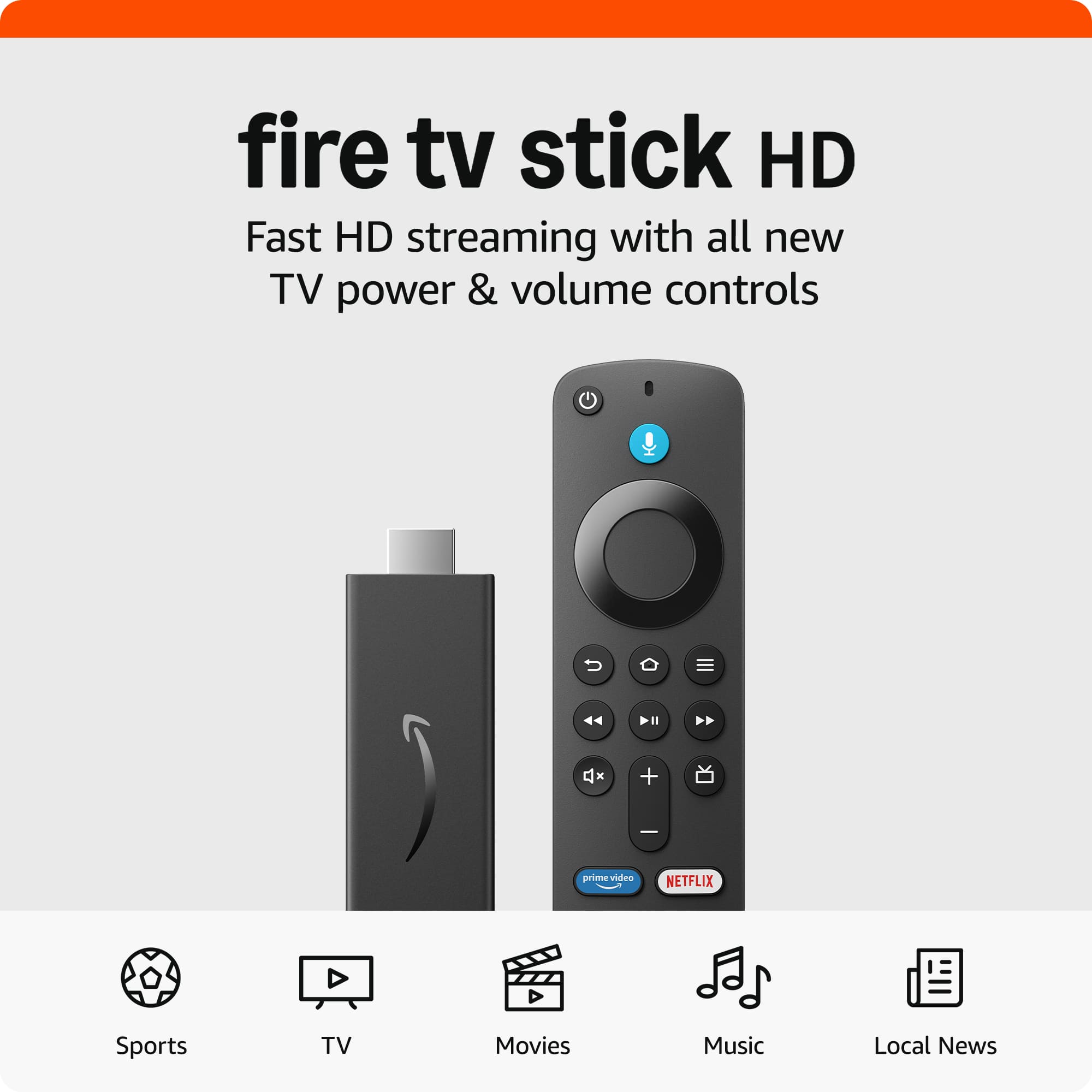
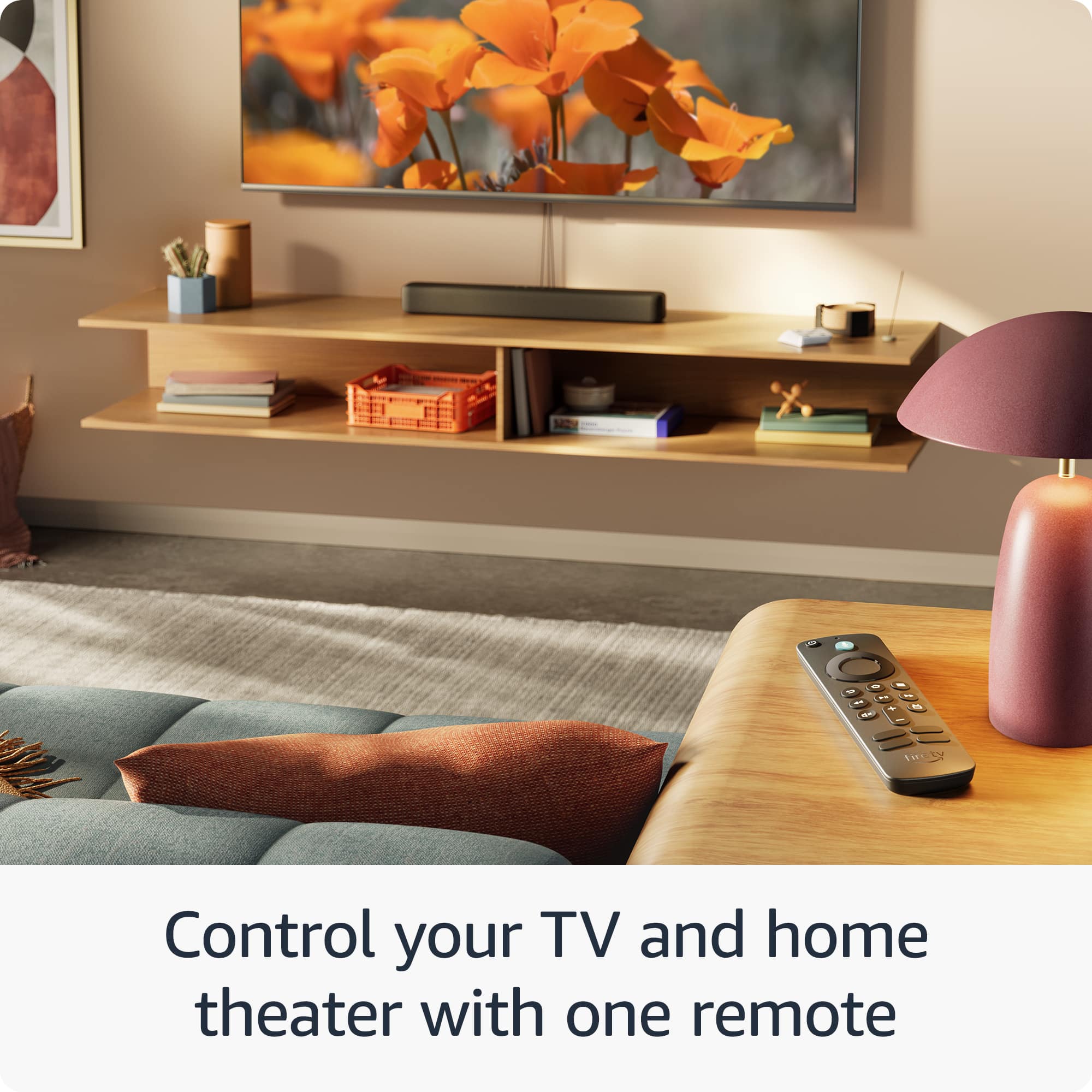
    • Answer "Hello, taw51! Yes a Fire Stick can be use through a Roku TV. The Fire Stick plugs into your televisions HDMI Port and gives you fast streaming in Full HD. It includes Alexa Voice Remote with power and volume buttons. You can stream 500,000+ movies and TV episodes by downloading your favorite services. Tens of thousands of channels, Alexa skills, and apps - Including Netflix, YouTube, Prime Video, Disney+, Apple TV, and HBO Max. Subscription fees may apply depending on what you wish to stream. You can also watch your favorite live TV, news, and sports with subscriptions to SLING TV, YouTube TV, and others. Use the Guide button to see what's available and when. The Fire Stick also gives you access to over 20,000 free movies and TV shows from apps like IMDb TV, Tubi, Pluto TV, and more. You can listen to music with Amazon Music, Spotify, Pandora, and others. Subscription fees may apply. The Alexa Voice Remote lets you use your voice to search and launch shows across apps. All-new preset buttons get you to favorite apps quickly. Plus, control power and volume on your TV and soundbar if you’ve got one, with a single remote! Have a great day!"

      Answered by Amazon Devices Customer Support

  • QuestionCan you plug the USB into tv for power or is it required to use an A/C outlet. The usb cable doesn't look very long and might not reach outlet.

    Asked by Stretch.

    • Answer Hello Stretch, Yes, the Fire TV Stick HD USB cable can use the TV's USB for power. It's a much more convenient and reliable option than having to run an extension to an outlet. I hope this answers your question!

      Answered by Amazon Devices Customer Support






