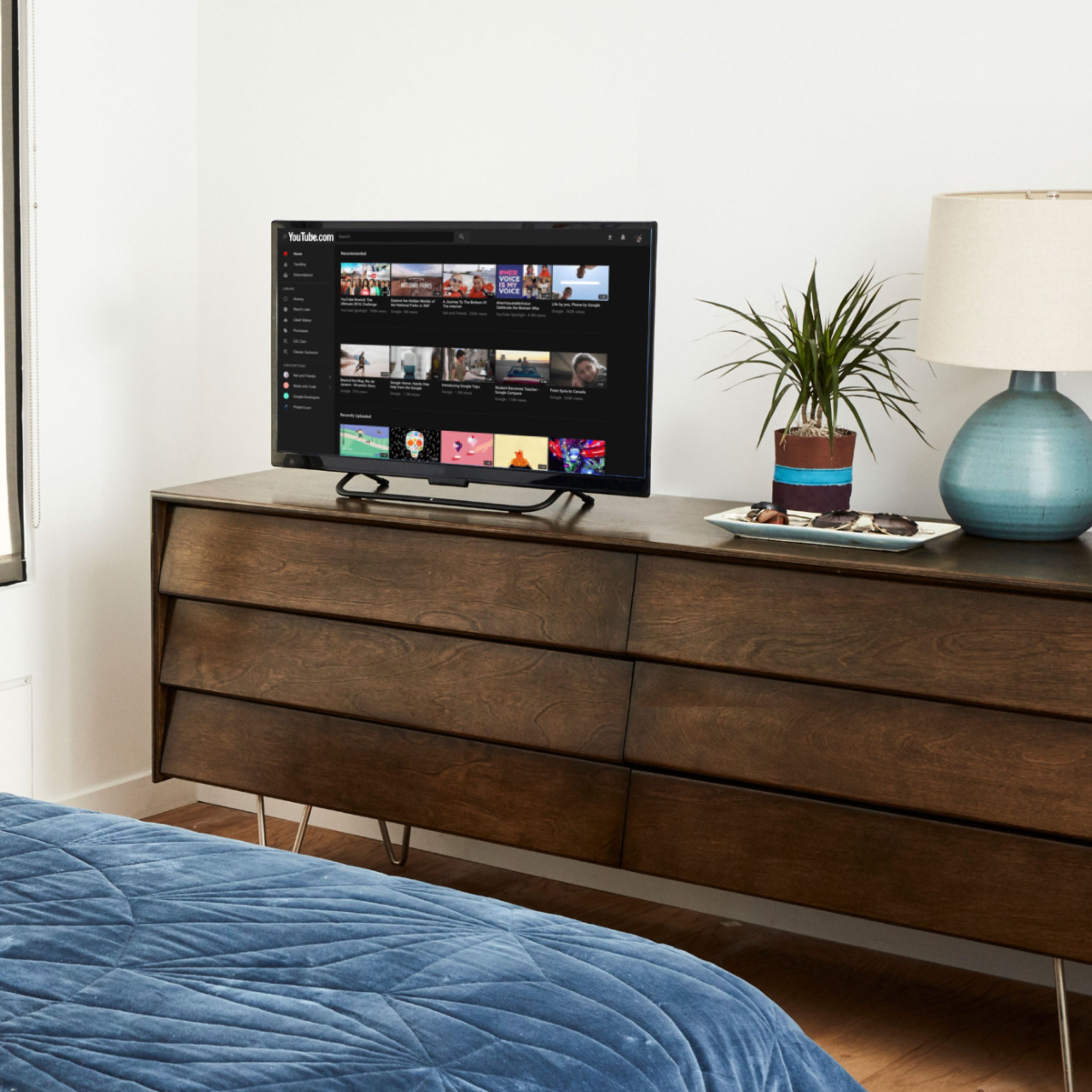
A:AnswerDepends on the phone you have, you would have to download a mirror app. You can stream certain apps like YouTube, Netflix, Hulu, controller on your phone but actually mirroring depends on the type of phone you have.
A:AnswerThe release of the new 6.2.3 software for the fire stick. The new software update added the Miracast capability to the 4K stick.
Amazon also has added a guide & tutorial showing a step by step on how to screen cast from your Peloton to a Amazon Fire TV Stick 4K
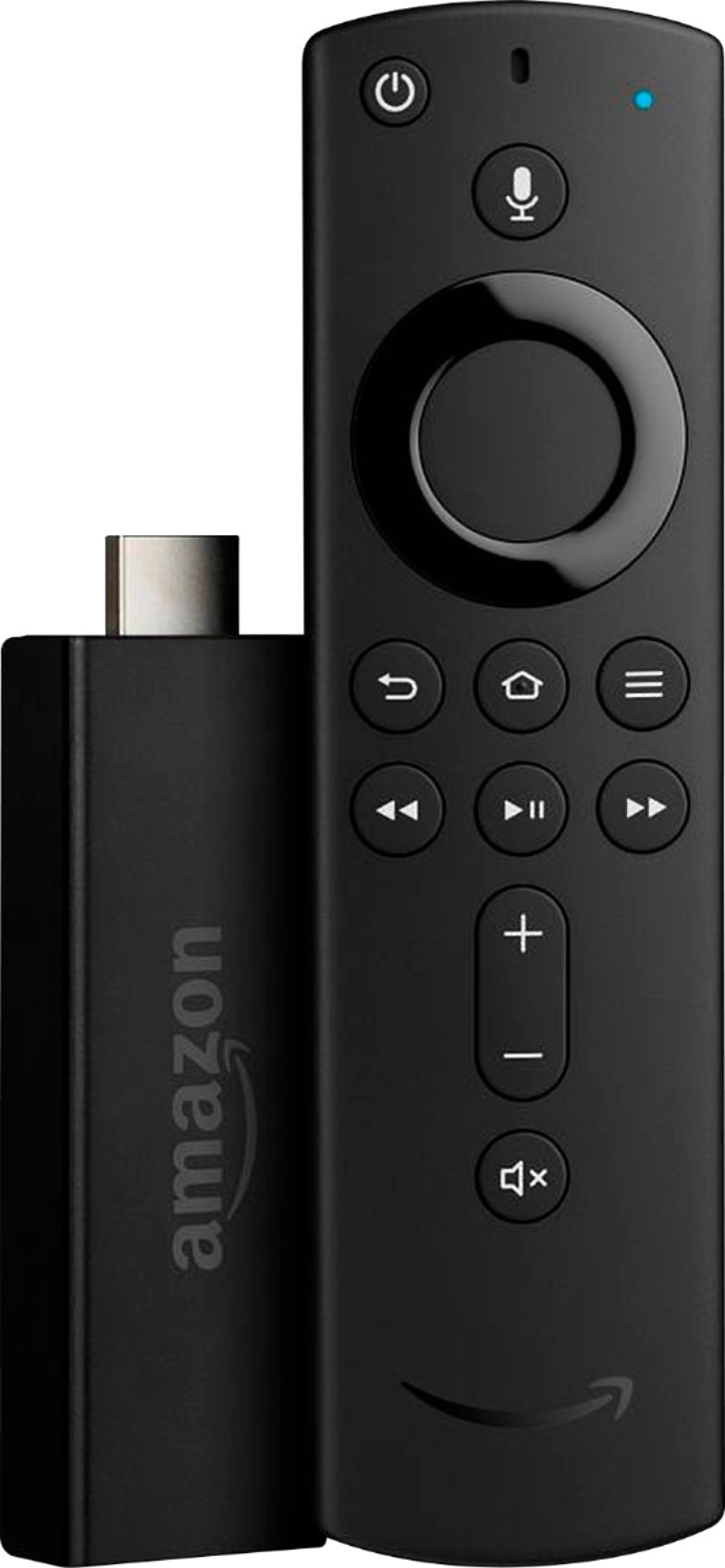
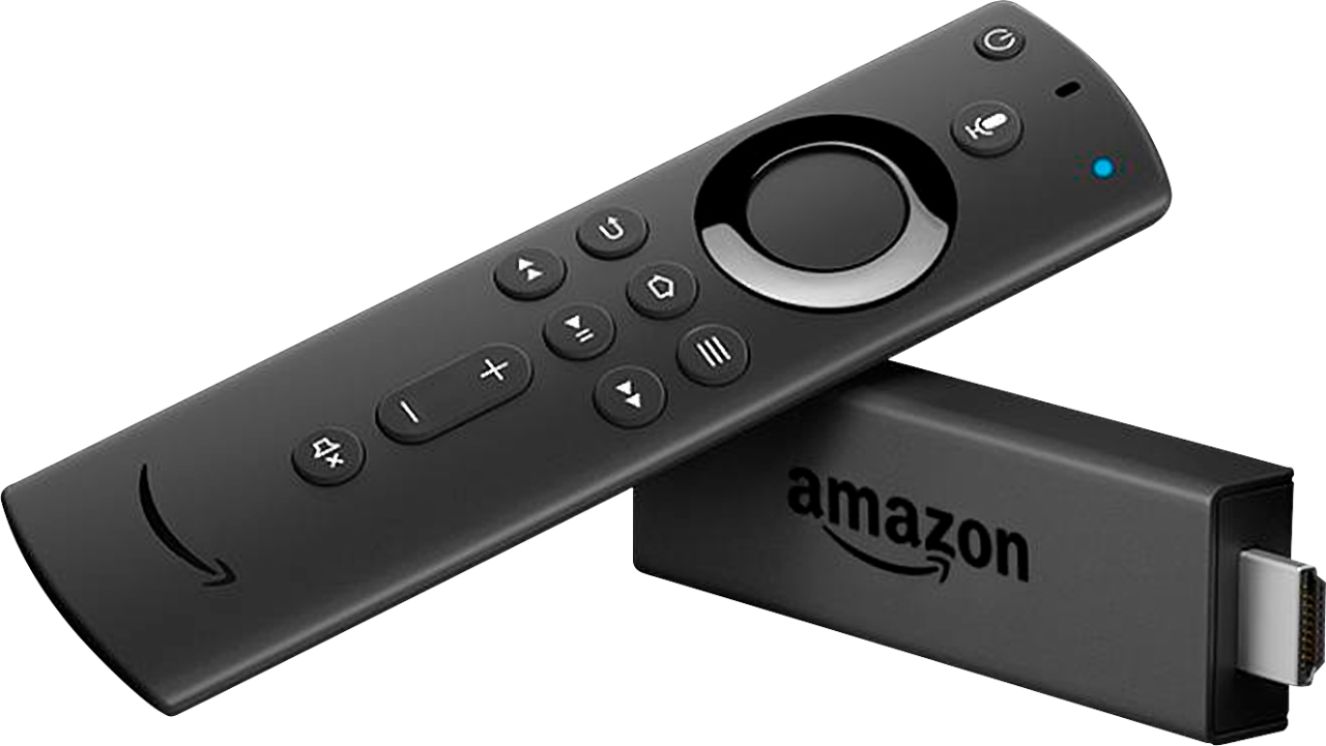
A:AnswerThere is a regular one which is this one and a 4k. I purchased the regular one because it's compatible with older tv models and was cheaper than the 4k. If you have one of the latest tvs and don't mind spending a little bit more get the 4k. The regular one has given me no issues and works great.