A:AnswerHello, Kim!
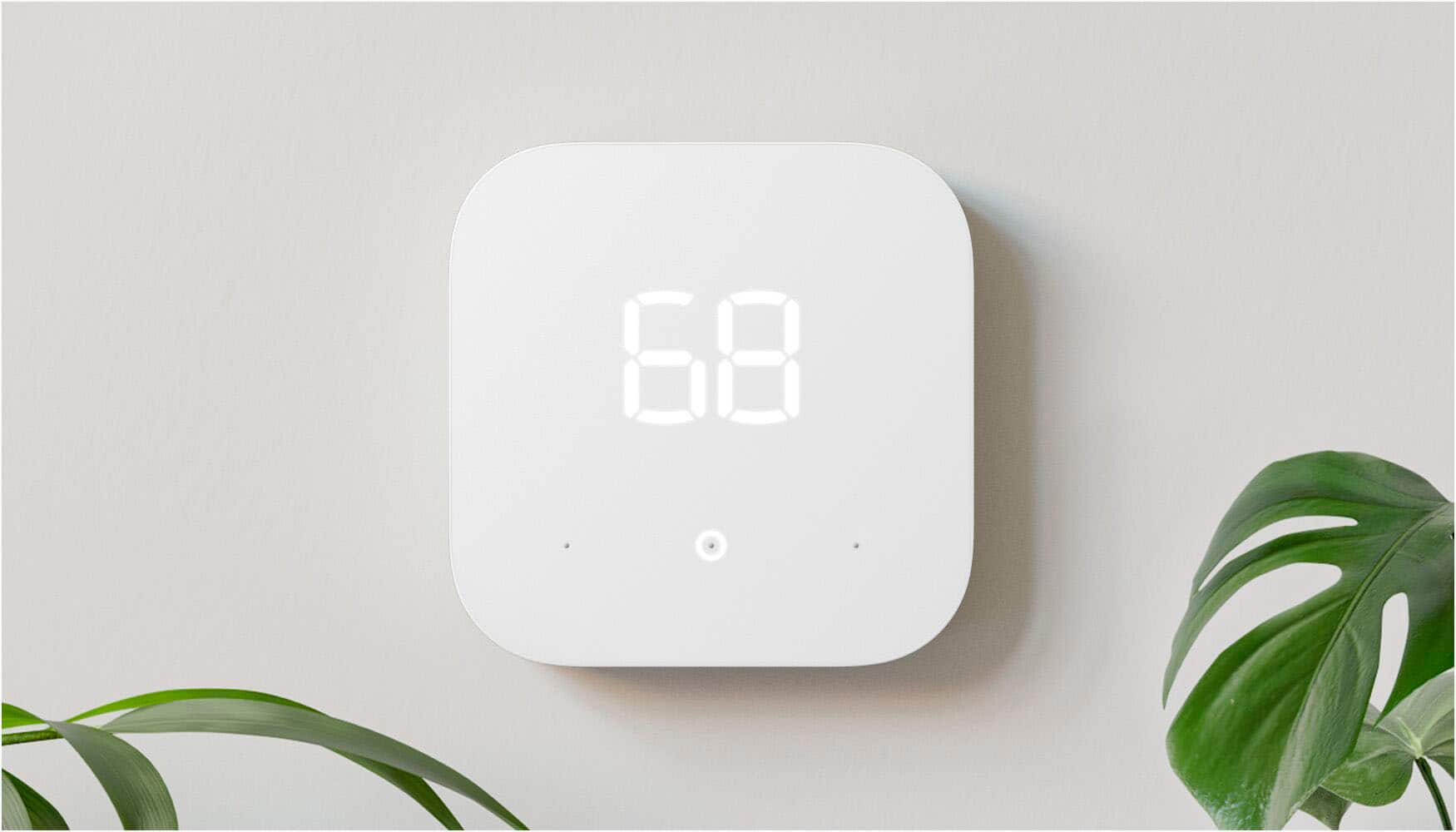
The Amazon Smart Thermostat would need internet in order to go through the set up process. If you lose internet for some reason after set up, the thermostat can work without internet. However, without being connected to the internet, you would not be able to control the device with your voice through your smart devices or through the Alexa app. It will work like a standard thermostat at that point, and you will have to change the temperature or controls on the actual device. There are buttons you touch on the front of the thermostat to change temperature or control settings. I hope this helps. Have a great day!
A:AnswerHello There,
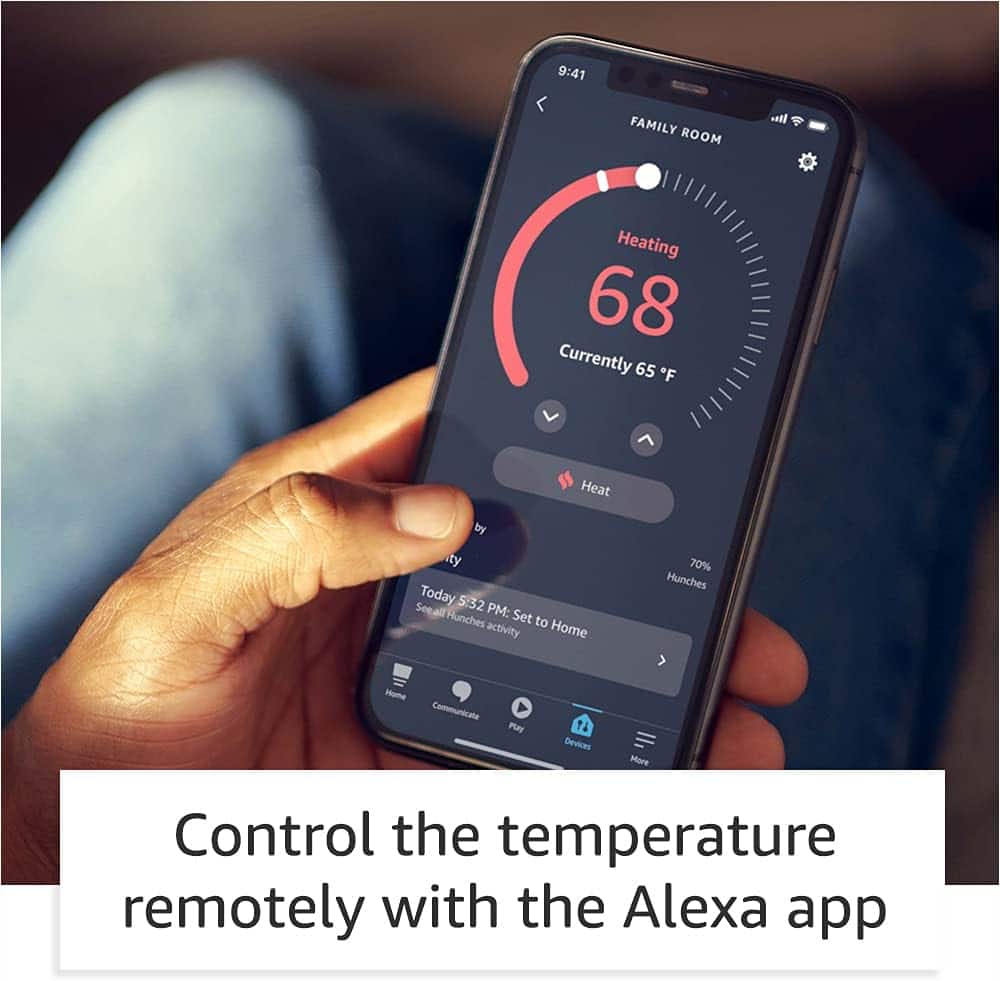
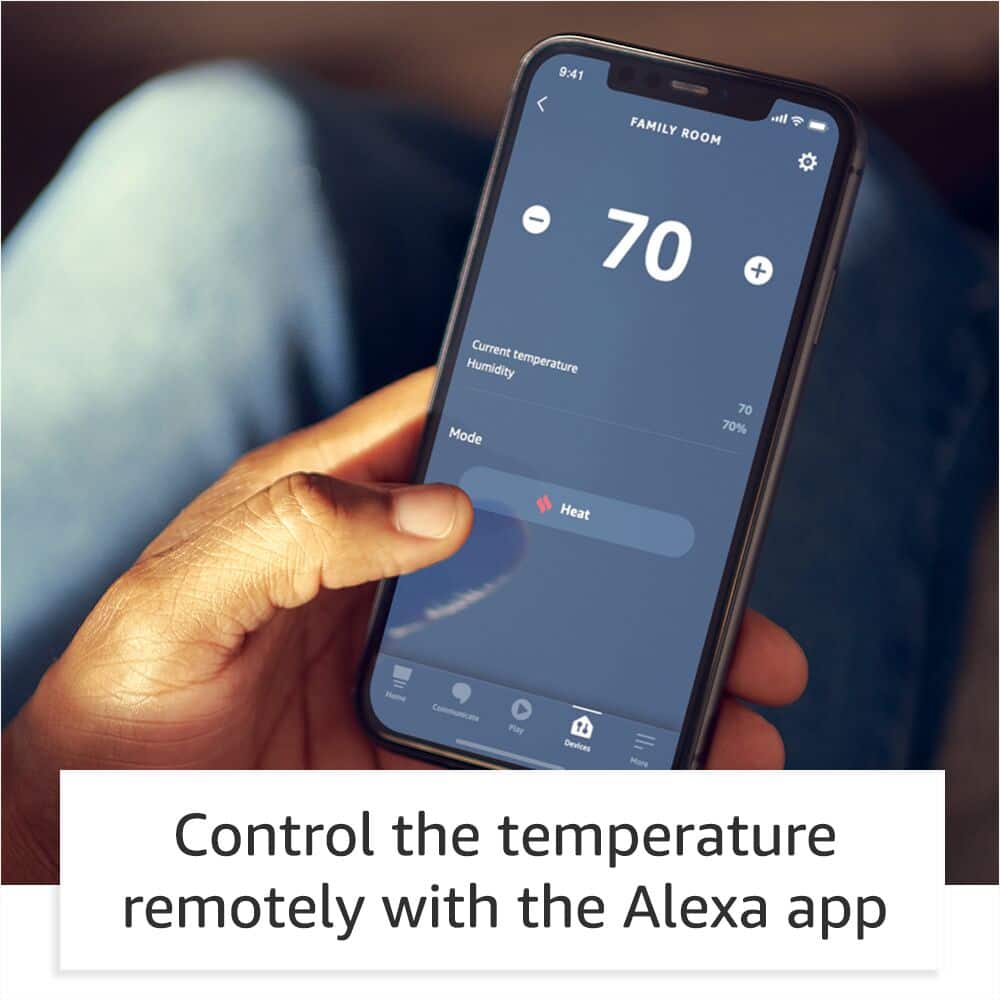
Thanks for your question! Yes, you can link the Amazon Smart Thermostat to an Alexa-enabled device at home, and you can control your HVAC system with your voice. Even if you're not at home, you can use the Alexa app to manually adjust the temperature or set a schedule by utilizing routines.
Routines can control your Amazon Smart Thermostat for you, including temperature setting, brightness, and mode.
To do this you can open your Alexa App and complete the following steps:
Open the Alexa app .
Open More and select Routines.
Select Plus .
Select When this happens, and follow the steps in the app to choose what starts your routine.
Select Add action, and on the Add New page, select Smart Home, then All Devices, then select your Smart Thermostat.
Select the thermostat action you want, such as setting temperature or turning on fan mode, then select Next.
Finish setting up the routine and then select Save.
Hope that helps!
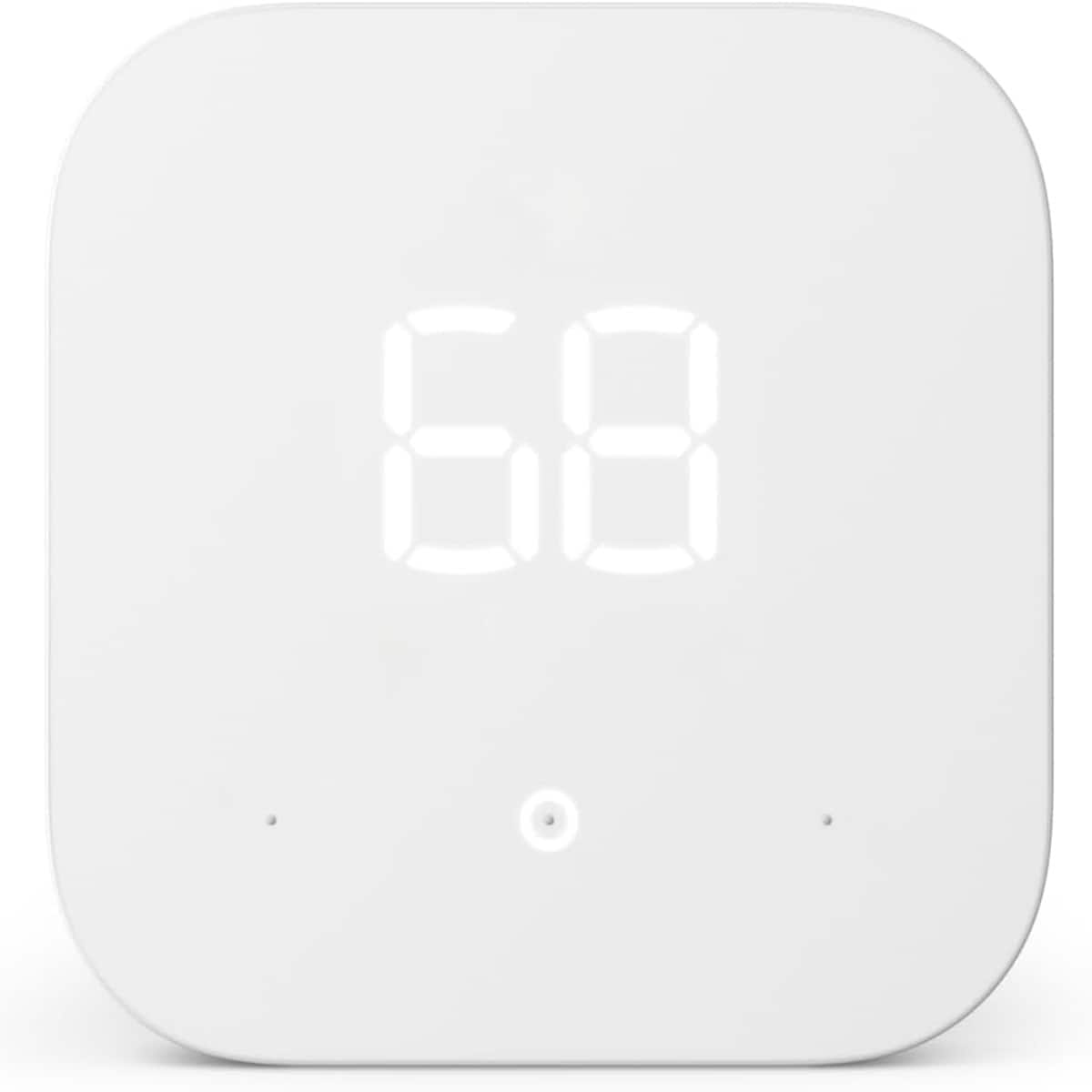
A:AnswerHi JohnnyUtah! The Amazon Smart Thermostat will only work with low voltage controllers. Most baseboard heat systems use high voltage. If your wiring to your current thermostat connections show any warnings for high voltage, 110v/220, L1/L2 wiring, or otherwise high voltage wiring, the Amazon Smart Thermostat will not work for your situation. We recommend using the compatibility checker on the amazon.com amazon smart thermostat info page to be sure. Hope this helps, enjoy your day!
A:AnswerHi there! The best way to check if the Amazon Smart Programmable Thermostat will work is by using the compatibility checker, which is available free as part of the Alexa app. Just go in and add a device as if you had already purchased the thermostat, and the compatibility checker will help you figure out if it'll work for you! You'll need to check some of the wires behind your thermostat to do this, but it doesn't require undoing any of them. I hope that helps, have a great rest of your day!
A:AnswerGood Evening-
That's a great question!
A C-wire (Common wire) is a continuous power supply wire that provides 24V power to your thermostat. Here's what you need to know:
What is a C-Wire:
Provides constant power to smart thermostats (unlike older thermostats that used batteries)
Usually a blue, black, or another colored wire
Connects to the "C" or "24V Common" terminal on your HVAC system
How to Check if You Have One:
Remove your current thermostat from the wall plate
Look for an unused wire behind the wall plate - this might be tucked back and not connected
Check your HVAC control panel (furnace/air handler) for a wire connected to the "C," "24V," or "Common" terminal
Count your existing wires - if you only have 4 wires (typically R, G, Y, W), you likely don't have a C-wire
I hope this helps, Have a great day!
A:AnswerHello Terri! Yes an Amazon smart thermostat with Alexa can notify you if something goes wrong, including if your furnace goes out while you're away. You can also use the Alexa app to control your thermostat remotely including adjusting the temperature modes. I hope this information helps, have a great day!
A:AnswerHi there! The Amazon Smart Thermostat is powered by a C-Wire, which is required in order to install it. I hope that helps, have a great rest of your day!
A:AnswerHello, Caule! The Amazon Smart Thermostat is compatible with most 24V HVAC systems (i.e. conventional force air, heat pump, radiant boiler). Not compatible with 110-240V HVAC systems (like electric baseboard heat.) Some things you can try to get power to the device are removing the thermostat faceplate and look at the R jumper switch, the blue jumper cover at the lower right corner. If you have one R-wire, make sure it's connected to the R terminal (not to Rc), and that the R jumper switch is in the up position. If you have two R-wires, they should connect to R and Rc, and the jumper switch should be in the down position. Did your previous thermostat have batteries? If so, and you connected a C-wire to your new thermostat, the C-wire might not be connected correctly at your HVAC control board. At your HVAC control board, check that the wire matching your thermostat C-wire is connected to the terminal labeled "24 V Common." I hope this helps, have a great day!
A:AnswerHello Beaux! No, at this time, this device does not support 2-stage systems. Thank you so much for your question and I hope you have an amazing day!
A:AnswerHello! The Amazon Smart Thermostat only works with air to air and geothermal heat pumps. It doesn’t work with heat pumps that have a backup gas/oil furnace (commonly referred to as a "dual fuel" system). It also only works with a C/Common-wire. (But it might be compatible with a wire saver or adapter.) We recommend using the C-Wire Adapter most compatible with the Amazon Smart Thermostat. Have a great day!
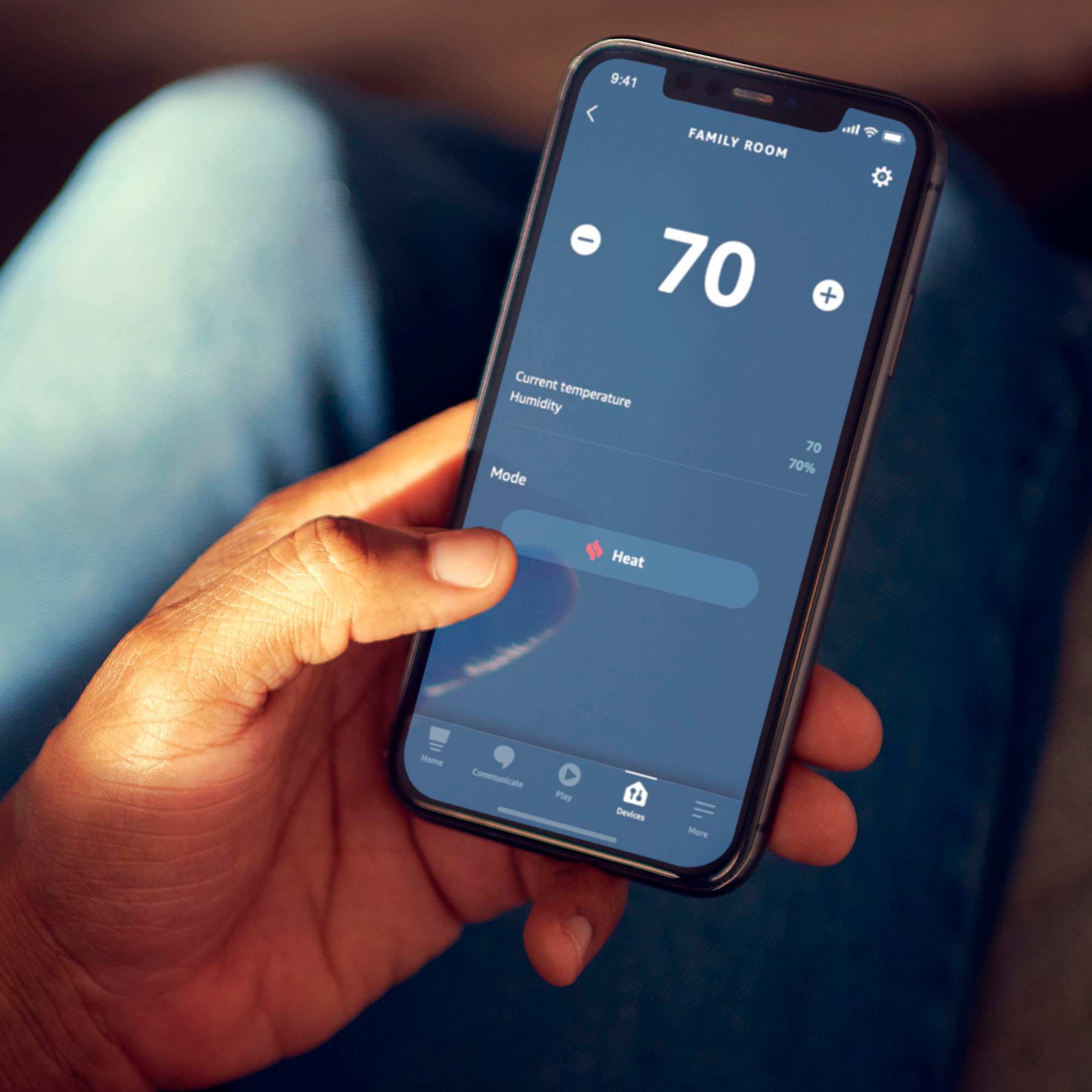
A:AnswerHere's the auto option. I have it set to 70 for heat and 78 for cool. It's supposed to switch automatically to keep the temp between those two.