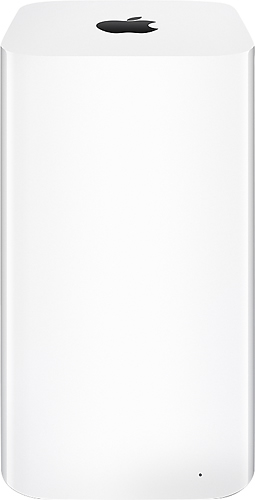
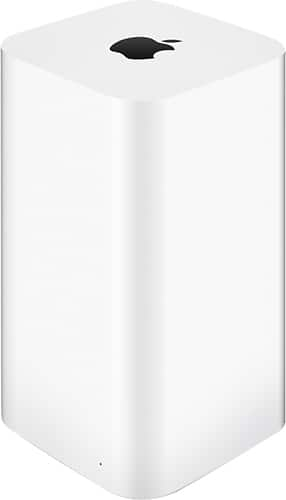
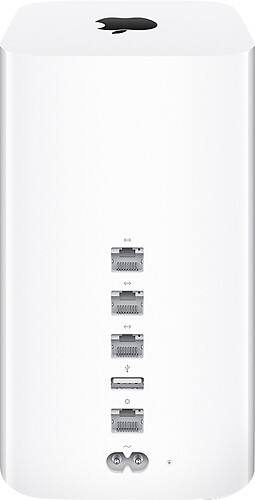
A:AnswerIt is a powerful router, I had to buy a separate modem. It gave my wifi on all 3 levels if my house plus my backyard. Also it can back up you MAC. Super easy to hook up! I highly recommend
A:AnswerIt's possible. The biggest concern is security. Please make sure the drive along with your router is secure. If not, anybody can easily hack in and get your info.
A:AnswerYes I use it to back up a Windows 10 machine as well as 2 macbook airs.... you will need to download the timecapsh l software and set it up on the Windows 10 machine.
A:AnswerI have a Comcast router connected to mine and don't have any issues. You can chose to extend your Comcast wireless network or establish a separate wireless network.
I cannot comment on the external drive question, other than I am backing up two Windows 10 computers as well as two Apple computers to this device. There is a USB port to add additional storage, but I don't know how you need to format that drive.
A:AnswerThis is a Solid State Drive (SSD). It has no moving parts. To the laptop, it looks just like a normal laptop hard drive, but it is much faster.
A:AnswerRan a data cable from my xfinity router to the TimeCapsule. No interference or loss of speeds when connecting direct to xfinity wifi or router. Have not ran a speedtest using wifi off the time capsule.