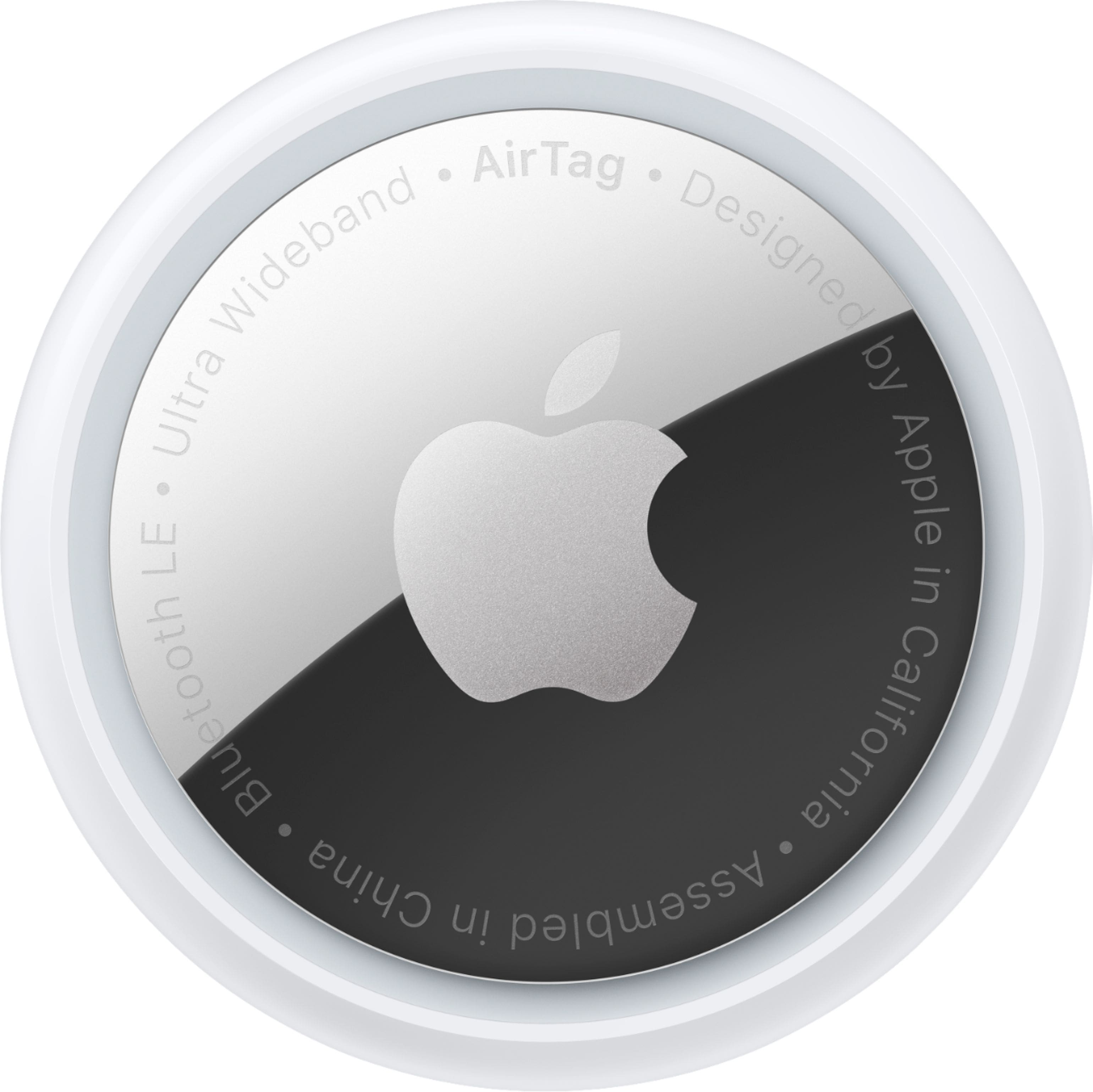
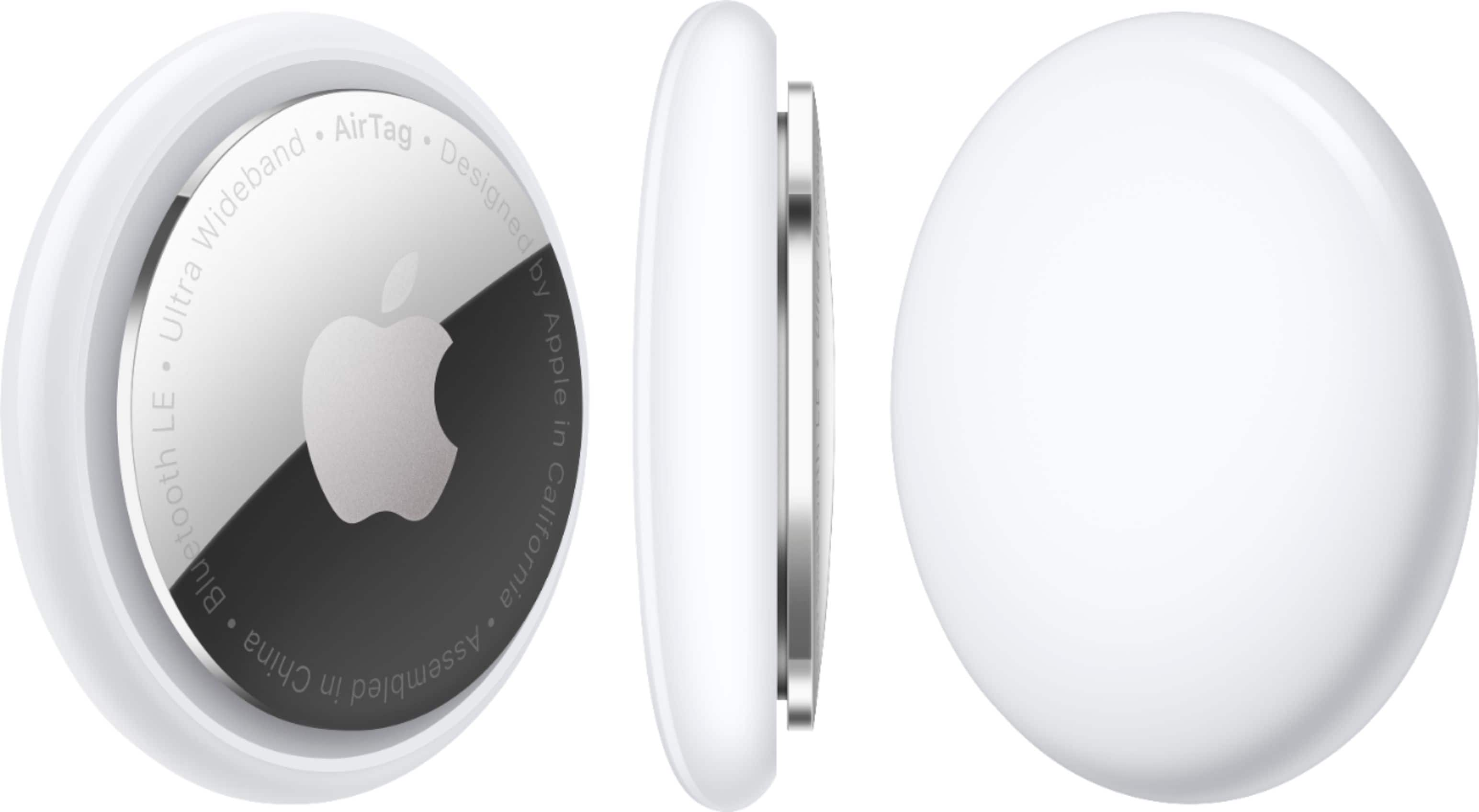
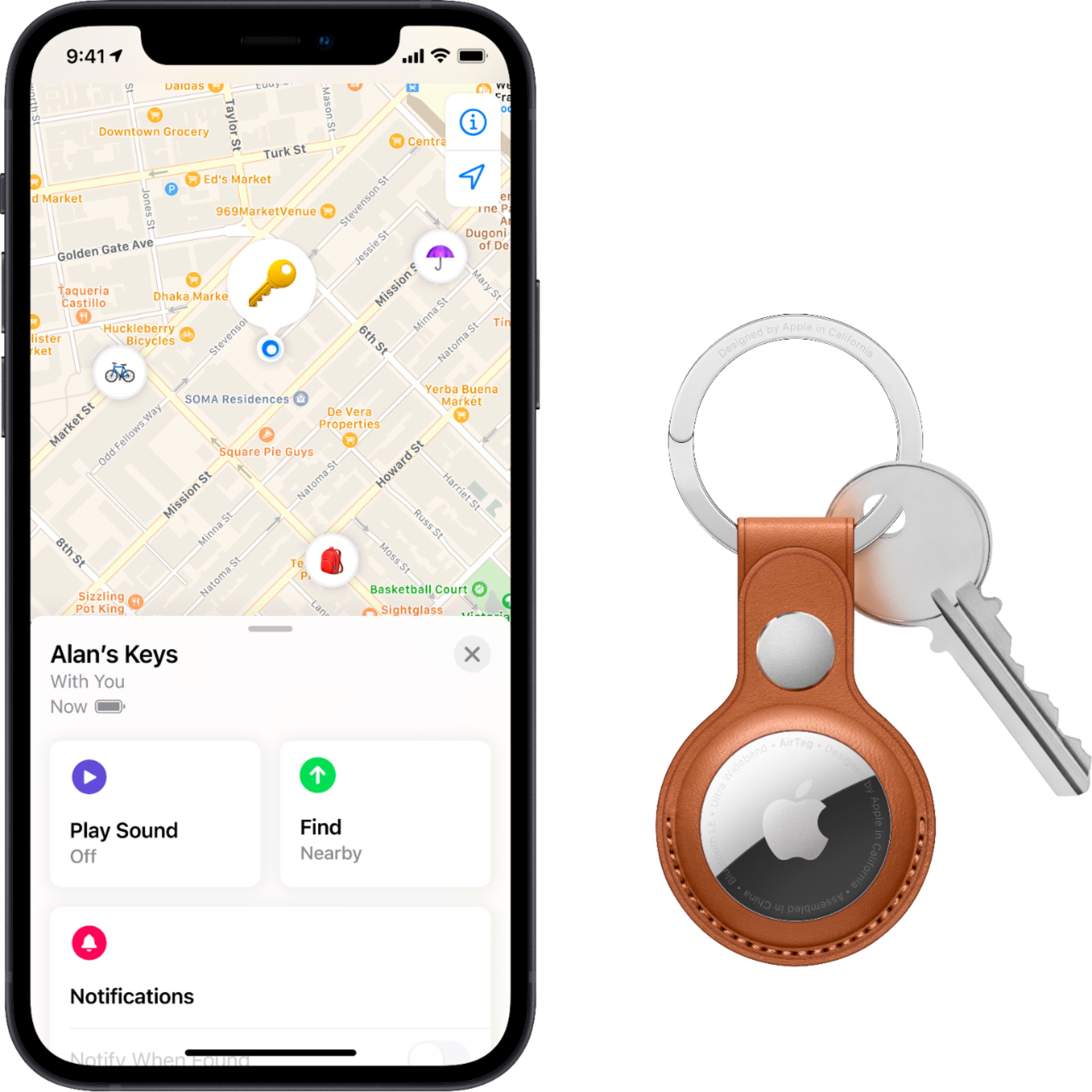
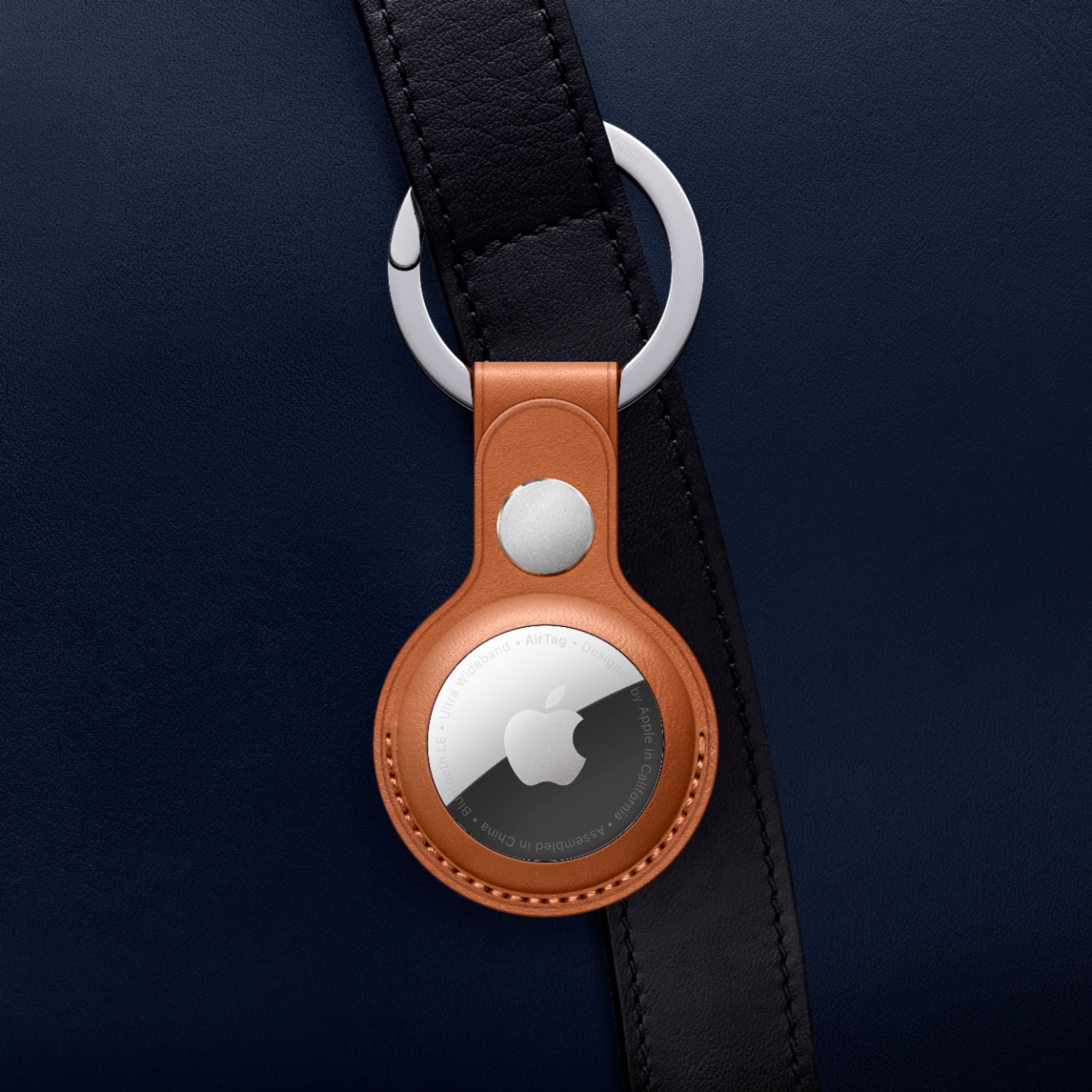
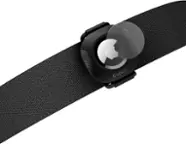
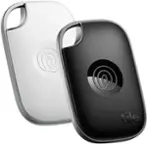
A:AnswerAirTag uses Bluetooth and ultra-wideband connectivity to determine its location, not cellular or GPS connectivity. So you'll only be able to receive a location when the AirTag is within Bluetooth range of your iPhone or someone else's iPhone. For this reason, AirTag isn't very well-suited to tracking pets.
A:AnswerIt is detectable by any device with “Find My” turned on. But, they can’t see it’s “Tom’s keys”. It just is detectable and sends the location of your item to your device where you marked it as lost.
A:AnswerIt’s a perfect tracking device. No charging. Inexpensive and not sure about the shoe but definitely pocket. I bought some to place in my mothers car and purse bc she has dementia.
A:AnswerUnfortunately, it can’t be used with android phone at this moment. Some tech articles said Apple may extend its features to Android in the future.
A:AnswerThe AirTag uses a watch battery which should last about a year. It establishes the connect in the Find Friends app. Disconnects when you close the app.
A:AnswerA tag is associated to your Apple iCloud account. As long as you have the FindMy app and are signed into the same Apple account that was used to register the tag. You cannot share tags between differnet users at this time.
A:AnswerYes, they will. This is exactly how I track my luggage when I’m flying across country. It’s very reassuring to open up the app before the flight and see that my luggage is in the aircraft with me.