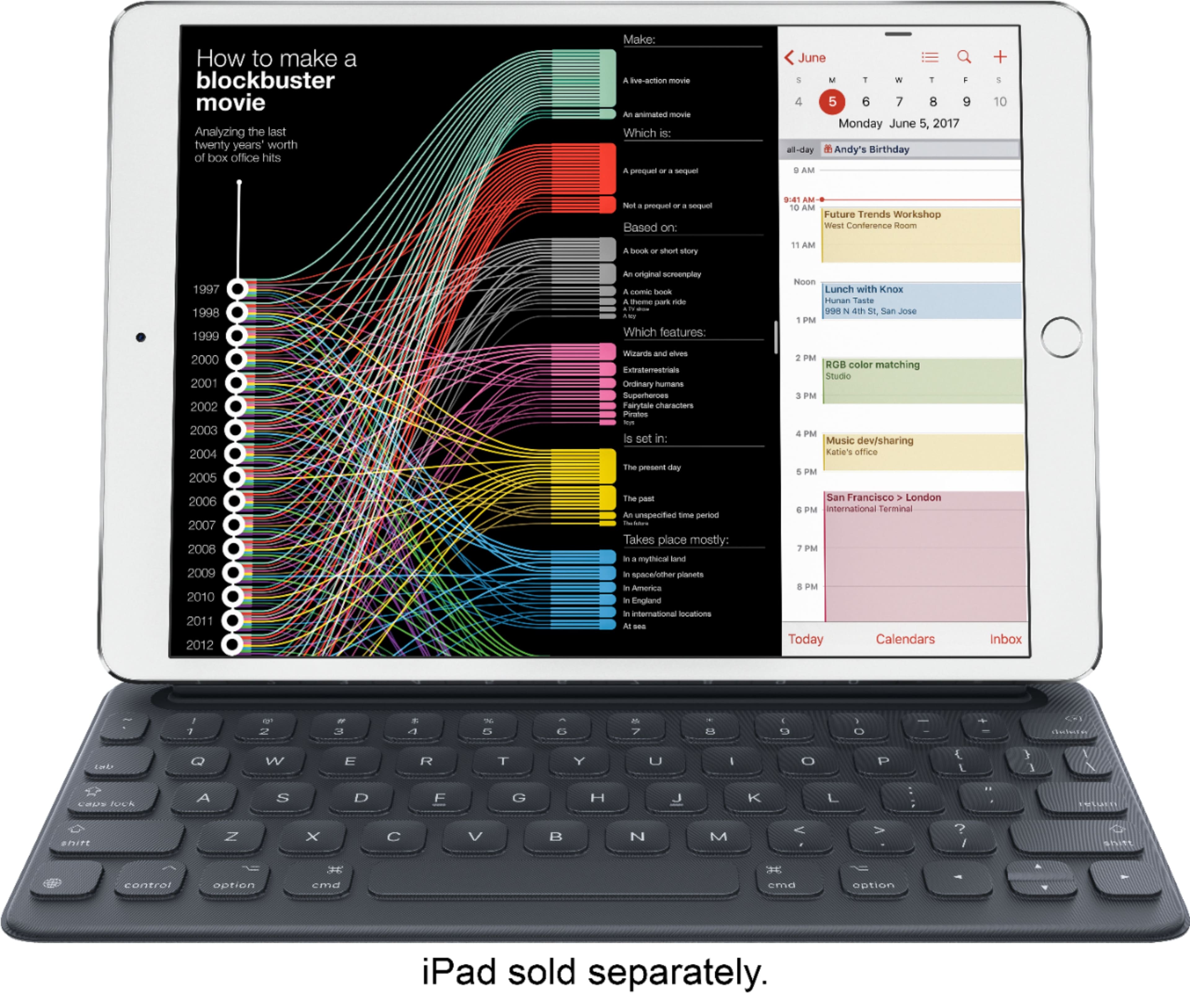
A:AnswerI found it difficult to find a cover for the back of the iPad that was compatible with the keyboard. None that I found were similar to Otterbox.
A:AnswerYou can try, but it is not as easy to use on my lap as the laptop..
I mainly use it to take notes in meetings, and we have tables. It is just easier to type notes than to try to use the work Windows Laptop that I have docked on my desk. It works very well for me.
A:AnswerUnfortunately no. The “smart connector” that connects the keyboard to the iPad (It doesn’t use Bluetooth) is only on a single side, limiting you to using the keyboard with the iPad in landscape mode only.
A:AnswerYou can use either your case or the key board not both, The keyboard acts as a case somewhat as it protects the screen when you fold it up but it doesn't protect the back. if you want full protection then you need to use the case or buy the Apple warranty which will protect you if you damage it.
A:AnswerNo. You need to know the size. This is for 10.5 the air2 was 9.7 Tried it on mine and it did I not work. You can order compatible keyboard online but not at stores for older Ipads.
A:AnswerYes, you can. There’s a free version of Word that is slimmed down but if you pay for the subscription you can log in and unlock full features. Adobe does have mobile apps to create pdf’s. Also, Apple’s native Pages app is free and works similar to word.