A:AnswerWe had a similar problem. Traced it to a older HDMI cable that was loose in the socket and couldn’t handle the bandwidth. Recommend buy a new cable per the spec requirements for the unit.
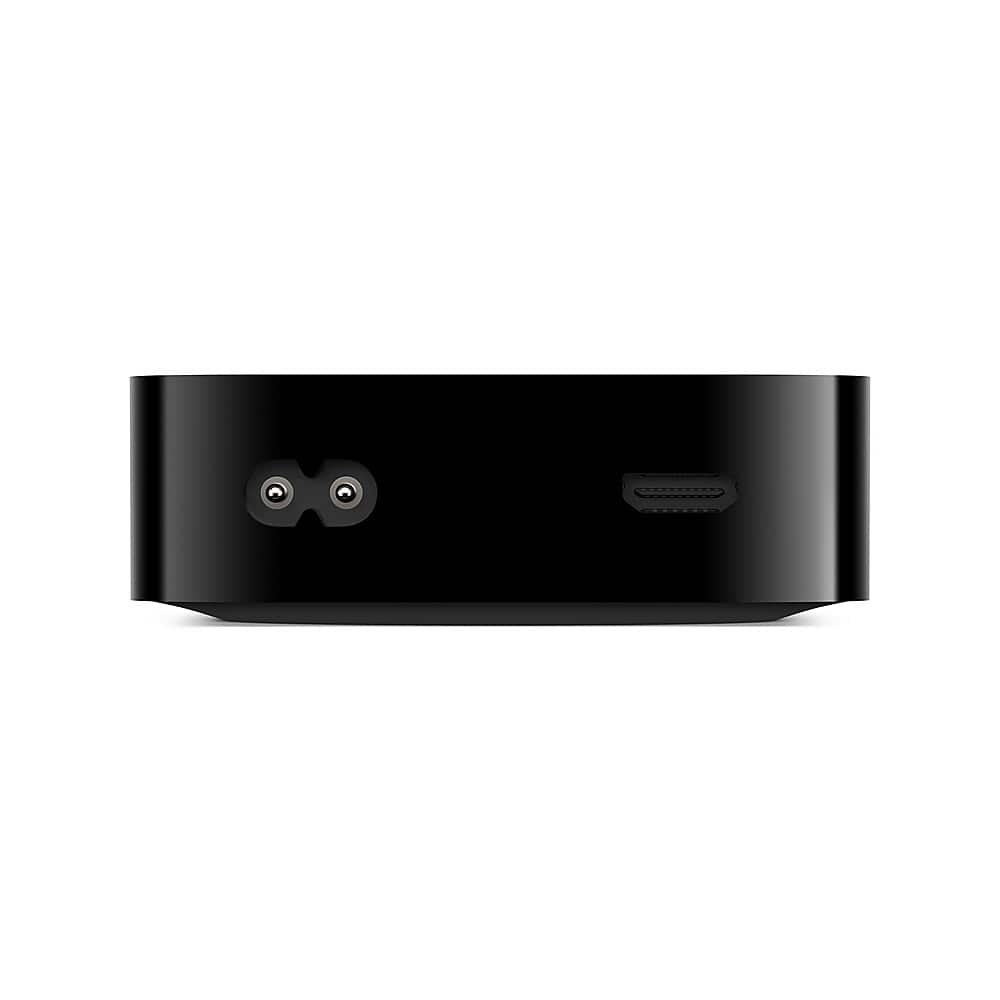
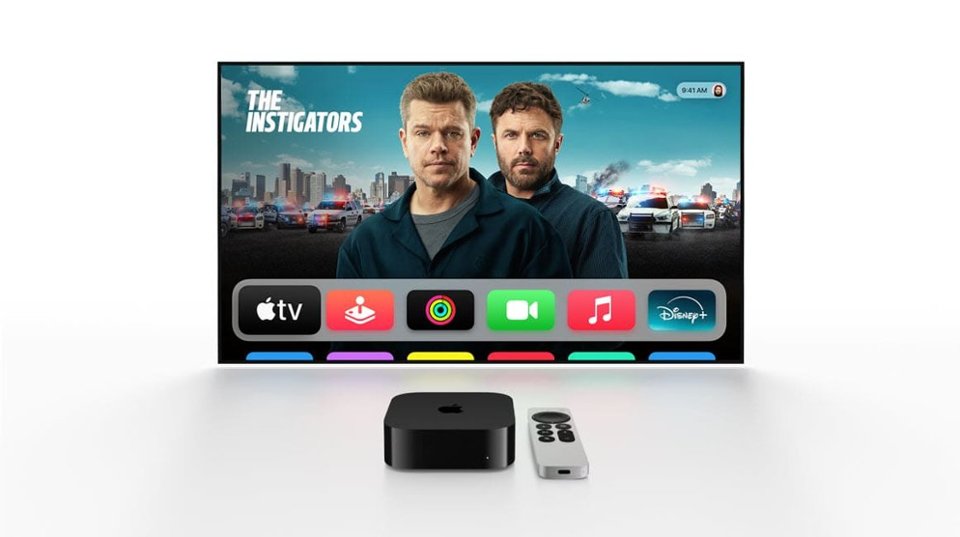
A:AnswerAppleTV 4K will only connect through HDMI. I have mine connected through an Audio / Video Receiver(AVR) which is in turn connected to a TV through HDMI. Although you can also connect it directly to a Tv via HDMI without the aid of an AVR.
A:AnswerBest Buy doesn’t offer trade‑in value for the older Apple TV 2nd‑gen or 3rd‑gen models. Those units aren’t eligible in the Trade‑In Program, but Best Buy will recycle them for free. The Apple TV 4K (3rd‑gen) sold here is a much newer model and not related to the older 2012 ‘3rd‑gen’ Apple TV.
A:AnswerNo. You can use it with most any tv that has HDMI inputs. Some older (pre 2010) tvs might not work due to limitations of early HDMI implementations, so your milage may vary. I'm using it with a 2010 Samsung that is HDMI 1.4 and it works just fine. I cannot personally say it will work with any tv using HDMI 1.3 or earlier.
A:AnswerNo. It does not support those apps. The AppleTV 4K will work with any streaming service that has an Apple TVos App. Some streaming apps like TVG and Express Bet will not work because their apps are iPhone or iPad only (iOS)
A:AnswerThe AppleTV 4K has the Apple Music pre-installed. If you have shared your Library, it will be able to play music from your library. Although technically I believe it downloads a copy of your library to the device to achieve that.
A:AnswerIf your goal is to stream the same channel to multiple TVs you would need to use a HDMI splitter. The Apple TV has only one HDMI output port for connecting directly to a TV or an Audio/Video Receiver (AVR).
A:AnswerYes, the Apple TV 4K (64GB and higher models) has a built-in Ethernet port. You can connect it directly to your router for a faster and more stable connection compared to Wi-Fi.
A:AnswerApple TV doesn’t provide local channels on its own. You can access local channels through streaming apps like YouTube TV, Hulu + Live TV, Sling, or network-specific apps (ABC, NBC, CBS, FOX) if you subscribe to them.
A:AnswerYes, it can work without Wi-Fi if you connect it via Ethernet. Also, you can play downloaded content from apps like Apple TV+, iTunes, or other services if the app supports offline playback. However, most features (streaming, app updates) need internet access.
A:AnswerYes, even with a smart TV, Apple TV can be useful. It provides a smoother interface, faster performance, better app support, and the excellent Siri Remote. You also get access to the Apple ecosystem (Apple TV+, Fitness+, iCloud, AirPlay).