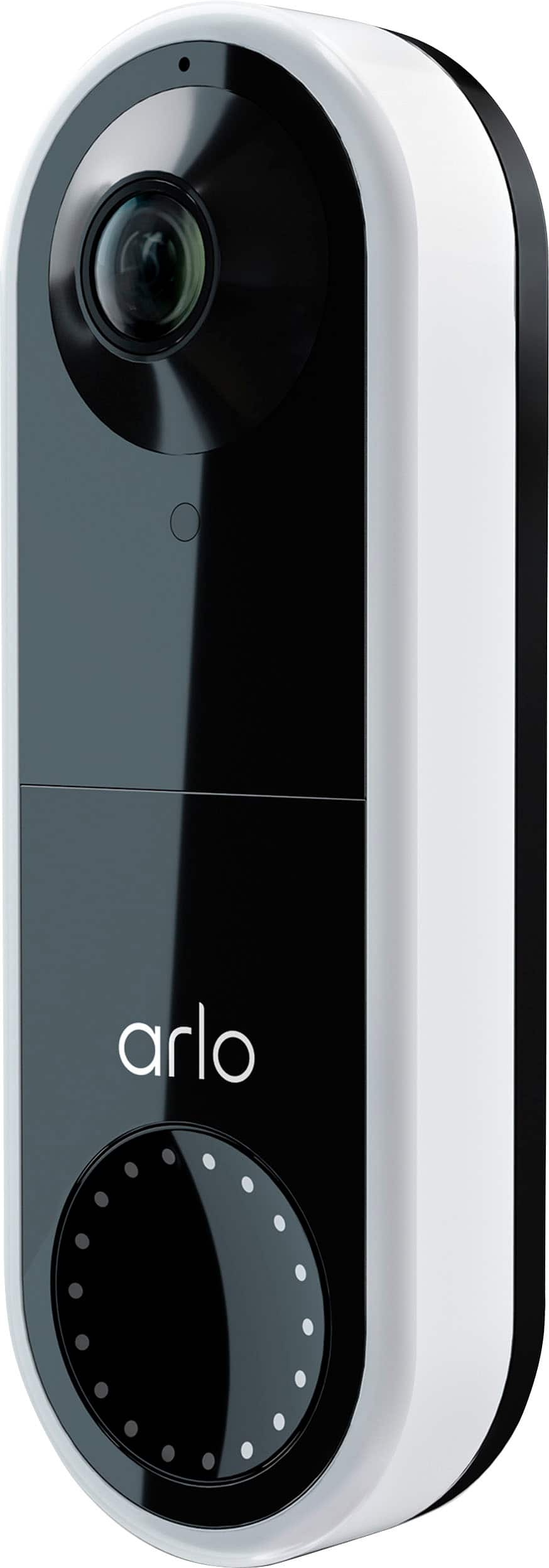
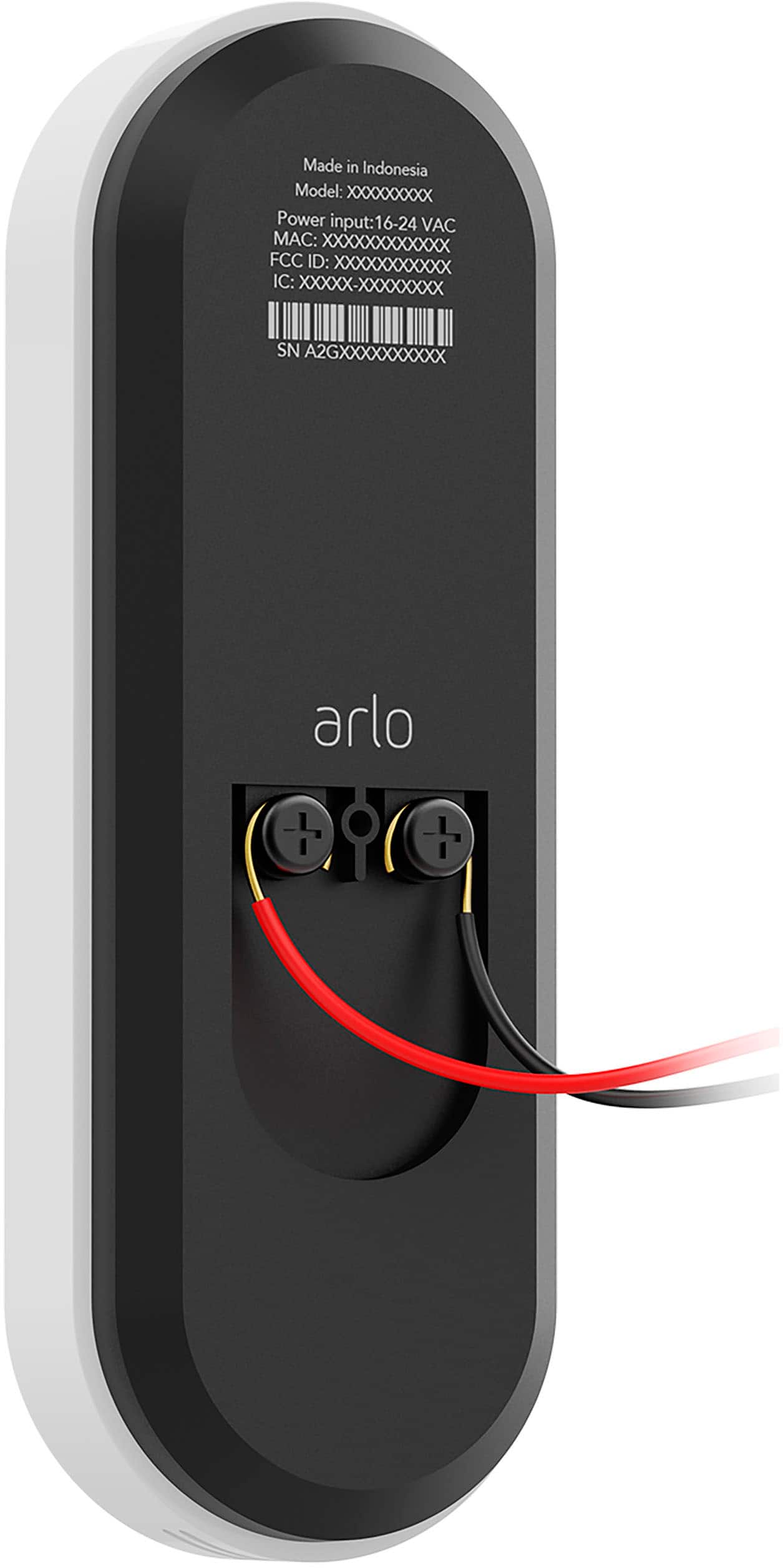
A:AnswerYes it is powered by your existing wiring for video and when the doorbell rings it sends a signal to a separate relay that you wire to your chime box and causes it to ring. There is a five minute video online that makes it very easy to understand and install.
A:AnswerIt’s a goal of Arlo’s to make as many cameras compatible with these integrations as we can but we don’t have an announcement to make regarding Video Doorbell compatibility at this time.
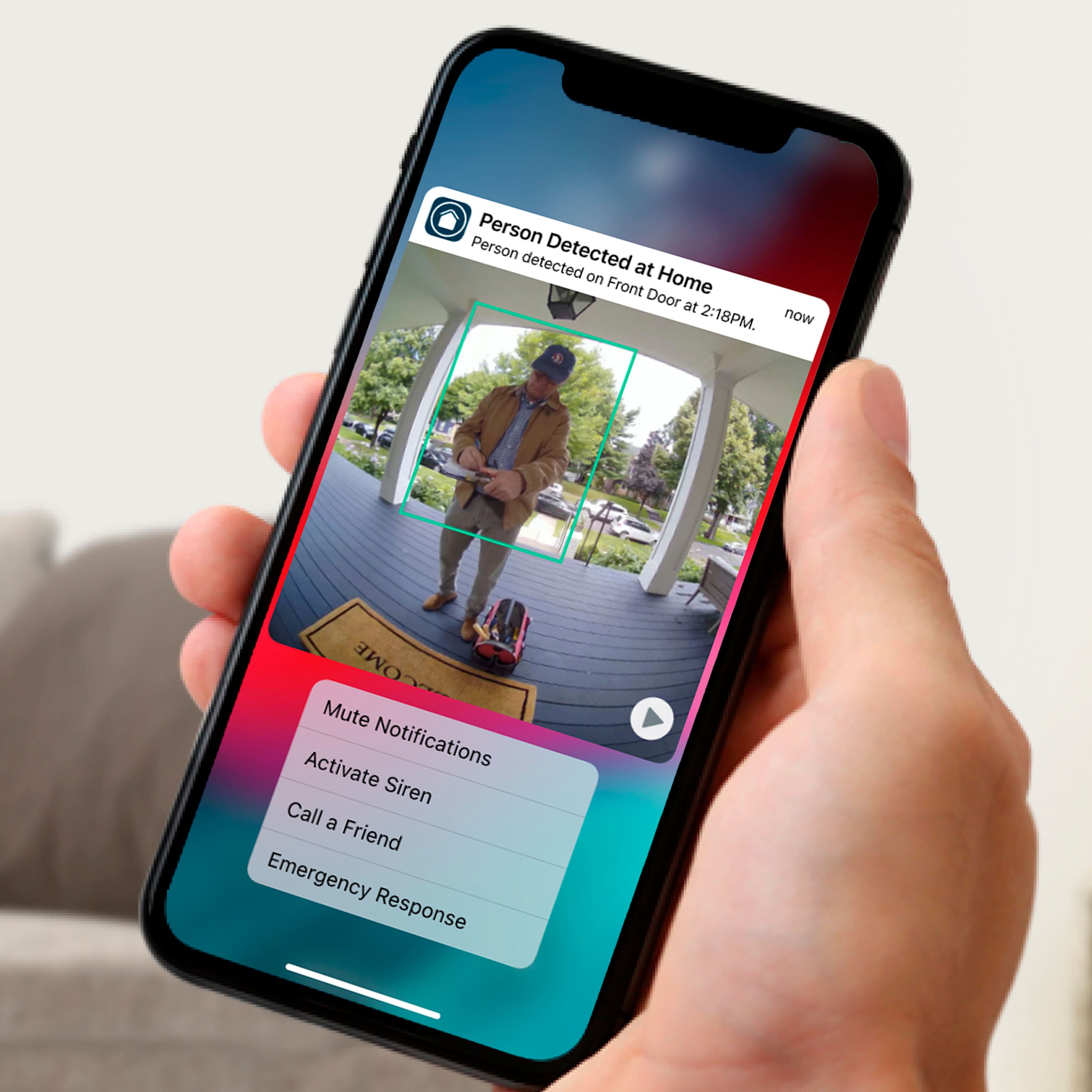
A:AnswerThe Video Doorbell does not need a base station as it connects directly to your 2.4Ghz home WiFi network. After the included 3-month trial of Arlo Smart, users can continue storing their videos in the cloud with a paid subscription, which they can view from anywhere through the Arlo App.
A:AnswerIf you are connecting this to an existing Chime doorbell that runs on 24 Volt, then pressing the Arlo Door bell would also ring/chime your existing chime bell. If you are powering this from a 24V transformer directly with no physical door bell, your only option is to rely on the phone notification triggered by Arlo.
A:AnswerThe Arlo Video Doorbell requires a connection to a wired mechanical or digital chime in order to enable continuous power, reduce latency, and capture and transmit videos in real-time so users won’t miss a moment.