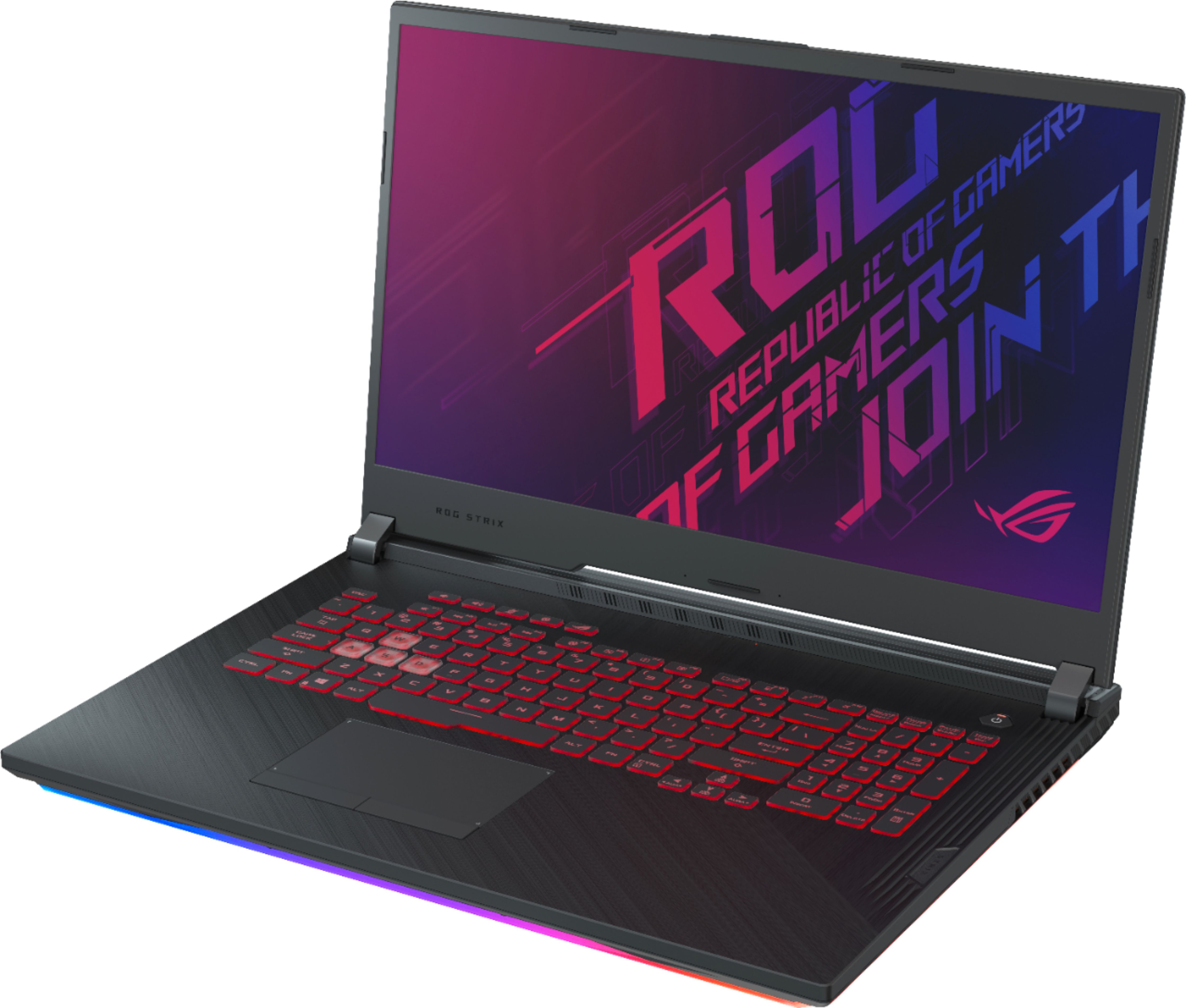
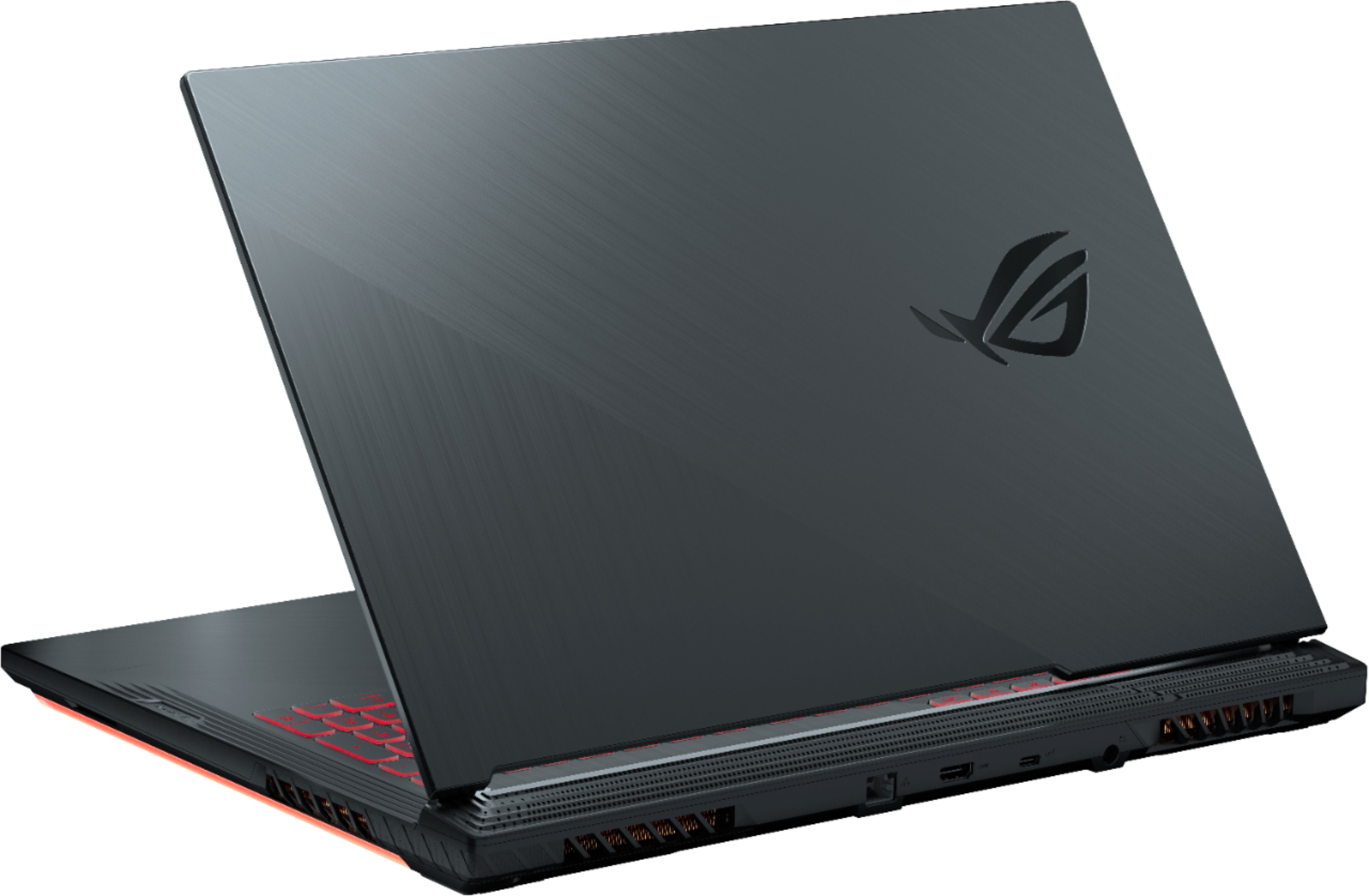
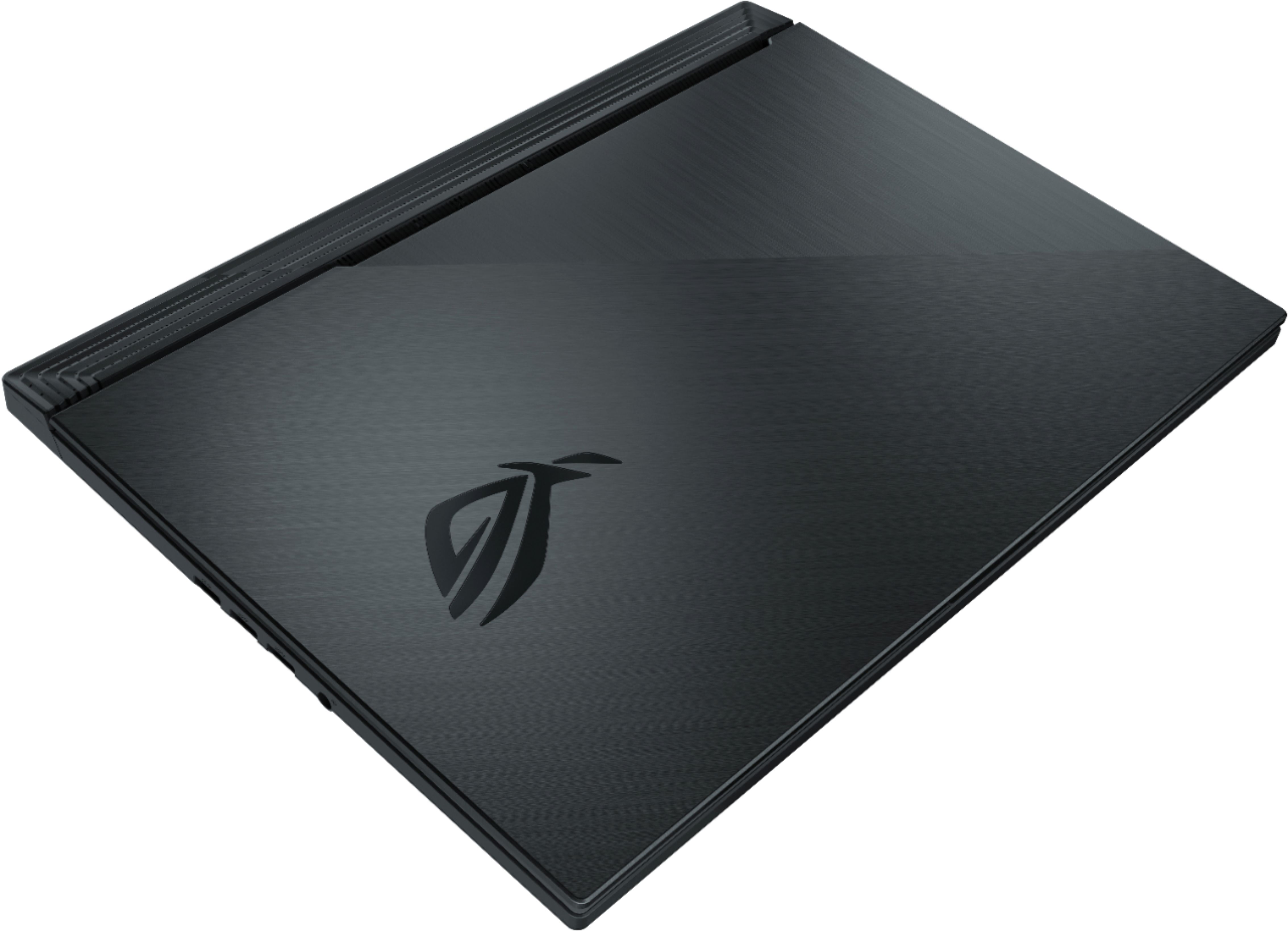
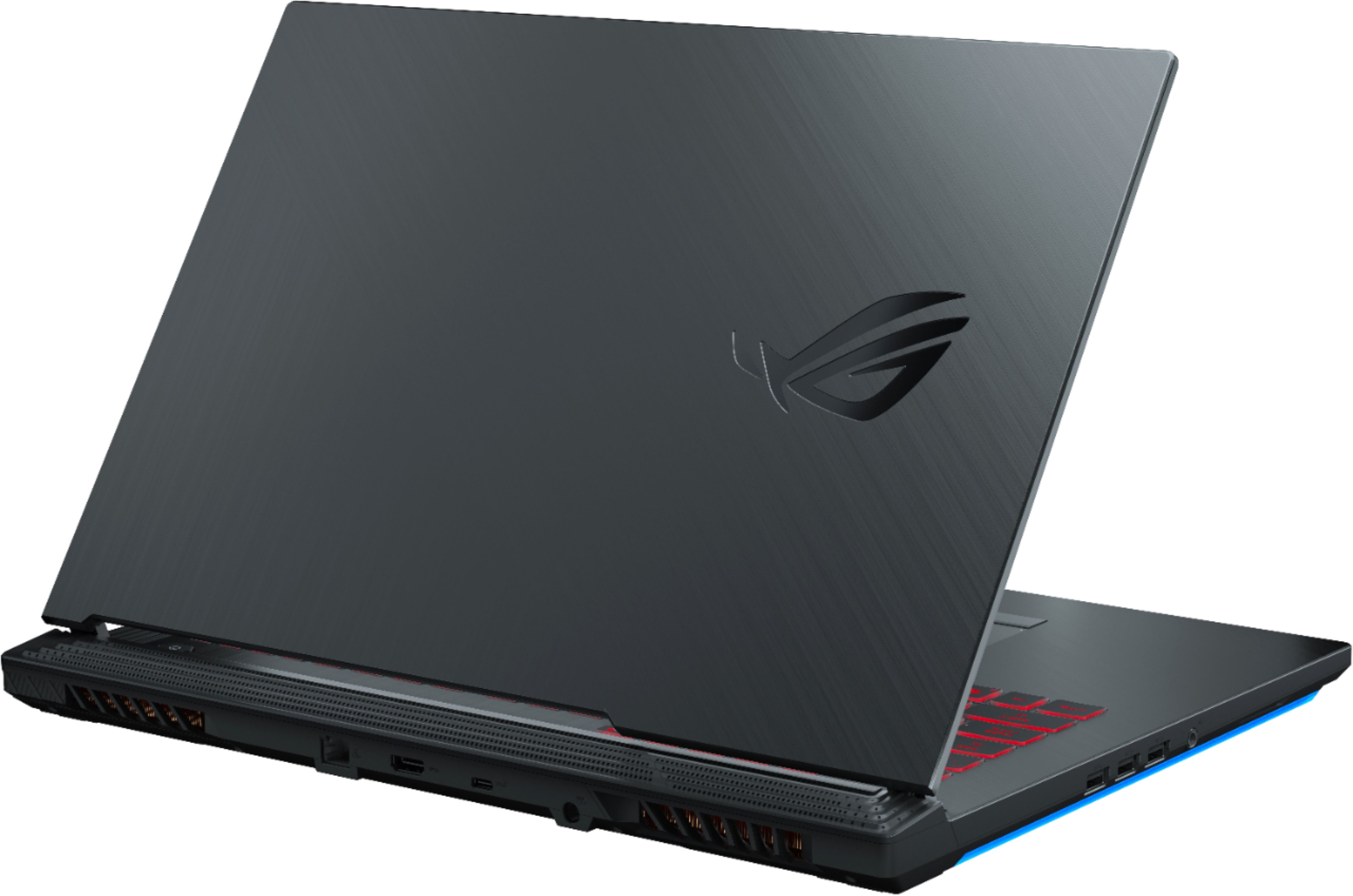
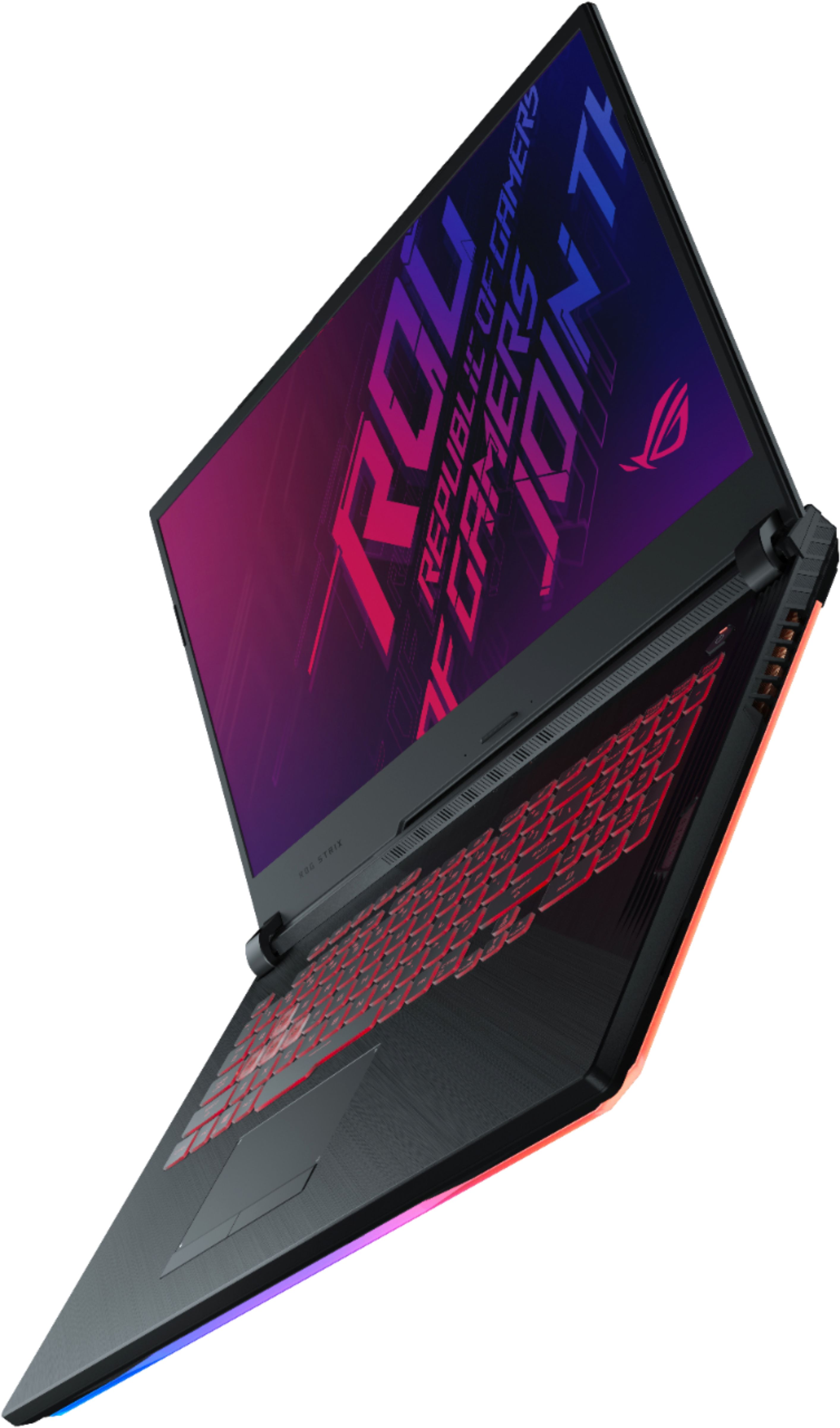
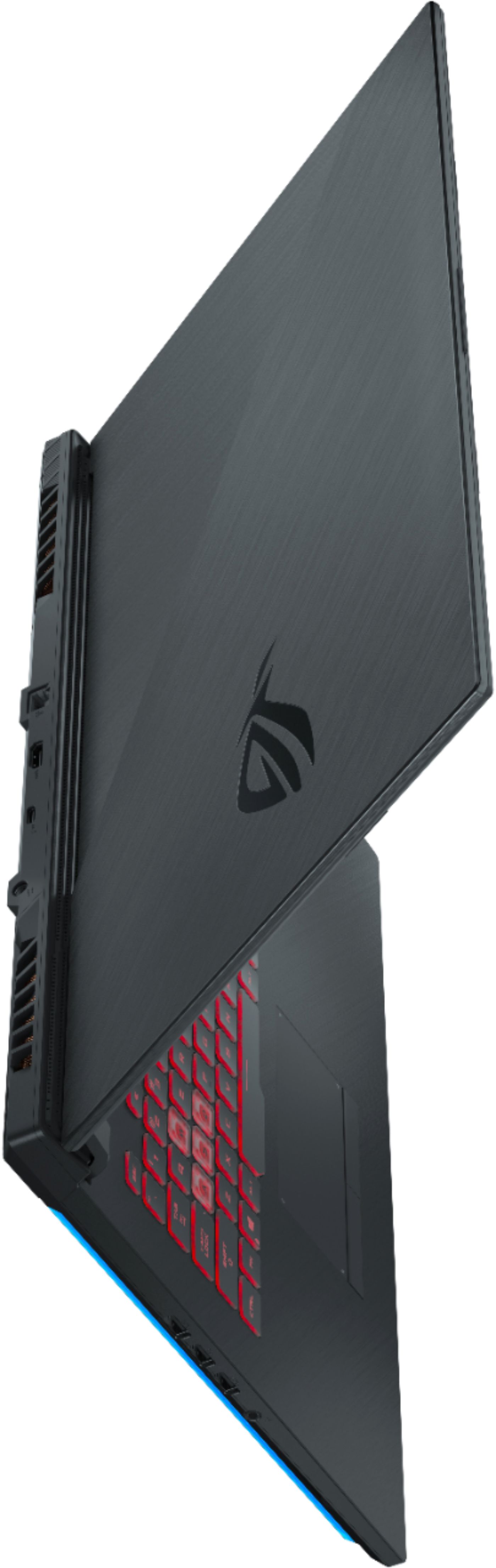
A:AnswerI can be caused by overheating, or it can be caused by attempts to conserve battery power. Also, it can be due to connections (however, if you are using an HDMI port this, will not affect it) and the requirements on the monitor whether it can support 120 FPS so it will only push out what the monitor can support.
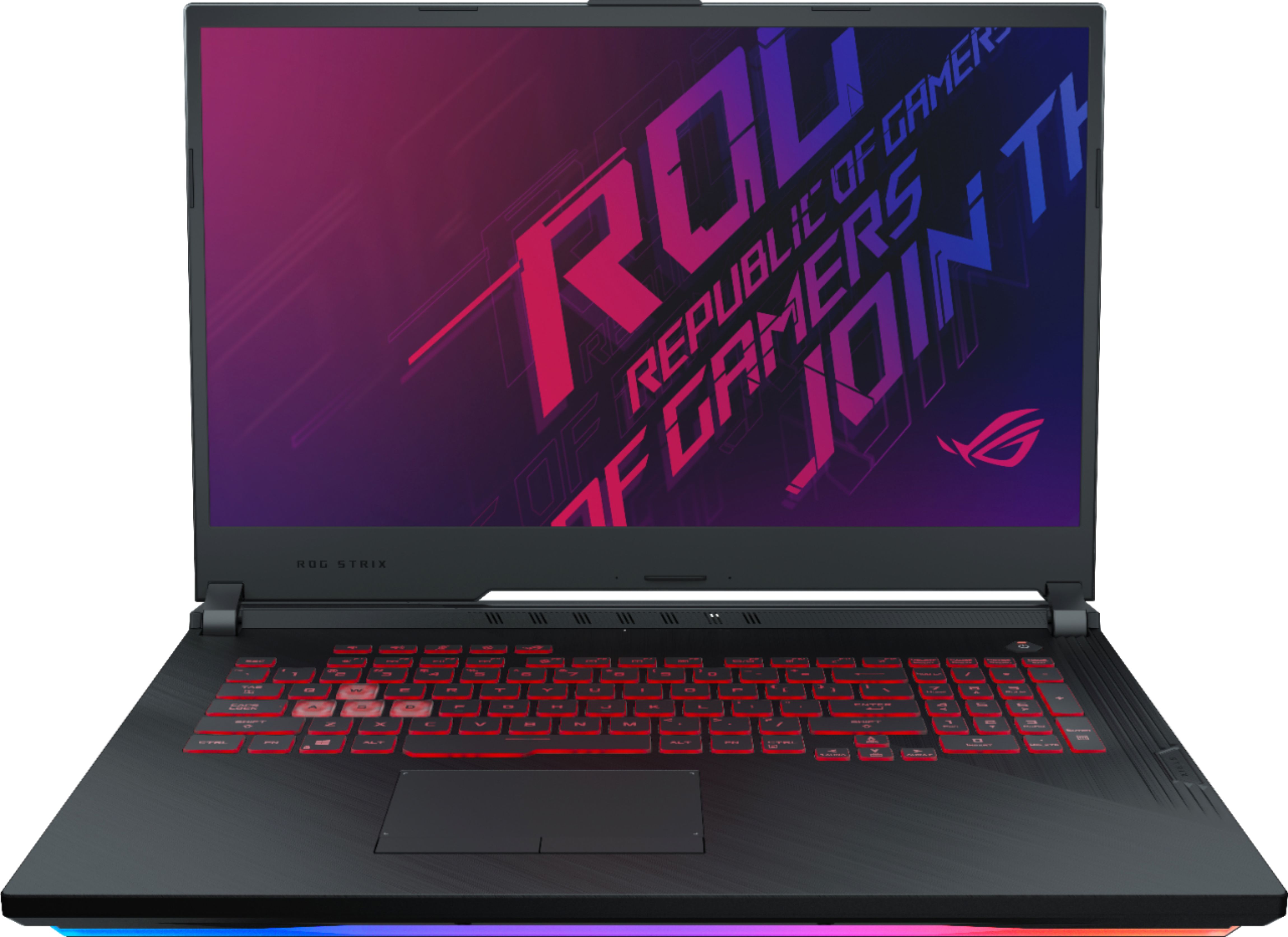
A:AnswerA USB-C to DisplayPort cable adapter needs to be connected to the USB type C USB3.2(Gen2) port in order to output video to an external monitor.
A:AnswerFor troubleshooting help and technical support, please reach out to ASUS Support either by phone, chat, or email. https://www.asus.com/support/
A:AnswerThe screws and SATA connector ribbon cable should be included in the box. Please contact ASUS Support if you are missing the included accessories. This laptop is compatible with 2.5" 7mm this drives.