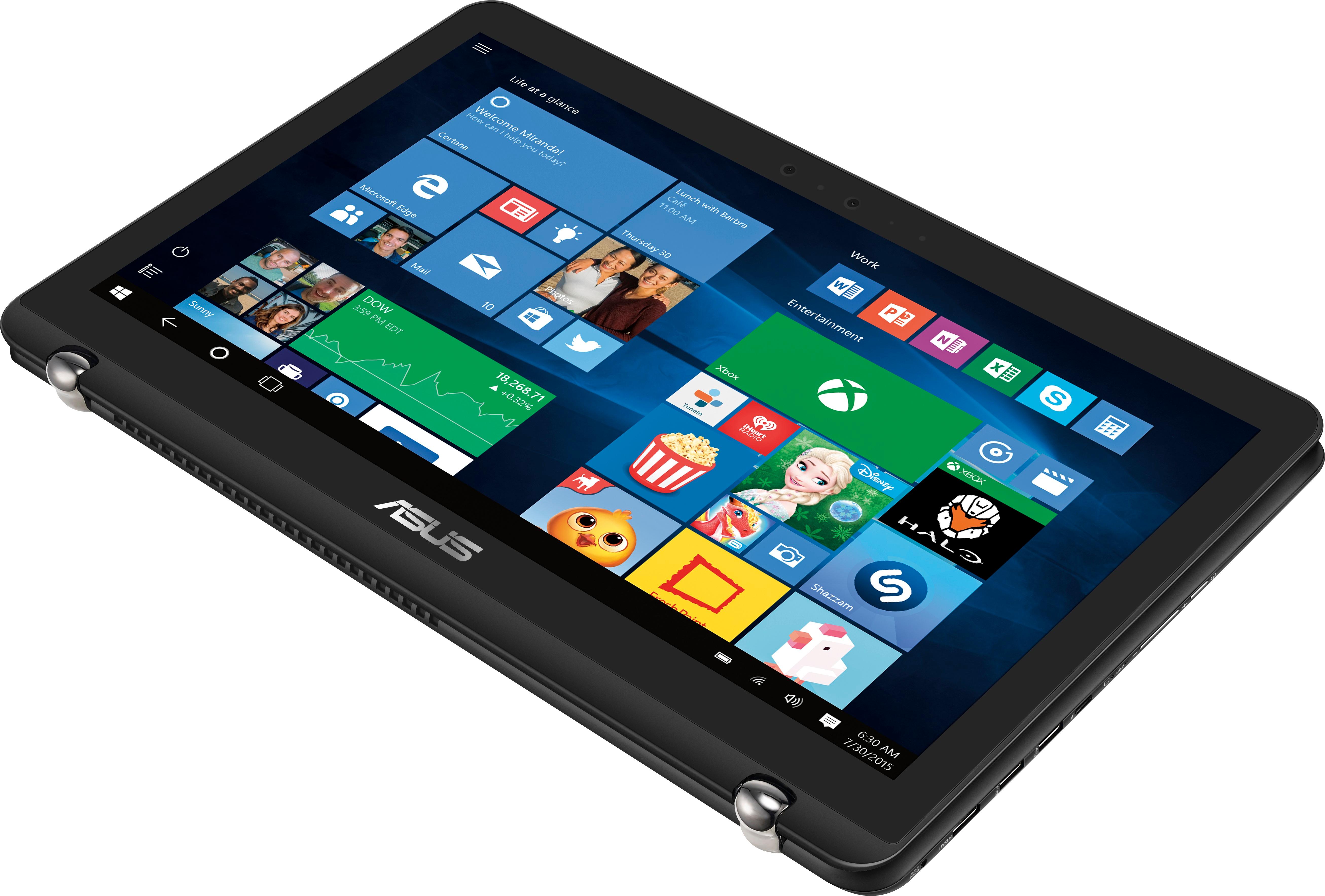
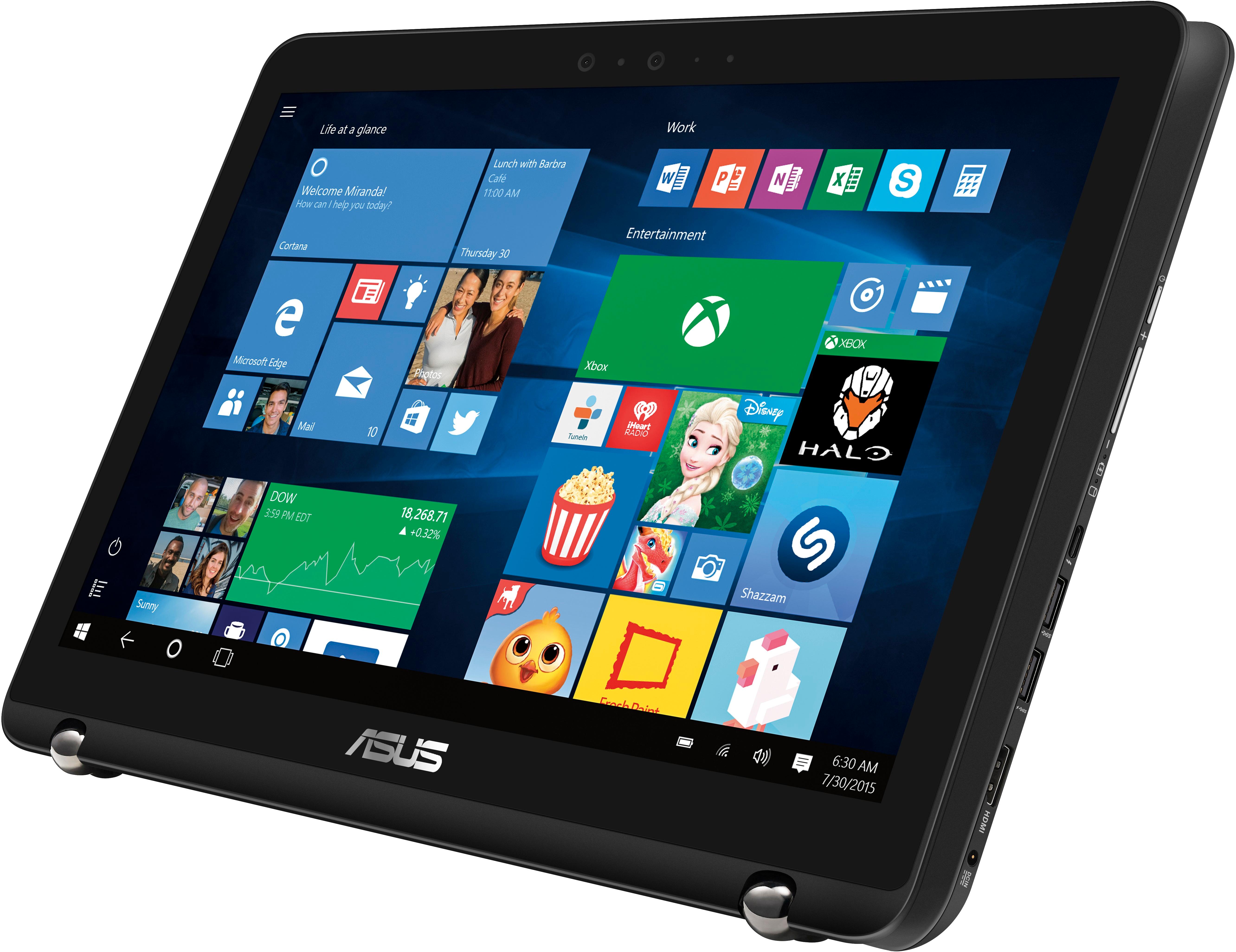
A:AnswerI believe they do sell a model with a higher graphics card. However, I find that the 950M works perfectly fine. I run AutoCAD and am a design student. It's a very fast computer and the SSD & HDD combo makes it even better.
A:AnswerI love my asus 2 in 1 laptop. It not only does much more than I expected. It's battery life actually last just about all day. That's running spotify, editing pictures and videos, plus surfing the web accationally.
It's a wonderful computer, I'm actually looking at buying my wife one also.
A:AnswerHaven't noticed that but this is my third Asus I've exchanged due to a dead pixel I noticed so change your background to black and check for that. Also had a bad hard drive on one! Literally straight out the box with these flaws! Now the bottom of my screen was flickering one evening checking my email. I really love this computer it's fast, the touch screen, the pen !! Easy to use love that it turns into a tablet but just disappointed with all these defects. If I were you I would at least exchange it. I purchased the 3 year protection as well !! So glad I did that, worse care scenario I can always exchange it. Hope this helps
A:AnswerI've heard that the older model got hot and also that the keyboard keys was spongy. I can tell you that my newer version never gets hot, and the keys are not spongy feeling, but fast and efficient. They never stick. I have to say I truly appreciate the latest version of the Q534U 2-in1.
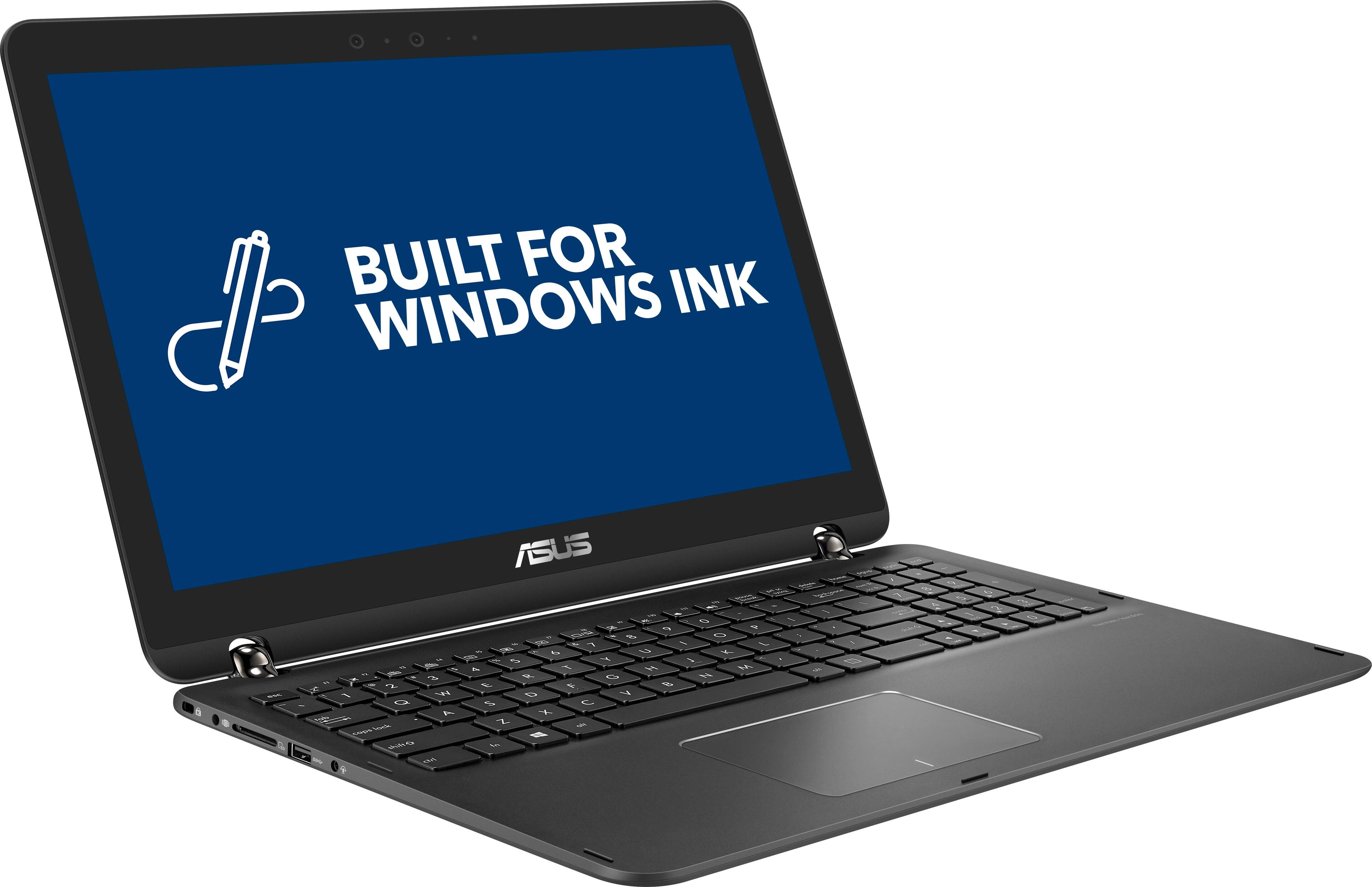
A:AnswerI would not use anything but Bamboo stylus with this laptop. The laptop is so powerful and fast that the other options simply do not have the clean lines that the Bamboo does. If you are wanting something that you gives the result that an actual pen would give you, then invest in the Bamboo. You'll be glad you did.
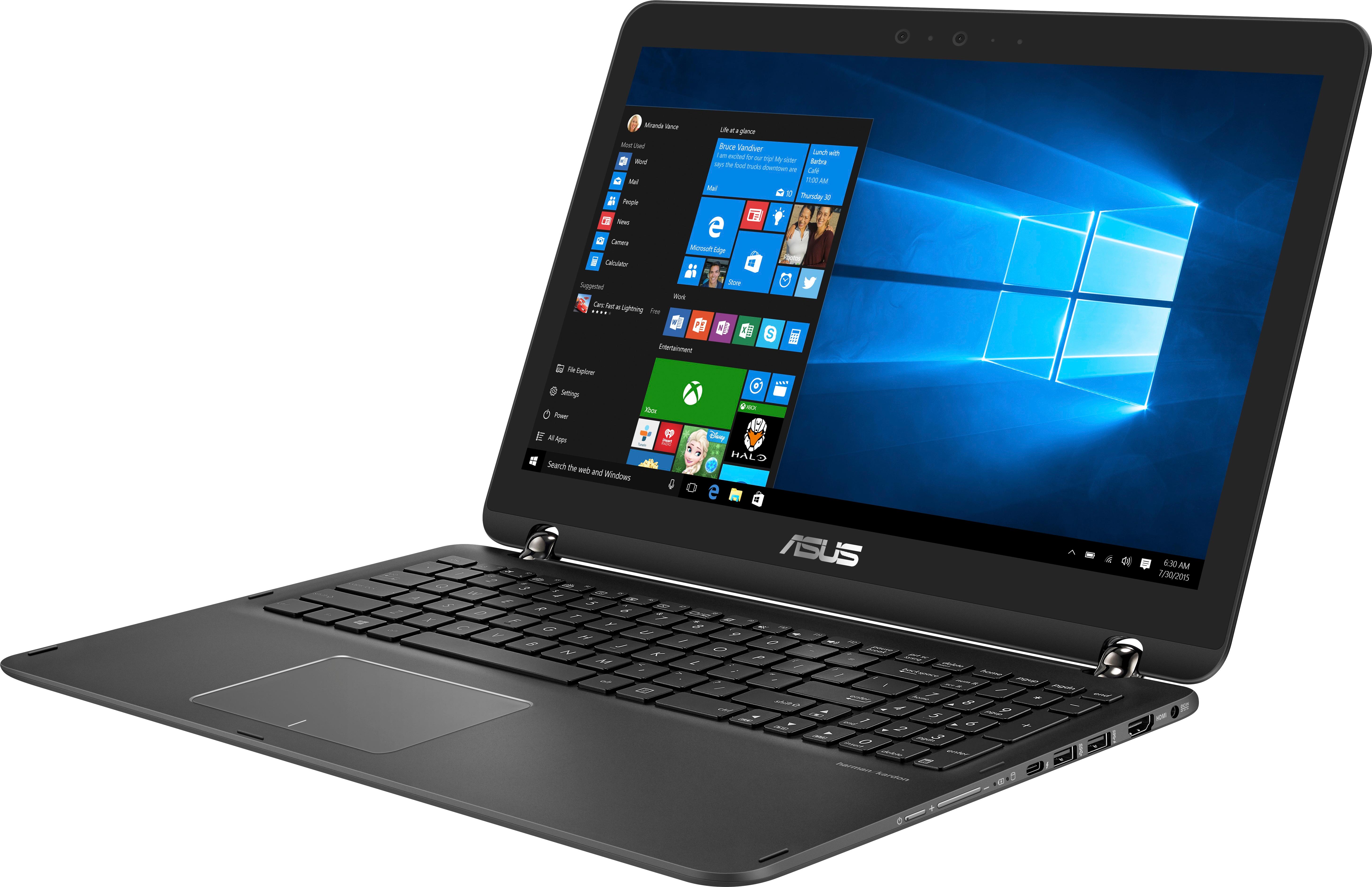
A:AnswerYes it is. It has 4k display onboard as well. Some laptops will display 4k via the external display (or television) but this one does both. Outputs 4k and has 4k display.
A:AnswerI was able to get the device to detect varying pressure in photoshop without any additional setup, but as you may have experienced it does not seem to work very well. Looking on the Wacom website, it appears that this computer is not on the compatibility list for the stylus, which could mean that it is not equipped with the Wacom AES protocol, which I assume might be why the pressure sensitivity is mediocre at best. On the plus side though, since you can change brushes and their opacity fairly easy in photoshop, the bamboo ink is still a very useful tool when being able to draw/erase directly onto the screen and have at least some pressure sensitivity.
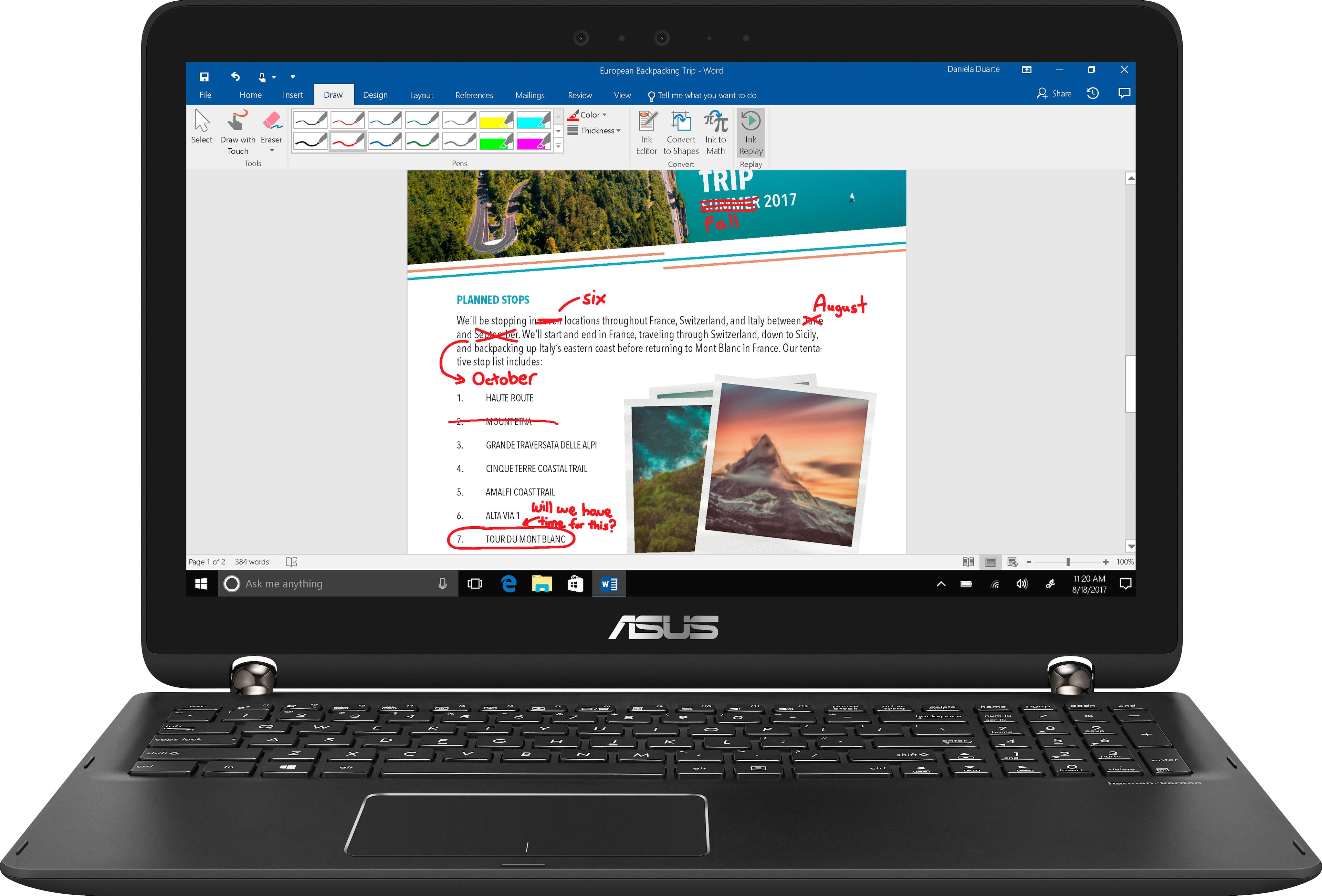
A:AnswerThe most likely problem is that your screen resolution is still set to the Ultra high definition of 3840 x 2160.
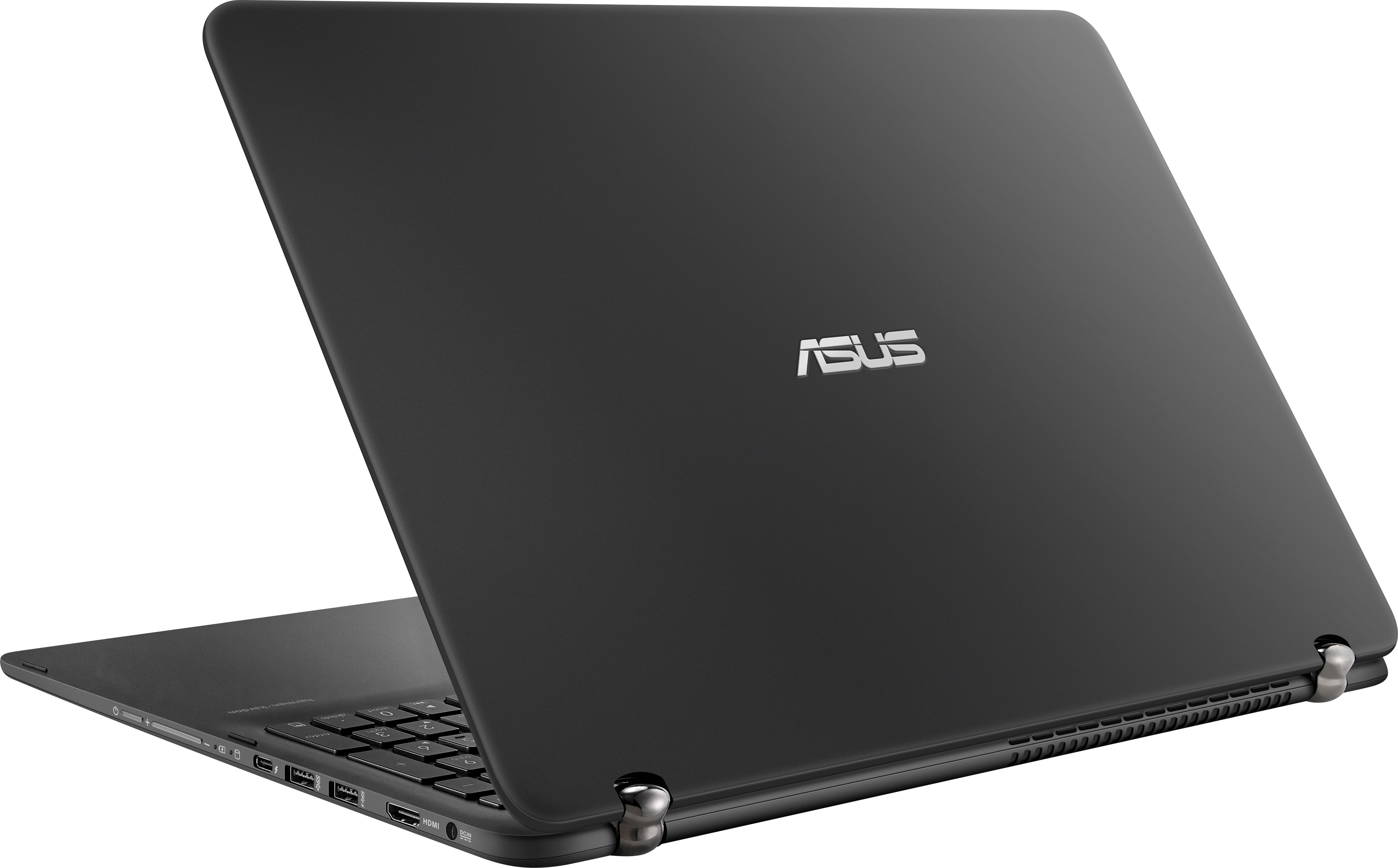
I have hooked my Q534 up to a 4K UHD Samsung tv using the HDMI port, no problems.
You can try right clicking on your desktop, go to screen resolution and changed it back to the 1980 x 1080
and then your monitor should work
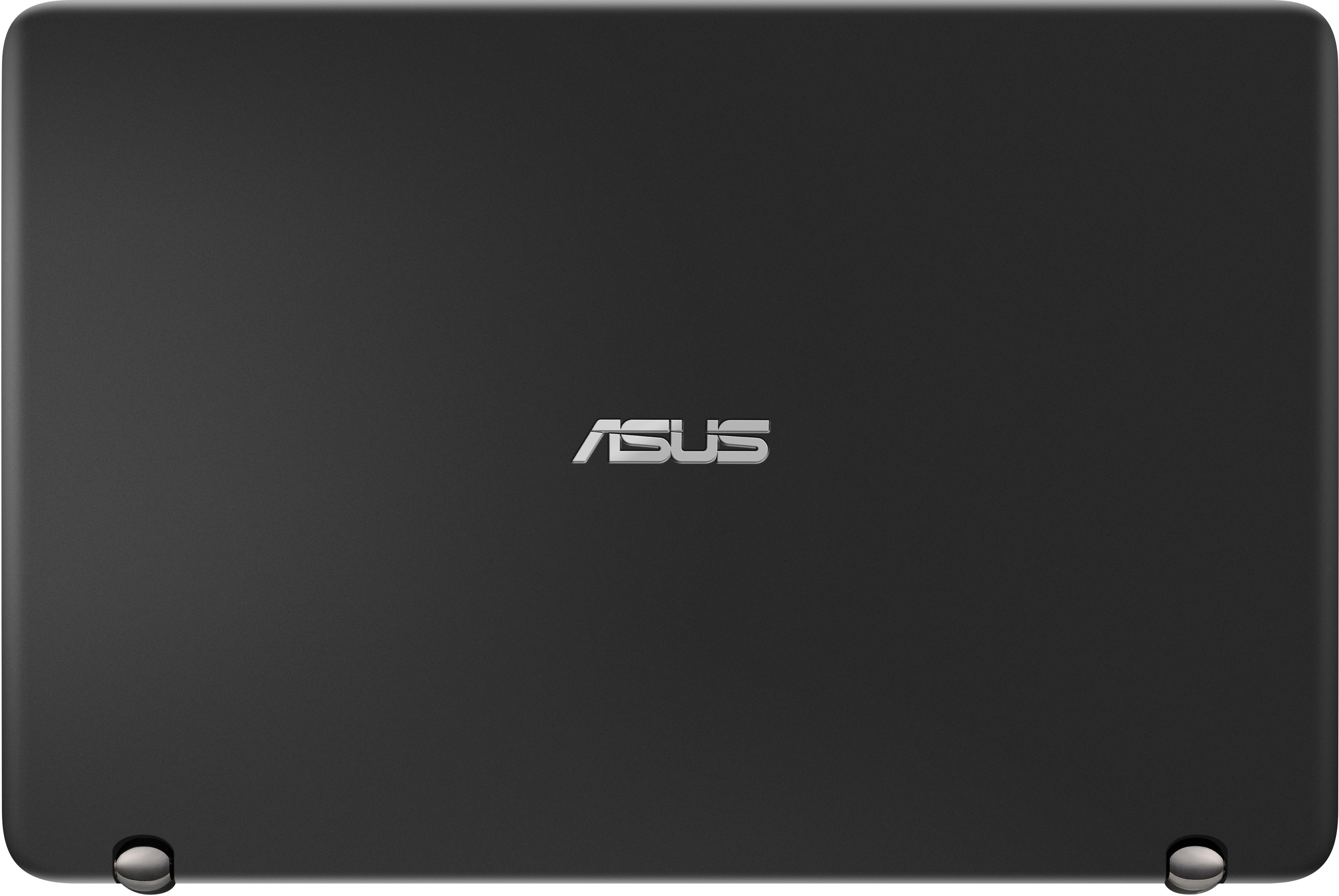
A:AnswerFingerprints do still show, especially at first. After having the machine for a couple of weeks, it seems that any oils from fingerprints are dispersed and new fingerprints are much less noticible. I do not find it to be a problem as you only notice if you look at the computer from the back or when it is closed.
A:AnswerI'm not sure about autocad the drawing program, but the computer comes pre-installed with an autocad sketching program that does well with a stylus. Considering the PC does great with adobe photoshop, illustrator, and premier pro, I would imagine it could handle autocad too.