A:AnswerMine came with nothing, no CD or website to download any drivers. The instructions are very basic just some diagrams on putting the screen together with the base no technical information of any kind of running the screen.
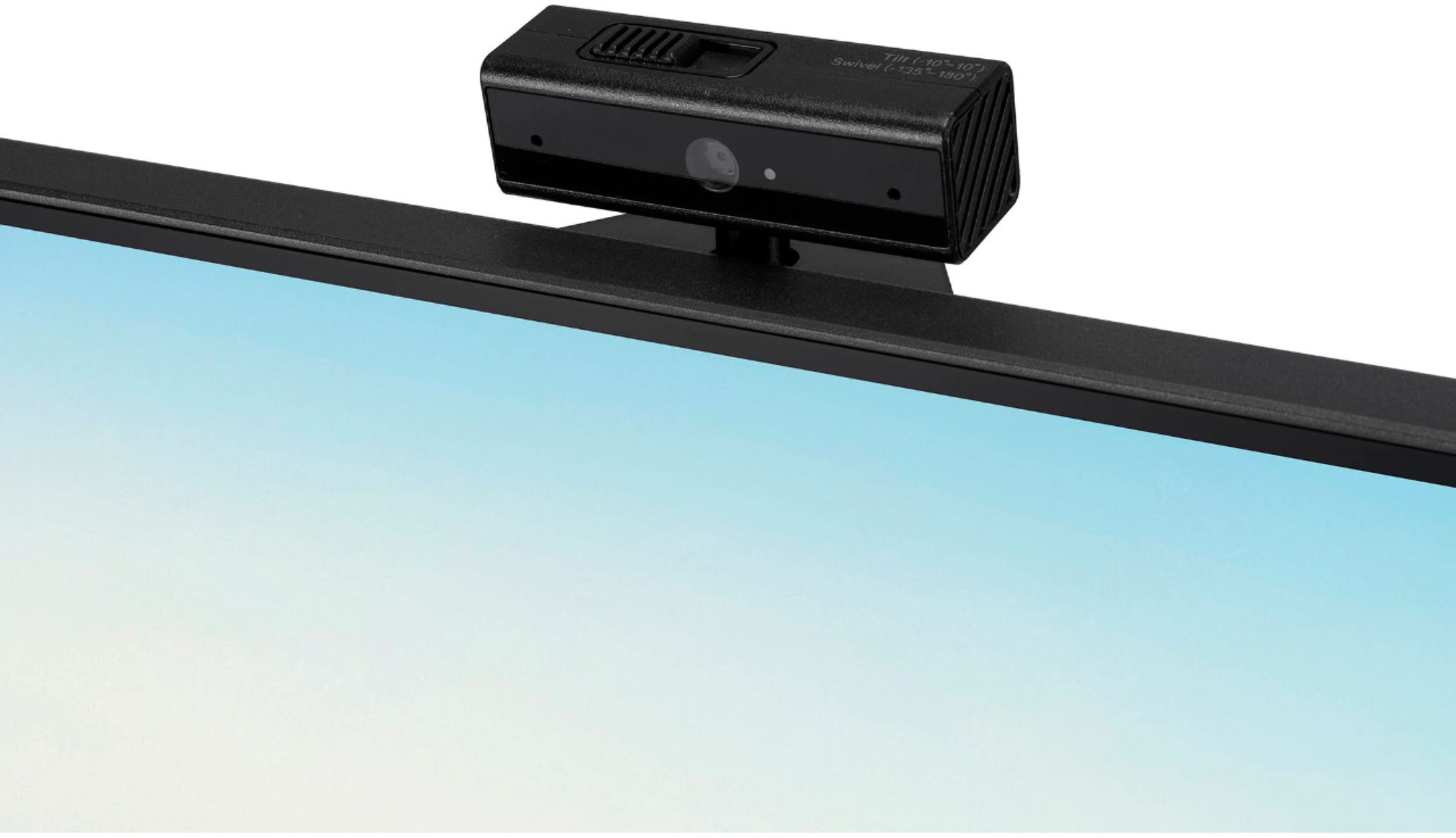
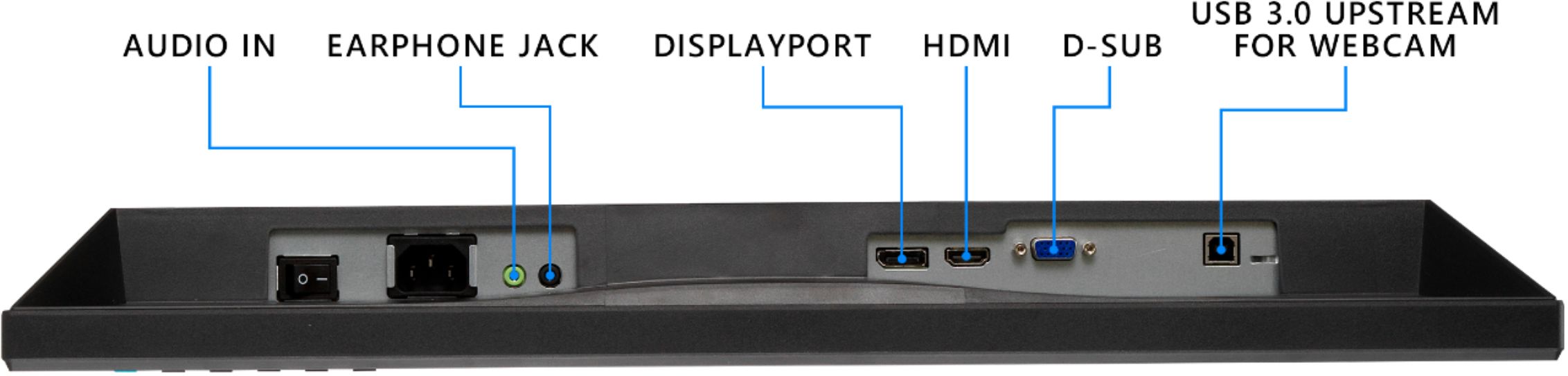
A:AnswerThe USB cable included with the monitor is required to use the webcam. Please see section 2-6 of the manual for more information. https://dlcdnets.asus.com/pub/ASUS/LCD%20Monitors/BE24EQK/BE24EQK_BE24EQSK_English.pdf
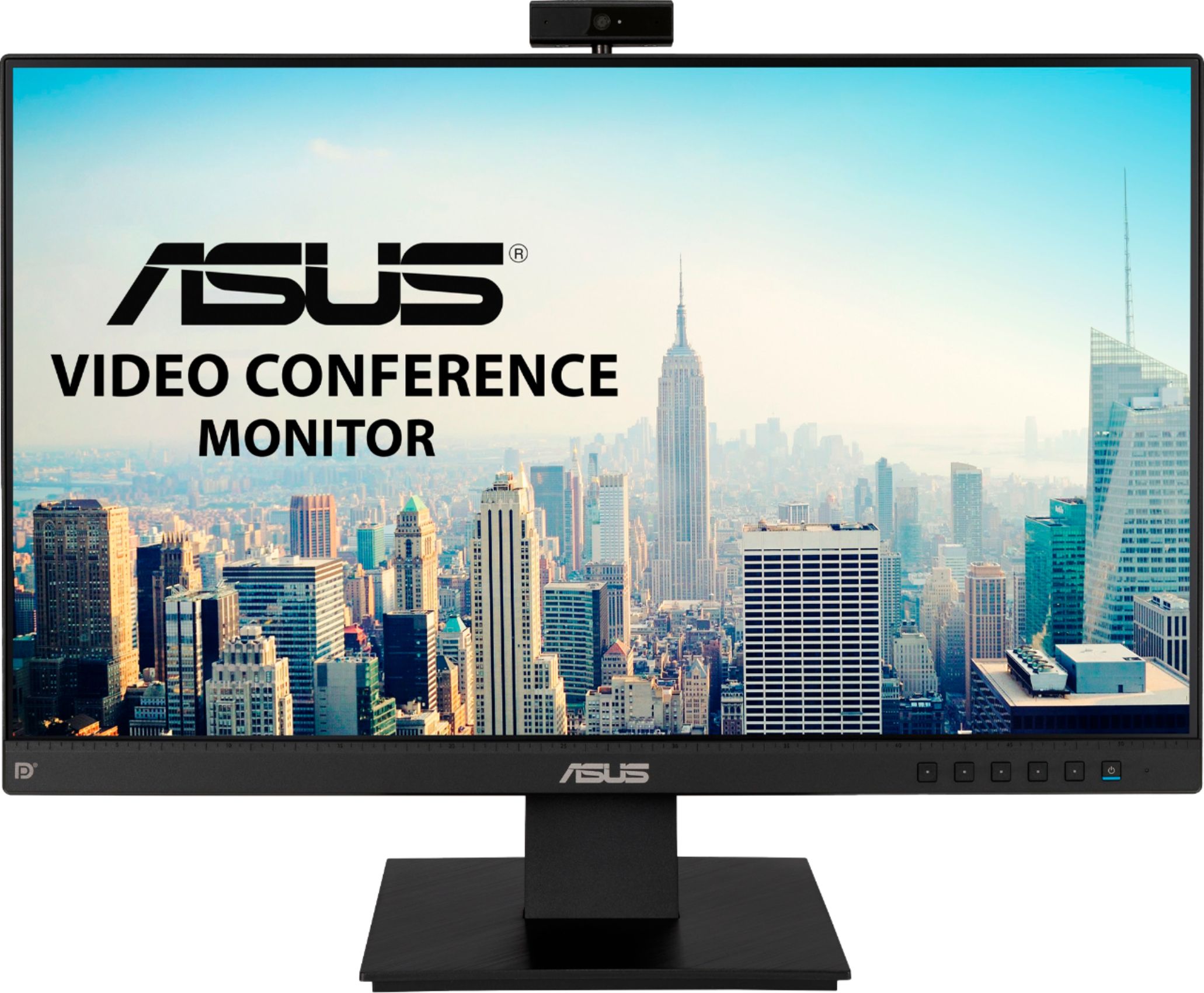
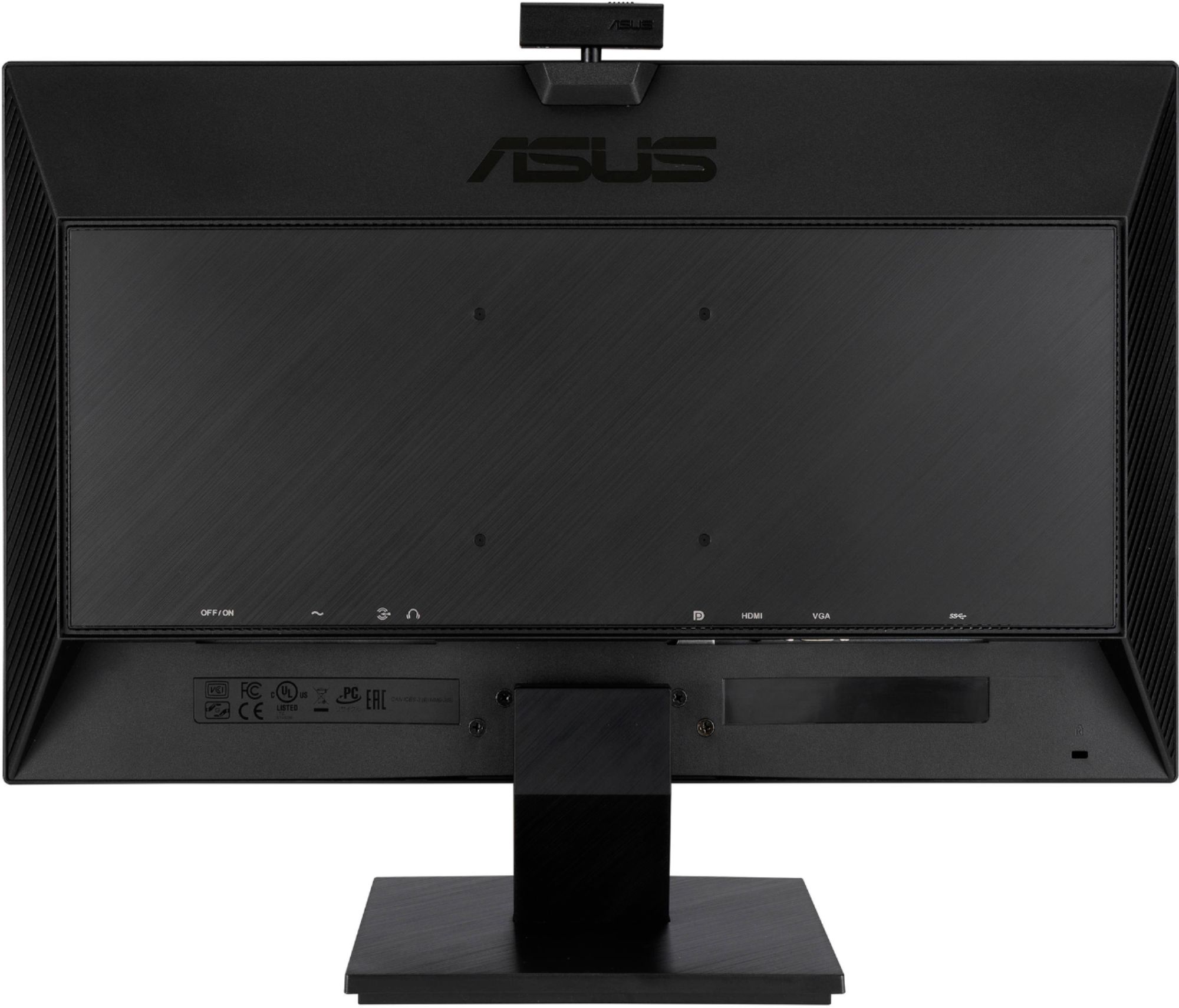
A:AnswerThis monitor supports DisplayPort, VGA and HDMI video input. For multi-monitor support on your laptop, please contact HP customer service directly.
A:AnswerThis monitor accepts DisplayPort, HDMI and VGA video input. Please contact Samsung to verify that your tablet can output one of those signals. https://www.asus.com/us/Displays-Desktops/Monitors/Business/BE24EQK/techspec/
A:AnswerYes, however please note that the maximum refresh rate of this display is 60Hz. You may want to consider a high refresh rate gaming display, depending on the titles you own and your system specifications.
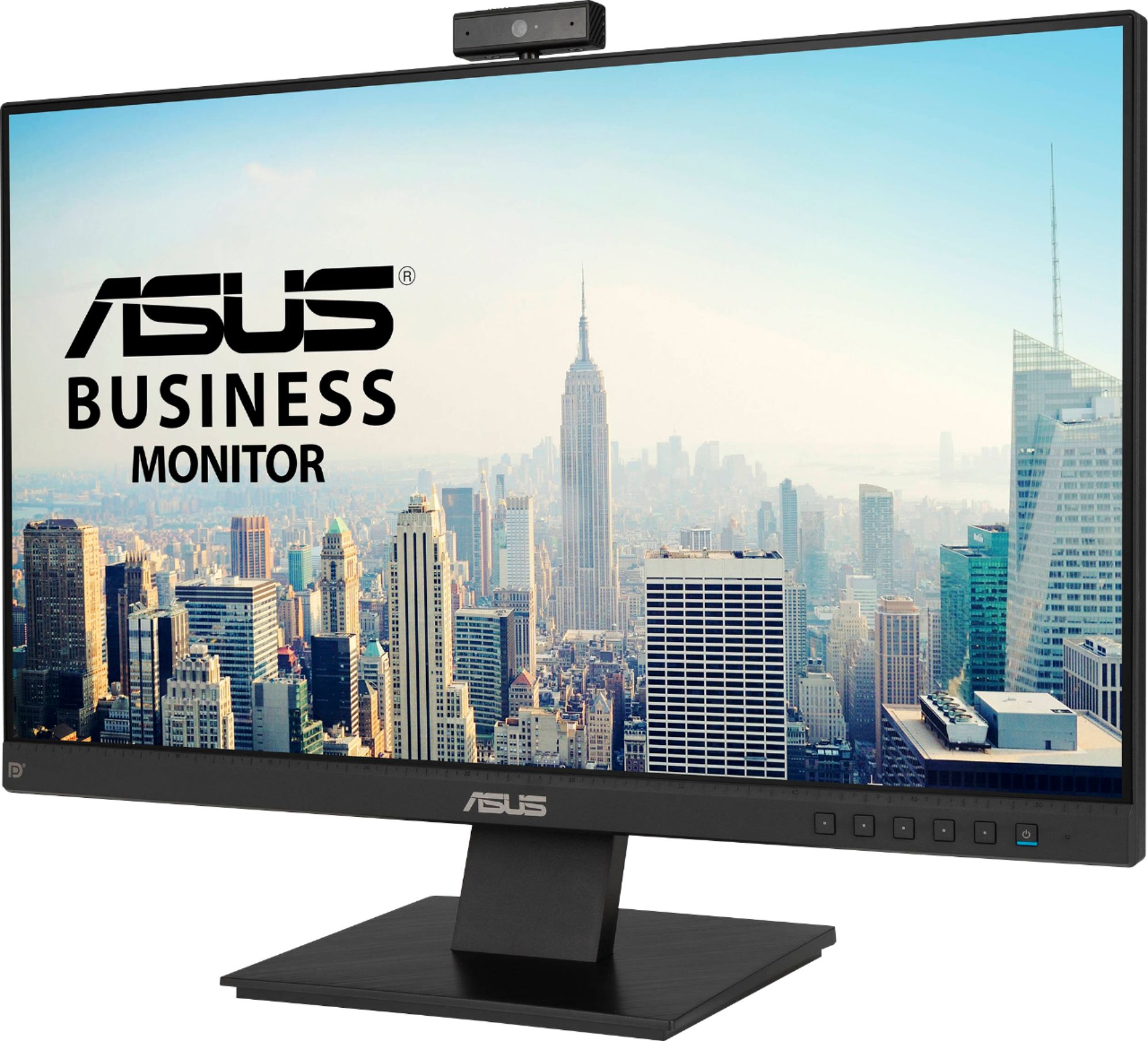
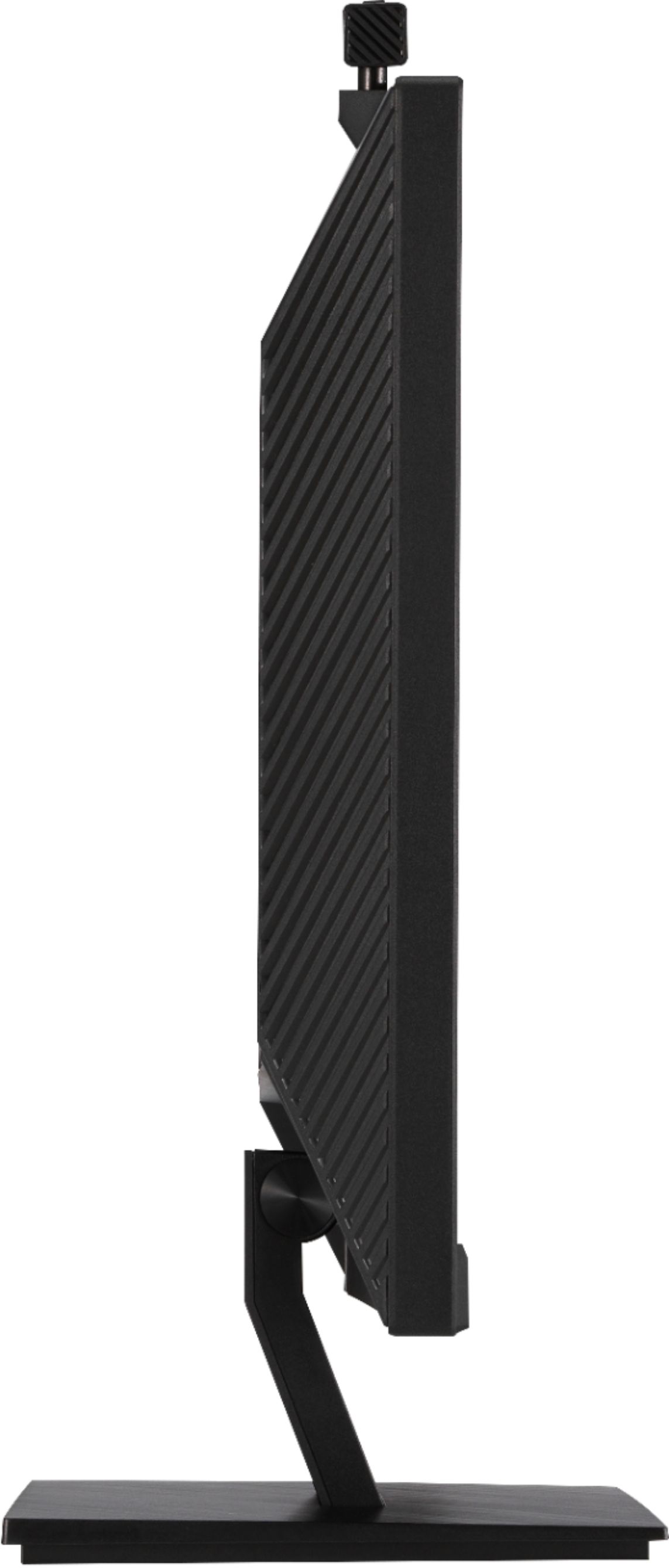
A:AnswerThis monitor cannot be tilted, however it does support VESA 100 x 100mm wall mounting. Compatible monitor arms can provide a wider range of movement. https://www.asus.com/us/Displays-Desktops/Monitors/Business/BE24EQK/techspec/
A:AnswerIf you could provide us with your screen mirroring software and PC hardware configuration we would be happy to check for compatibility. Please reach out to ASUS Support either by phone, chat, or email. https://www.asus.com/support/ You can also find us on Twitter @AsusHelpUS.