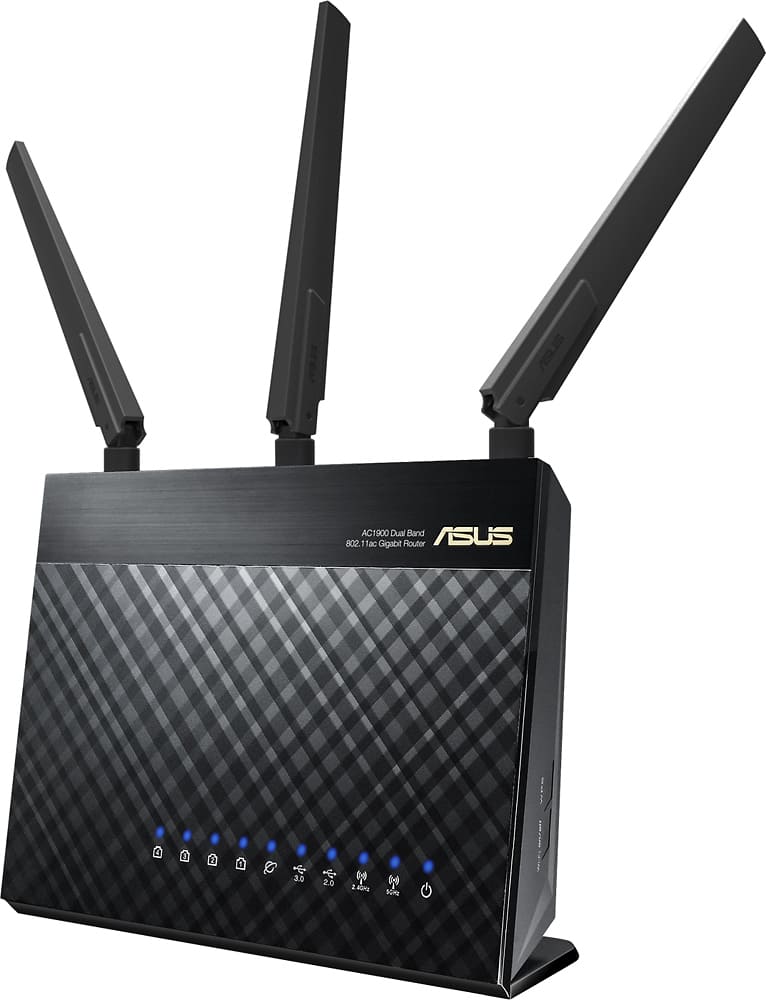
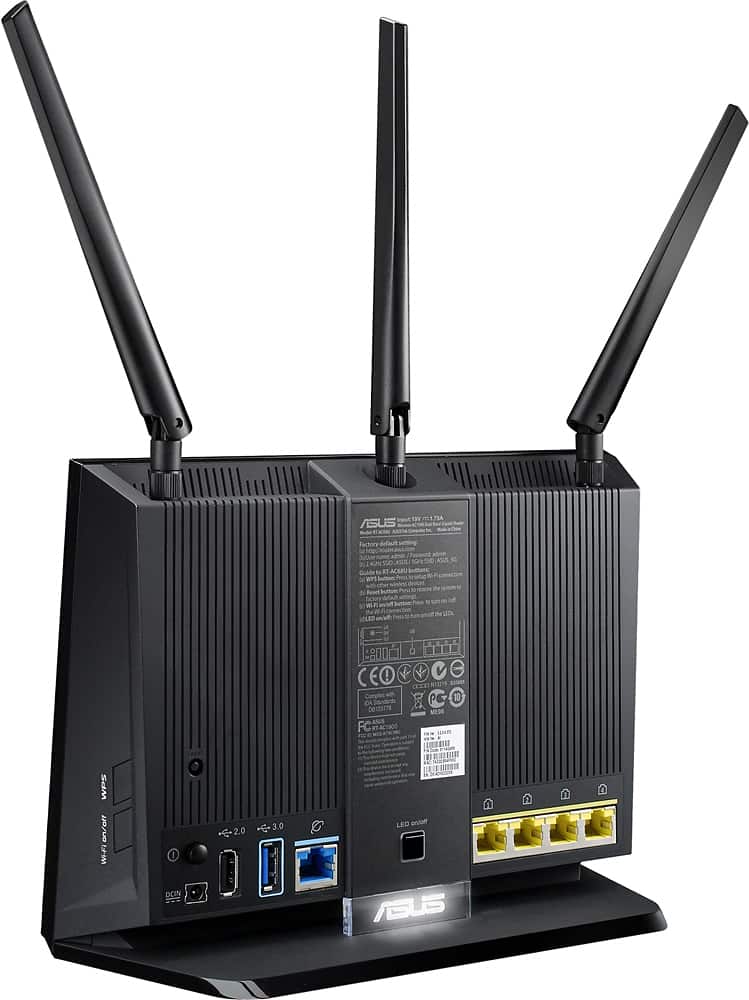
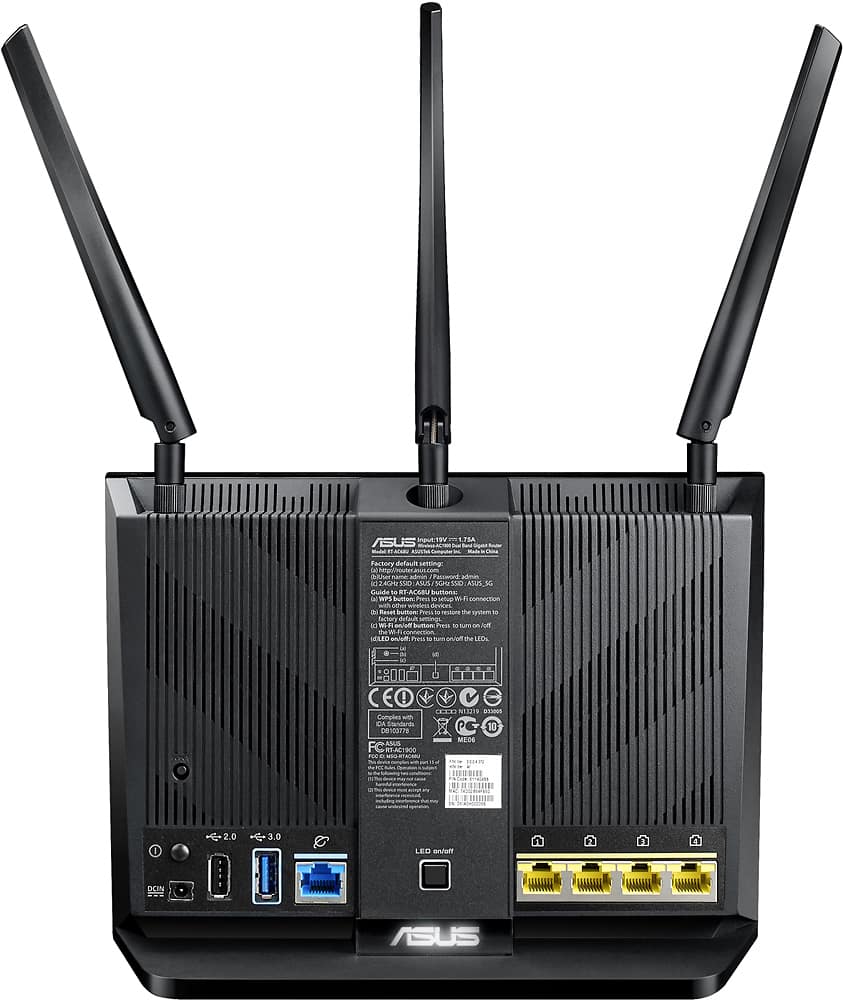
A:Answer Very easy to set up. First ensure both ASUS routers have the latest firmware installed. The unit you intend to be the node must first be joined wirelessly, even if you intend to make it wired (recommended). After update on both units, fire up main and let it boot up. Power up node and hold reset button for 5 secs to reset. When it comes to life look for in the aimesh area of the GUI for the main router. When it is located by the main router, select it and wait for it to be configured by the main.
If you intend to make a wired node, disable WPS on main unit (for security reasons) and select Ethernet backhaul for the node.
The aimesh handles handoffs extremely well without interruptions. Make sure you turn down your radio output level once you’re setup....to at lesser half of full for both 2.4 and 5ghz radios. Settings on main automatically transfer to the node.