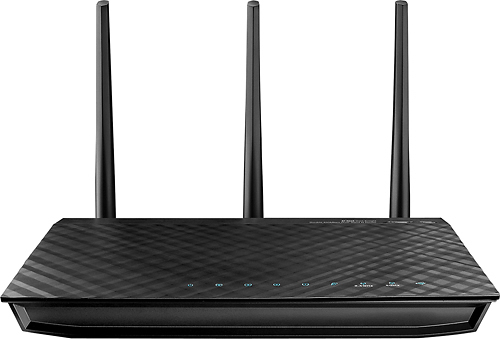
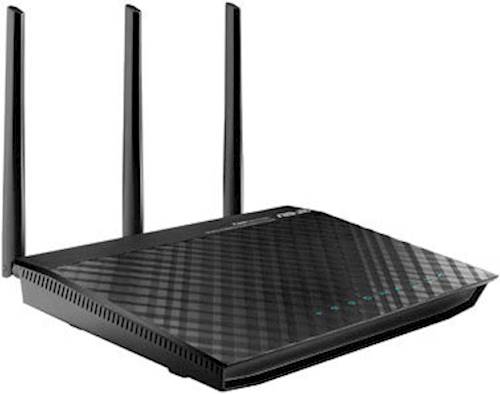
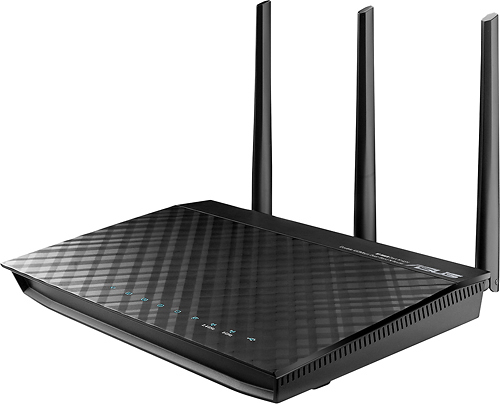
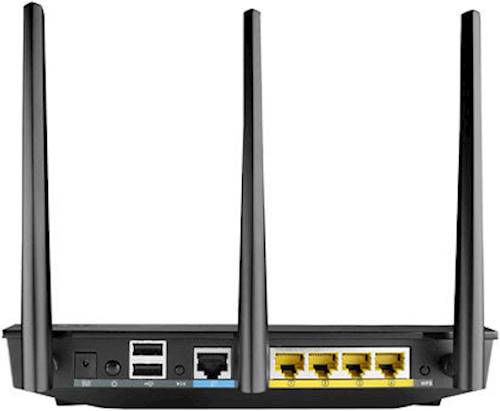
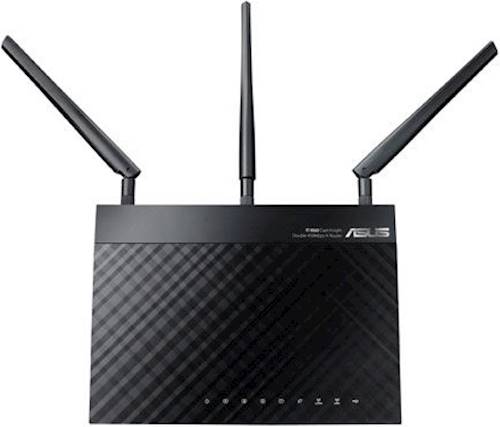
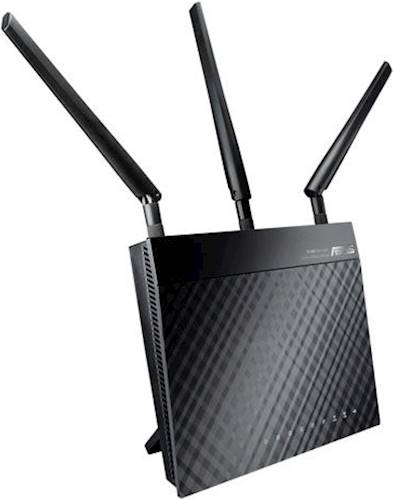
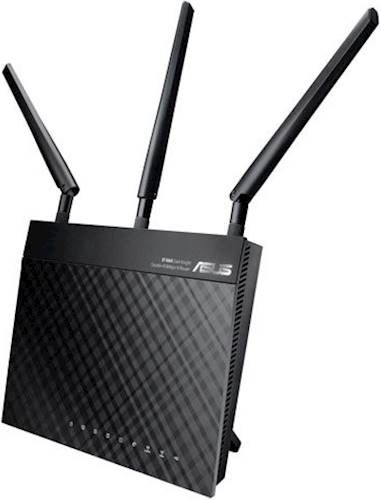
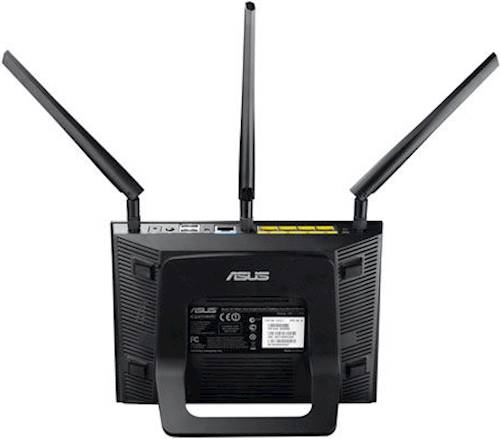
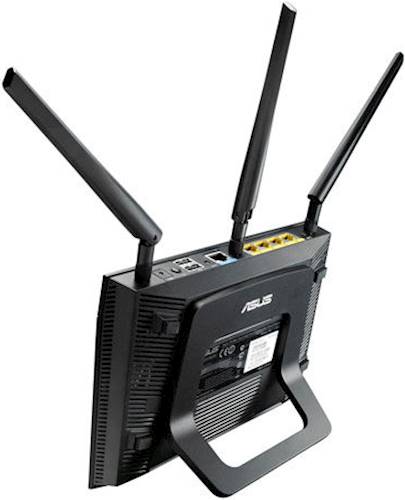
A:AnswerASUS customer service will assist you with any issues that are router related, they will help you with any issues related to configuring your computer. That being said the setup of this router is pretty straight forward, I doubt you'll have any issues.
A:AnswerI do not know what kind of modems are available from Centurylink, but please make sure you update your modem's software if that is possible. Some companies provide firmware updates for their modems that you should want to look into. If you have any problems with your router please don't hesitate to contact me at [email protected]. Thank you.
Regards,
Jeremy
ASUS Customer Loyalty
A:AnswerThe routers branded with an "R" instead of a "U" denote the units that are Best Buy retail units. None of the hardware or software is different in any way. All units should be new unless otherwise specifically noted.
A:AnswerYou can connect 2 routers with the cross-over cable ( it is different from the ones we use to connect to network plug, looks however like the same one). There is no need although to connect 2 routers if you just want to extend your network. You can connect a switch to your Verizon router (or a hub - a switch is better) or if there is no wire - wireless network repeater or access point. Usually Asus routers are 4 in 1, one of the roles is access point. Hope this helps.
A:AnswerNo; just ensure that you have a web browser to access the router's user interface. Setup the hardware (modem, router) and ensure that the cables are properly connected. You may have to connect your computer hardwired to setup the router the first time and then enter 192.168.1.1 on the web browser address bar. Please follow the on-screen wizard setup as this will guide you in setting up your network properly.
A:AnswerSince you control the router, you can turn on or off the various extra services. We simply use it as a basic router that's just more awesome than others. But functionally, no difference in the way we use it than an old Linksys WTR54G.
A:Answerfast response with no lag via any feature/setting/wired or wireless. Same speed your pay for from your local provider is what you receive on the pass through with this ASUS.
A:AnswerNetwork Magic is specifically designed for another name brand router and it only supports particular router models. With RT-N66R, you don't really need this application as this router already has file sharing capabilities through the use of AiDisk.
A:AnswerThe RT-N66R will work as long as you have this after a modem. This is not a combo modem/router so you will still need a modem, either from your ISP or otherwise.