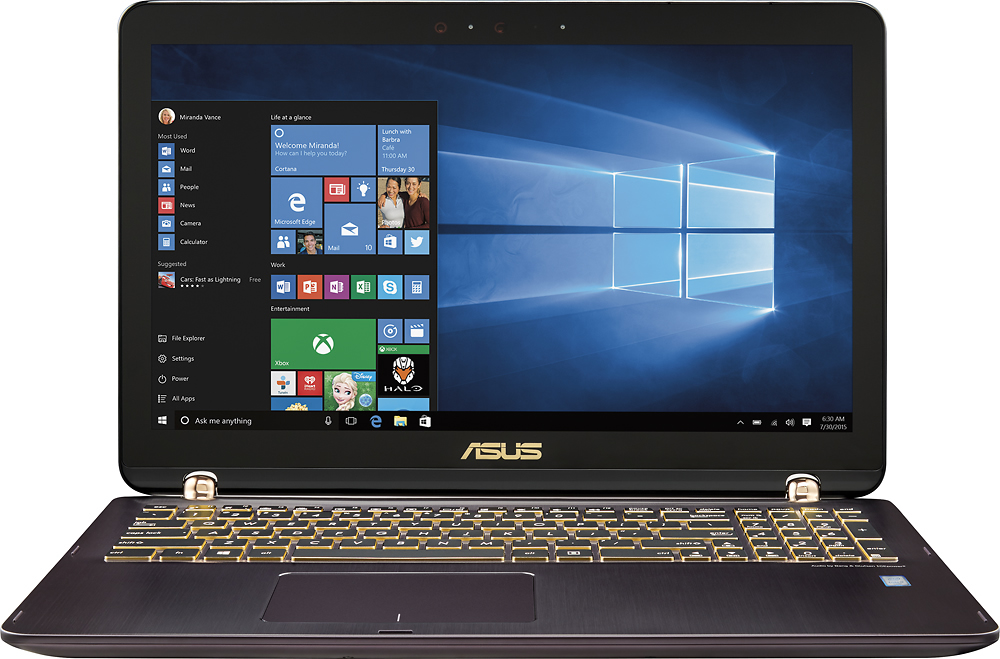
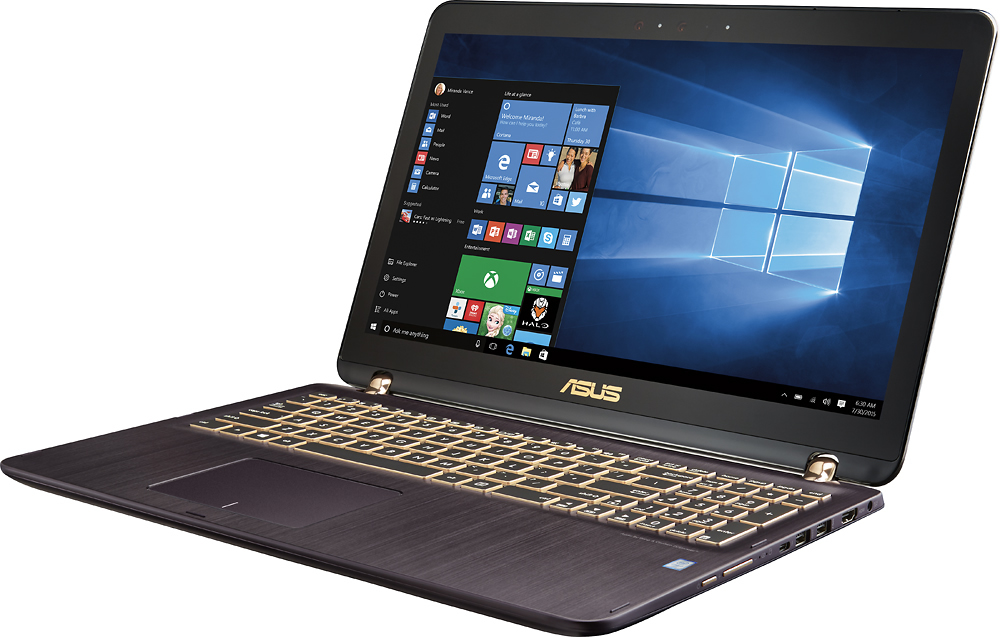
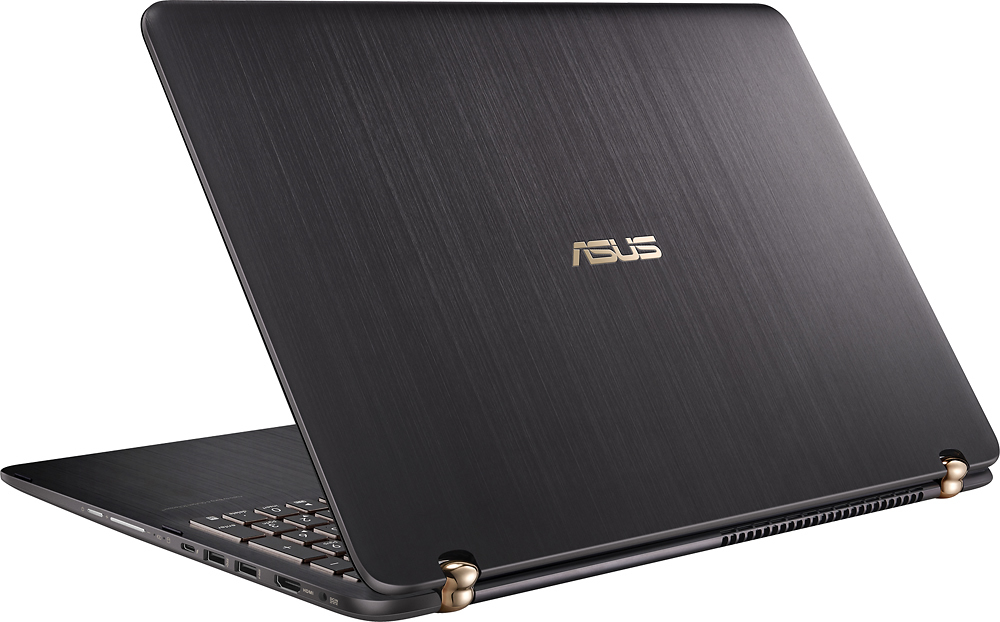
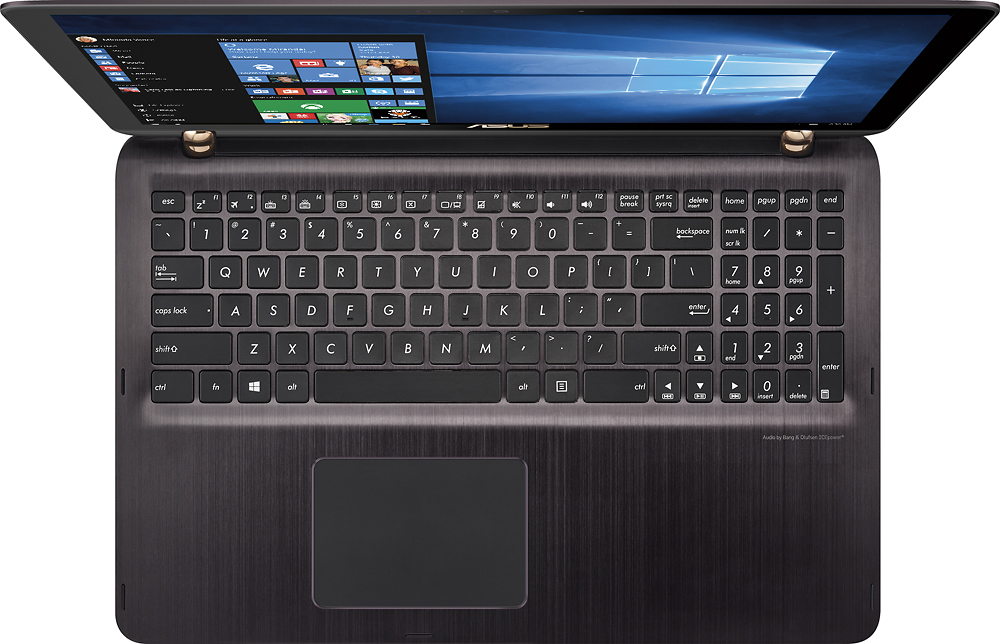
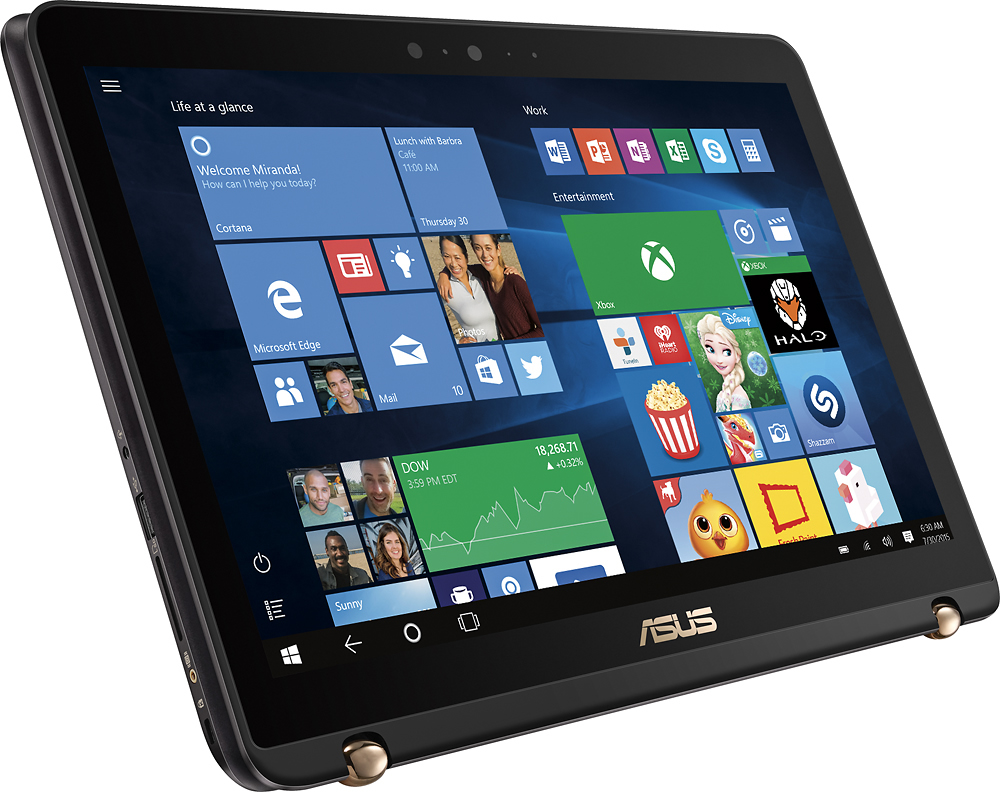
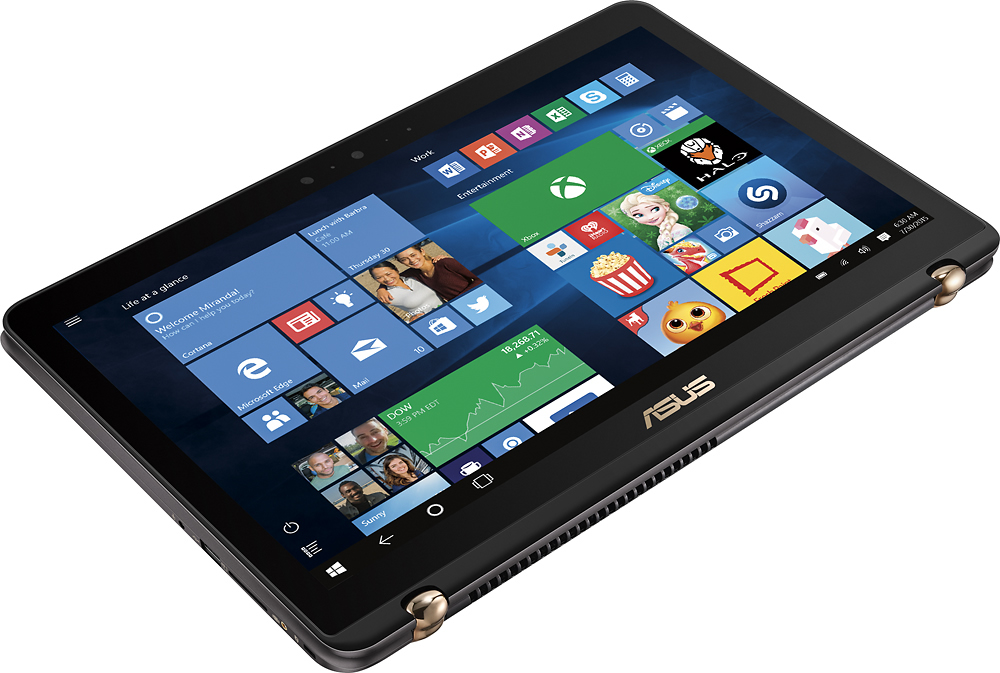
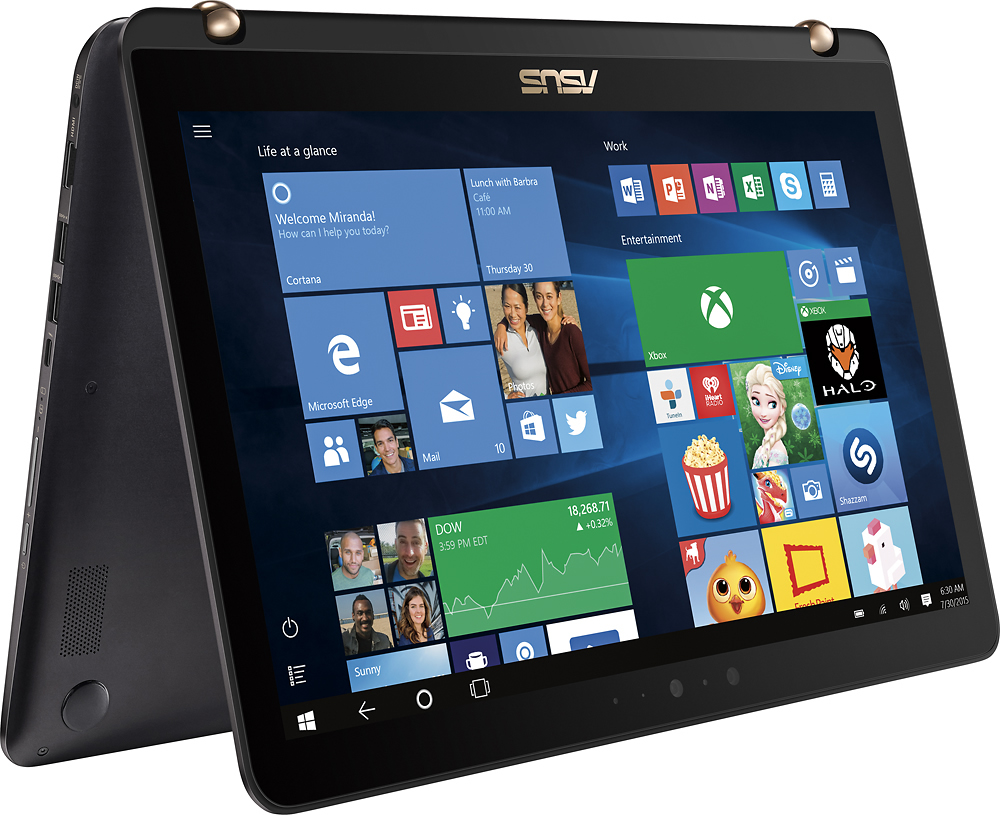
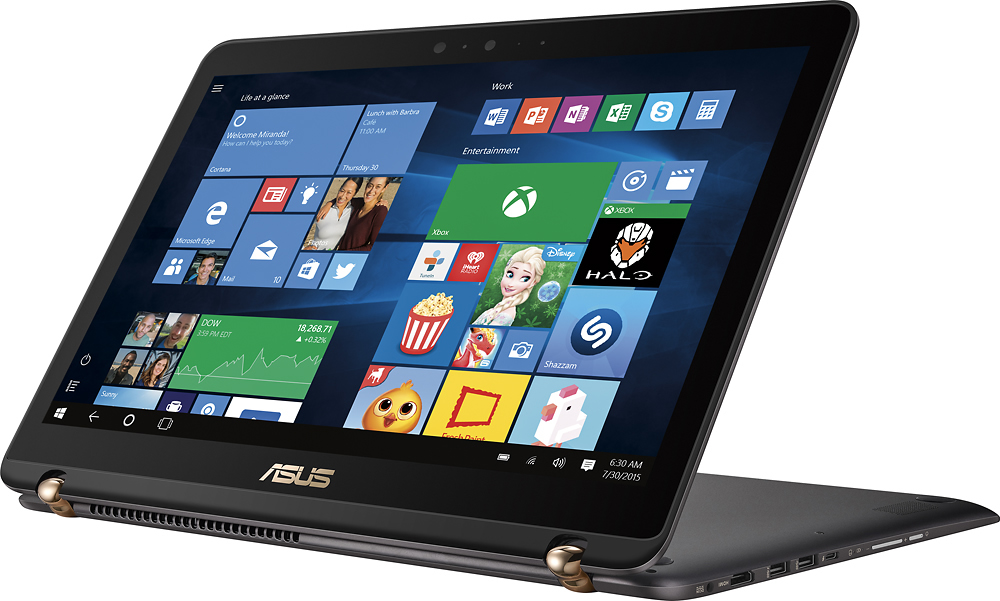
A:Answer Currently typing this answer on my ASUS Q524UQ:
Having since purchased this computer to gain a more decisive answer to my original question, I proceeded with removing the bottom panel, which was quite simple with the correct Torx bit and careful removal. Upon removal, on the middle of the motherboard there is an M.2 PCIe Slot (M Key) readily available. An image will be provided for reference. However, given that M.2 PCIe SSDs come in different sizes, the most common being 22MM Wide by 80MM Long, signified by '2280' under product descriptions or dimensions, this particular slot looks slightly smaller. Not having yet purchased an SSD of this form factor due to their current retail prices still being relatively high, I have not been able to verify whether or not one of 2280 size fits. For the time being, I have swapped out the 2TB HDD for a much, MUCH faster 512GB SSD, re-installing Windows 10 by means of a recovery USB flash drive created prior. If someone else chooses to install an M.2 PCIe SSD, please provide your response to this answer and your overall experience.