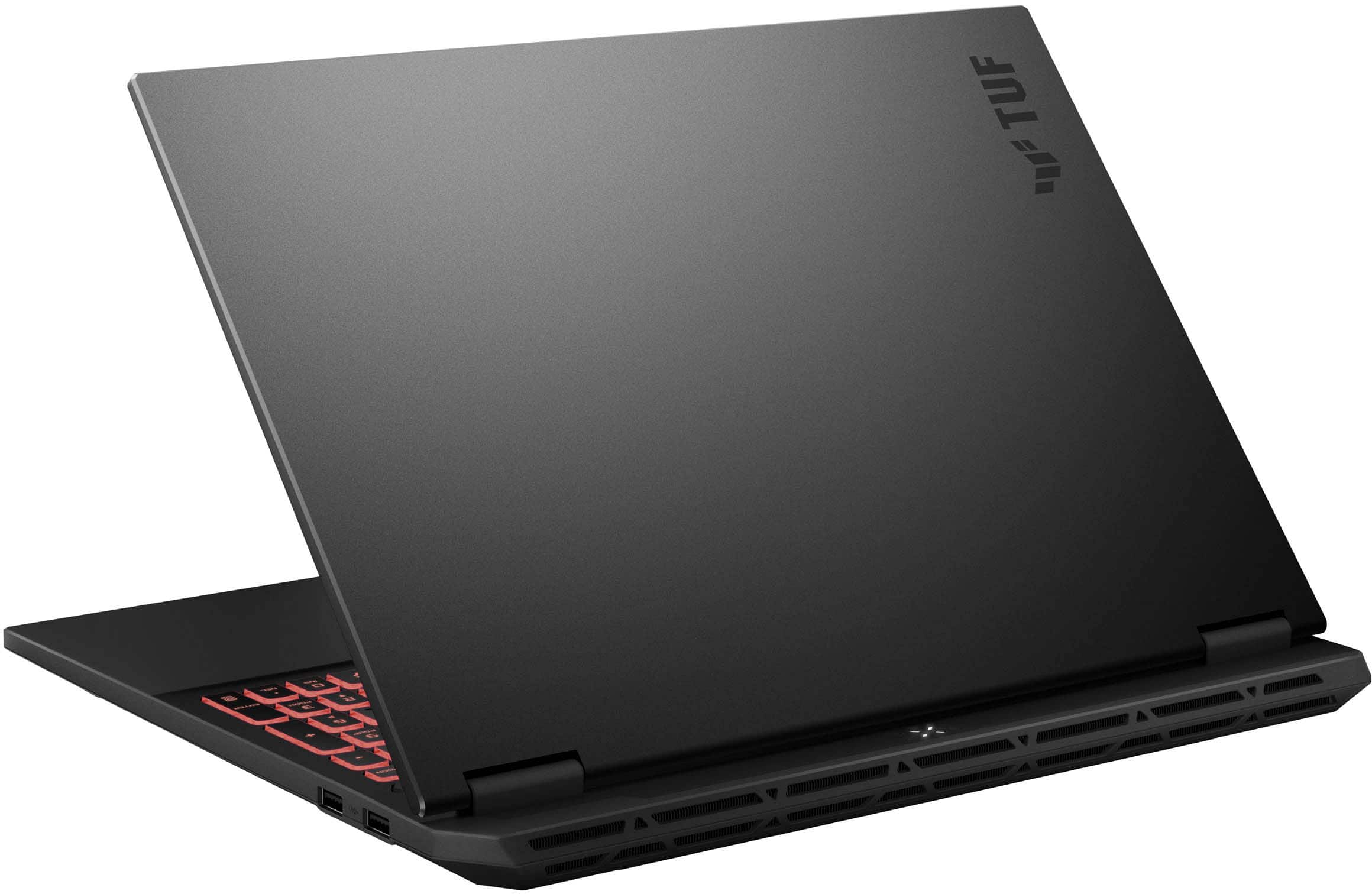
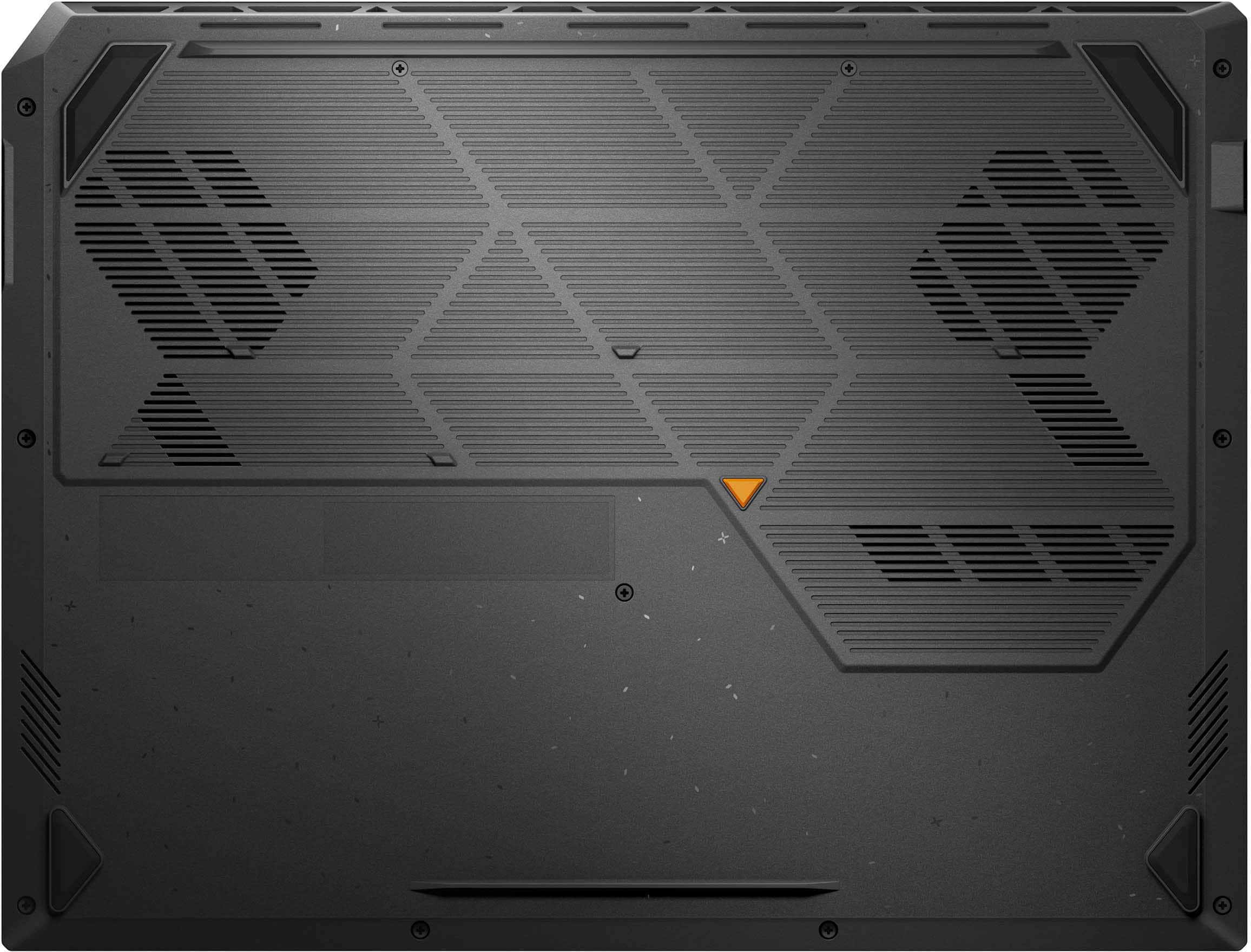
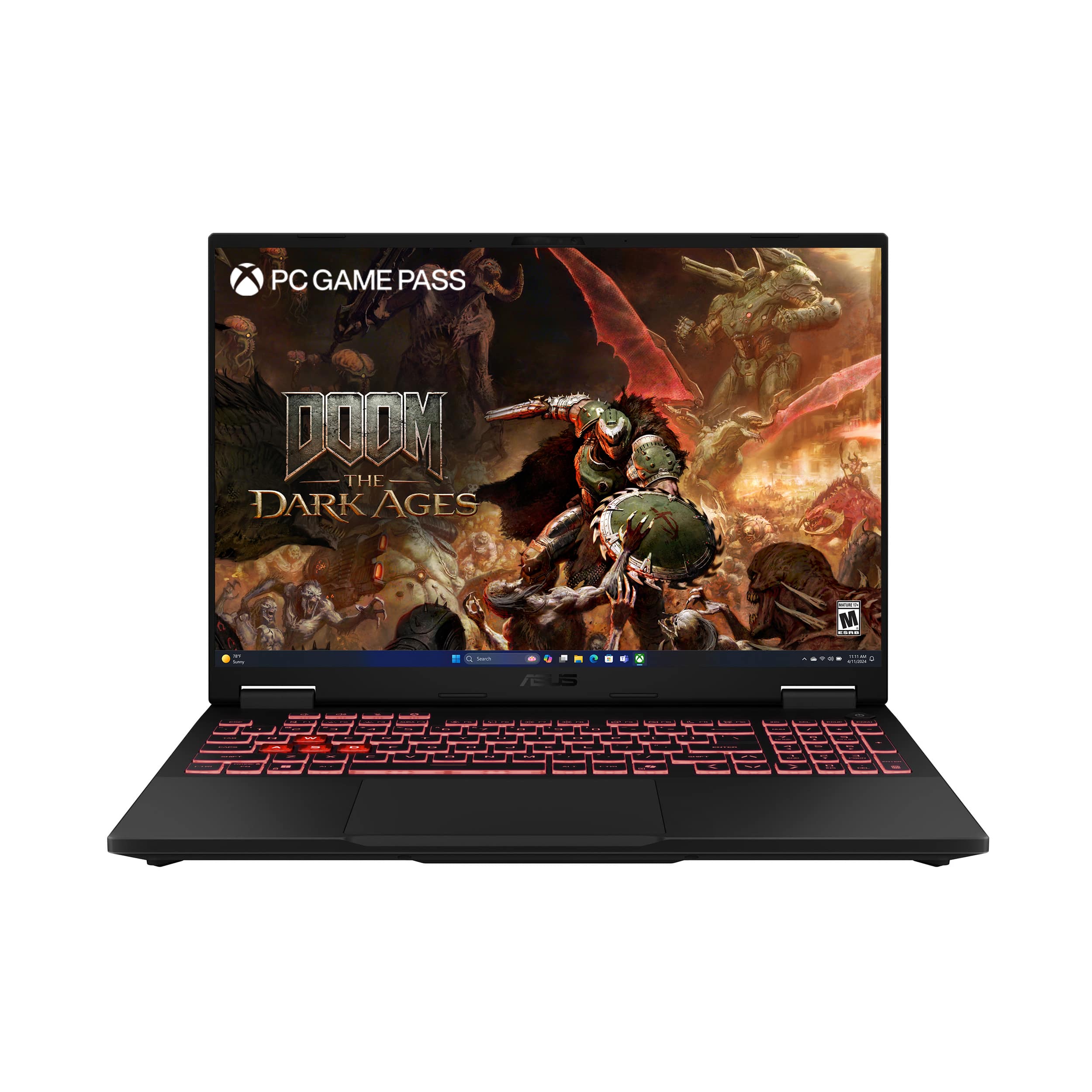
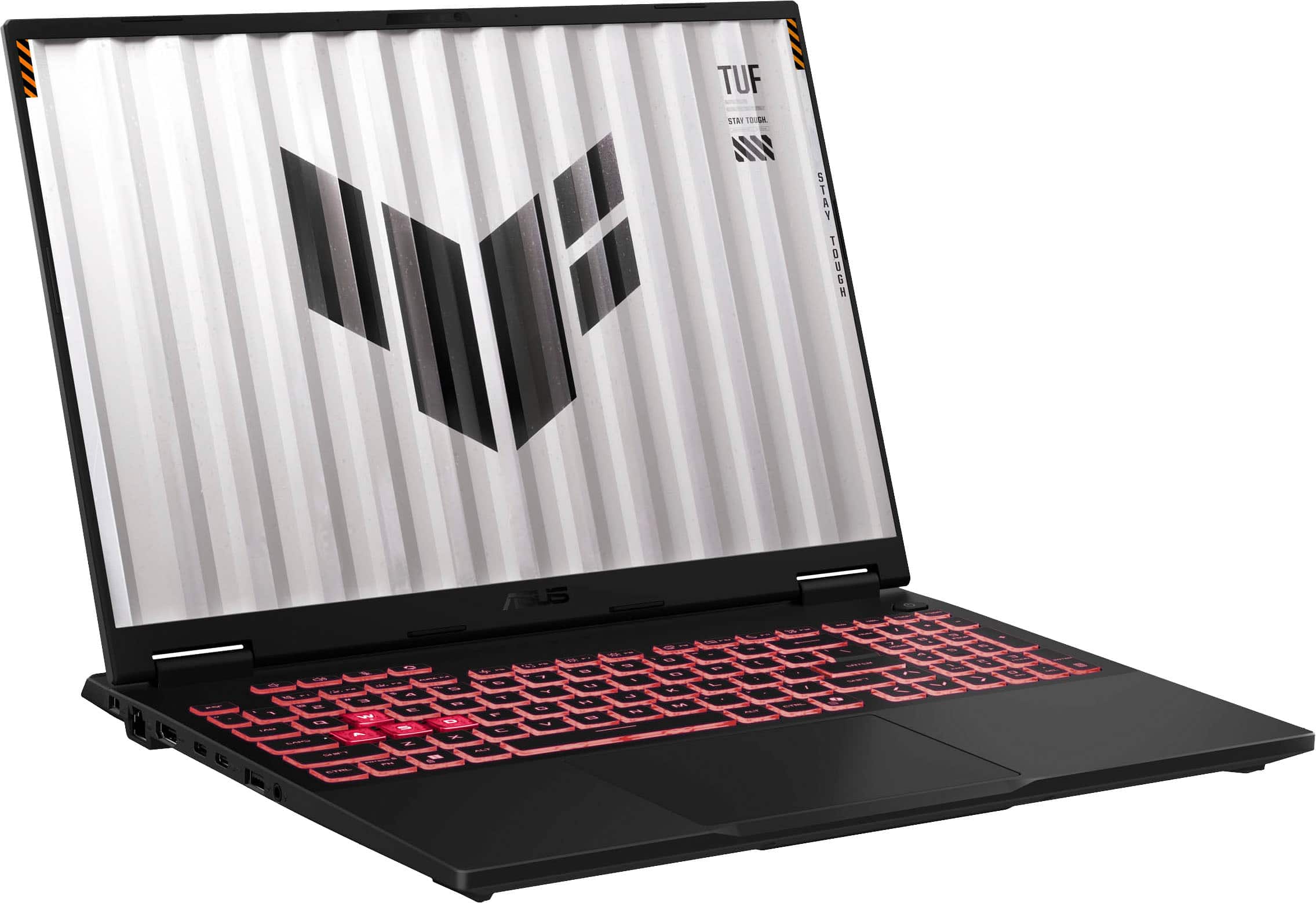
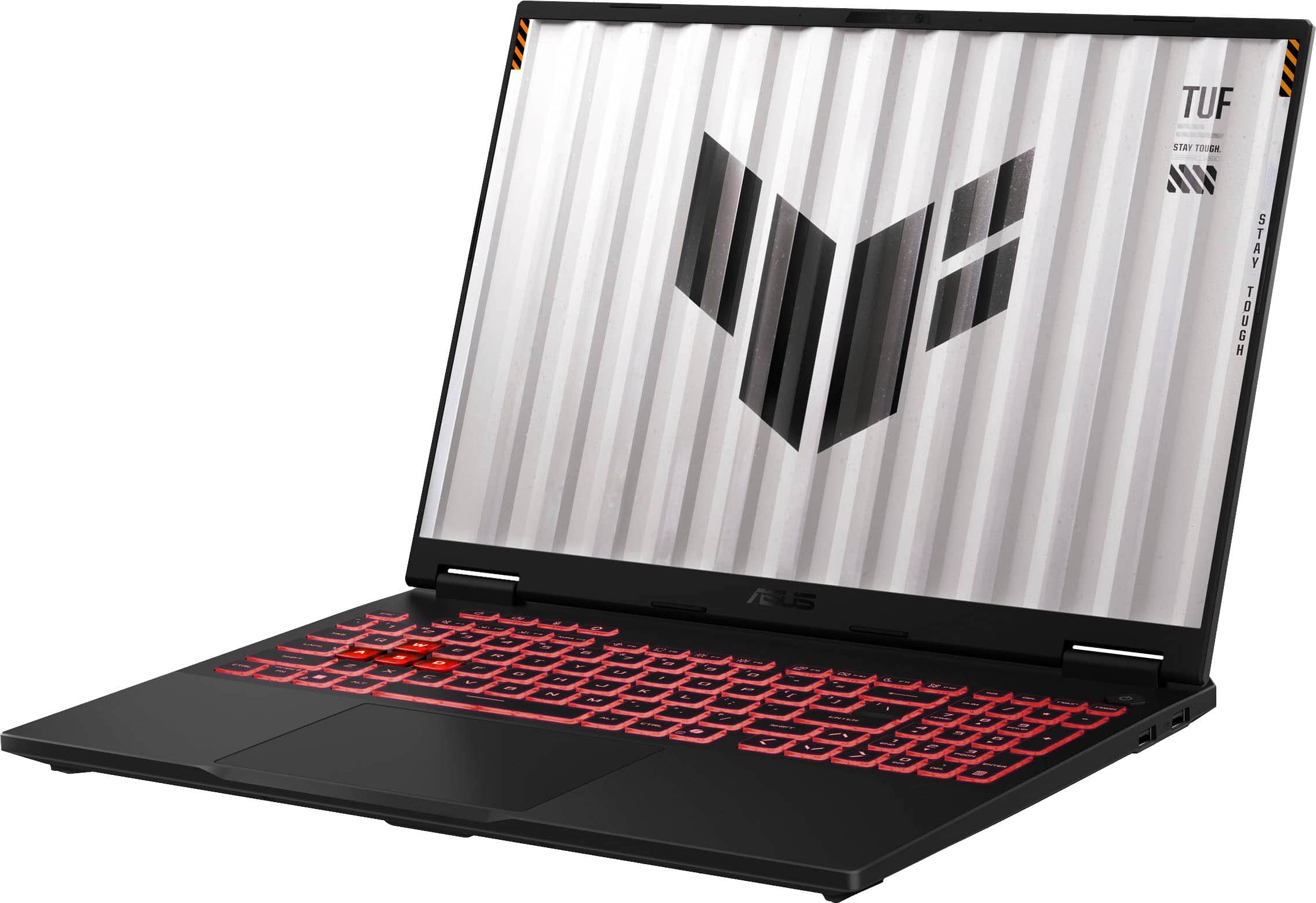
A:Answer To improve the touchpad responsiveness and stability, ensure the chipset and touchpad drivers for this laptop are installed. Updates for this laptop are posted at: https://www.asus.com/laptops/for-gaming/tuf-gaming/asus-tuf-gaming-a16-2025/helpdesk_download?model2Name=FA608UP . Additonally, ensure WINDOWS is up to date. If you are accessing cloud games or web applications, ensure this laptop has access to an established router and internet service is working properly since this will affect the responsiveness of the touchpad. Should you need further assistance, you are most welcome to call Product Support Hotline at: 1(888) 678-3688. Also, you can chat with an ASUS live support agent from the link: https://www.asus.com/us/support/article/1135/.
![TUF ... Foos 1 SA 1OUok T P .. re V ALMA A .. 0 .. F - A .. ... I ! - .. PP - - - 1 1 1 E S 4 % S A 5 & 7 . B I 9 - O - - / - 1An Q W E R T Y U I O P 4 [ I ] I 7 H.- B a 9 - EAP A S D . F G H J K L 1 ; - ENTER 4 - 5 b + UPT Z x C V N M . - 1 / SET 1 N e - .- HIE CIM - de .. - ALT ALT LIM - ...](https://pisces.bbystatic.com/image2/BestBuy_US/images/products/26287391-efce-470e-a8af-91d3197bdabd.jpg)