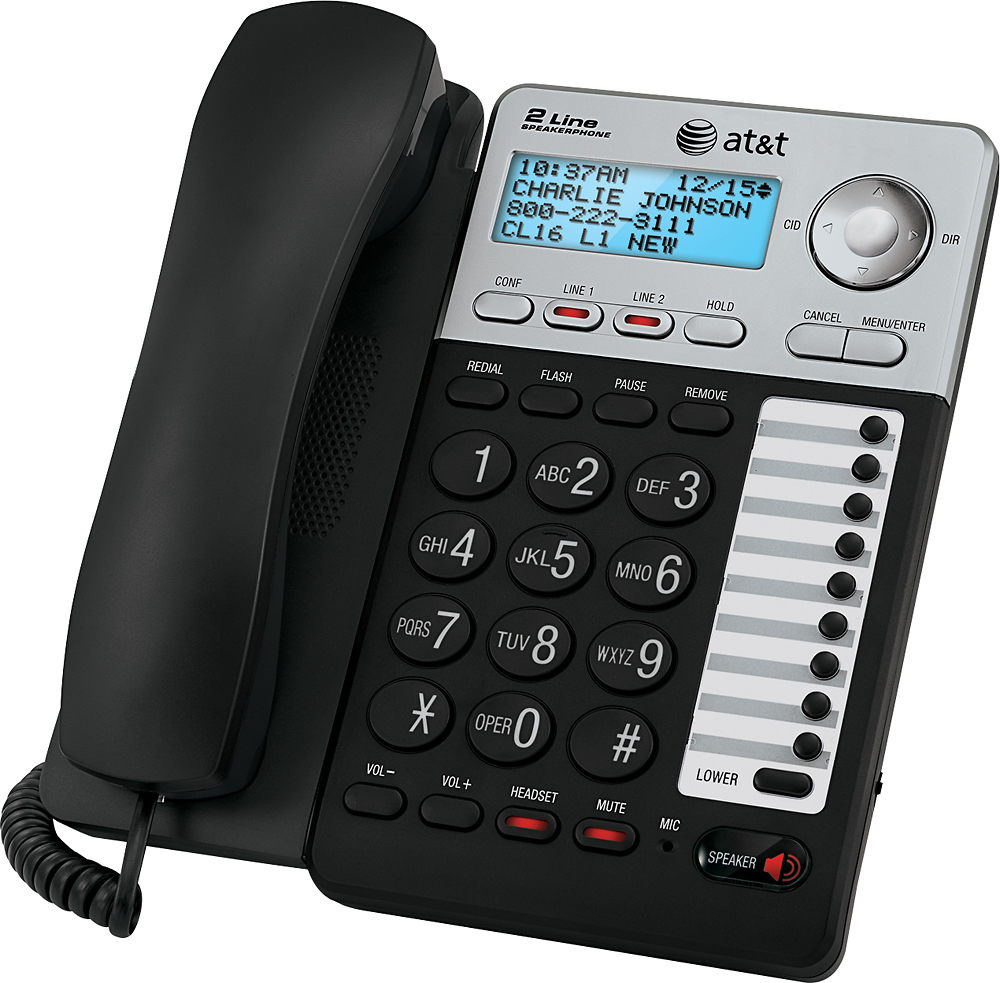
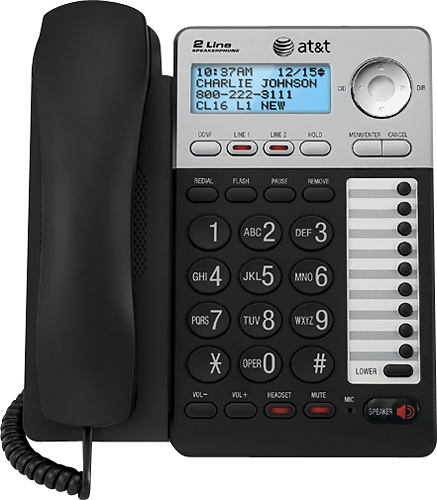
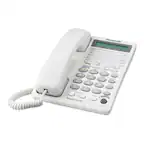
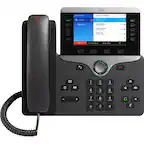
A:AnswerIf the LCD display is blank then either the phone is defective, the power supply is defective, or the power supply isn't plugged in. If it occured after a power loss I would check the power supply first and make sure that the outlet in which you have it plugged in still works (ie, surge protector hasn't failed)
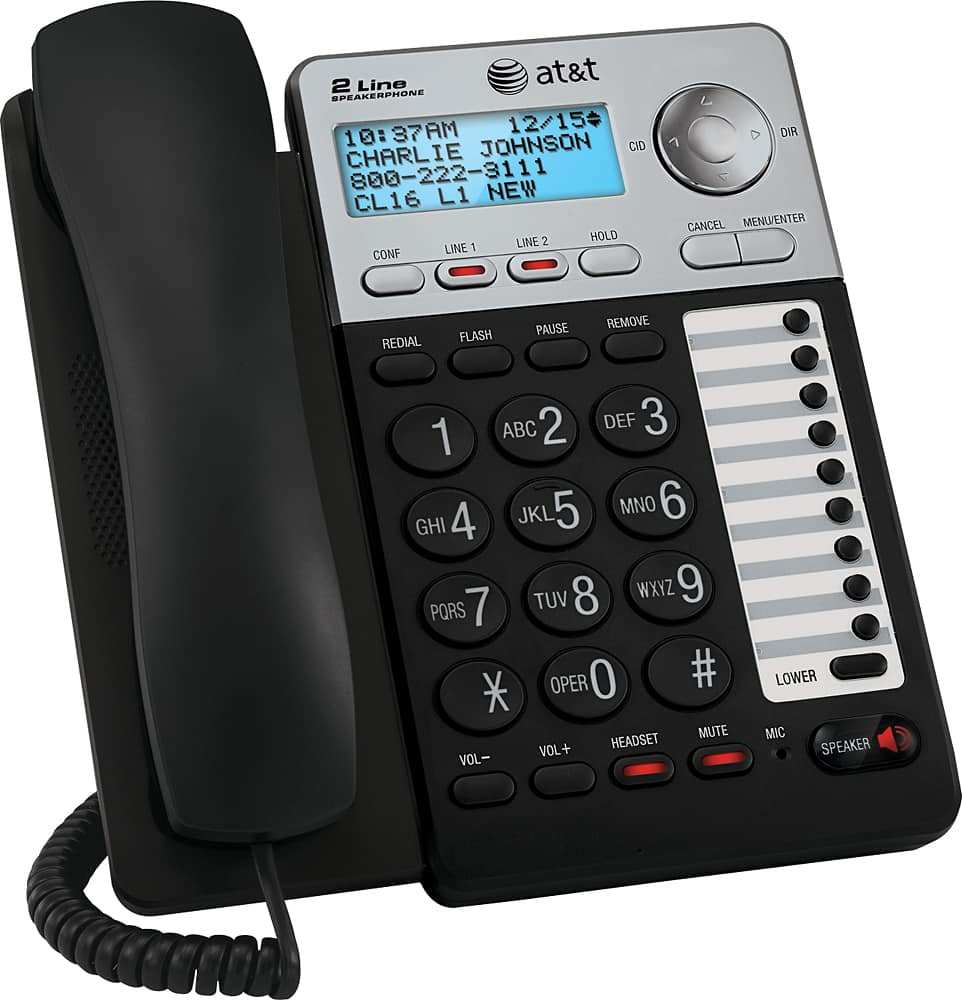
A:AnswerPick up the receiver and if you hear a beep,beep you have a message, click on *99 and it will tell you that if you want to listen to your messages click on the 1 button and listen and follow the directions for deleting or saving the message
A:AnswerUnless you have a conference call package from your phone company, then yes you would have to use both phone lines and then bridge them together. While you are on one line with the first party, press the other line button (which will put the first one on hold) and make the call, then press the CONF button to join the two calls together.
A:AnswerHi. We bought this phone about a month ago. But we don’t use the memory functions in our office. So I don’t know the answer to your question.
Here is a link to the manual:
https://att.vtp-media.com/products/ML/ML179XX/ML17929_CIB_i6.0_20170105.pdf