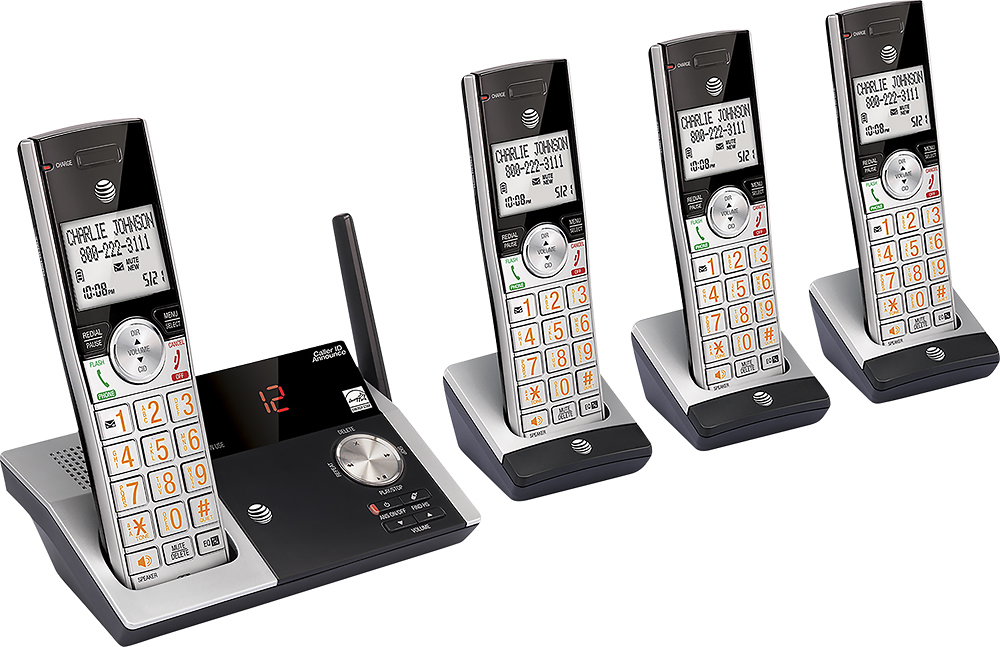
A:Answeryes, if you bought all the phones as one package. If you buy add ons separately, they only clear the ones. the one package ones will clear all those in that package and the add ons will only clear the add ons.
A:AnswerYes. There is a setting called "auto talk". When you turn it on in the settings, you answer the phone just by picking it up from the base or charger. When the call is over, you simply put the phone back on the base or charger and it turns off. You never have to push any buttons .
A:Answeryes if someone picks up the original call, anyone in the home can pick up a different phone and join in the conversation or the original phone receiver can be hung up. I also believe the phones can be used outside though I have not done this. If you are going to work in the yard, you could put a receiver in your pocket to take a call. I am not sure how far from the main receiver this work. I am guessing the conditions in each home would cause a different distance.
A:AnswerCaller block ("Blacklist") is a function of the Telo system - not handset specific. Premier upgrade is required. Numbers are entered using the online interface - no apparent limit. Wildcard accepted, so 212* will block all of Manhattan NY. 212-300* will block numbers starting...well, you get it. Sweet! Can also enable Community and Expanded (by Nomorobo) blacklists to block known problem numbers. Extra Sweet!