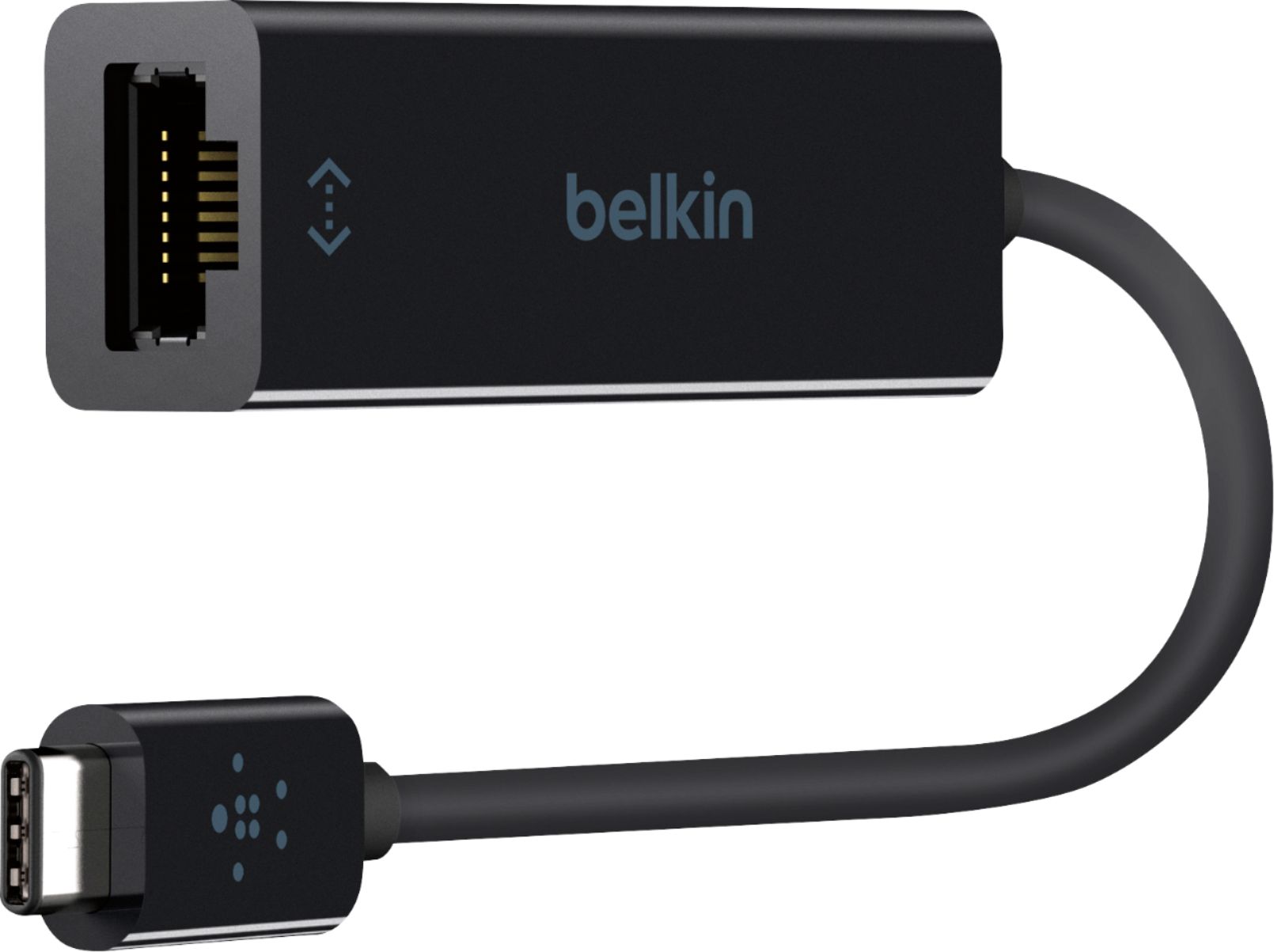
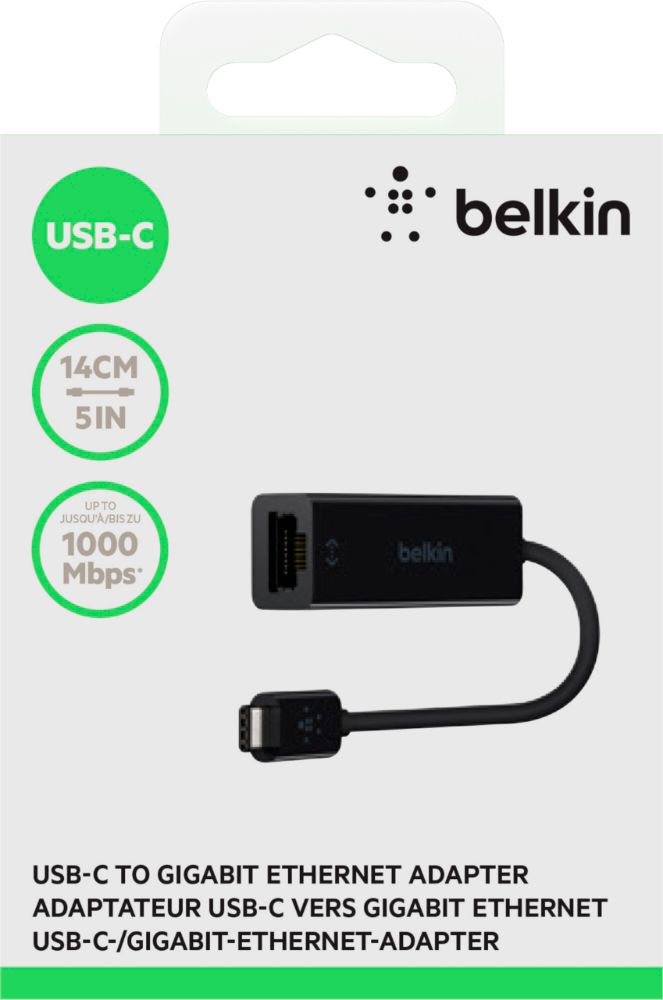
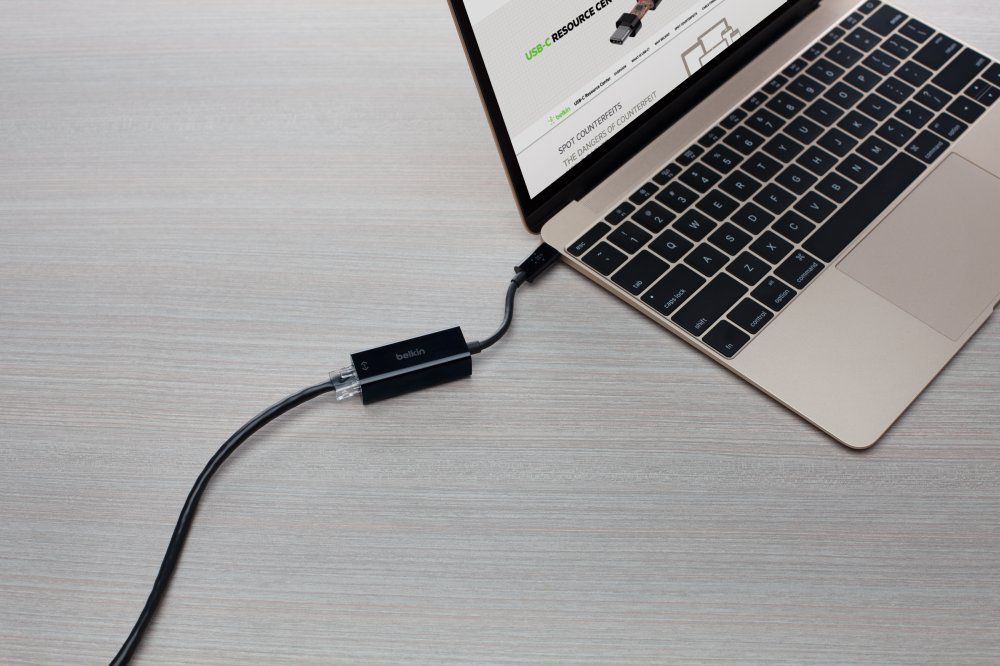
A:AnswerAndroid and iOS both support ethernet connections, so as long as your device has a USB-C port this adapter should work. That said, I have only used it with my MacBook Pro.
A:AnswerYes, you still need an ethernet cable to connect this adapter to the outlet in the wall. This adapter requires a usb-c port on your computer (Mac). Make sure you have a usb-c port. There are different ethernet adapters for USB 2.0, USB 3.0 and Thunderbold.
A:AnswerI am writing an update to my question ... I DID contact Belkin and it turns out that this specific adapter HAS NOT BEEN TESTED ON ANY WINDOWS 10 MACHINE YET! I bought this adapter based on the information detailed on the Best Buy website that says it works on Win10 machines and this is FALSE, as per Belkin. May this be a warning to other Win10 users to NOT BUY THIS ADAPTER. And to Best Buy to please update the misleading info on their website. Hoping to be able to return this adapter for a full refund ...
A:AnswerBelkin site only lists compatibility with Dell and MacBook.
I would bring the Chromebook to BestBuy and test it there; If some device appears, event if it is unplugged, it should be an indication that it works.
Belkin reference:
https://www.belkin.com/us/p/P-F2CU040/
A:AnswerNo, Belle. This adapter has only been tested to work with USB-C computers. Moreover, we currently don’t have an Ethernet adapter for Android devices.
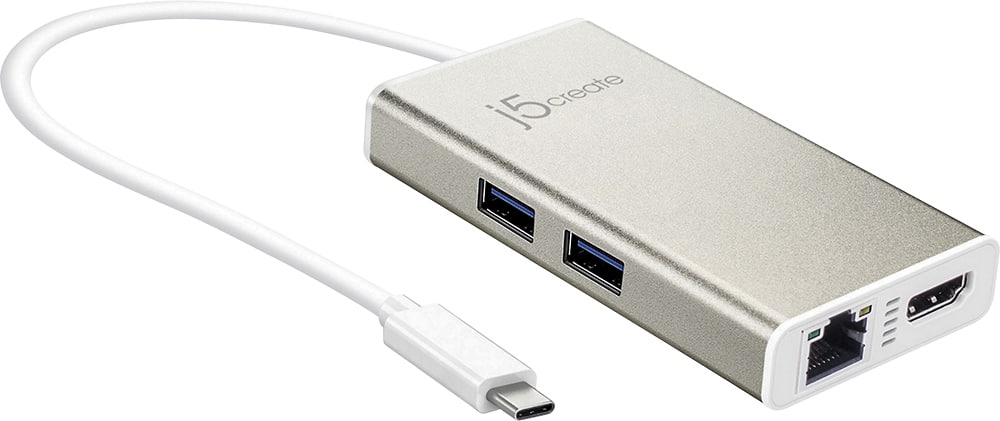
A:AnswerYes. What you're after is called a "display adapter" and there are great options available almost everywhere ranging in price from $10-$80. The cheaper solutions essentially convert a USB port to either a DVI, DisplayPort, VGA or HDMI port. If you want versatility - the ability to use more than one or even multiple simultaneously and have additional ports as well (a hub) - then the price goes up. If your laptop supports it, make sure that the USB adapter uses USB-C. You'll get the best performance out of it.