Questions & Answers
- Model:
- BE-PKRFCO
- |
- SKU:
- 6434809
Highly rated by customers for: Keyboard Quality, Price, Ease of use
$19.99Your price for this item is $19.99
Page Showing 61-72 of 72 questions
Q: QuestionWill this work with Chrome operating system?
Asked by DigDoug.
- A:Answer It works with mine.
Answered by wwkent
Q: QuestionWill this work a with a ps5?
Asked by Ps5.
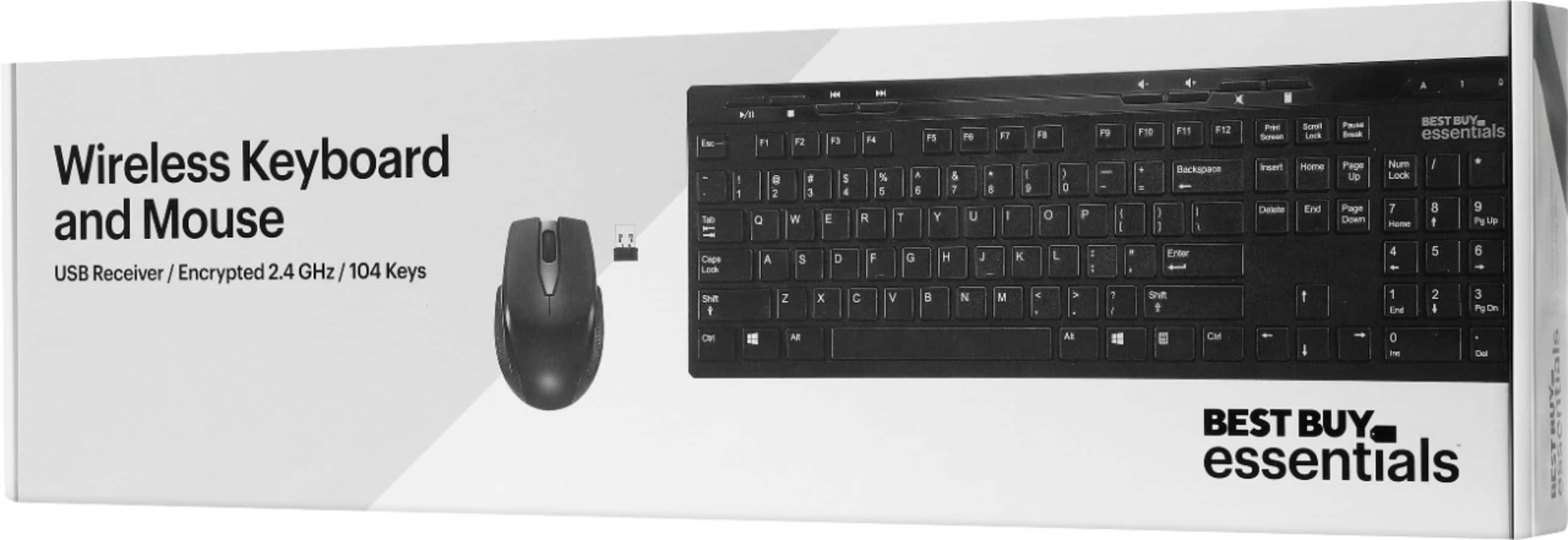
- A:Answer This bundle works with Windows 10 or macOS.
Answered by BestBuyEssentialsSupport Team
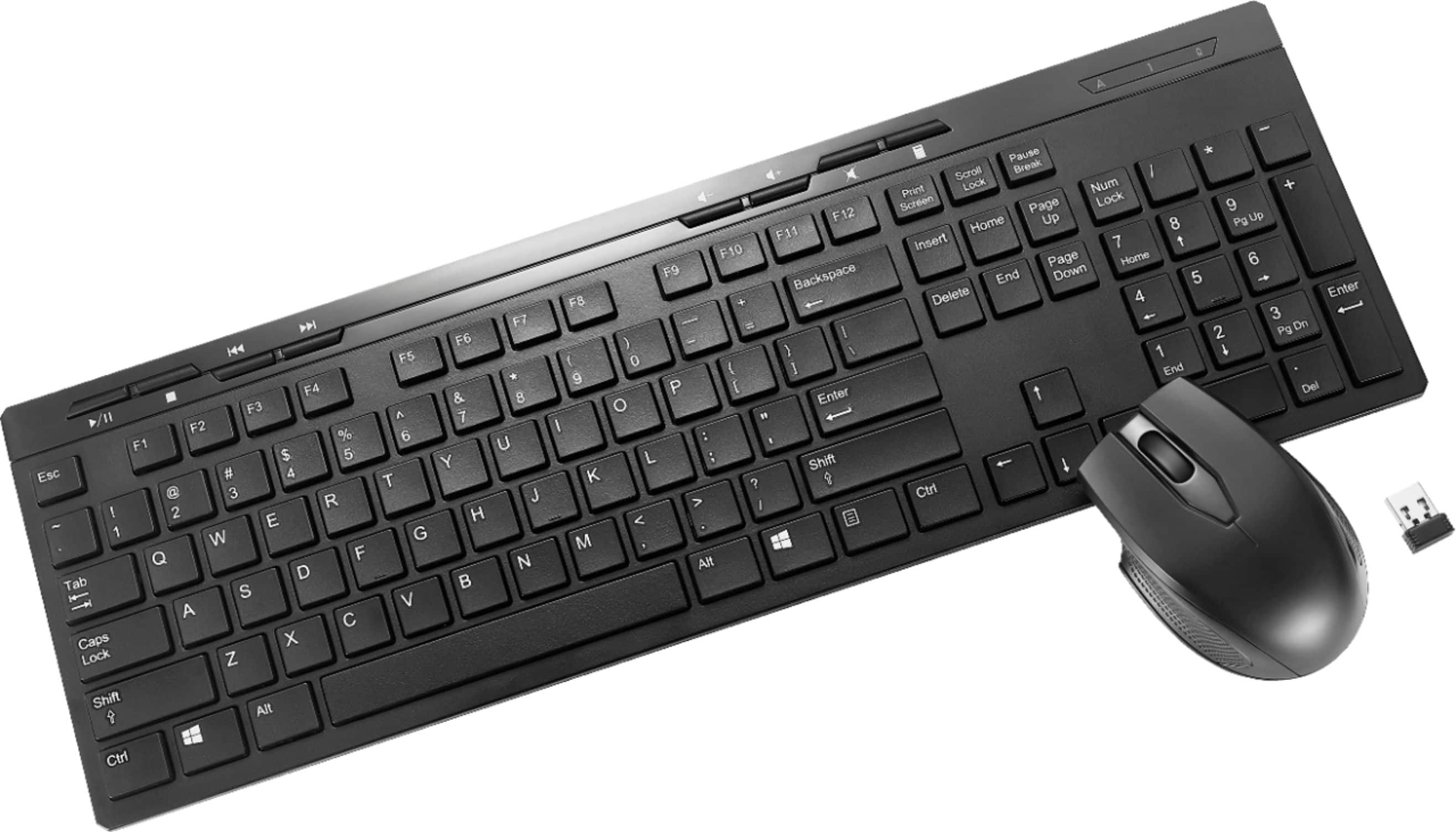
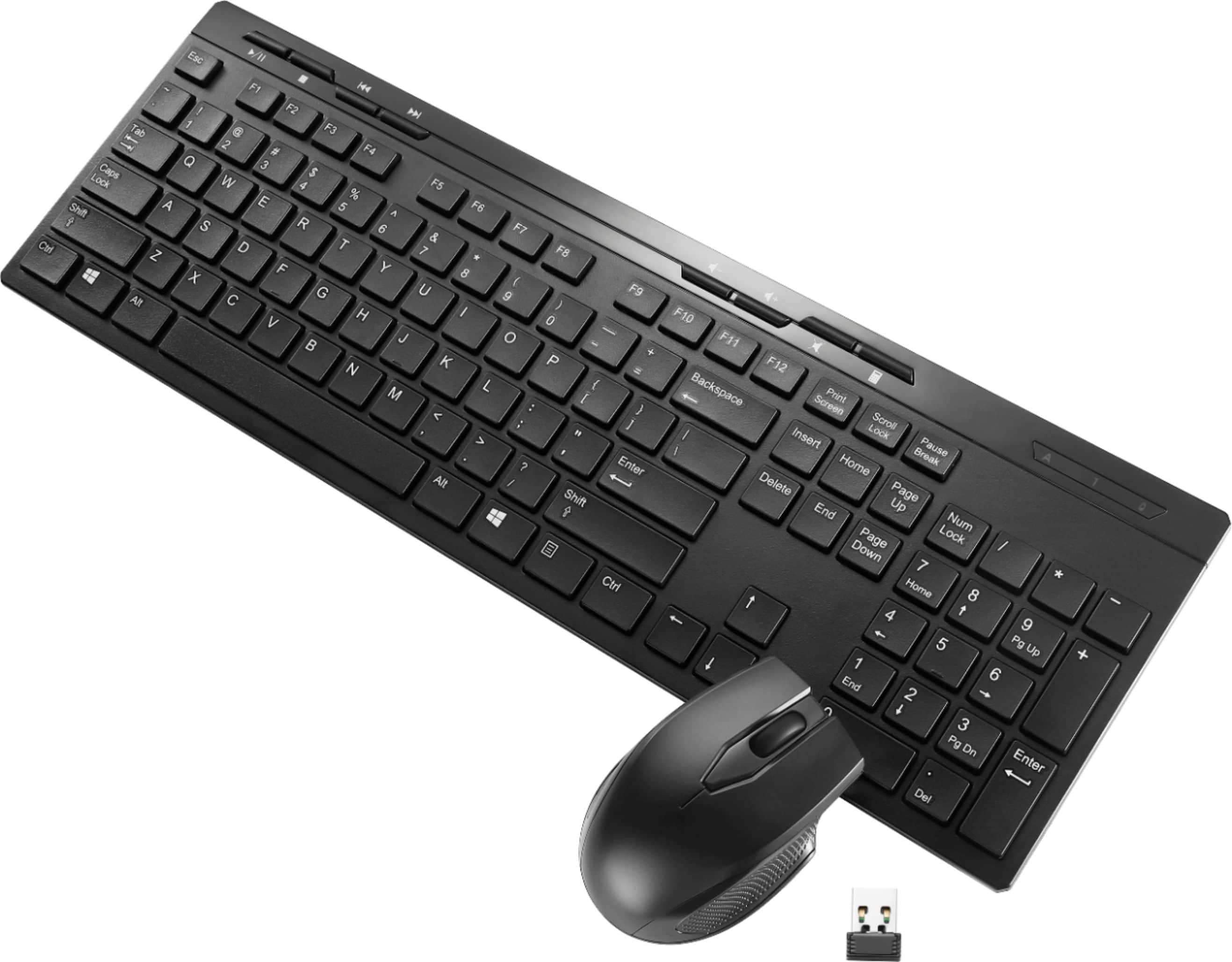
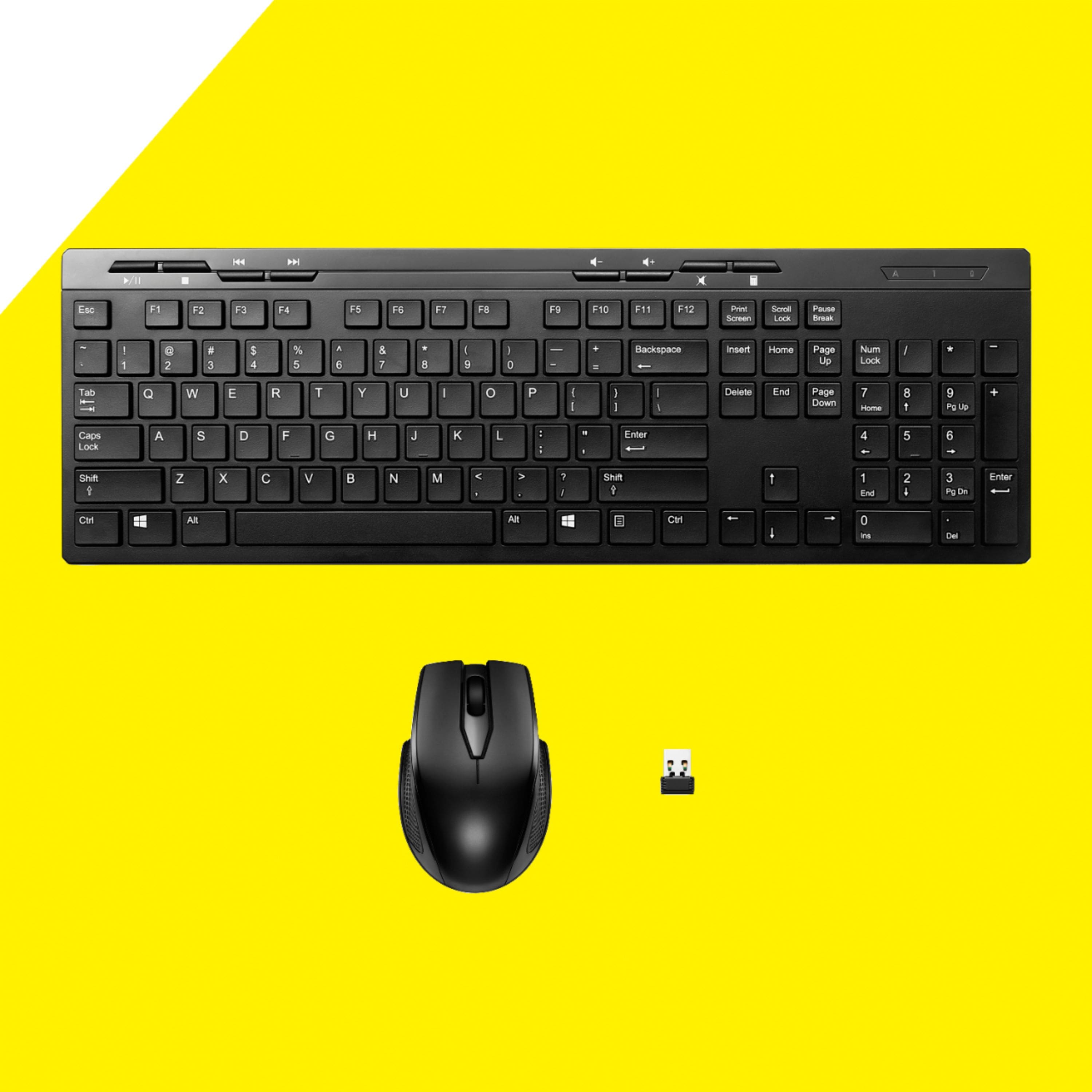
Q: QuestionHow do you fix when lower keys/number pad keys stop working as reported by multiple buyers? I have to pop keys off and jam a pen on the pad to move it around and pop keys back on... numerous times a day. Would be the perfect keyboard, if the keys worked.
Asked by JA17.
- A:Answer This product has a 1 year warranty, for customer service, please call 866-597-8427
Answered by BestBuyEssentialsSupport Team
Q: QuestionHow far away can the mouse and keyboard be from the computer? I'm hoping to use these for a tradeshow and we may be 3-4 feet away from the computer. One review said you needed to be within 2 ft.
Asked by Michelle.
- A:Answer The operating distance: 33 ft. (10 m).
Answered by BestBuyEssentialsSupport Team
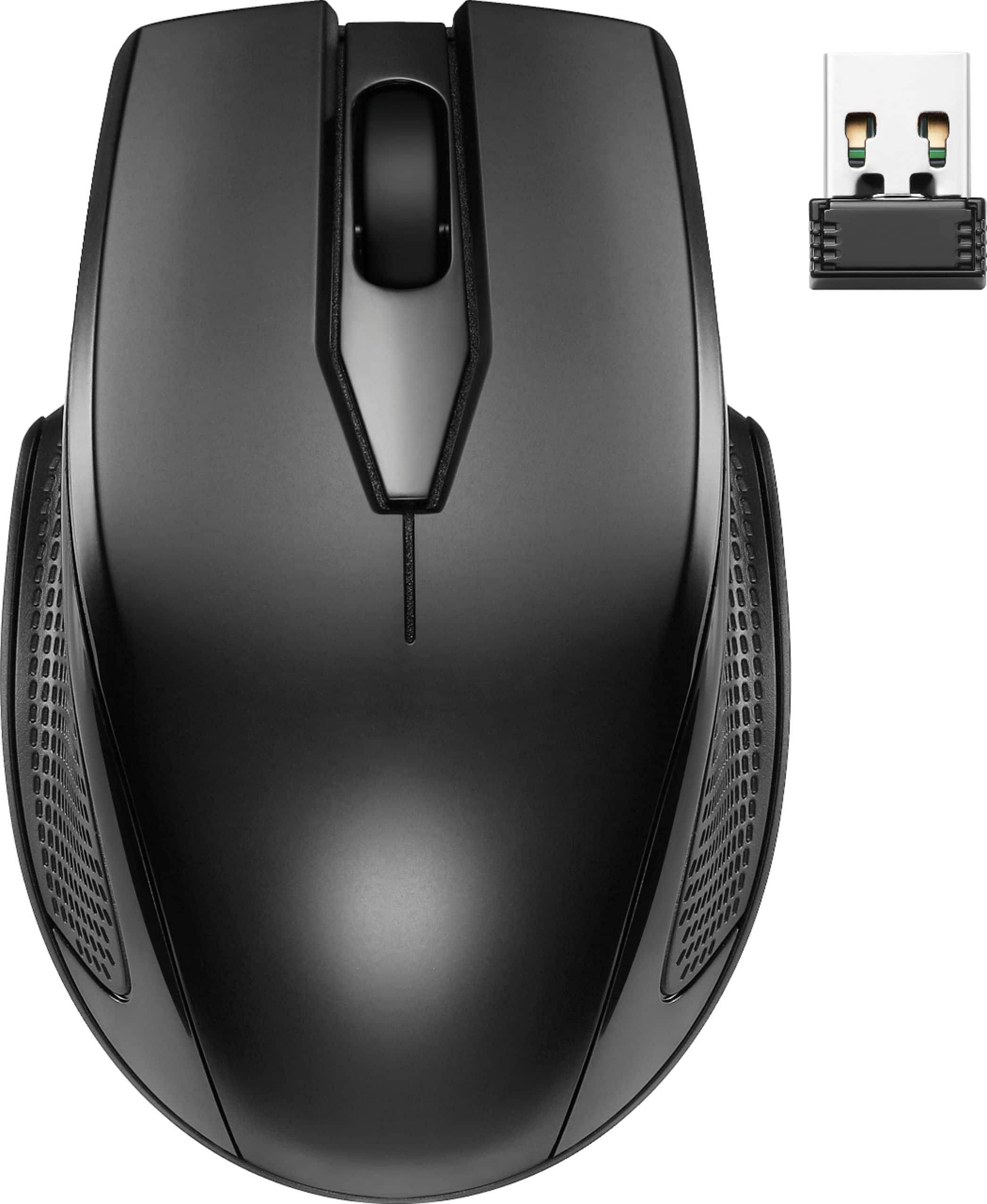
Q: QuestionDoes the mouse have thumbrest?
Asked by Anonymous.
- A:Answer I would say it has an indentation which is supposed to be a thumb, but you pay for what you get.
Answered by Gunslinger
Q: QuestionDoes keyboard and mouse have power buttons? Typically how long the batteries lasts for?
Asked by Andy.
- A:Answer mouse does have power switch key board does not , keyboard is more of an automatic, as far as longevity of the batteries , I use this key board n mouse 7 days a week so far impressed with the longevity of the batts. the quality of batteries have a lot to do with longevity also of course.
Answered by bobnmartha
Q: QuestionI need to replace an Insignia NS PNC 5011. Will this work?
Asked by captjack.
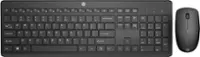
- A:Answer Plug the nano receiver into the USB port on your computer. Slide the ON/OFF switch on your mouse to ON. The computer automatically detects the mouse and keyboard and you can immediately begin using them. Here is the link for the Quick Setup Guide: https://files.bbystatic.com/fbfEz%2FBH7KIpzGxtqMYCHw%3D%3D/Quick%2Bsetup%2Bguide
Answered by BestBuyEssentialsSupport Team
Q: Questioni got this and i lost receiver immediately are there any alternatives to using one that didnt come with the combo
Asked by brianna.
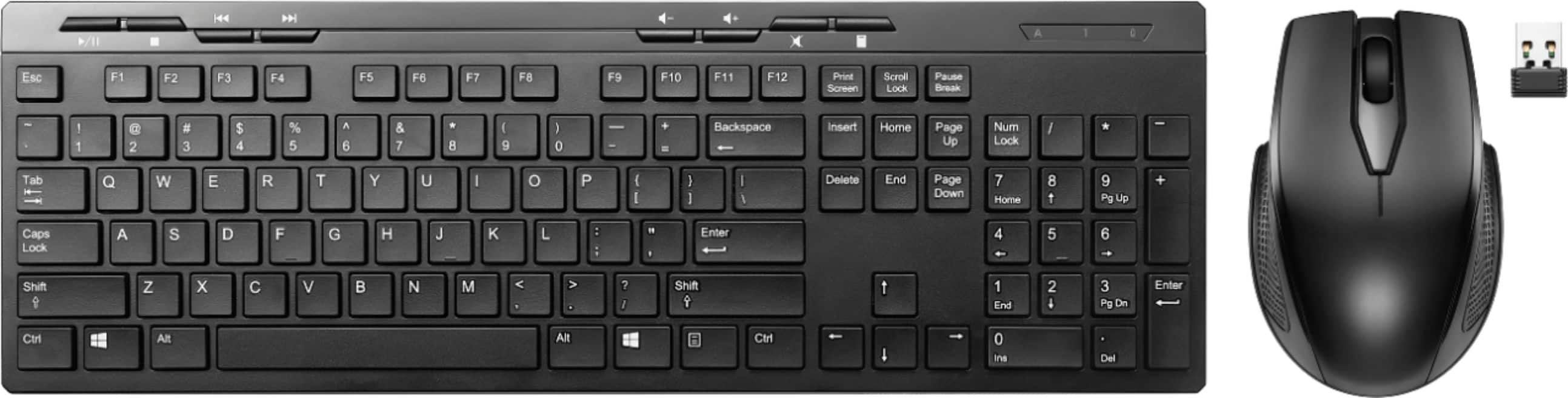
- A:Answer Did you look inside the mouse for the USB Receiver? When you open the battery door on the bottom it exposes a little pocket where someone can store the USB Receiver. While it's a cool feature, a downside is that if someone opens the door and is not specifically looking for the receiver they likely will miss it. It's also not easy to fish out meaning someone may think it's part of the mouse. The photo shows the USB Receiver which is the black rectangle that is above the ➕ sign on the battery.
Answered by Anonymous
Q: QuestionHow do you lower the sensitivity, mine is so high. thanks.
Asked by Ian.
- A:Answer I'm not 100% if the mouse has sensitivity buttons on the thumb side of the mouse but you can always go into settings and adjust the sensitivity there those instructions are as follows 1. Click windows icon 2. Click settings cog lower right corner. 3. Click Bluetooth & devices 4. Scroll down click mouse 5. Adjust sensitivity here or click additional setting for more options.
Answered by Mike
Q: QuestionWhy does the number keypad not work? Tried number lock with light on and off.
Asked by Malice.
- A:Answer That is an issue with a setting on your computer or a "hidden" feature in the keyboard if I remember right hold the function key and and press the numloc the numlock button will make it work again or try turning off mouse keys in your computer setting. If that doesn't work try holding the numloc key for up to 10 seconds... Check to make sure all your drivers are up to date and lastly unplug it disconnect all power to the keyboard (remover batteries/unplug USB cords) let sit for a few seconds then connect everything and try again
Answered by Mike
Q: QuestionMy package came with two Spanish manuals, no English. Where can I get the English version?
Asked by Ben.
- A:Answer The Quick Setup Guide is available under the Overview section. Here is the link: https://files.bbystatic.com/fbfEz%2FBH7KIpzGxtqMYCHw%3D%3D/Quick%2Bsetup%2Bguide
Answered by BestBuyEssentialsSupport Team
Best-selling keyboard and mouse combos
- $41.99Your price for this item is $41.99$59.99The comparable value for this item is $59.99
- $69.99Your price for this item is $69.99$99.99The comparable value for this item is $99.99
- $19.99Your price for this item is $19.99
- $24.49Your price for this item is $24.49$34.99The comparable value for this item is $34.99
- $62.99Your price for this item is $62.99$89.99The comparable value for this item is $89.99
- $46.48Your price for this item is $46.48
- $34.99Your price for this item is $34.99
- $49.99Your price for this item is $49.99
- $23.39Your price for this item is $23.39$29.99The comparable value for this item is $29.99
- $17.99Your price for this item is $17.99$19.99The comparable value for this item is $19.99
- $119.99Your price for this item is $119.99
- $39.99Your price for this item is $39.99$59.99The comparable value for this item is $59.99
- $119.99Your price for this item is $119.99
- $21.99Your price for this item is $21.99$24.99The comparable value for this item is $24.99
- $24.99Your price for this item is $24.99$27.99The comparable value for this item is $27.99
- $35.00Your price for this item is $35.00