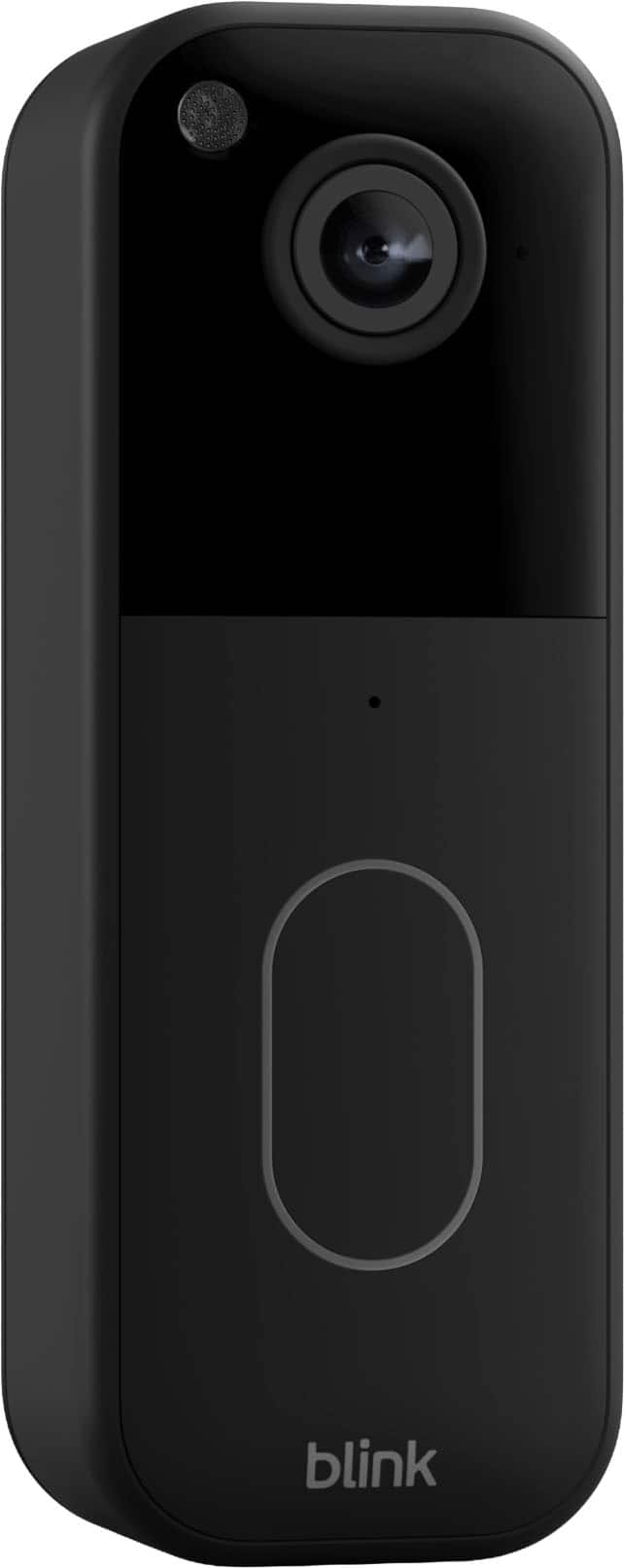
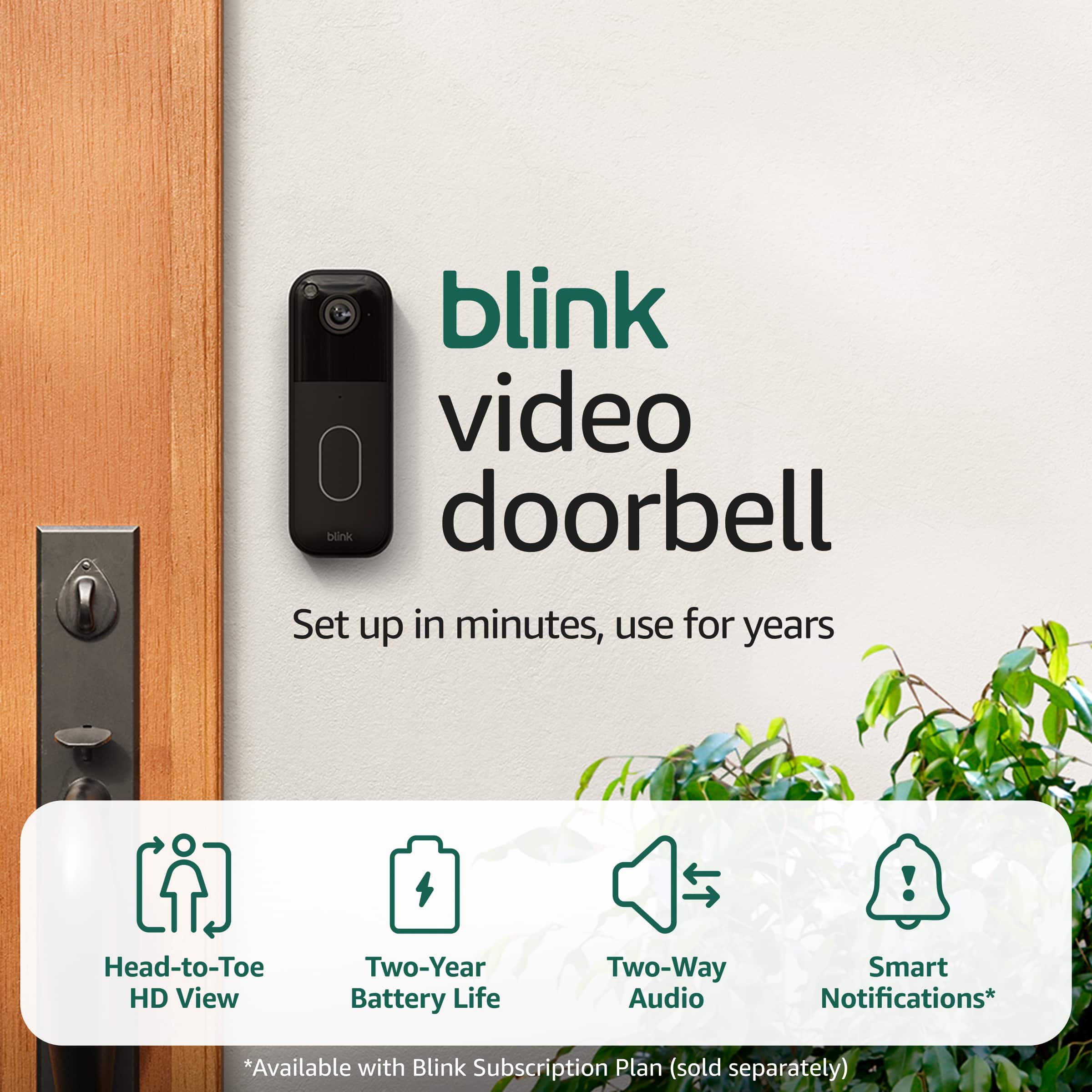
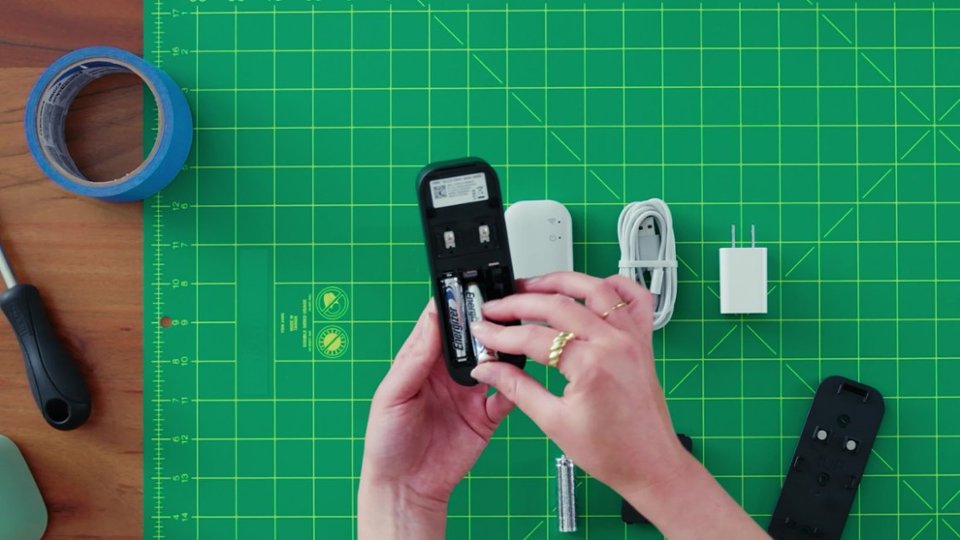
A:Answer To hard‑wire your Blink Video Doorbell, you connect it to your existing doorbell wiring so it can ring your indoor chime when someone presses the button. Here’s the basic process:
Turn off power at your home’s breaker before you start — this is very important for safety.
Remove your old doorbell button and the existing wiring.
Use the wire extenders included with the Blink Video Doorbell to connect your home’s low‑voltage doorbell wires (typically 16–24 VAC) to the terminals on the back of the Blink doorbell.
Mount the back plate and doorbell to your wall using the included screws and anchors.
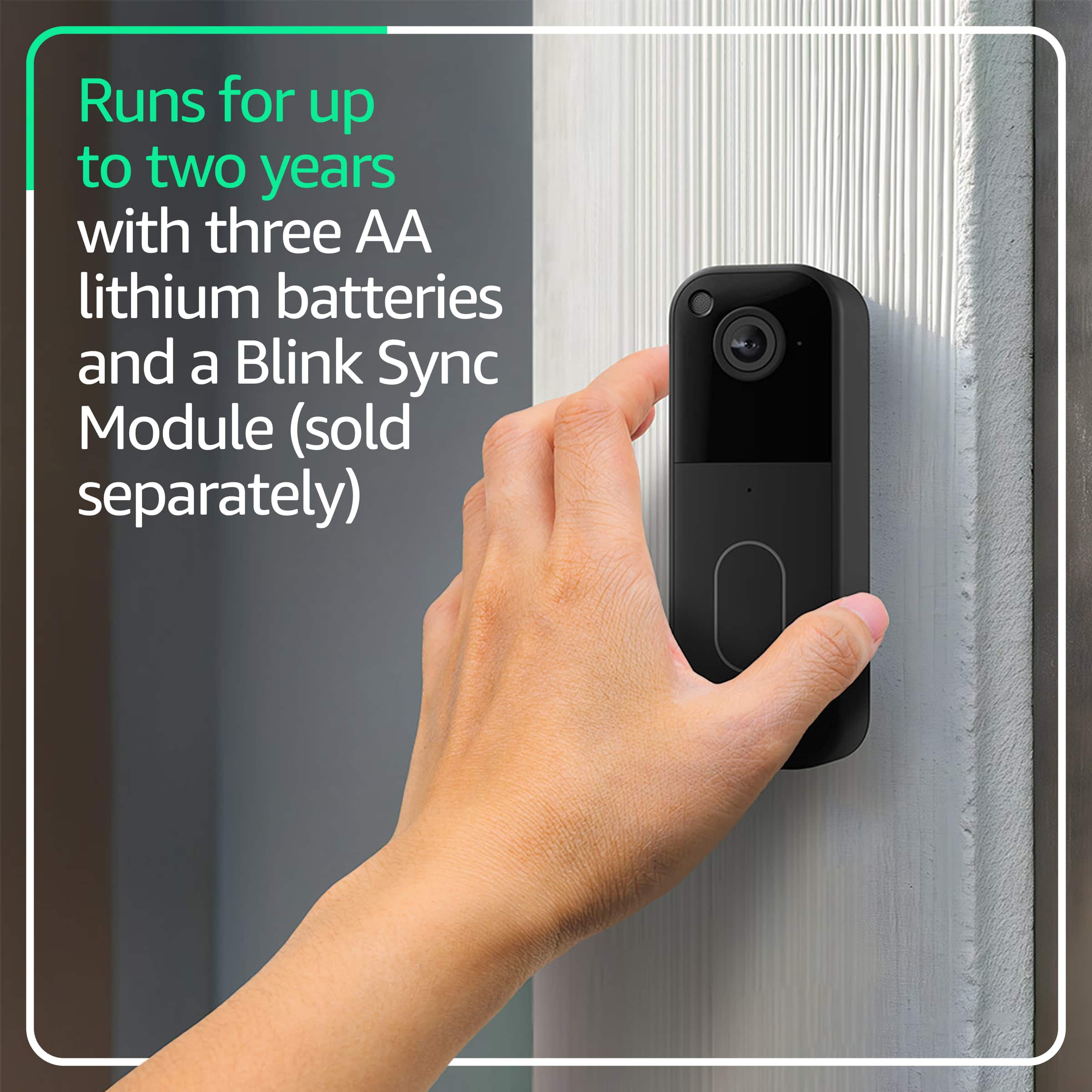
Restore power at the breaker, then finish setup in the Blink app. The app will help you confirm wiring and chime compatibility. Even when wired, the Blink doorbell still uses its internal batteries to operate.