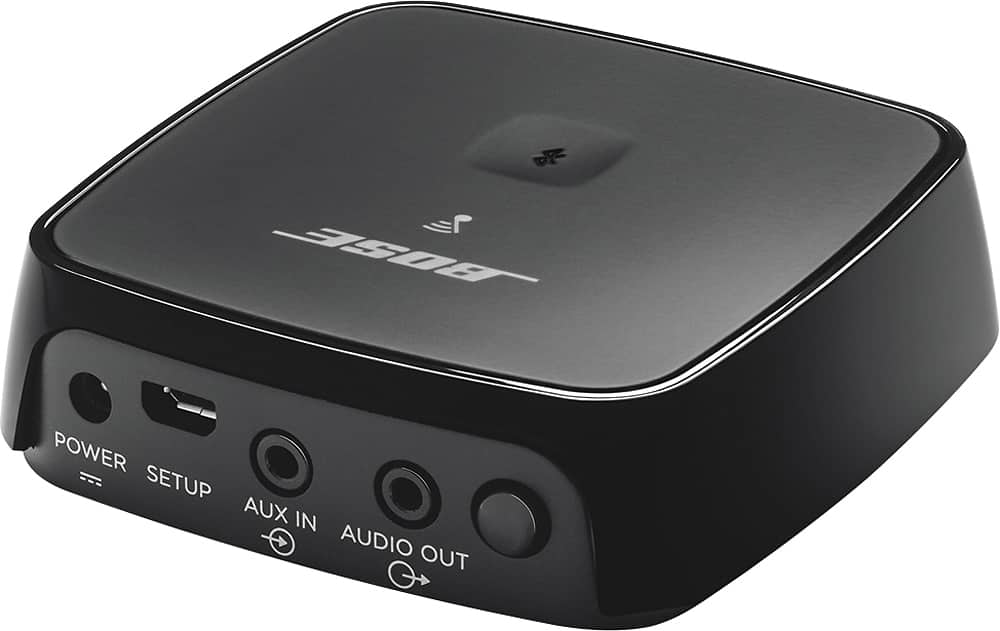
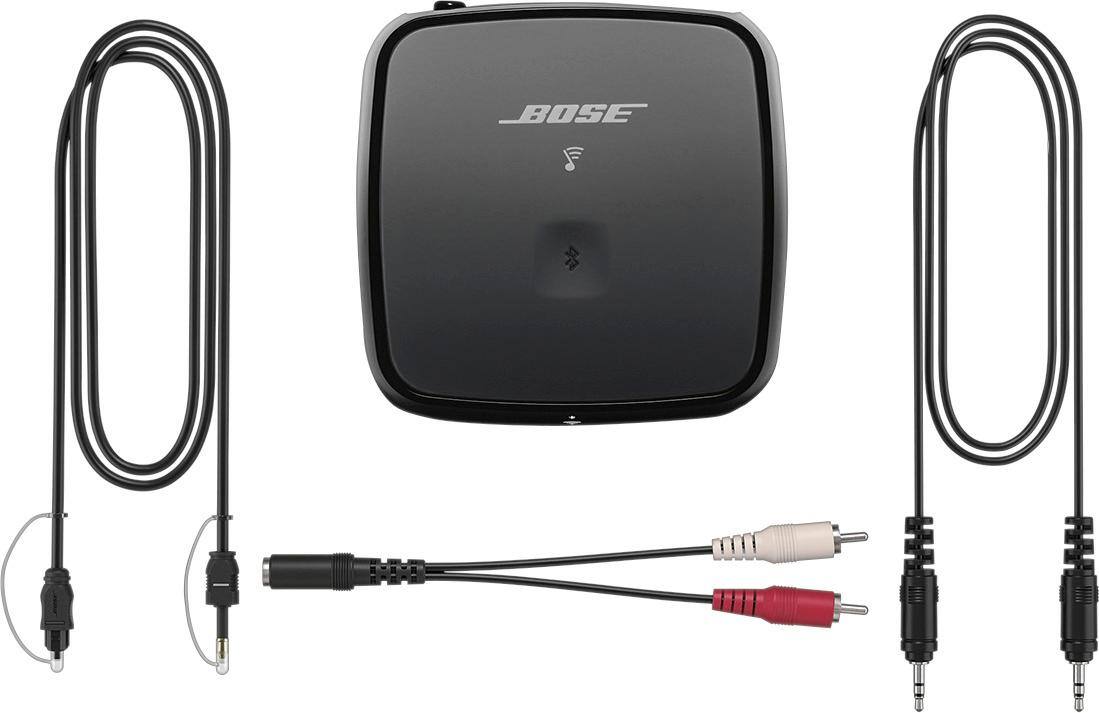
A:AnswerYES-this Bose Bluetooth OR WIFI adapter will work just fine with any stereo system no matter how old it might be just as long as it has and aux input jack.
A:AnswerYes you can. This is what the Bose wireless link is designed for. Connect the Bose wireless link to your receiver using the provided optical or RCA audio cables & set your Yamaha to the source of that connection. The wireless link will receive the music stream wirelessly & play through your receiver. Using the SoundTouch app you control the stream & volume level of your receiver speakers & Bose Bluetooth/Wi-Fi speaker(s) independently.
A:AnswerShort answer is yes! I own an Onkyo NR-TX 636 Receiver which I have the SoundTouch Wireless Link Adapter connected to through the RCA cable. Plus I own SoundTouch 120, two 10's and 20 as well as the link adapter. They all work great together throughout my home.
You can hook up your CineMate 2.1 through the RCA cable on the back of your headunit. All the cables are include in the box of the adapter including the RCA cable adapter. Below is from Bose Website concerning the SoundTouch Wireless Link Adapter working with older Bose systems.
"The adapter has three common outputs (optical, AUX and RCA), so anything that supports one of them can become a SoundTouch wireless music system. Most stereo systems, home theater systems and docking speakers are compatible—so chances are, what you have in your living room will work after a quick plug-in and setup. Already own a Bose system? Many of them are compatible, too, including most Lifestyle, CineMate, Wave, SoundDock and SoundLink products."
I hope this helps.
PS I own two SoundTouch Wireless Link Adapters, one is in my son's room.
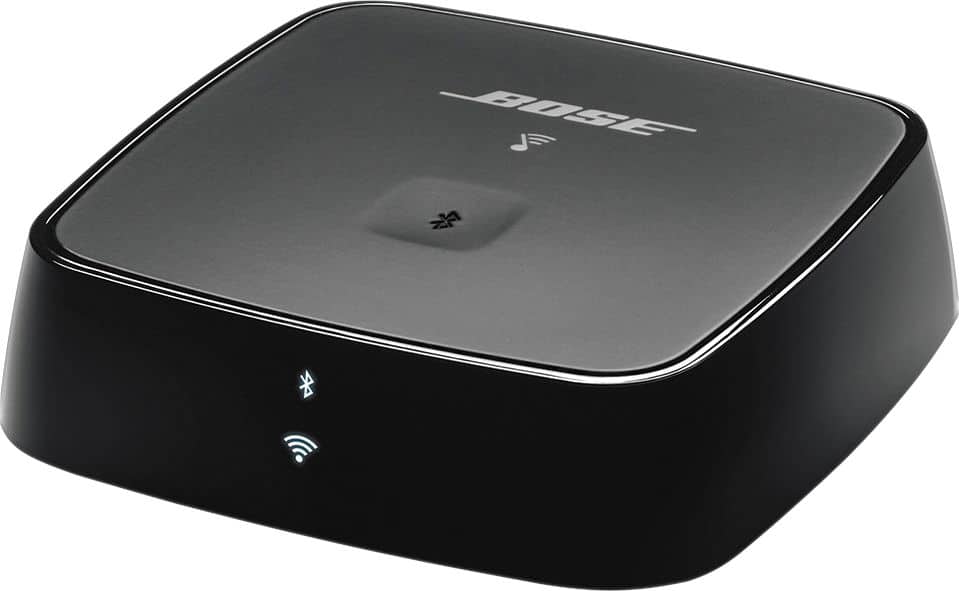
A:AnswerCam my. This adapter is for WiFi which will send whatever you have stored on your Bose to a WiFi speaker. We have the “Lifestyle” Bose that we have downloaded some 200 CD’s and listen to them remotely using this adapter. Hope this helps.
A:AnswerHi, intrepidagent.
Thanks for your interest in the SoundTouch Wireless Link adapter! You can absolutely connect the adapter to your 321 system. The Wireless Link adapter will connect to the back of your 321's media center using the red and white RCA inputs. This will be labeled "AUX, L and R", almost directly above the Bose logo. This adapter allows you to stream music from your home Wi-Fi or via Bluetooth from your phone or tablet!
If you have any additional questions, our dedicated SoundTouch specialists will be happy to assist you further at 1-800-608-2673. They are available M-F 9 AM to 9 PM Eastern. Thank you, and have a great day!
Jesse - Bose Support
A:AnswerNo. Is the short answer. This wireless link adapter is made to broadcast music from the Bose sound touch app to any speaker that does not have Wi-Fi but has an auxiliary input. Or you can transmit music via Bluetooth to a device that does not have Bluetooth but has an auxiliary input.
A:AnswerYes you can control the sound from your phone. I set my receiver manually at a high volume inside the house, then control the sound level from my phone. The phone will control it from very quiet to quite loud. You'll love it.
A:AnswerThis device is meant to take a "dumb," (for lack of a better term) stereo receiver & give it wi-fi & bluetooth connectivity. In my case, I have a Onkyo receiver with a set of Bose speakers & a subwoofer. Sound is great, but had no way to connect it to my brand spanking new Smart TV. I connected the receiver (using a RCA to 3.5 mm adapter included) to the device. Then, the device connects to my Smart TV via bluetooth. In addition, if you use the app, you can stream services such as Iheartradio, Spotify, etc...
Hope this answers your question!!
A:AnswerThis unit uses bluetooth. You will need a bluetooth transmitter to plug in your computer. Your computer will then be able to transmit to the Bose receiver . The bose reciever will need to be plugged into your reciever or amp. It works great for me at my church. I also bought one for my home theater at home. It works great up to 90 feet
A:AnswerHi, Beegee.
Thanks for your question! The SoundTouch Wireless Link adapter will plug directly into your Wave Music System III's AUX input. With this adapter, you can stream music to your Wave over your home Wi-Fi network, or directly over Bluetooth from a mobile device. Our SoundTouch service allows you to access services like Spotify, Pandora, and internet radio. We hope this helps! Have a great day.
Jesse - Bose Support
A:AnswerYES - As long as your system has an auxiliary input the Soundtouch Wireless link is designed to work with either your internet or Bluetooth devices.
A:AnswerHello Meg,
The SoundTouch Wireless Link adapter will allow you to stream music from your record player to your SoundTouch network and any connected SoundTouch compatible speakers. Additionally, your record player must have a preamp if one is not built in.
Best Regards,
Greg - Bose Support
A:AnswerThanks for your interest in the SoundTouch Wireless Link adapter, Waydmar! This is a great question. The adapter can receive music from either Bluetooth or Wi-Fi. If you are streaming music over Bluetooth from your phone, for example, you would want to keep the phone within 30 feet of the adapter. If you are streaming music over Wi-Fi, the location of your phone would not affect the music, as the audio is being streamed directly over the internet to the adapter. Hope this helps! Jesse - Bose Support
A:AnswerHi there,
That's a great question. For more in-depth information on how to optimize your system I would suggest reaching out to customer support, you can use this link - http://bose.life/2zw8UMT. Just select your country and scroll down to where you see "contact us". We're happy to help!
Please take care and have a great day,
- Shiloh