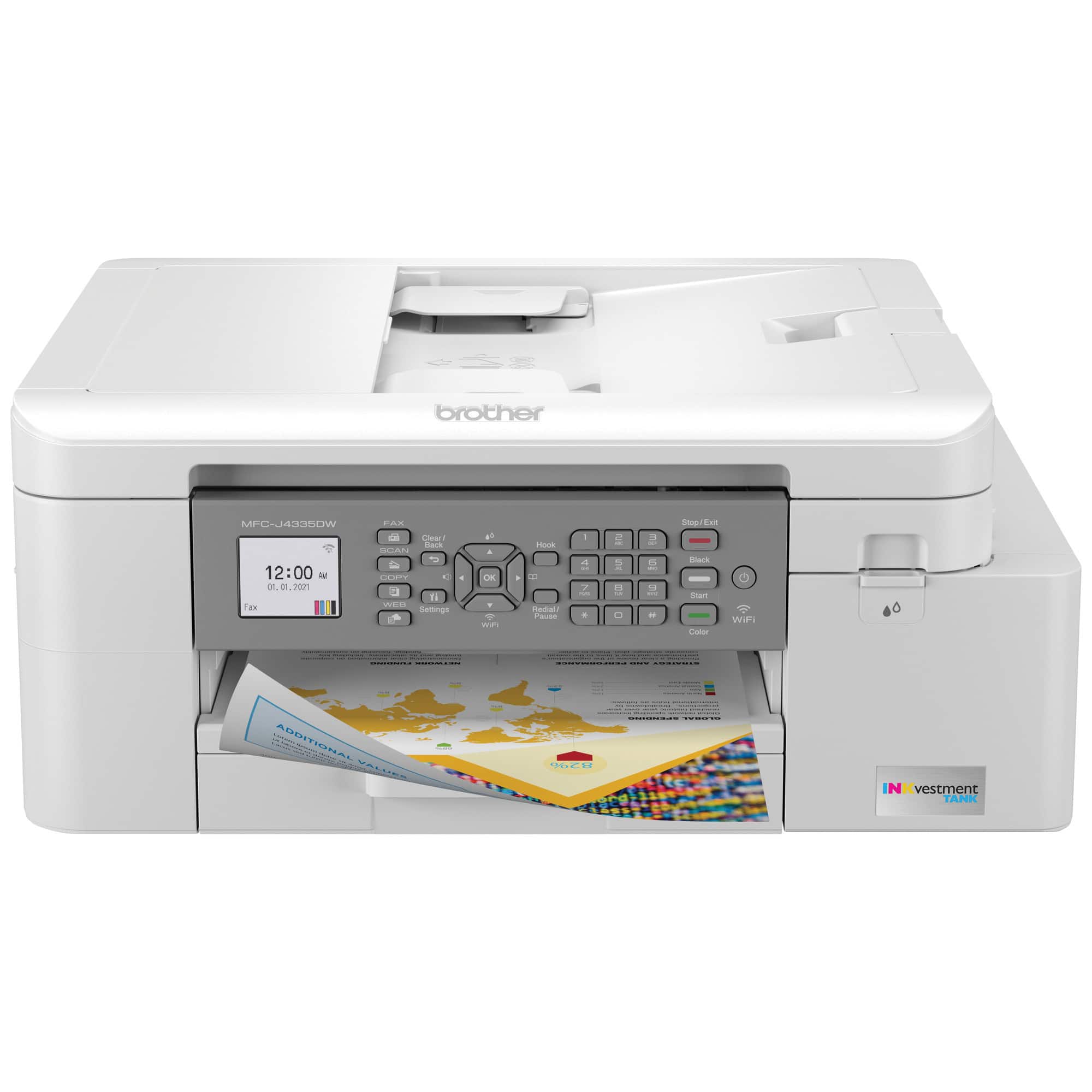
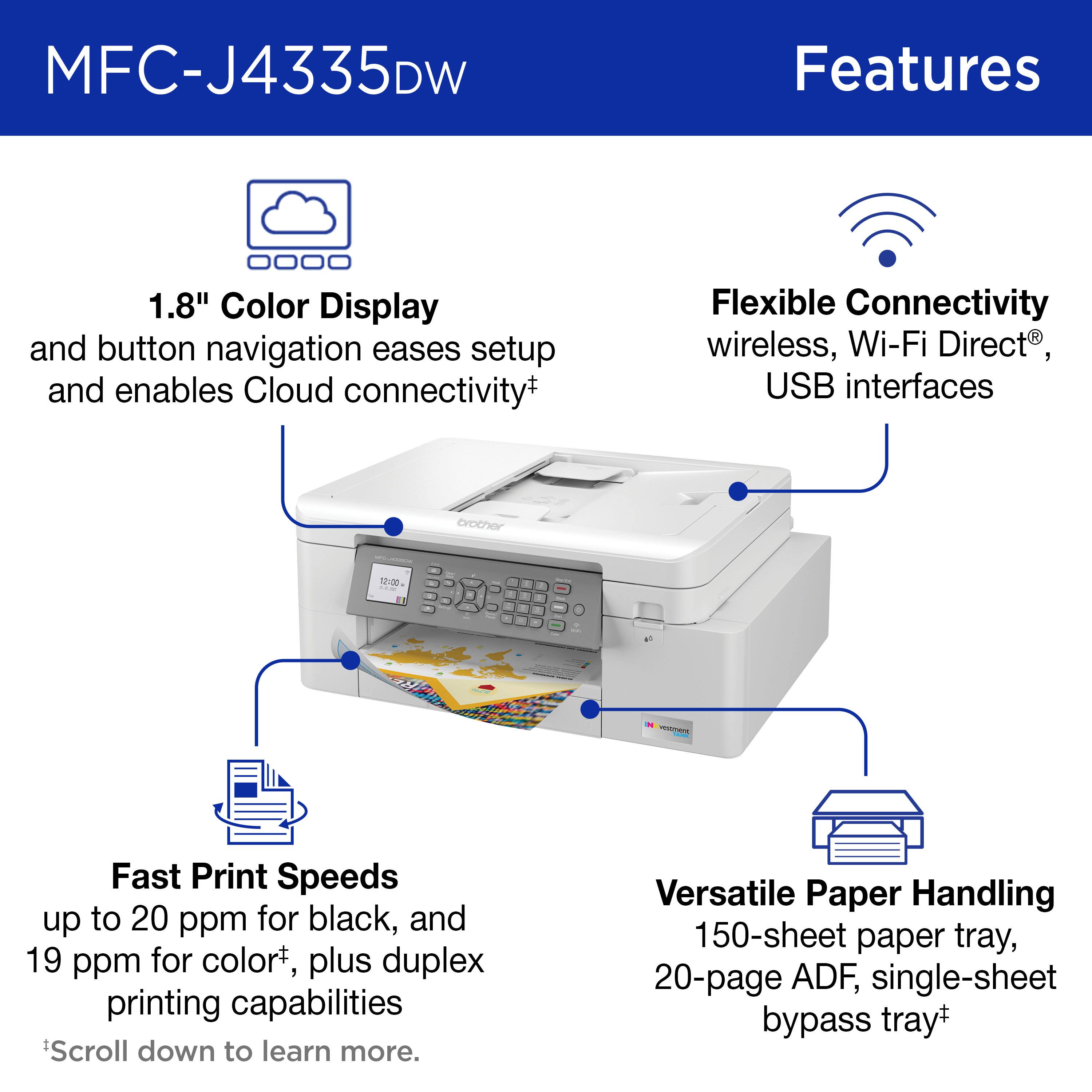
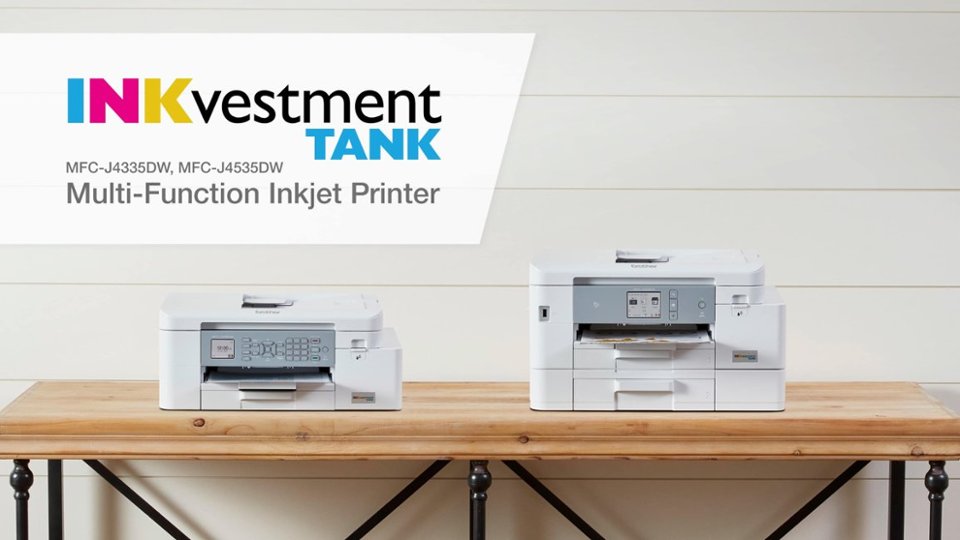
A:AnswerYes, the Brother MFCJ4335DW comes with a Manual feed slot in the rear with 1 page capacity. Feel free to contact Brother customer support for information at: https://www.brother-usa.com/support
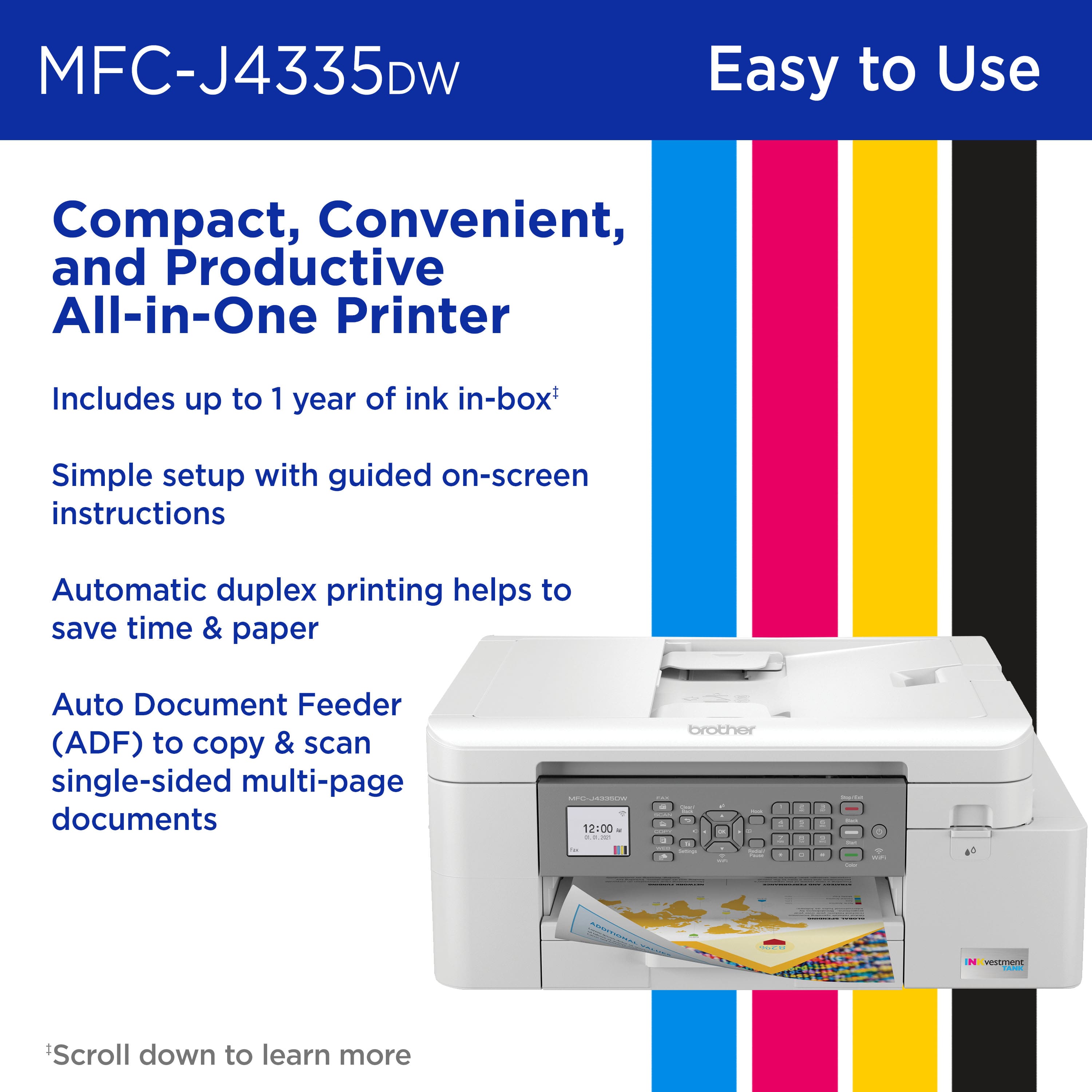
A:AnswerYes, it will duplex print and also print only on one side. It will only single side scan. You manually need to scan the second side if applicable.
A:AnswerThe maximum copy & scan size of the Brother MFCJ4335DW is the following:
(Scanner Glass)
Width: Up to 8.42 in. (213.9 mm)
Length: Up to 11.61 in. (295 mm)
(ADF) *3
Width: Up to 8.42 in. (213.9 mm)
Length: Up to 13.92 in. (353.6 mm)
A:AnswerUnfortunately 11x17 ledger size is not listed as a recommended paper to use with the Brother MFCJ4335DW machine. You can check the list of compatible paper at:
https://help.brother-usa.com/app/answers/detail/a_id/174641
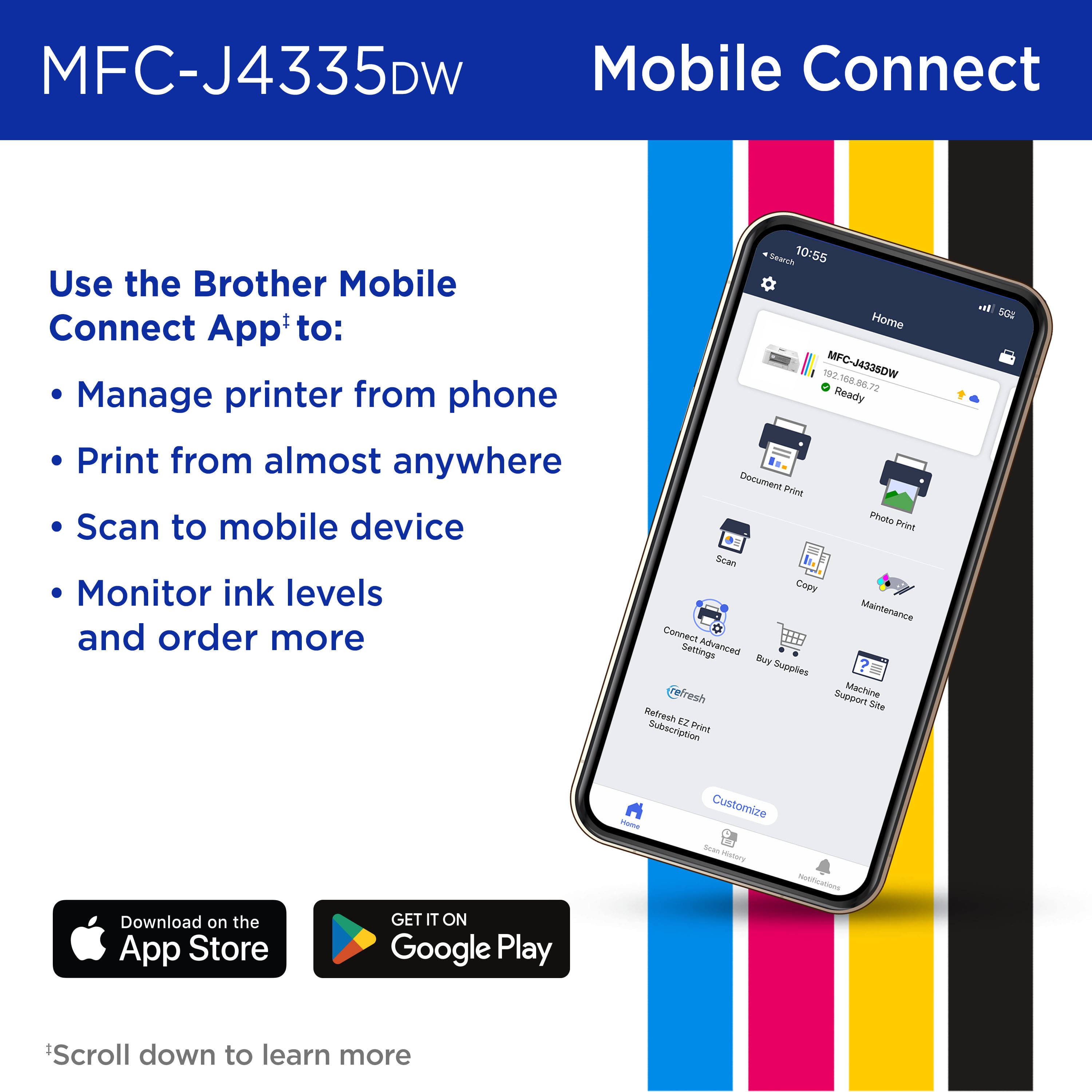
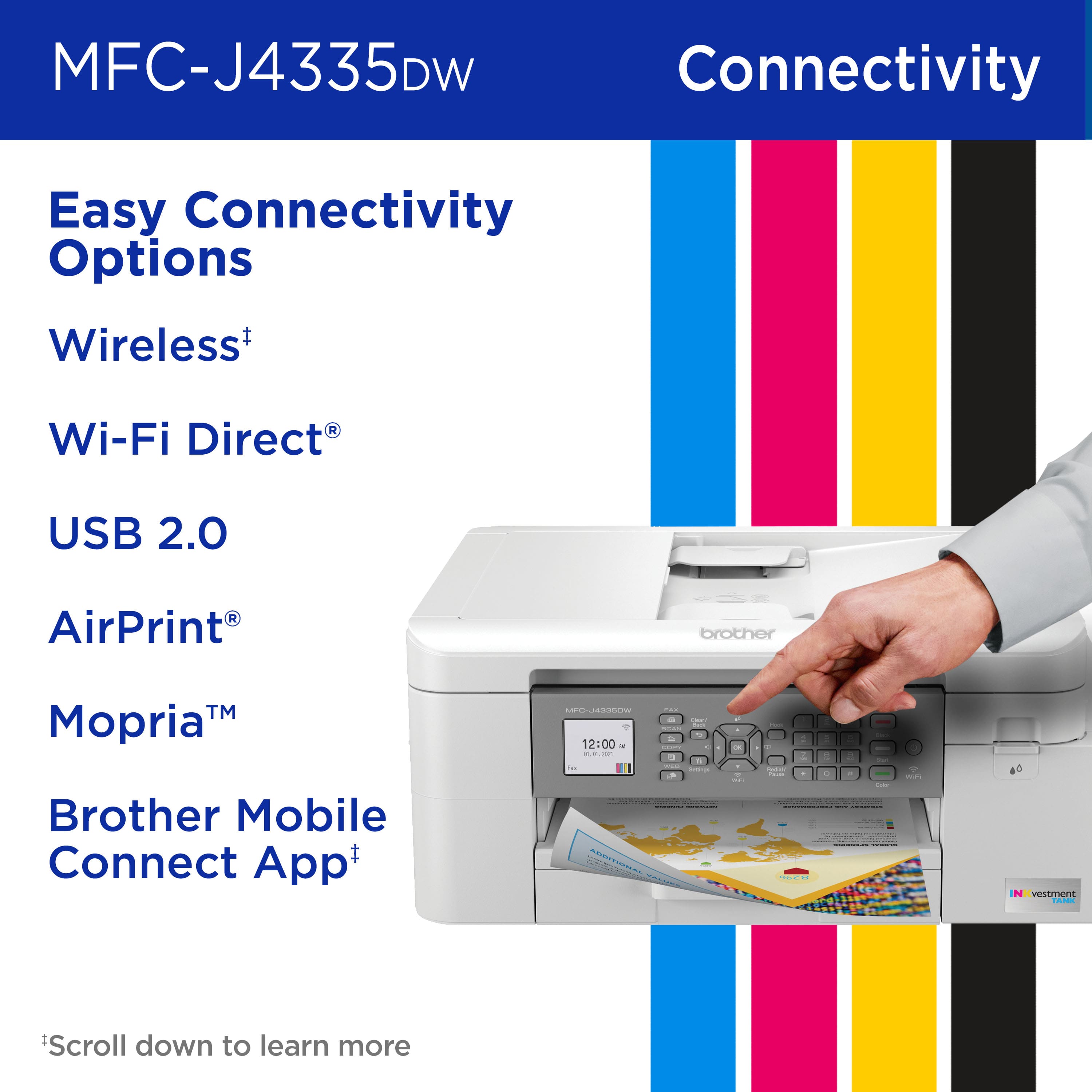
A:AnswerPretty sure it can send fax from iphone but the printer must still be connected to land line. Then you can choose send fax from mobile device.
Hope this helps. Have not tried myself.
A:AnswerThe Brother MFCJ4335DW machine is not able to print fabric, we suggest you to check the list of recommended paper for this model using the link below:
https://help.brother-usa.com/app/answers/detail/a_id/174641
If you continue to have questions, our Brother Customer Support Team is available to assist you direct: www.brother-usa.com/brother-support