A:AnswerNormal cardstock, it can. If it's for business cards with the precuts it has a problem. So I just use regular cardstock and cut them myself. Manual double-sided only for thick paper.
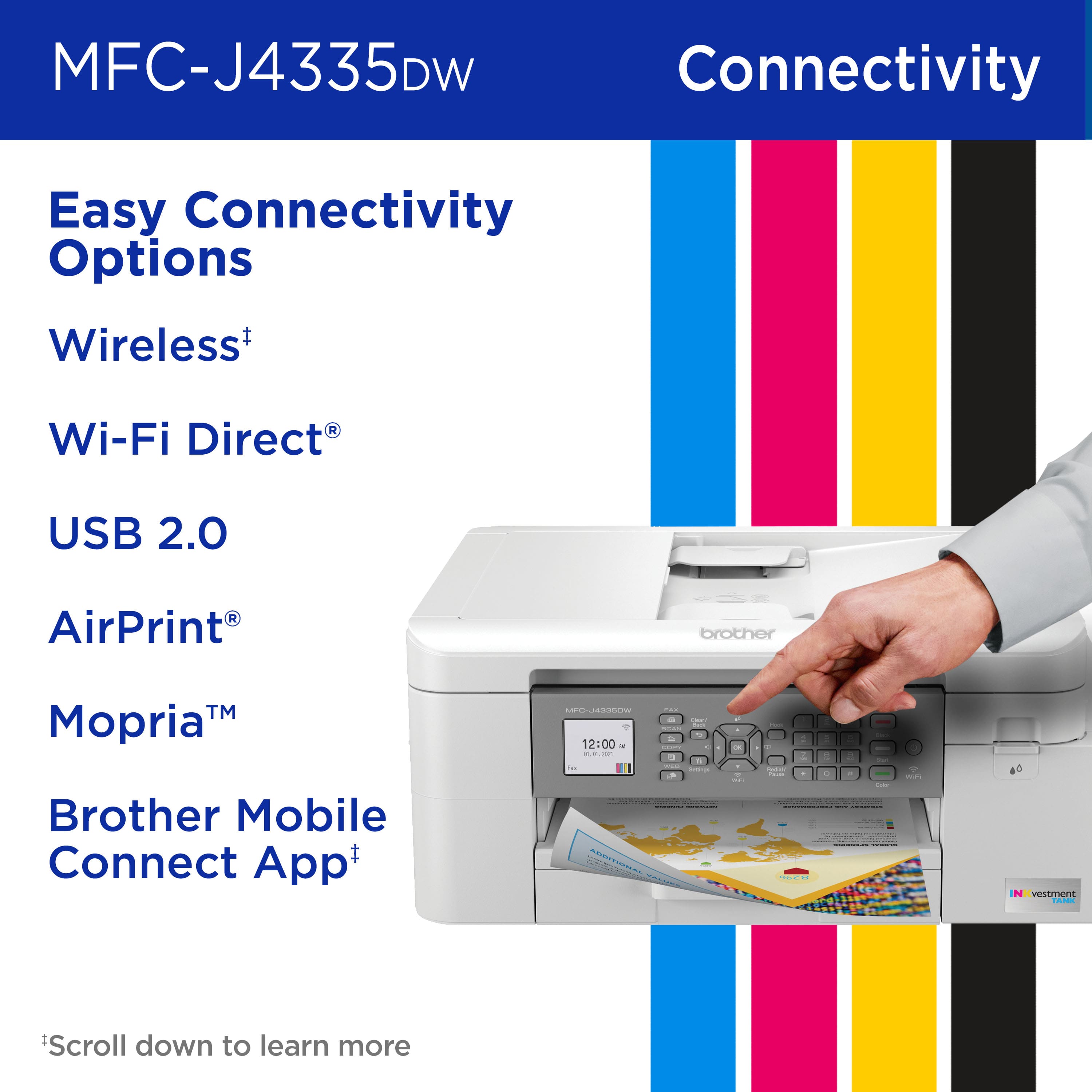
A:AnswerYes, the Brother MFCJ4335DW machine can be connected directly to the computer via USB cord. The machine works with a USB type A male to B male 2.0. We recommend to use a USB no longer than 6ft.
A:AnswerThe Brother MFCJ4335 does not support automatic duplex scanning. Models that do support automatic duplex scanning are: MFCJ-6945DW, MFCL3770CDW, MFCL2750DW, and MFCL2750DWXL.
A:AnswerYes, you will have to manually expand the paper tray, you just push a little tab on the tray, instructions w/ diagram are in the tray itself and then adjust the paper size in the settings.
A:AnswerThe referenced page on the Brother website lists the paper tray capacity for Index Cards, among other types of cut paper. If the printer cannot print on card stock, why is capacity listed?
A:AnswerYes, the Brother MFCJ4335DW machine has a manual feed tray that allows you to load single sheets of paper. The manual feed tray is located at the back of the machine, you may need to open the cover and adjust the paper guides. If you continue to have issues, our Brother Customer Support Team is available to assist you direct: www.brother-usa.com/brother-support
A:AnswerUnfortunately we do not have drivers available for your Brother MFCJ4335DW machine using a Mac OS 10.12 Sierra. You will be able to use it using Apple Airprint feature.
A:AnswerThe printhead on the Brother MFCJ4335DW is not user removable. If you are experiencing print quality issues with your Brother machine, our Brother Customer Support Team is available to assist you direct: www.brother-usa.com/brother-support
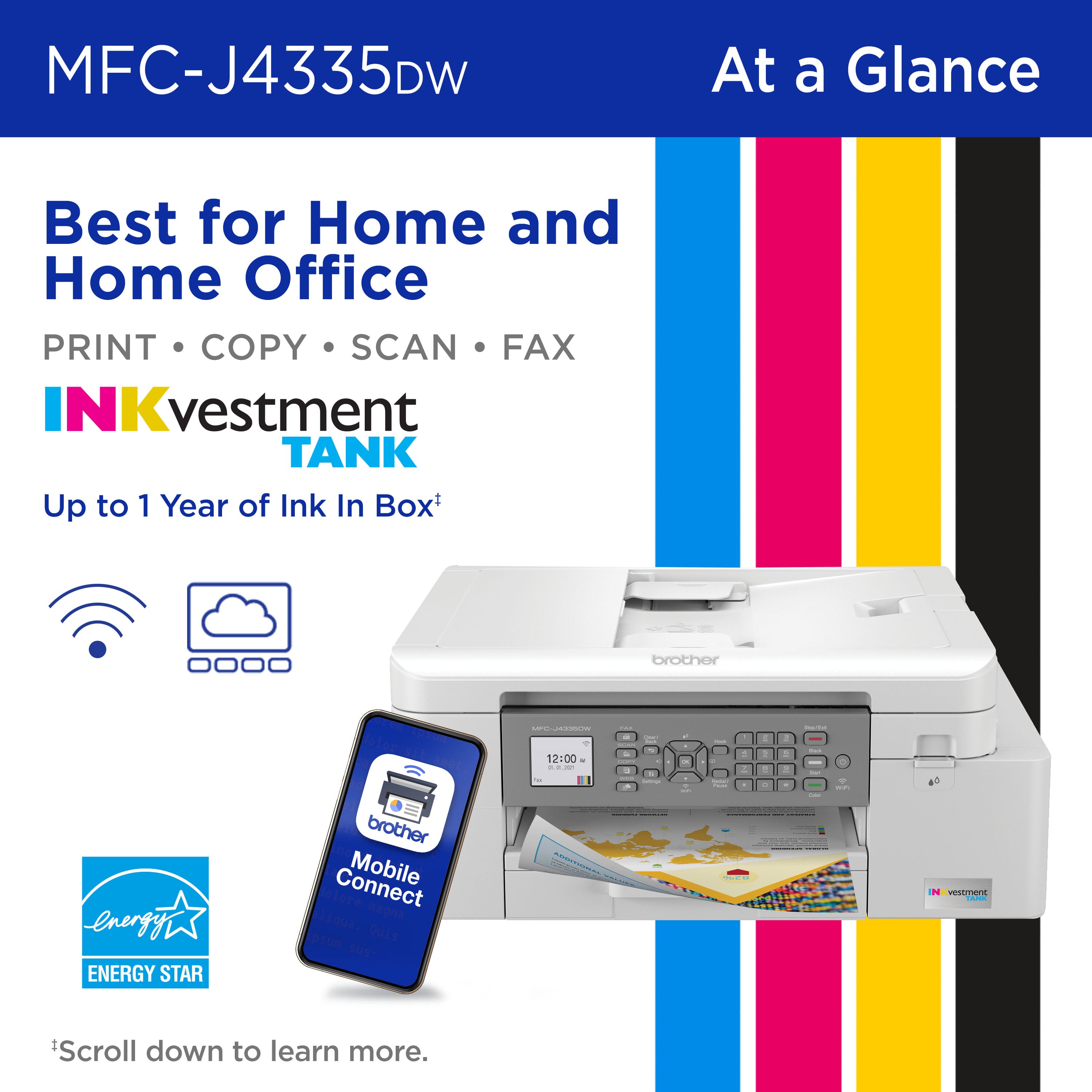
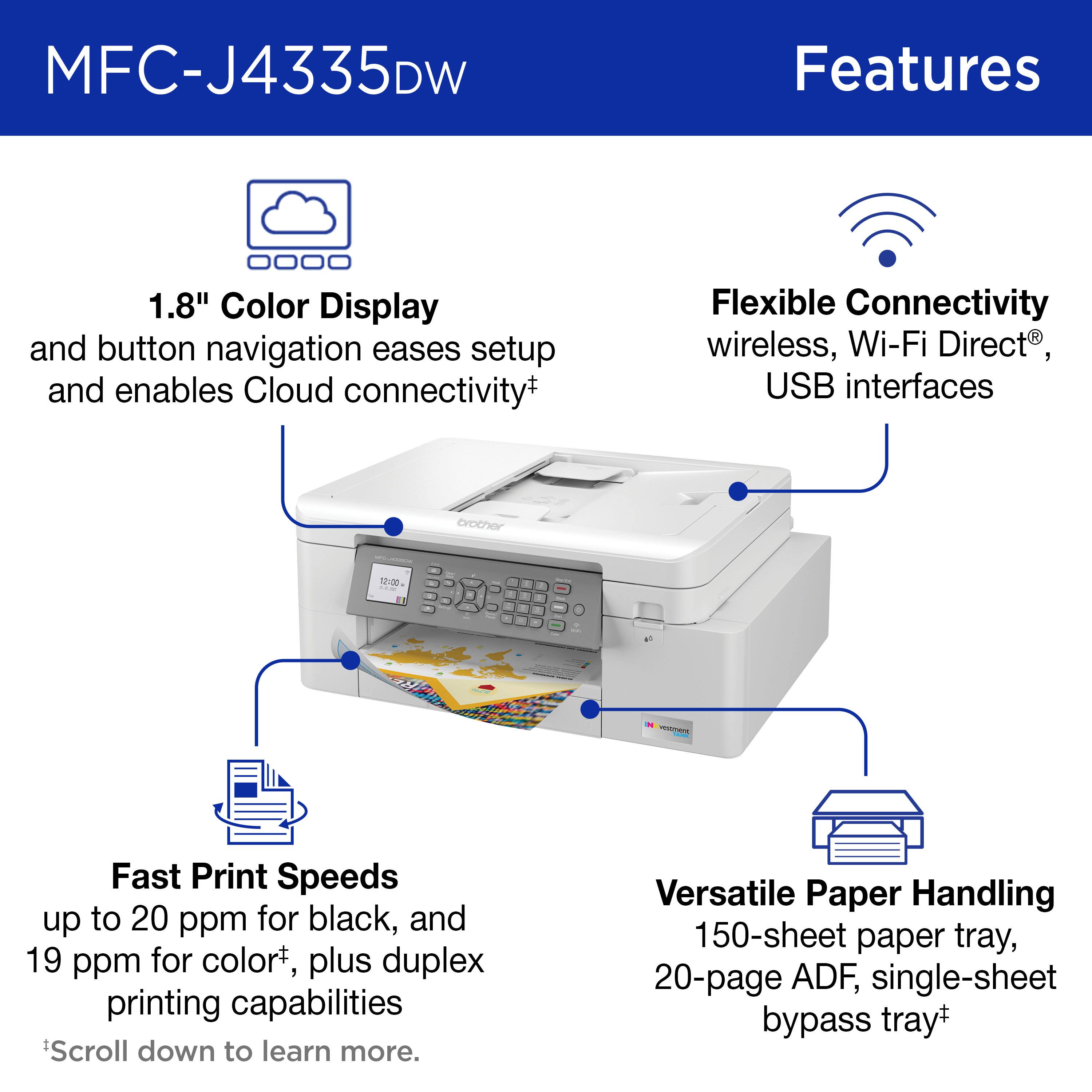
A:AnswerThe Brother MFCJ4335DW machine can be connected using Wireless 802.11 b/g/n, Wi Fi Direct, Hi-Speed USB 2.0, unfortunately it does not have a Ethernet connection option.
A:AnswerUnfortunately we do not have drivers for your Brother MFCJ4335DW machine using Chromebook OS, you will be able to use it using the Native Printing feature if available in your device.
A:AnswerYou can use plain paper, inkjet paper (coated paper), glossy paper, recycled paper and envelopes with the Brother MFCJ4335DW machine. We recommend testing various paper types before buying large quantities.
A:AnswerWe are sorry to hear that you are having issues finding information about your Brother MFCJ4335DW machine using Linux OS. We have drivers available for Linux(RPM) and Linux(DEB). We have them available for free at our support site:
https://support.brother.com/g/b/downloadtop.aspx?c=us&lang=en&prod=mfcj4335dw_us_eu
If you continue to have issues, our Brother Customer Support Team is available to assist you direct: www.brother-usa.com/brother-support