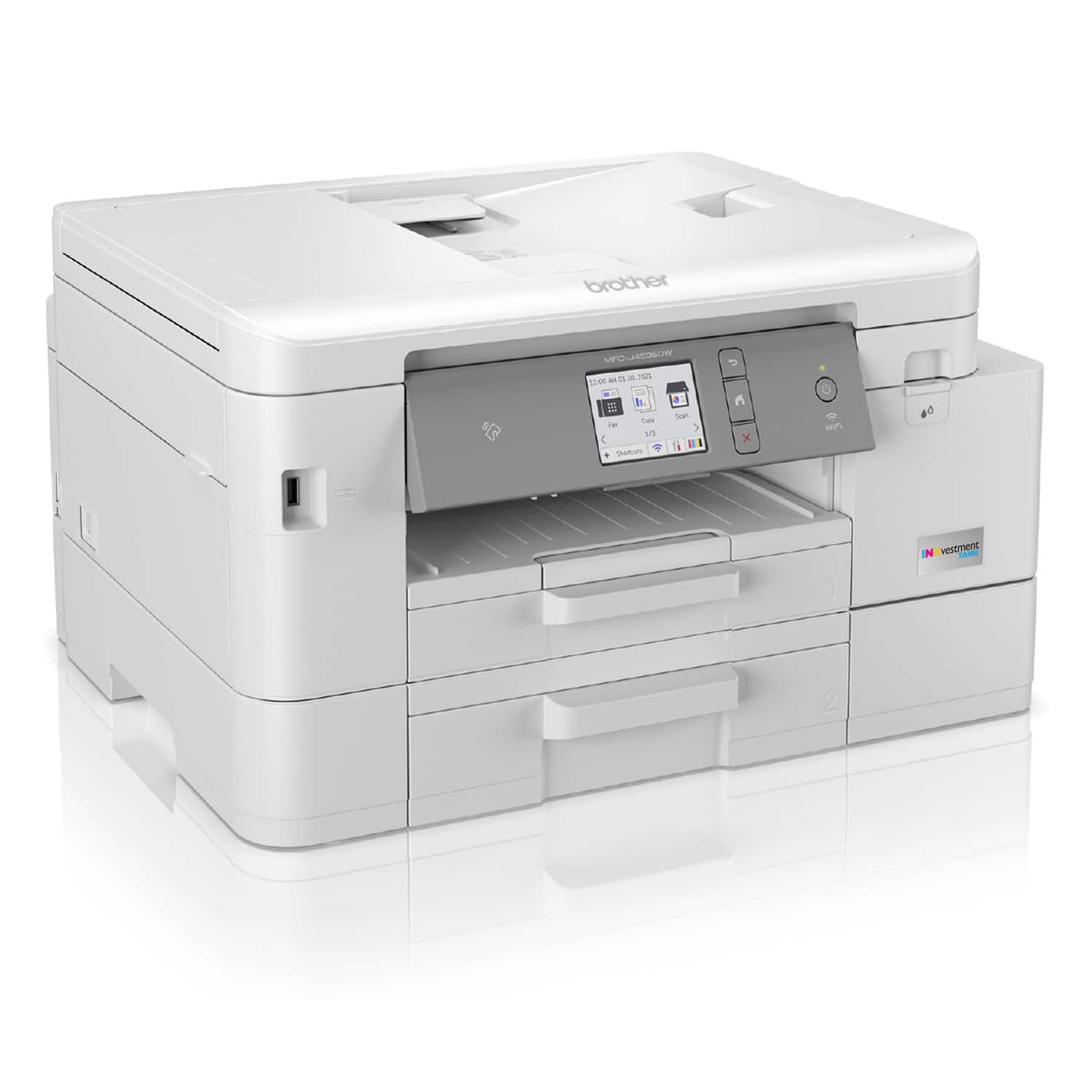
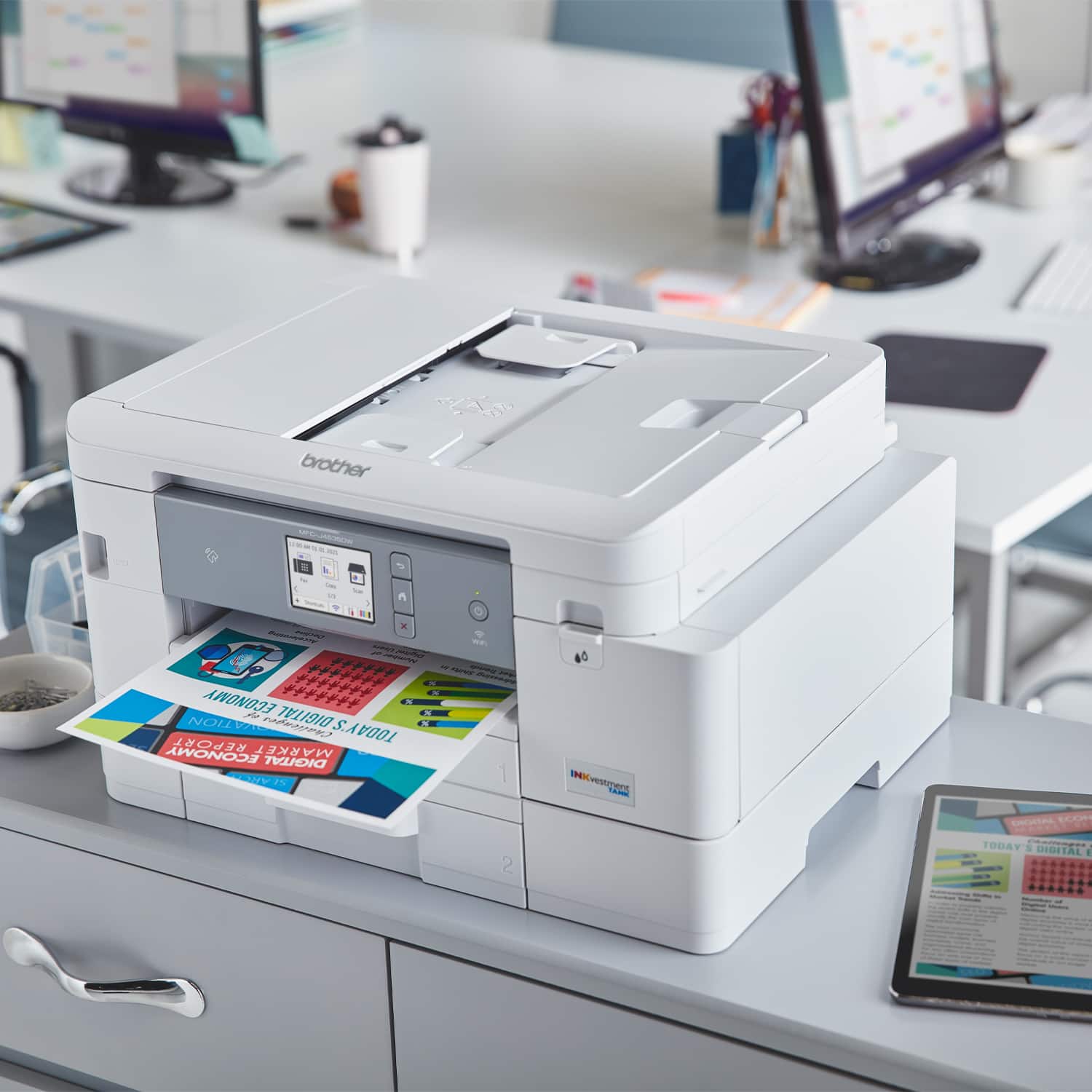
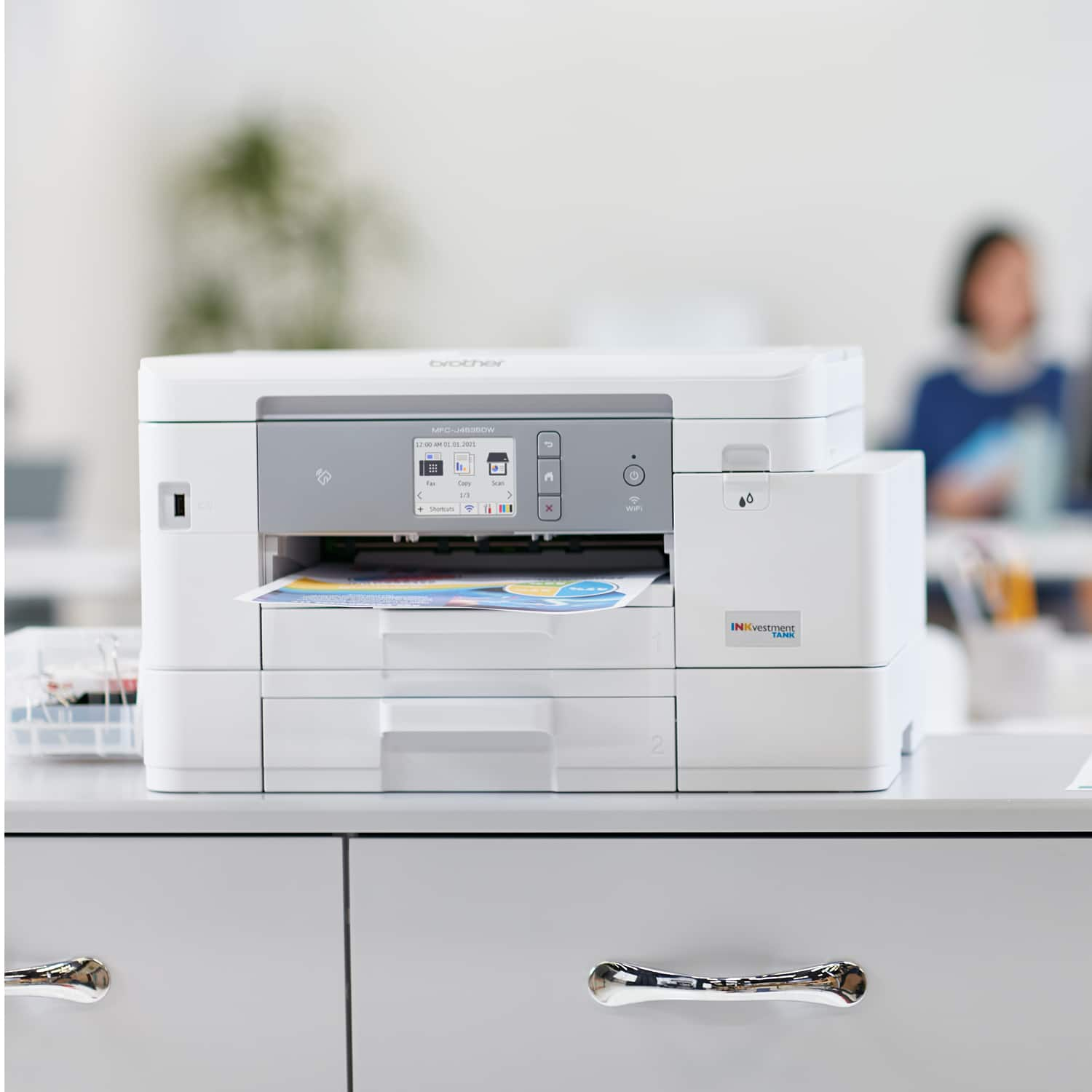
A:AnswerFWIW, my MFC-J4535DW did not have any problems printing Avery-type labels. Using Tray 1, I loaded only 1 sheet of Avery 8163 shipping labels on top of a stack of plain paper.
A:AnswerAuto-duplex print means this printer can print on both sides of the paper without the need for you to re-position the paper in the tray - all done automatically.
You can also print a single-side multi-page document.
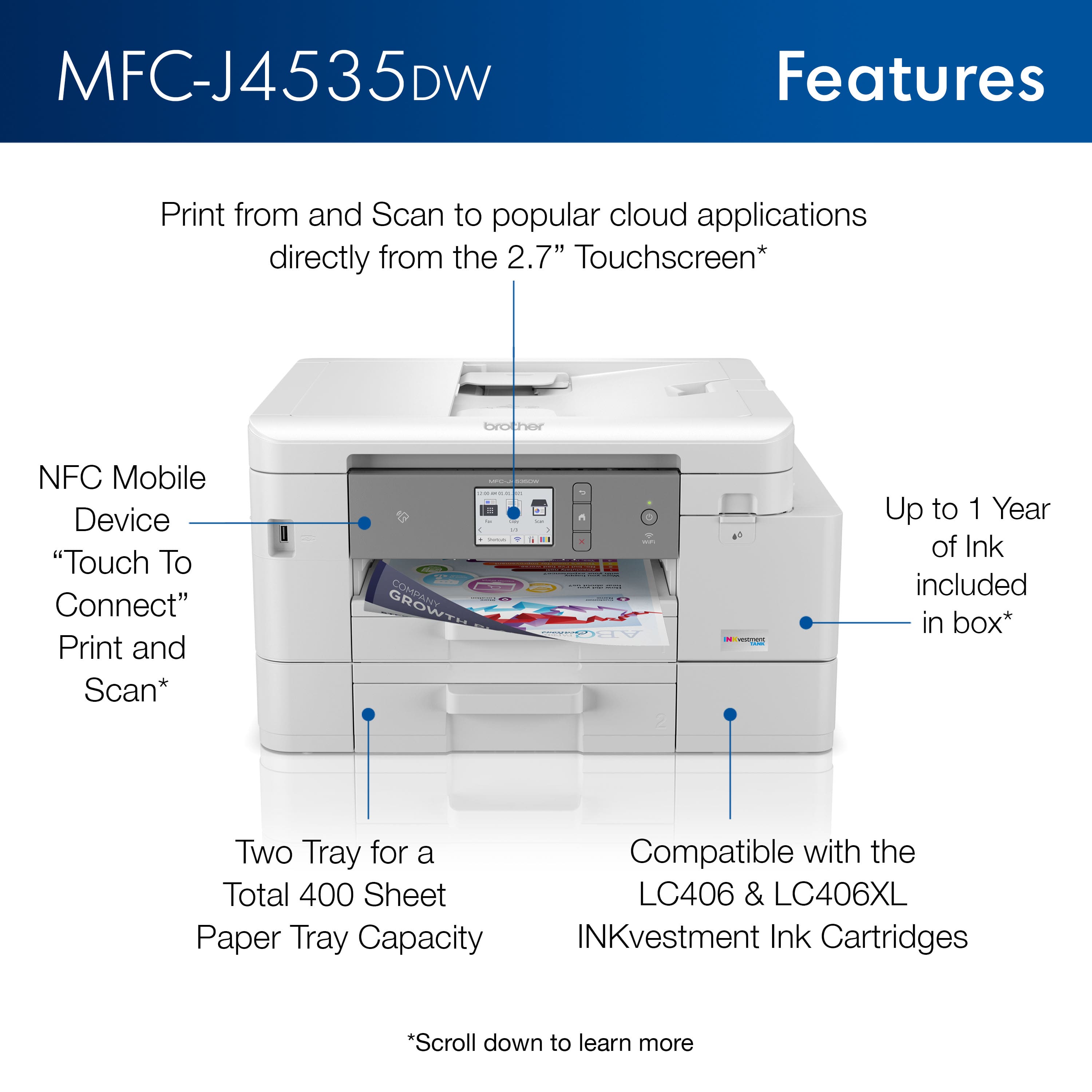
A:AnswerIf you use the Brother MFCL4535DW machine without the tray, you will get an error message regarding this and it will not allow you to print. The tray 1 takes up to 150 sheets of paper and tray 2 takes up to 250 sheets when using plain paper 20 lb (80 g/m2)
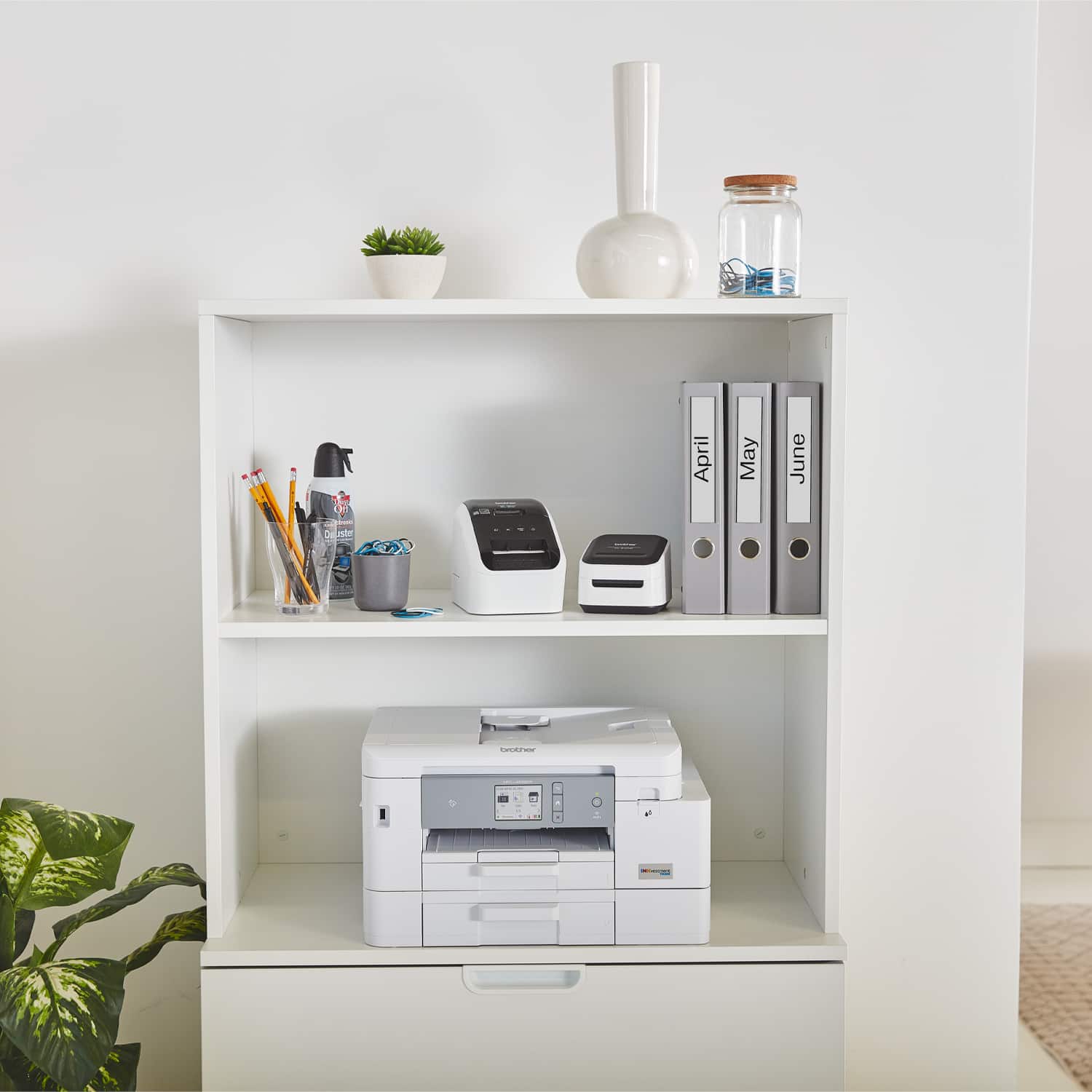
A:AnswerLooked at the "footprint" on mine and it's 14"D x 17"W x 10"H. The width could be an issue as the power cable sticks out slightly on the left side and was not part of the footprint that I measured.
A:AnswerUnfortunately the Brother MFCJ4535DW machine is not able to handle Ledger 11x17 paper size. We recommend you to check our Brother MFCJ6945DW machine.
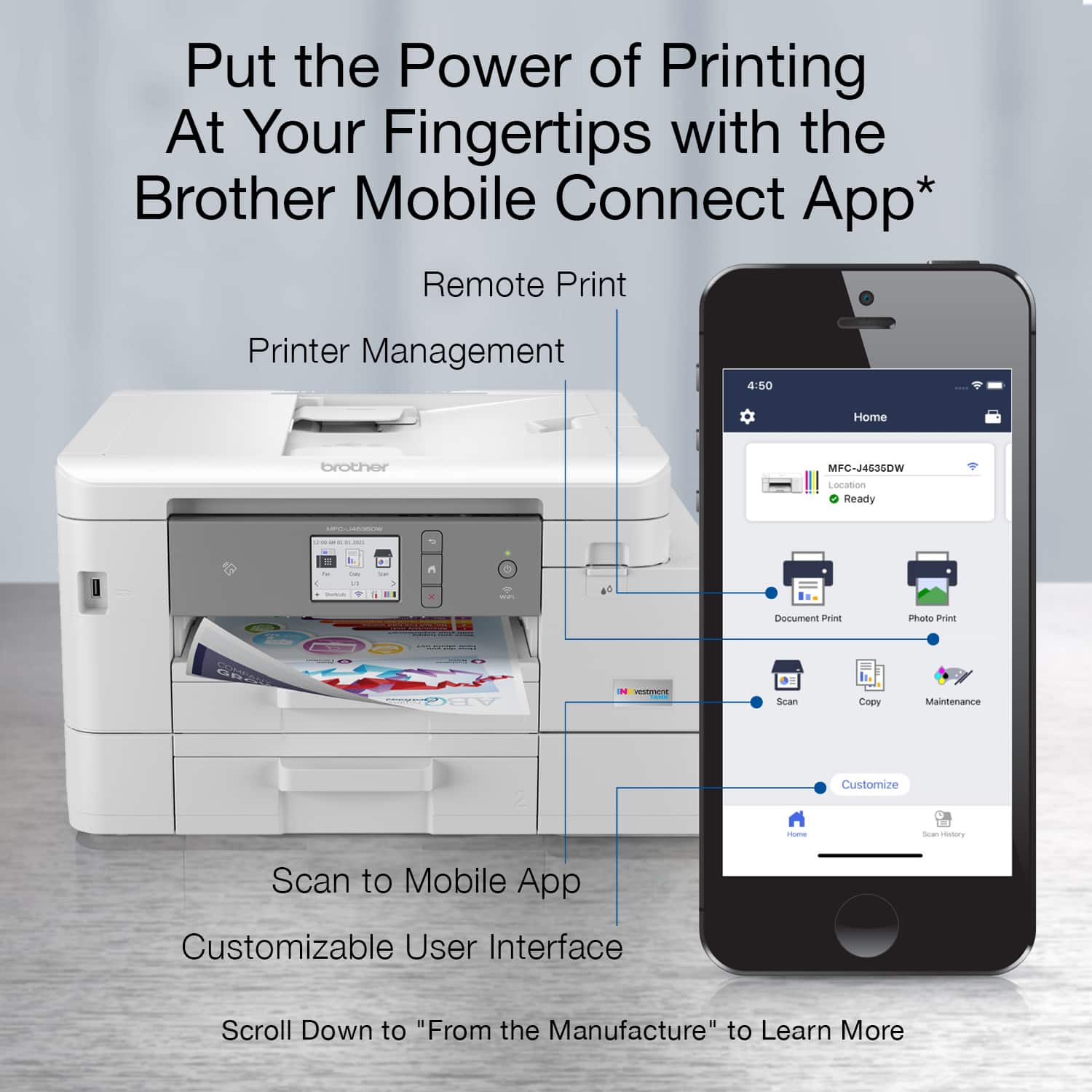
A:AnswerThe Brother MFCJ4535DW does not have bluetooth capabilities, will print from a mobile using a wireless network or connected directly to the machine using the WI-FI direct feature, feel free to contact Brother customer support for any assistance at https://www.brother-usa.com/support.
A:AnswerYes, the Brother MFCJ4535DW will allow you to print double sided documents automatically if configured in the app or printer driver for the machine.
A:AnswerUnfortunately the Brother MFCJ4535DW machine is not able to print on fabric. We recommend you to check the list of compatible paper for this model at our support site.