Last-Minute SavingsLimited quantities.Shop now

Skip to content
Gift Ideas
Main Content

Questions & Answers

Your price for this item is $94.99
Clearance
The comparable value price is $99.99
Page Showing 21-40 of 46 questions
  • QuestionCan I control the Caavo switch using a Harmony remote?

    Asked by CaavoUser.

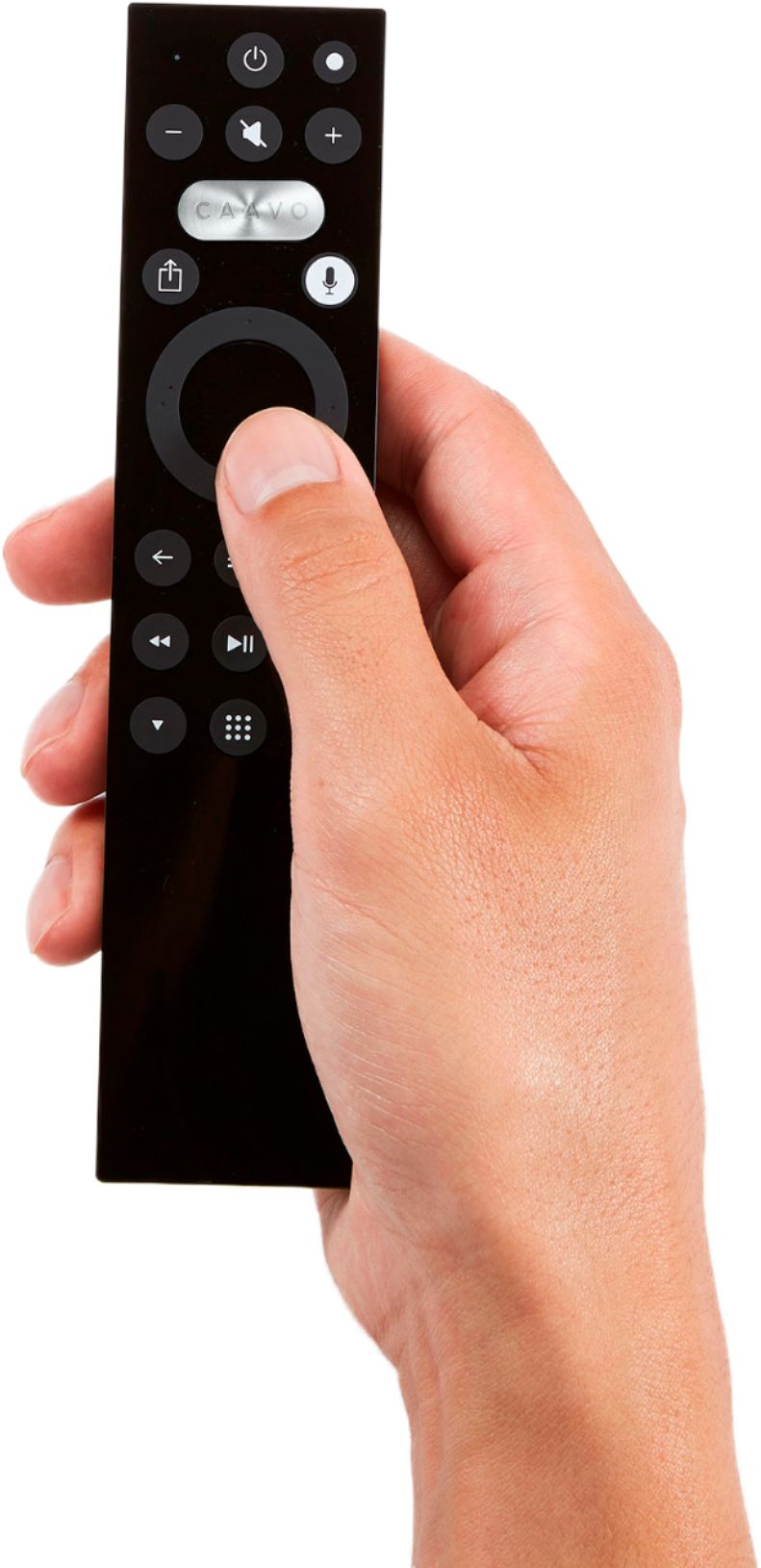
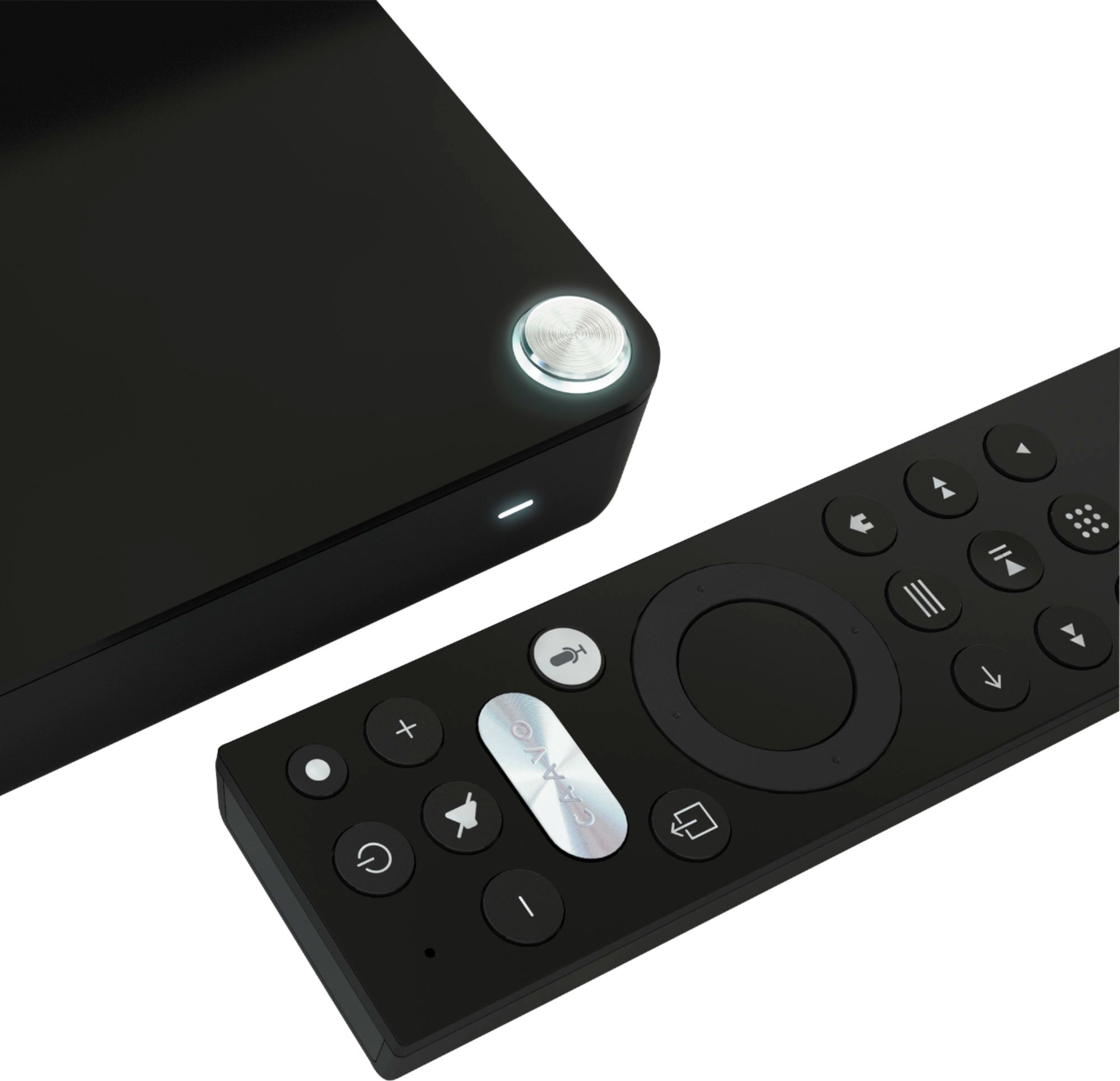
    • Answer No. Control Center can be communicated to via the included handheld remote that is paired directly to the Control Center via bluetooth or via an Alexa device (limited commands available via Alexa). You will be unable to communicate with Control Center via 3rd party remotes.

      Answered by CaavoSupport

  • QuestionHey can you use this devise with no internet?

    Asked by Ebuckman.

    • Answer Not well. No.

      Answered by Onhaus

  • QuestionWill this work on my PC? I have an Acer XR342CK 34" Ultra-Wide UHD IPS Free-Sync (AMD Adaptive Sync) Gaming Monitor with only 2 HDMI ports that is connected to my X Box and computer. Will this work for my pc if I want additional ports? Recommendations.

    Asked by OreoCookie1978.

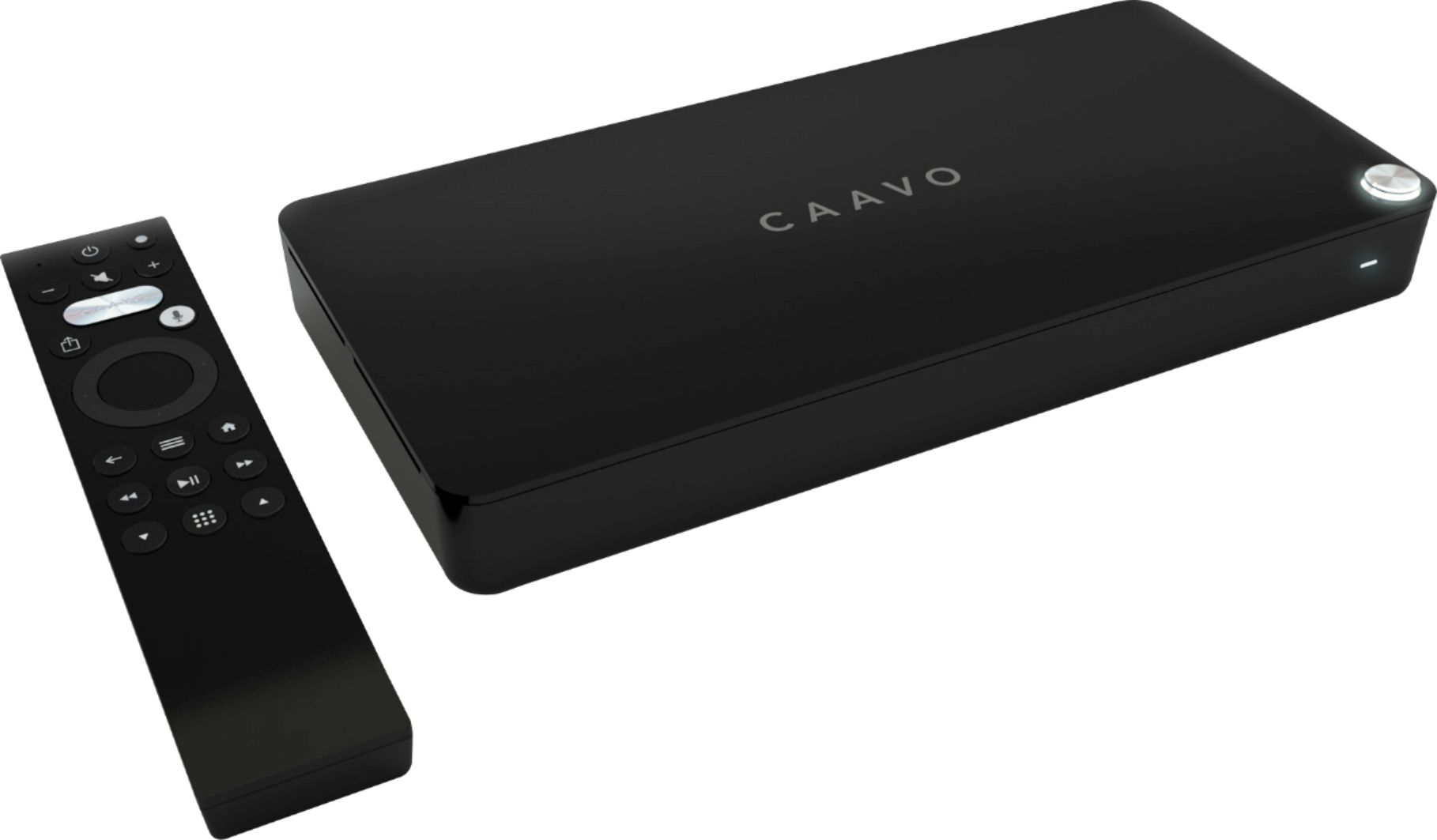
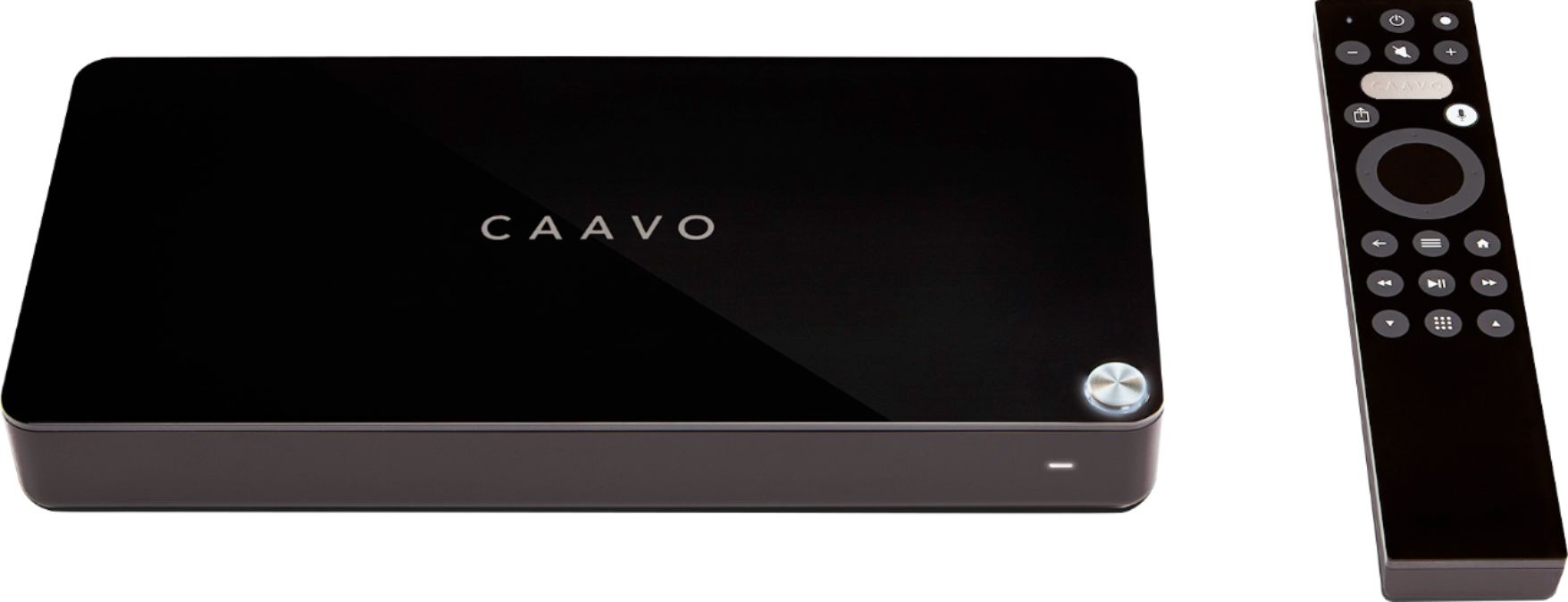
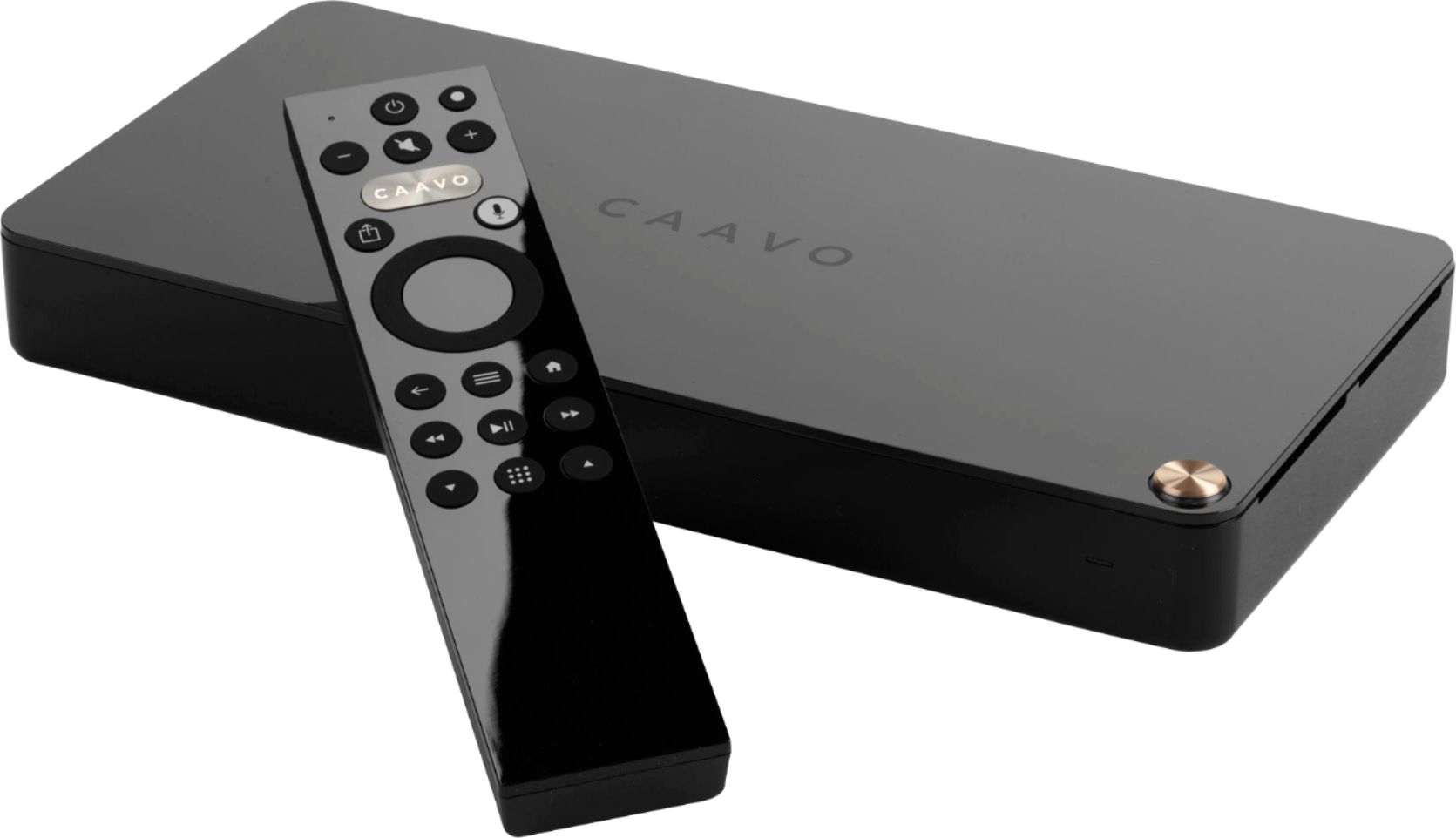
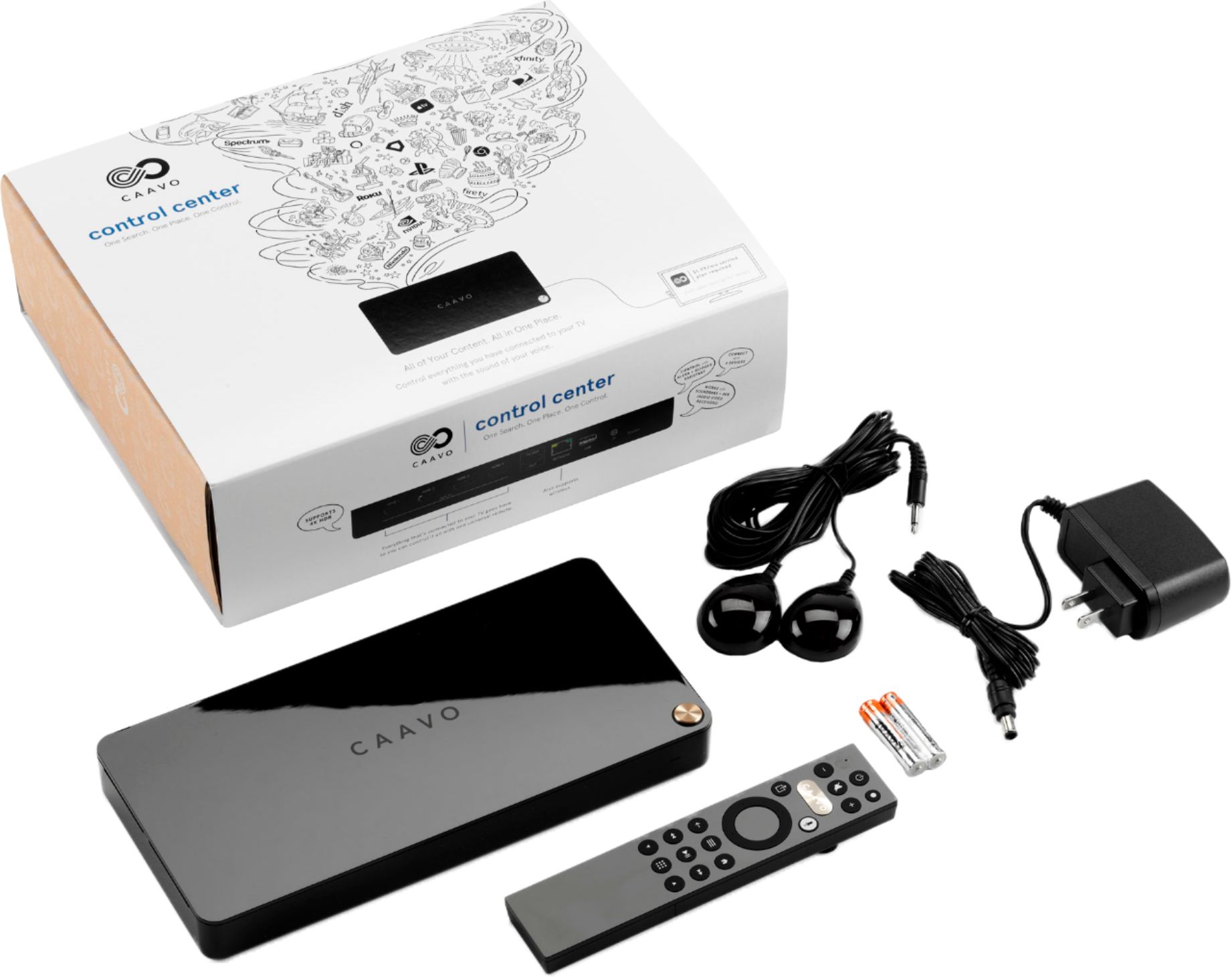
    • Answer It would not be an ideal situation but it may work somewhat. Control Center has 4 HDMI input ports to connect source devices (like Roku, DirecTV, AppleTV) and 1 HDMI output port that will go to your TV. That HDMI signal has the video and associated audio combined. There are no audio output ports on Control Center so your monitor would have to be able to pull the audio off the HDMI signal and send it to speakers. In addition, Control Center can typically power up all the devices connected to it, switch between them, adjust volume, and power them all back off when done. You monitor and PC are likely not controllable (via IR) so you will not be able to leverage these features of Control Center. Control Center can also voice-search for shows on STBs and Streaming devices and switch to those devices automatically to play that content. Since you do not have any supported streaming devices or STBs, you will not be able to leverage those features either. Yours is not a typical use-case for our product.
      Answered by CaavoSupport

  • QuestionWill this player be able to play DVD’s that are region 1&2

    Asked by Mimi.

    • Answer Control Center is not a DVD player. You can connect a DVD player to Control Center with an HDMI cable and Control Center will be able to switch to that device (up to 4 HDMI source devices can be connected) and send that HDMI signal to the TV. Control Center has a bunch of cool features including voice search across all devices and Caavo Cache which lets you easily get back to the shows/episodes you watch. A Service Plan is required for many of those features.

      Answered by CaavoSupport

  • QuestionWill this work with a monitor that has no remote control features. plugin to my DirecTV service.

    Asked by Anonymous.

    • Answer It would not be an ideal situation but it may work somewhat. Control Center outputs HDMI to your TV. That signal has video and associated audio combined. There are no audio output ports on Control Center. In addition, Control Center can typically power up the devices connected to it, switch between them, adjust volume, and power them all back off when done. If your monitor is not controllable, then there are manual steps needed to do those actions. If you connect your DirecTV STB directly to your monitor with an HDMI cable and get a reliable picture and hear associated audio, then Control Center should be able to interface your monitor as well. Yours is not a typical use-case for our product.
      Answered by CaavoSupport

  • QuestionWhen will Caavo have Dolby vision support update add ? Thank Max

    Asked by Capersal.

    • Answer Our product and engineering teams are constantly looking at how to improve and add features to Control Center. After considerable testing and investigation, we have determined we cannot support Dolby Vision enabled devices in exactly the same way as non-Dolby Vision devices in our ecosystem. However, you can now use Control Center in parallel with Smart TV models that support Dolby Vision by putting your Control Center remote into TV Mode. TV Mode supports search and playback on Smart TVs, and allows you to use your Control Center remote to open the TV menu, access apps, and switch inputs on your TV. We know this is a disappointment to some, and we hope that the overall value you get from using Control Center with your devices will deliver great value and simplicity to your viewing experience.

      Answered by CaavoSupport

  • QuestionHow many heads are on this??

    Asked by CarolTielking.

    • Answer Not sure what you mean by "heads". Control Center will accept up to 4 input devices via HDMI. These devices can be things like Roku, AppleTV, BluRay Player, Set-Top-Box, etc. Control Center has 1 HDMI output port that goes to your TV or AVR. Please see our website for more information about Control Center's features.

      Answered by CaavoSupport

  • QuestionCan I use this box to connect to FiOS to play a different TV of my Fios cable

    Asked by Jr.

    • Answer You can connect your FIOS set top box to one of the four Control Center input ports (via the FIOS HDMI output cable). Control Center has one output port that goes to your TV (you cannot run 2 TVs off of Control Center). Control Center will manage up to 4 HDMI inputs going to 1 TV.

      Answered by CaavoSupport

  • QuestionCan I hook up to four devices to the 4K HDMI switch

    Asked by Anonymous.

    • Answer The Caavo behaves like a switch. I have multiple devices plugged into my Caavo. I have a Roku, Xbox 1S, PS4 and a Nvidia Shield plugged into my Caavo and they work seamlessly. I’m able to turn on and off all devices with one remote. Awesome!

      Answered by Darrick

  • QuestionI have Cox Contour cable TV. Does the Caavo remote perform all the functions of the Cox Contour remote i.e. voice control, channel search, dvr, pause, fast forward, etc.? Is a number pad on the remote something in the future?

    Asked by Greg.

    • Answer Control Center supports voice control to take you to channels as well as control most common functions of the Cox Contour cable box. There is not a physical number pad on the remote, however using the keypad button you can pull up a virtual keypad to switch to the channel you are looking for if you prefer not to use voice. We have no information available regarding future product development or features at this time.

      Answered by CaavoSupport

  • QuestionCan you use a fire stick with a antenna on roof

    Asked by Anonymous.

    • Answer No. Fire stick is not a tuner for over the air signals. To receive over the air signals you need a FIRE TV RECAST. This functions as an over the air tuner and dvr.

      Answered by HoosierPapa

  • QuestionSecond question today... Is Caavo working on support for BenQ projectors? The problem seems to be the the projector requires a double push on the power button to turn it off - one push to turn on. Love my Caavo. I have four.

    Asked by HoosierPapa.

    • Answer Thanks for being a Caavo fan with four control centers. We certainly hope you are enjoying them. As you have already realized, control center's current architecture is not built to send the double press of the power command. In order to do so, it would have to differentiate the projectors that do not need the double press vs the ones that do. It can be done but it is a much bigger challenge than it may seem. It is definitely a challenge that the Caavo engineers are aware of. Engineering does not communicate the features, changes, or timing of what they are working on as much of that is confidential. Thank you again for your support of Caavo and Control Center.

      Answered by CaavoSupport

  • QuestionDoes this unit have USB capability? If so will it play Webm movies?

    Asked by Critter.

    • Answer No, the Caavo doesn’t have a USB port. But, it does have Plex integration. Using Plex on your Caavo can allow you to play all your media files. I think that it is worth looking into.

      Answered by Darrick

  • Questionwhat is the cost per month? Caavo control center

    Asked by Anonymous.

    • Answer $1.99 per month per control unit.

      Answered by HoosierPapa

  • QuestionWill this work on my tv I no longer have cable or internet

    Asked by Queenie.

    • Answer Well if you don’t have cable or and no internet then you wouldn’t be able to watch any streaming device either so probably wouldn’t recommend. This is good if you have cable tv, a Roku, gaming system and surround sound so you can switch from one component to the other quickly and easily with one remote.

      Answered by Adrianspurs

  • QuestionCan I control my Denon AVR with this? (volume, on/off are basic requirements, other control options would be a plus)

    Asked by mercury3000.

    • Answer Yes, it will do that, best way to accomplish this is to plug in all sources (up to 4), into Caavo, then Caavo output to TV, then TV optic into Denon. Follow on screen instructions to complete setup.

      Answered by Royster

  • QuestionDoes the system recognize only English, or could be configured in other languages? If yes, which ones?

    Asked by Carlos.

    • Answer It does work in multiple languages. Many in fact. Which ones, I don't know. When setting it up it will ask which is the preferred language. There was a long drop down list to choose from.

      Answered by Szzzzz

  • Questionhow to hook up a bose solo 5 to caavo? I can't get it to pair.

    Asked by deadcarjoe.

    • Answer Bypass the Caavo and hook the Bose solo directly to the televisions arc connection and use the Caavo on a different HDMI input or use the optical port if your TV has one

      Answered by robjmarks

  • QuestionIs there a HDMI converter for older tv’s

    Asked by Russ.

    • Answer No, this only accepts and outputs HDMI.

      Answered by tlbignerd

  • QuestionDoes it work with TIVO, Does it pass thru signals w/o blocking legit HDMI with HDCP carriewr

    Asked by Duftopia.

    • Answer Yes, I've used it with my TiVo Roamio and TiVo Bolt without a problem. It also works with TiVo streaming.

      Answered by tlbignerd