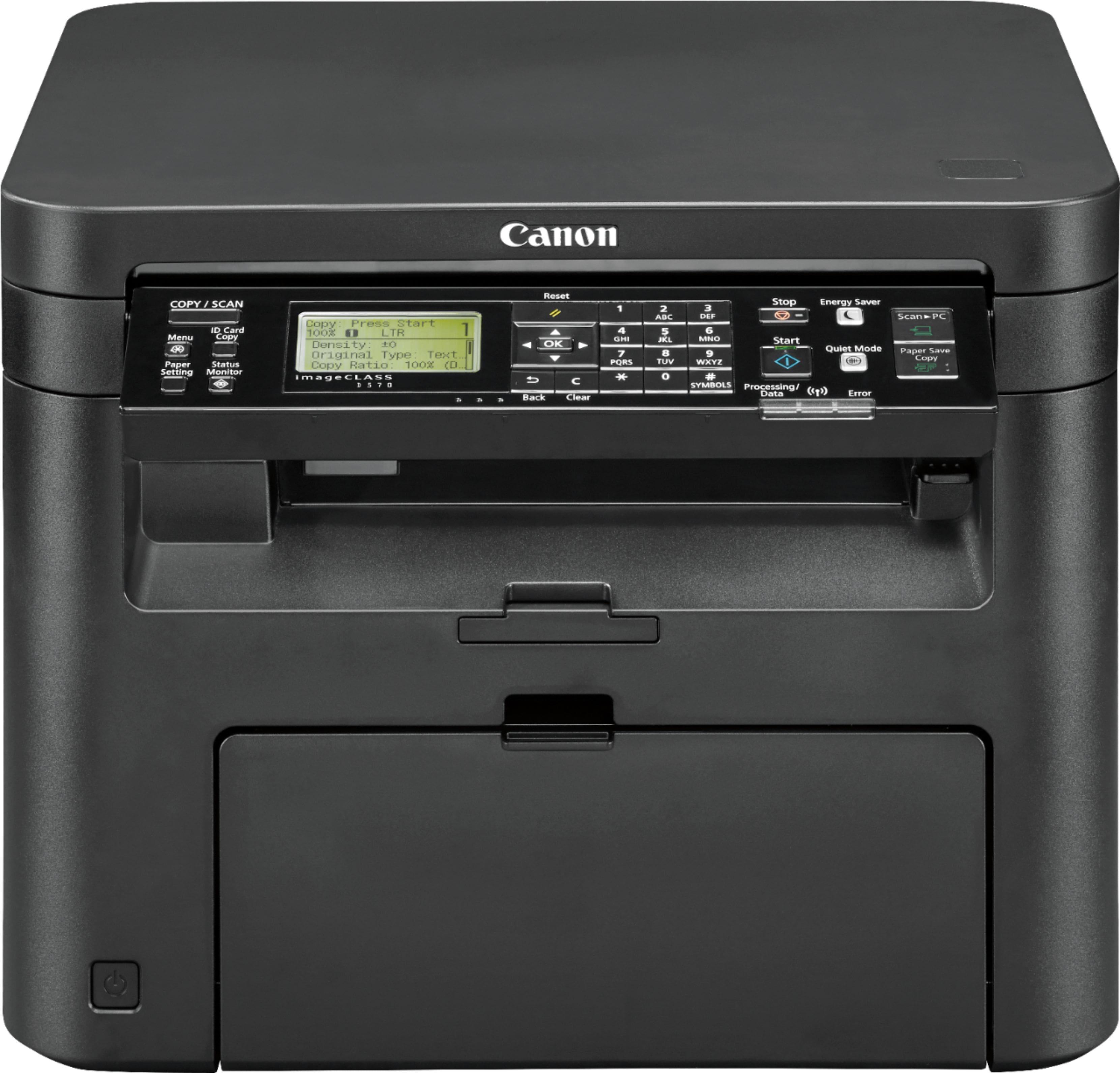
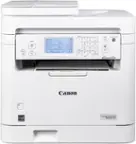
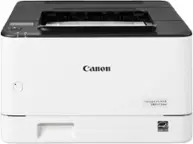
A:Answer Mr. anonymous. That is not an accurate answer. Wi-Fi is not Wi-Fi when it comes to compatibility with different technology. I got rid of my old multifunction printer because it was not compatible with my new T-Mobile Home Internet. It worked well with my cable spectrum Internet modem/router WiFi. I spoke with T-Mobile Home Internet customer service and wit Dell customer service . Neither had answers why it would not connect other than finger-pointing. Even though it worked well the day before I switched it from spectrum broadband to T-Mobile home Internet 5G. However, it connected well when I had spectrum. I got a replacement printer to try to fix the problem. It would not connect to the T-Mobile Home Internet either. I spoke with the manufacturer who confirmed that it was not able to connect with the 5G the T-Mobile was putting out on the Wi-Fi gateway. However, this canon printer connected very easily to it. So Wi-Fi is not Wi-Fi when it comes to different devices, connecting to 5G versus a broadband modem/router.