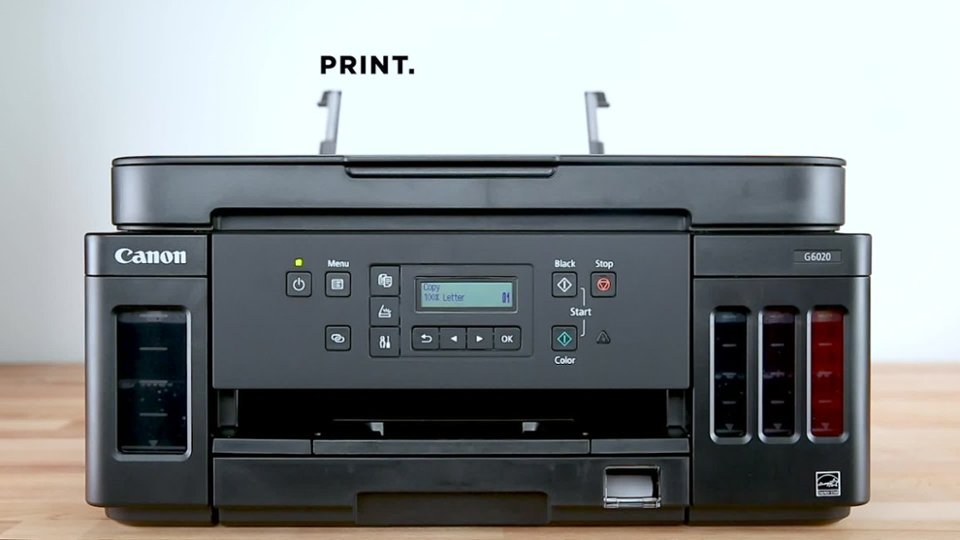
A:AnswerI had the same experience with my 10 yr old Pixma. I got a new iPad and a new printer to replace my old one for that reason. After hours and hours of trying to get them to talk, it turns out you don’t even need WiFi but you have to do everything through the app. You’ll need to register the printer with the app by selecting the signal the printer sends. After I finally got my new printer to work I decided to give the old printer one last try. The old printer popped up in the software and there was a passcode under the description. I went to the printer and entered the passcode manually. OMG… it worked!! I hope it works for you too but they don’t make it easy!!
A:AnswerGood luck with that!! Canon doesn’t even provide a manual!! There are tons of resources on the internet but nothing I would call definitive. Last weekend I downloaded tons of resources and did finally figure out how to make everything work. I registered the printer on Canon’s website and when you do that they say they give you support by phone. My problem got solved after hours and hours of tinkering and reading online so I didn’t call. They are only avail to help during normal business hours during the week. Hope this helps! Good luck!