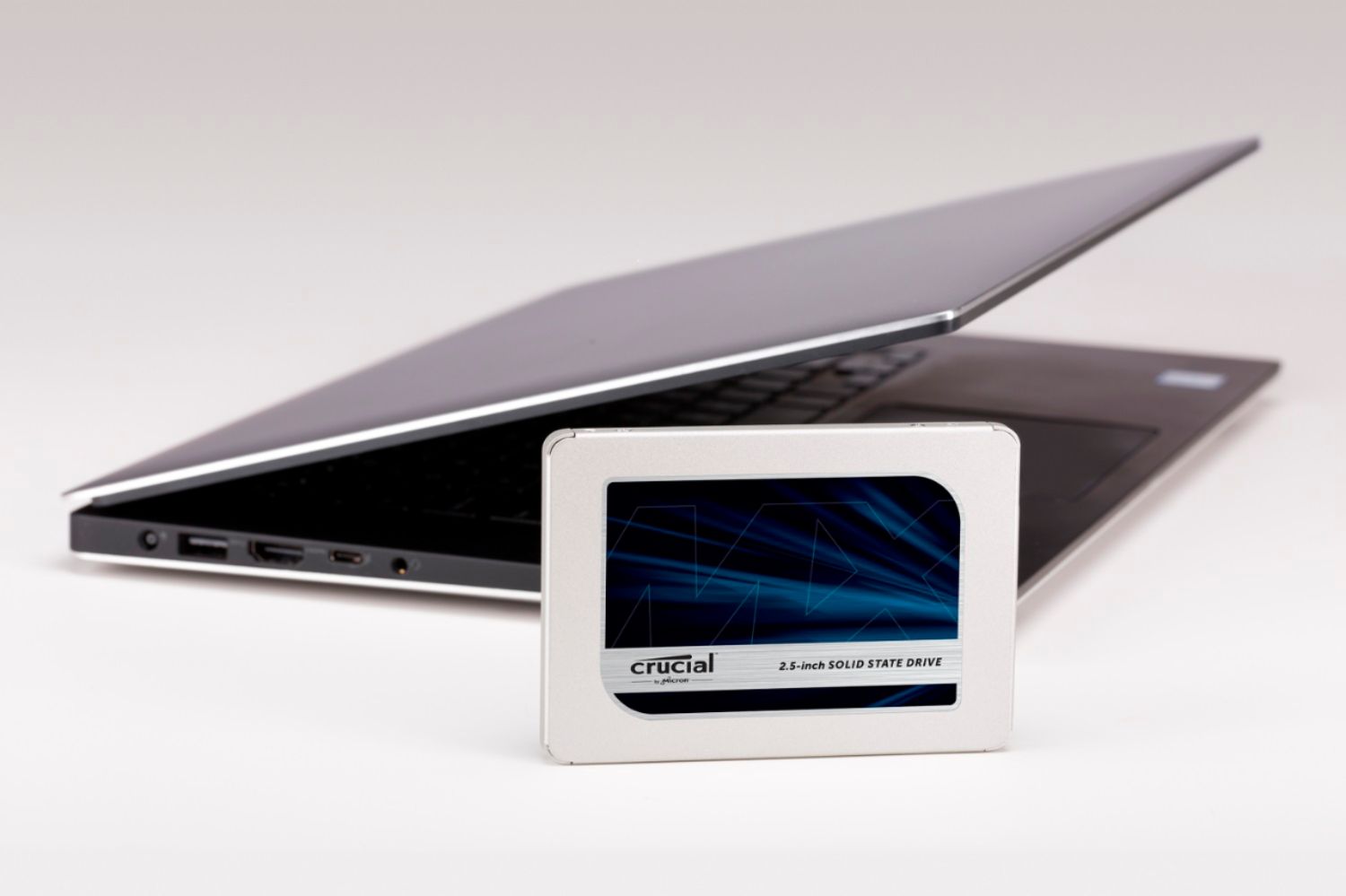
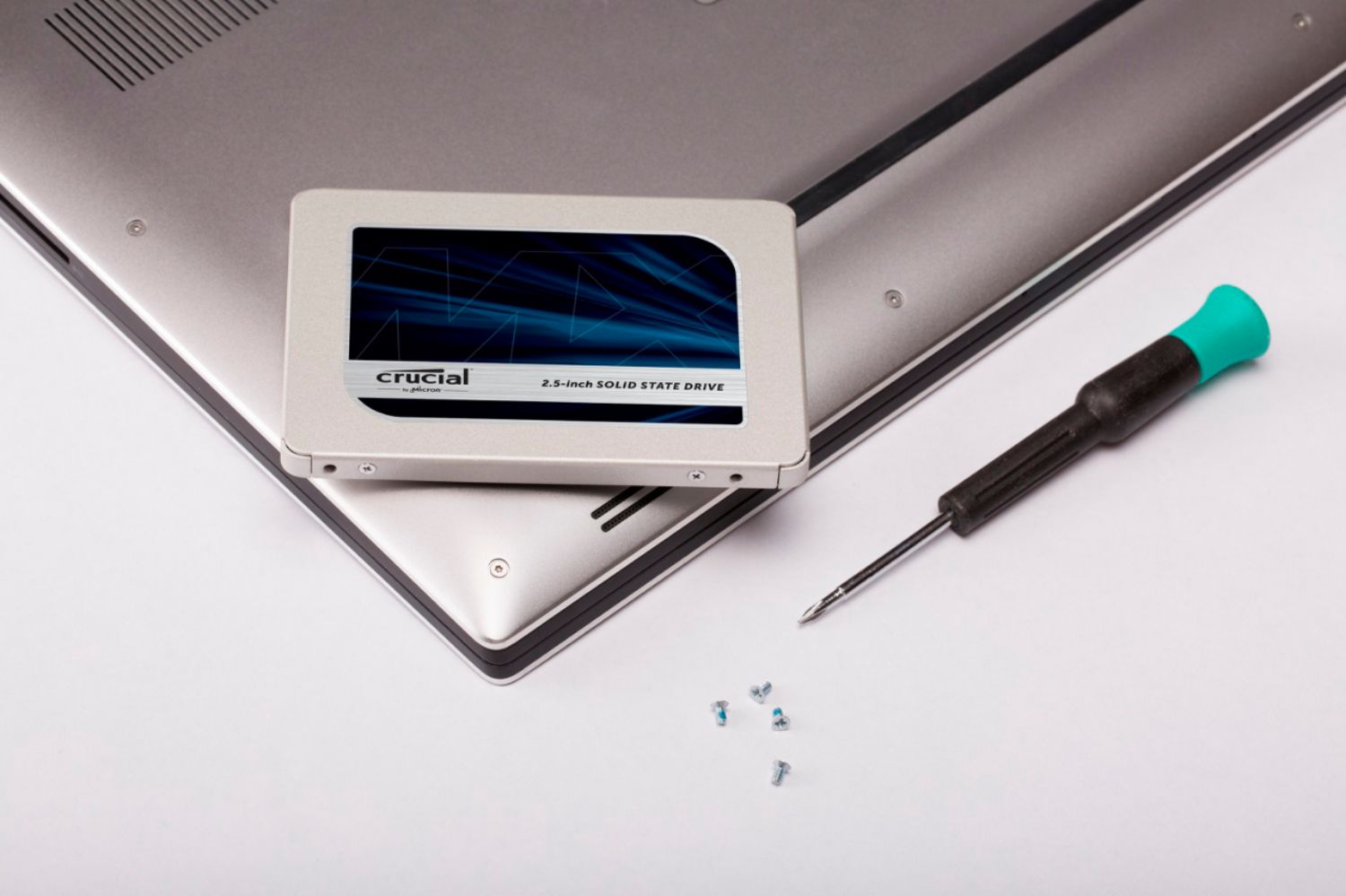
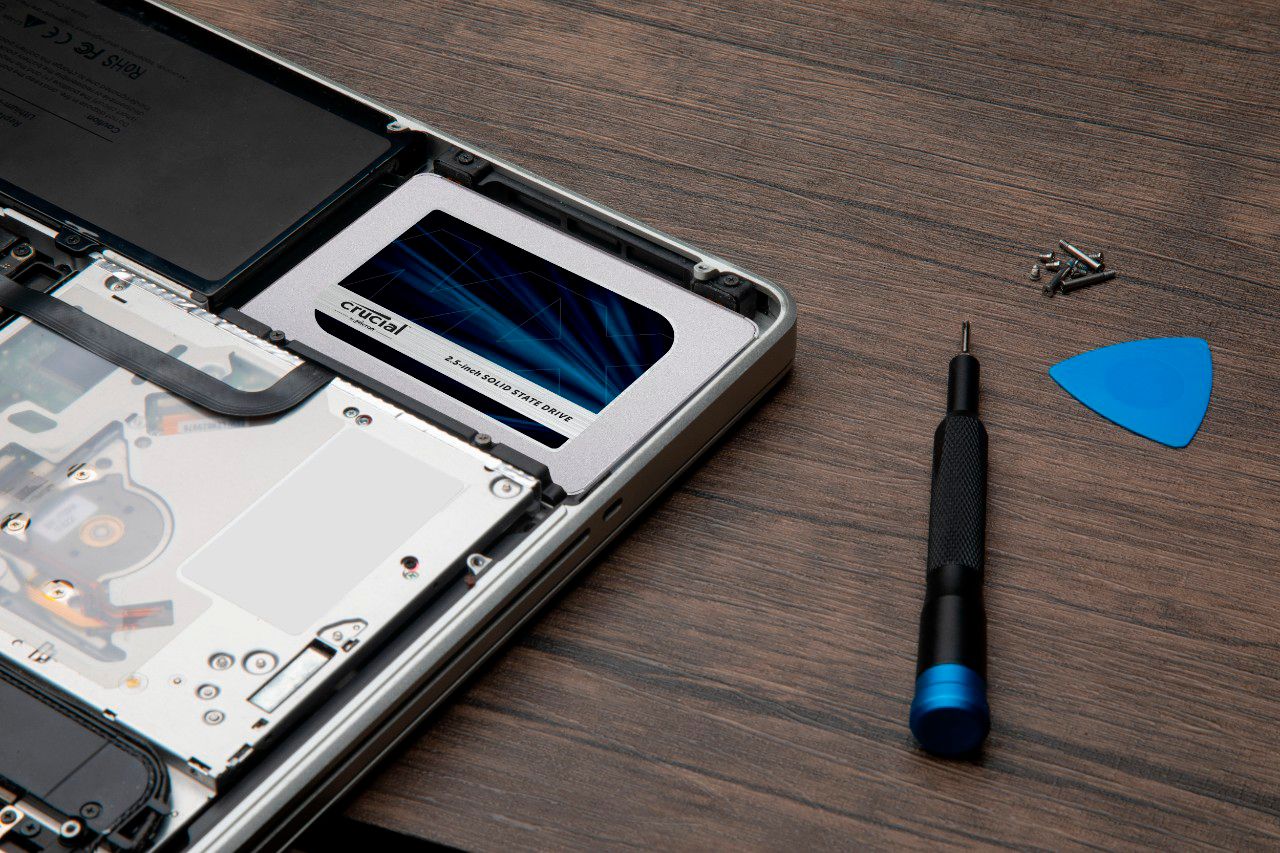
A:AnswerAs long as the laptop has a slot open for 2.5" HDD, the SSD should work and be the preferred choice for gaming laptops. I used the SSD as an add-on to my Acer Predator. Make sure the laptop came with the SATA interface cable before buying the SSD.
A:AnswerIt looks like it will work just fine. Check out the spec sheet:
Computer model Inspiron 2350
Processor
• Intel Core i3 (4th generation)
• Intel Core i5 (4th generation)
• Intel Core i7 (4th generation)
L2 cache 512 KB
L3 cache Up to 6 MB
System chipset Intel HM87
Memory
Connectors Two SODIMM connectors
Type Dual‑channel DDR3L
Speed Up to 1600 MHz
Configurations supported 4 GB, 8 GB, 12 GB, and 16 GB
Communications
Network adapter 10/100/1000 Mbps Ethernet LAN on
Motherboard (LOM)
Wireless • Wi-Fi 802.11 b/g/n
• Wi-Di (Wireless Display)
• Bluetooth 4.0 LE
Video
Controller:
Integrated Intel HD graphics 4600
Discrete AMD Radeon HD 8690A
Memory:
Integrated Shared system memory
Discrete 2 GB GDDR5
Audio
Controller Intel High Definition Audio with Waves
MaxxAudio 4.0
Speakers Two 4-watt speakers
Internal microphone Skype certified digital-array microphones in
camera assembly
Volume controls Program menus
Storage Interface SATA 6 Gbps
Hard drive One 2.5-inch
mSATA One mSATA card
Optical drive USB optical drive (optional)
A:AnswerMac are tricky. Delicate to replace parts like this. Don't damage any internal components or connectors. Just an FYI. But yes...any standard SSD should fit/work fine in an old Mac. Check the iFixIt.com web site for pointers and videos of professional replacement walk through. Good luck!
A:Answeryes, you need a mounting bracket. I was told it would mount on it's own, but when I tried the screw hole did not line up. I bought a bracket and installed internally.
A:AnswerThe Crucial representative did not answer my question as to whether or not the drive will work to upgrade my HP ENVY 750-055xt desktop. I realize it does not come with a device to convert from 2 1/2" to 3 1/2" and that it would have to be purchased separate.
A:AnswerIdahoComputerTech, the answer you provided about "An SSD not having DRAM" is not correct.
Three companies in the world do in fact make premium SSDs that have a DRAM cache. Those companies are Samsung, Crucial, and SK Hynix.
The larger the SSD, the larger the cache of DRAM is. This is why I was asking how much DRAM is included with each version of the Crucial MX500 SSD.
The other SSDs made by other manufacturers such as PNY, Kingston, WD, and others all do not have a DRAM cache. Instead, they use the DRAM of the computer in a traditional way and instead use a "Single-Layer" form of "Cache" on the SSD. This "Single-Layer" cache is still fast, but it is not as fast as a "DRAM Cache" used by the premium models of SSD made by Samsung, Crucial, and SK Hynix.
The DRAM cache also makes it so the SSD has much longer endurance. This is why the "Warranty" of most SSDs lasts for "3 Years," which the premium SSDs that include DRAM from Samsung, Crucial, and SK Nynix all have "Warranty" that lasts "5 Years."
I hope this helps explain things.
It would be nice if Micron/Crucial would answer my question, though, in terms of the "amount" of "DRAM" this version of the SSD includes for the various models.