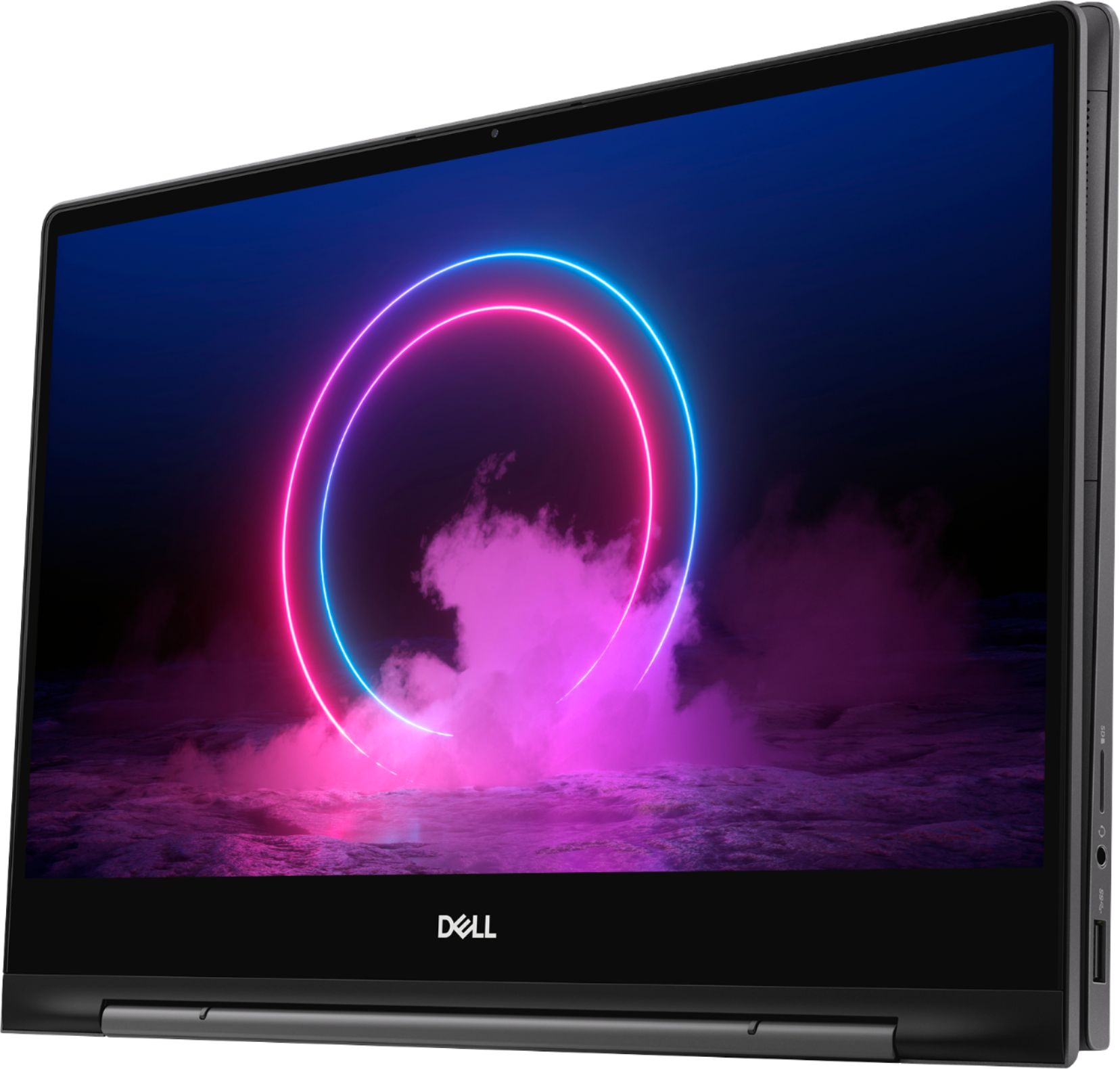
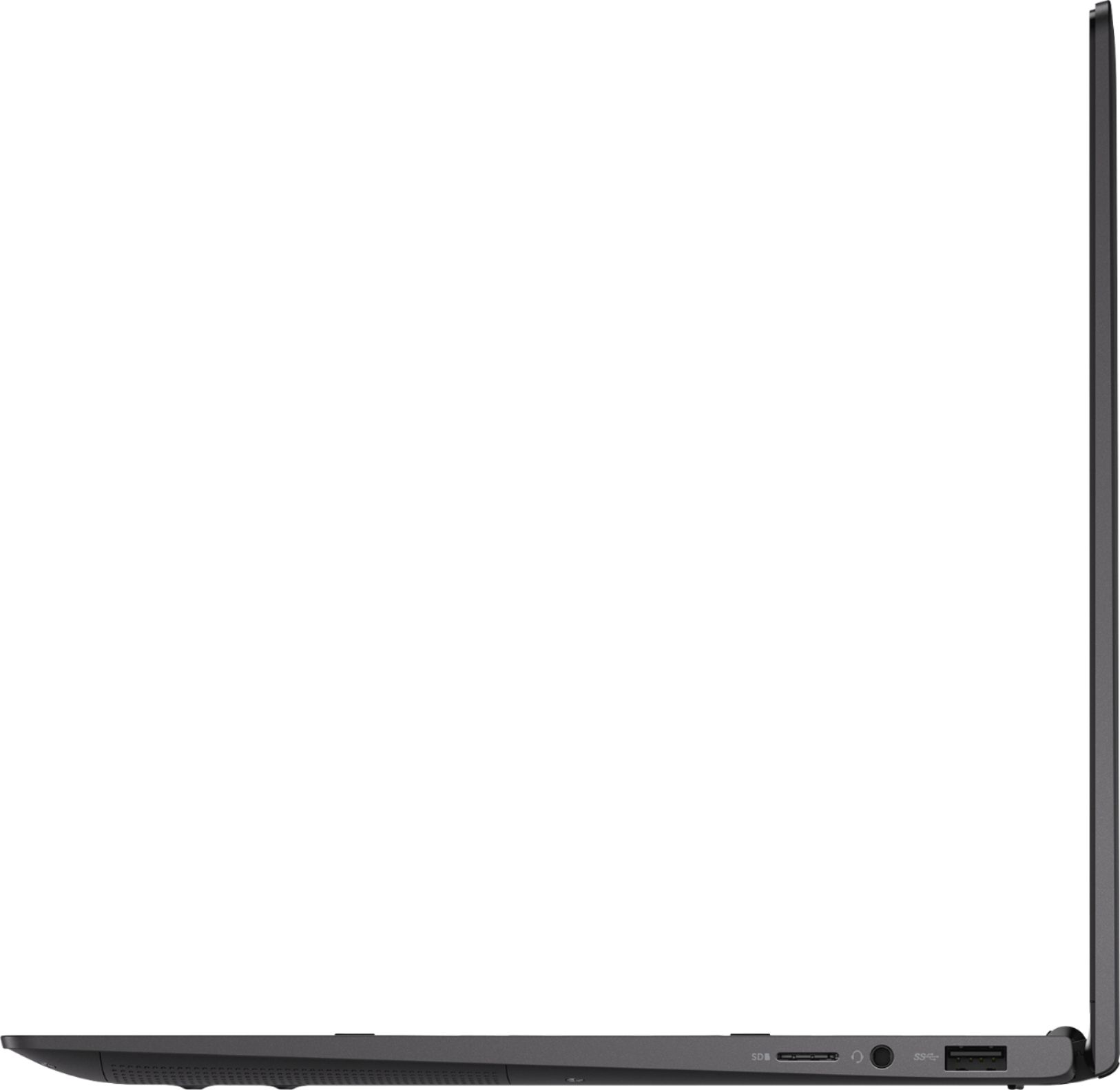
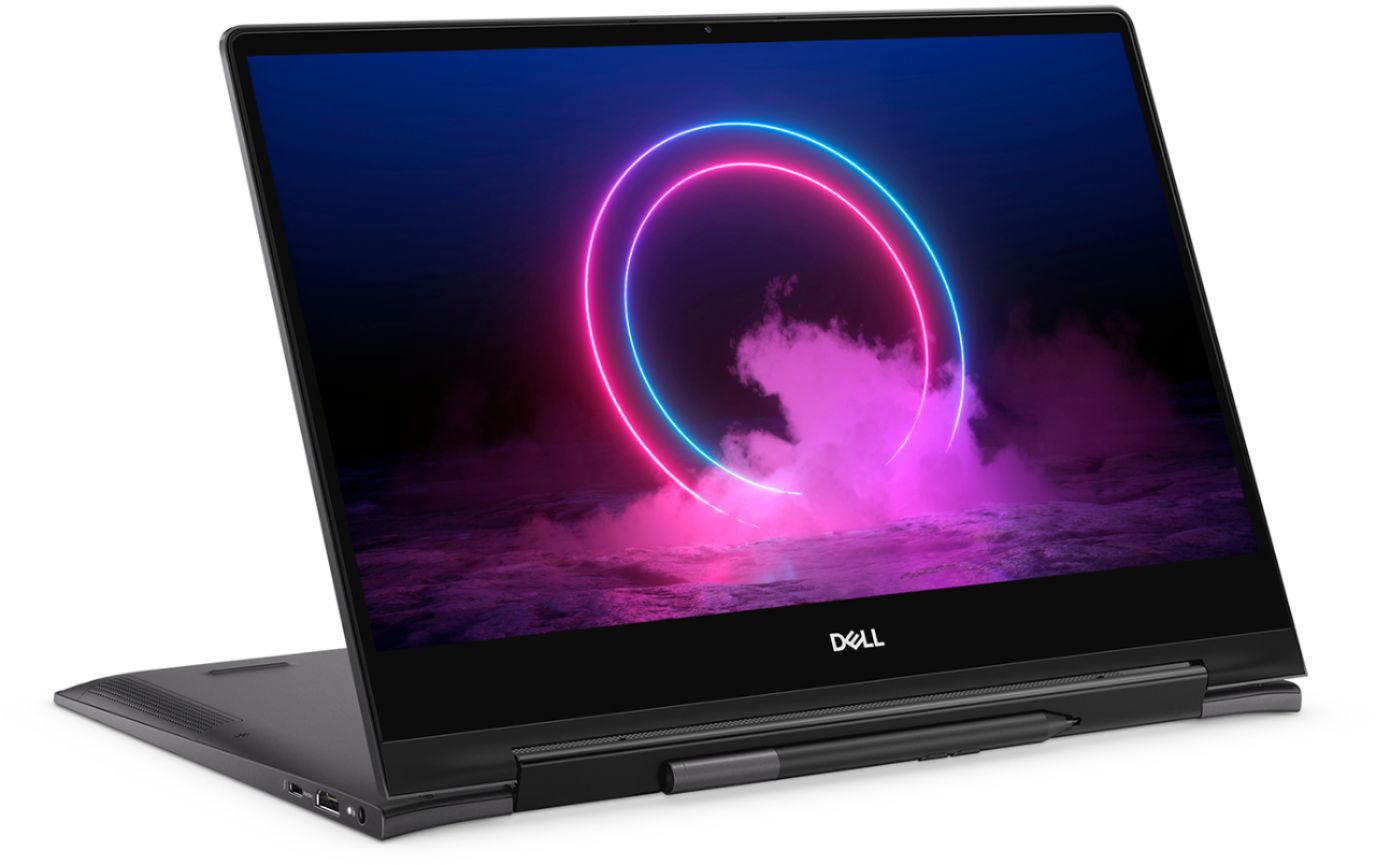
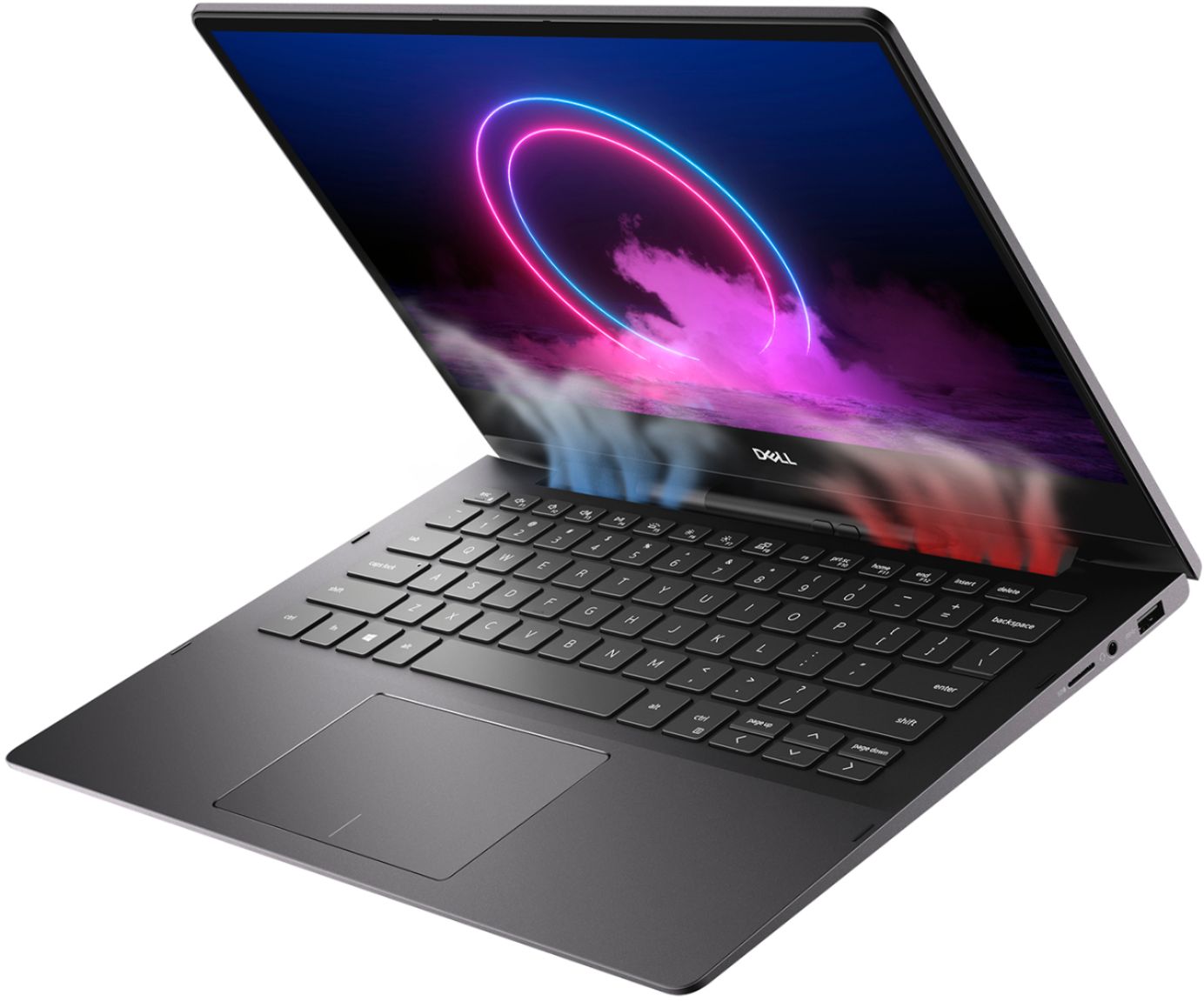
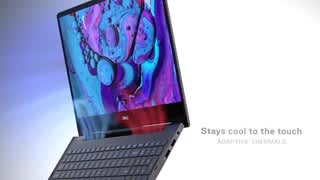
A:Answer I have the 7391, which is awesome, but also gets a little toasty sometimes. I found a few different things on websites and found when I made these changes, the heat dropped from 80-85 to 40-45.
1. Open "Dell Power Manager" app, under "battery information" (the first tab) go to "settings" on right side of screen and choose "Primarily AC use", then got to "thermal manager" (the third tab) and choose "Cool" setting. Close app.
2. Click "battery" on far right of taskbar and move slider to the middle.
3. Turn off Intel Turbo Boost in BIOS menu, to do this power off laptop, begin pressing "F2" repeatedly while powering on the laptop until you see "entering BIOS menu", go to "Performance" tab in BIOS menu and towards the bottom is the option of turning off turbo-boost (toggle off), then at bottom of screen choose "change settings", after exit BIOS and laptop will reboot into regular mode and that is it, hopefully it will do the trick (it worked for me).