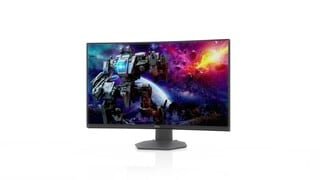
A:AnswerYes, you can connect this monitor to a Macbook provided it has an external display adapter and yes, you can connect this monitor to multiple sources.
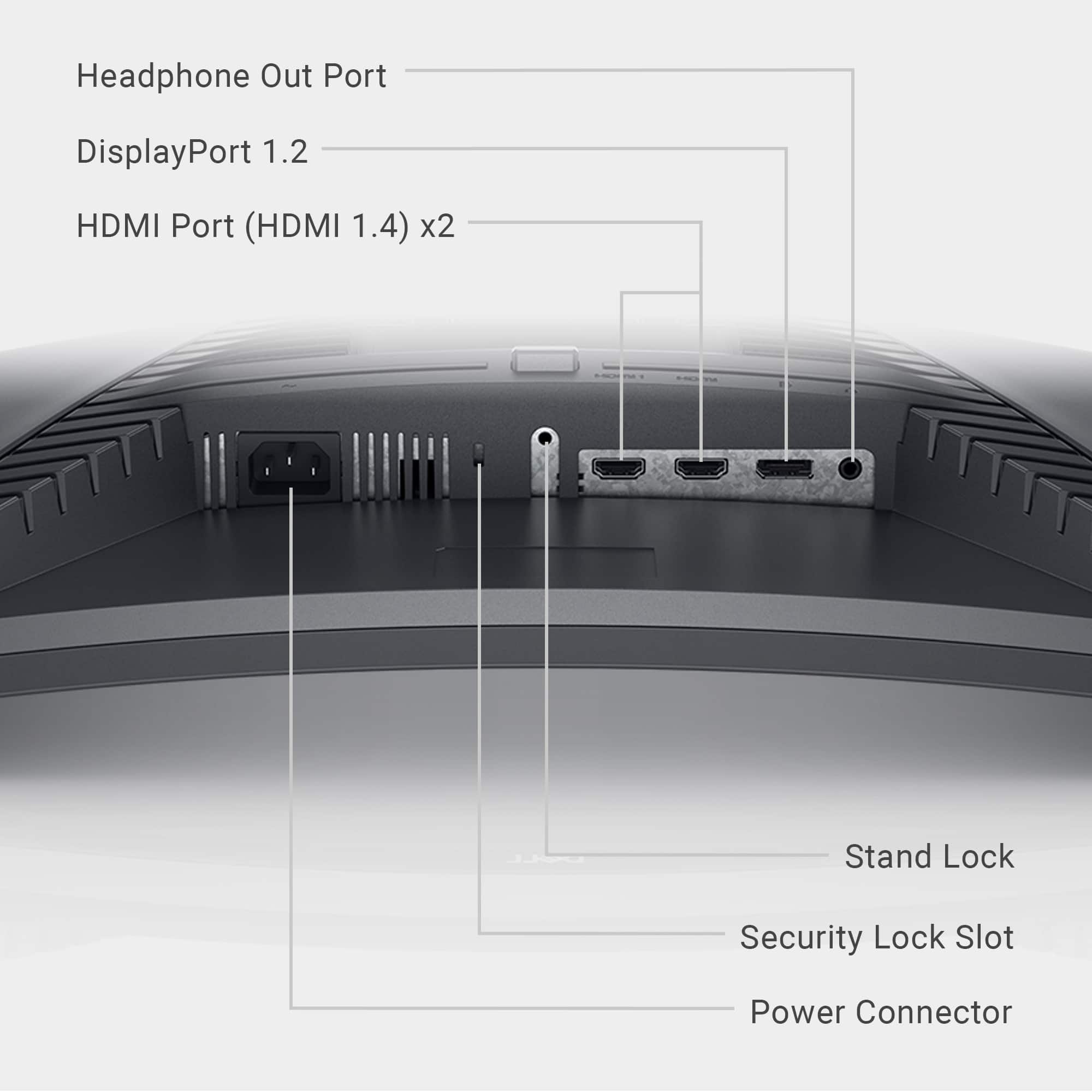
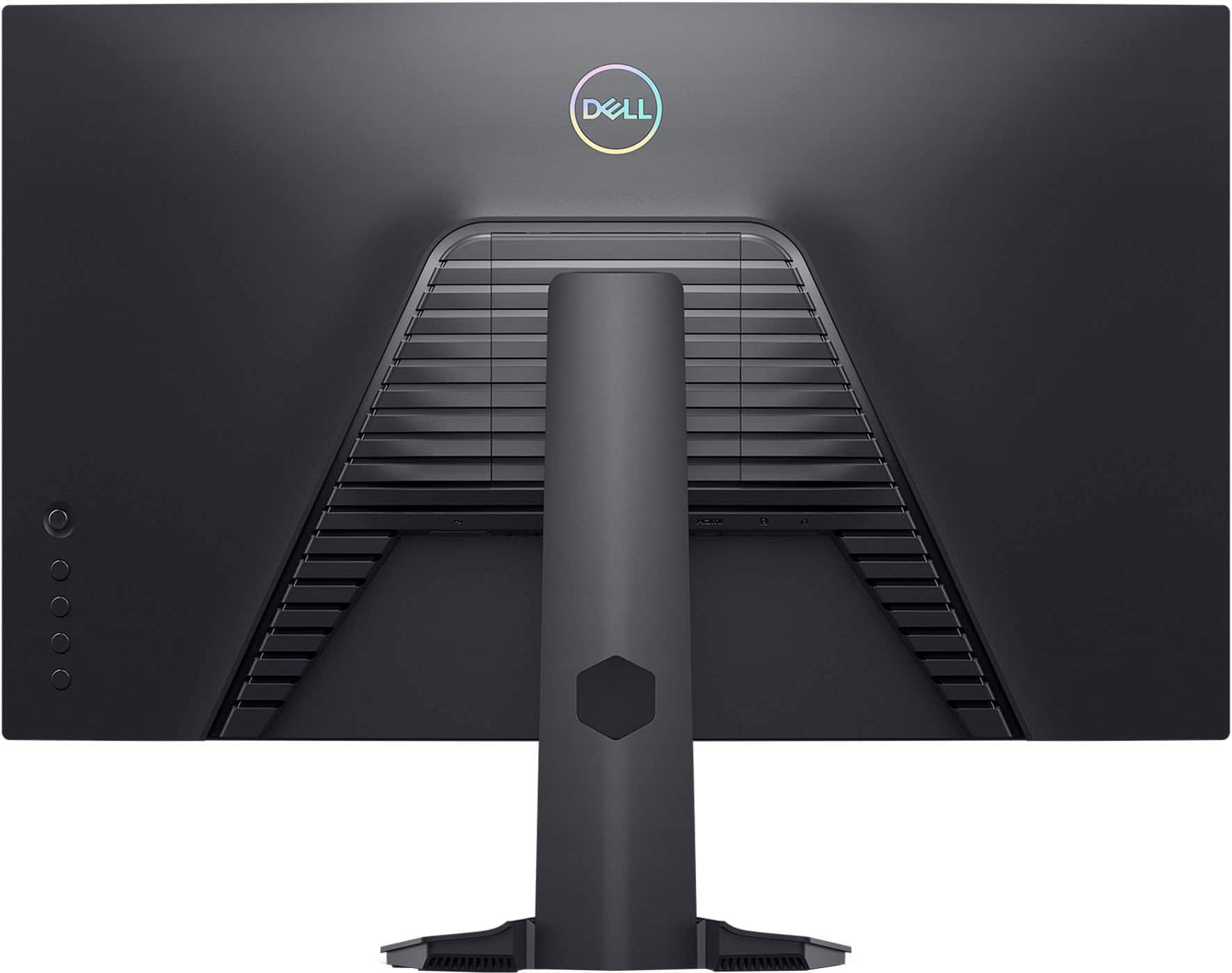
A:AnswerThe monitor has 2x HDMI 1.4 ports. If you are looking to connect this with the PS5, we suggest you check the Dell's Alienware monitors that are a much better choice (https://bit.ly/3civ5tx )
A:AnswerThis monitor includes one headphone port (3.5 mm jack) that can be used to connect a headphone. This monitor does not include built-in Bluetooth.
A:AnswerThis monitor support only DisplayPort 1.2 version. Please reach out to the Dell technical support team to review the screen flickering concern and get it sorted. They are available 24/7 on Facebook and Twitter.
A:AnswerThe DisplayPort or HDMI connector should support up to 144 Hz. Please reach to to the Dell technical support team to review this concern and get it sorted. They are available 24/7 on Facebook and Twitter(@Dellcares).
A:AnswerThis system does not have built in microphone. The audio port supports headphones. Should you face any technical issues, do reach out to the Dell technical support team. They are available 24/7 on social media platforms Facebooks and Twitter(@Dellcares).
A:AnswerIt came with an HDMI cable but if you want to access the best picture you will want to get a display port cable if your computer has an output.
A:AnswerIt came with an HDMI cable. If you looking for the best hookup, but a displayport cable. You ain't be sorry and can find them for least then $20.