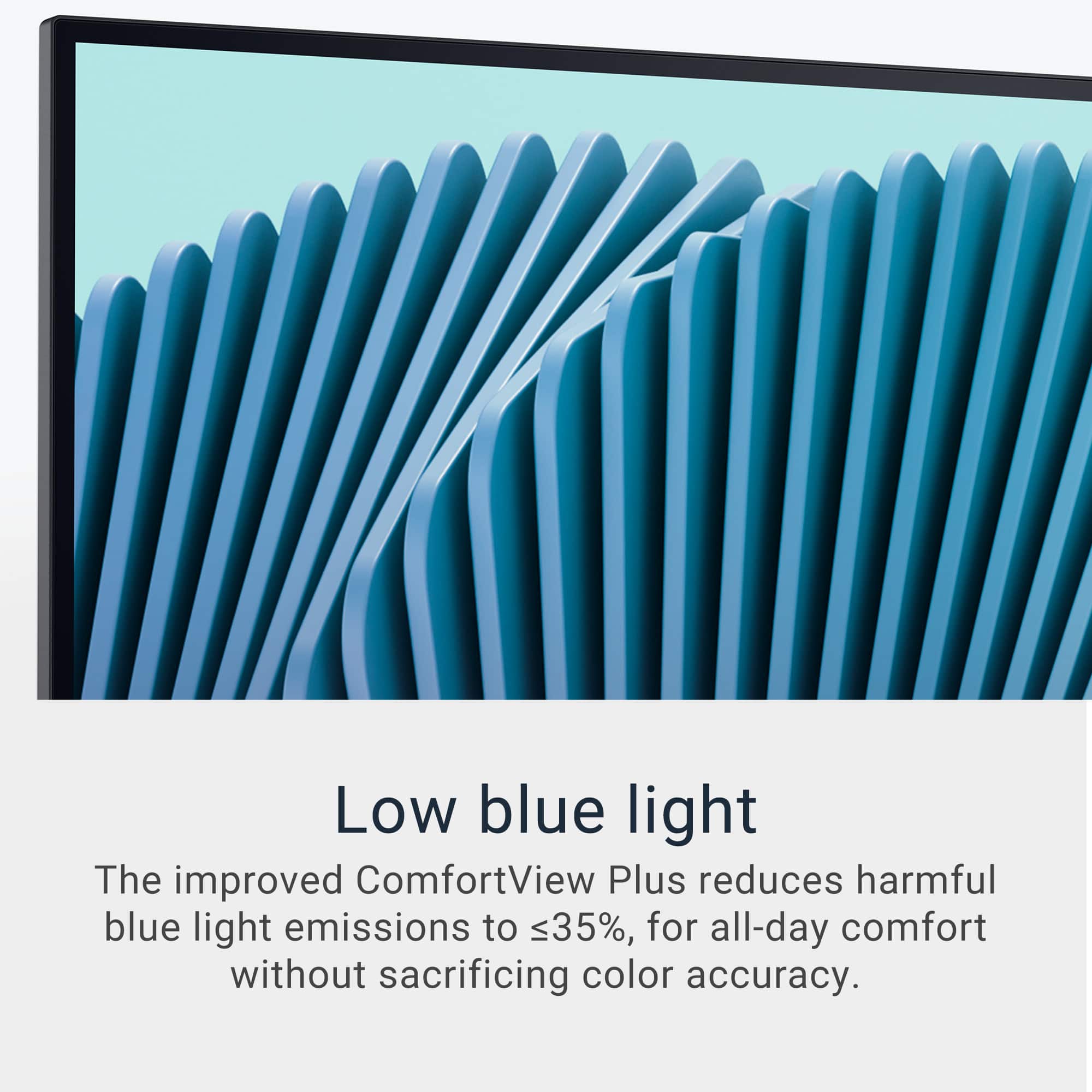
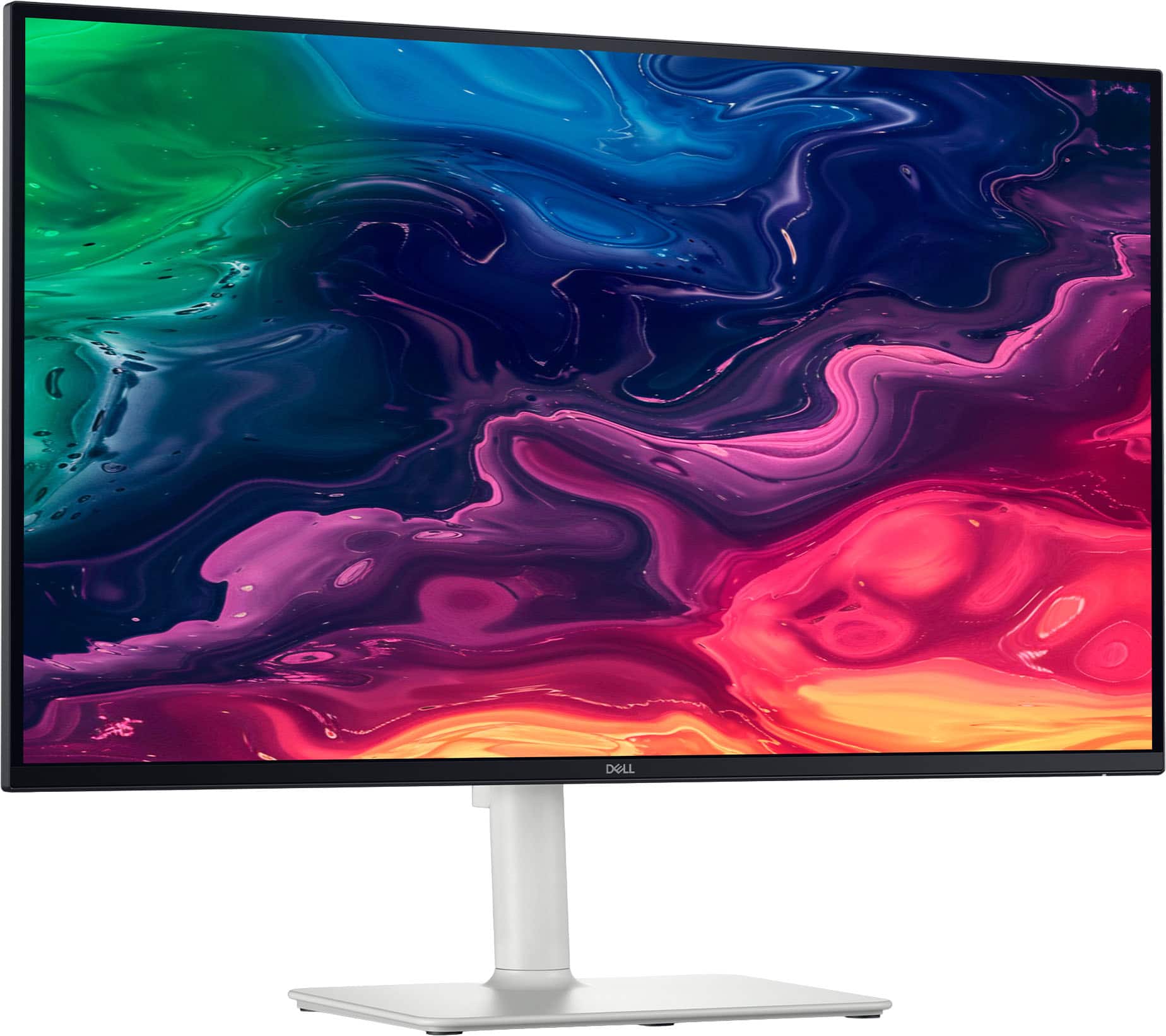
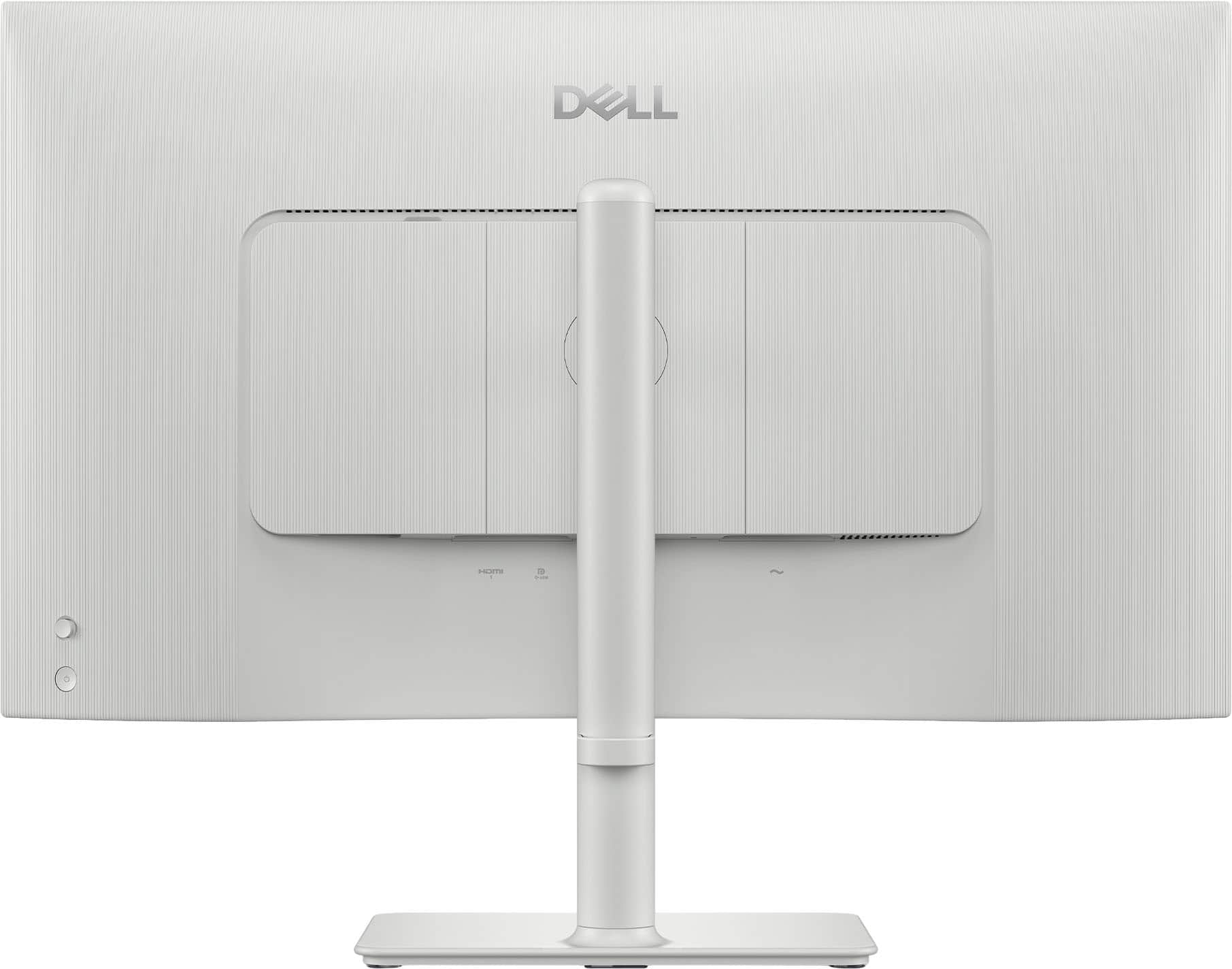
A:AnswerYes, it features Dell ComfortView Plus, which: Reduces harmful blue light emissions and is enabled by default. Brightness can be easily adjusted through: The monitor’s physical buttons (usually located under the bezel). The OSD menu.
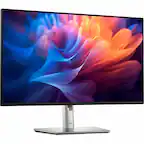
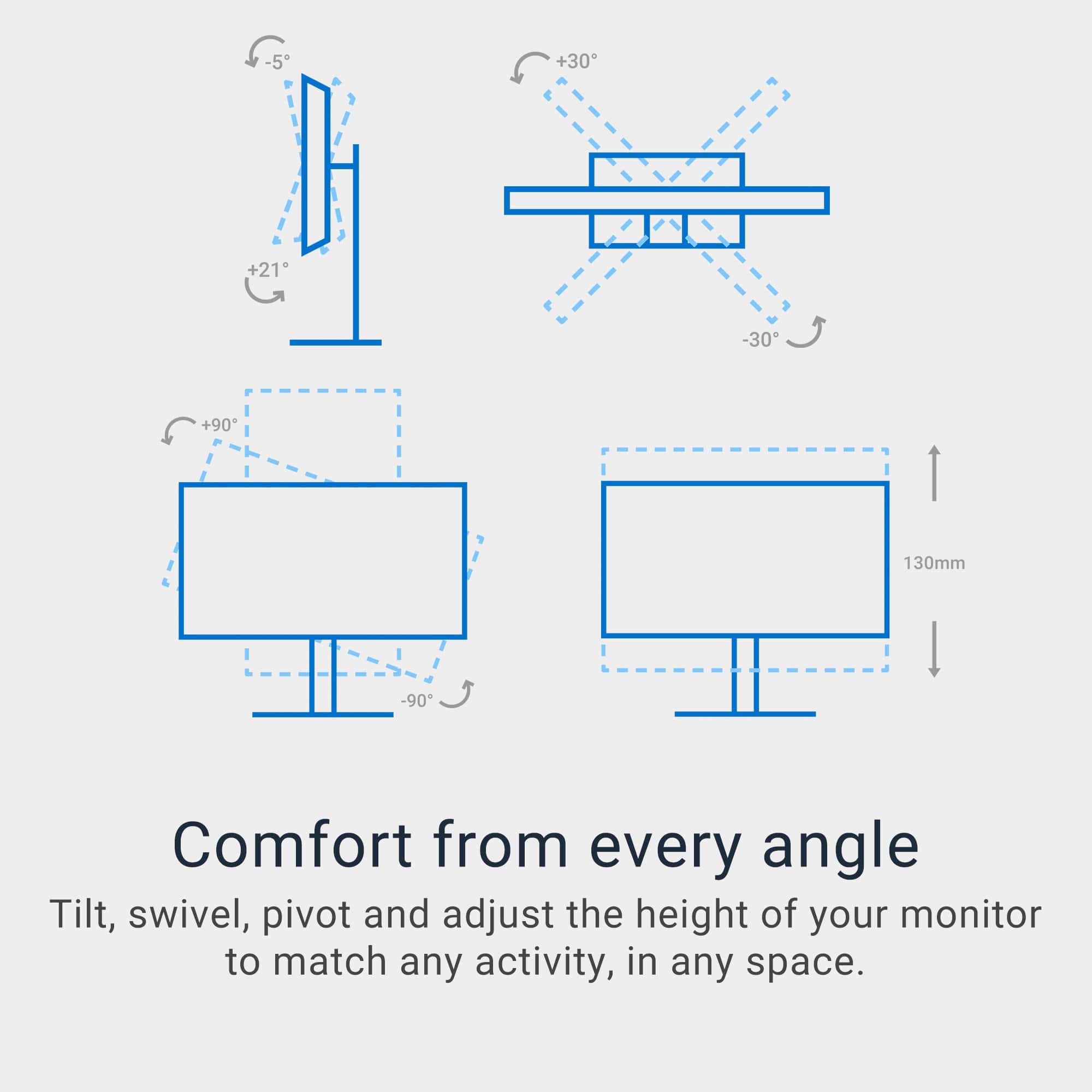
A:AnswerTo ensure the monitor stand slider stays down to the position you want, the display has to be connected to the stand. It is the weight of the screen that holds the tension and keep it stationary, else the slider will move back to its original position.
A:AnswerIt depends if you connect the monitor to a set-top box with tv channels or to a computer to stream videos, you can watch them. But if you are referring to in-built tv channel capabilities - no, it doesn't have that feature.
A:AnswerIn Best Buy the package includes 3 years advance Exhange warranty and at Dell Product site 1 year is selected by default and with a choice to extend from 2 - 5 years.
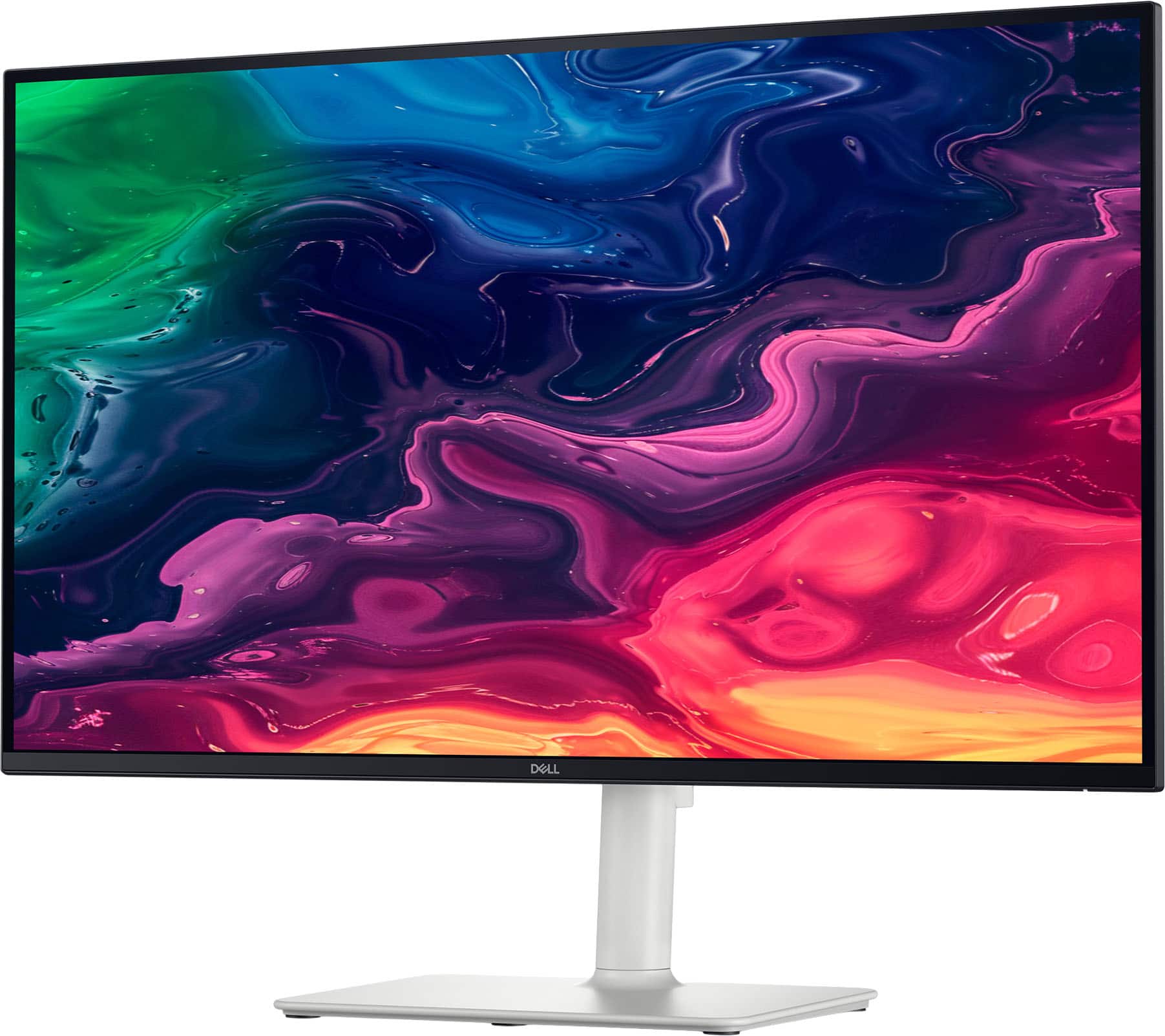
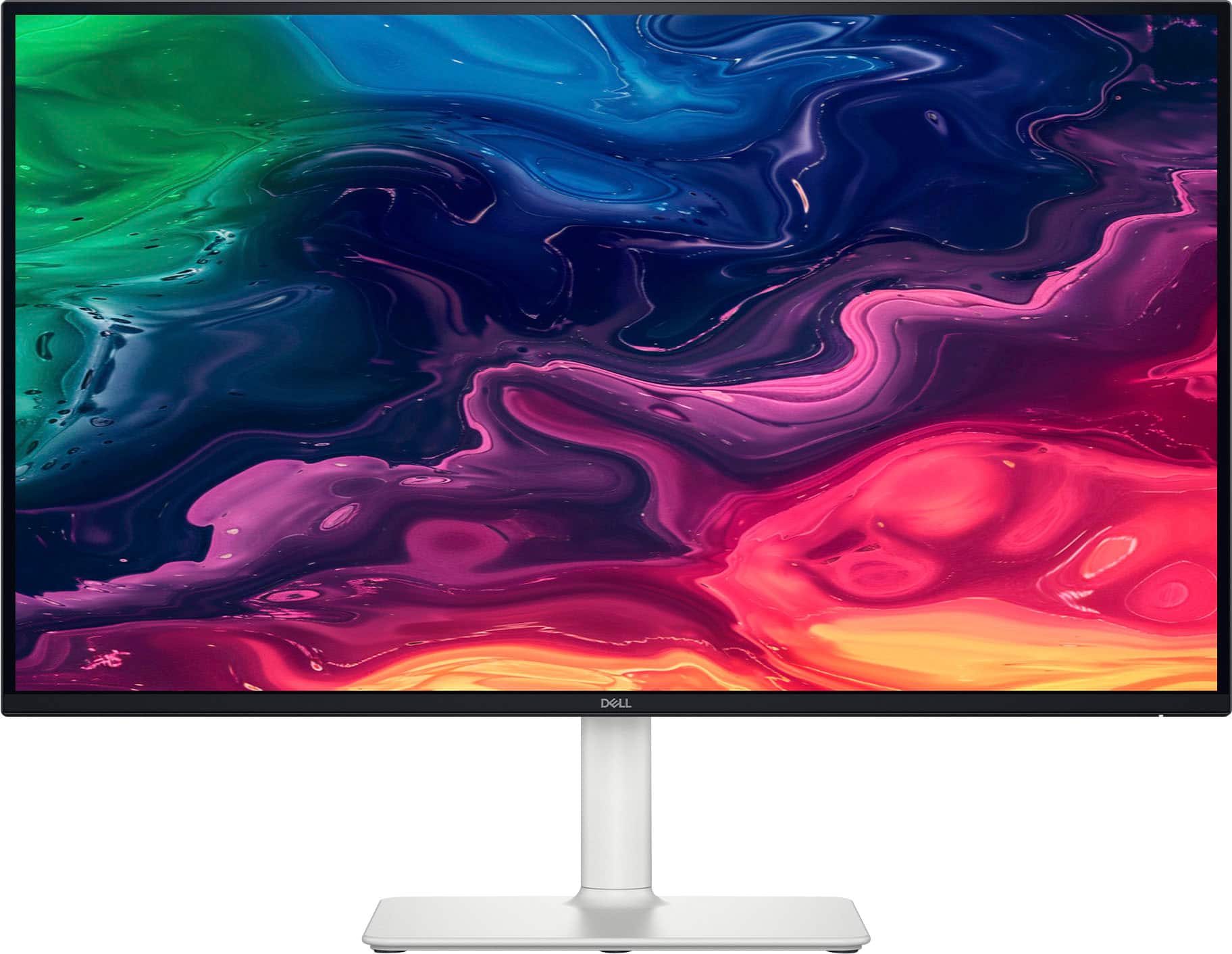
A:AnswerPlease find the physical characteristic information as follows, Height 14.02 in. Width 24.08 in. Depth 2.36 in. Height with Stand 20.42 in. Width with Stand 24.08 in. Depth with Stand 7.89 in. Compressed Height with Stand 15.30 in. Extended Height with Stand 20.42 in.