Winter SaleEnds 1/19. Limited quantities. No rainchecks.Shop now

Main Content

Questions & Answers

Your price for this item is $89.99
Page Showing 41-60 of 120 questions
  • QuestionWill this work in my garage without rebuffering and the modem is in the basement. Approximately 150 to 200 feet away. Needs to run 4 roku devices flawlessly.

    Asked by Mancave.

    • Answer Hi Mancave. Thank you for reaching out! The eero 6 router provides coverage up to 1,500 sq. ft. It sounds like a multi-pack system would better fit your needs. We recommend having at least one eero per floor and wireless eeros should be no more than 50 feet apart from another eero. If you need help determining which multi-pack system to choose, call eero customer service at (877) 659-2347. They’re available Monday-Sunday 6am-8pm PT. I hope this helps. Have a great day!

      Answered by Amazon Devices Customer Support

  • QuestionI already have 1 wired eero and 1 wireless eero.. Can I add this 3rd eero to system for basically a extender for garage??

    Asked by WilliamkC.

    • Answer Yes, make sure you have downloaded the app to track connection. Very easy to add onto existing. I have four tied together.

      Answered by Tommy

  • Questioncan i use this as a satellite by just plugging it in across the house and not plugging in the ethernet cable?

    Asked by brian.

    • Answer No, you need 2 pods at minimum, one acts as the hub, another as the receiver for that signal from the hub

      Answered by JamesI

  • QuestionDoes it work with ring system

    Asked by Jorge.

    • Answer Hi Jorge, Yes EERO 6 devices are designed to work with Ring systems. You can use EERO 6 extenders to expand the Wi-Fi coverage of your ring devices, ensuring a strong and reliable connection throughout your home. Hope this helps! Enjoy your day!

      Answered by Amazon Devices Customer Support

  • QuestionWill this router automatically connect Internet to Smart TV

    Asked by RogerS.

    • Answer Hi RogerS, Yes, the eero-6 routers can automatically connect Smart TVs to the internet, provided the TV is configured to connect to the Wi-Fi network. Most smart TVs will automatically connect to a known Wi-Fi network, especially if it's the same network they've connected to before. I hope this answers your question!
      Answered by Amazon Devices Customer Support

  • QuestionCan this router be used overseas like Europe ?

    Asked by Colibry.

    • Answer Hi Colibry. Thanks for reaching out! The eero 6 router can be used in several countries in Europe. eero has been tested for compatibility in France, Germany, Italy, Spain, and the United Kingdom. I hope this helps. Have a great day!

      Answered by Amazon Devices Customer Support

  • QuestionCan it be ran wired and not through wifi on my laptop

    Asked by Anonymous.

    • Answer Yes.

      Answered by Anonymous

  • QuestionWill these work with air fiber internet?

    Asked by Tony.

    • Answer Yes

      Answered by IbnS

  • QuestionDoes this work with spectrum internet?

    Asked by Djm.

    • Answer yes it works. My service provider is Spectrum.

      Answered by Elite

  • QuestionDoes it have to be plugged into the modem or can it be plugged in anywhere? Also, does it have an ethernet port?

    Asked by Installation.

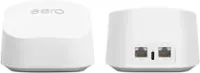
    • Answer Hello, thank you for your question. Yes, the eero 6 has to be plugged into the modem and it has two ethernet ports. Connect the eero device to your modem using the Ethernet cable that came in the box. You can use either of the Ethernet ports on the back of your eero. I hope this helps, have a great day!

      Answered by Amazon Devices Customer Support

  • QuestionIs this router or only extension?

    Asked by Rakesh.

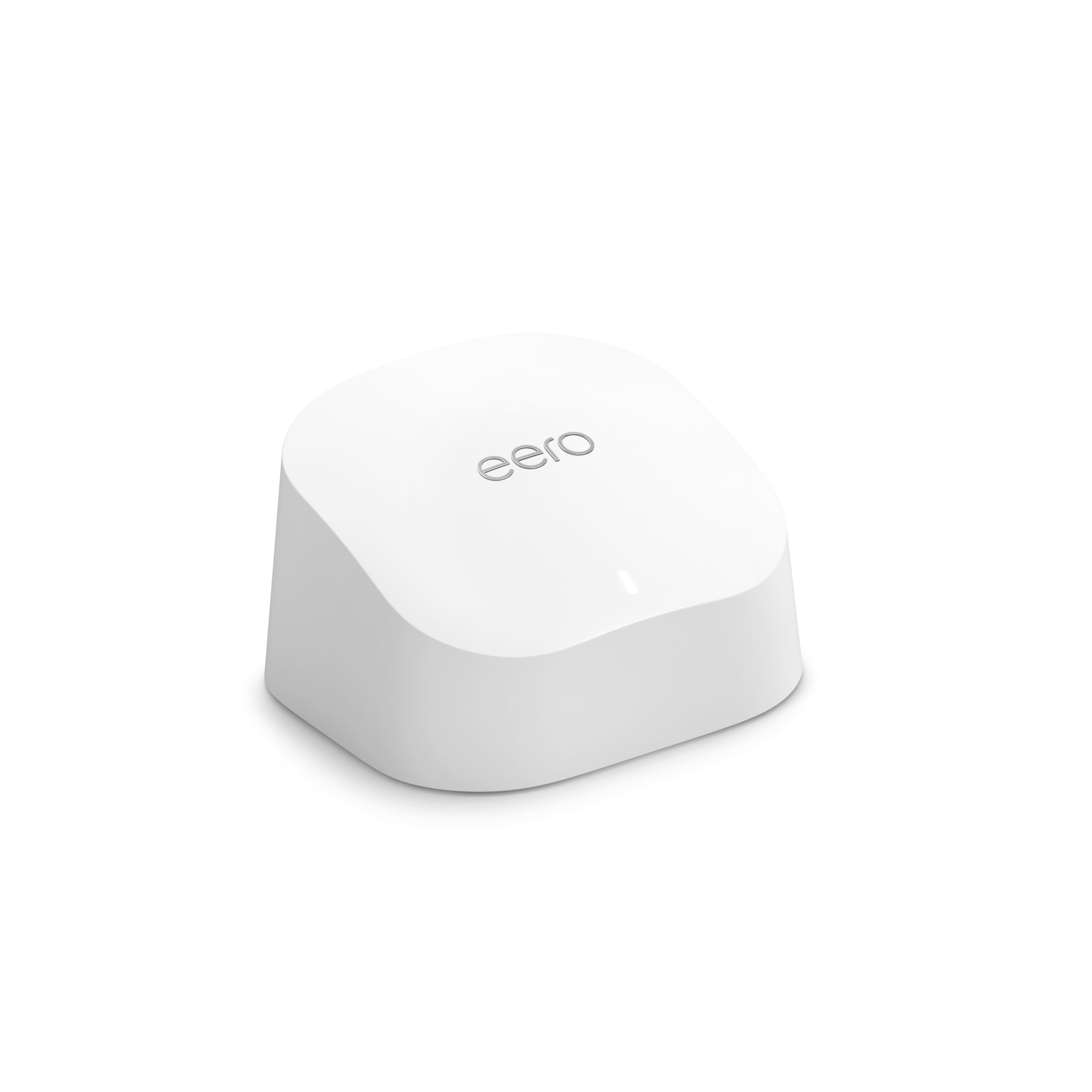
    • Answer Hello Rajesh, you want to know if the eero Dual-band Meesh Wi-Fi Router (1-pack) is a router or just an extension. The eero Dual-band Meesh Wi-Fi Router (1-pack) in questioned here is a router, it was two LAN ports available; one which will connect to your modem or LAN switch and the second to connect a device via LAN. Hope this has answered your question have an amazing day!

      Answered by Amazon Devices Customer Support

  • QuestionCan I set this up using a web-based browser instead of a phone app?

    Asked by gg.

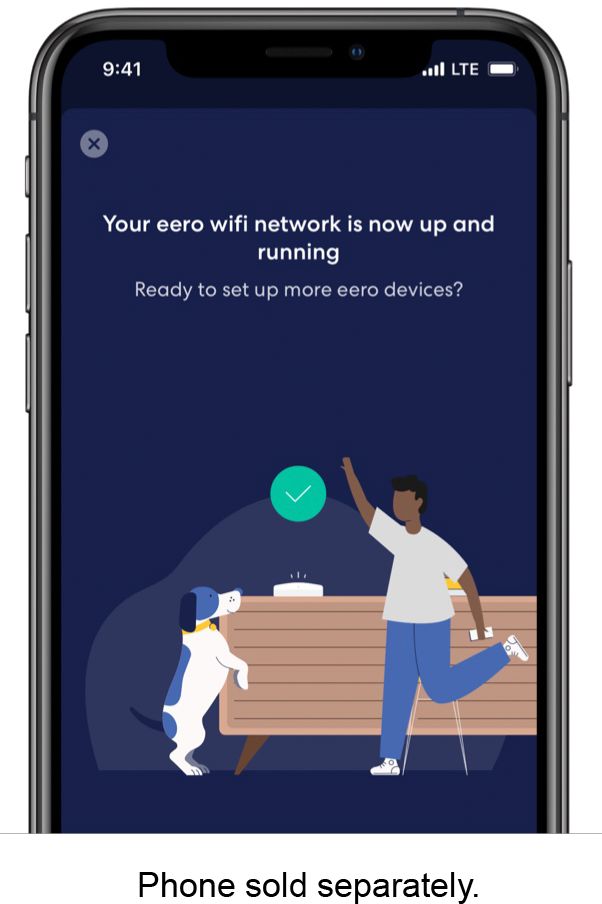
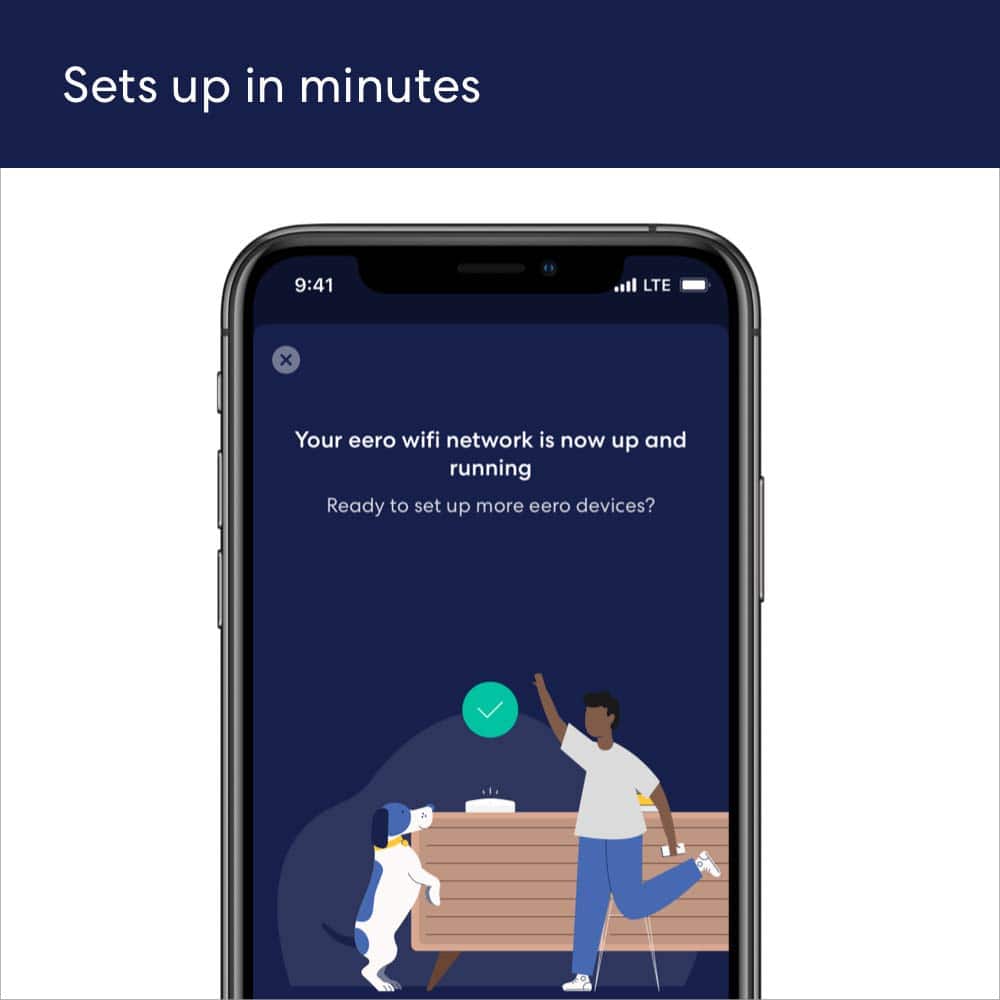
    • Answer Hi gg! No, you can't setup a eero 6 router without the eero app. Here are the requirements for setup; - Active internet connection from an Internet Service Provider (with cable or DSL modem, if required) - Supported iOS or Android device with data connection - The eero app for iOS or Android - An email address and phone number (to activate and sign in to your account Hope this helps, have a great day!

      Answered by Amazon Devices Customer Support

  • QuestionDoes this mesh system support a vpn

    Asked by GB.

    • Answer Hi GB! Yes, eero supports VPN pass-through. Eero Plus is a premium subscription service that provides advanced security features, network optimization, and enhanced parental controls for your eero mesh WiFi system. Eero Plus members also get access to Guardian VPN, a VPN service included with their subscription. Hope this helps! Have a great day!

      Answered by Amazon Devices Customer Support

  • Questionwould you suggest this (one) for my assisted living home

    Asked by patricia.

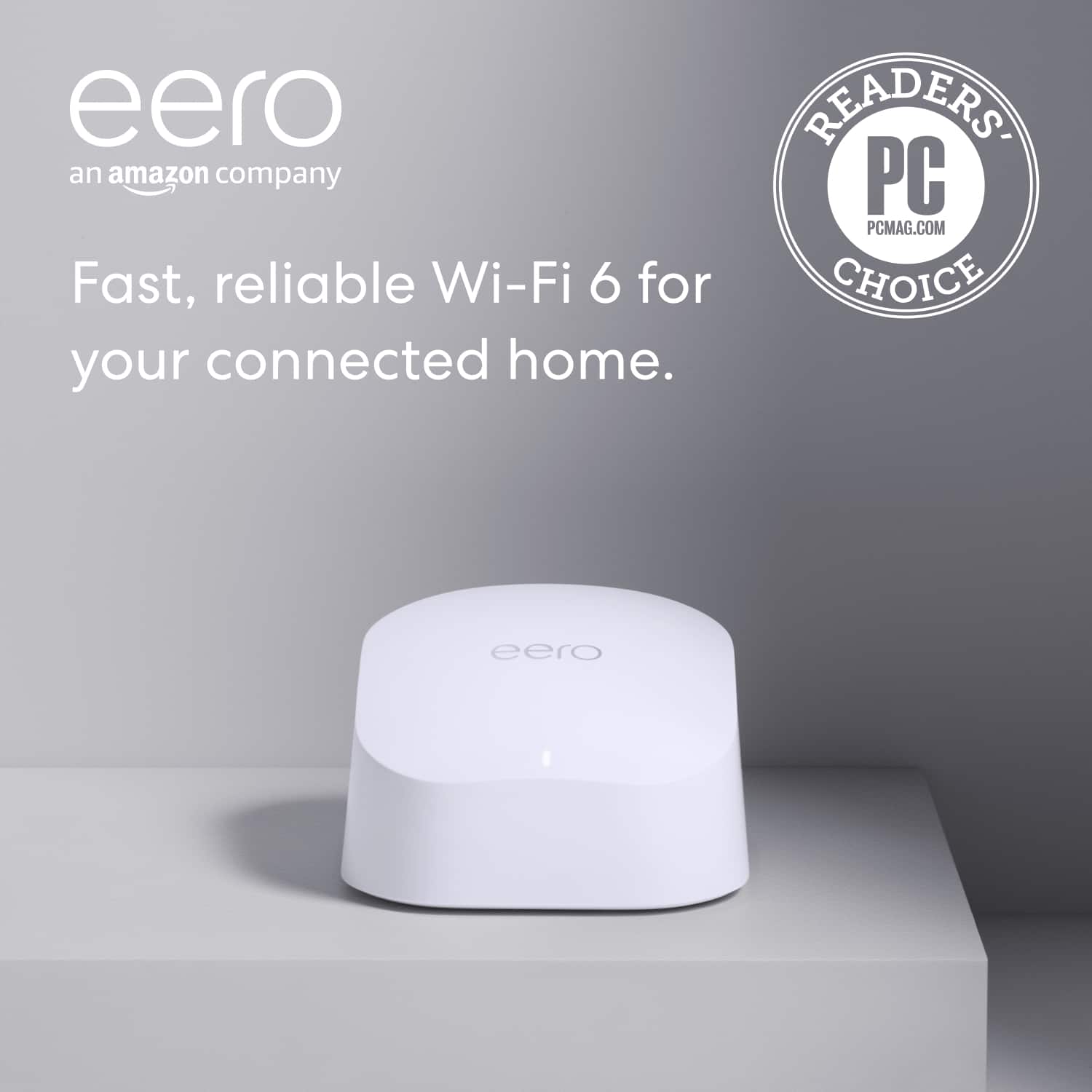
    • Answer Hi patricia! The eero 6 provides coverage for up to 1,500 square feet with speeds up to 900 Mbps. If these features meet your specific needs, this device would be an excellent choice. However, if these specifications don't meet your requirements, consider upgrading to one of eero's more advanced router options. I hope this helps. Have a great day!

      Answered by Amazon Devices Customer Support

  • Questiondoes this router broadcast 2.4Ghz and 5 ghz simultaneously

    Asked by RHOPSON.

    • Answer Yes they do. All eero use the same SSID for all the network bands it can broadcast on.

      Answered by eeroinc Team

  • QuestionI have an xfinity router that just plugs into my electric outlet and delivers wifi... i dont think is a modem set up in my house. therefore will i still be able to use the eero system?

    Asked by modem.

    • Answer Hi Modem. Thanks for reaching out! It is very likely that your Xfinity router is actually a Modem/Router Combo gateway. As long as the Xfinity gateway has Ethernet ports, you can use an eero system. You’ll need to download the eero app and connect an eero to the Xfinity gateway with an Ethernet cable (There will be one in the eero box). The eero app will guide you through setting up your new eero system. eero will create a new wifi network for your devices to connect to (we recommend disabling the Xfinity's wifi if possible. If not, make sure Xfinity and eero are broadcasting different wireless network names). Additional eeros can connect to that primary/gateway eero (either wired or wirelessly) and, once setup, will broadcast the same wifi network.

      Answered by Amazon Devices Customer Support

  • QuestionI HAVE VERIZON INTERNET .CAN THIS PRODUCT HELP GET BETTER INTERNET.

    Asked by Beto.

    • Answer Hello Beto and thank you for your question! The eero 6 is a mesh networking system which helps to optimize your wifi network within your location. The eero mesh system can not boost network speeds from the incoming Verizon ISP. If you find you are lacking in speed/connection from the Verizon ISP, you may need a faster or more powerful internet. Hope this helps! Have a great day!

      Answered by Amazon Devices Customer Support

  • QuestionCan this boost WiFi when we are camping at a site with electricity? Thanks!

    Asked by Lenny.

    • Answer Hello Lenny! Yes, but the eero would still need access to the internet via an ethernet cable. I hope this information helps, have a great day!

      Answered by Amazon Devices Customer Support

  • QuestionIs this router compatible with I3 Broadband?

    Asked by Nisie.

    • Answer Hello Nisle! As long as your 13 broadband router has an Ethernet port, one of the eero can be connected to the router and gain access to the internet, I hope this information helps, have a great day!

      Answered by Amazon Devices Customer Support

  • QuestionDoes this router work with Hawaiian Telcom fiber optics?

    Asked by Sis.

    • Answer Yes it will. eero will work with any ISP as long as the eero gets access to the internet via an ethernet port. According to the Hawaiian Telecom website they are offering eero Pro 6E with their service. You may want to talk to them to see about that offer.

      Answered by eeroinc Team