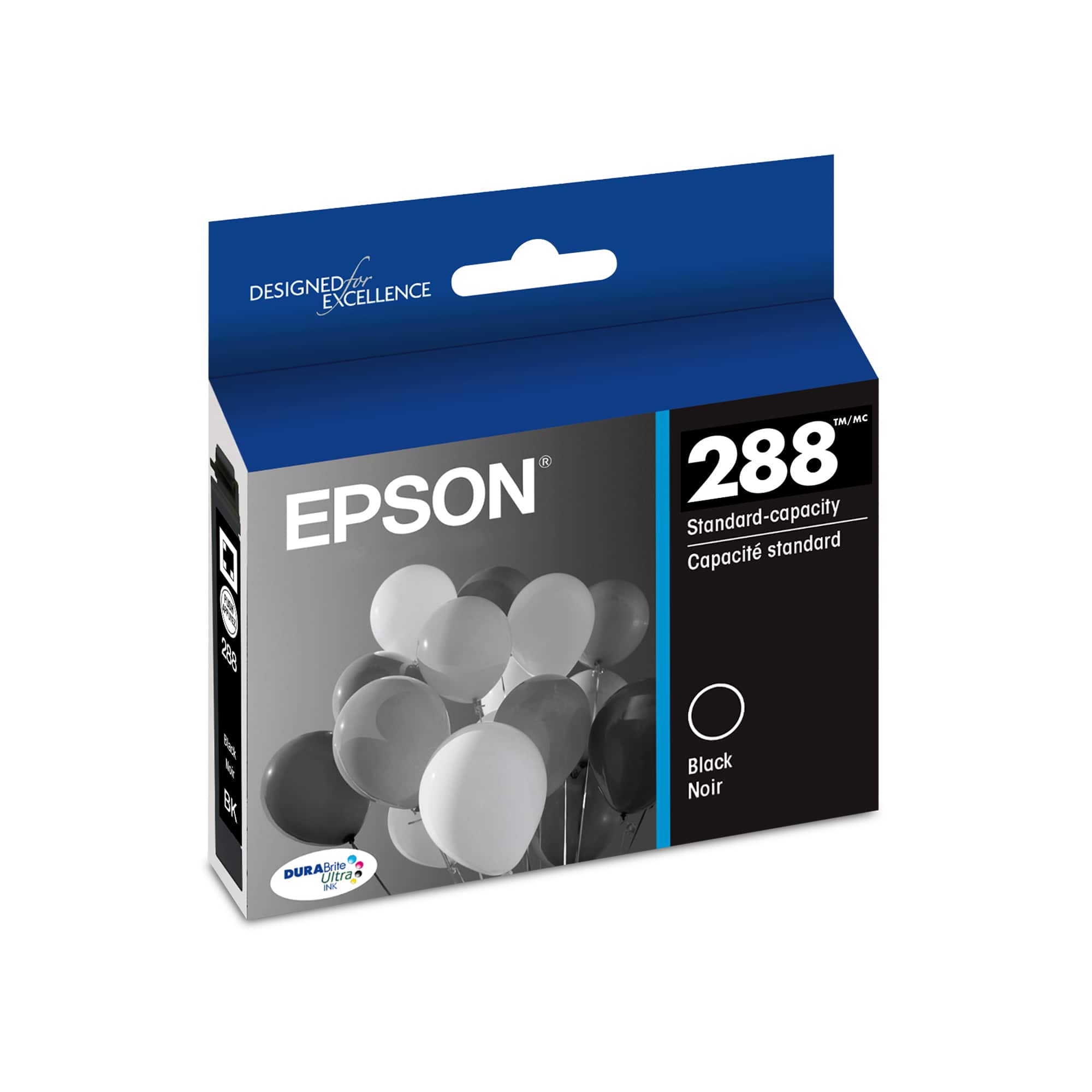
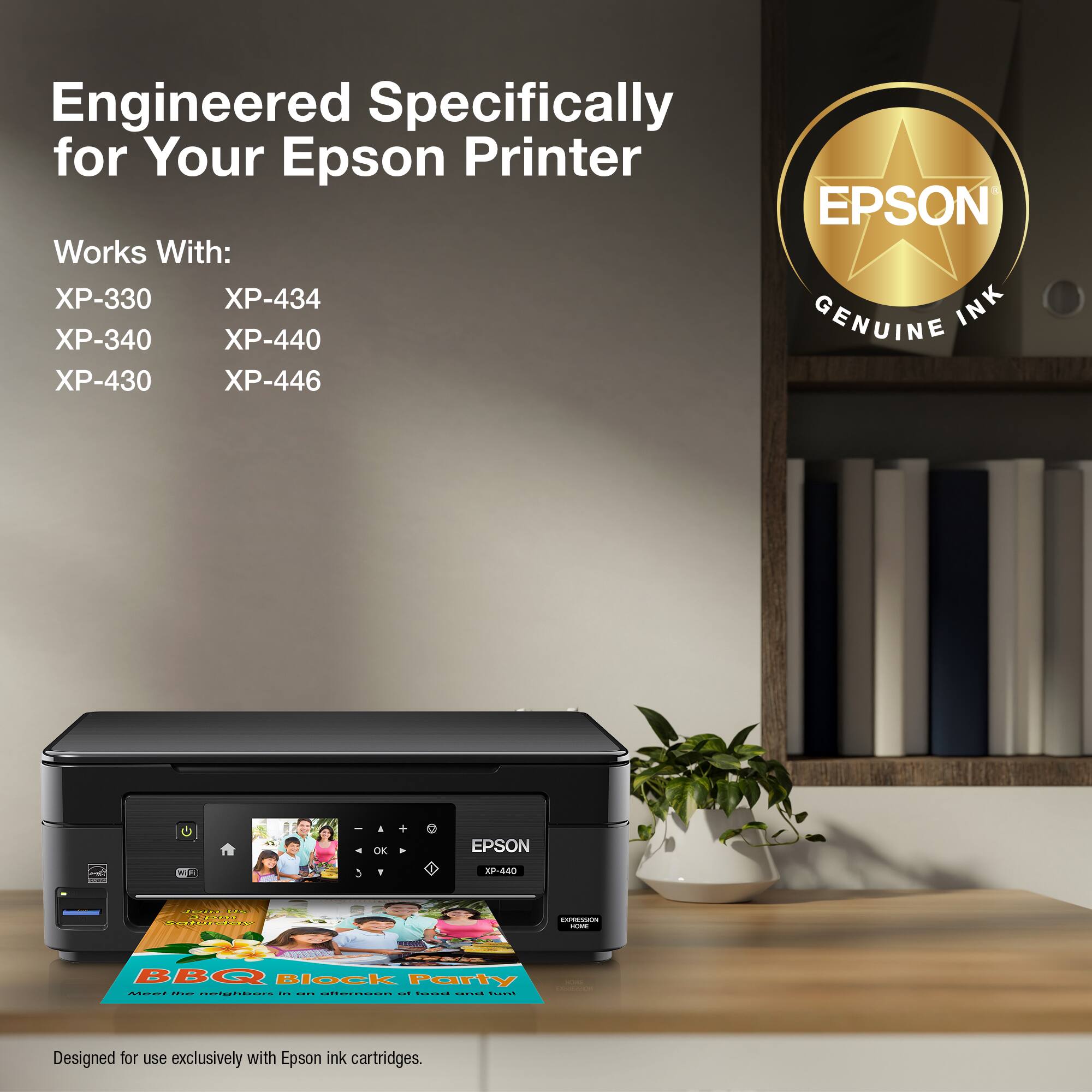
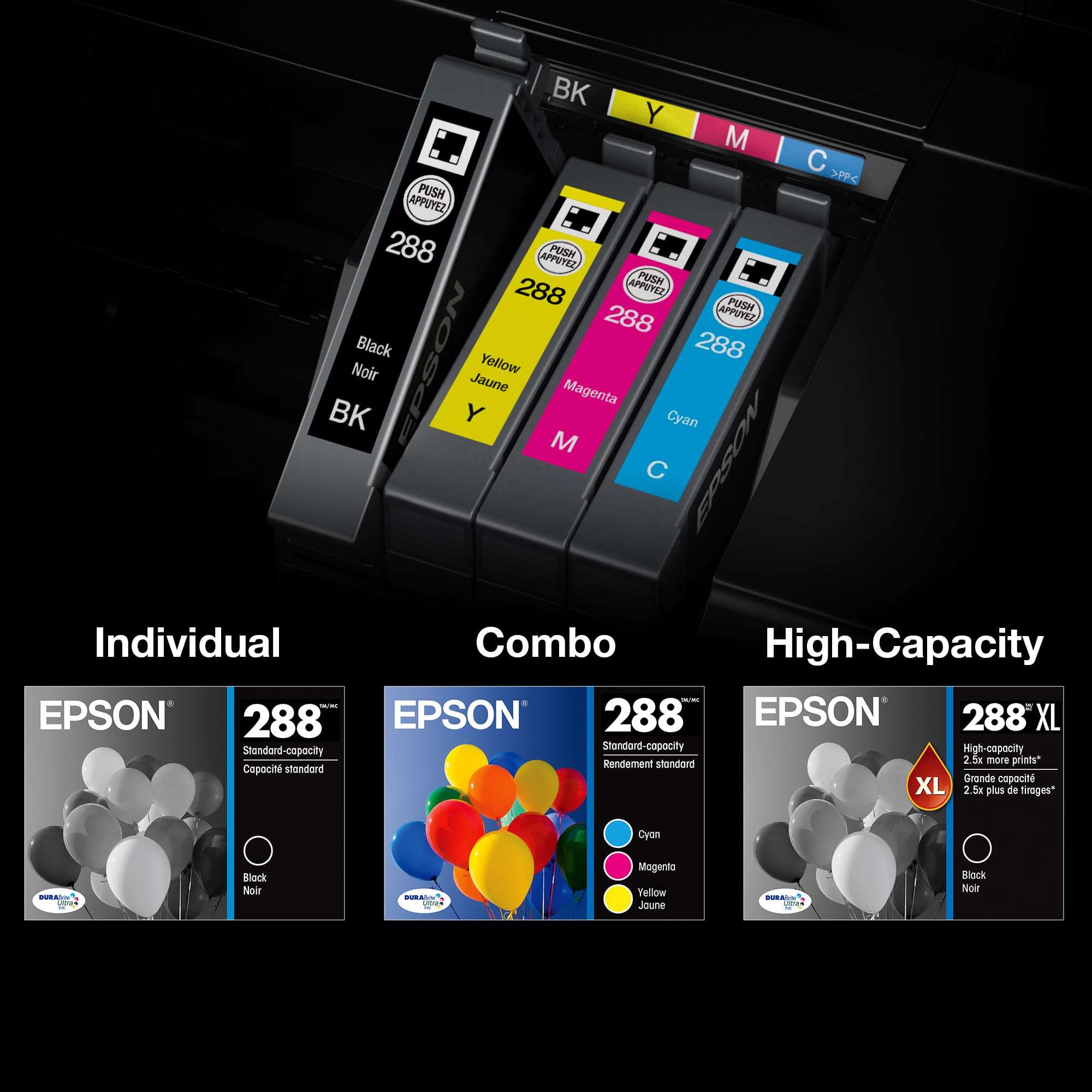
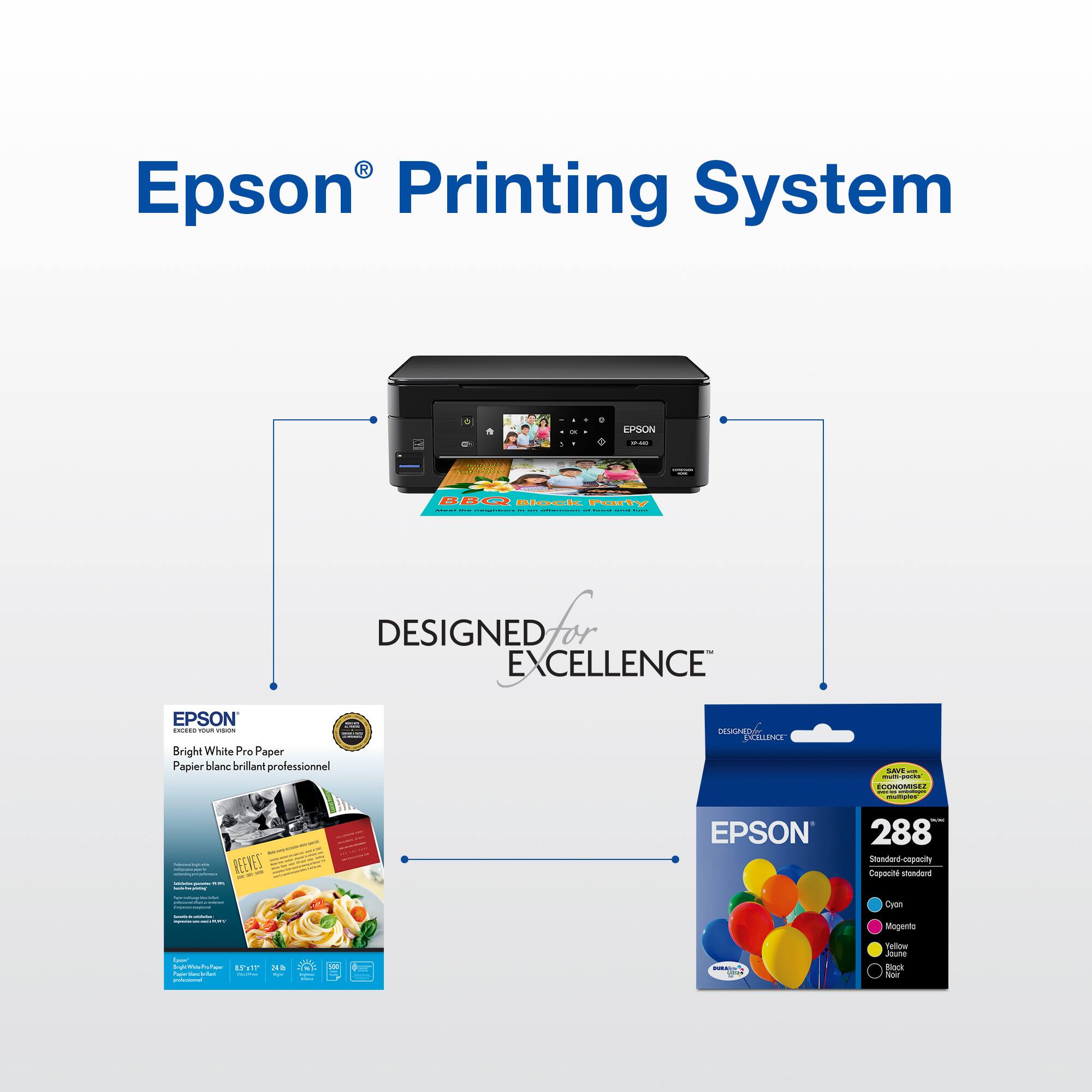
A:AnswerI have Epson 288XL ink cartage that was sold to me for my Epson printer XP. 440, The cartage will not stay in place, it is not a 288-I taken from the printer.
A:Answerrun the cleaning application on the printer and also make sure the ink cartridge is locked down and has charged after installation. Also run the test page a few times it sometimes takes a few prints to get the ink cycling after running it out of ink.
A:AnswerUsually I only buy the XL in black and use the standard size cartridges for the colored ink. It's your choice. If you print a lot in color then buy all XL cartridges, if you don't just buy the XL size in black ink.
A:Answernope, you will need all ink to be filled to just print black.
I think that is just ridiculous, I had to go back to the store to get the refill on the magenta.
I was only printing black ink
A:AnswerHi, There are no direct replacement cartridges for the Epson 202 except another 202 or 202XL high-capacity cartridge. The Epson 202 cartridge works in the WorkForce WF-2860 All-in-One Printer and the Expression Home XP-5100 Small-in-One Printer. Regards, Mark - The Epson Team.
A:AnswerNot sure if it should fit.But 9 out of 10 it will not. You may have to call the dealer or just check on Amazon/Bestbuy and sign up for auto refill. Look into it they have a few options, Now days that's best way to go.
I hope you find this info useful. Take care !
A:Answerno you only need to change the cartridges that the printer prompt you to change, however when you buy the mix of color package you will save lots of money for later when your printer prompt you to change the colored ones .