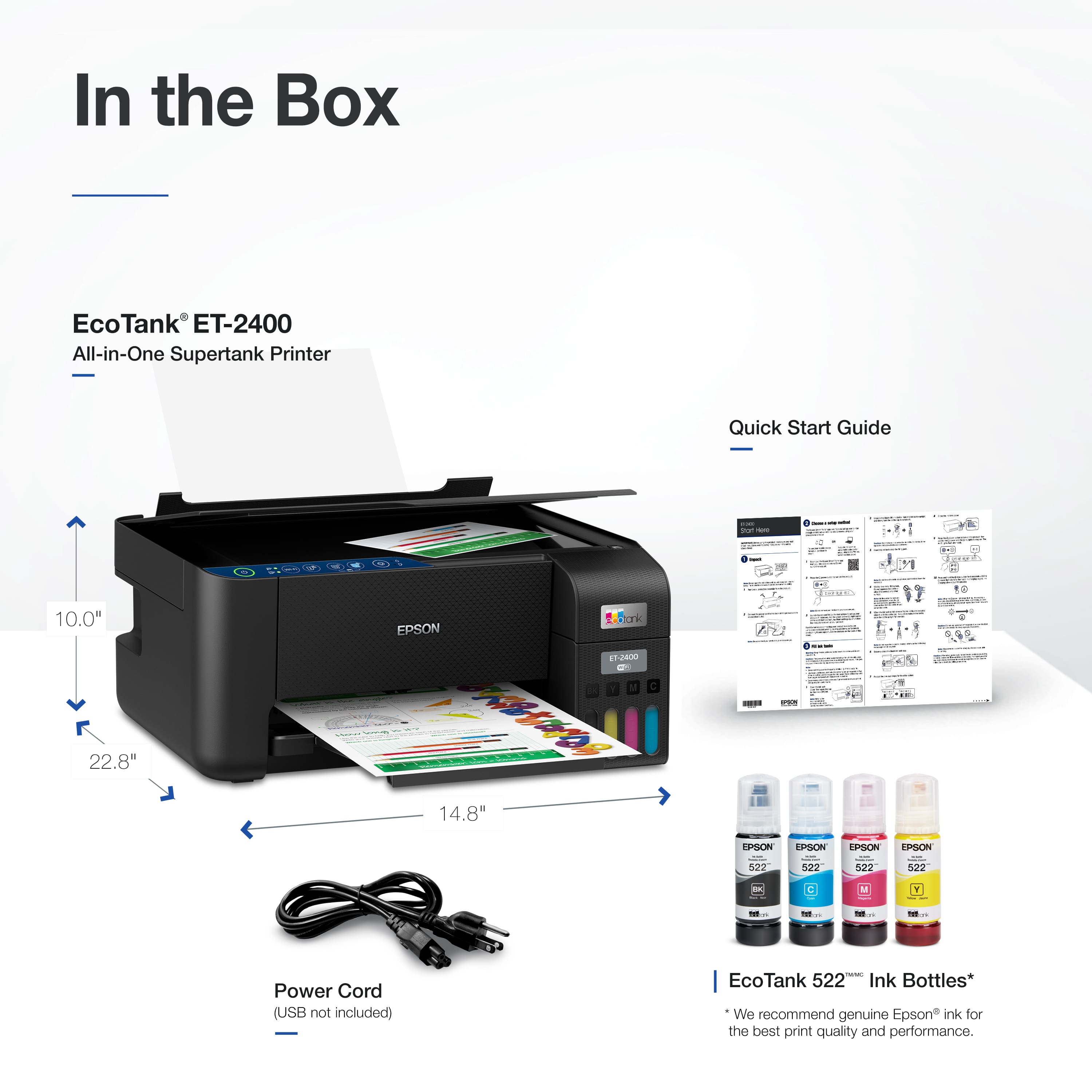
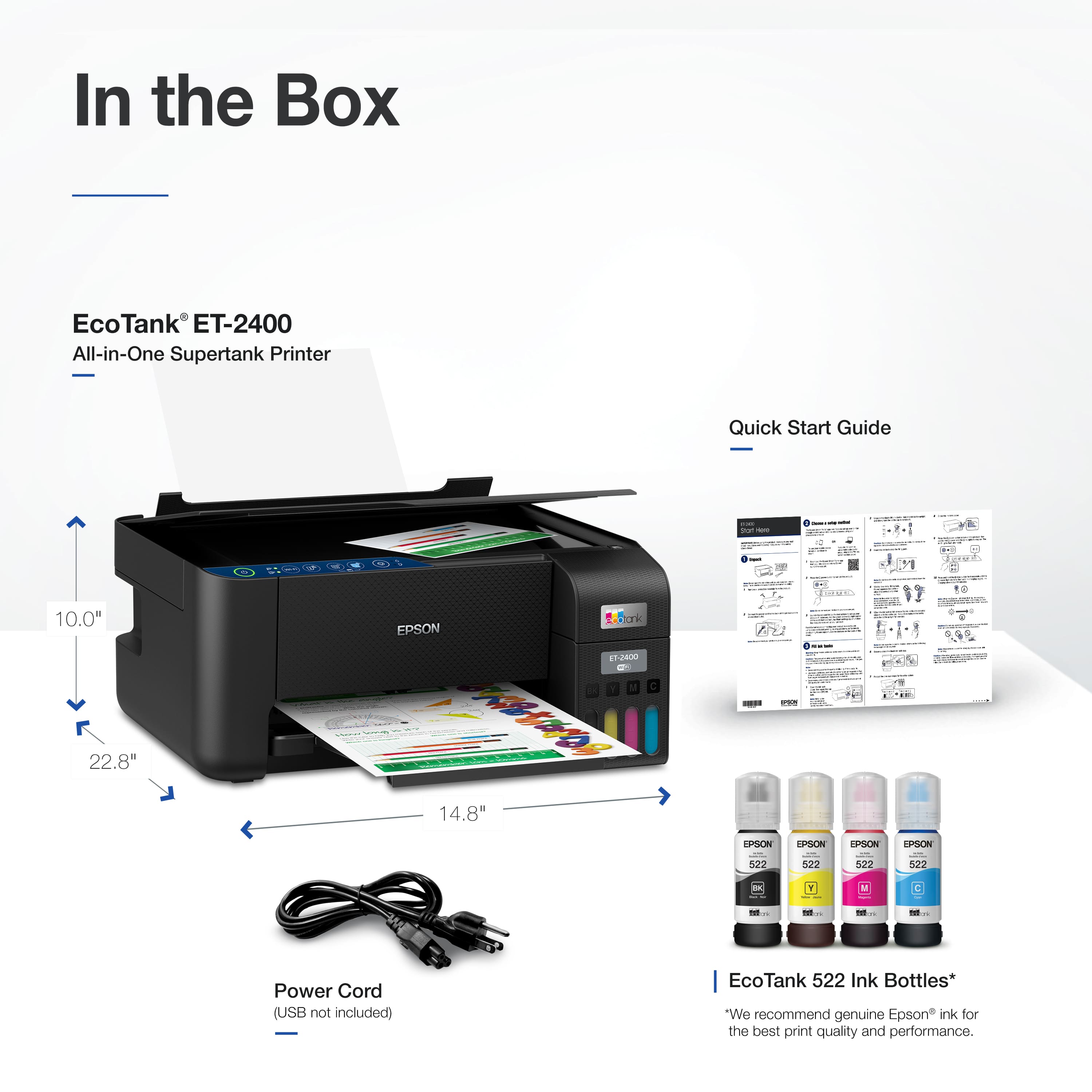
A:AnswerIf you buy a pen, does it come with paper? No the printer doesn't include paper. Sometimes a printer may include a sample suppy of specialty paper such as photo paper. If so, it will be advertised on the box, but may be a limited time offer. The features area of the description on Best Buy's site has a "What's included" section. Have a gander at it. You probably should have looked at it BEFORE posting your question -- it's not like the internet was down.
A:AnswerHello LARRY. Yes, the ET-2400 will work with macOS Sequoia. You can find the driver on our official Epson Support page. Regards, Kevin - The Epson Team.
A:AnswerHello pappy. The ET-2400 supports voice-activated printing. However, Epson retired its Alexa printing skill earlier this year, so it no longer works with Alexa. The printer still offers voice functionality through Siri and Google Assistant, which gives you access to select voice-activated features. Regards, Kevin - The Epson Team.
A:AnswerHello. The EcoTank ET-2400 can print on many types of label sheets, including Epson Photo Quality Self-adhesive Sheets. We haven't tested them, but there are third-party labels that work with our products. If you plan to use label tabs, check with the manufacturer to make sure they will work with our All-in-One printers. Regards, Kevin - The Epson Team.
A:AnswerHello Carrie. First, install the ET-2400 printer driver and Epson ScanSmart software on your computer. You can find both on our official Epson Support page. Once installed, open the ScanSmart software, select your scan settings and file type, then scan your original and save it to your desired location. If you plan to use the printer with a smartphone or tablet, make sure to download the Epson Smart Panel app. Regards, Kevin - The Epson Team.
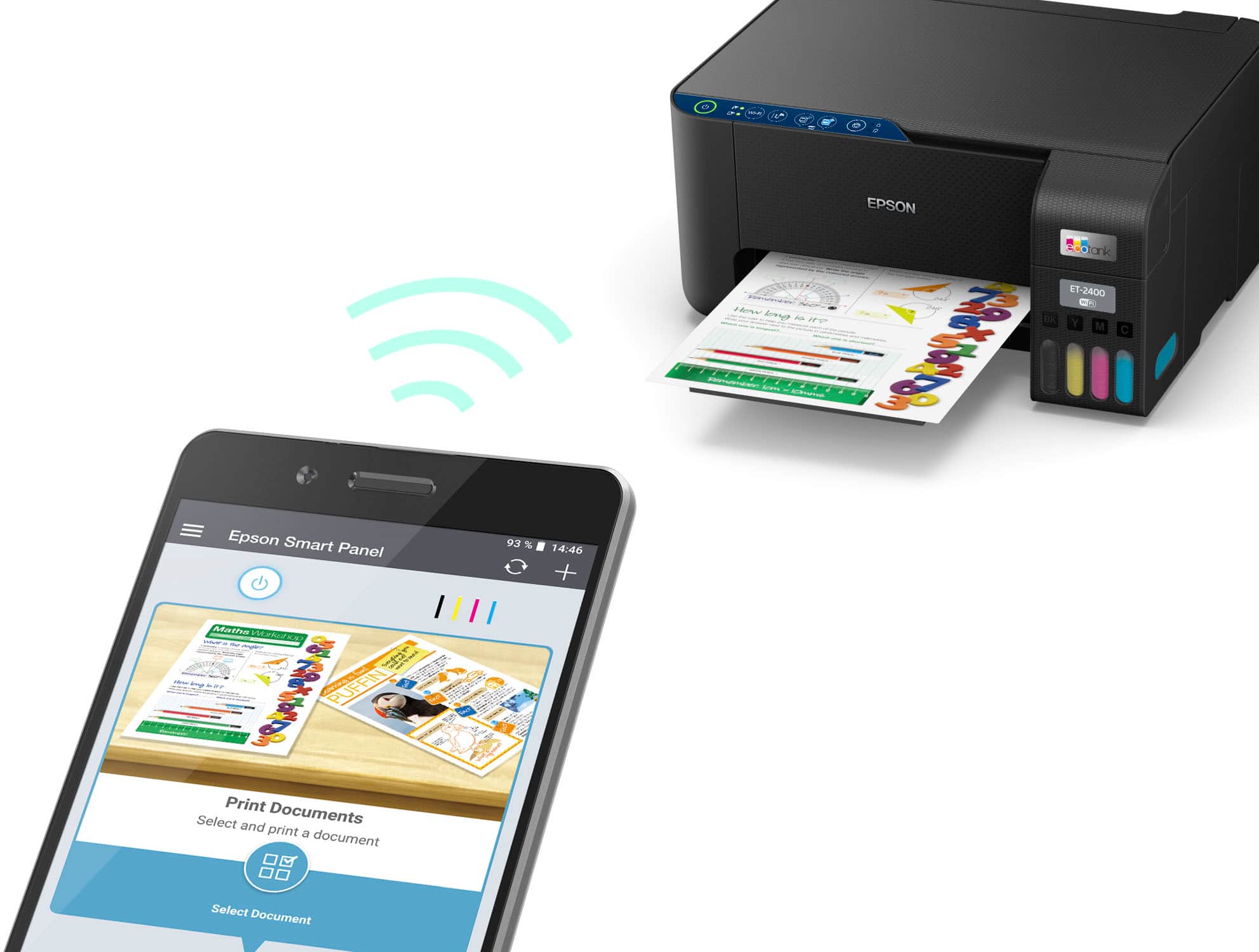
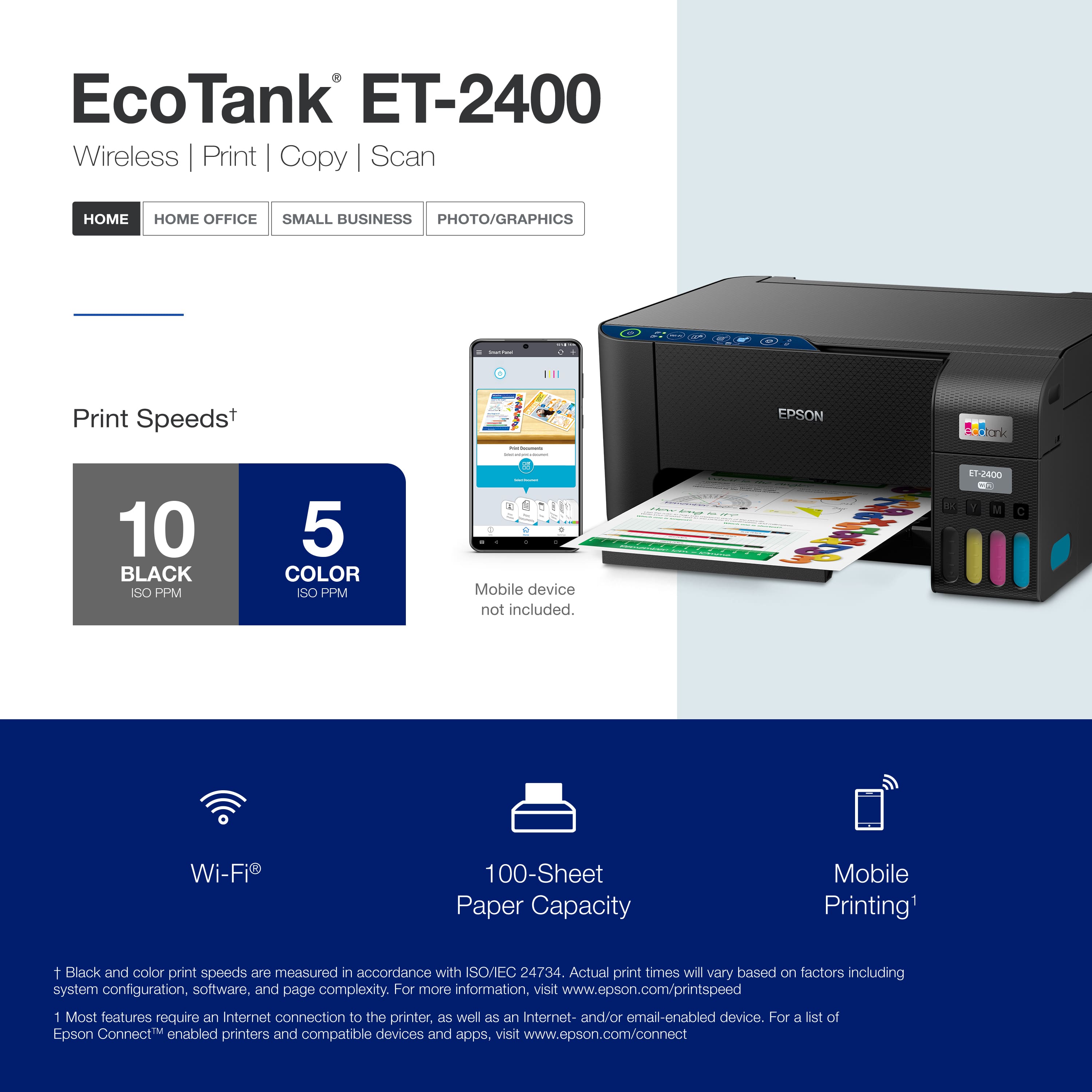
A:AnswerHello. Yes, ET-2400 will work with the Epson Smart Panel App on your iPad. You can download the App from the Apple App Store. Regards, Kevin - The Epson Team.
A:AnswerHello Bob. Yes, the ET-2400 is compatible with macOS 11 Big Sur. The printer driver can be found on our official Epson Support page. Regards, Kevin - The Epson Team.
A:AnswerHello. You can only print double-sided by manually flipping the page. Unfortunately, this model does not include automatic 2-sided printing. We recommend looking at the ET-3830 for a similar printer with automatic 2-sided printing included. Regards, Kevin - The Epson Team.
A:AnswerHello Clancy. You can save scanned pages to a computer, smartphone, or tablet. Unfortunately, the ET-2400 does not have a port for a flash drive. Regards, Kevin - The Epson Team.
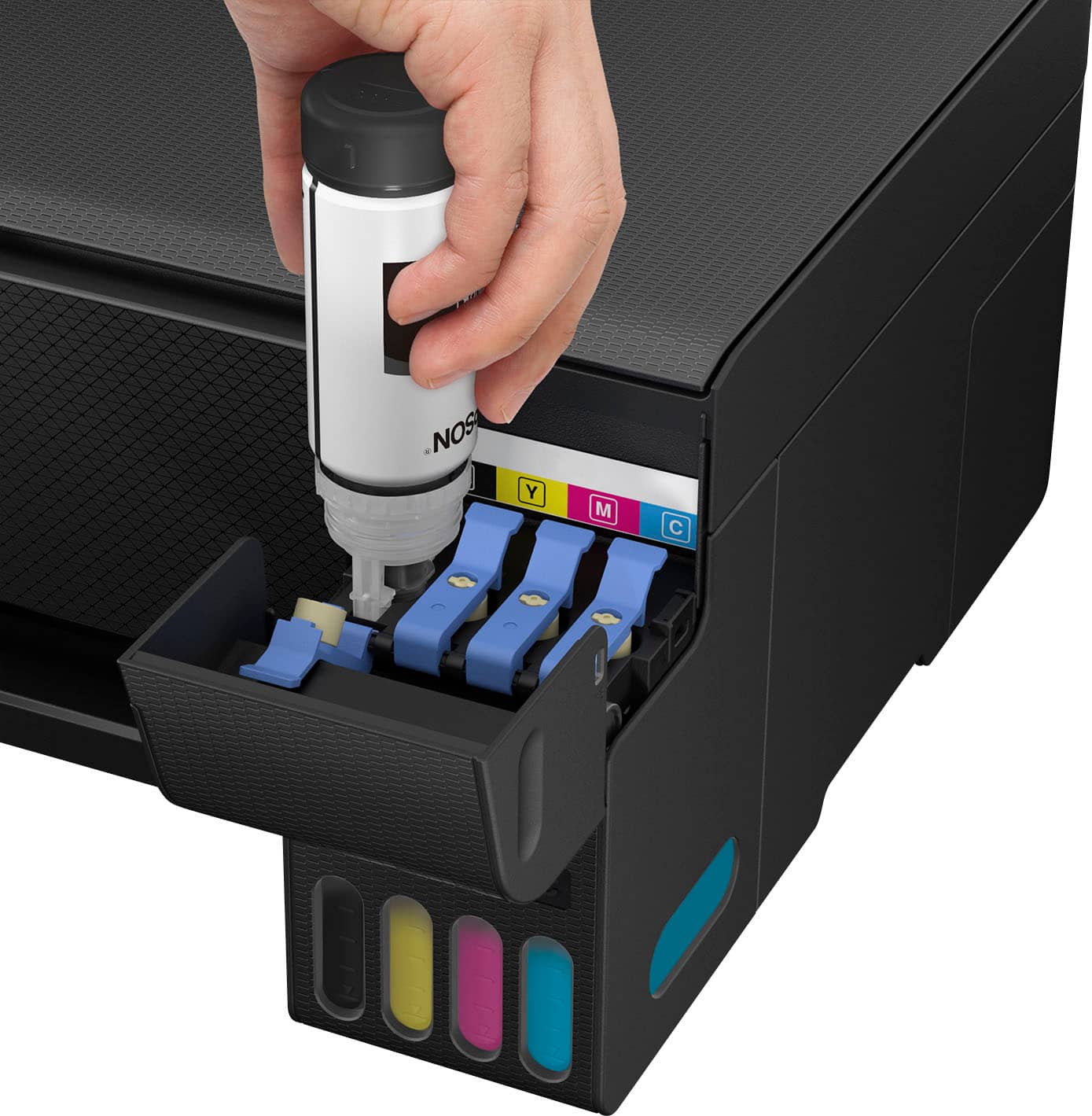
A:AnswerHello DC. Yes, the printer will notify you when you need to re-fill a specific color. Only the colors that show as empty are required to be refilled for the printer to function. Regards, Kevin - The Epson Team.
A:AnswerHello Chreestoffer. No, the ET-2400 can be used with your computer, smartphone, or tablet without requiring a subscription. Regards, Kevin - The Epson Team.
A:AnswerHello Eve. The ET-2400 is not a Wide-format printer. We recommend looking at the ET-8550 for an EcoTank printer that can print on paper up to 13" x 19" in size. Regards, Kevin - The Epson Team.
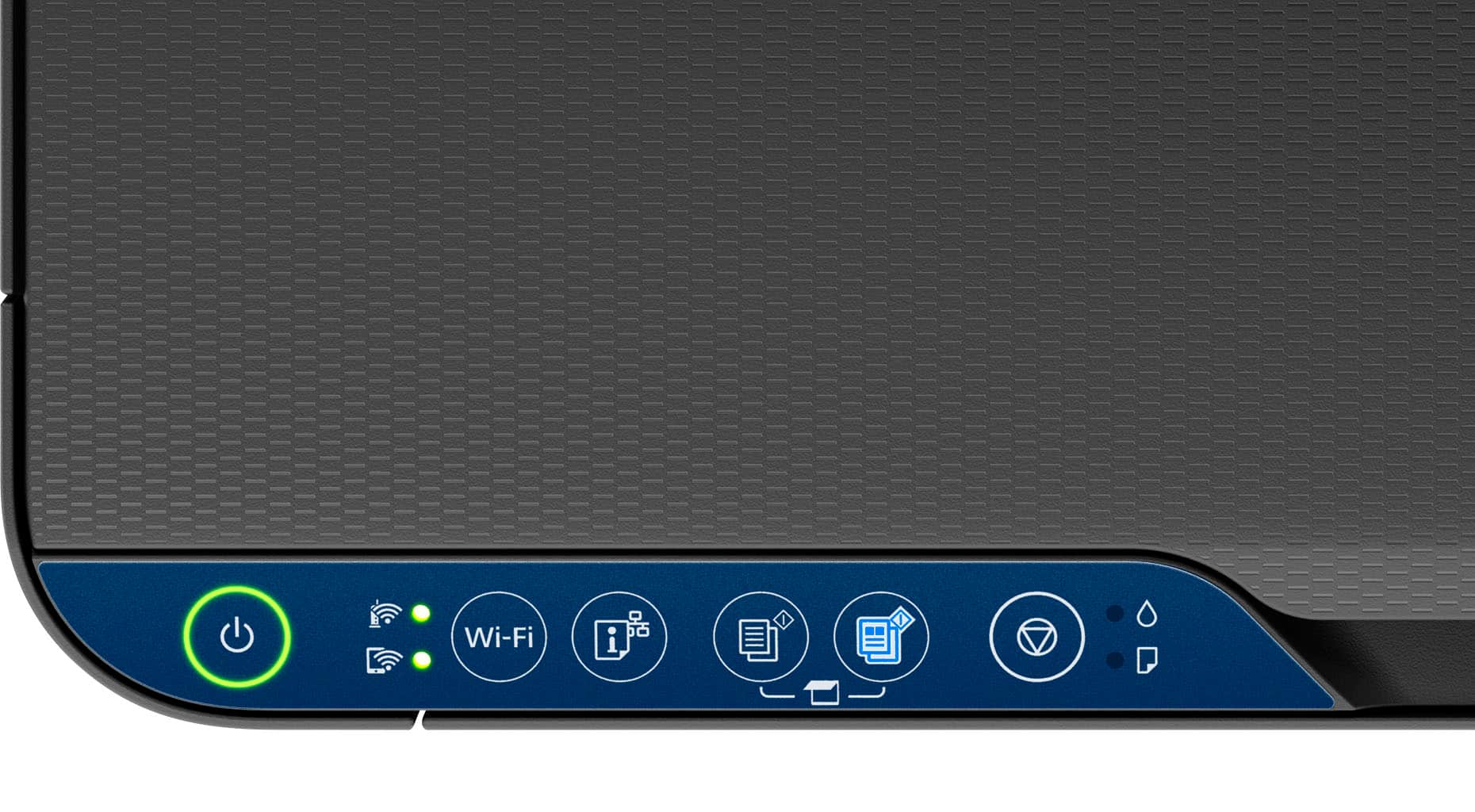
A:AnswerHello. To make more than one copy on the ET-2400, repeatedly press the B&W copy button or the color copy button for the number of copies you need (up to 20 copies). For example, to make 4 copies, press the button four times. Make sure you press the button in intervals of less than one second. Regards, Kevin - The Epson Team.
A:AnswerHello Bob. Setup can vary depending on what type of device you plan to use with the printer. The printer includes a setup guide to walk you through the process. If you need additional assistance, please feel free to contact our Technical Support team by phone. Regards, Kevin - The Epson Team.
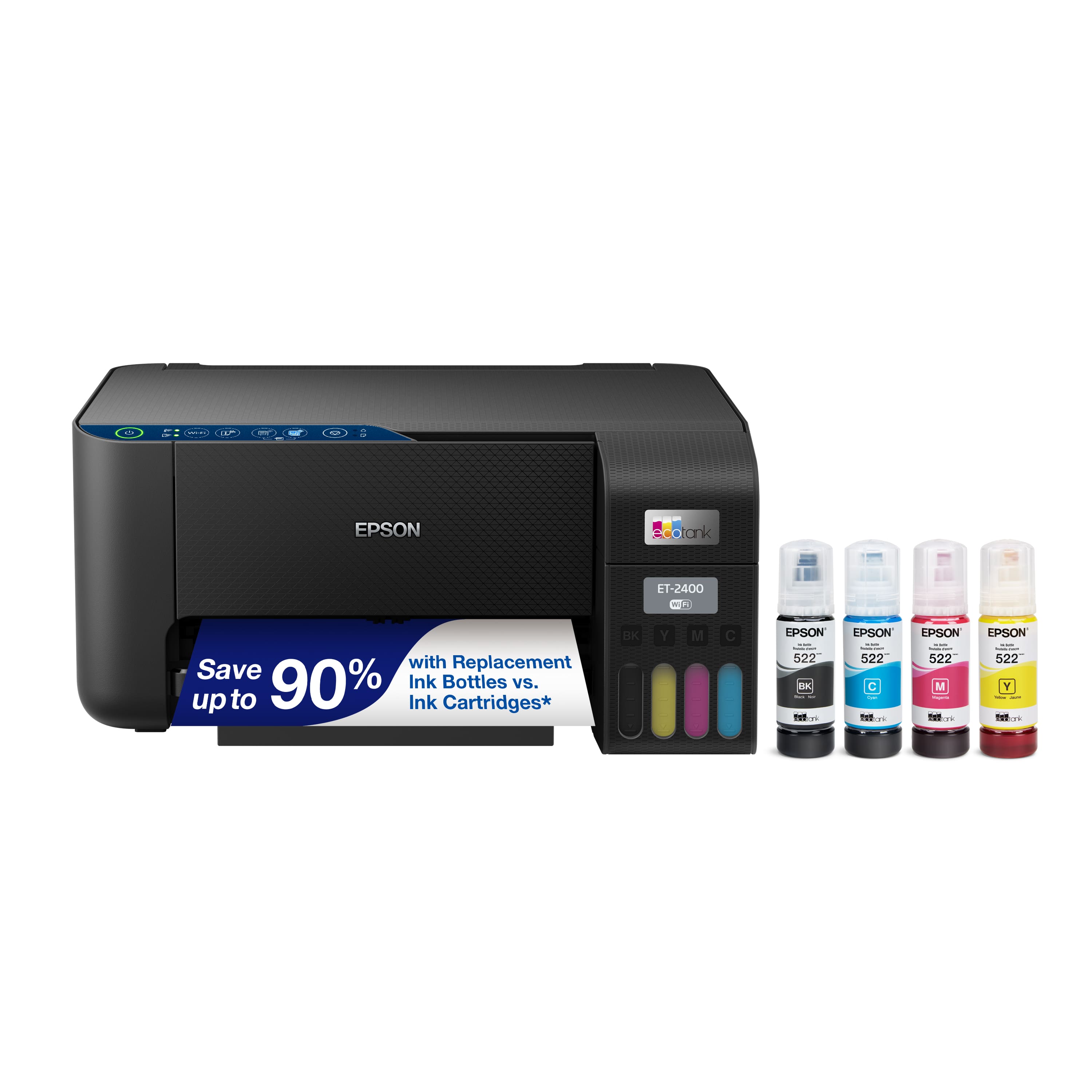
.](https://pisces.bbystatic.com/image2/BestBuy_US/images/products/28afc8f0-f7e1-4a65-9a99-b4755f04ff64.jpg)
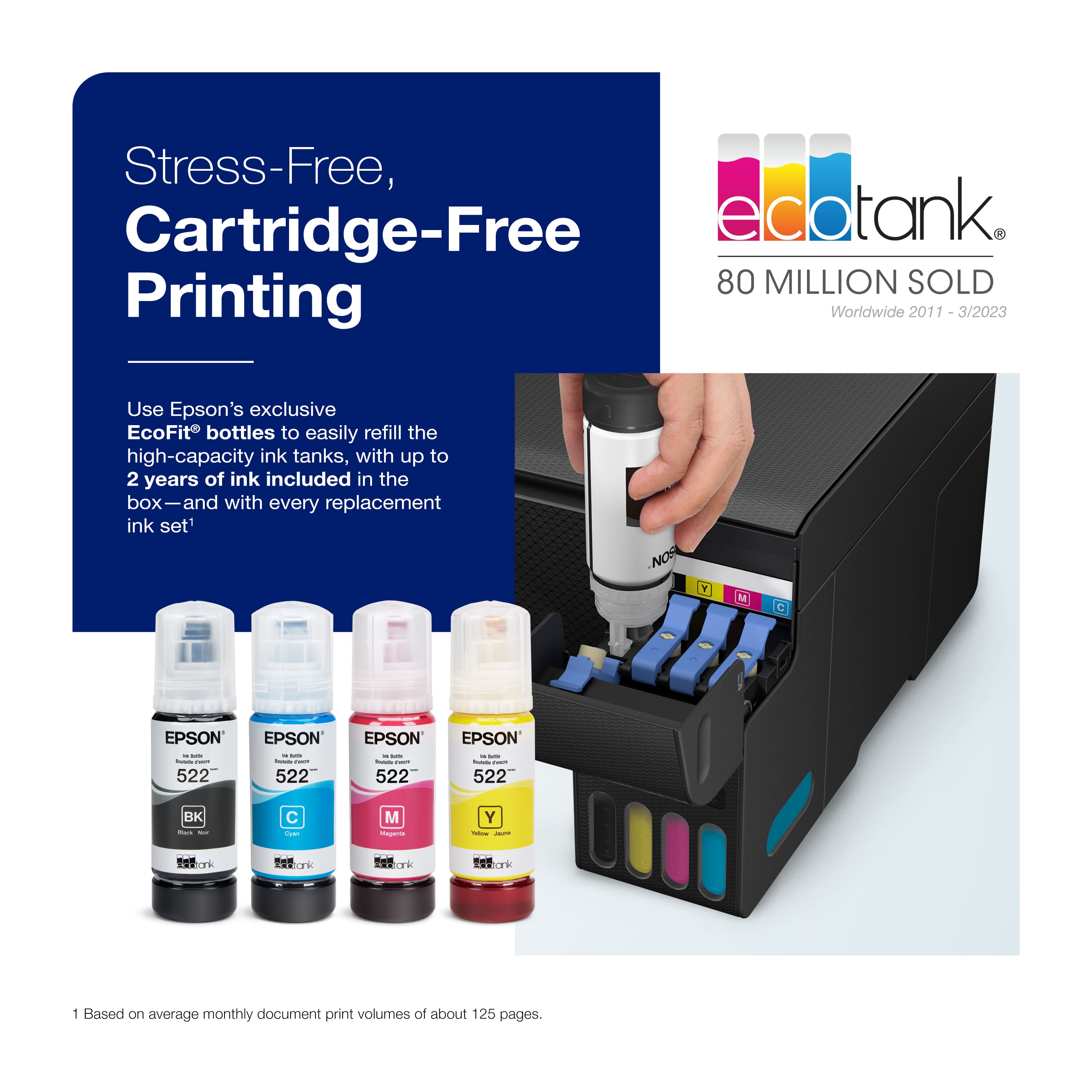
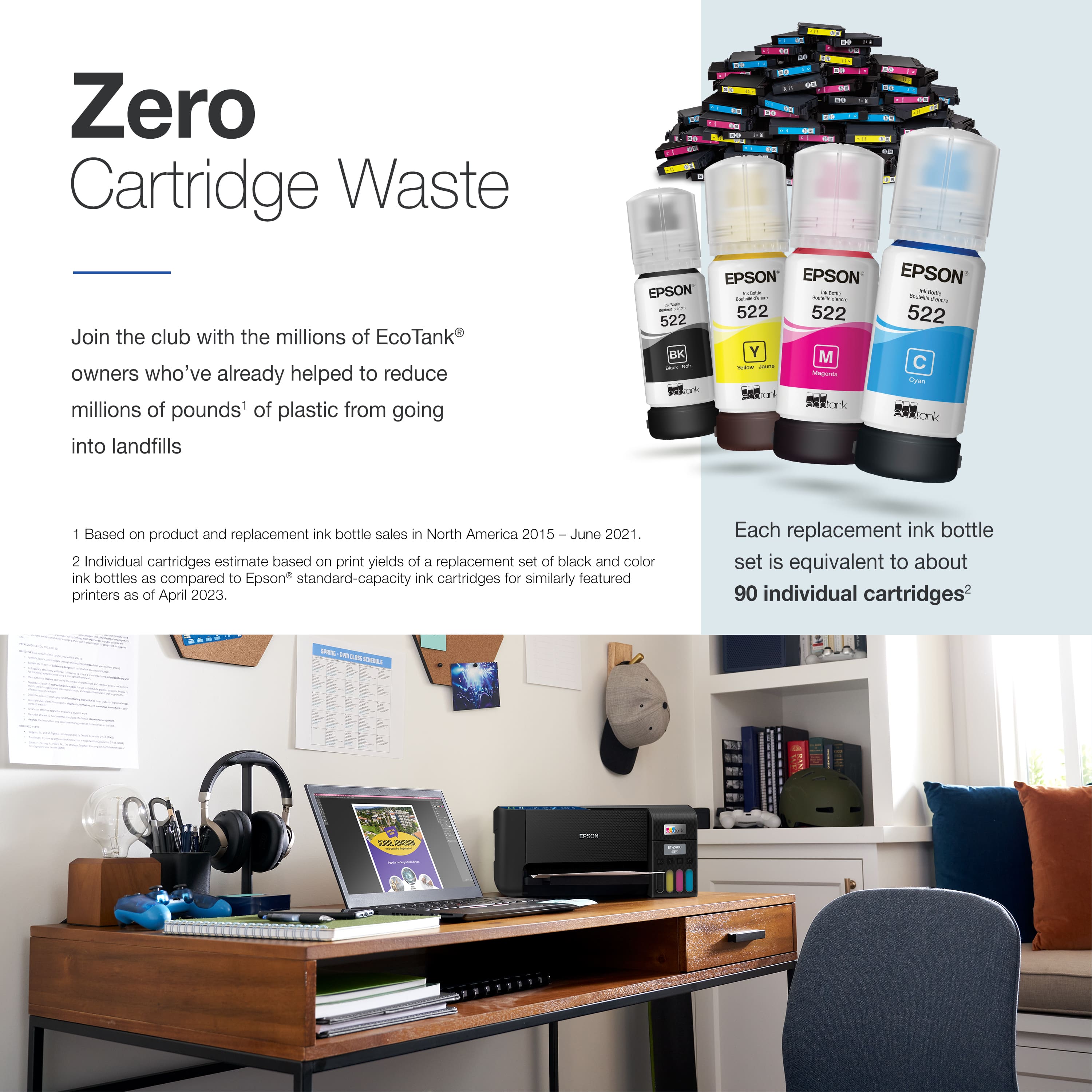
. 1 Most features require an Internet connection to the printer, as well as an Internet- and/or email-enabled device. For a list of Epson Connect enabled printers and compatible devices and apps, visit [www.epson.com/connect](http://www.epson.com/connect).](https://pisces.bbystatic.com/image2/BestBuy_US/images/products/cf74ddb8-bf34-4aee-be55-646a62d0ed34.jpg)