Questions & Answers
- Model:
- C11CJ67201
- |
- SKU:
- 6525631
Highly rated by customers for: Print Quality, Ease of use, Overall Performance
$159.99Your price for this item is $159.99
Comp. Value: $189.99
The comparable value price is $189.99
Page Showing 41-60 of 90 questions
Q: QuestionDoes it print double sided pages?
Asked by Anonymous.
- A:Answer Hello. You can only print double-sided by manually flipping the page. Unfortunately, this model does not include automatic 2-sided printing. We recommend looking at the ET-3830 for a similar printer with automatic 2-sided printing included. Regards, Kevin - The Epson Team.
Answered by Epson

Q: QuestionHow to get its to hook up to my computer
Asked by Ray.
- A:Answer Yes, use as a networked printer.
Answered by user330302
Q: QuestionCan scanned pages be saved to the computer or a flashdrive?
Asked by Clancy.
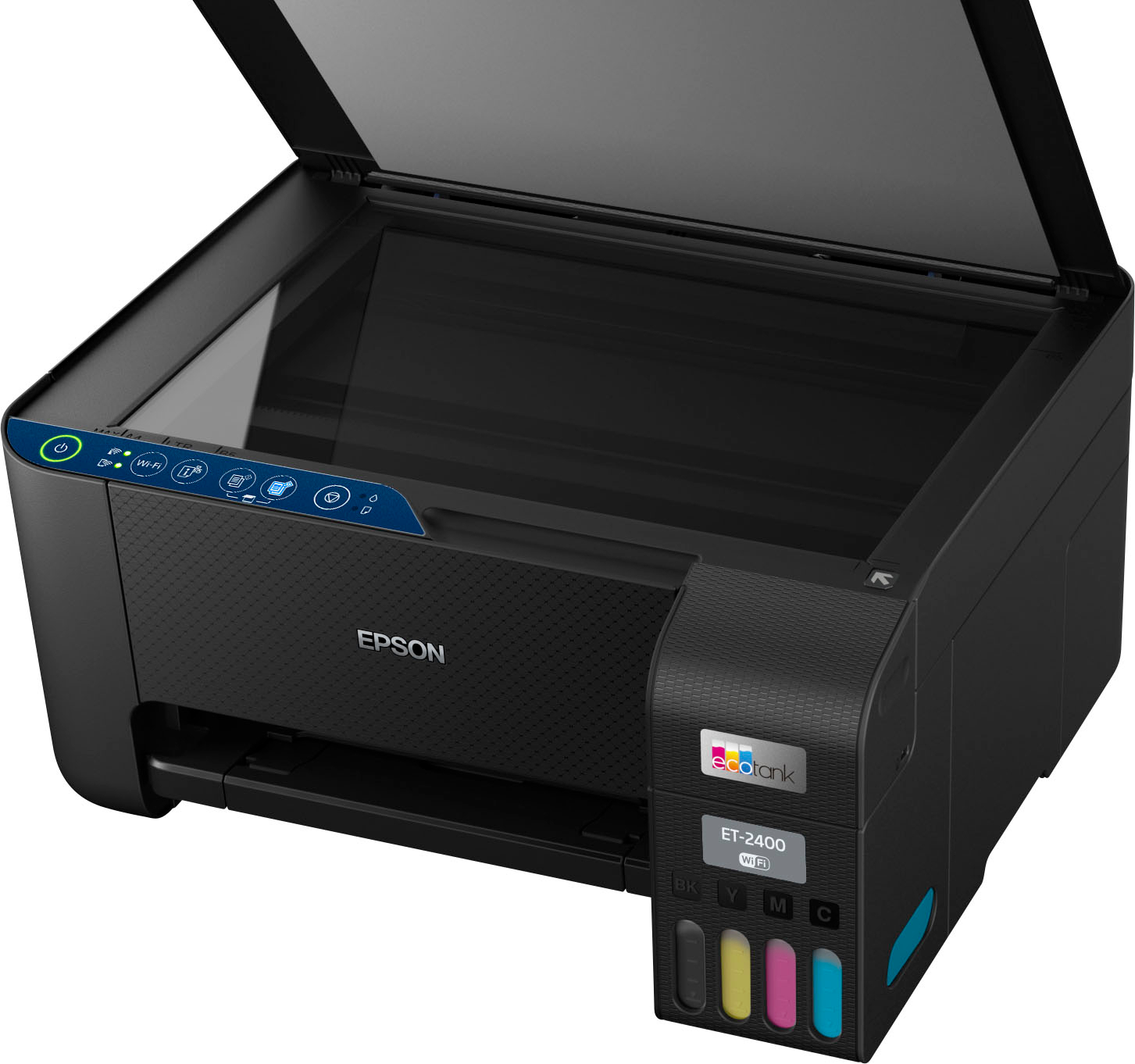
- A:Answer Hello Clancy. You can save scanned pages to a computer, smartphone, or tablet. Unfortunately, the ET-2400 does not have a port for a flash drive. Regards, Kevin - The Epson Team.
Answered by Epson

Q: QuestionCan I plug this printer into a 220v outlet. I am from Argentina and here we do not use 110v
Asked by manu.
- A:Answer Hello manu. The ET-2400 runs on power supply voltages ranging from 100 – 240 V at 50/60 Hz. Regards, Kevin - The Epson Team
Answered by Epson

Q: QuestionCan you buy and replace just one color if one runs out faster than the others?
Asked by DC.
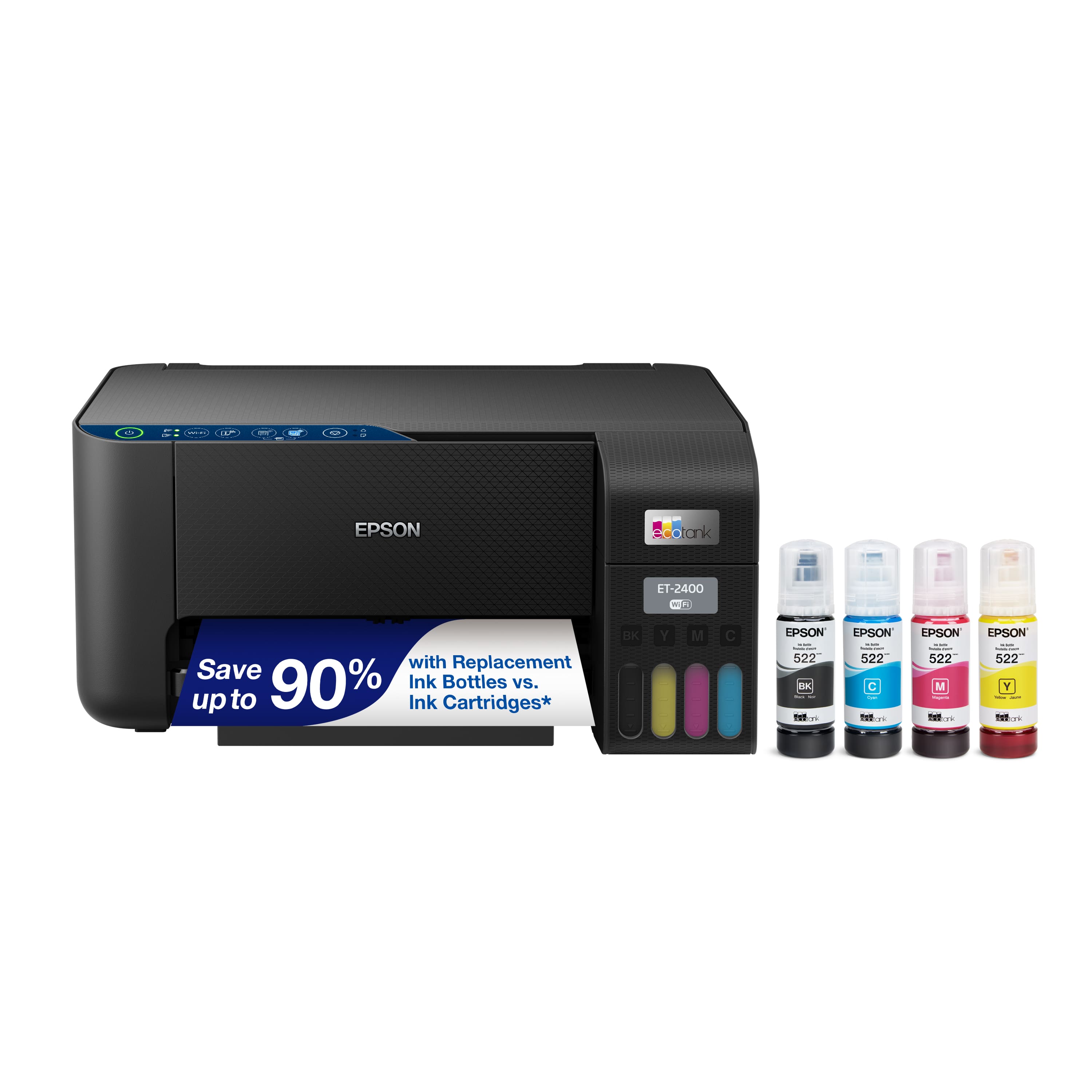
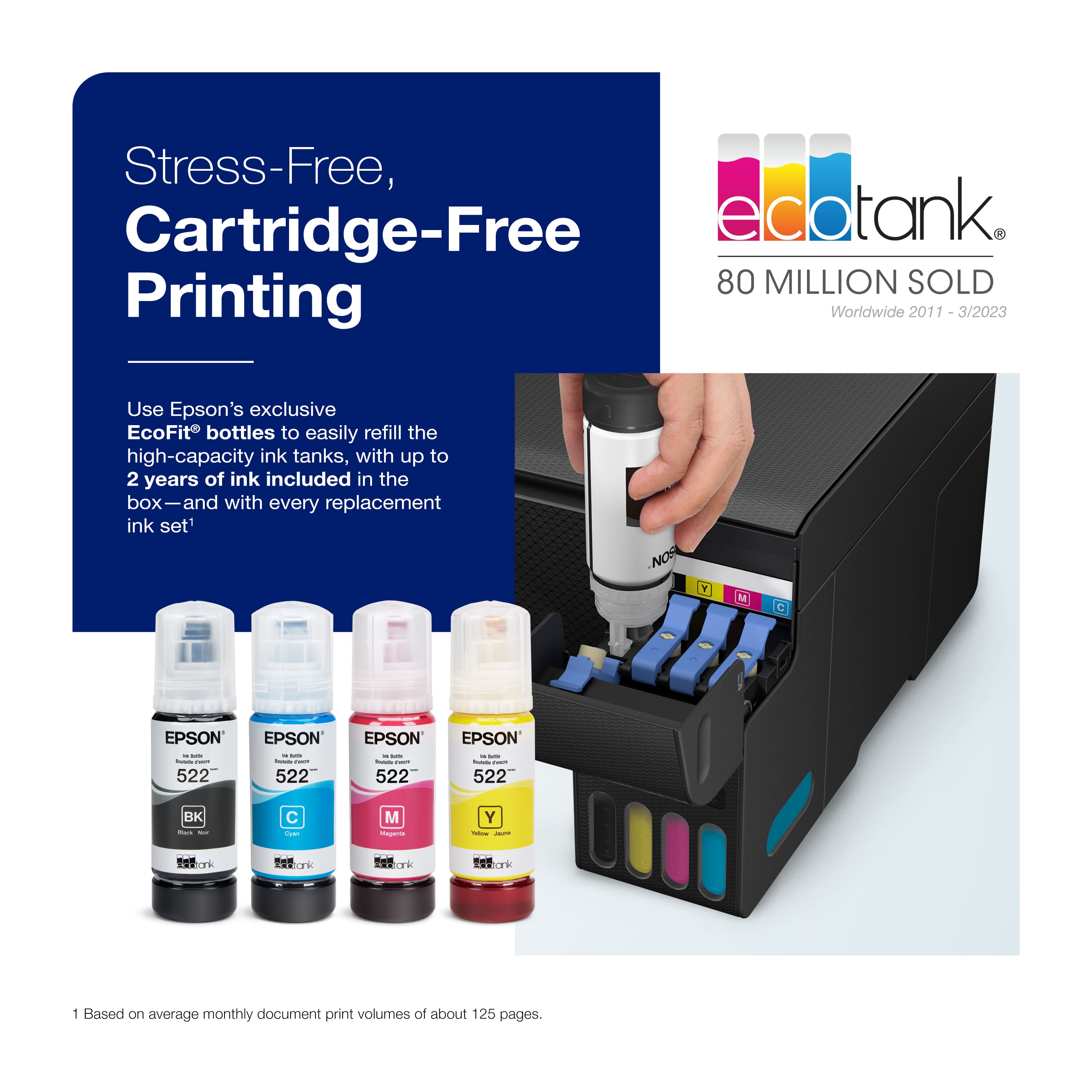
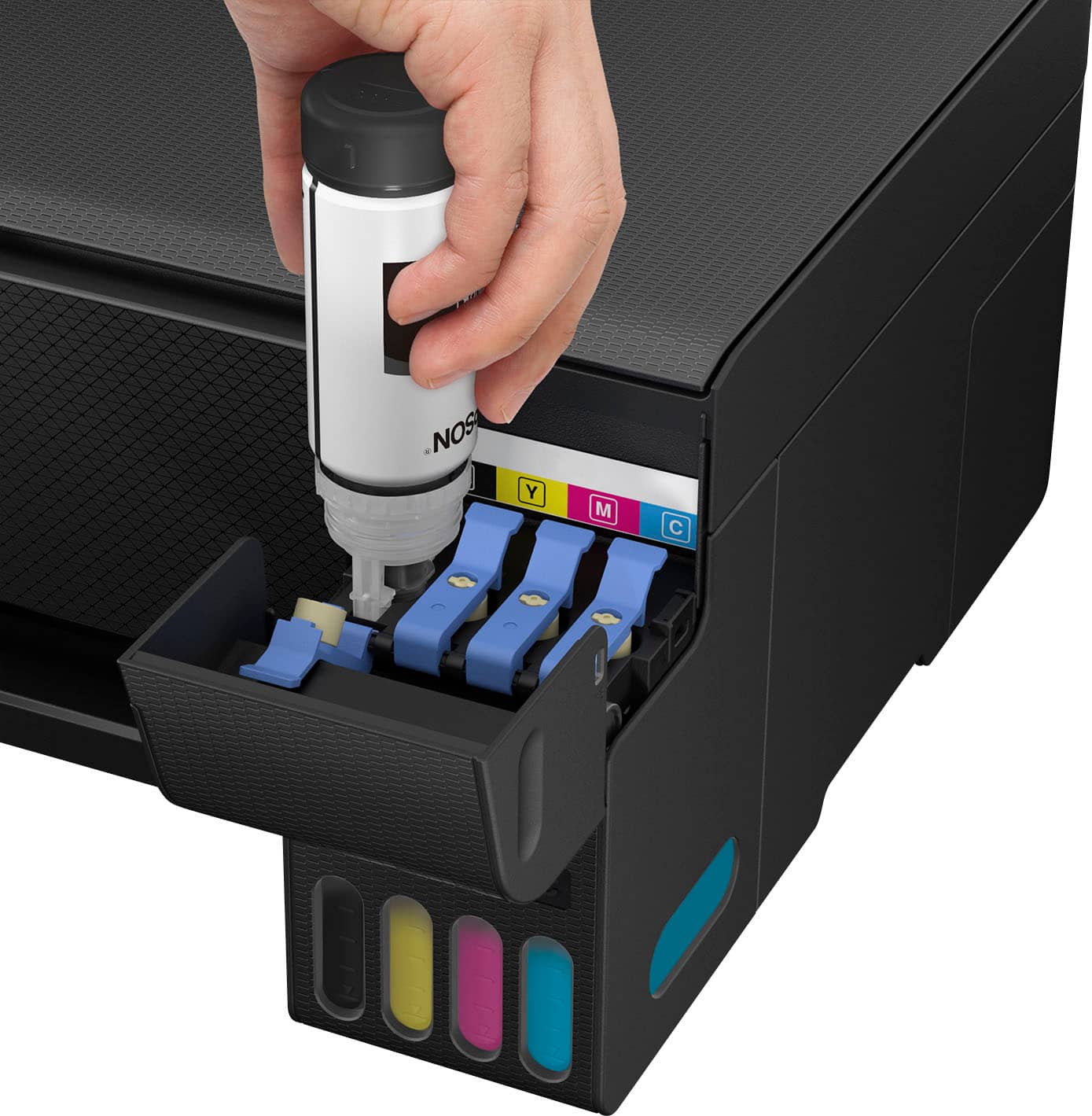
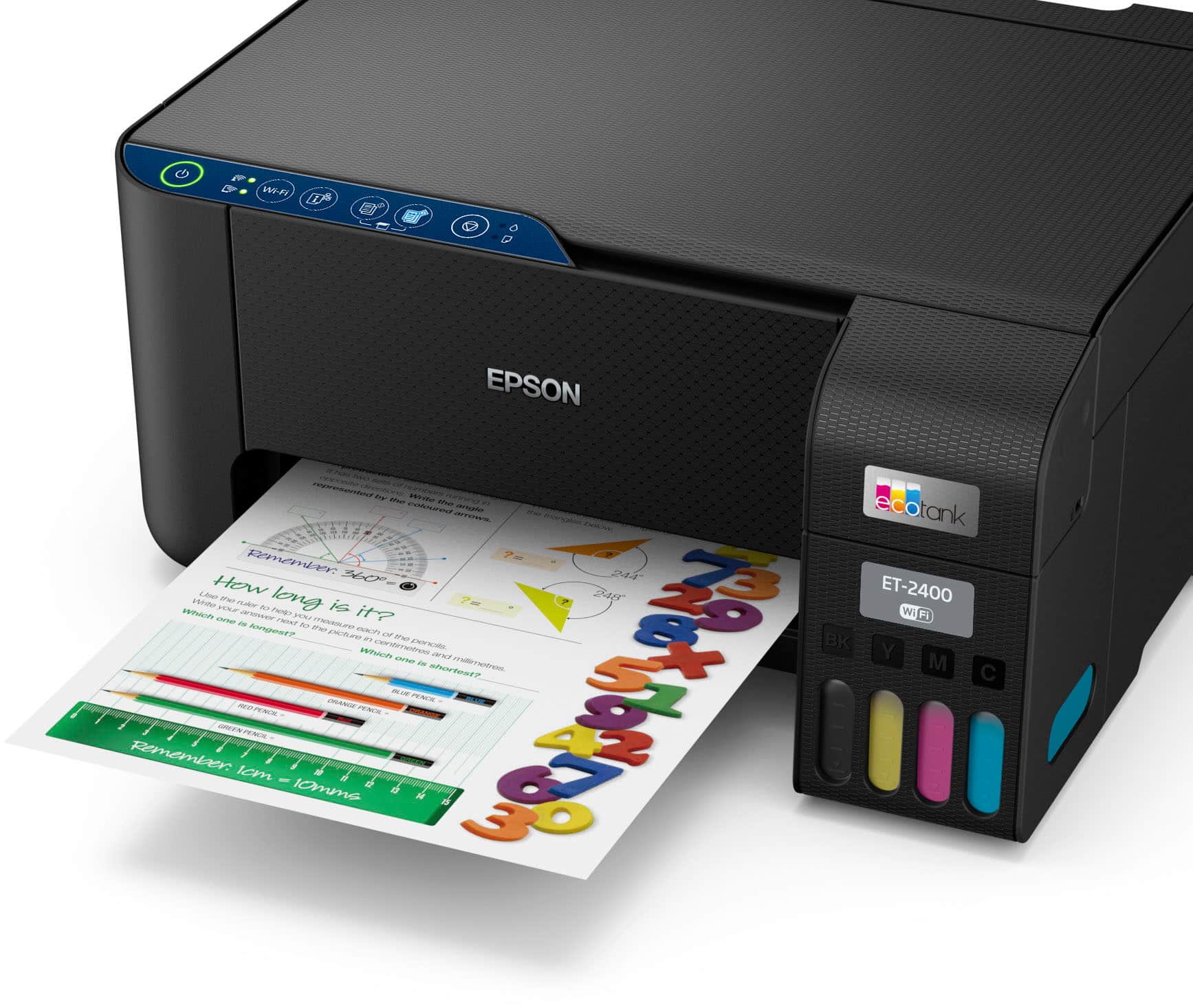
- A:Answer Hello DC. Yes, the printer will notify you when you need to re-fill a specific color. Only the colors that show as empty are required to be refilled for the printer to function. Regards, Kevin - The Epson Team.
Answered by Epson

Q: QuestionDoes this printer require a subscription?
Asked by Chreestoffer.
- A:Answer Hello Chreestoffer. No, the ET-2400 can be used with your computer, smartphone, or tablet without requiring a subscription. Regards, Kevin - The Epson Team.
Answered by Epson

Q: Questionif the printer runs out of any one or all colors EXCEPT black, will it still operate for black printing only or will the printer not work at all?
Asked by ribs.
- A:Answer Hello ribs. Unfortunately, the ET-2400 does not have a black ink-only mode when other colors are empty. When the printer prompts you, you must refill the color that is expended to continue printing. Regards, Kevin - The Epson Team.
Answered by Epson

Q: QuestionGood Morning, Is this a wide format printer? What's the largest size it can print?
Asked by Eve.
- A:Answer Hello Eve. The ET-2400 is not a Wide-format printer. We recommend looking at the ET-8550 for an EcoTank printer that can print on paper up to 13" x 19" in size. Regards, Kevin - The Epson Team.
Answered by Epson

Q: Questionhow can I print multiple copies using the flat top of the printer/scanner. I don't see a button for multiple copies.
Asked by Anonymous.
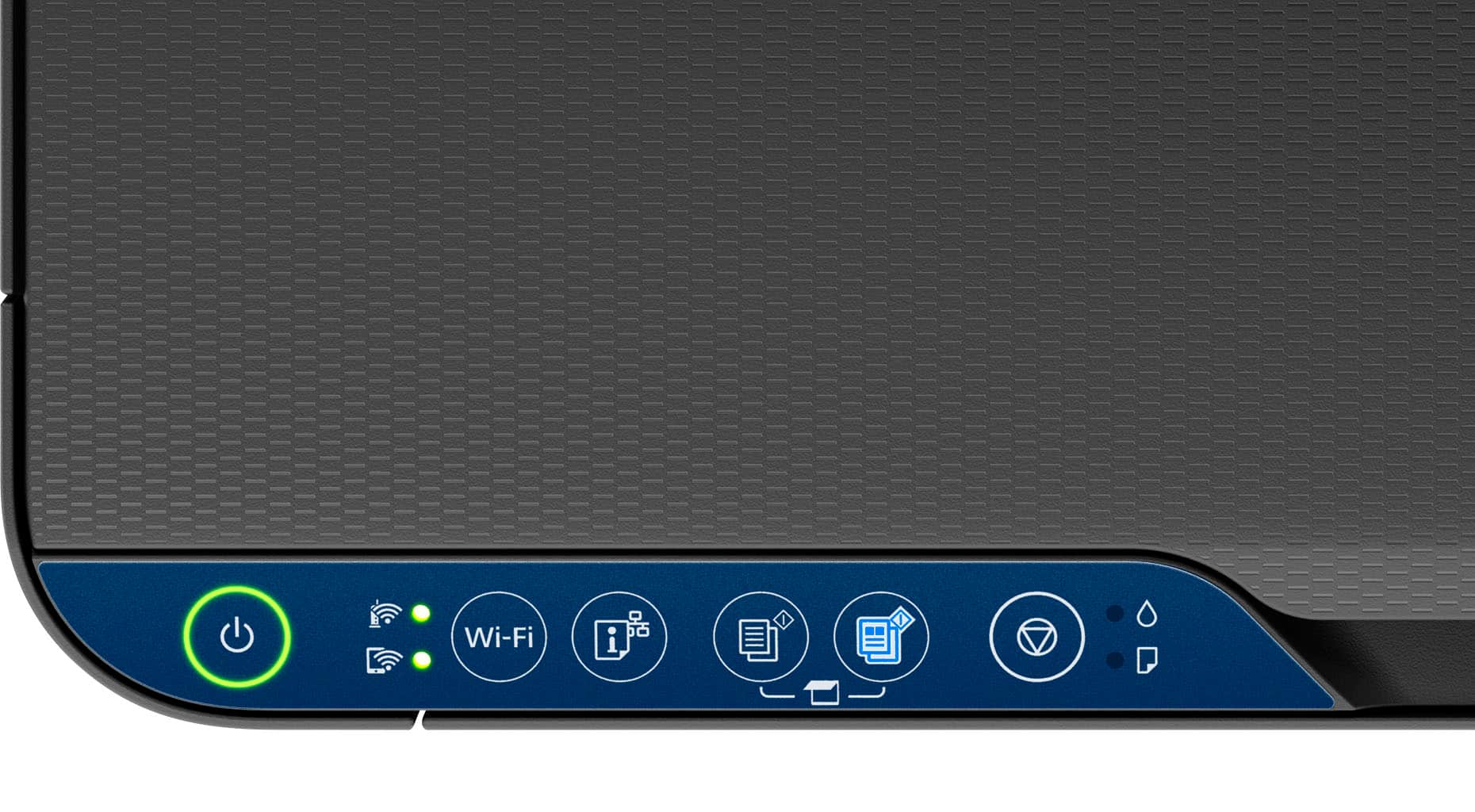
- A:Answer Hello. To make more than one copy on the ET-2400, repeatedly press the B&W copy button or the color copy button for the number of copies you need (up to 20 copies). For example, to make 4 copies, press the button four times. Make sure you press the button in intervals of less than one second. Regards, Kevin - The Epson Team.
Answered by Epson

Q: QuestionHow do you set up printer
Asked by Bob.
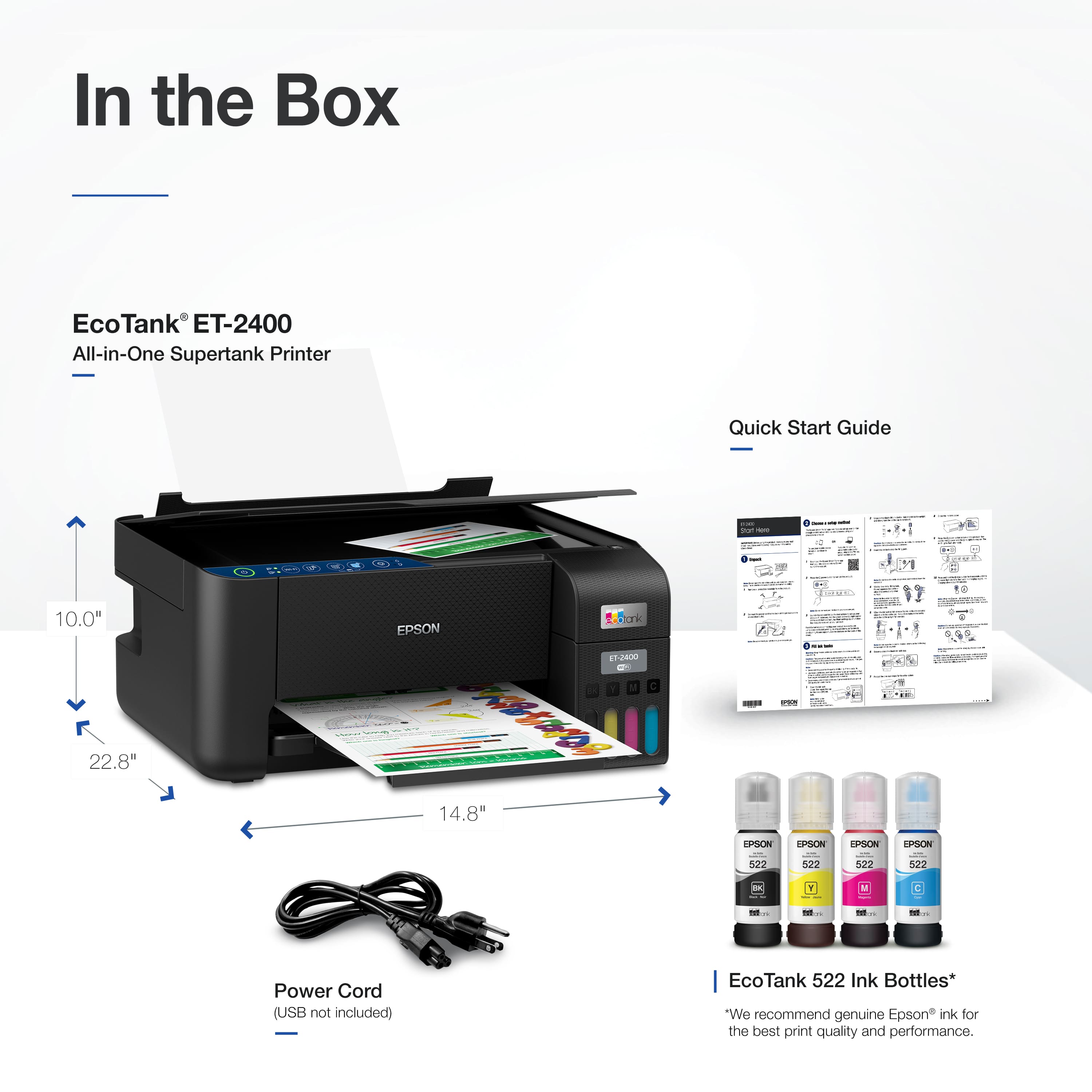
- A:Answer Hello Bob. Setup can vary depending on what type of device you plan to use with the printer. The printer includes a setup guide to walk you through the process. If you need additional assistance, please feel free to contact our Technical Support team by phone. Regards, Kevin - The Epson Team.
Answered by Epson

Q: QuestionIs it safe to transport an EcoTank printer in a car when it's full of ink?
Asked by OnTheGo.
- A:Answer Hello OnTheGo. Please see the User's Guide on our official Epson Support page for details on safely transporting your printer. All details can be found on page 152. Regards, Kevin - The Epson Team.
Answered by Epson

Q: QuestionDoes this support a 5ghz wifi?
Asked by Melissa.
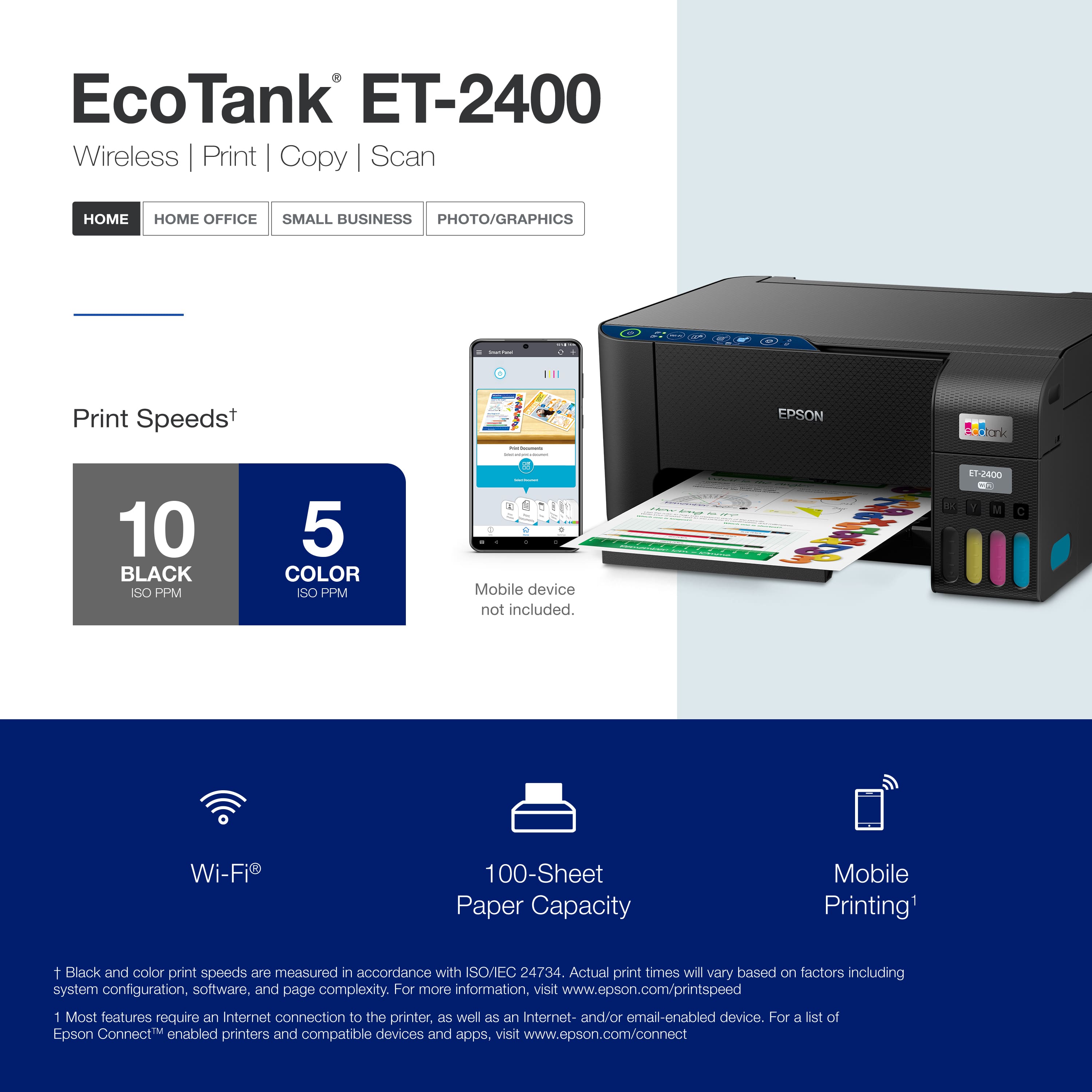
- A:Answer Hello Melissa. Although the ET-2400 can connect to a Wi-Fi router that uses 5 GHz, but it can only work on a 2.4 GHz band. You want to ensure the router operates in dual-band (2.4 GHz and 5 GHz) mode. If your router uses a single network name (SSID) for both the 2.4 GHz and 5 GHz bands, we recommend giving each band its own network name (SSID) instead, such as Home Network 2.4 GHz and Home Network 5 GHz. Regards, Kevin - The Epson Team.
Answered by Epson

Q: QuestionDoes this printer need to go to an authorized agent when the ink pads need to be replaced? Because you can't use the printer when ink pads are full, because an authorized agent that repairs them needs to reset the printer with a code.
Asked by Crys.
- A:Answer Hello Crys. If the printer is within warranty, we can arrange to have the printer exchanged. If the printer is out of warranty, we can find an authorized service center to assist you further. Please feel free to contact our Technical Support team by phone if you need additional assistance. Regards, Kevin - The Epson Team.
Answered by Epson

Q: QuestionWill Epon Eco Tank Et -2400 run on windows 7
Asked by Mark.
- A:Answer Hello Mark. Yes, the ET-2400 will work with Microsoft Windows 7. You can find the latest printer driver on our official Epson Support page. Regards, Kevin - The Epson Team.
Answered by Epson

Q: QuestionCan I print 11x17 paper on the epson et-2400?
Asked by Kesh.
- A:Answer Hello Kesh. The ET-2400 can print on paper sizes ranging from 3" x 5" to 8.5" x 47.2". Unfortunately, 11" x 17" would be too big for the printer. We recommend looking at Wide-Format EcoTank printers like the ET-8550 as it supports paper up to 13" x 19" in size. Regards, Kevin - The Epson Team.
Answered by Epson

Q: Questionis this printer compatible with AirPrint from apple? If not it’s going back to the store.
Asked by Jsan.
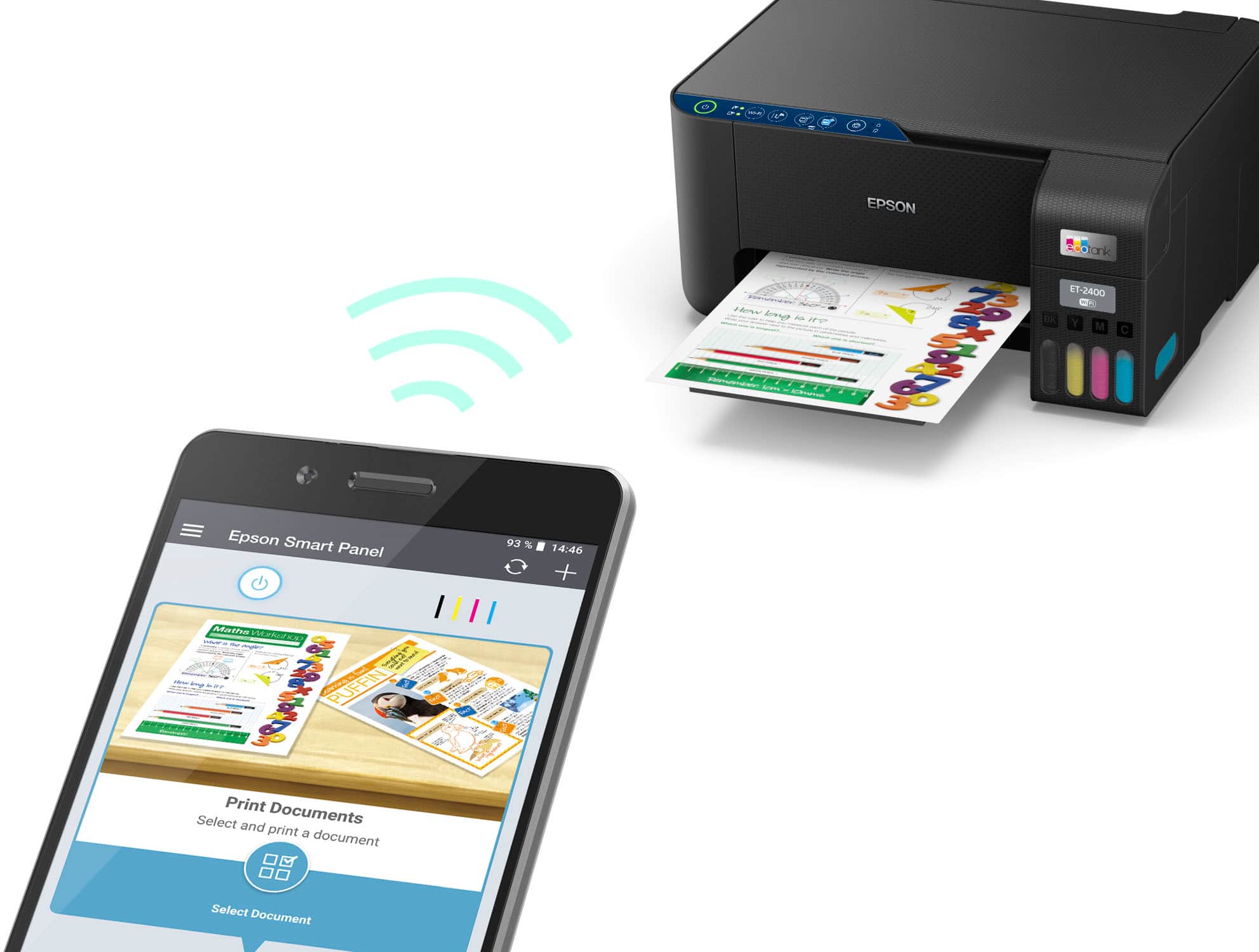
- A:Answer Hello Jsan. The ET-2400 will work with your Apple devices via the Epson Smart Panel app, which is available on the Apple App Store. Unfortunately, this model does not have AirPrint functionality. Regards, Kevin - The Epson Team.
Answered by Epson

Q: QuestionCan you use edible ink and wafer paper in this?
Asked by Anonymous.
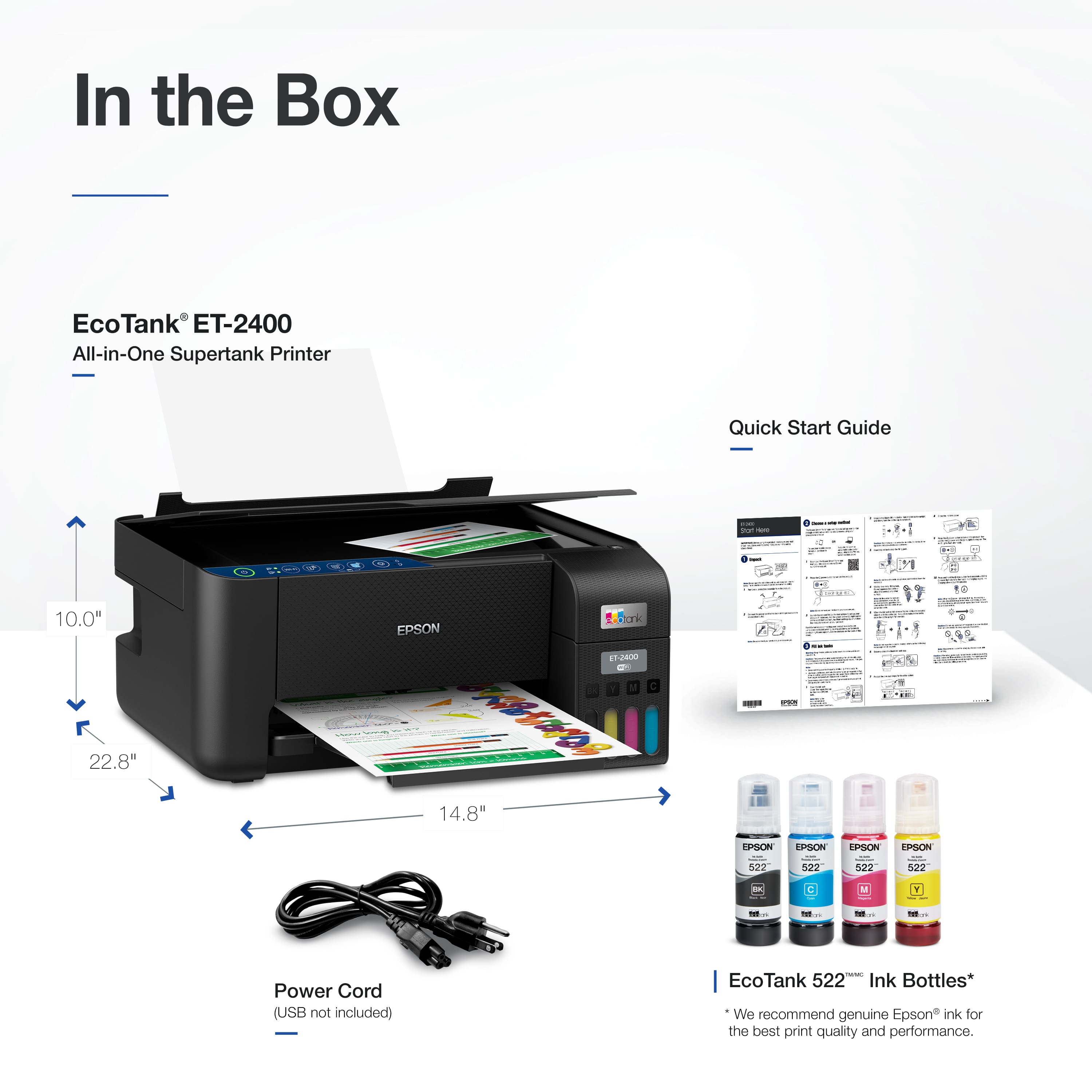
- A:Answer Hello. The ET-2400 is designed to work with Epson T522 Ink Bottles. We do not recommend using edible ink or wafer paper with the machine. Regards, Kevin - The Epson Team.
Answered by Epson

Q: QuestionIs this printer compatible with a Mac?
Asked by JOANN.
- A:Answer Yes it's a WiFi printer
Answered by Ray3
Q: QuestionDoes this printer print well on premium photo paper.??
Asked by Michael.
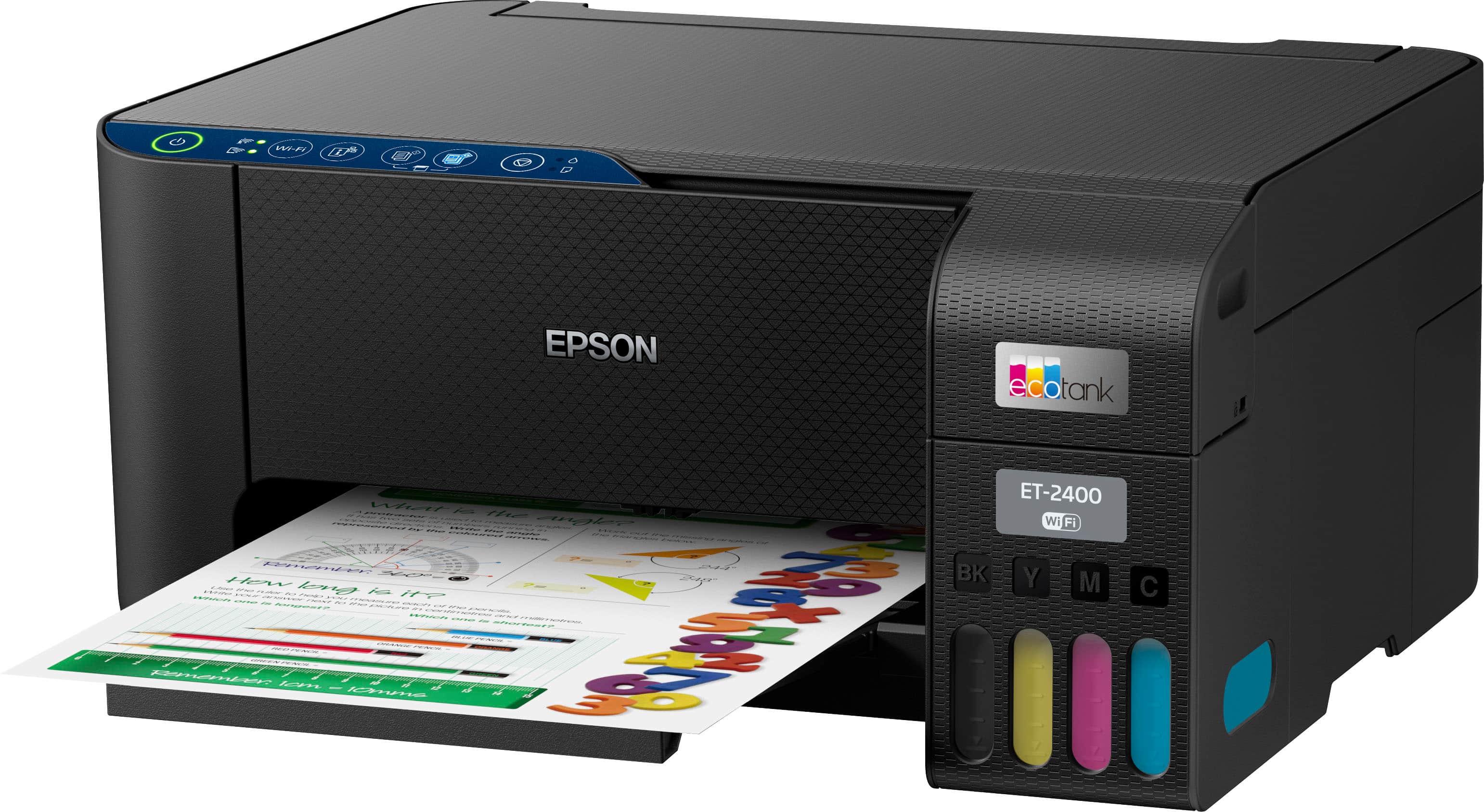
- A:Answer Hi Michale. The EcoTank ET-2400 is primarily designed for home and light-office document printing, but if you use Epson premium photo or photo matte paper and set it to high quality, the ET-2400 can print good photos. If you want excellent-quality photos, consider a printer from the Epson Expression line. Regards, Kevin - The Epson Team.
Answered by Epson

Q: Questionhow do you feed paper? I prefer a bottom feed because of room, clearance. Which models feed from bottom so I know what to look for
Asked by Ike.
- A:Answer Hello Ike. The ET-2400 uses a rear paper feed for loading paper. For a similar printer with a lower cassette tray, we recommend looking at the ET-3843. It can load up to 250 sheets of plain paper. Regards, Kevin - The Epson Team.
Answered by Epson

Top Rated
- Black Friday Deal$499.99Your price for this item is $499.99
- Black Friday Deal$179.99Your price for this item is $179.99
- Black Friday Deal$229.99Your price for this item is $229.99
- $319.89Your price for this item is $319.89$469.89The comparable value for this item is $469.89
- $269.99Your price for this item is $269.99$369.99The comparable value for this item is $369.99
- $141.00Your price for this item is $141.00$248.00The comparable value for this item is $248.00
- $449.99Your price for this item is $449.99$699.99The comparable value for this item is $699.99
- $349.99Your price for this item is $349.99$499.99The comparable value for this item is $499.99
- $239.89Your price for this item is $239.89$369.89The comparable value for this item is $369.89
- $329.99Your price for this item is $329.99$419.99The comparable value for this item is $419.99
- Black Friday Deal$309.99Your price for this item is $309.99
- $649.99Your price for this item is $649.99$849.99The comparable value for this item is $849.99
- $699.99Your price for this item is $699.99
- $159.99Your price for this item is $159.99$199.99The comparable value for this item is $199.99
- $199.99Your price for this item is $199.99$269.99The comparable value for this item is $269.99
- $279.00Your price for this item is $279.00$349.99The comparable value for this item is $349.99
- $499.99Your price for this item is $499.99$863.99The comparable value for this item is $863.99
- $449.99Your price for this item is $449.99
- $429.99Your price for this item is $429.99$755.99The comparable value for this item is $755.99

.](https://pisces.bbystatic.com/image2/BestBuy_US/images/products/28afc8f0-f7e1-4a65-9a99-b4755f04ff64.jpg;maxHeight=54;maxWidth=54;format=webp)


. 1 Most features require an Internet connection to the printer, as well as an Internet- and/or email-enabled device. For a list of Epson Connect enabled printers and compatible devices and apps, visit [www.epson.com/connect](http://www.epson.com/connect).](https://pisces.bbystatic.com/image2/BestBuy_US/images/products/cf74ddb8-bf34-4aee-be55-646a62d0ed34.jpg;maxHeight=54;maxWidth=54;format=webp)