A:AnswerHello Susan. To help troubleshoot the copy issue you are experiencing, we would like to gather more details. Please contact our Technical Support team by phone for additional assistance. Regards, Kevin - The Epson Team.
A:AnswerHello Debbi. The ET-2850 can be used wirelessly via Wi-Fi or using a USB connection. Specifically a "USB A to B" or "USB B to C" cable, depending on your computer. Regards, Kevin - The Epson Team.
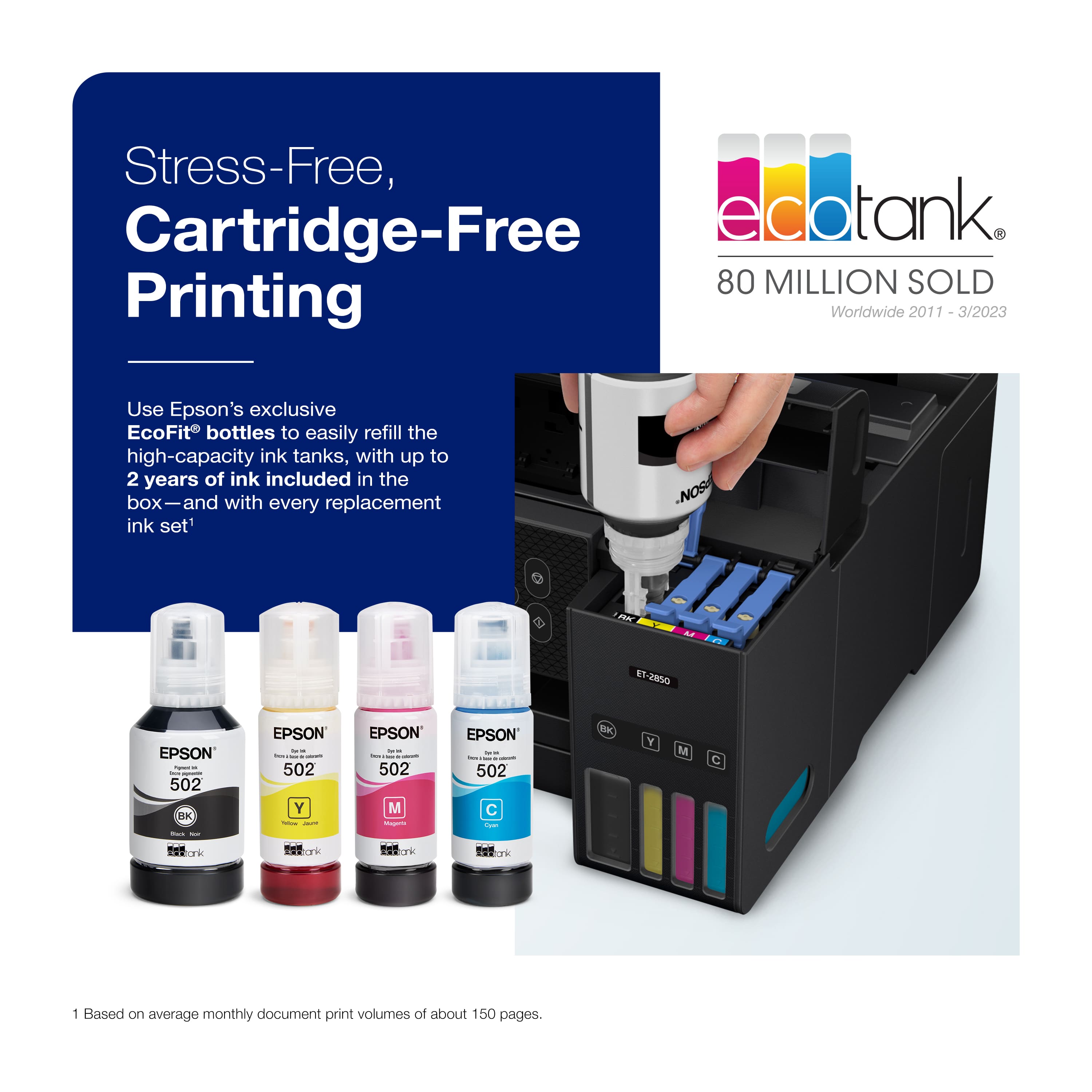
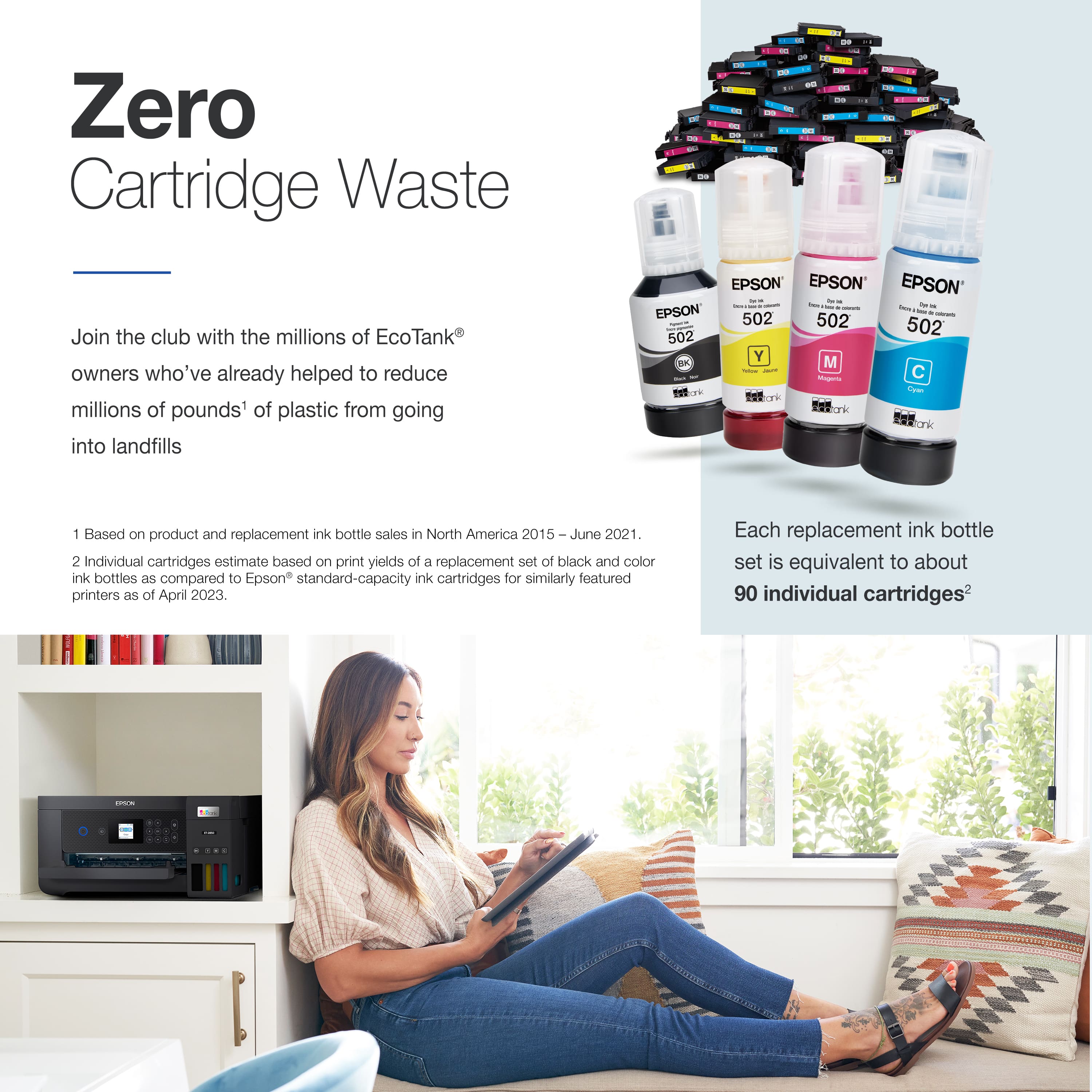
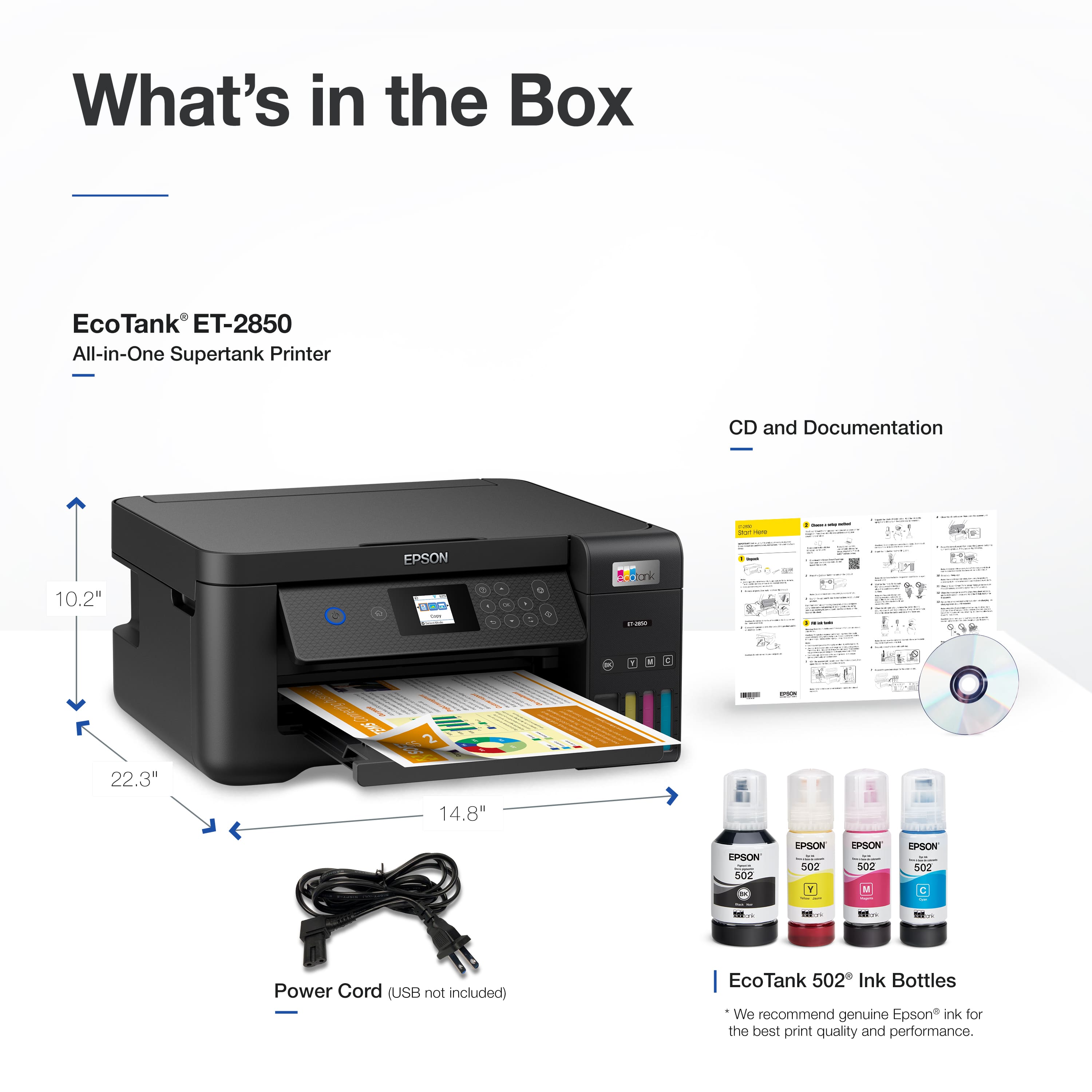
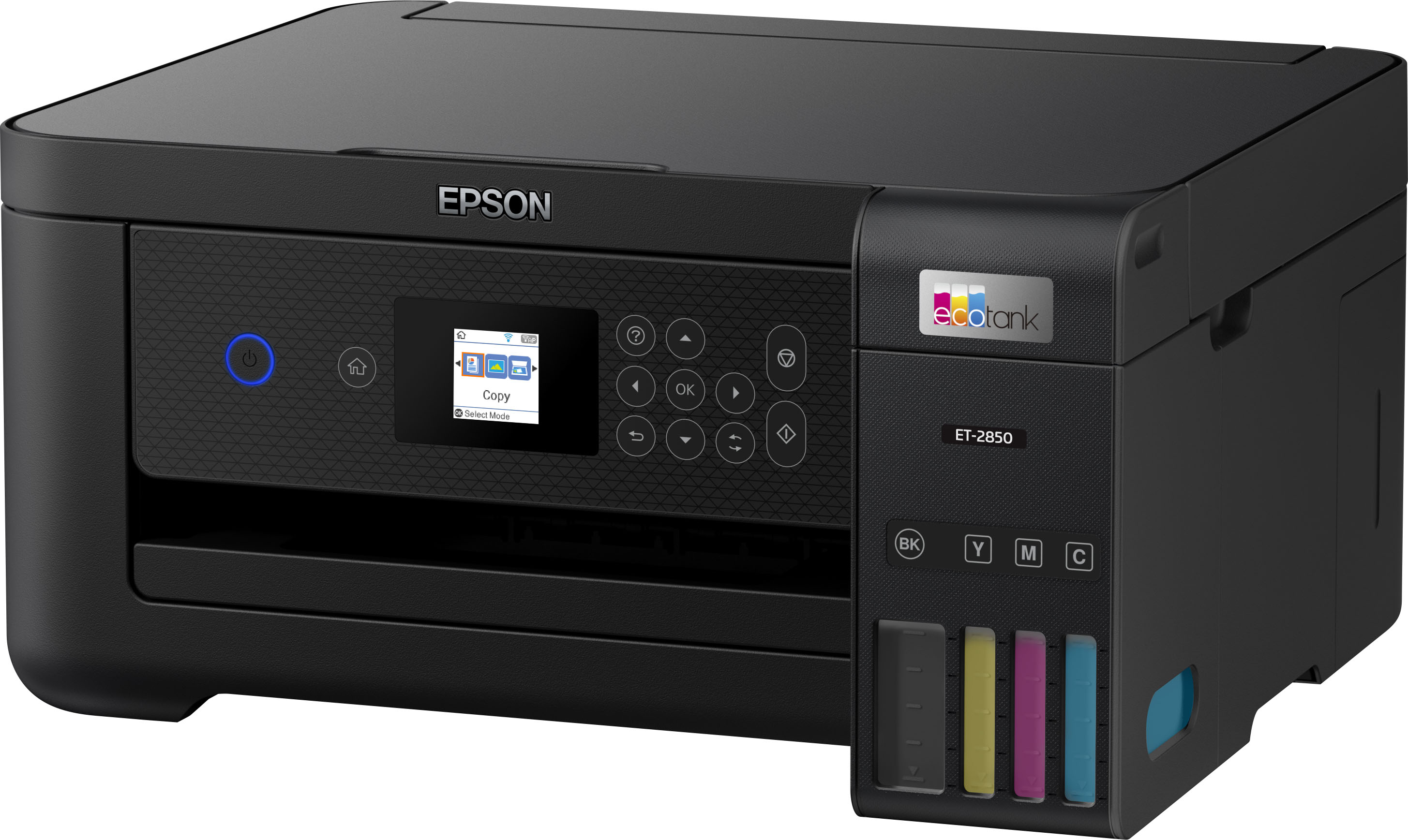
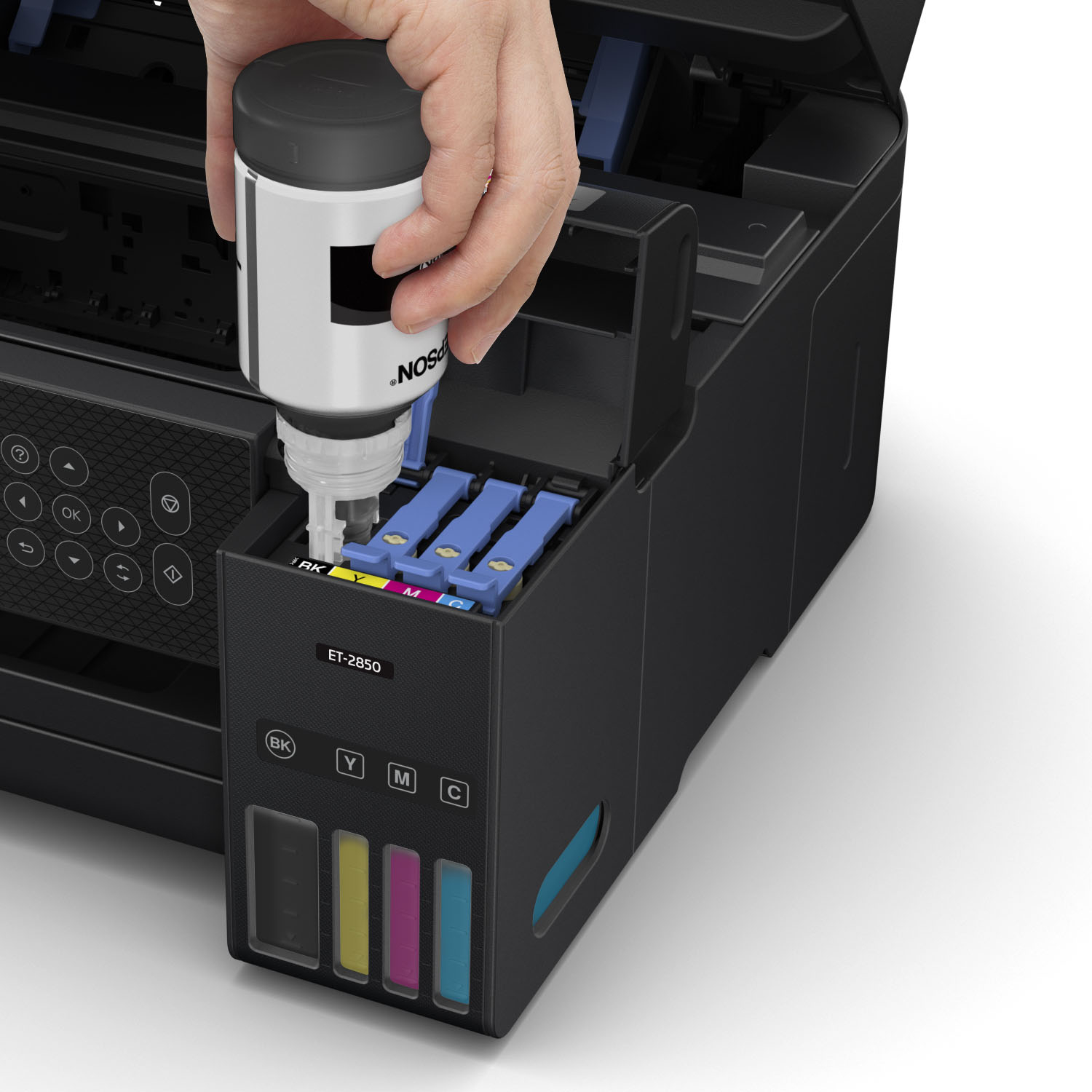
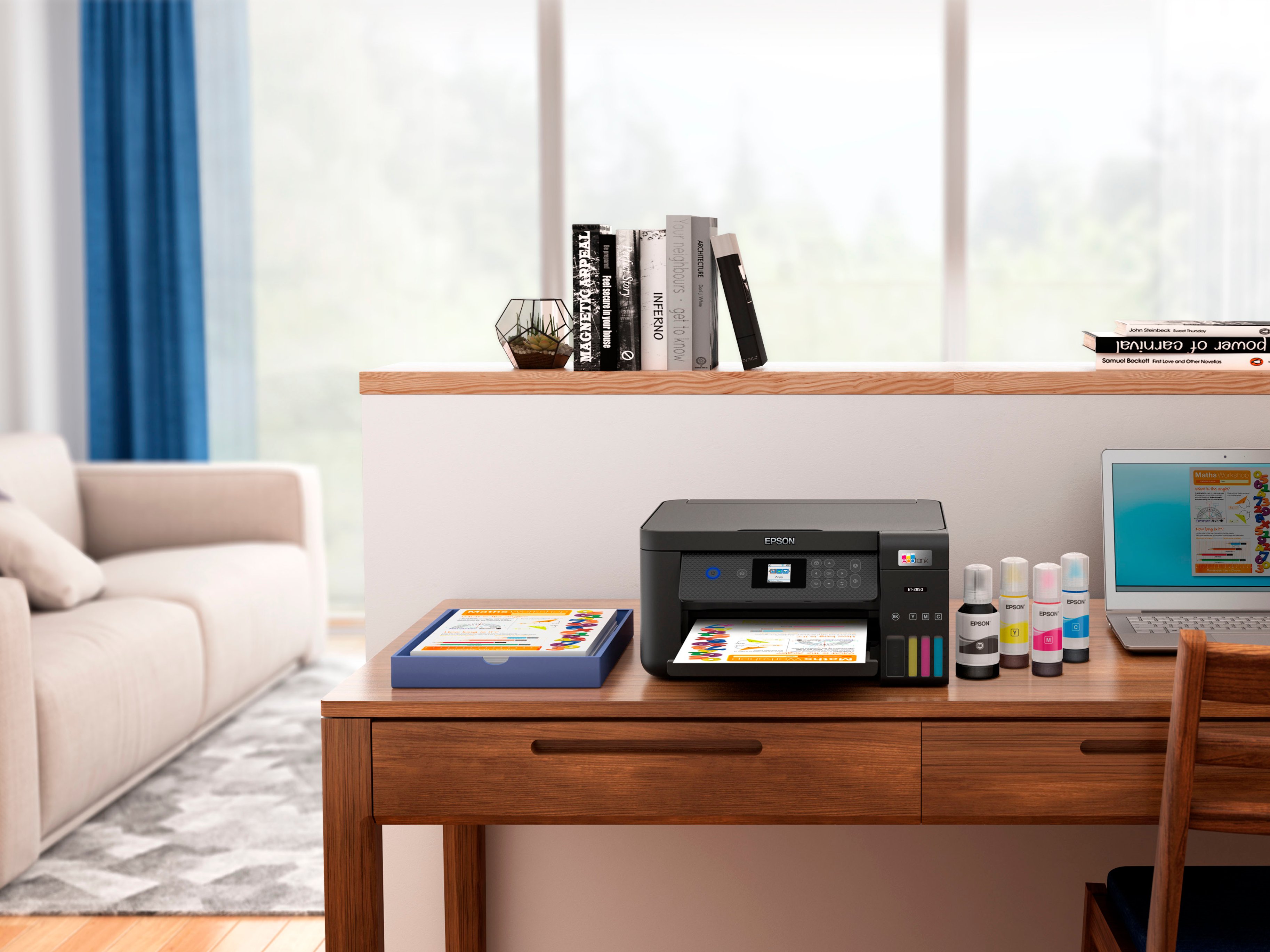
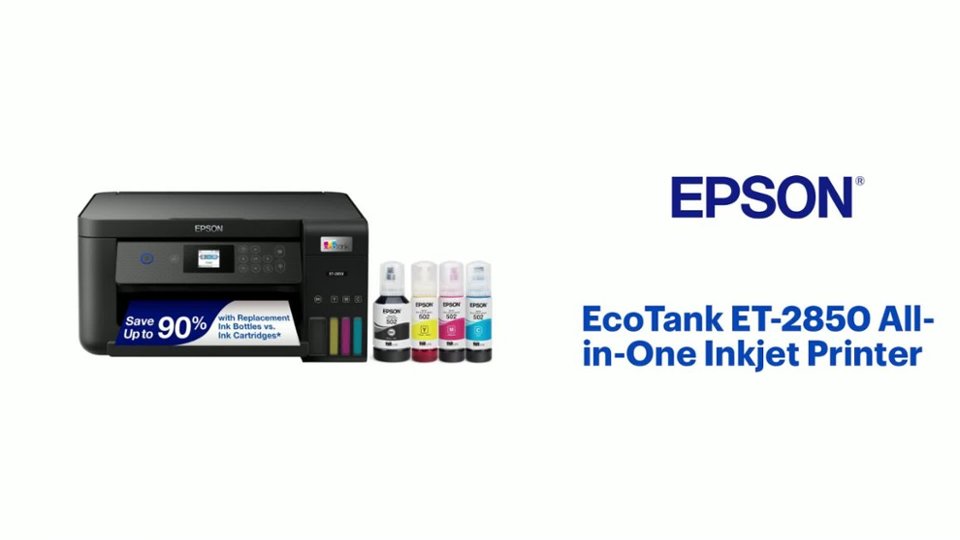
A:AnswerHello Erwin. Yes, the ET-2850 comes with four Epson 502 Ink Bottles in the box. That includes Cyan, Magenta, Yellow, and Black. Regards, Kevin - The Epson Team.
A:AnswerHello Jac525 The ET-2850 can print a check image. However, printing checks could require using "MICR" ink, which the printer does not support. Regards, Kevin - The Epson Team
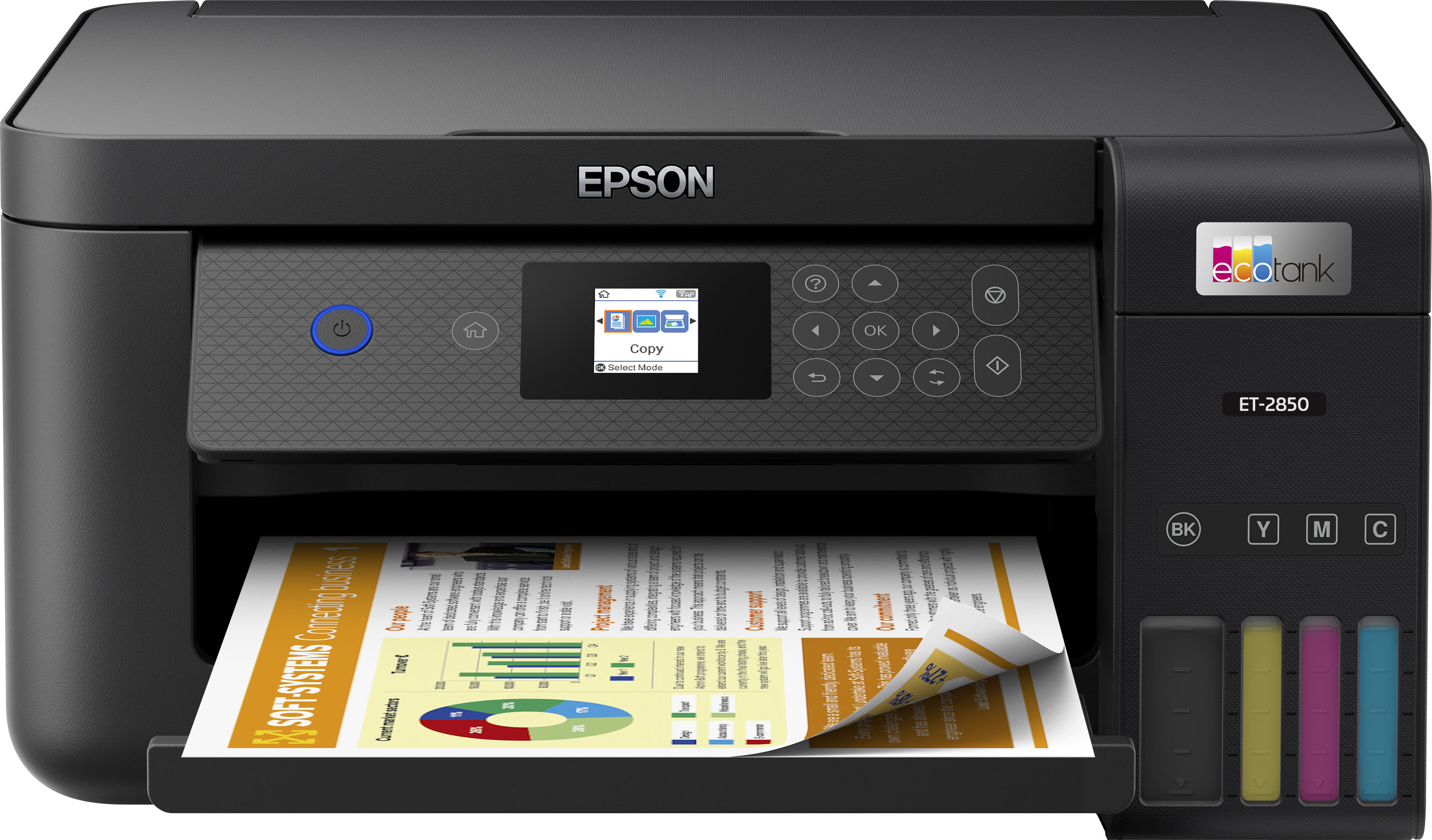
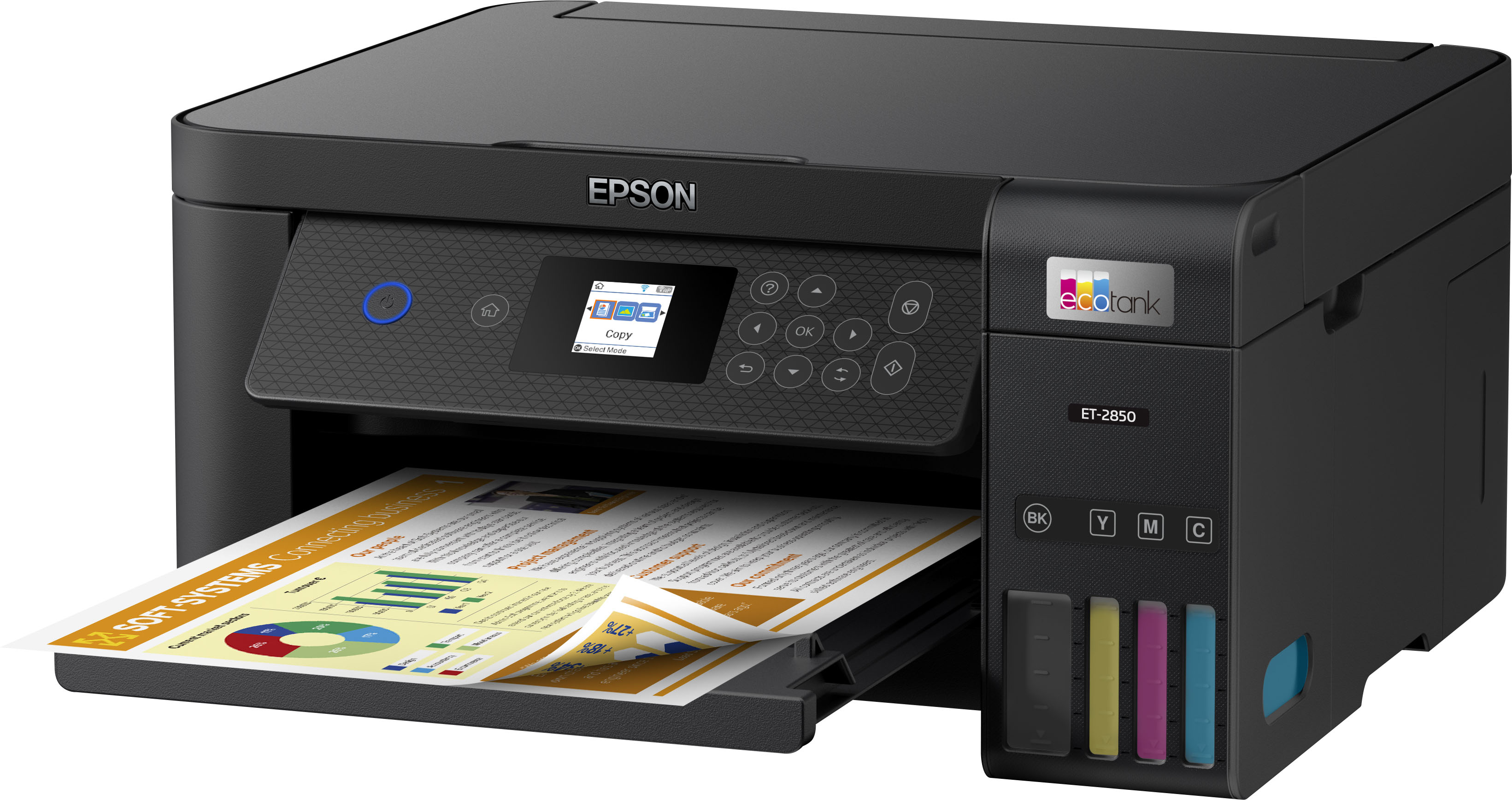
A:AnswerHello. The ET-2850 can print on paper up to 8.5 inches wide. It has a maximum print resolution of 4800 x 1200 dpi and uses Micro Piezo Heat-Free Technology, so you can expect impressive color photos and graphics when using Epson Photo Paper. Regards, Kevin - The Epson Team.
A:AnswerIt says on the box that it can. I found some image quality settings in the app that may help get richer colors when printing photos. I printed some photos directly from my phone, which I thought was a pretty nice feature.
A:AnswerHello. Yes, the ET-2850 will work with an Apple computer running macOS 10.6 - 14. You can also use the printer on your iPhone and iPad by downloading the Epson Smart Panel onto your device. Regards, Kevin - The Epson Team.
A:AnswerHello Dave. Yes, the ET-2850 can print on Epson Photo Paper. For a list of compatible paper types, please see the Users' Guide on our official Epson Support page. Regards, Kevin - The Epson Team.
A:AnswerHello. The printer has a rear paper feed, you can leave a stack of paper in the printer so that you don't have to reload the paper every time you use it. However, for best practices, we recommend closing the top tab to avoid dust from getting inside of the printer. Regards, Kevin - The Epson Team.
A:AnswerHello FireStation46. The maintenance box is built-in and included with the ET-2850. We recommend looking at the ET-3850 if you're looking for a similar printer with a user-replaceable maintenance box. Regards, Kevin - The Epson Team.
A:AnswerHello. The ET-2850 can only be used via USB or Wi-Fi. We recommend looking at the ET-3850, as it is a similar printer with an ethernet port included. Regards, Kevin - The Epson Team.
A:AnswerHello ItzMeCD. This could be due to different reasons. Are you printing from a computer, smartphone, or tablet? If you're using a computer, does this also happen on other programs or just Word, and have there been any recent updates? We recommend making sure that you have the latest Epson print driver installed. If you need additional assistance, please do not hesitate to contact our Technical Support team by phone. Regards, Kevin - The Epson Team.