Appliances Presidents’ Day SaleEnds 2/25. Limited quantities. No rainchecks.Shop now

Main Content

Questions & Answers

Your price for this item is $379.99
The comparable value price is $419.99
Page Showing 21-36 of 36 questions
  • QuestionIf you set this printer up for wireless printing where does the document go after you scan it?

    Asked by TechieDad.

    • Answer Hello. You can use the printer wirelessly with a computer, smartphone, or tablet. When scanning, you will be able to select your file destination through the Epson ScanSmart software or Epson Smart Panel App, depending on the device that you are using. Regards, Kevin - The Epson Team.
      Answered by Epson

  • QuestionIs this printer Windows 10 compatible?

    Asked by Cw.

    • Answer Yes. I have it hooked up to our in-home network and it works fine. I have Windows 10 on my present computer and my wife's runs Windows 11. It accepts commands from both with no problem.

      Answered by GaryA

  • Questioncan legal size paper 11 x 14 be used in this printer?

    Asked by annie.

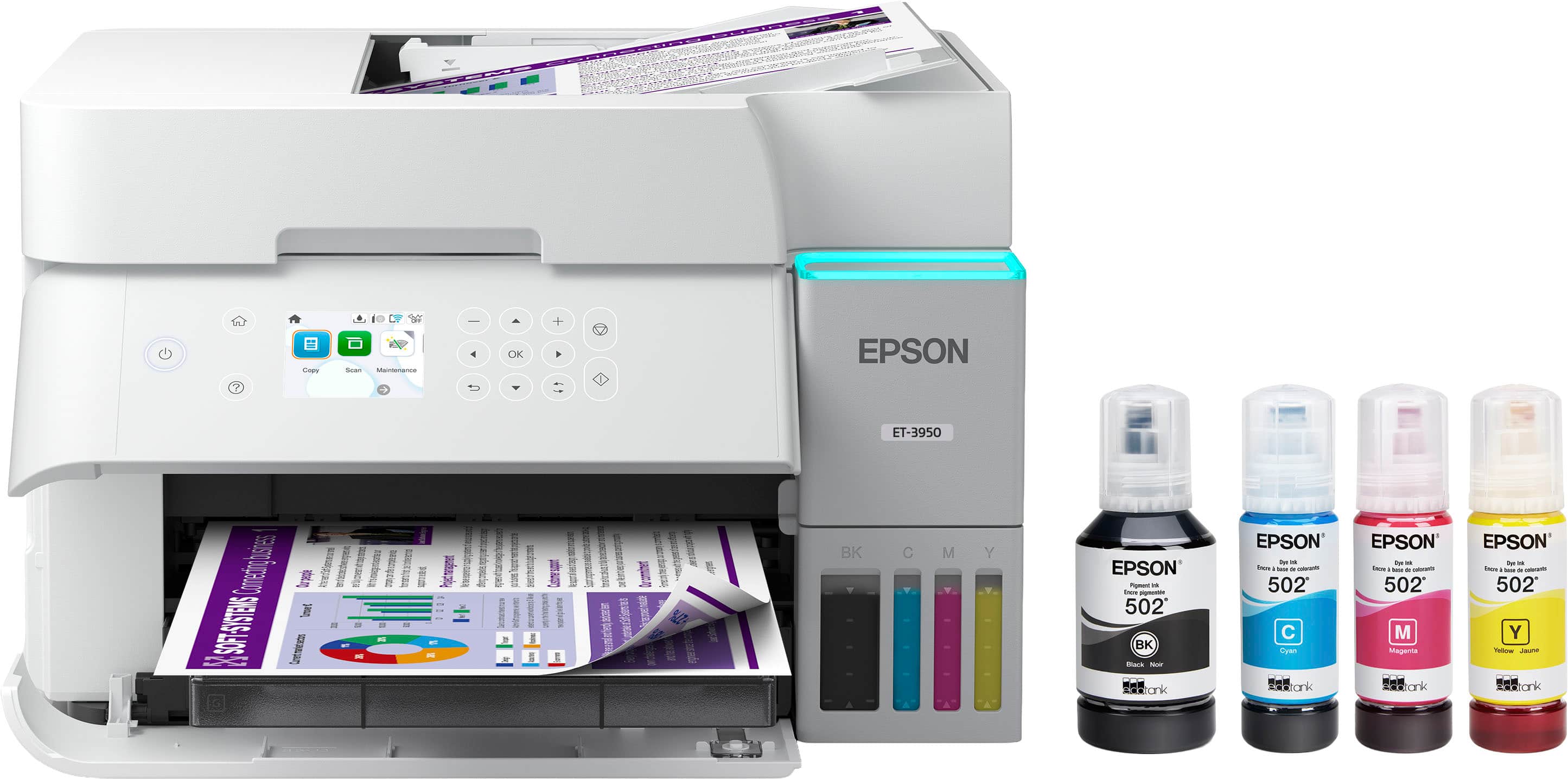
    • Answer Hello annie. The ET-3950 can print on paper sizes ranging from 3.5" x 5" to 8.5" x 14". Unfortunately, 11" x 14" paper would be too large for the printer. Regards, Kevin - The Epson Team.
      Answered by Epson

  • QuestionWill this printer print on cardstock? If yes, what weights?

    Asked by JMKCrafter.

    • Answer It does print on cardstock. I buy cardstock from Walmart. I get the Pen + Gear brand 150 sheets, 110lb. weight, 94 bright package. I’m sure it’ll print on different weights.

      Answered by Anonymous

  • QuestionCan you download photos or documents from a flash drive to print?

    Asked by LittleRed.

    • Answer No, the USB port only connects to a computer.

      Answered by picktownboy

  • QuestionCan I use the Epson ET-3950 with my 2017 Mac?

    Asked by Tony.

    • Answer Hello Tony. Yes, the ET-3950 will work with Apple computers as long as you are using a version of macOS 10.9 - 15. You can download the latest print driver from our official Epson Support page. Regards, Kevin - The Epson Team.

      Answered by Epson

  • QuestionIs there an app that goes along with this printer?

    Asked by WW8002.

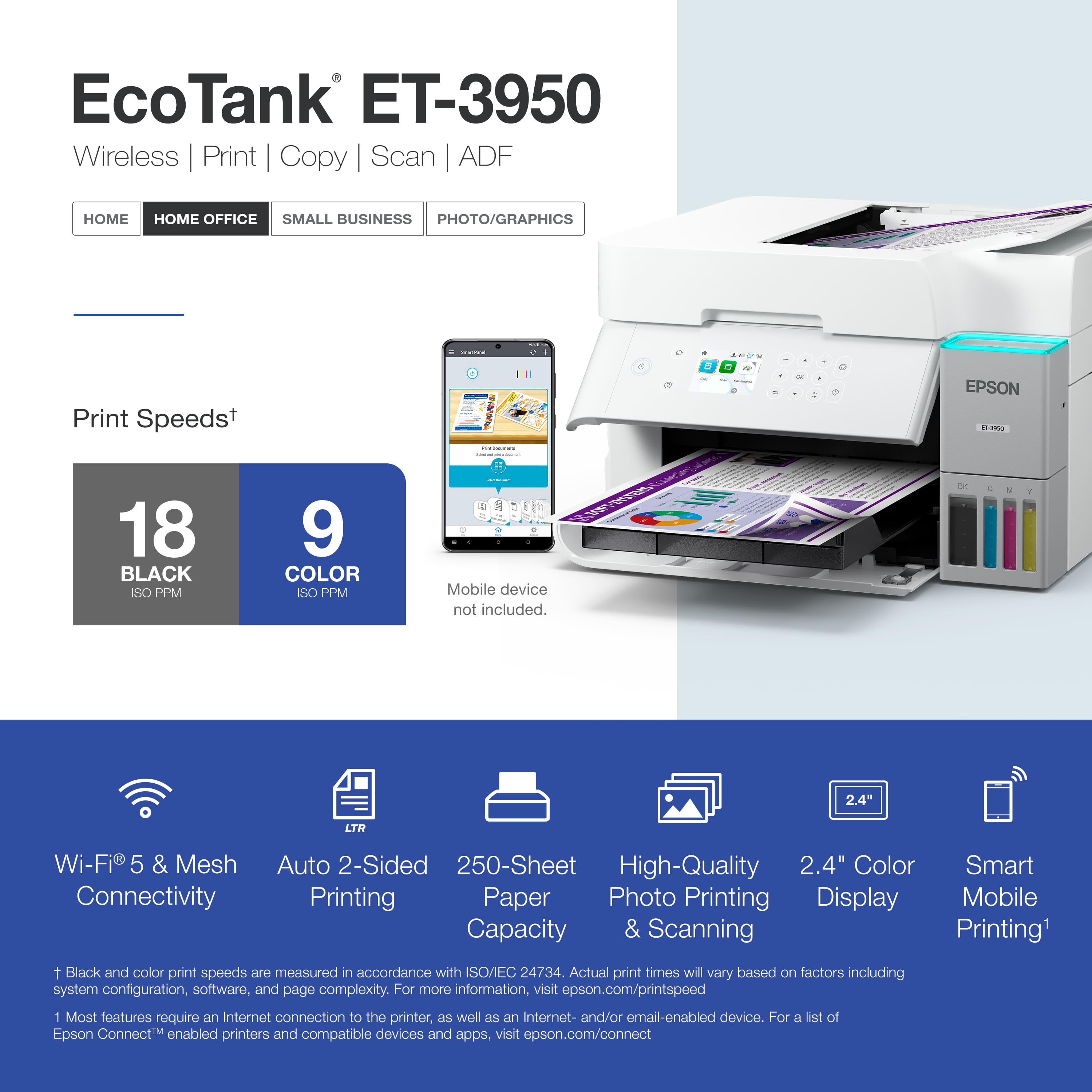
    • Answer Hello WW8002. Yes, you can use the Epson Smart Panel App with the ET-3950. The App allows you to perform operations easily, including printing, copying, or scanning from a smartphone or tablet. Regards, Kevin - The Epson Team.
      Answered by Epson

  • QuestionWhat is the thickest cardstock this printer can handle?

    Asked by Katie.

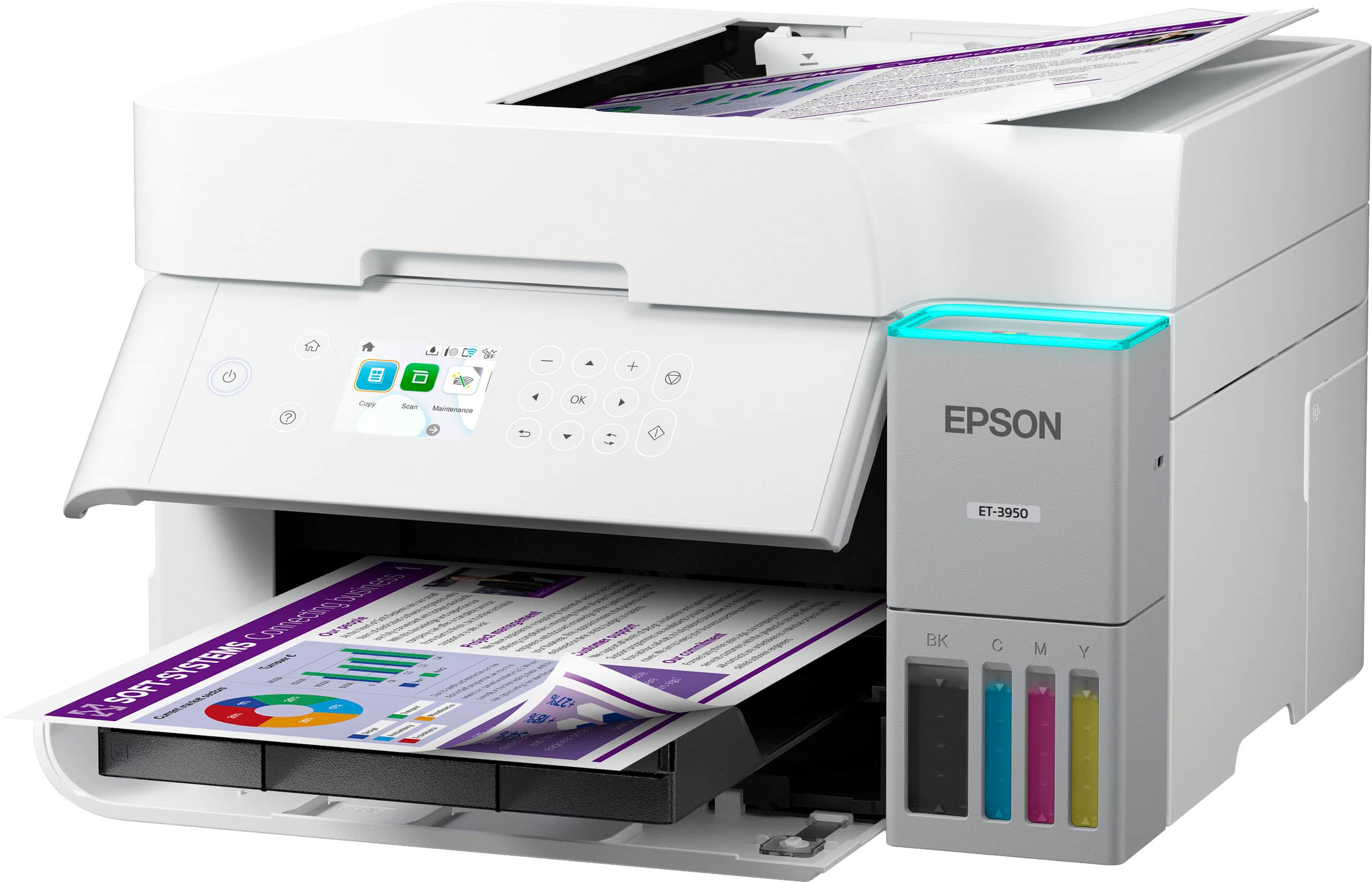
    • Answer Hello Katie. The ET-3950 can print on cardstock. The heaviest paper we've tested with this machine is Epson Ultra Premium Photo Paper Glossy, which weighs 79 lb. For cardstock, we've used similar Epson paper weighing approximately 44 lb. Please note that these recommendations apply only to Epson paper. You may try cardstock within this weight range from other brands, but results may vary, especially with heavier or non-Epson paper. Regards, Kevin - The Epson Team.
      Answered by Epson

  • QuestionWhat is the difference between 3930 and 3950?

    Asked by Nanalee.

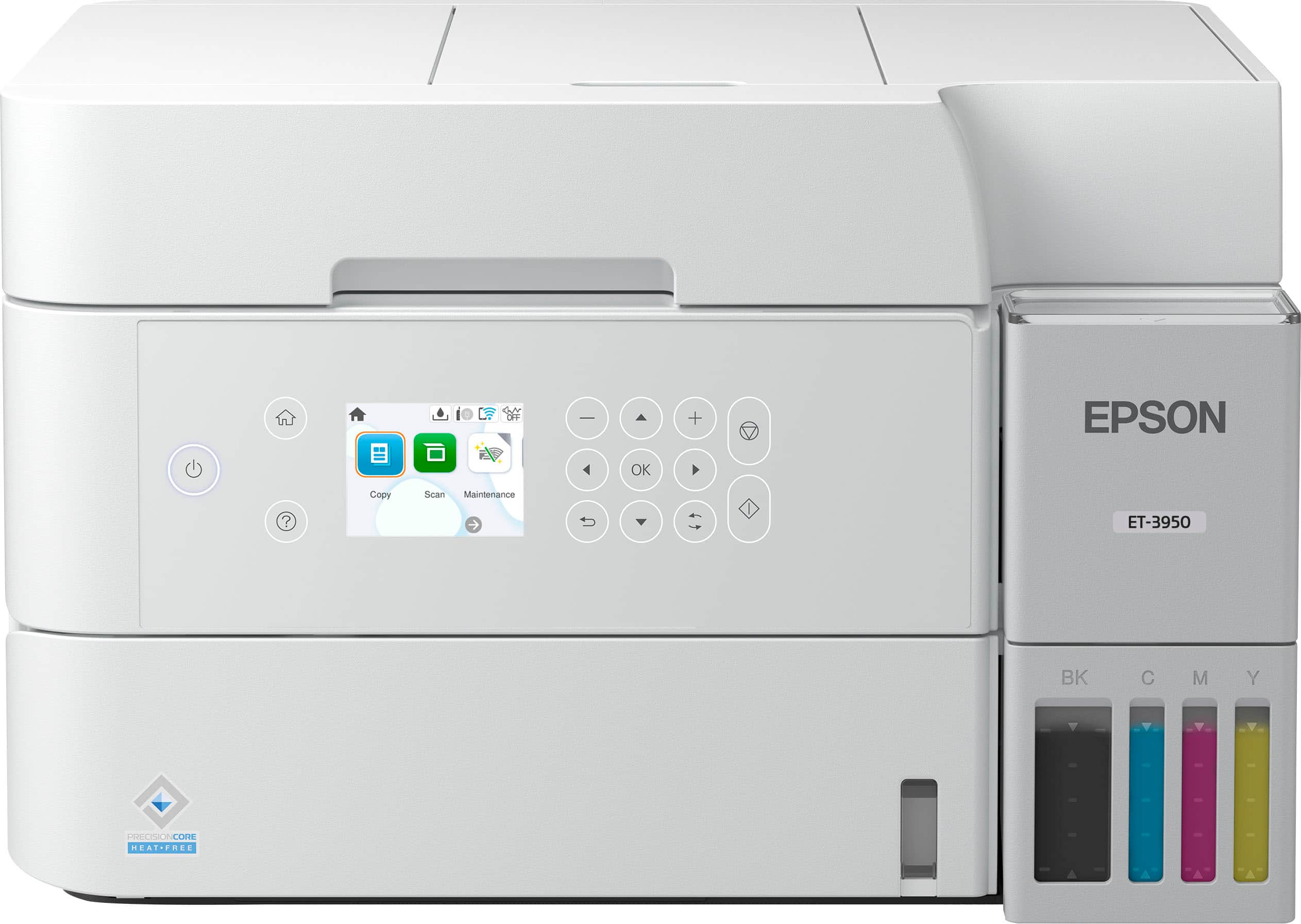
    • Answer Hello Nanalee. Both printers are similar in features and design. The most notable difference is that the ET-3950 includes a document feeder for scanning multiple pages. Regards, Kevin - The Epson Team.
      Answered by Epson

  • QuestionCan it handle A4 paper? And, does the paper tray have adjustable guides/stops that can be moved from US letter size to A4 size

    Asked by SVD1.

    • Answer YES

      Answered by PennyW

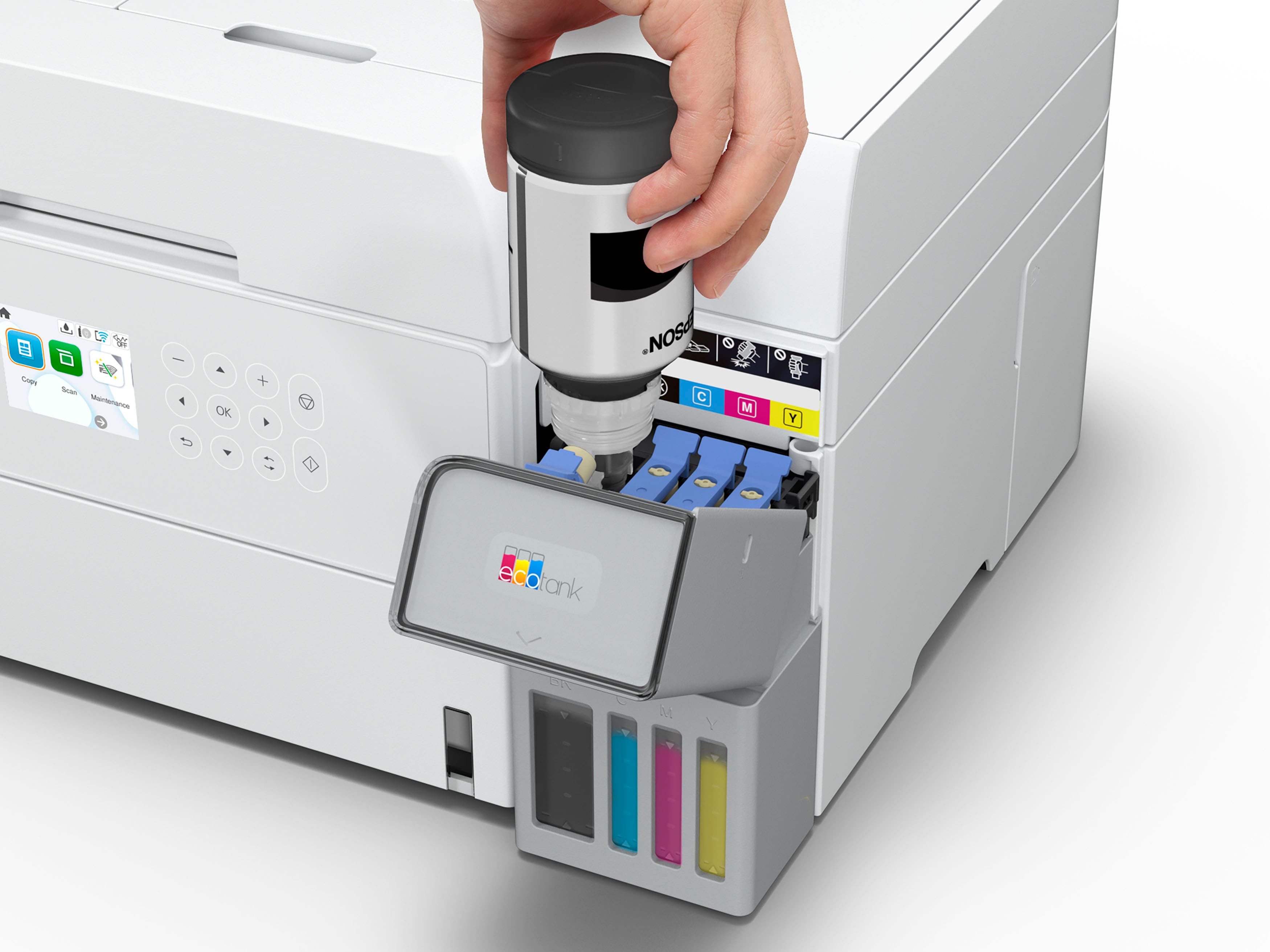
  • QuestionHow many top pages

    Asked by KimP.

    • Answer Hello KimP. You can load approximately 250 sheets of plain paper in the ET-3950. Regards, Kevin - The Epson Team.
      Answered by Epson

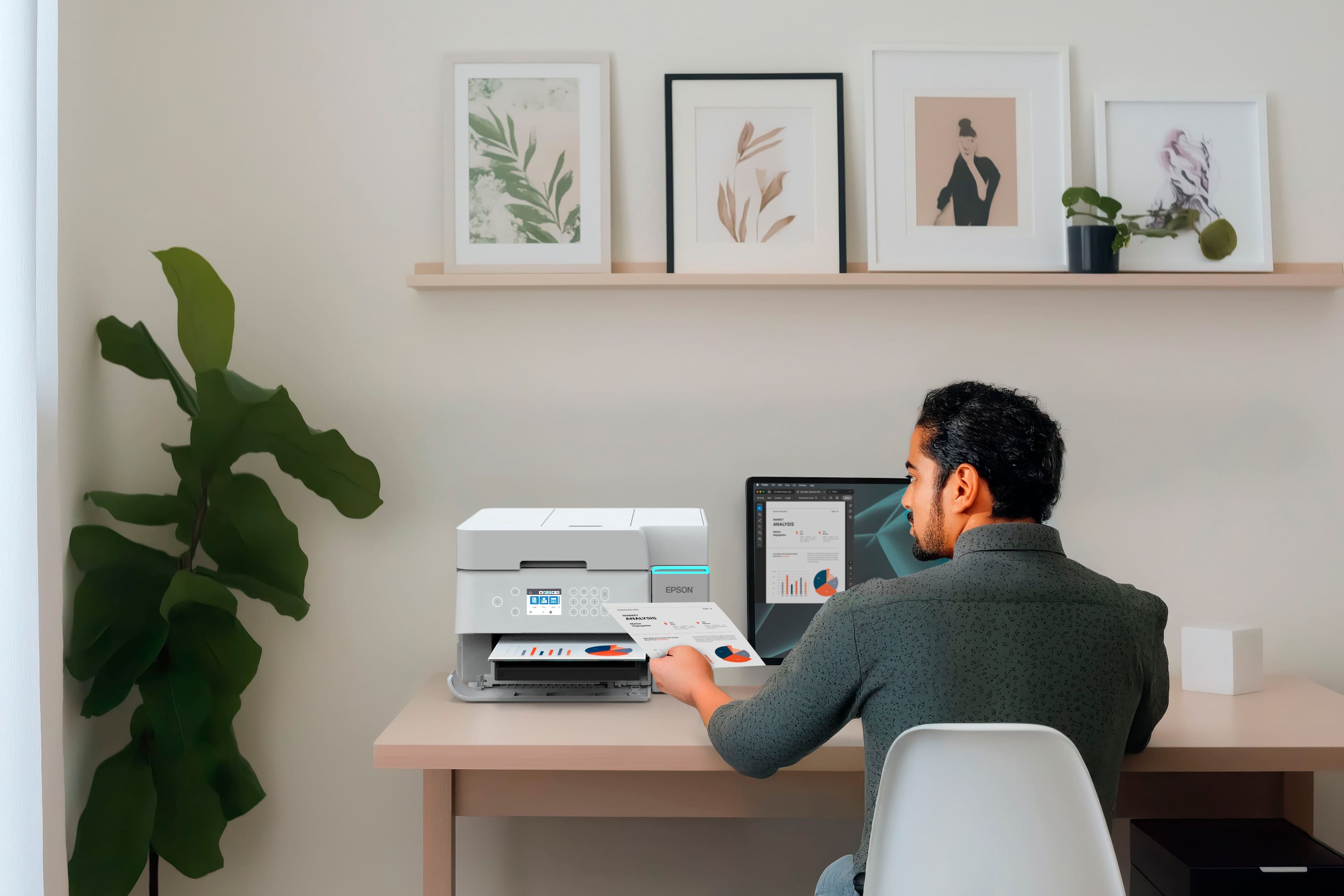
  • QuestionDoes this printer do well for sublimination printing?

    Asked by Vicki.

    • Answer Hello Vicki. The ET-3950 is not designed for dye-sublimation printing or the use of non-genuine Epson Ink Cartridges. We recommend using Genuine Epson Ink for optimal print quality and performance. Non-genuine ink could cause damage not covered by the printer’s limited warranty. Regards, Kevin - The Epson Team.
      Answered by Epson

  • QuestionWill it work with windows 11

    Asked by Ddw.

    • Answer Yes...I just downloaded the driver software for the printer 2 days ago and installed it to my new computer with Windows 11 without any issues.

      Answered by BrettD

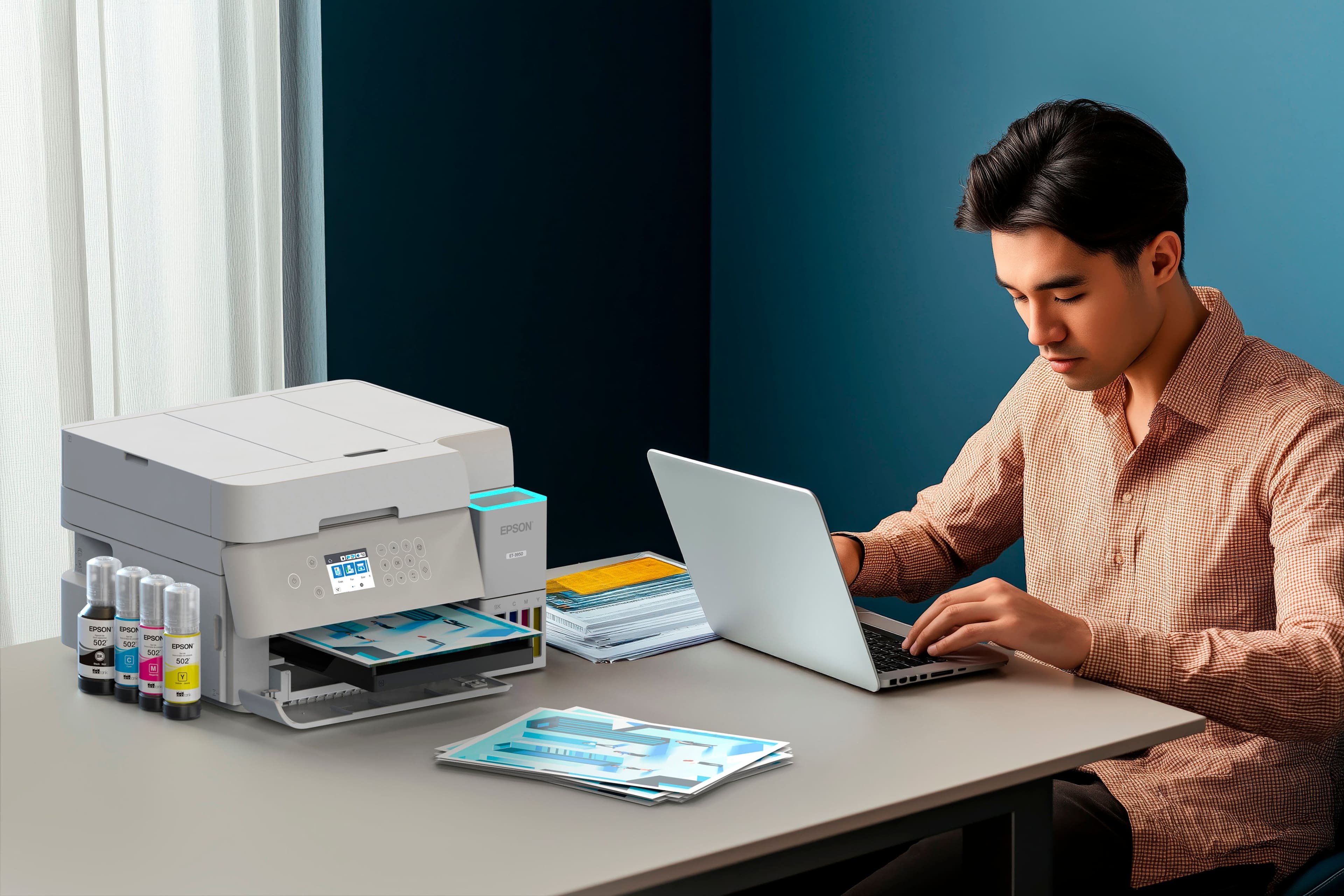
  • QuestionIs it compatible with Windows 11

    Asked by Harper.

    • Answer Hello Harper. Yes, the ET-3950 is compatible with Windows 11. You can download the latest driver from our official Epson Support page. Regards, Kevin - The Epson Team.
      Answered by Epson

  • QuestionCan I use this with my Microsoft surface

    Asked by Jr.

    • Answer Yes, I use my Microsoft Surface Pro 7.

      Answered by Jimbo

  • QuestionIs this a sublimation printer?

    Asked by Maur.

    • Answer Hello Maur. The ET-3950 is not designed for dye-sublimation printing or the use of non-genuine Epson Ink Cartridges. We recommend using Genuine Epson Ink for optimal print quality and performance. Non-genuine ink could cause damage not covered by the printer’s limited warranty. Regards, Kevin - The Epson Team.

      Answered by Epson