Questions & Answers
- Model:
- C11CL43201
- |
- SKU:
- 6630483
Highly rated by customers for: Print Quality, Setup Ease, Connectivity
$399.99$399.99
Page Showing 41-58 of 58 questions
Q: Questiondoes this printer have a photo card tray for printing photos?
Asked by Anonymous.
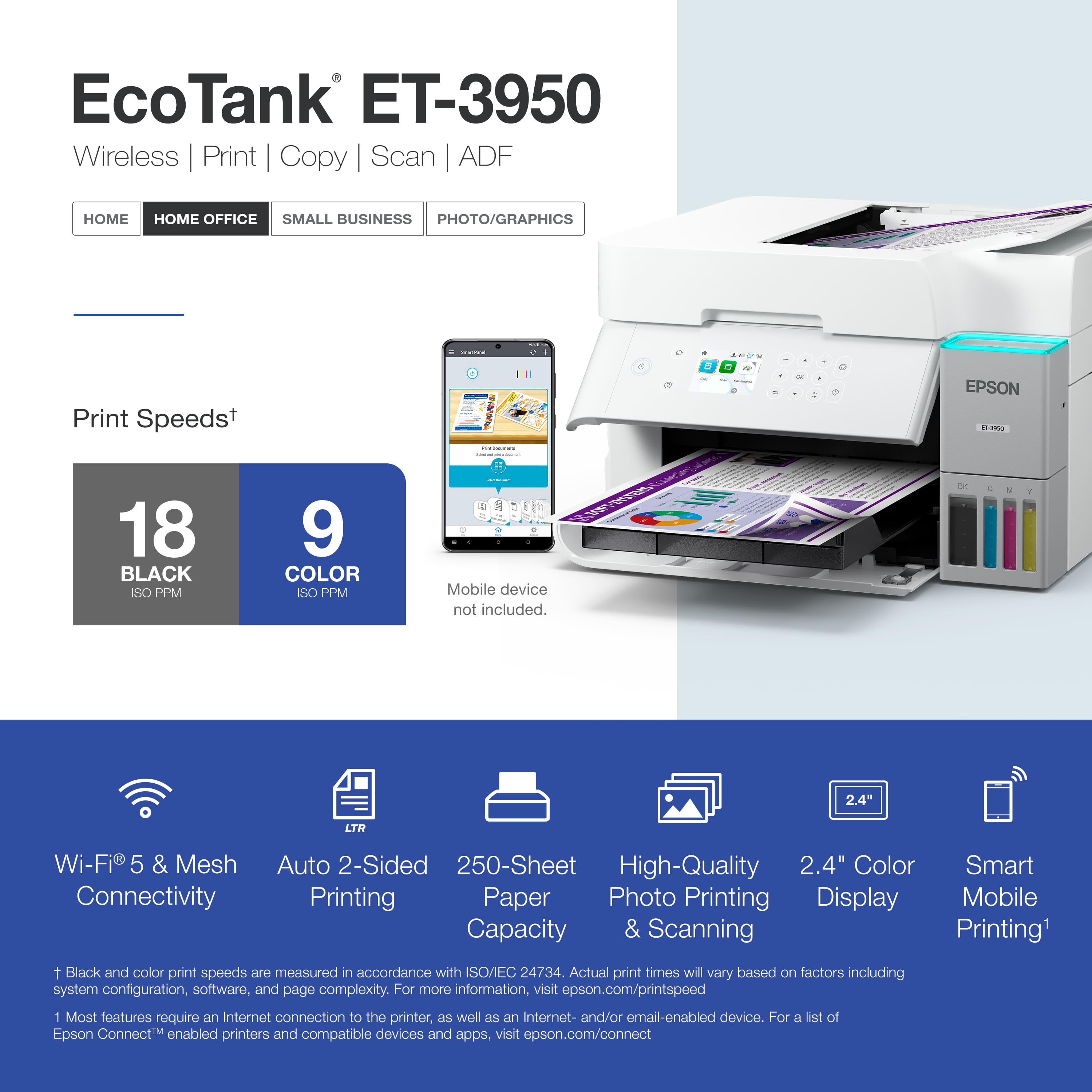
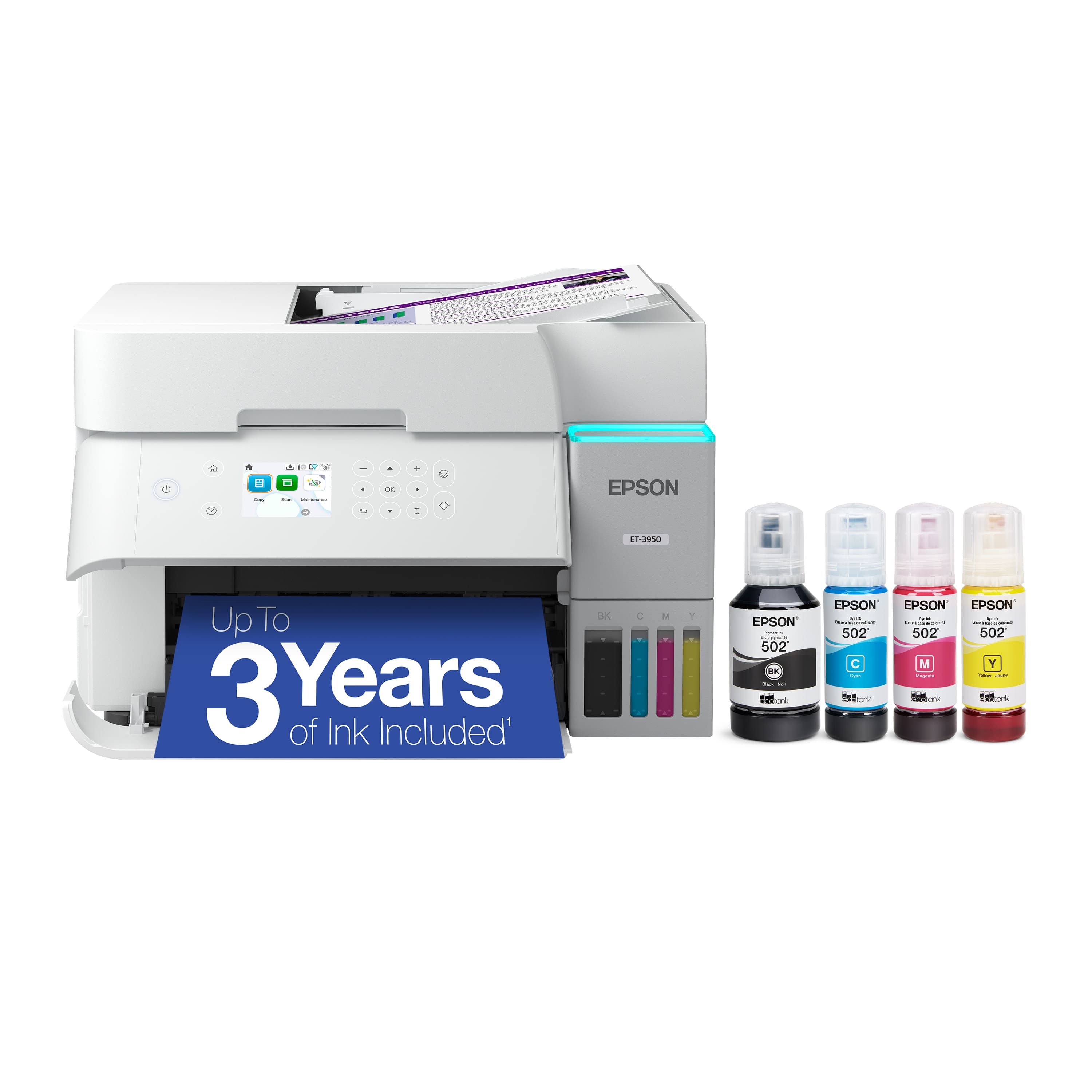
- A:Answer No, the Epson ET-3950 does not have a dedicated photo card tray or secondary paper cassette.
Answered by Lance
Q: QuestionIs Eco tank printer 3950 compatible with Windows 10
Asked by printer.
- A:Answer Yes, the Epson EcoTank ET-3950 is fully compatible with Windows 10. It supports both the 32-bit and 64-bit versions of the operating system
Answered by Lance
Q: QuestionDoes this printer print on the shirt paper and wha us the photo quality
Asked by Wonderful.
- A:Answer Yes, the Epson EcoTank ET-3950 can print on t-shirt paper, specifically known as Inkjet Heat Transfer Paper or Epson Iron-On Cool Peel Transfer Paper. However, because the ET-3950 is an ordinary inkjet printer using standard desktop ink, there are critical rules you must follow regarding the type of paper and fabric you use.
Answered by Lance
Q: QuestionDoes the printer work with all Mac products from apple? Will this printer work with my Mini Mac and iPad Pro and iPhone?
Asked by MitcRapp.
- A:Answer Yes, the Epson EcoTank ET-3950 is fully compatible with all modern Apple products, including your Mac mini, iPad Pro, and iPhone. Because the printer features Apple AirPrint, it integrates with the Apple ecosystem without requiring complex driver installations or extra software.
Answered by Lance
Q: QuestionDoes this print on 5" x 8" and 4" x 6" index cards and is there a separate feed for odd sized paper
Asked by Bee.
- A:Answer The Epson EcoTank ET-3950 can print on both 4" x 6" and 5" x 8" index cards, but it does not have a separate manual feed slot or rear bypass tray for odd-sized paper. You adjust the paper guides on the supply tray.
Answered by Lance
Q: QuestionDoes this printer have a manual feed capability to insert form documents?
Asked by JayelK.
- A:Answer No, the Epson EcoTank ET-3950 does not have any manual feed capability or rear bypass slot to insert individual stock. Every piece of paper, including single multi-part forms, thick envelopes, or specialized sheets, must be placed entirely inside the main 250-sheet front-loading paper cassette.
Answered by Lance
Q: Questiondoes printer have fax
Asked by Joey.
- A:Answer No. But Epson has a model with all of the features this one does that is fax capable.
Answered by Michael
Q: QuestionCan epson 3950 scan to a memory stick
Asked by Tsb.
- A:Answer No, the Epson EcoTank ET-3950 cannot scan directly to a memory stick or USB flash drive.
Answered by Lance
Q: Questiondoes this model, ET-3950, support printing envelopes ?
Asked by sss.
- A:Answer Hello. Yes, the ET-3950 supports printing on on No.10 envelopes. Regards, Kevin - The Epson Team.
Answered by Epson
Q: QuestionDoes this printer work for scanning your own art work and how is the quality
Asked by Sirlancealot.
- A:Answer The scanning is of decent quality, though it is not as sharp as one may like. Using it for artwork may not represent finer details as clearly as you may want.
Answered by Poab
Q: QuestionWhat is the thickest cardstock this printer can handle?
Asked by Katie.
- A:Answer The absolute thickest paper tested and officially supported by Epson for the EcoTank ET-3950 is 79 lb basis weight (specifically Epson Ultra Premium Photo Paper Glossy). For standard, non-glossy matte cardstock, the official limit drops closer to 44 lb to 68 lb index/cover weights (approximately 250 gsm)
Answered by Lance
Q: QuestionCan it handle A4 paper? And, does the paper tray have adjustable guides/stops that can be moved from US letter size to A4 size
Asked by SVD1.
- A:Answer YES
Answered by PennyW
Q: QuestionHow many top pages
Asked by KimP.
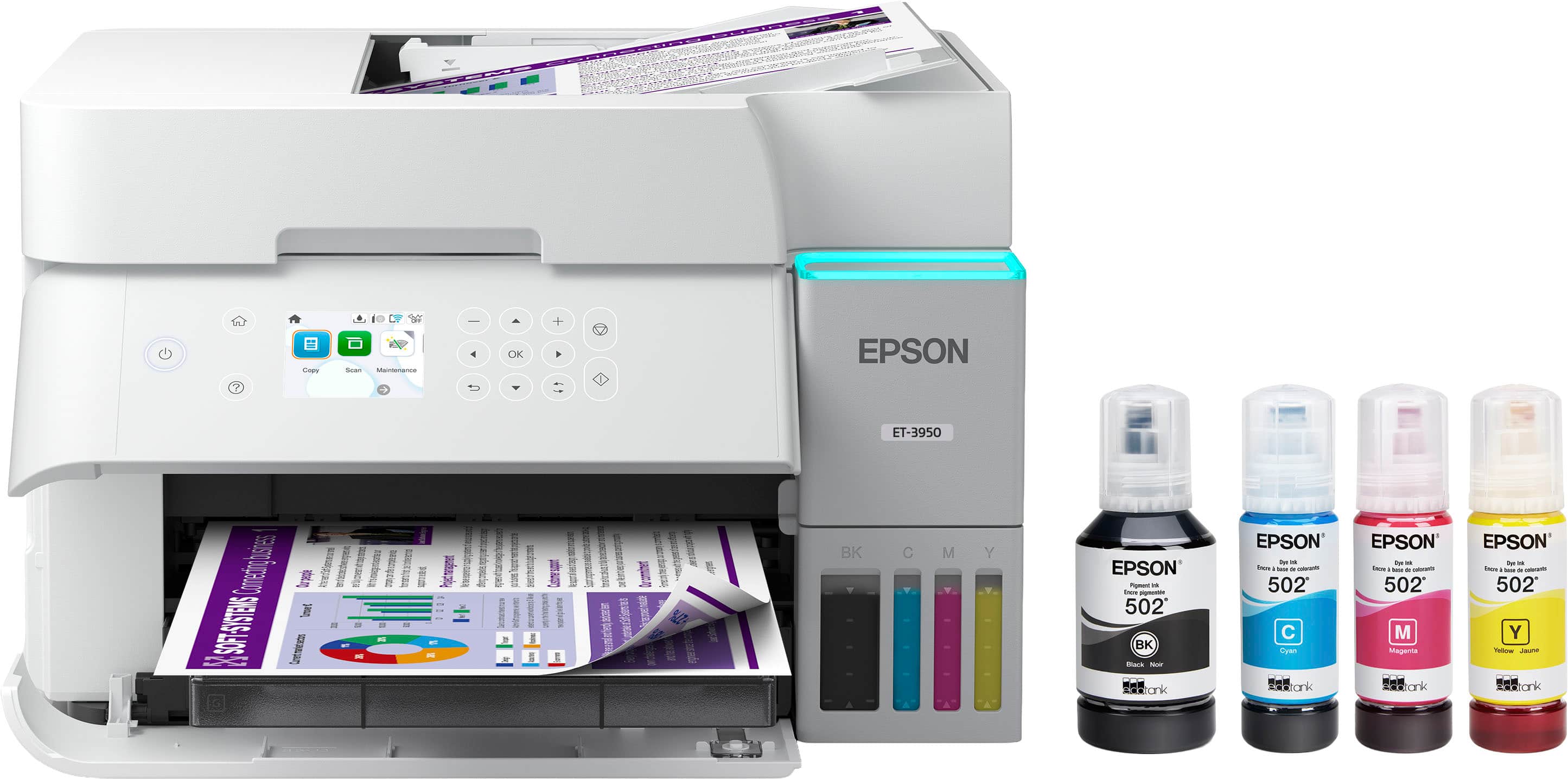
- A:Answer Hello KimP. You can load approximately 250 sheets of plain paper in the ET-3950. Regards, Kevin - The Epson Team.
Answered by Epson
Q: QuestionDoes this printer do well for sublimination printing?
Asked by Vicki.
- A:Answer Hello Vicki. The ET-3950 is not designed for dye-sublimation printing or the use of non-genuine Epson Ink Cartridges. We recommend using Genuine Epson Ink for optimal print quality and performance. Non-genuine ink could cause damage not covered by the printer’s limited warranty. Regards, Kevin - The Epson Team.
Answered by Epson
Q: QuestionWill it work with windows 11
Asked by Ddw.
- A:Answer Yes...I just downloaded the driver software for the printer 2 days ago and installed it to my new computer with Windows 11 without any issues.
Answered by BrettD
Q: QuestionCan I use this with my Microsoft surface
Asked by Jr.
- A:Answer Yes, I use my Microsoft Surface Pro 7.
Answered by Jimbo
Q: QuestionIs this a sublimation printer?
Asked by Maur.
- A:Answer Hello Maur. The ET-3950 is not designed for dye-sublimation printing or the use of non-genuine Epson Ink Cartridges. We recommend using Genuine Epson Ink for optimal print quality and performance. Non-genuine ink could cause damage not covered by the printer’s limited warranty. Regards, Kevin - The Epson Team.
Answered by Epson
Page 3, Showing 41-58 of 58 questions
Best-selling supertank printers
- $199.99$199.99The price was $239.99
- $599.99$599.99The price was $749.99
- $229.00$229.00The price was $323.00
- $617.39$617.39The price was $699.99
- $149.99$149.99The price was $169.99
- $269.99$269.99The price was $318.76