Questions & Answers
- Model:
- C11CL40202
- |
- SKU:
- 6630481
Highly rated by customers for: Print Quality, Setup Ease, Connectivity
$499.99$499.99
Page Showing 61-74 of 74 questions
Q: Questiondoes it have a touchscreen?
Asked by x.
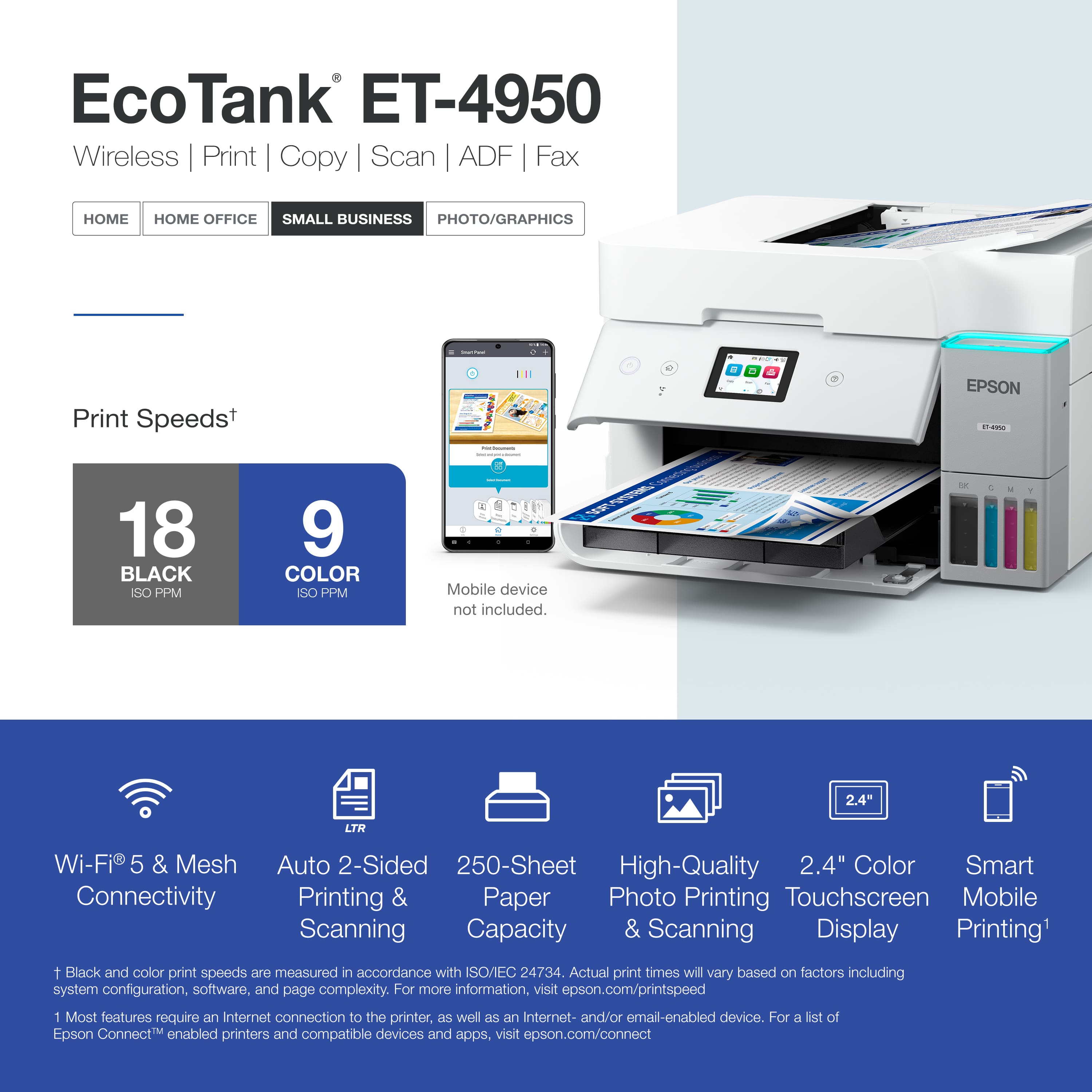
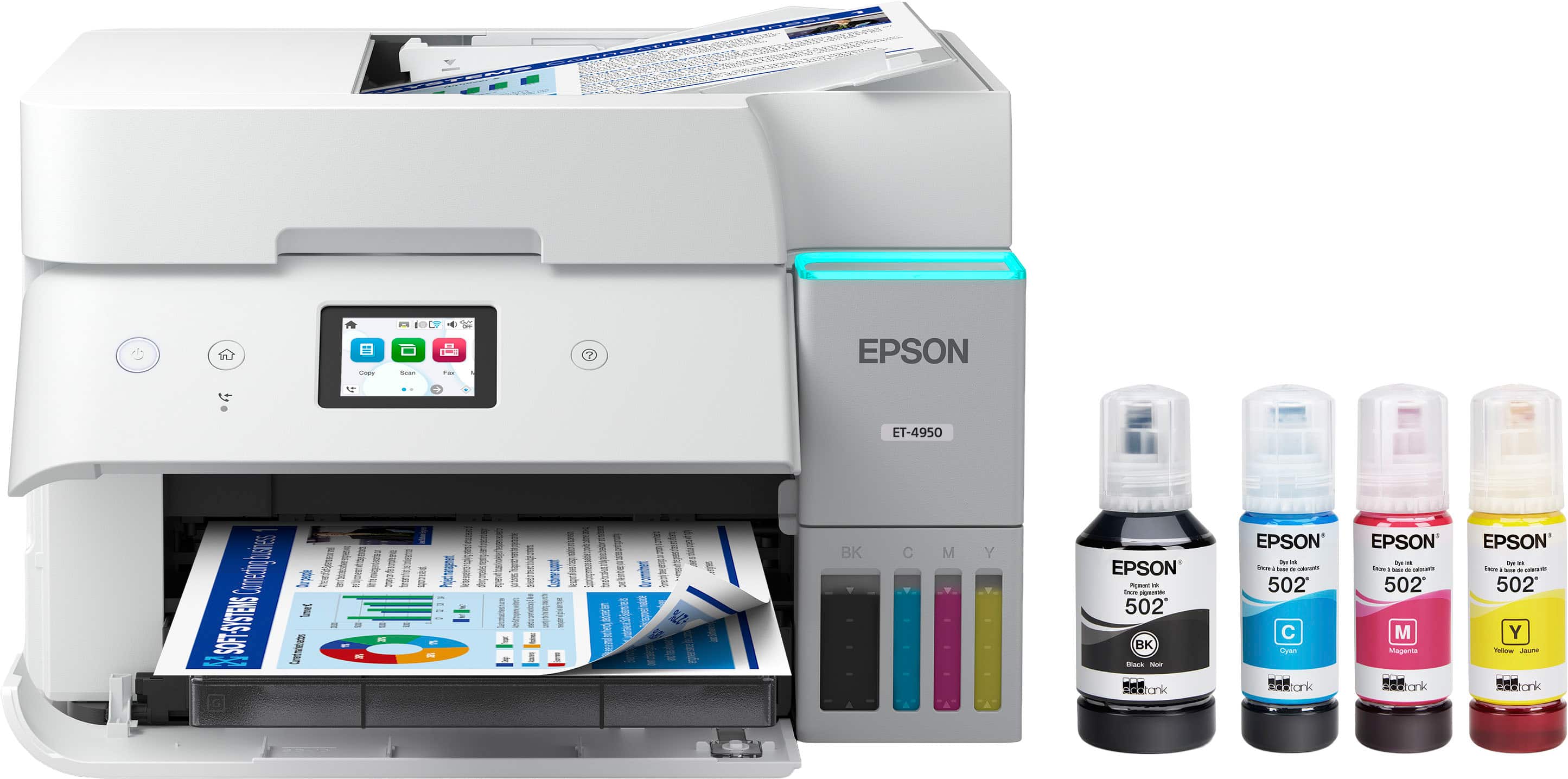
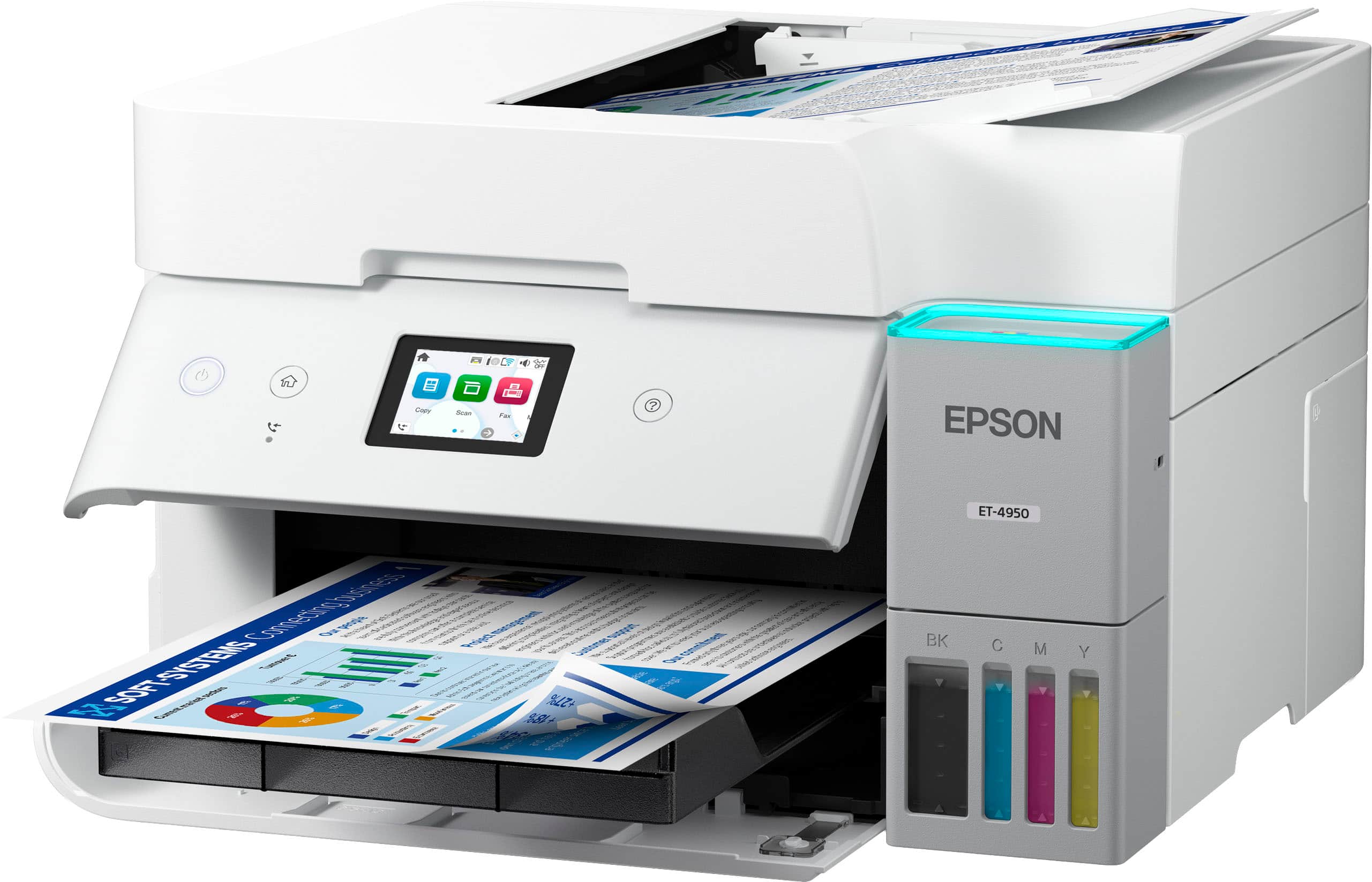
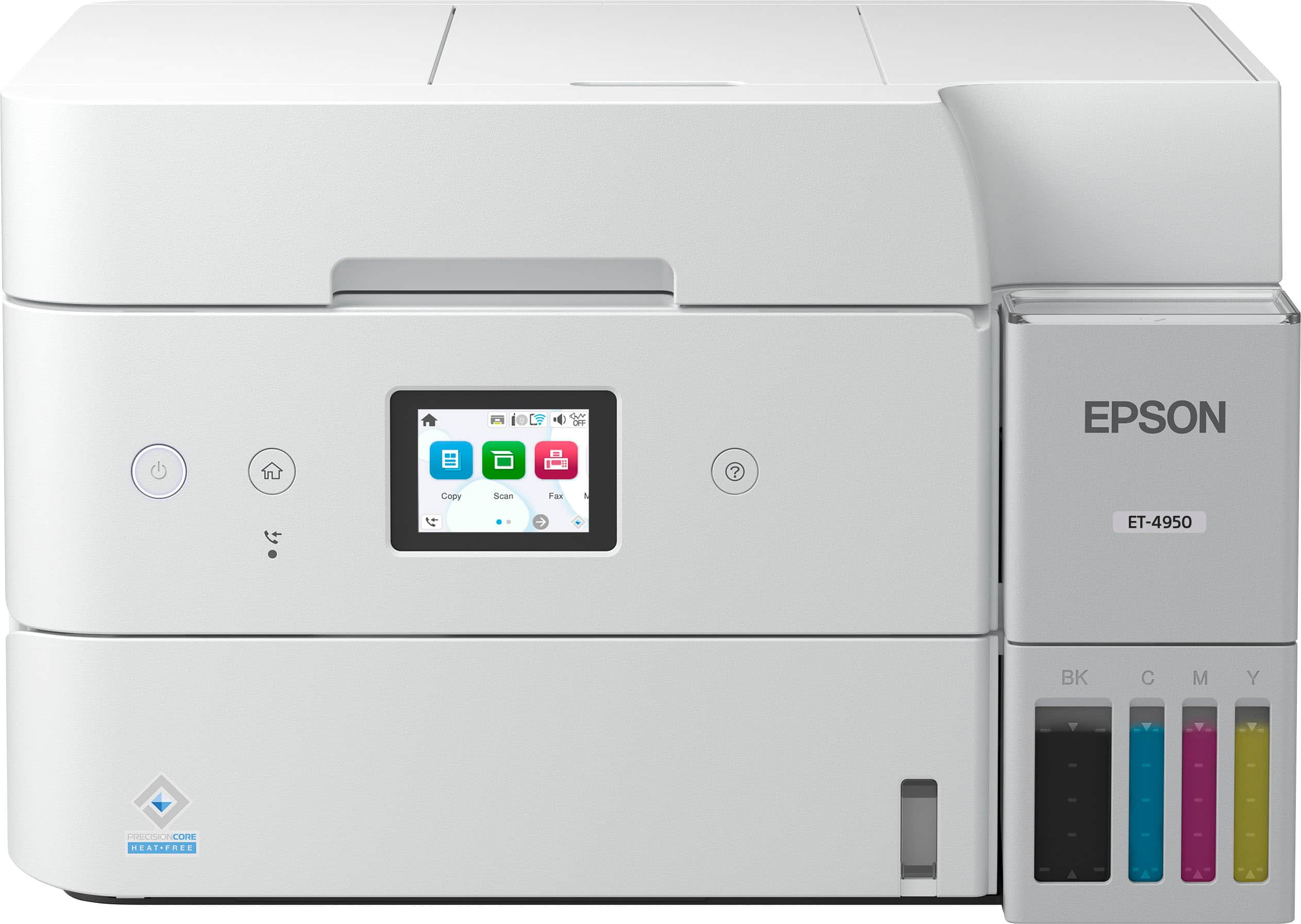
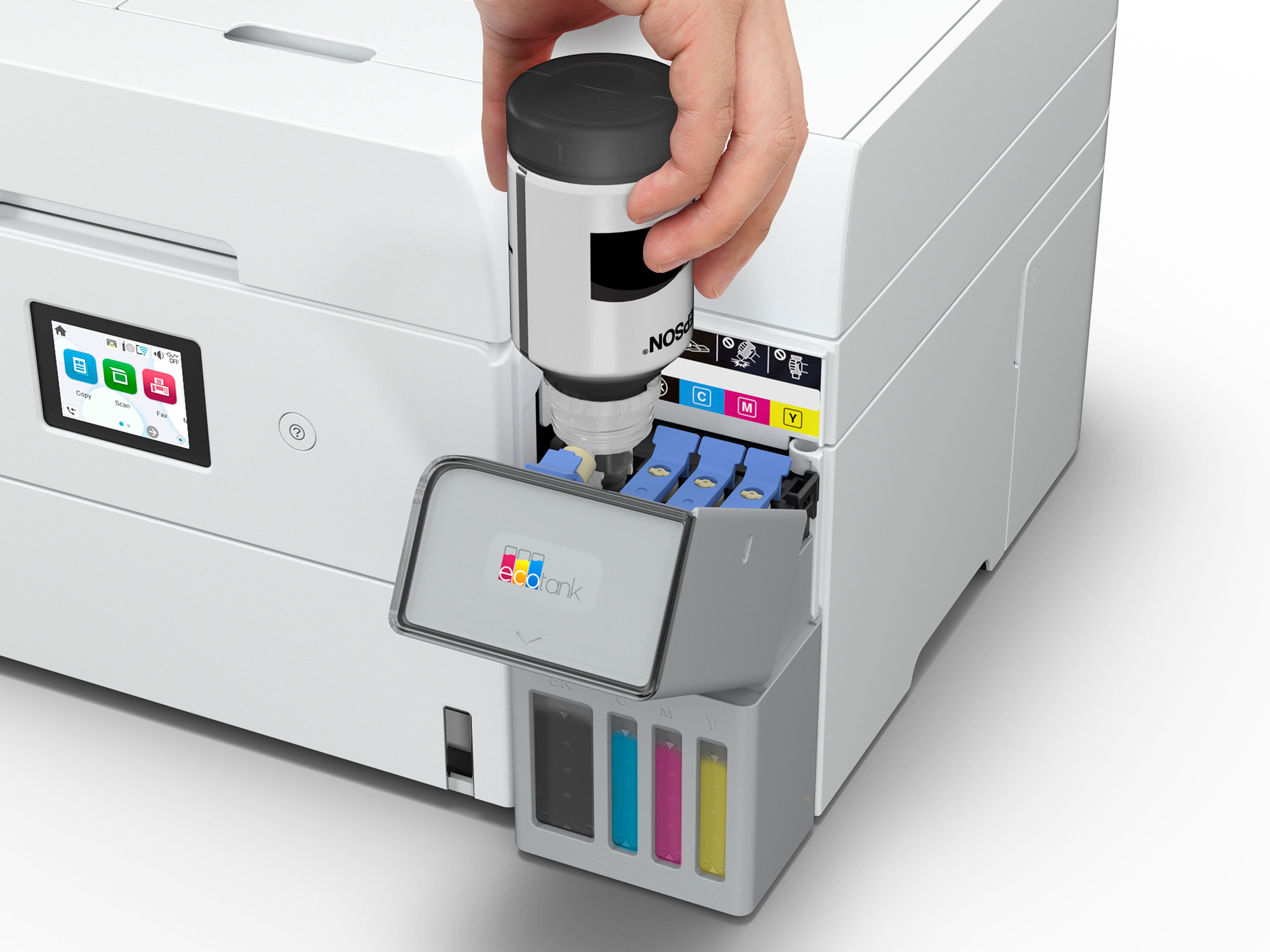
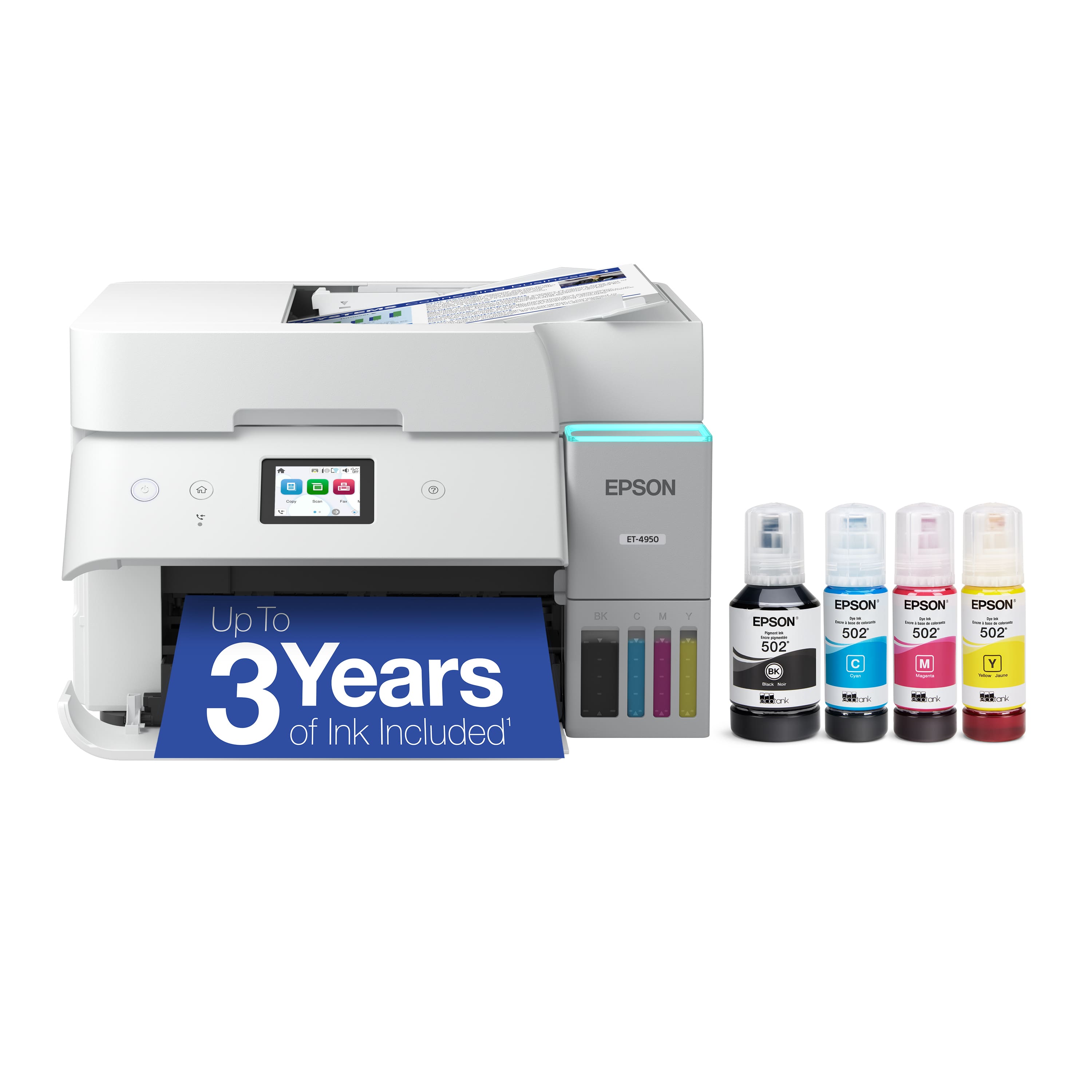
- A:Answer Hello x. Yes, the ET-4950 includes a 2.4" Touchscreen. Regards, Kevin - The Epson Team.
Answered by Epson
Q: QuestionCan you link thru ethernet
Asked by WHR43.
- A:Answer Any way to the internet is a go. If on a wired home network between printer and PC should also be a go!
Answered by Anonymous
Q: QuestionIs the ink water resistant on this printer?
Asked by Doug.
- A:Answer Hello Doug. The ET4950 uses a mixture of dye & pigment-based ink. It is somewhat water-resistant but not waterproof, and other variables, including the paper type used, can affect how a printed item will react to water. Regards, Kevin - The Epson Team.
Answered by Epson
Q: QuestionWhat are the sizes offered when reducing or enlarging a document?
Asked by coco7.
- A:Answer Hello coco7. You can change the copy size from 25% to 400% or the original using the front panel controls. The printer driver has settings to reduce or enlarge a printout from 10% to 400%. Regards, Kevin - The Epson Team.
Answered by Epson

Q: QuestionWhat is the process for reducing and enlarging a document?
Asked by coco7.
- A:Answer Hello coco7. The ET-4950 can enlarge or reduce images when you copy or print them. You can change the copy size from 25% to 400% or the original using the front panel controls. The printer driver has settings to reduce or enlarge a printout from 10% to 400%. Regards, Kevin - The Epson Team.
Answered by Epson

Q: Questioncan this printer scan 2 sided
Asked by dk.
- A:Answer Hello. Yes, the ET-4950 includes automatic 2-sided printing, copying, and scanning functionality. Regards, Kevin - The Epson Team.
Answered by Epson

Q: QuestionHow many two sided sheets can be scanned at once?
Asked by Amy.
- A:Answer Hello Amy. You can load approximately 30 sheets of plain paper into the ADF for double-sided scanning. Regards, Kevin - The Epson Team.
Answered by Epson

Q: QuestionWhy can't I get the application to control the printer/scanner on a laptop or desktop. When I go into 'Epson support, it tells me it does not support this device, only smartphones and tablets. I am a business and do not do my business on a smartphone???
Asked by Nancy.
- A:Answer Hello Nancy. We're sorry that you are experiencing printing issues with your ET-4950. You should be able to print from a laptop, so this can be due to different reasons. We would like to get more details to help identify the root cause of the problem. Please reach out by phone and ask to speak to our Advanced Technical Support team for additional assistance. Regards, Kevin - The Epson Team.
Answered by Epson
Q: QuestionUsed HP and Canon for a long time. First time I select an Epson and I'm unable to make it work on the shared wifi at my office. No firewall so it's not blocked because of that. I find the instructions very confusing. Anyone has the same issue?
Asked by JeffP.
- A:Answer Hello Jeff. We're sorry to hear you're having connection issues with your printer. Please give our Technical Support team a call so that we can better understand the issue and guide you through possible fixes to get the printer working properly. Regards, Kevin - The Epson Team.
Answered by Epson
Q: QuestionDoes this printer have a manufacturers's warranty?
Asked by Rich.
- A:Answer Hell Rich. Yes, the ET-4950 includes a 1-year limited warranty plus free technical support for the life of the product. For more coverage information, please see the product page on our official Epson website. Regards, Kevin - The Epson Team.
Answered by Epson
Q: QuestionDoes this printer have a USB Drive port where I can print files directly from my USB drive?
Asked by Connie.
- A:Answer No. The scans go to an application on a computer. Very inconvenient, compared with having a USB port on the printer!
Answered by Anonymous
Q: QuestionDoes this printer accommodate various sized paper outputs? Is there a rear feeder that can handle this or is there another way? I often print a 5 1/2 x 8" dual sided invitation on 110# card stock. Can this printer accommodate this?
Asked by Jim.
- A:Answer Hello Jim. Yes, the ET‑4950 supports paper sizes ranging from 3.5" x 5" to 8.5" x 14", so your paper size will work with this printer. It can also print on cardstock; however, feeding reliability may vary with third‑party paper depending on its brand, texture, thickness, and weight. We recommend testing a sample first to ensure good results, as Epson cannot guarantee compatibility with all paper types. Regards, Kevin - The Epson Team.
Answered by Epson
Q: QuestionWhat kind of paper does this printer require ?
Asked by RM.
- A:Answer I'm using your 'run of the mill' bulk white 8.5" x 11" paper in mine, and it looks great. I have also bought some Epson branded paper but am in the process of using up all my old cheap stuff right now.
Answered by Anonymous
Q: QuestionCan it be configured to scan directly to a network folder on a server without using a laptop or PC to initiate the scan?
Asked by Patrick.
- A:Answer Yes, you can set it up to scan to OneDrive.
Answered by jkvv
Best-selling supertank printers
- $269.99$269.99The price was $329.99
- $229.00$229.00The price was $323.00
- $799.99$799.99The price was $849.99
- $149.99$149.99The price was $169.99