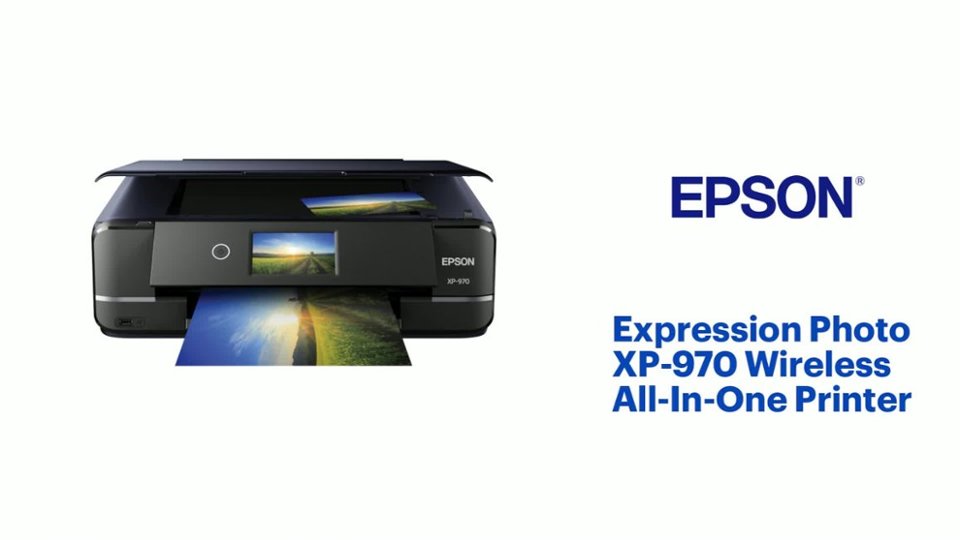
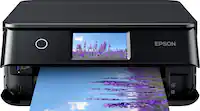
A:AnswerHi Lynn. The Epson XP-970 is compatible with computers running the following Microsoft operating systems: Windows 10, Windows 8, 8.1 (32-bit, 64-bit), Windows 7 (32-bit, 64-bit). For more information, please visit the official Epson Support website. Regards, Kevin - The Epson Team.
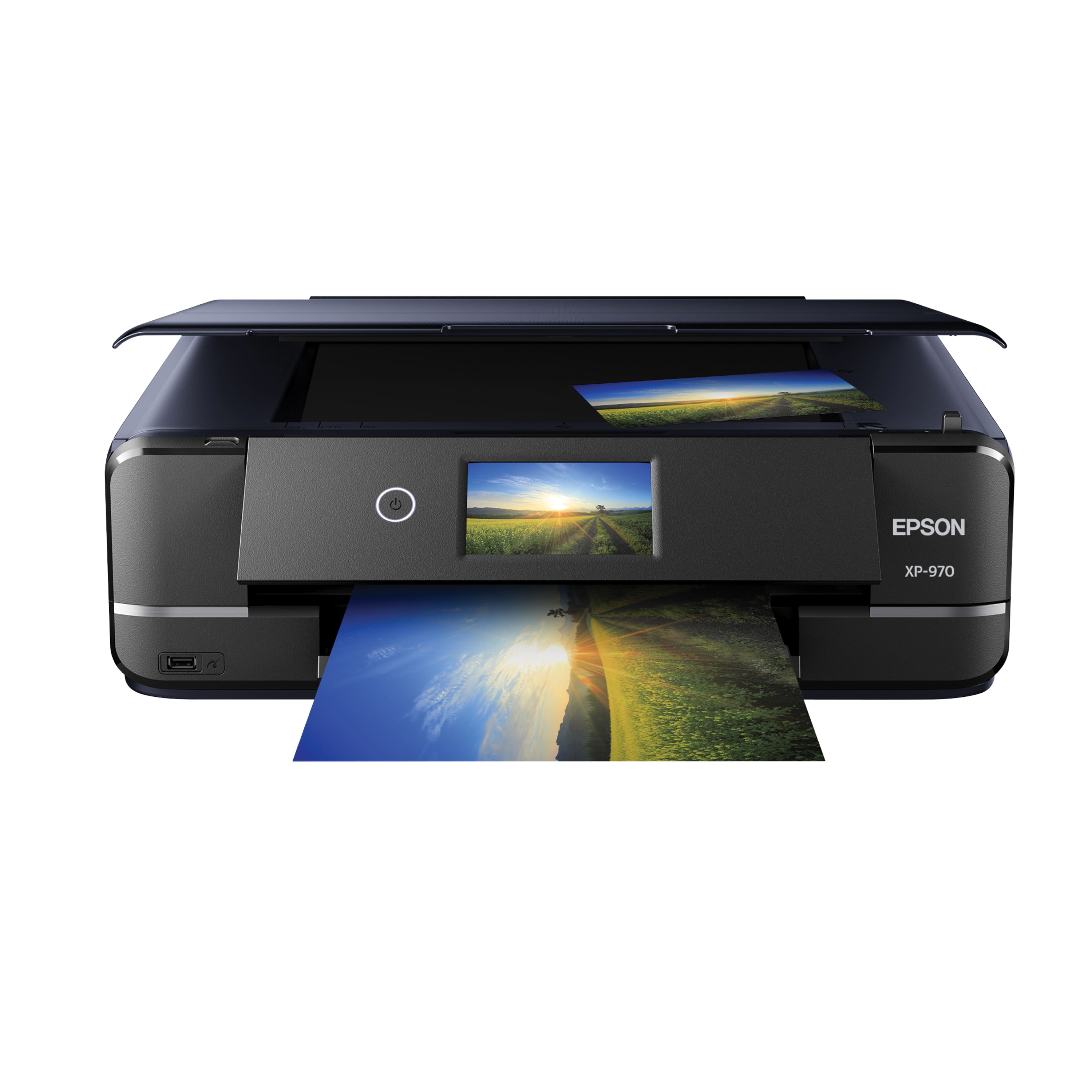
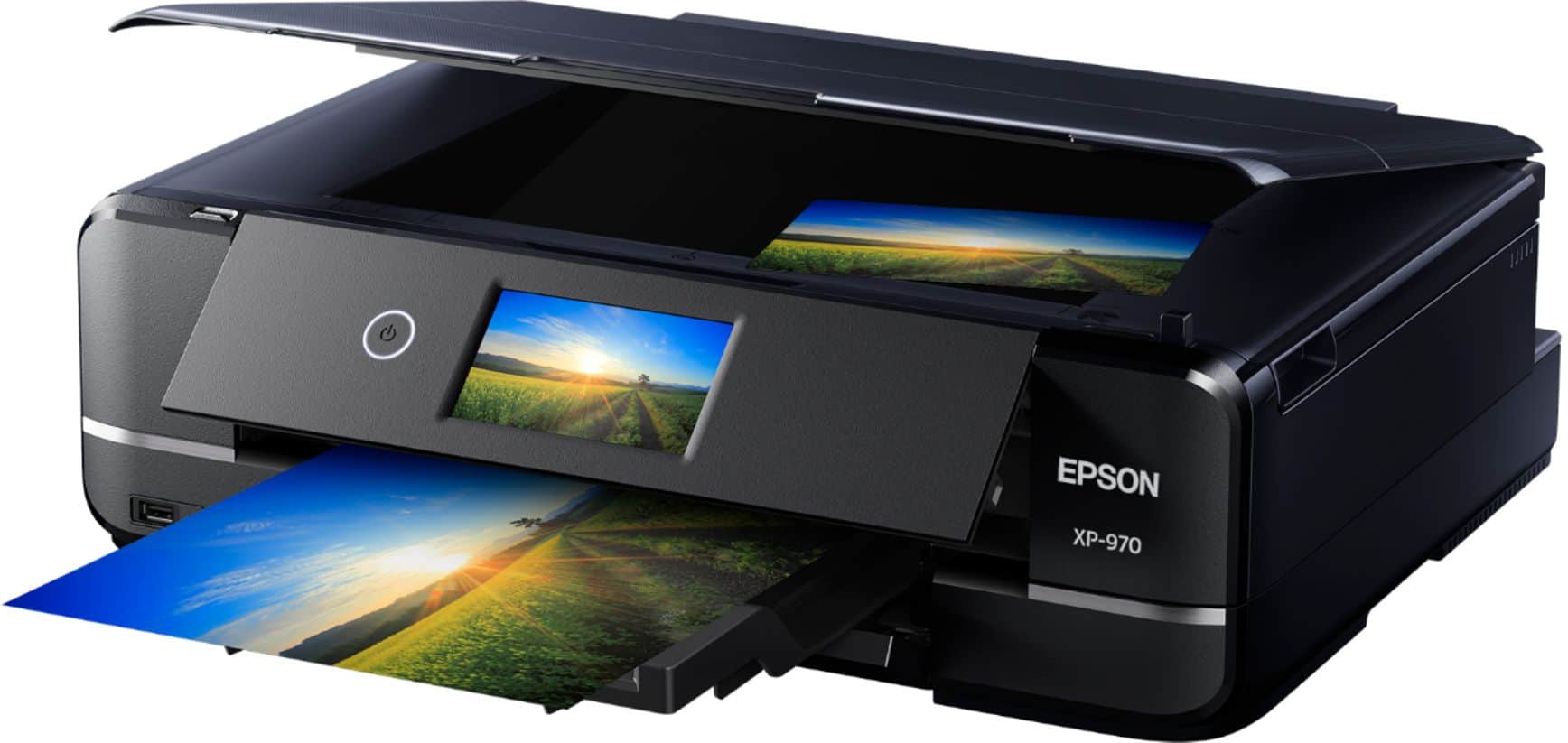
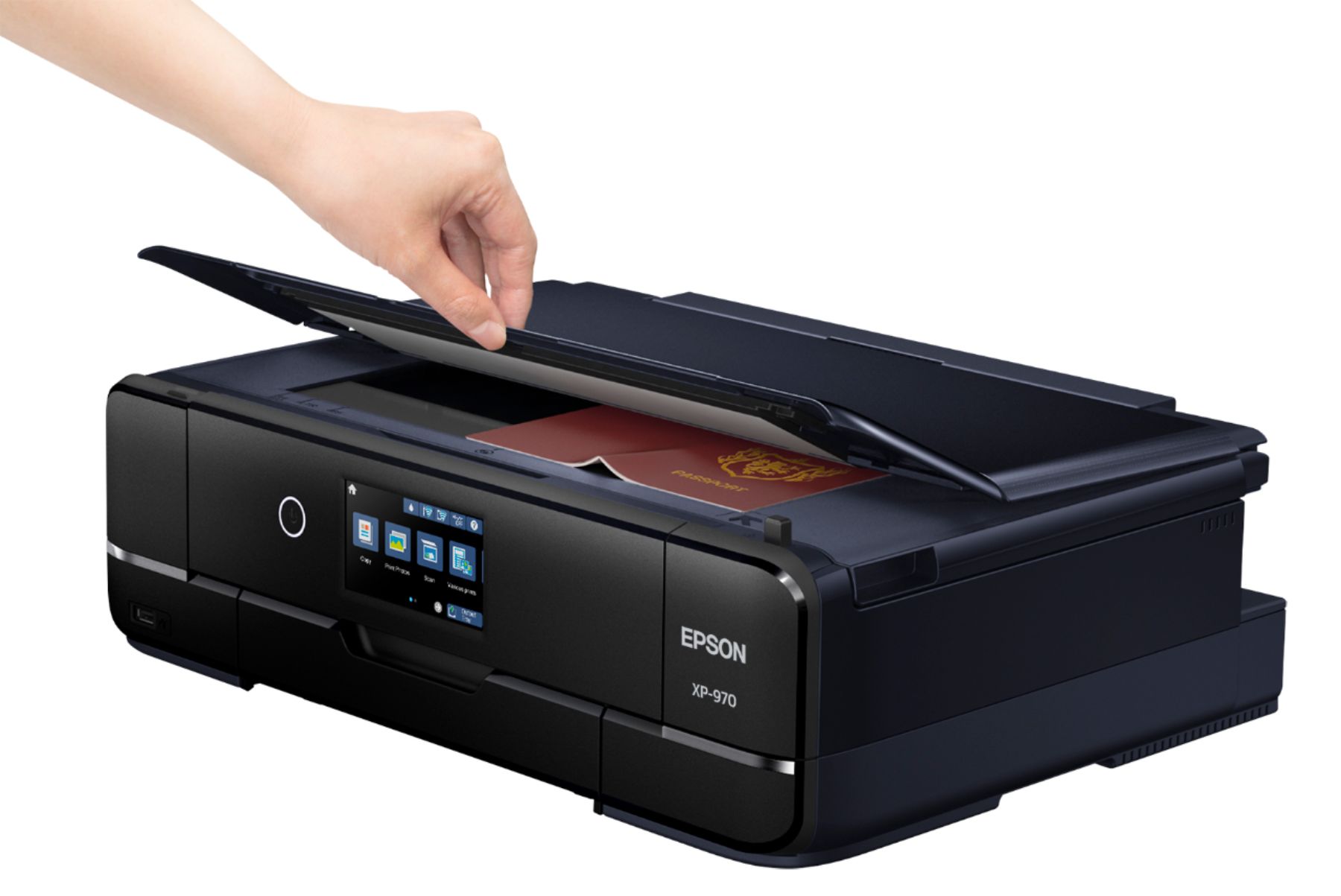
A:AnswerHi Laura. No, the 8.5" x 11" is the largest photo or document that can be scanned on the Epson Expression XP-970. Regards, Bobby - The Epson Team.
A:AnswerFor the Epson XP-970 it was VERY easy to setup the wifi and iPhone print options.
The Wifi had an easy setup wizard that you can use to log on to the wifi router in your home. If you have a laptop that's also on the same wifi then the printer should automatically show up in your available printers. Mac does this well, and I believe PC is getting better at this. If it doesn't show up right away on your PC then you may want to install the Epson print software.
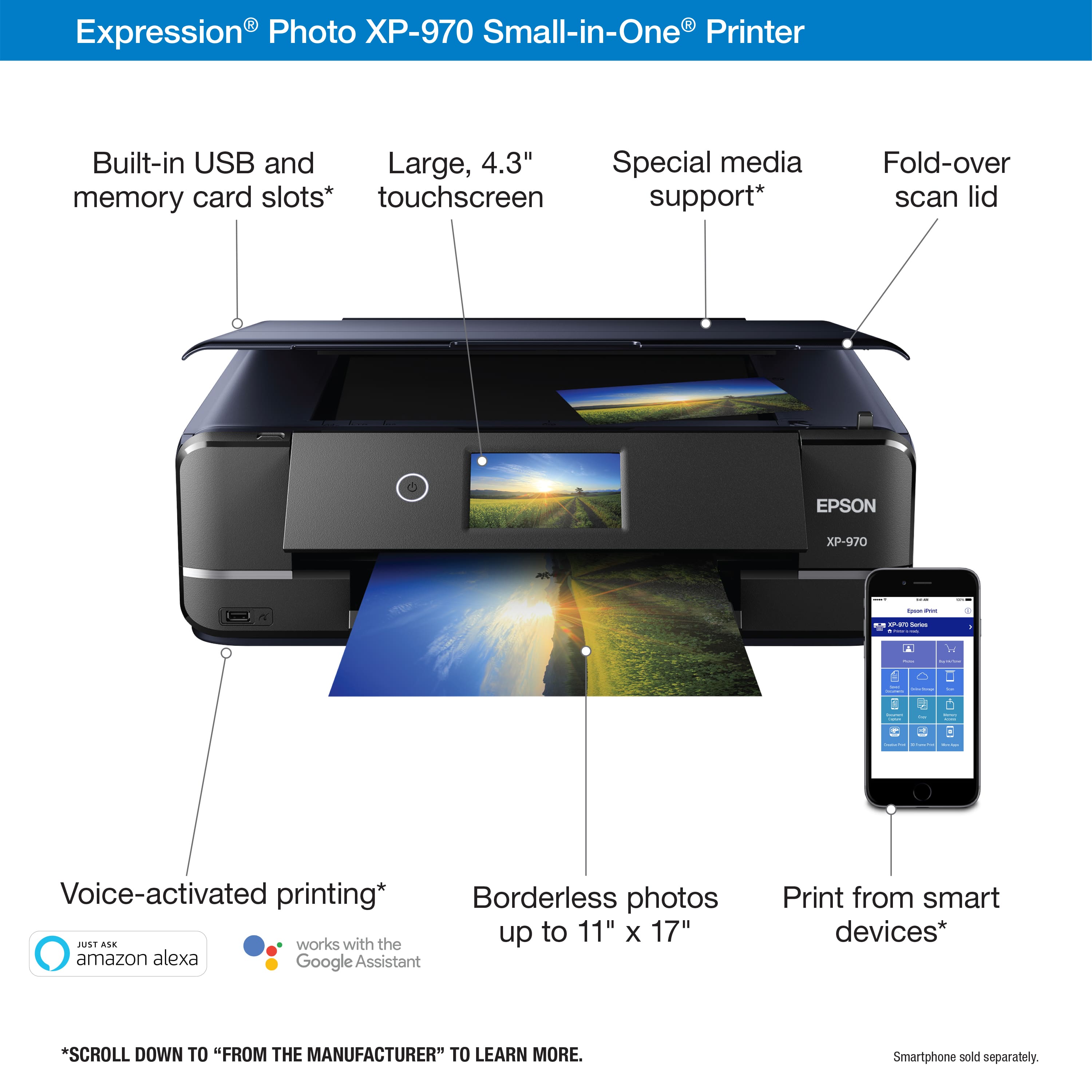
The iPhone setup is even easier, it just gives you a QR code that you can look at with your built in camera and it'll give you an option to connect to the printer directly (you'll have to have your phone's wifi turned on). Then, when you go to a picture and click the share button, the very last option is Print. It'll ask to select printer and you should see the Epson on there.
A:AnswerHello Starlite35. Yes, the XP-970 will work with Windows 11. You can download the latest driver from our official Epson Support page. Regards, Kevin - The Epson Team.
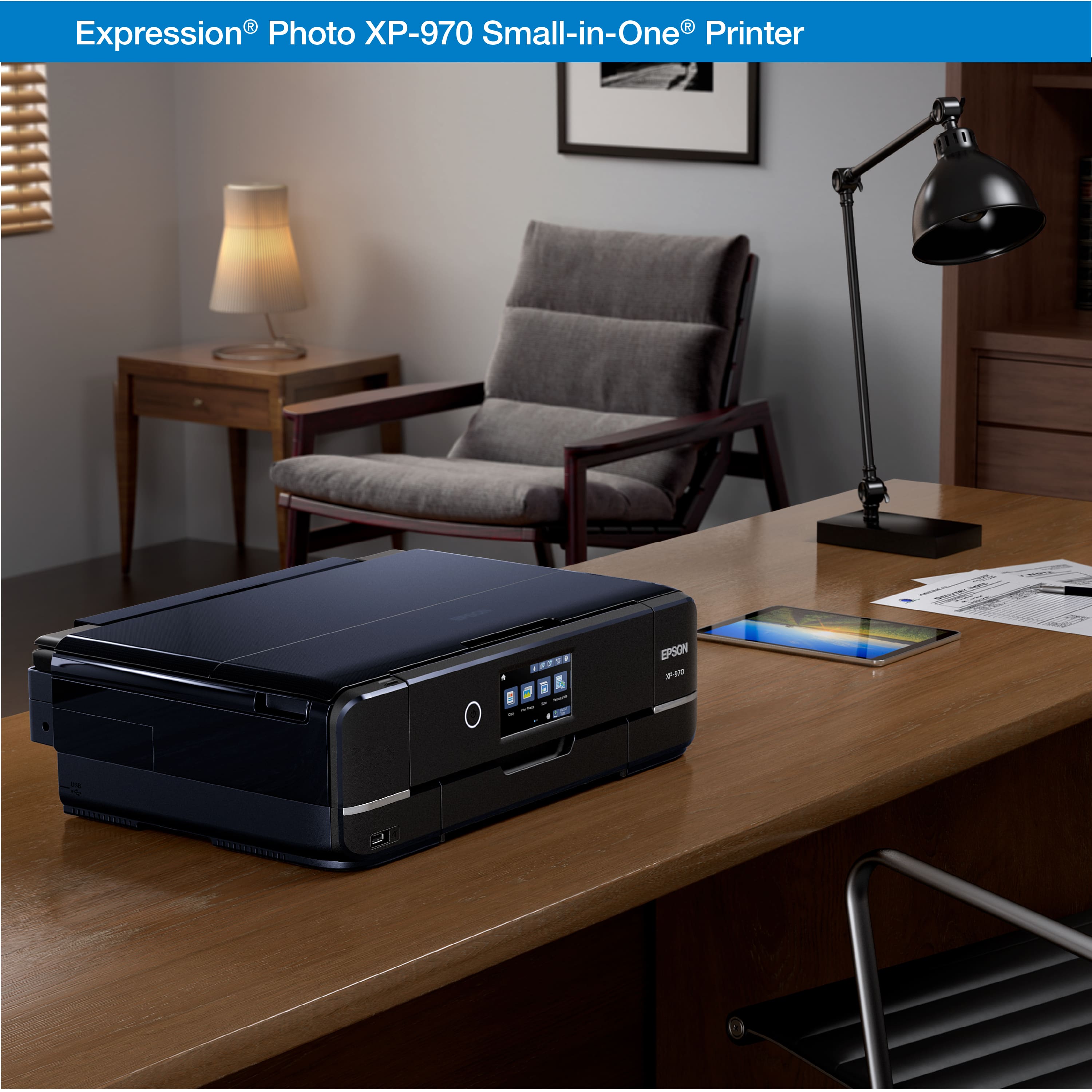
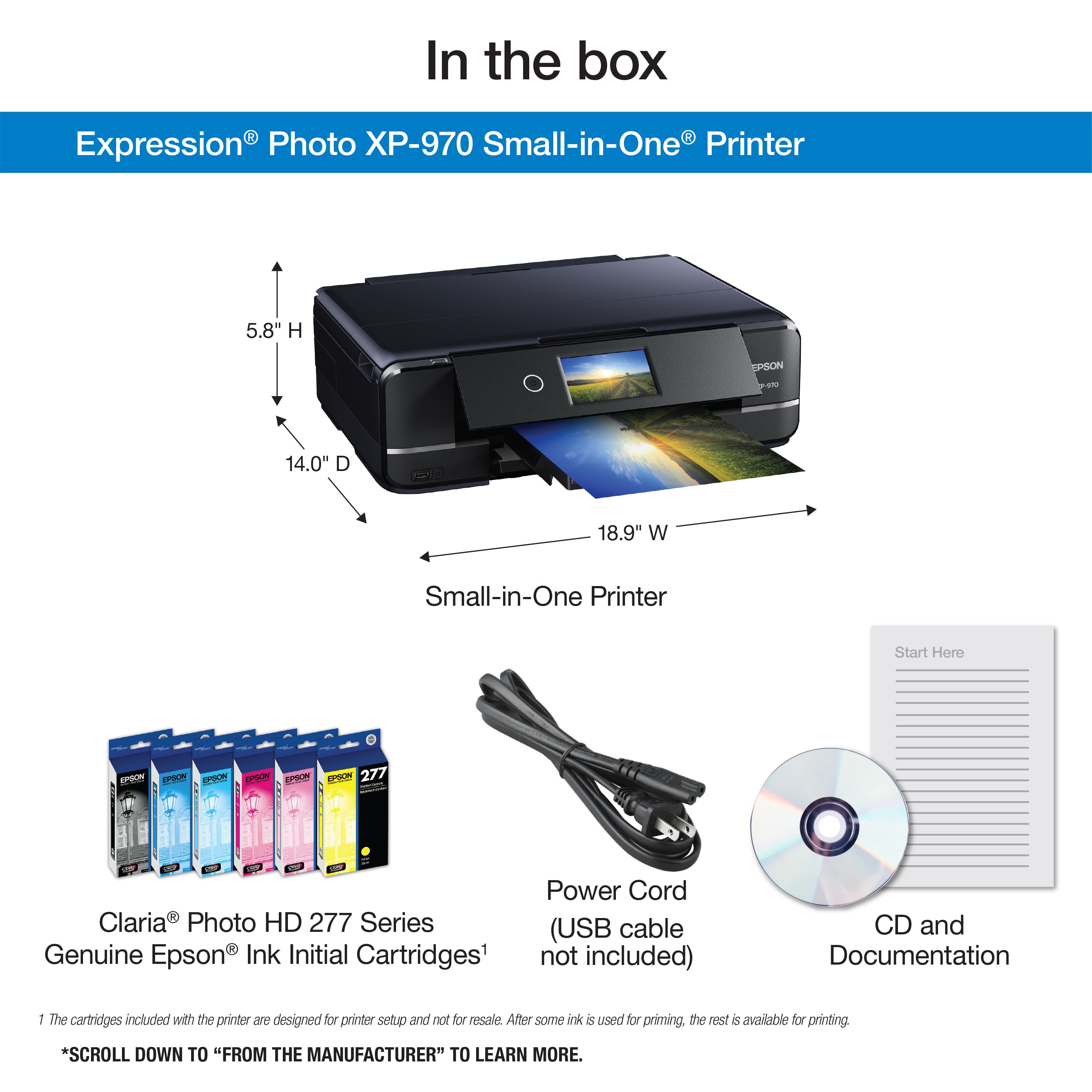
A:AnswerHello Devin. Yes, the XP-970 can extend up to 11.6 inches in height when the rear paper support is raised. If you plan to only use the paper cassette, then the height will remain at 5.8 inches. Regards, Kevin - The Epson Team.
A:AnswerHello. Yes, you can use the XP-970 with an Apple or Android phone. Just download the Epson Smart Panel App from the Google Play Store or Apple App Store. For a list of compatible paper types, please see the User's Guide on our official Epson Support page. Regards, Kevin - The Epson Team.
A:AnswerHello Joseph. We have not tested DTF transfer paper with the XP-970 to confirm compatibility. When using 3rd party paper your results will vary. Please see the User's Guide on our official Epson Support page for a list of tested and compatible paper types. Regards, Kevin - The Epson Team.
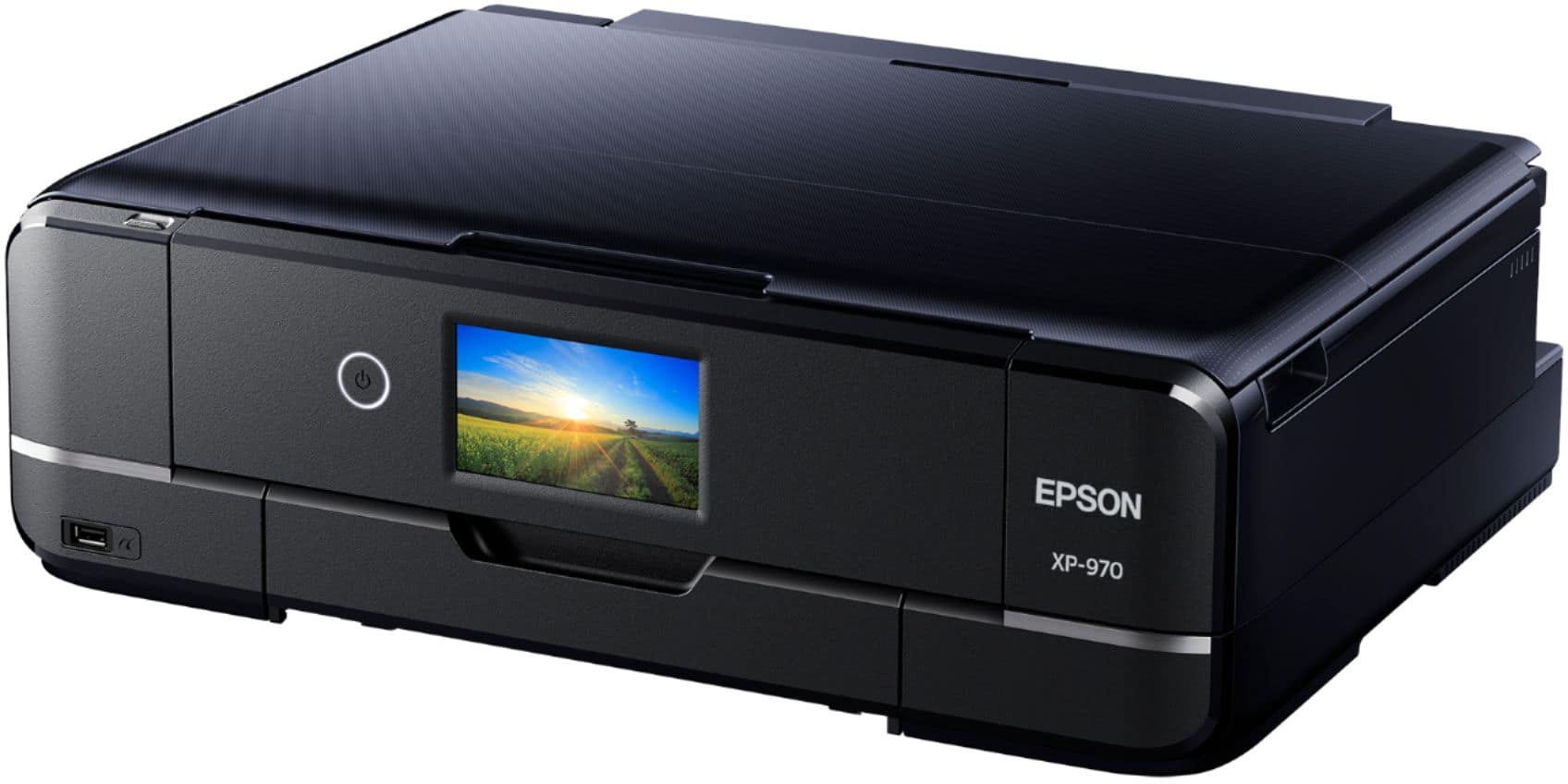
A:AnswerHello. The XP-970 is an inkjet printer. So, if the printer sits without usage for periods, you can run into issues with the print head. If printing at a low volume, to be safe, we recommend doing user maintenance, such as nozzle check printouts every few days. Nozzle checks use very minimal ink and let you see the print head's status and run head cleanings if necessary. Please see the User's Guide on our official Epson Support page for more helpful maintenance information. Regards, Kevin - The Epson Team.
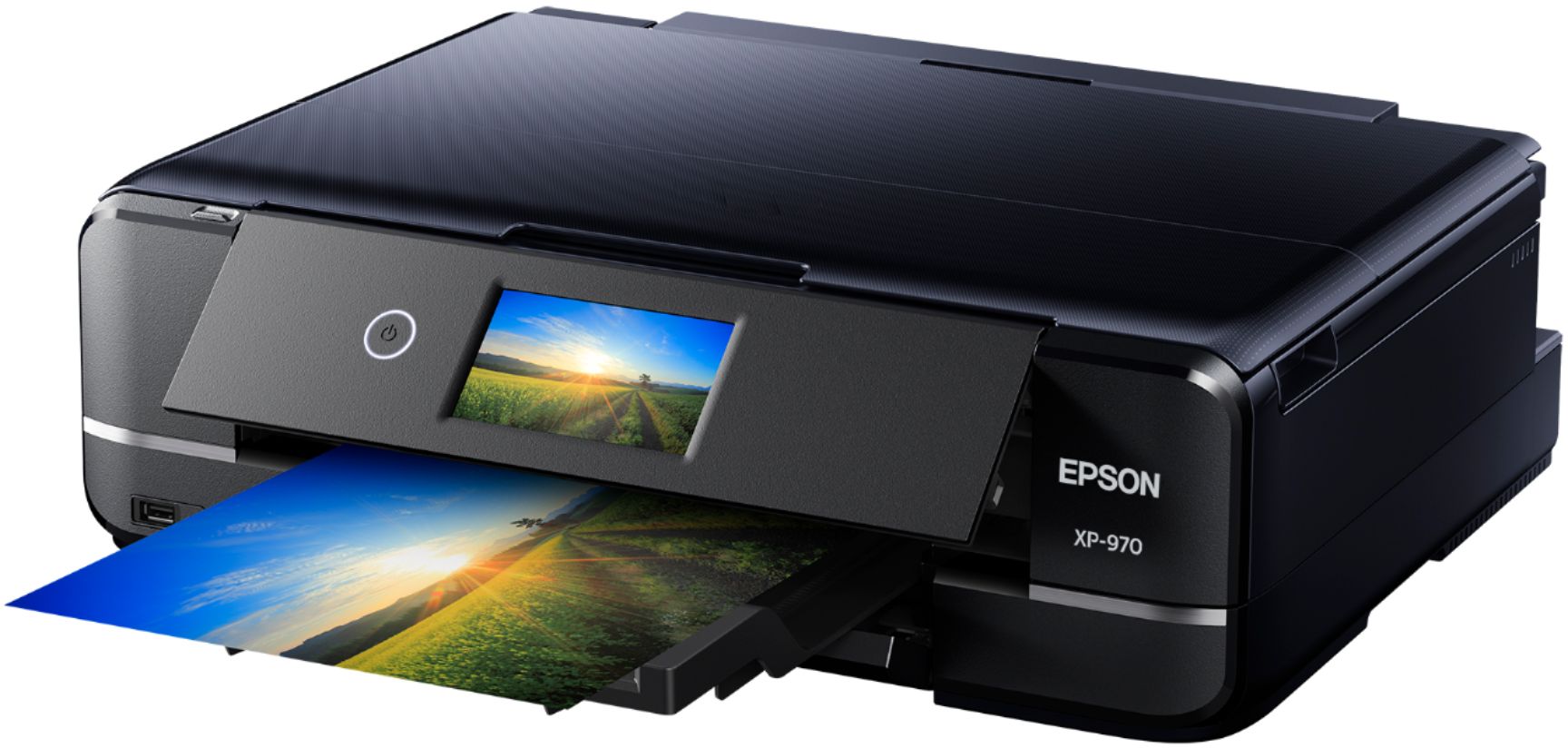
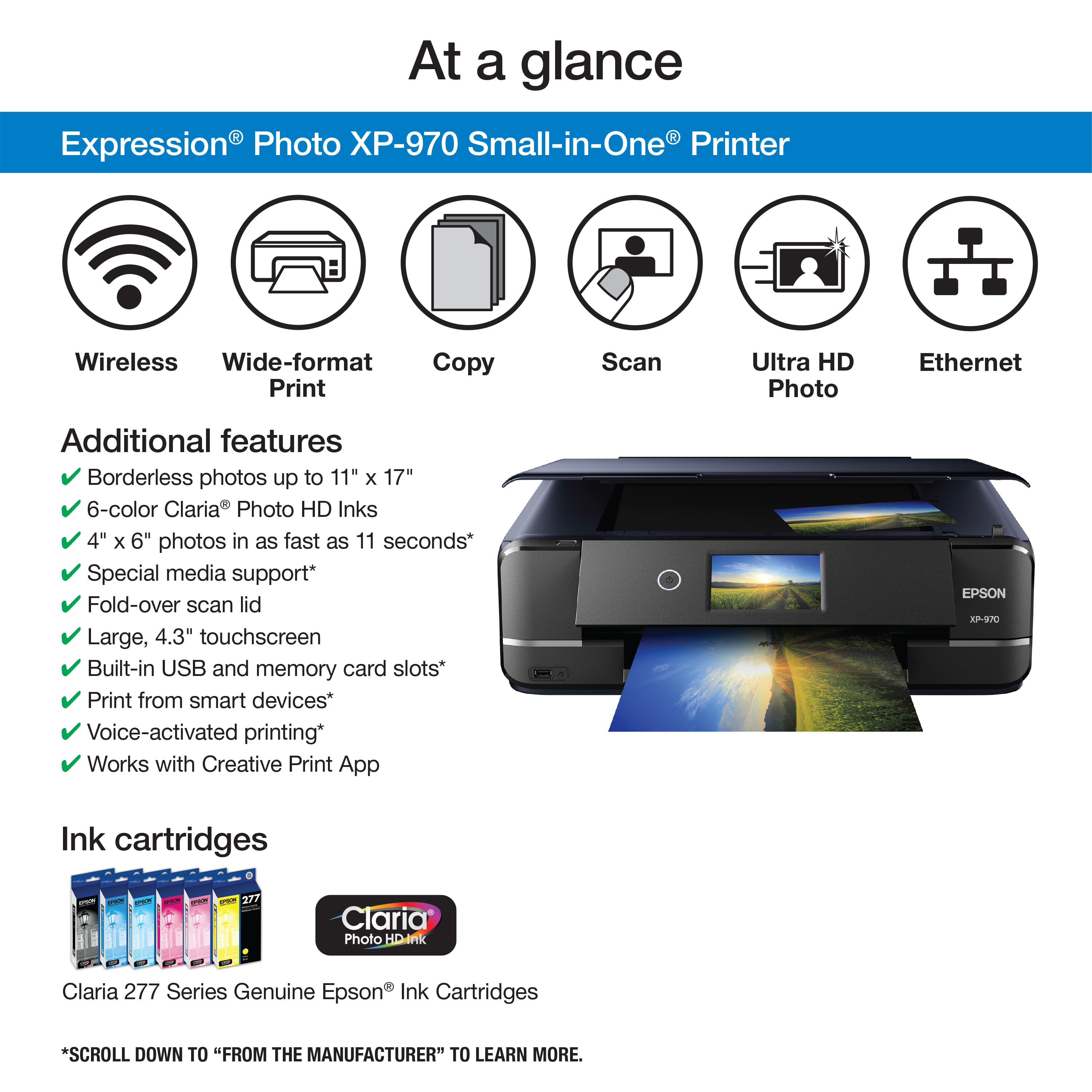
A:AnswerHello. The XP-970 can print on various photo papers ranging from glossy to matte material. The printer uses six ink cartridges and Micro Piezo Heat-Free technology, so you can expect to print impressive graphics and photos at a resolution of 5760 x 1440 optimized dpi. Please search for Epson 277 and 277XL Ink Cartridges on BestBuy's website for more details on Ink pricing and availability. Regards, Kevin - The Epson Team.
A:AnswerHello SEB. We recommend looking at the ET-8500 or the ET-8550. Both printers should be able to handle Epson watercolor paper, and if you need something that supports paper up to 13" x 19" in size, then the ET-8550 is the ideal choice. Regards, Kevin - The Epson Team.
A:AnswerHello Chad, I have an Epson XP 970 purchased from Best Buy. Your question was interesting so I glued together four 5"x 7" 36lb hand cut sheets, pasted a full-length letter, then printed.
The Epson handled the job perfectly. No hang-ups. You might have a workable answer for using your stock. I can only attest to my experience ...
Best regards,
A:AnswerHi, The Expression Photo XP-970 works with Windows PCs running Windows XP or newer. So as long as your computer is running a version of Windows that is later than XP it should work. Regards, Dylan - The Epson Team.
A:AnswerHello InkjetIronontransferpaper. The XP-970 works with Epson Iron-on Cool Peel Transfer paper, which can be used with t-shirts. Please note we have not tested other brands of transfer paper with the machine. If you plan to use 3rd party paper, we recommend trying a small batch first to ensure it works properly and has satisfactory image quality. Regards, Kevin - The Epson Team.