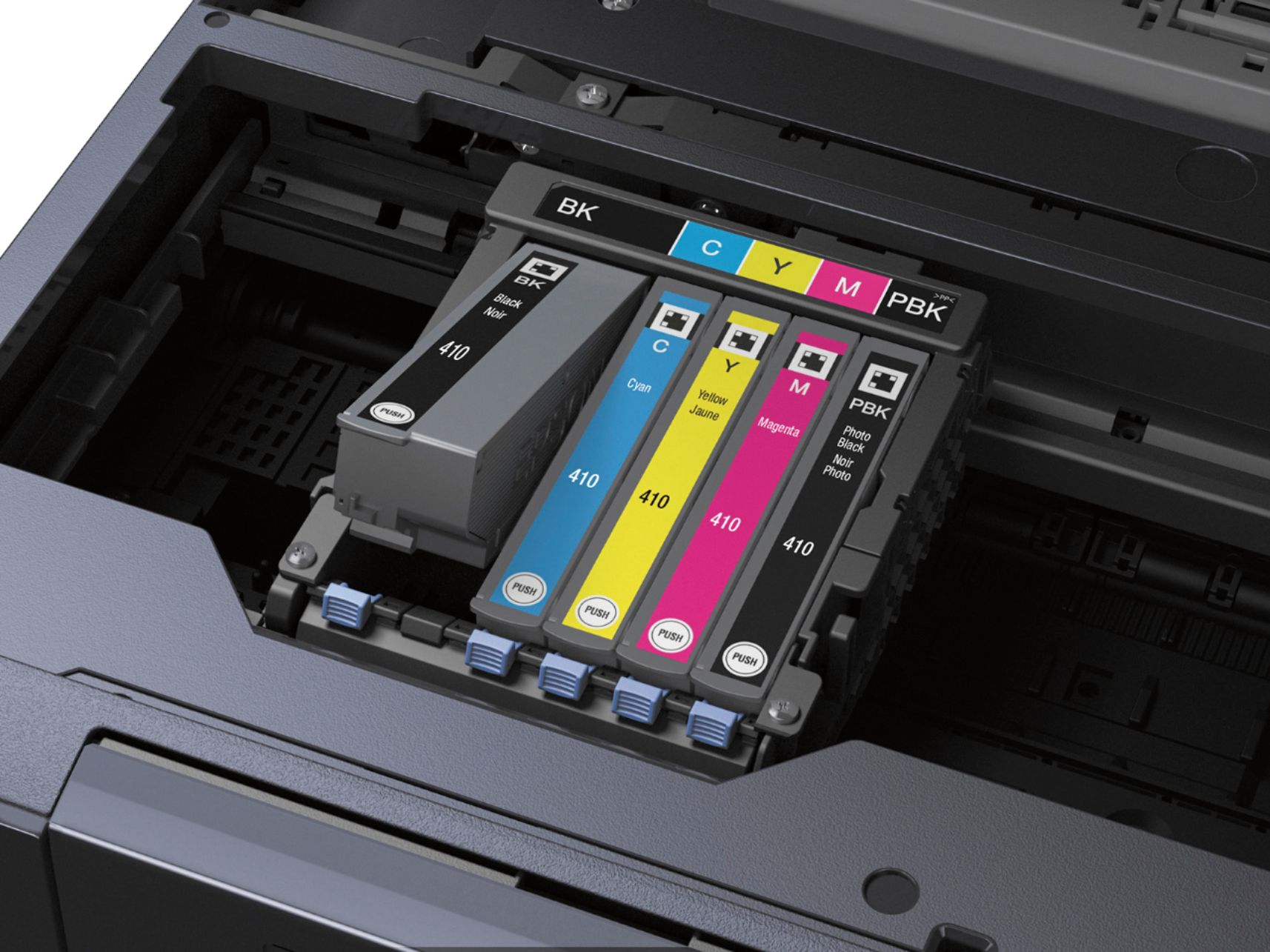
A:AnswerNo, the printer will not print in black and white if the color cartridges are empty. It gives you an error and you have to replace the empty cartridges.
A:AnswerYes, you can print single sided - that is the default setting. Printing double sided is an option. However, you do have to choose single sided after a previous double sided print job, because the settings remember your last selection. The selection is a simple check/uncheck box in the print dialog box.
A:AnswerYes it does an excellent job plus two sided printing if needed, also the cartridges last longer and emty compared to HP printers that are an issue plus more expensive to replace. This printer is great bang for you buck. You'll love it!!!
A:AnswerYes.
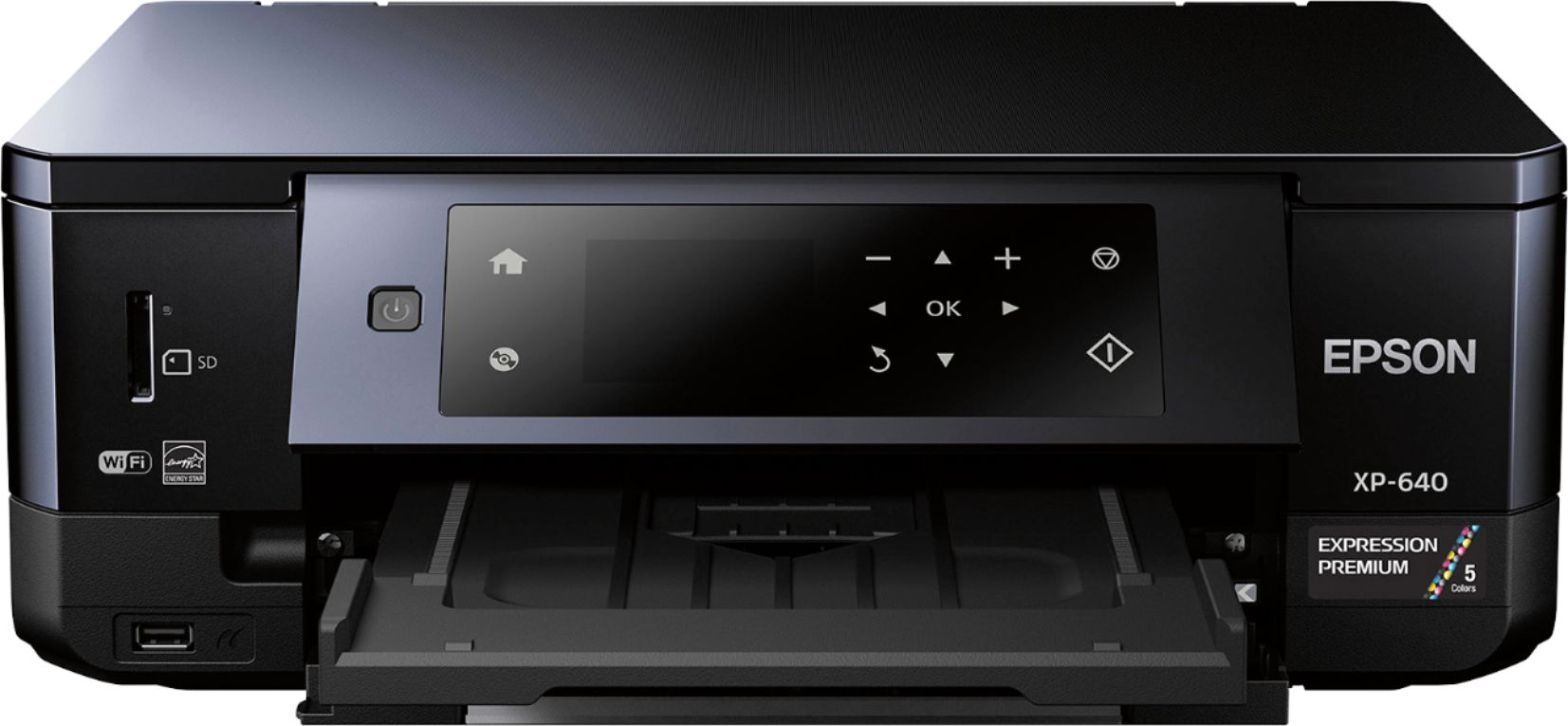
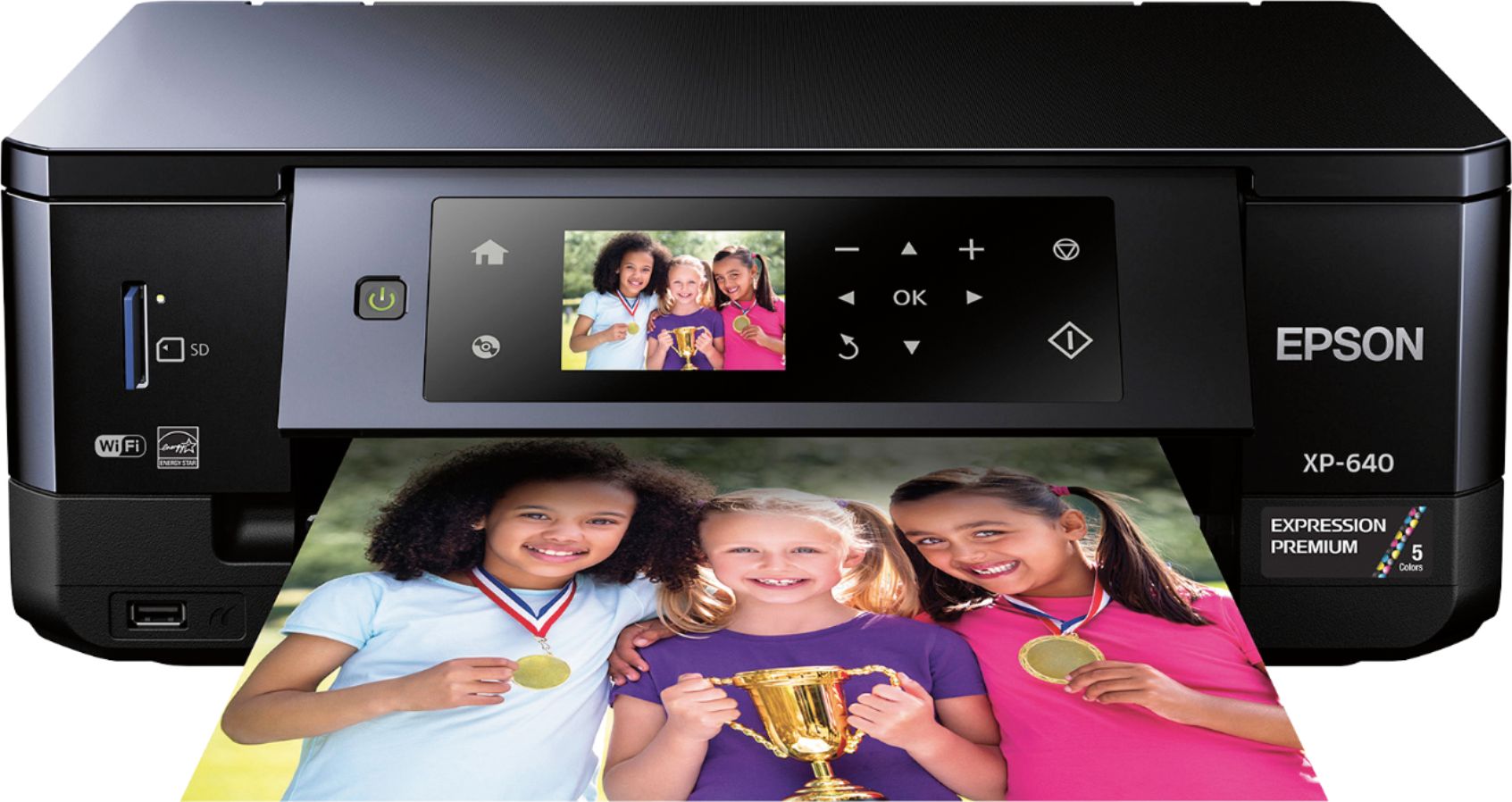
The Epson XP-640 uses Epson 410 inks in Standard and XL capacity. According to the manufacturer, Epson 410 ink is "Claria® Premium 4 dye colors (Photo Black, Cyan, Magenta and Yellow) and 1 pigment Black. Ink technology that delivers stunning photos and sharp text, that last for more than 200 years".
A:AnswerI have this printer. I like it.
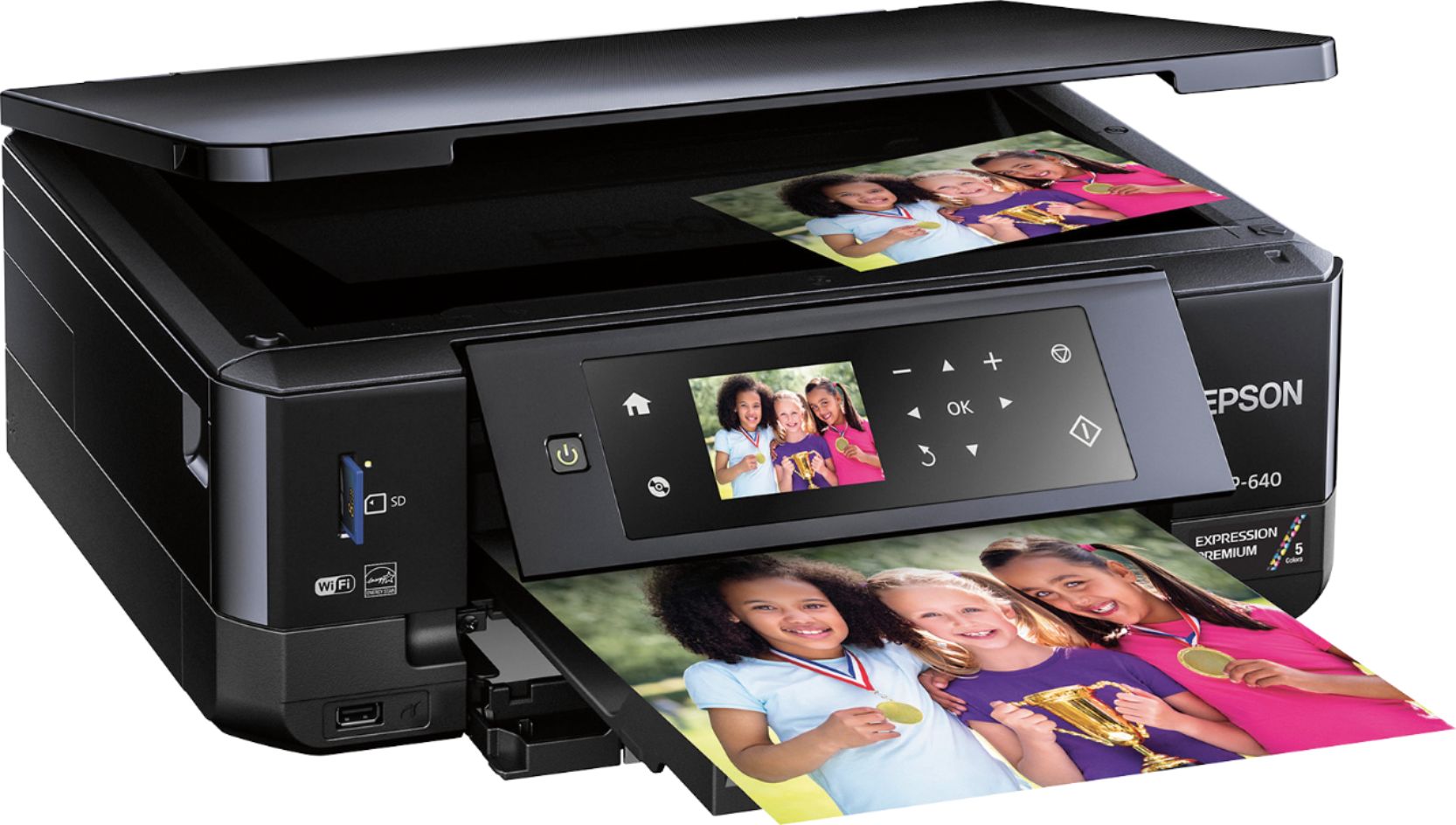
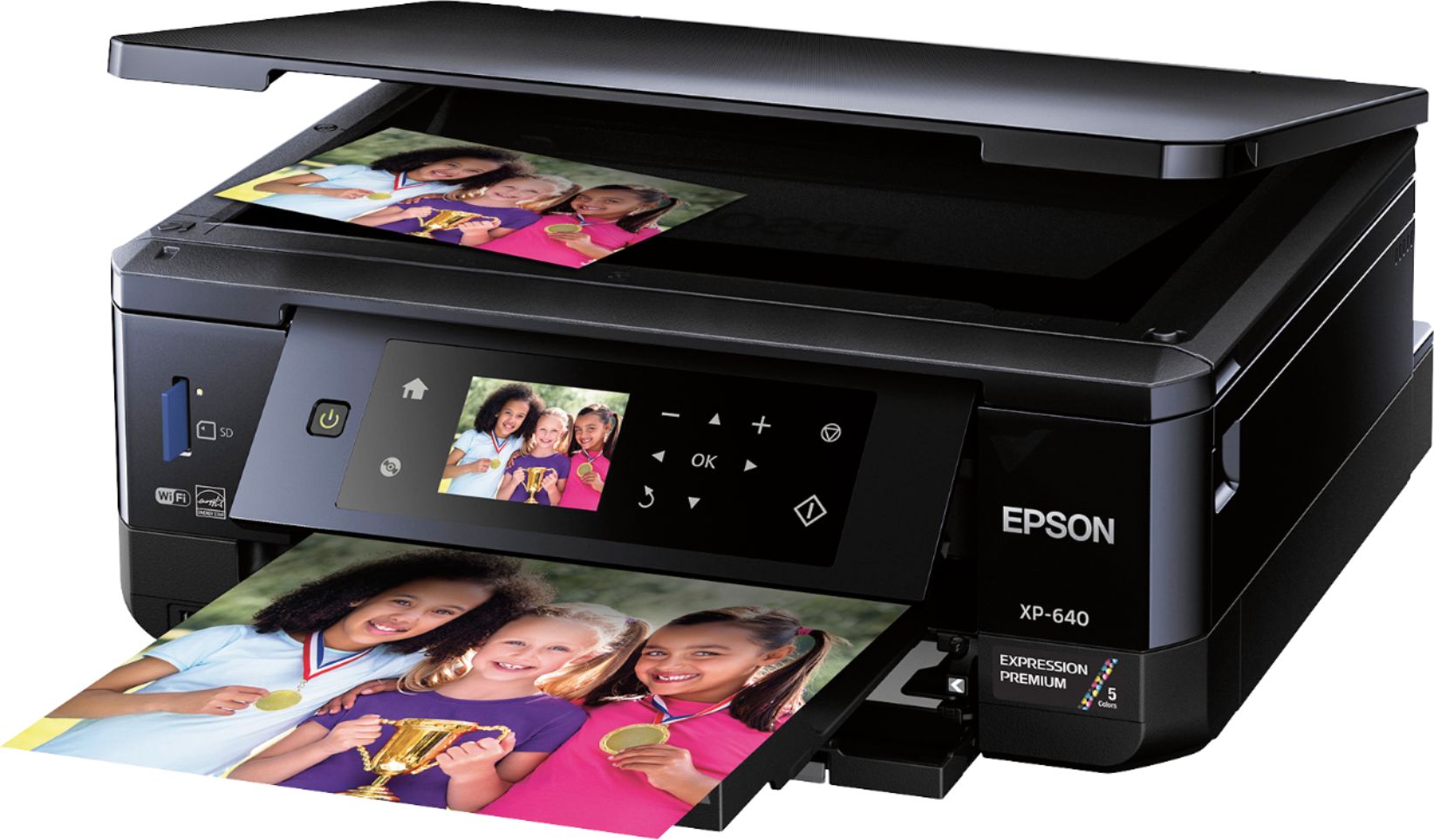
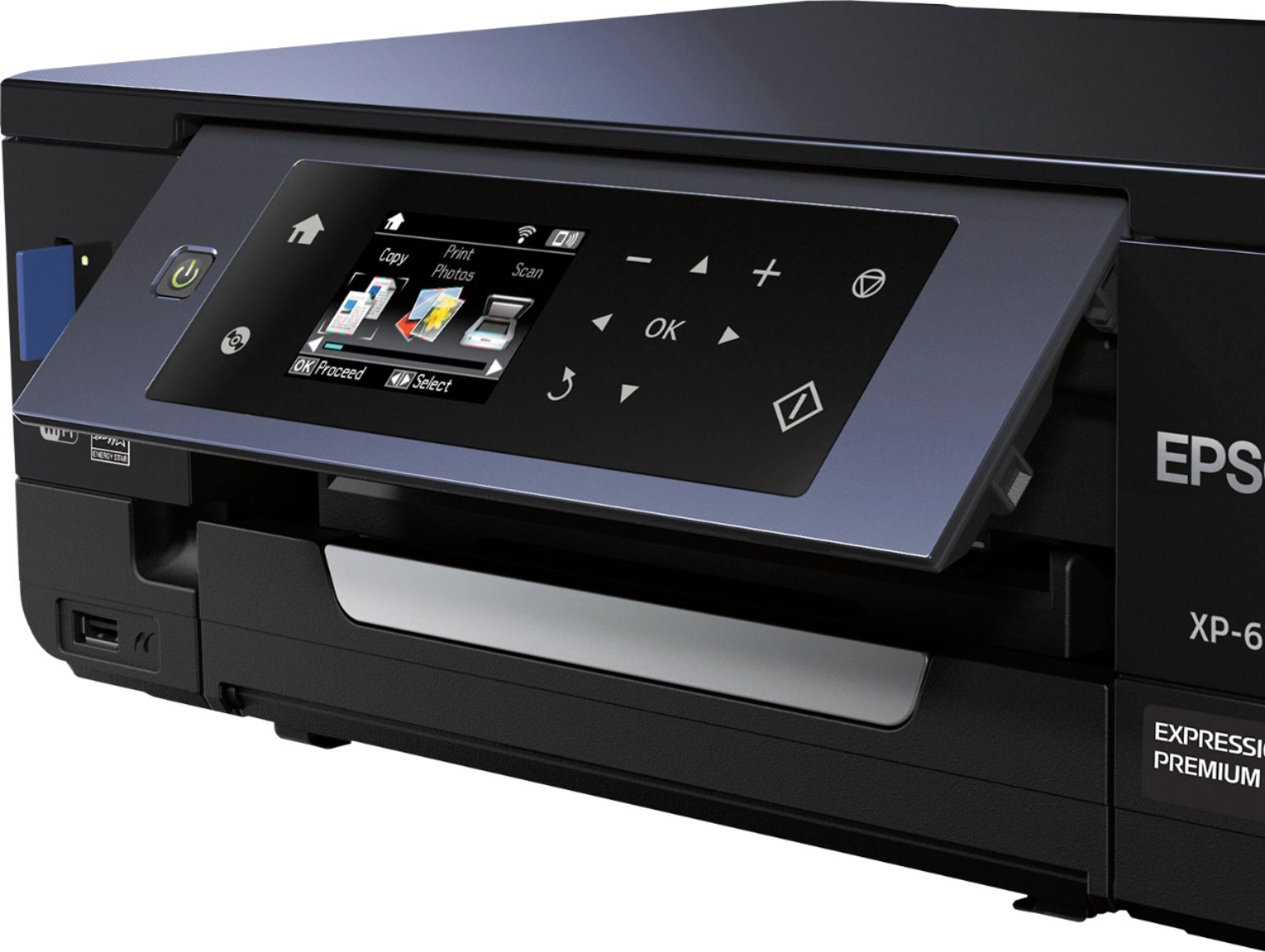
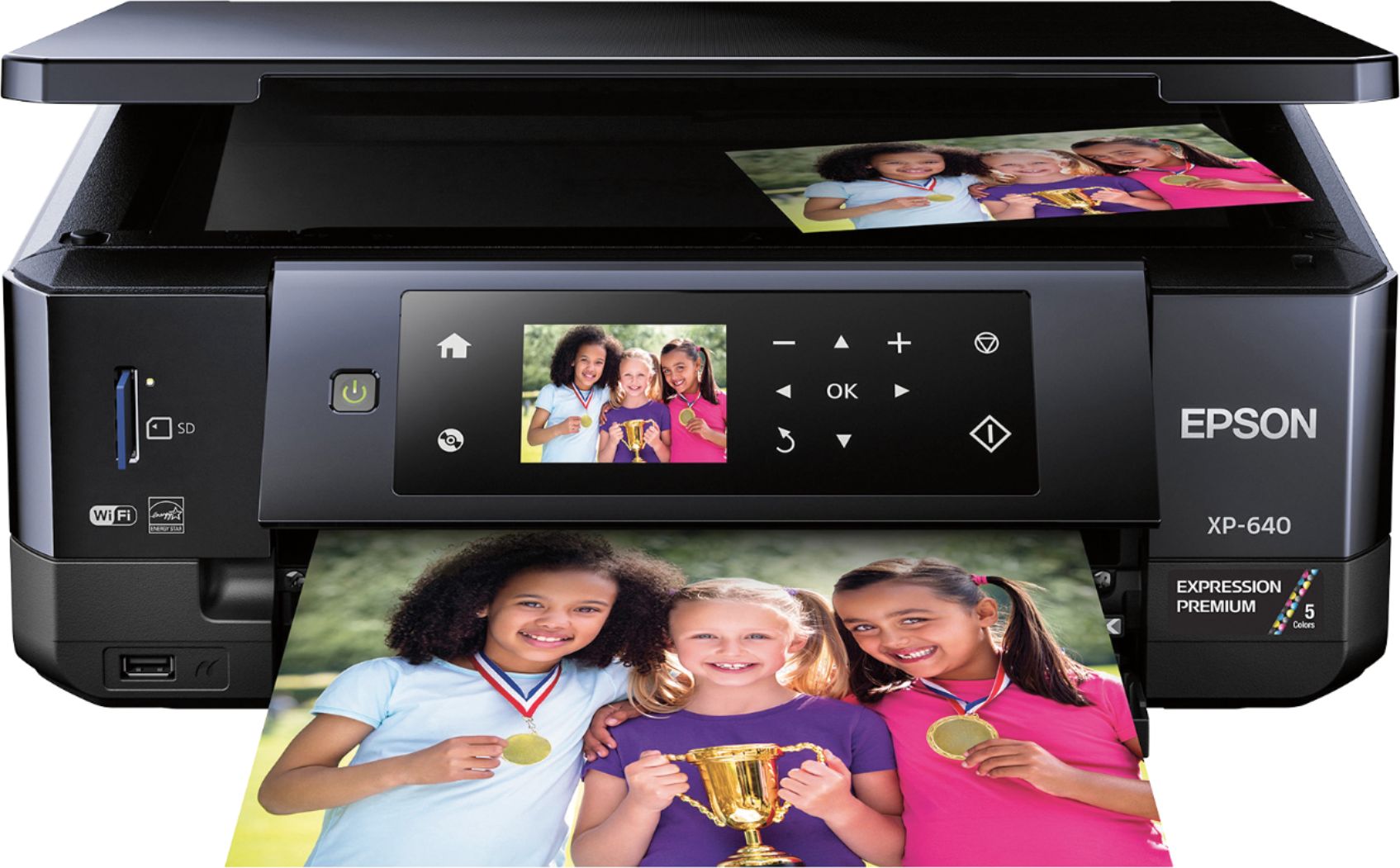
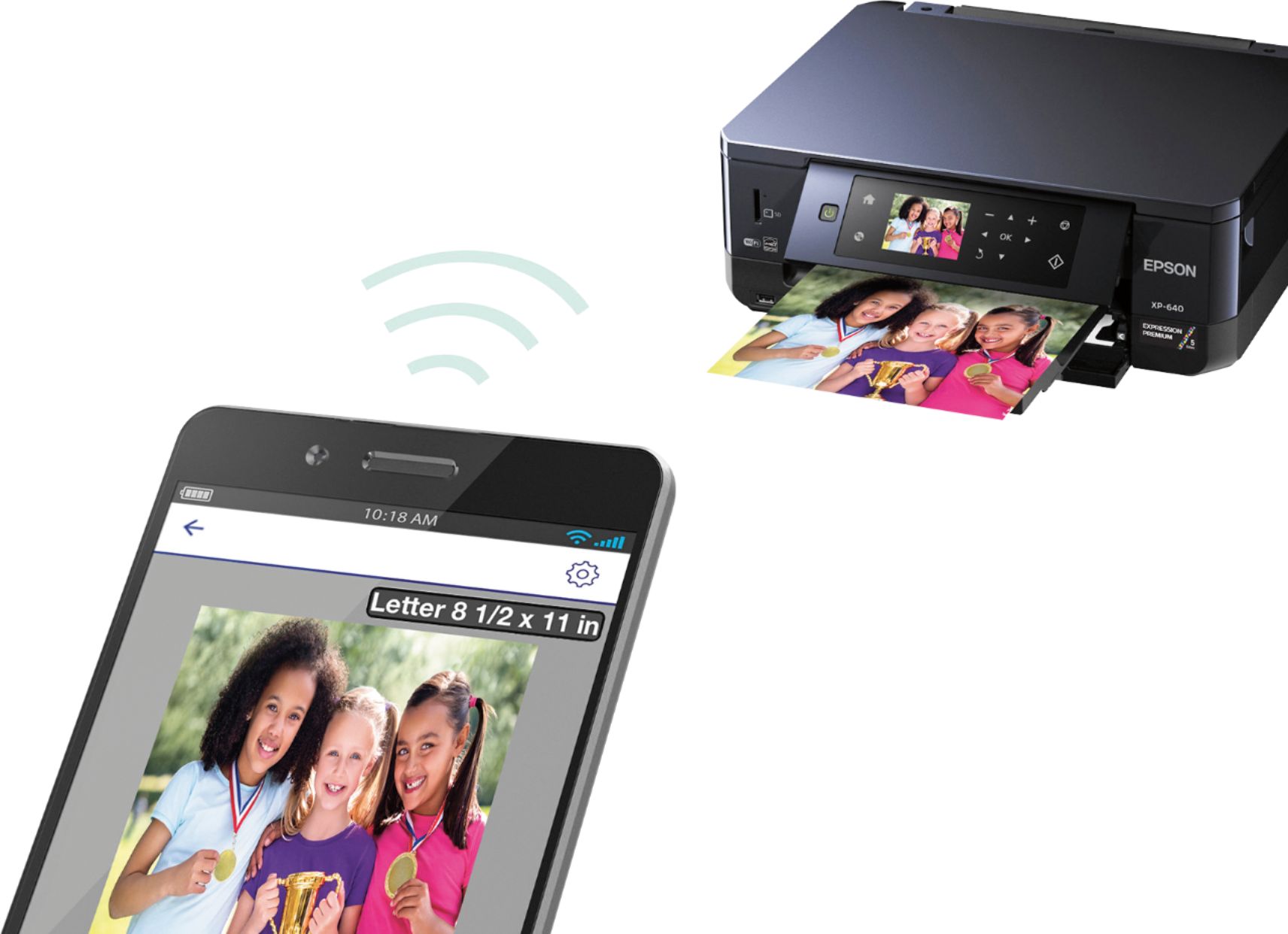
I initially could not connect wirelessly to the printer. I had to go to the printer touch panel and go to WI-FI setup.
> Wi-Fi > Wi-Fi Setup Wizard > Searching for wifi > Select your Wi-Fi network from the list > Enter Wi-Fi Password
You have to navigate to 1 letter at a time, press OK to select letter. It defaults to Capital Letters. If your password is lower case select the upper most right button on screen to go lower case. When your Wi-Fi password is spelled out, then select 'Done'
Now your printer should have access to your Wi-Fi network and be visible to your PC's or Laptop, or Phone
A:AnswerYou can do both ways. You will need internet access to download what you need. It was very easy to setup. I feel even easier then HP printer I had before.
A:AnswerNo not that simple. I the type of person who needs a manual to identify what each button does. Being a senior at 70 and not real sharp about computers so I had to call tech services and they helped me set it up and then use the disc that came with it to look at the manual.
A:AnswerIf the black cartridge is low or out of ink, the printer will send a message asking if it is OK to use the photo black cartridge for printing black.