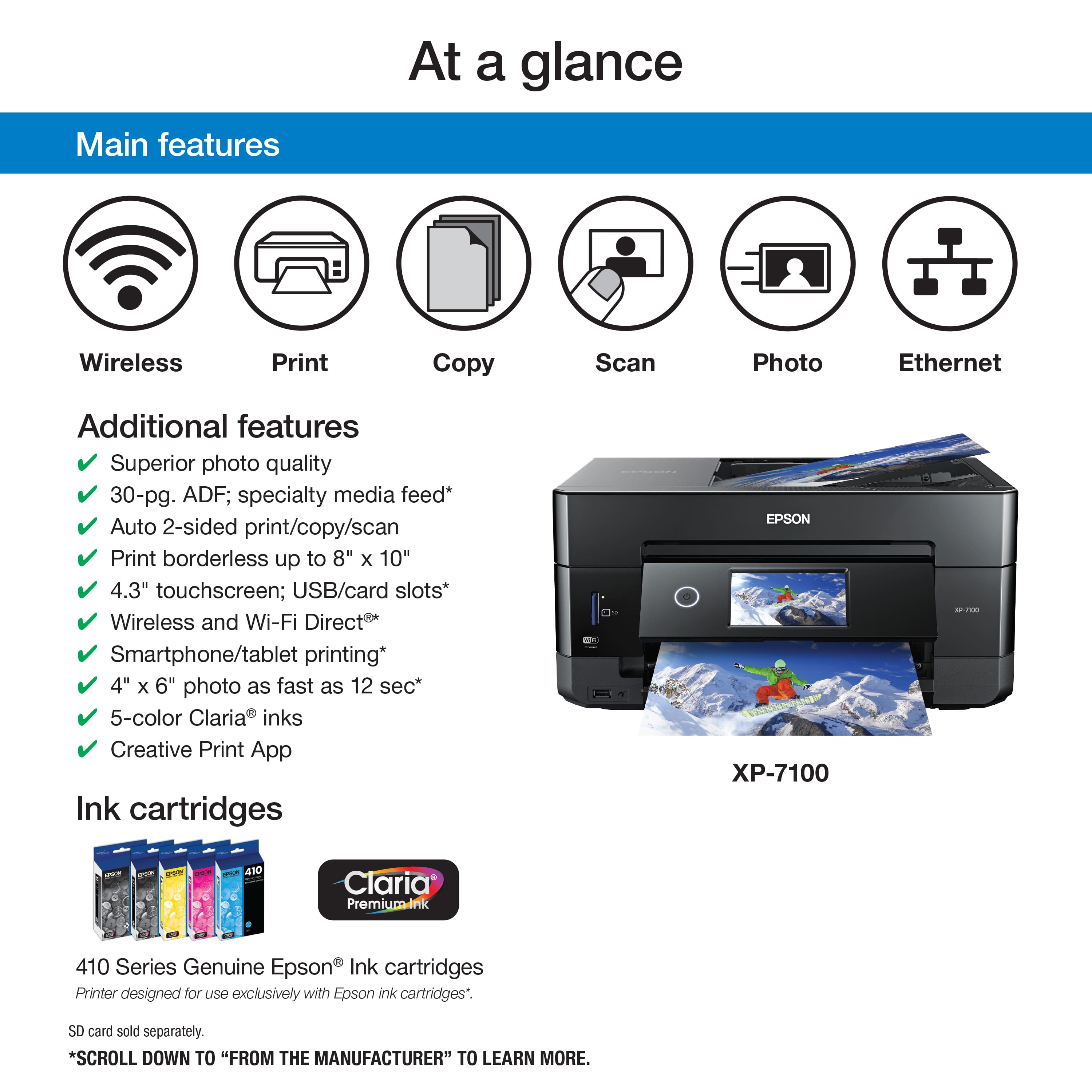
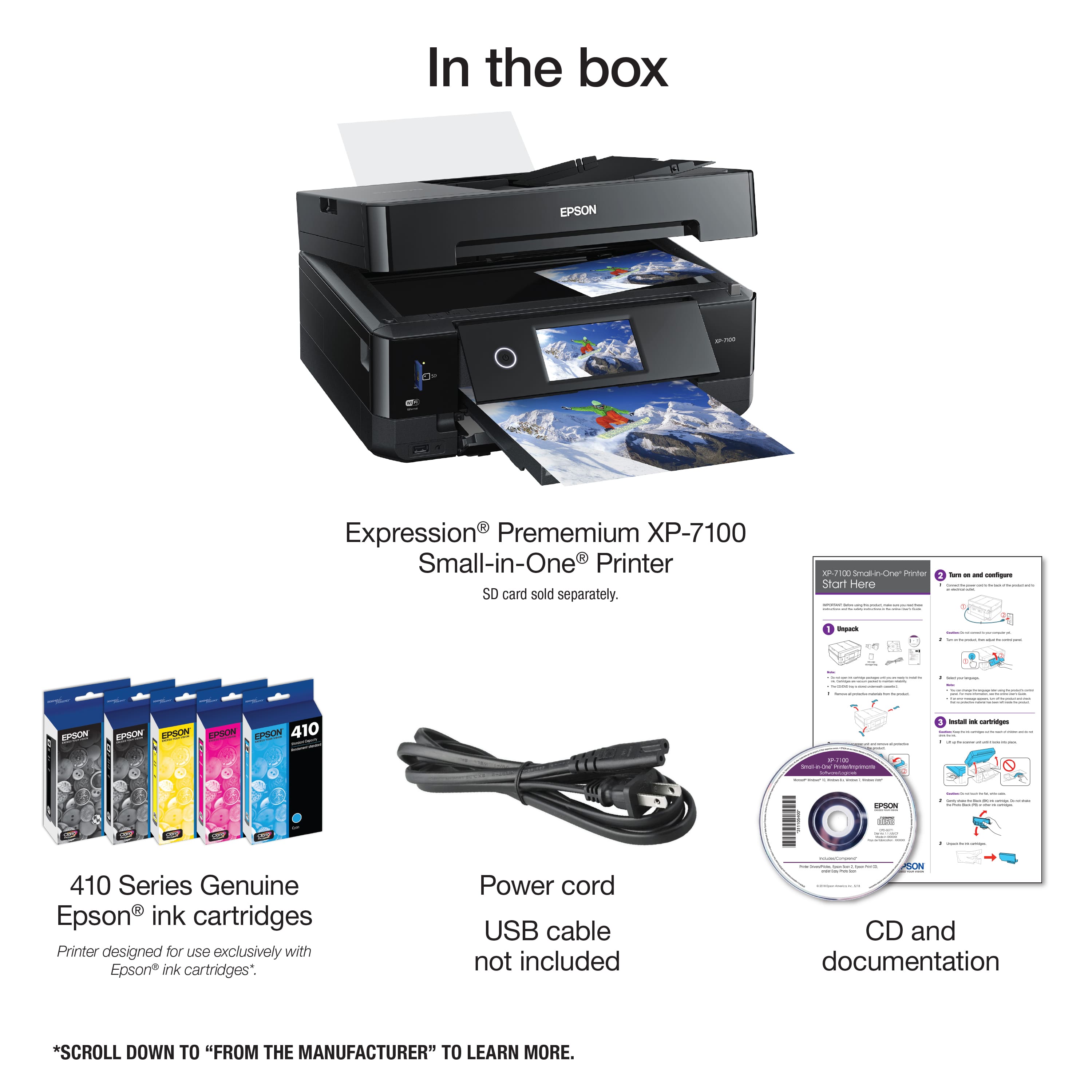
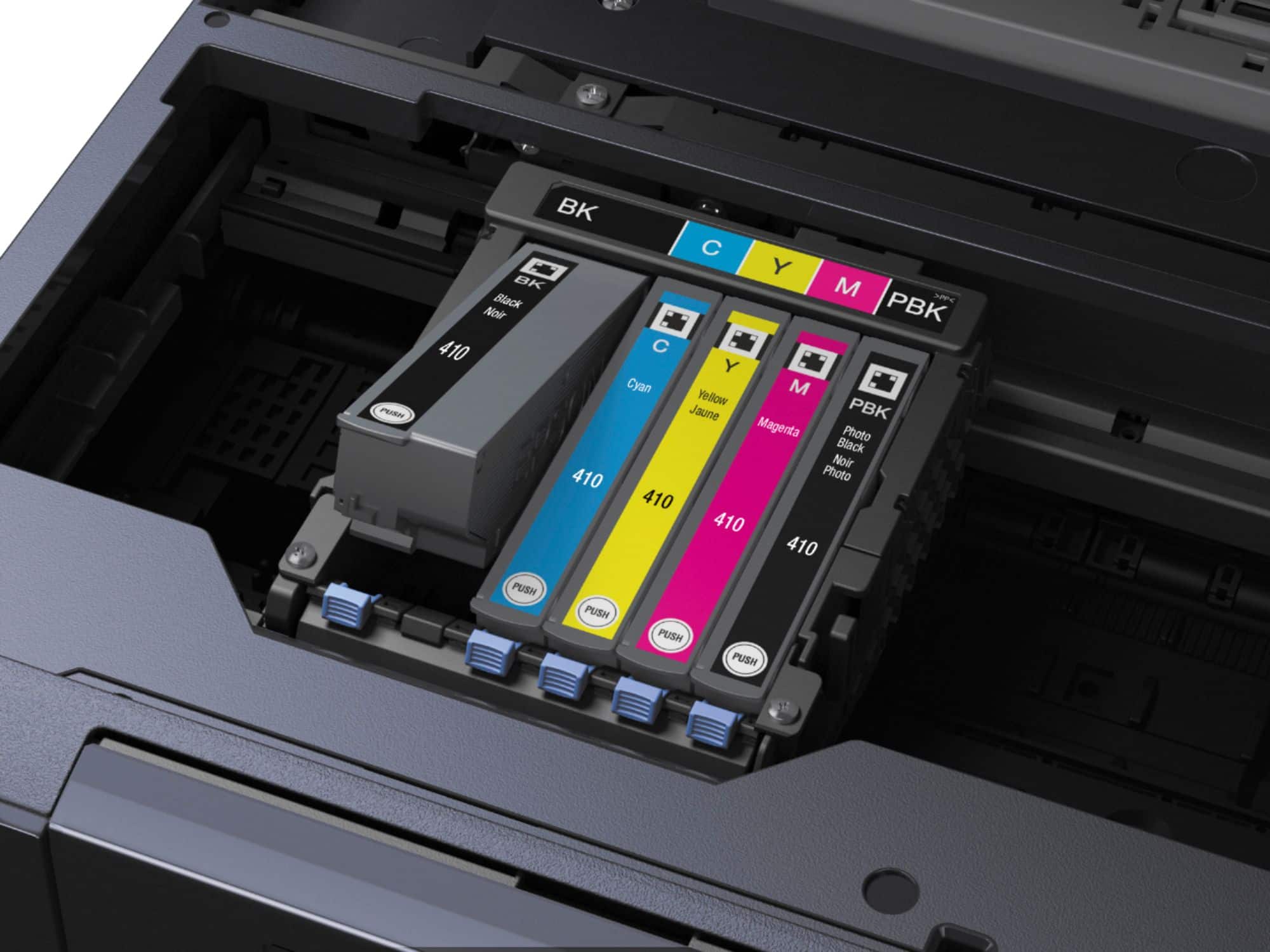
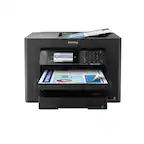
A:AnswerYou dont have to replace them all (you can buy separate cartridges for each color) BUT, they all have to have ink in them or it wont let you print or copy.
A:AnswerYes.
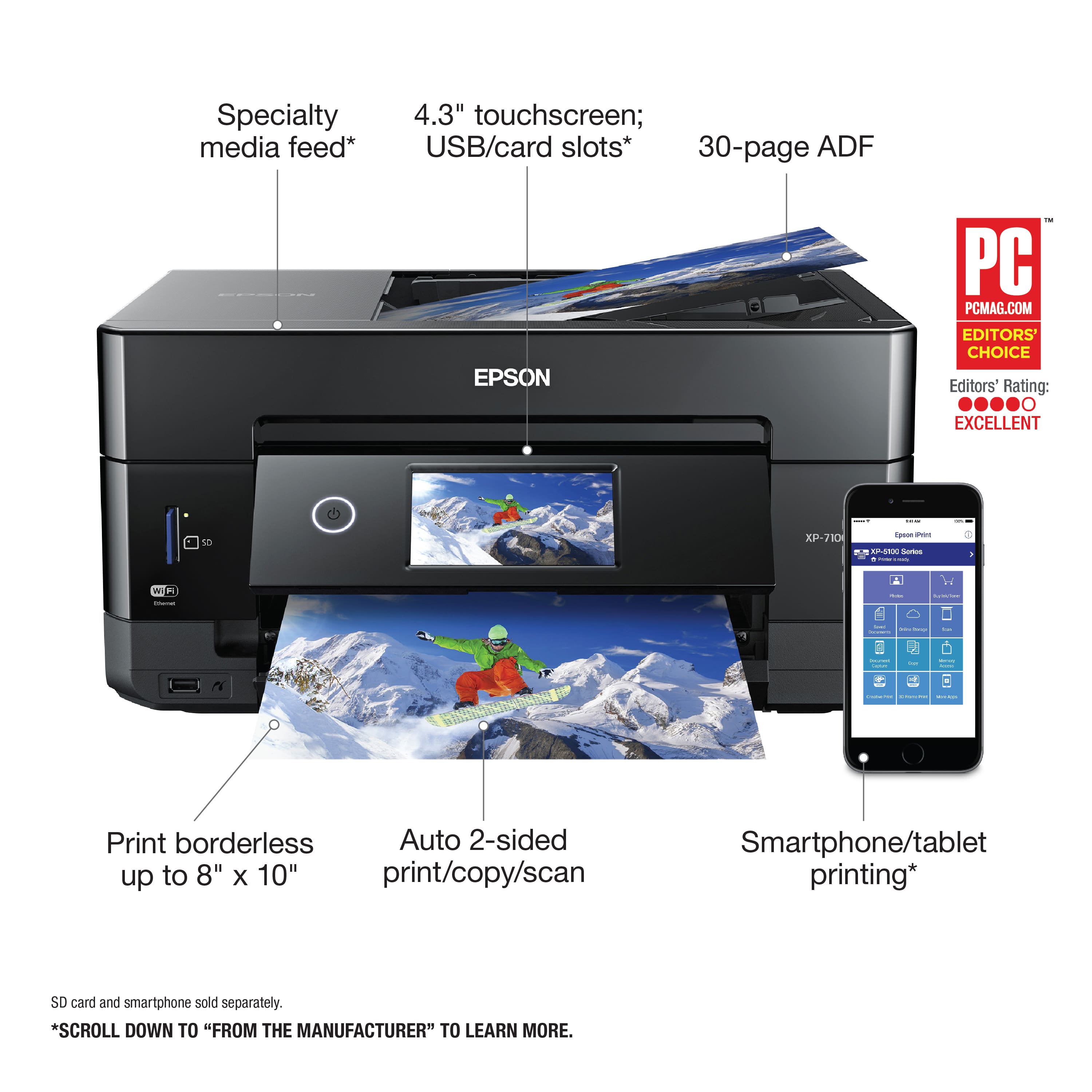
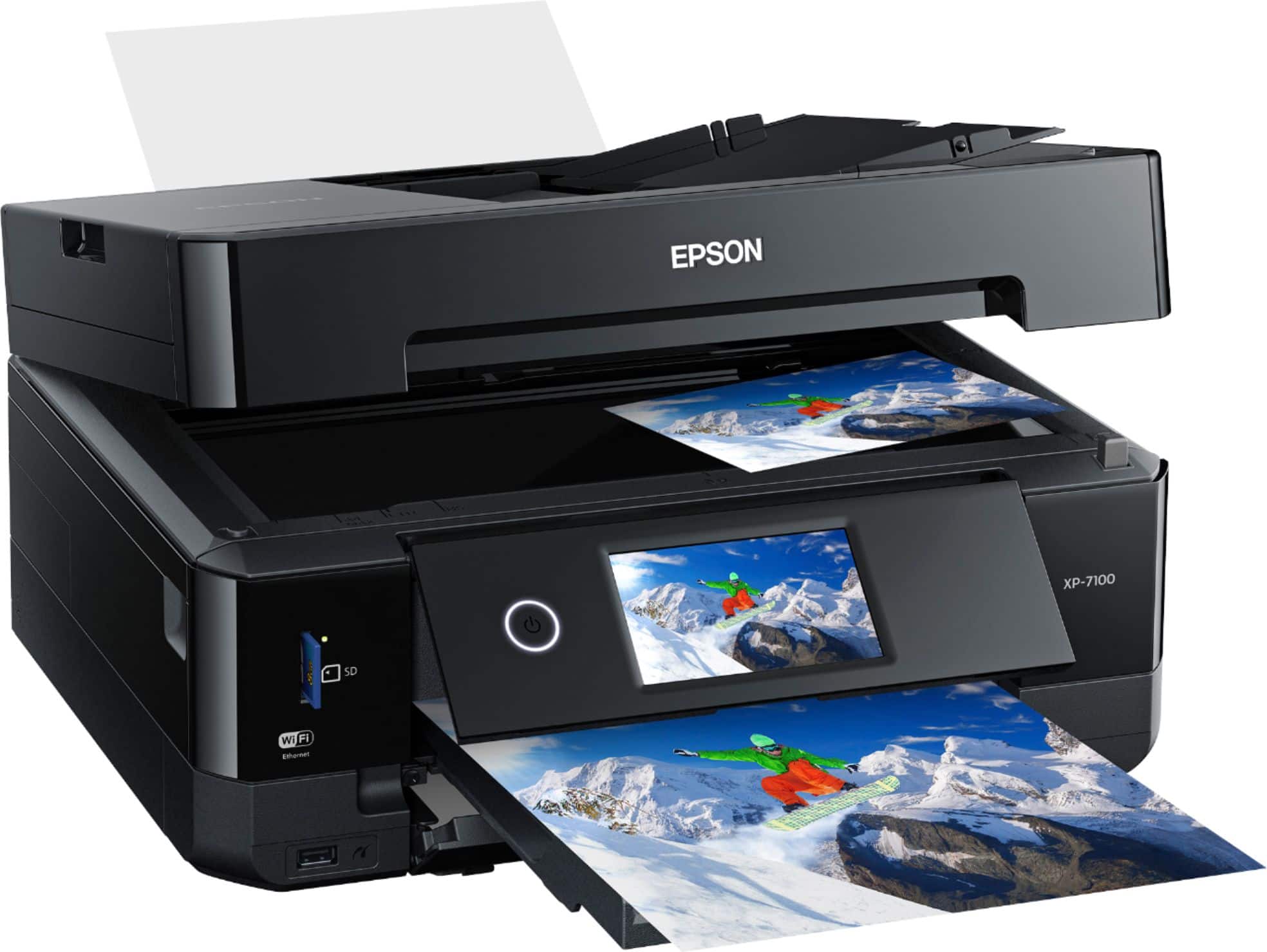
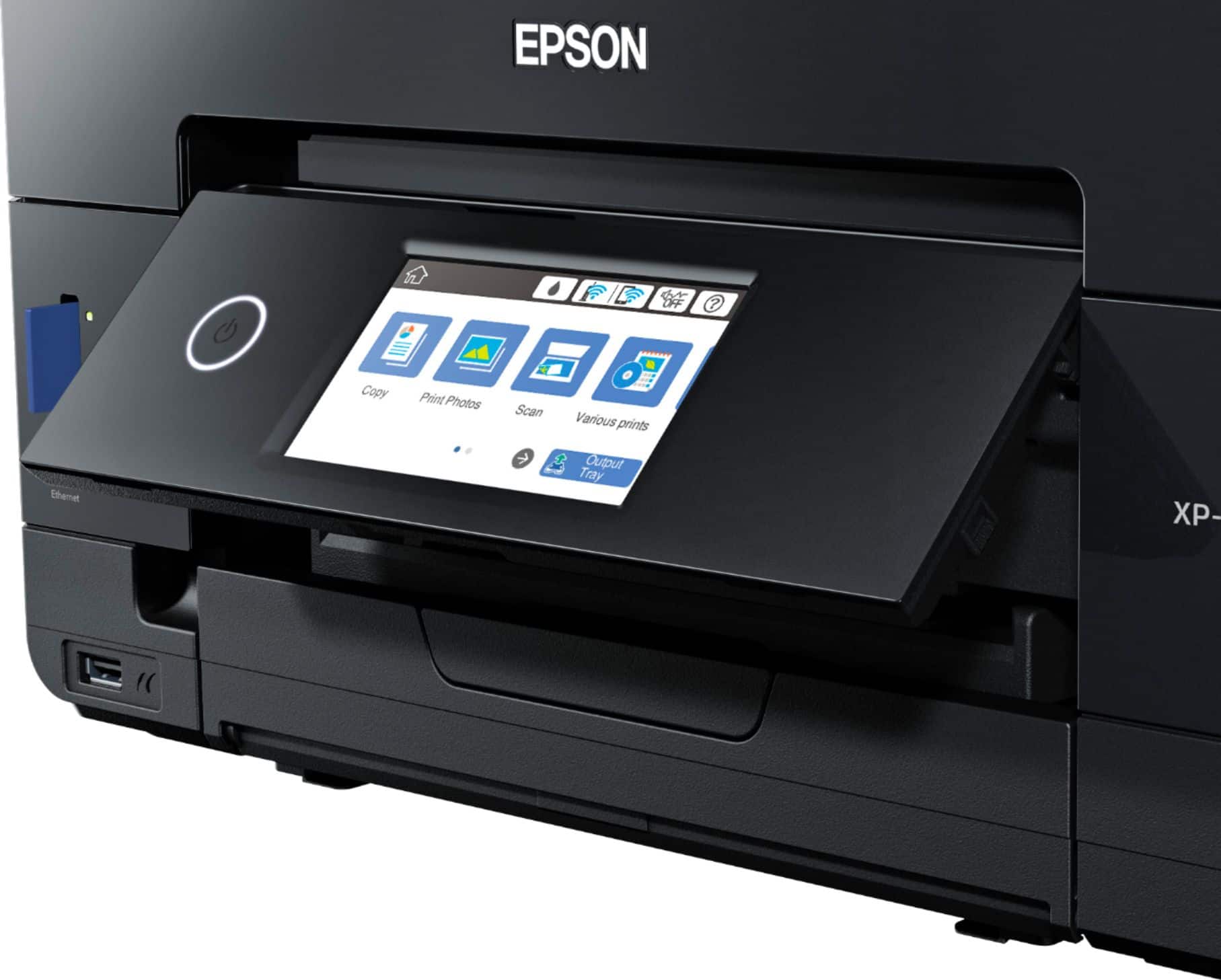
Insert the USB flash drive into the front USB port.Load your documents face-up into the top automatic document feeder (ADF) or face-down on the scanner glass.On the printer's touchscreen, tap Scan.Select Memory Device from the menu options.Adjust your settings on the screen, such as the file format (PDF or JPEG) and color options.Press Save (or the Start button) to scan and save the files directly onto the drive.