Questions & Answers
- Model:
- C11CJ05201
- |
- SKU:
- 11677947
$162.97
Save $117.02
Comp. Value: $279.99
Page Showing 161-178 of 178 questions
Q: QuestionCan this printer scan double side pages from the Automatic Document Feeder as well as print double sided from the Automatic Document Feeder?
Asked by Curley.
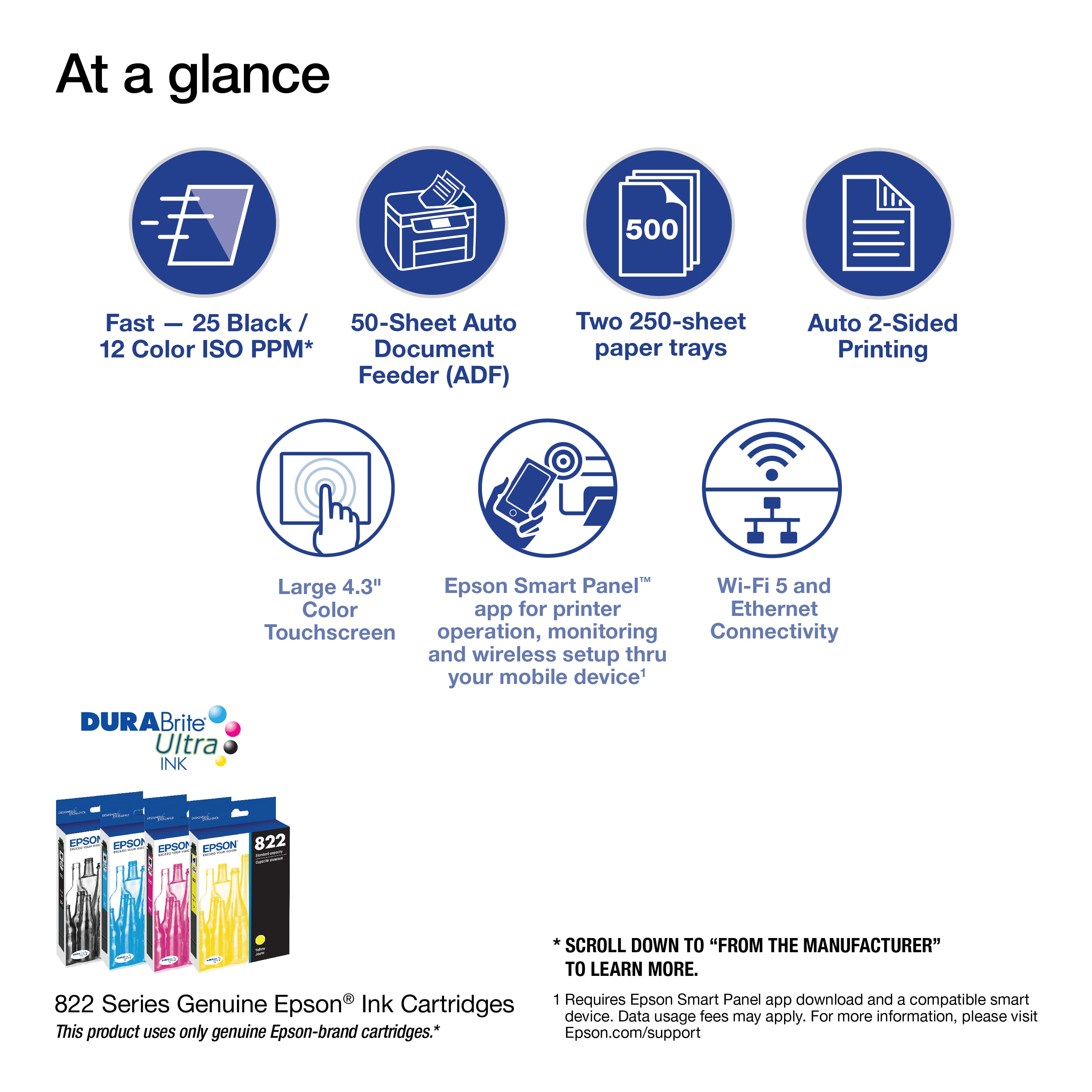
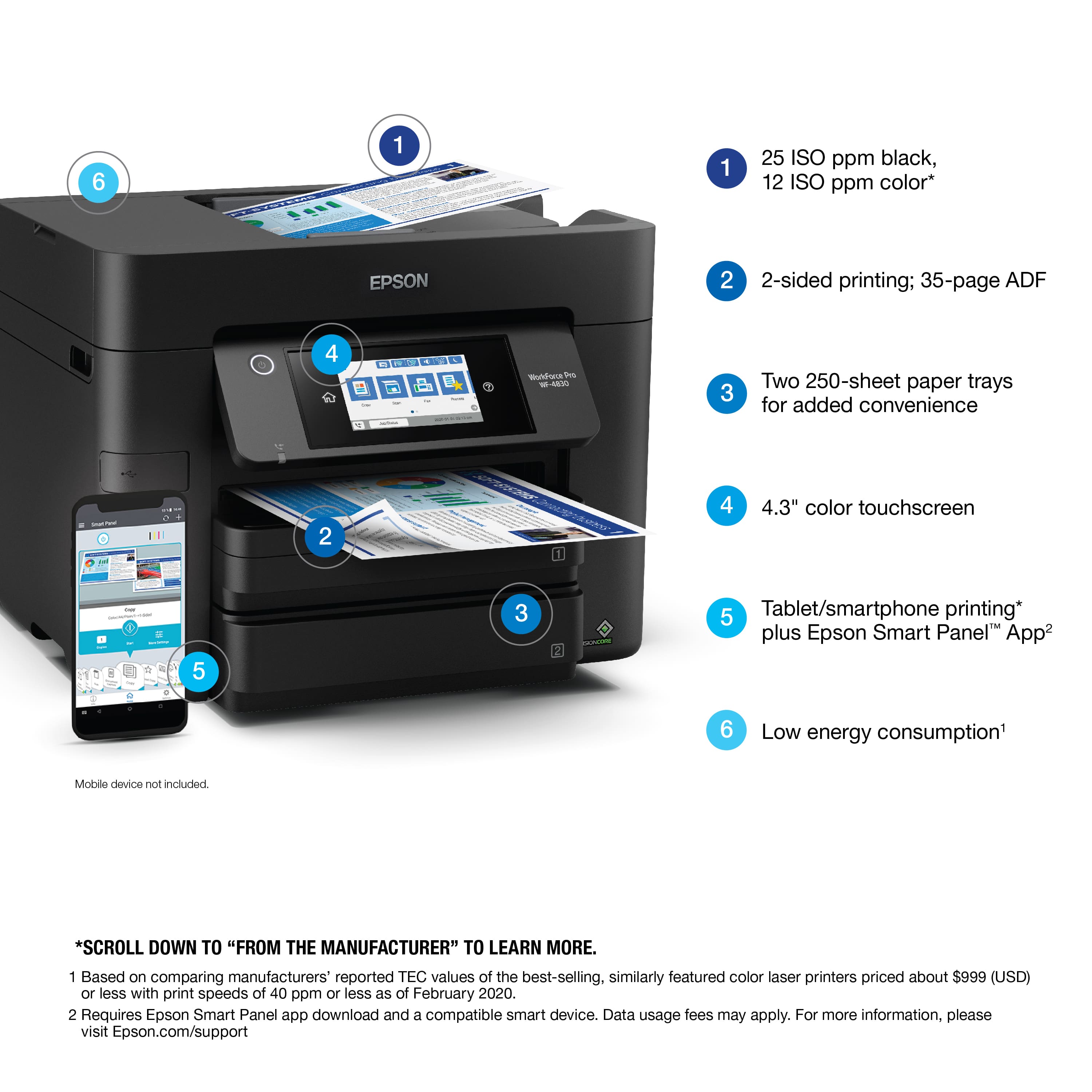
- A:Answer Hi Curley, Yes, the WF-4830 features two-sided scanning and printing. You can make two-sided copies or scan to two-sided pdf documents using the auto document feeder. Regards, Mark - The Epson Team.
Answered by Epson

Q: QuestionDoes it print on 11x17?
Asked by Mirian.
- A:Answer Hi Mirian, Sorry, no, the WF-4830 has an 8.5" paper path. It will not print on 11 x 17-inch paper. Regards, Mark - The Epson Team.
Answered by Epson

Q: QuestionDoes this have to be hard wired to a land line for faxing? I was not sure if the blue tooth applied to faxing as well.
Asked by Faxquestion.
- A:Answer Hi Faxquestion, Yes, the WF-4830 must be connected to a telephone landline to fax. Unfortunately, a Bluetooth connection would not work for the fax feature. Regards, Kevin - The Epson Team.
Answered by Epson

Q: QuestionHow to scan multiple documents in wf 4830
Asked by Raam.
- A:Answer Hi Raam, The Epson WorkForce Pro WF-4830 has a 50-sheet automatic document feeder for the built-in scanner. If your document has more than 50 sheets, you can reload the auto document feeder and continue adding pages to a single PDF. Regards, Mark - The Epson Team.
Answered by Epson
Q: QuestionCan the WF-4830 print mixed documents? If not what’s the purpose of the dual tray??
Asked by Anonymous.
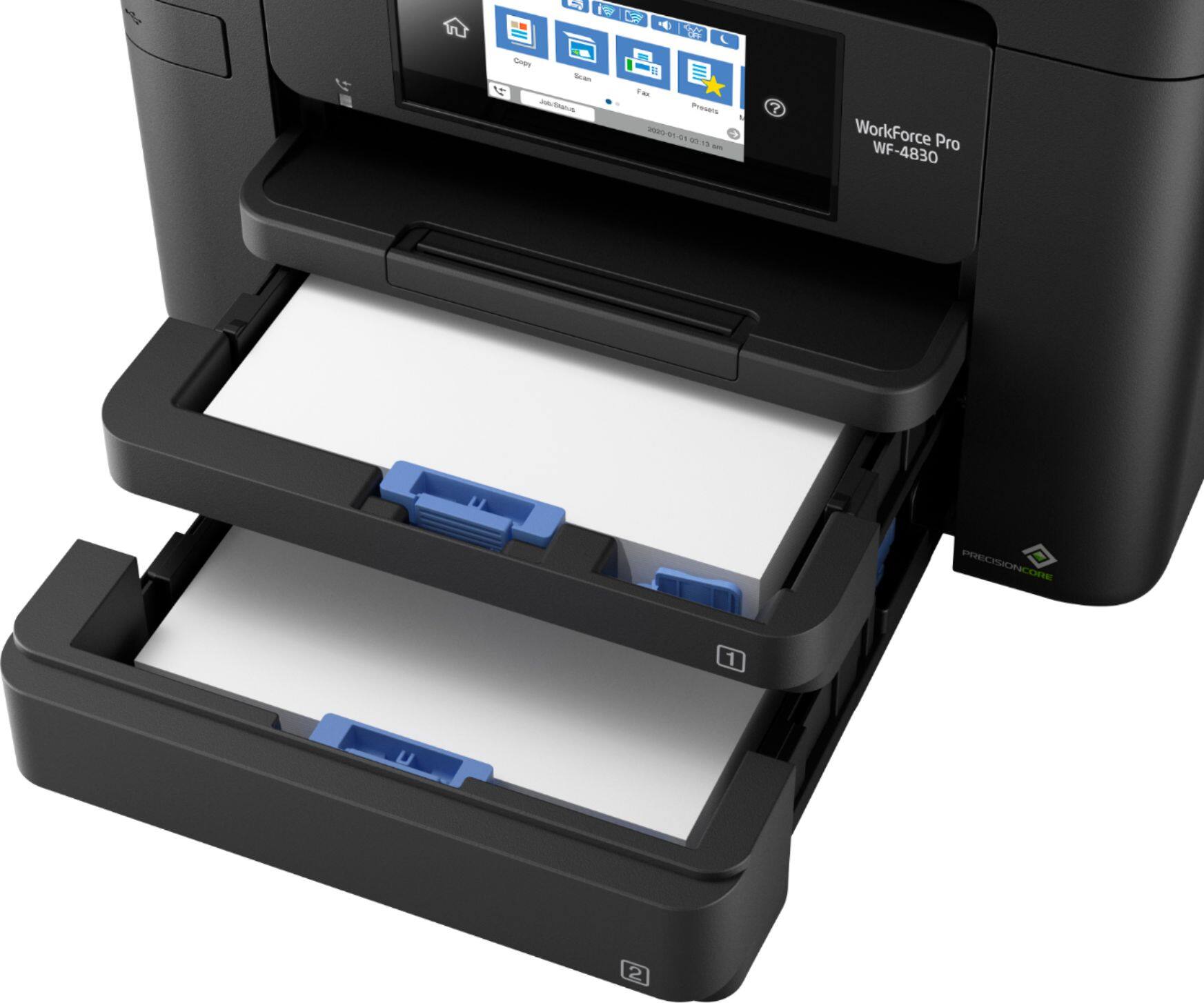
- A:Answer Hello. Yes, the WF-4830 can print two different sizes based on the paper loaded in each tray. However, this feature is not included in our standard printer driver and might be available using 3rd party software. Regards, Kevin - The Epson Team.
Answered by Epson

Q: QuestionDoes this model have single pass duplex scanning? If not, which one does?
Asked by Will.
- A:Answer Hello Will. Yes, the WF-4830 includes automatic 2-sided print, copy, scan, and fax features. Regards, Kevin - The Epson Team.
Answered by Epson

Q: QuestionCan this model scan double-sided documents in color and produce the output files (e.g. PDFs) in color? Does this scanner have OCR technology?
Asked by Sarah.
- A:Answer Hello Sarah. Yes, the WF-4830 can automatically scan 2-sided documents and print them in color. You can create a Searchable PDF using OCR. Make sure to select the option under the file type setting in the software. Regards, Kevin - The Epson Team.
Answered by Epson

Q: QuestionDoes this scan pictures? If so, can multiples be scanned using the feeder? How many?
Asked by Annie.
- A:Answer Hi Annie, The WF-4830 is not suitable for scanning photos using the auto document feeder. You can place them on the scan bed. Check the Epson photo scanner family for other options. Regards, Mark - The Epson Team.
Answered by Epson

Q: Questionhow does it handle envelopes
Asked by chas.
- A:Answer Hi chas. The Epson WorkForce Pro WF-4830 supports printing on No.10 envelopes. Regards, Bobby - The Epson Team.
Answered by Epson

Q: QuestionTHE BACK OF THE WORKFORCE PRO WF-4833 HAS A MAINTENANCE BOX. ARE THE MAINTENANCE BOX AVAILABLE AT OUR LOCAL BESTBUY STORE OR WILL THE MAINTENANCE BOX BE PURCHASED ONLINE ONLY. IF SO WHERE CAN I BUY THE MAINTENANCE BOX.
Asked by LAMBROUGH.
- A:Answer Hello LAMBROUGH. The ET-4830 includes a maintenance box. If you ever need to purchase a replacement, the part number for the maintenance box is T671500. Regards, Kevin - The Epson Team.
Answered by Epson

Q: QuestionWill the printer print on legal size paper
Asked by Scot.
- A:Answer Hello Scot. Yes, the WF-4830 can print on paper sizes ranging from 3.5" x 5" to 8.5" x 14". Regards, Kevin - The Epson Team.
Answered by Epson

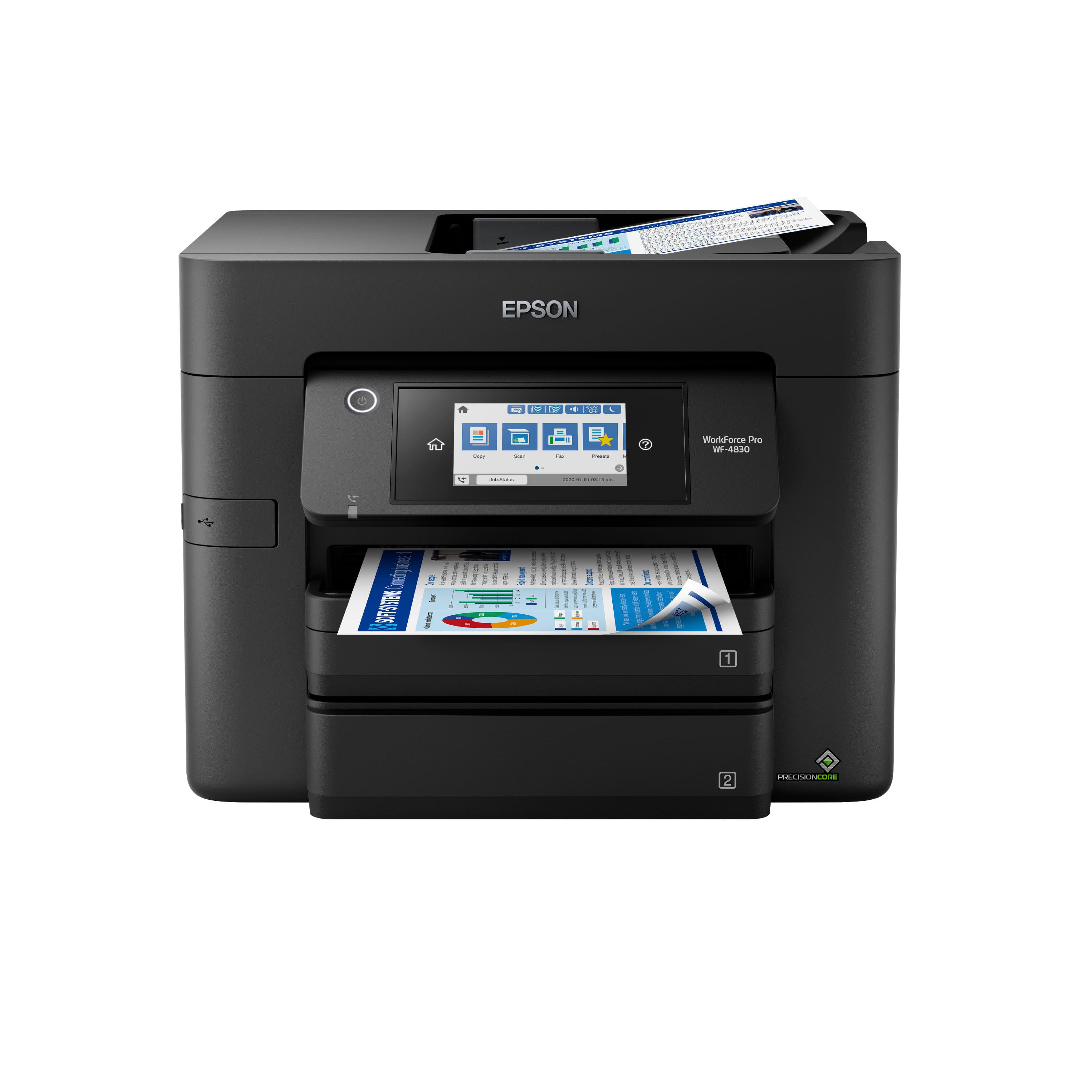
Q: QuestionHow to scan to email
Asked by Bella.
- A:Answer Hello Bella. Using your computer, the WF-4830 can scan an original and attach it to a message in your e-mail programs, such as Microsoft Outlook, Mac Mail, Windows Live Mail, and Entourage. As an additional option, you can set up Epson Connect services on the printer, which allows you to print and scan documents using a registered e-mail. Please visit our official Epson Support page for additional information on these options. Regards, Kevin - The Epson Team.
Answered by Epson

Q: QuestionWill The WF-4830 print Avery Address Labels?
Asked by Bobby.
- A:Answer I haven't attempted to print labels since purchasing this new printer.
Answered by Sudie
Q: QuestionDo this printer print on legal paper
Asked by Euni.
- A:Answer Hi Euni, Yes, it can. The WF-4830 paper cassette is designed to hold Legal paper as well as smaller sizes such as Letter. Regards, Mark - The Epson Team.
Answered by Epson

Q: QuestionCan the WF-4830 scan both Letter and Legal sized documents into the same file on my computer?
Asked by Ty.
- A:Answer Hi Ty, Yes you can. If you load Letter- and Legal-size sheets into the WorkForce Pro WF-4830's auto document feeder and set the scan software to Legal, all sheets will be scanned to Legal-size pages. Any Letter-size sheets will have a white area on the lower part of the scan. Regards, Mark - The Epson Team.
Answered by Epson
Q: QuestionHow can you print full size legal documents?
Asked by oldman.
- A:Answer Hi oldman, if you are referring to Legal-size paper, then yes, the WorkForce Pro WF-4830 can print it. Regards, Mark - The Epson Team.
Answered by Epson

Q: QuestionCan this printer print legal size paper
Asked by Marisol.
- A:Answer No. I have tried, and it will feed but not fully print out the information on a legal size page onto a legal size sheet of paper
Answered by Bryan991
Q: QuestionCan I print ENVELOPES on this printer? Thank You Bulldog
Asked by Bulldog.
- A:Answer It will feed one, but jams the next one.
Answered by Anonymous