A:AnswerHello Mari. Yes, the WF-4830 supports printing in Grayscale. When printing, you can select the Grayscale setting under your printing options on the software. Regards, Kevin - The Epson Team.
A:AnswerHello Curious. Yes, when using the WF-4830 with Epson branded paper and proper settings selection, you should be able to get prints that don't require additional time to dry. Regards, Kevin - The Epson Team.
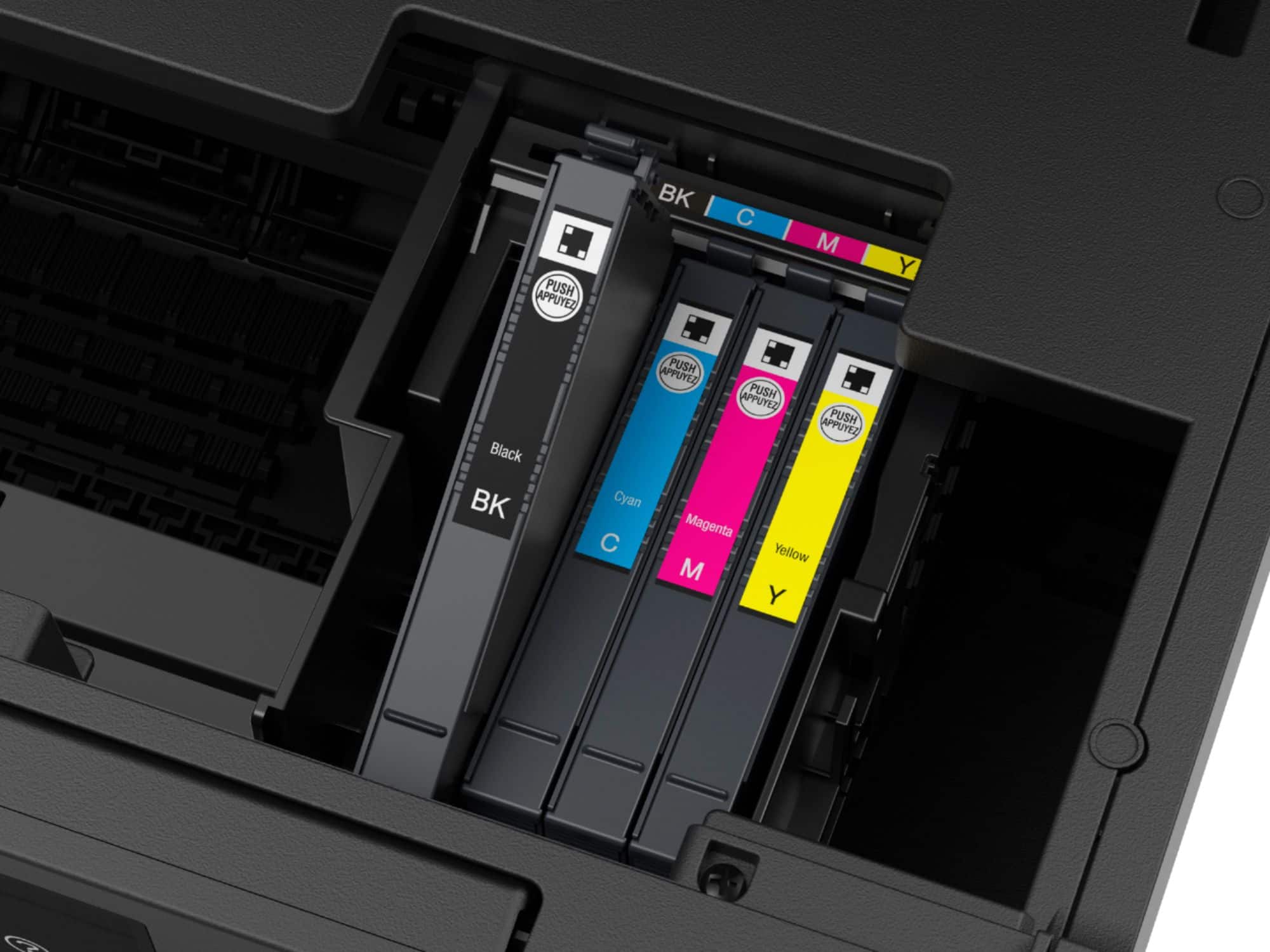
A:AnswerHello Dribs. The WF-4830 offers Ink Cartridges in both standard and high capacity sizes. Additionally, the printer does not support the use of refillable cartridges. Regards, Kevin - The Epson Team.
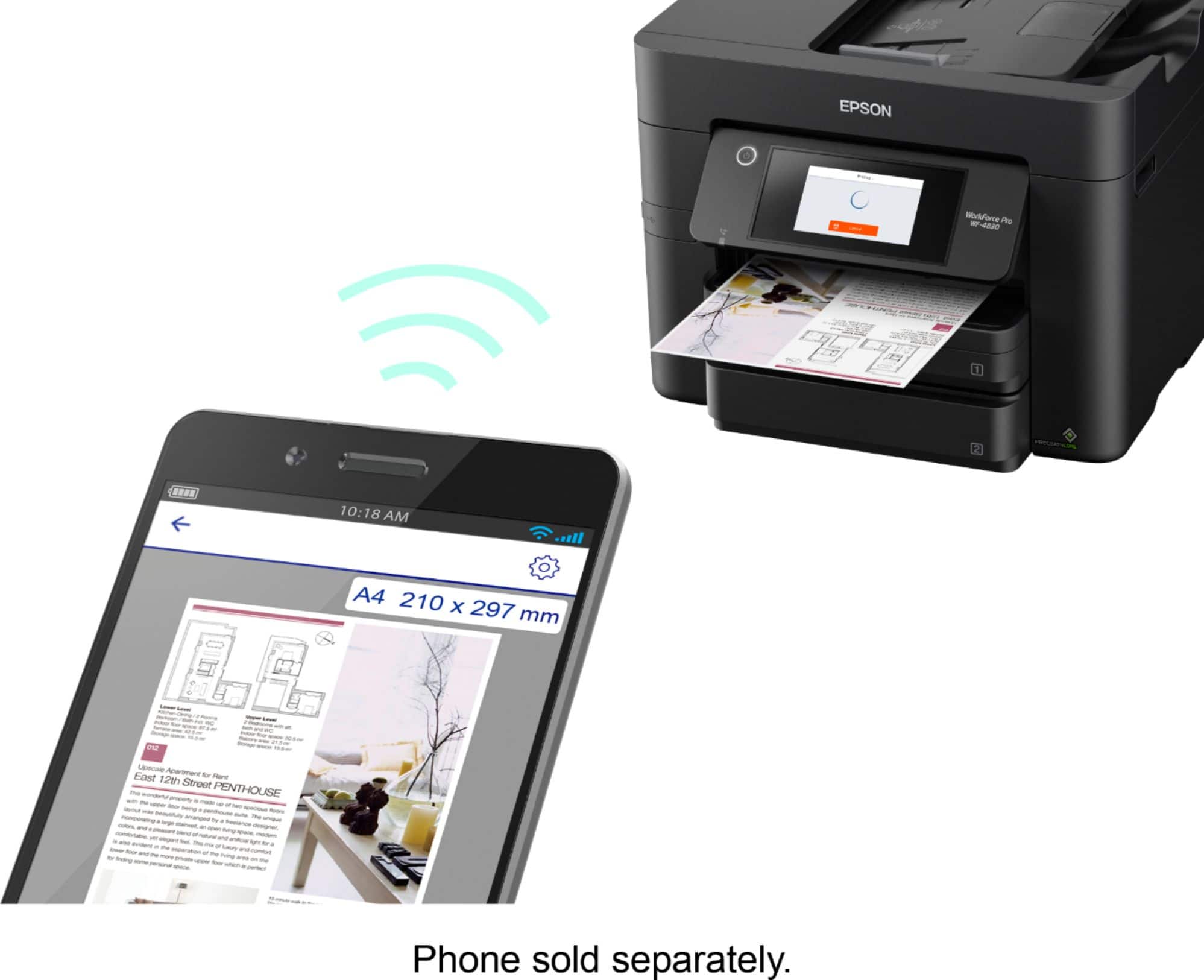
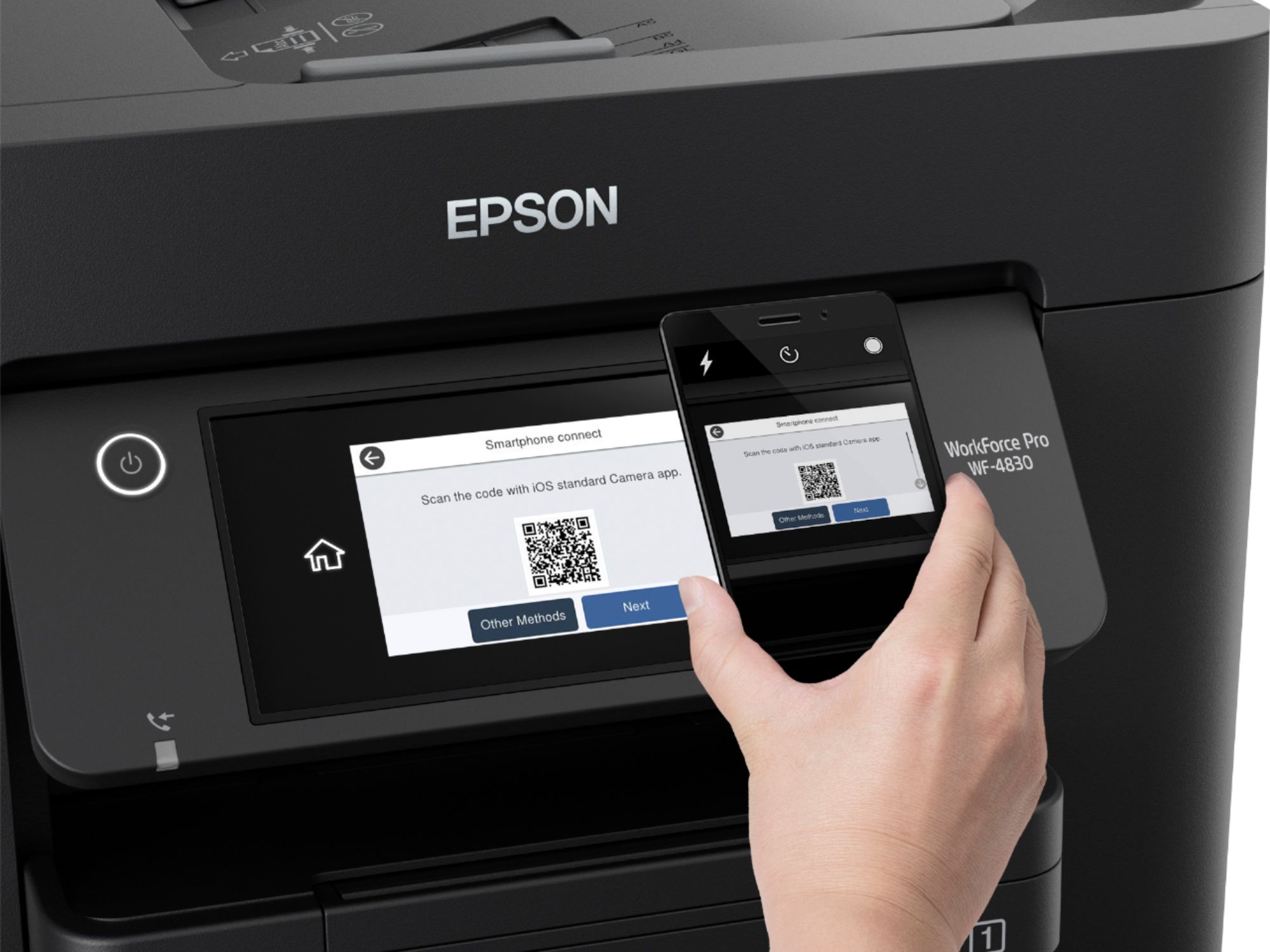
A:AnswerHi Mitch, The WorkForce Pro WF-4830 is a printer, scanner, copier and fax machine. It does not require Alexa, or other digital assistants. You can connect it directly to a computer using a USB cable, print or scan wirelessly if you have a Wi-Fi network, or use an Ethernet cable if you have a wired network. Regards, Mark - The Epson Team.
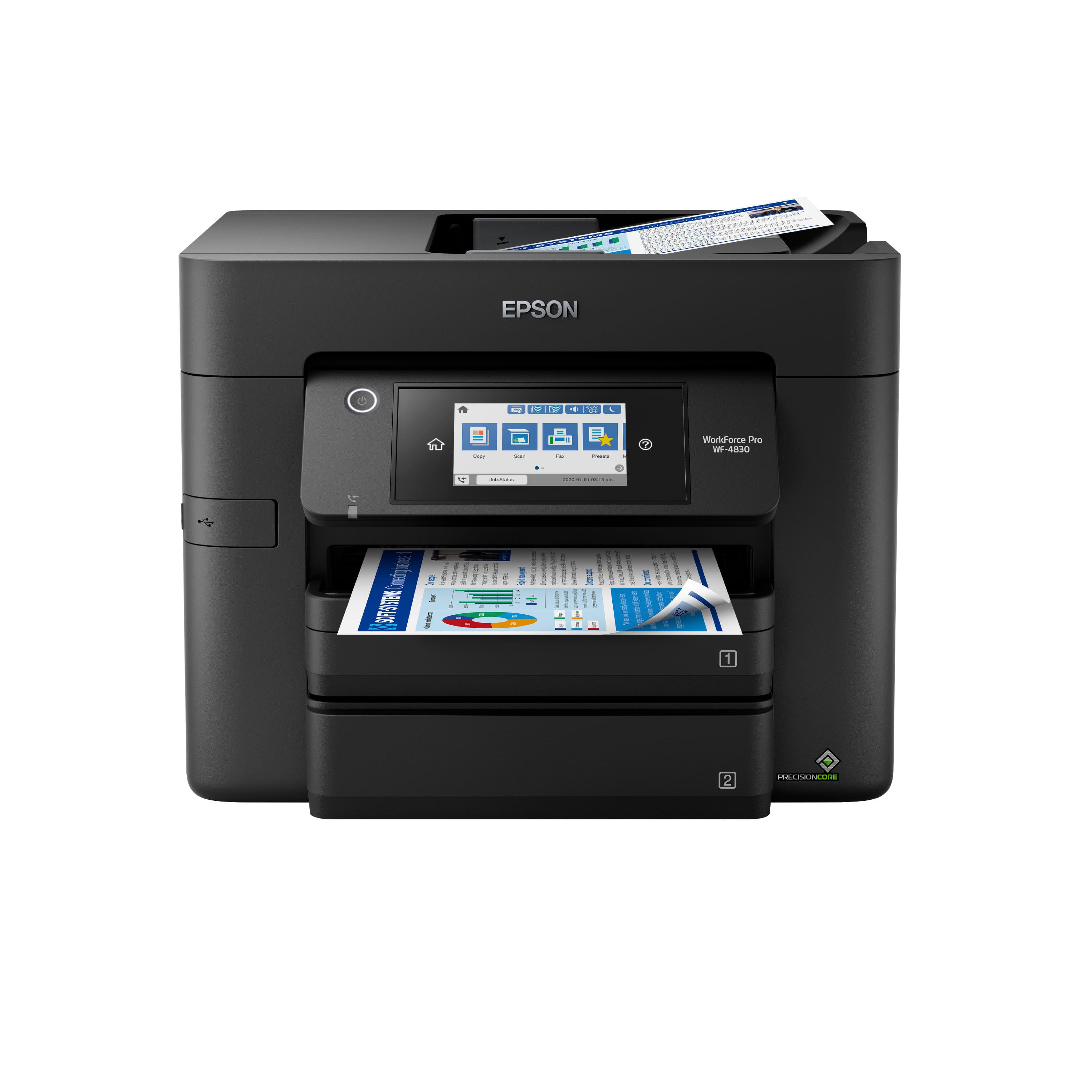
A:AnswerHi FJ. The WF-4830 is compatible with genuine Epson T822 and T822XL ink cartridges. For availability, please visit the retailer's website to confirm. Regards, Kevin - The Epson Team.
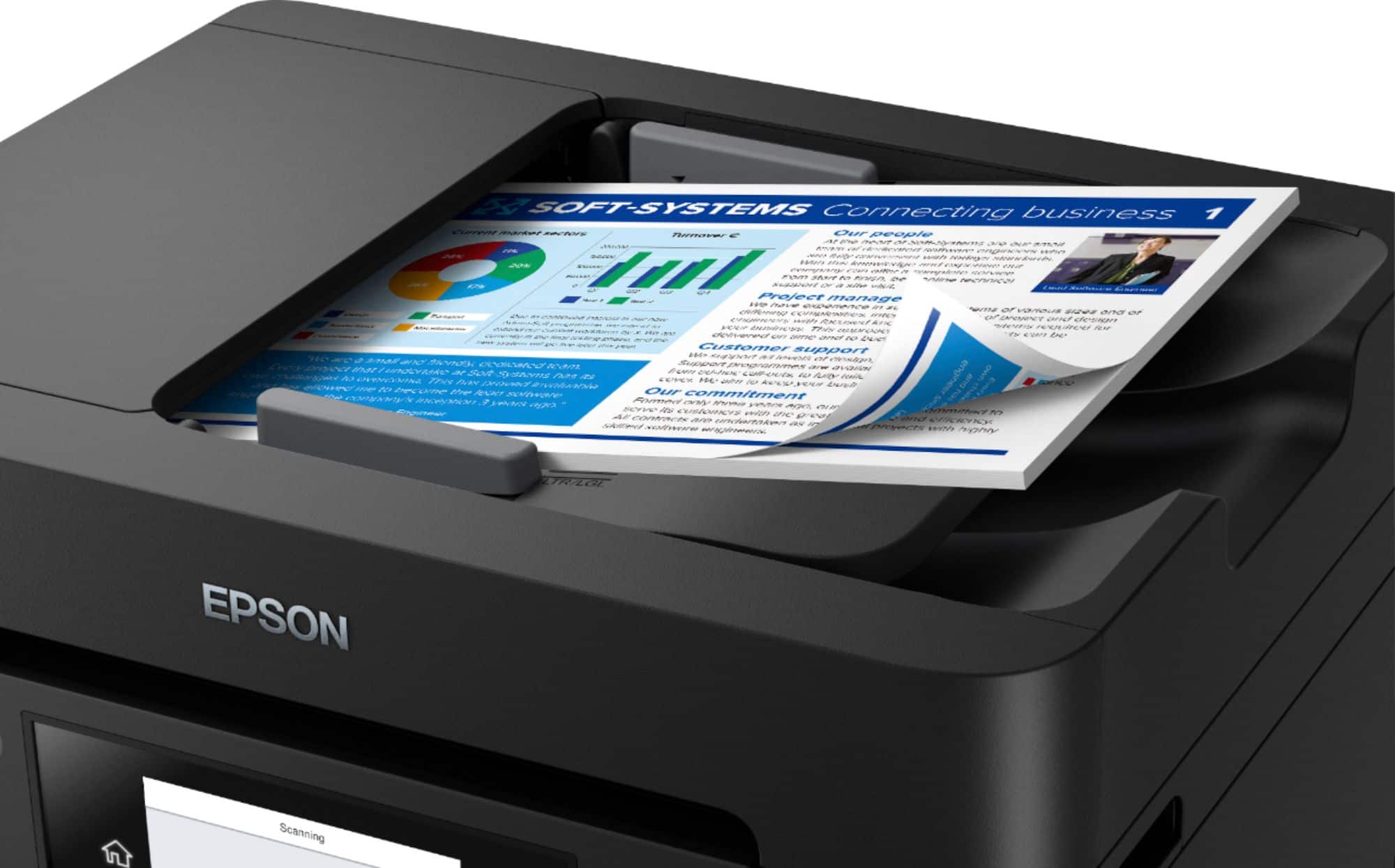
A:AnswerHello Tina. The WF-4830 supports scanning multipage documents. Different variables can impact the number of documents that you can send at a time, such as total file size. We advise you to check with your email service provider on the maximum file size for more information. Regards, Sam - The Epson Team.
A:AnswerHello AHP. The Epson WF-4830 printer is compatible to work with a Chromebook. For information on different connection options, please visit the official Epson Support page. Regards, Kevin - The Epson Team.
A:AnswerHi cassie, The WorkForce Pro WF-4830 fulfills all of your needs except that it is a color printer, not dedicated monochrome. You can use it as such by setting the driver to Black/Grayscale, or look into an Epson monochrome printer. They are typically EcoTank models that use an "M" in front of the model name, such as, "ET-M..." Regards, Mark - The Epson Team.
A:AnswerHi JPSMITTH, Generally we do not test third-party paper types like heat transfer paper, so cannot guarantee the quality. The WF-4830 is not a wide-format printer. Regards, Mark - The Epson Team.
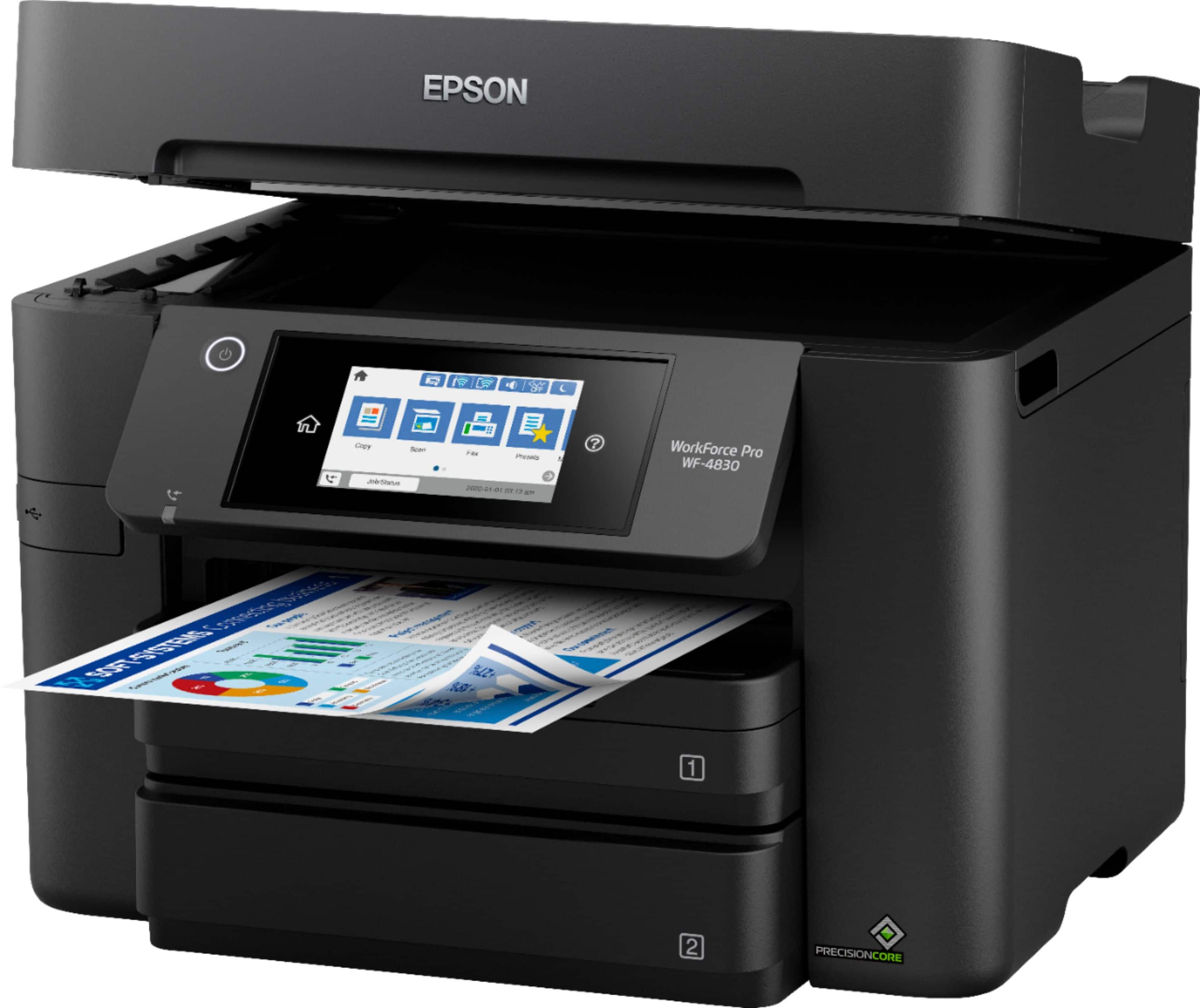
A:AnswerHi Memory, We do not generally publish the amount of memory in Epson desktop printer products, but the WF-4830 can store 100 fax pages before the inbox is full. Regards, Mark - The Epson Team.
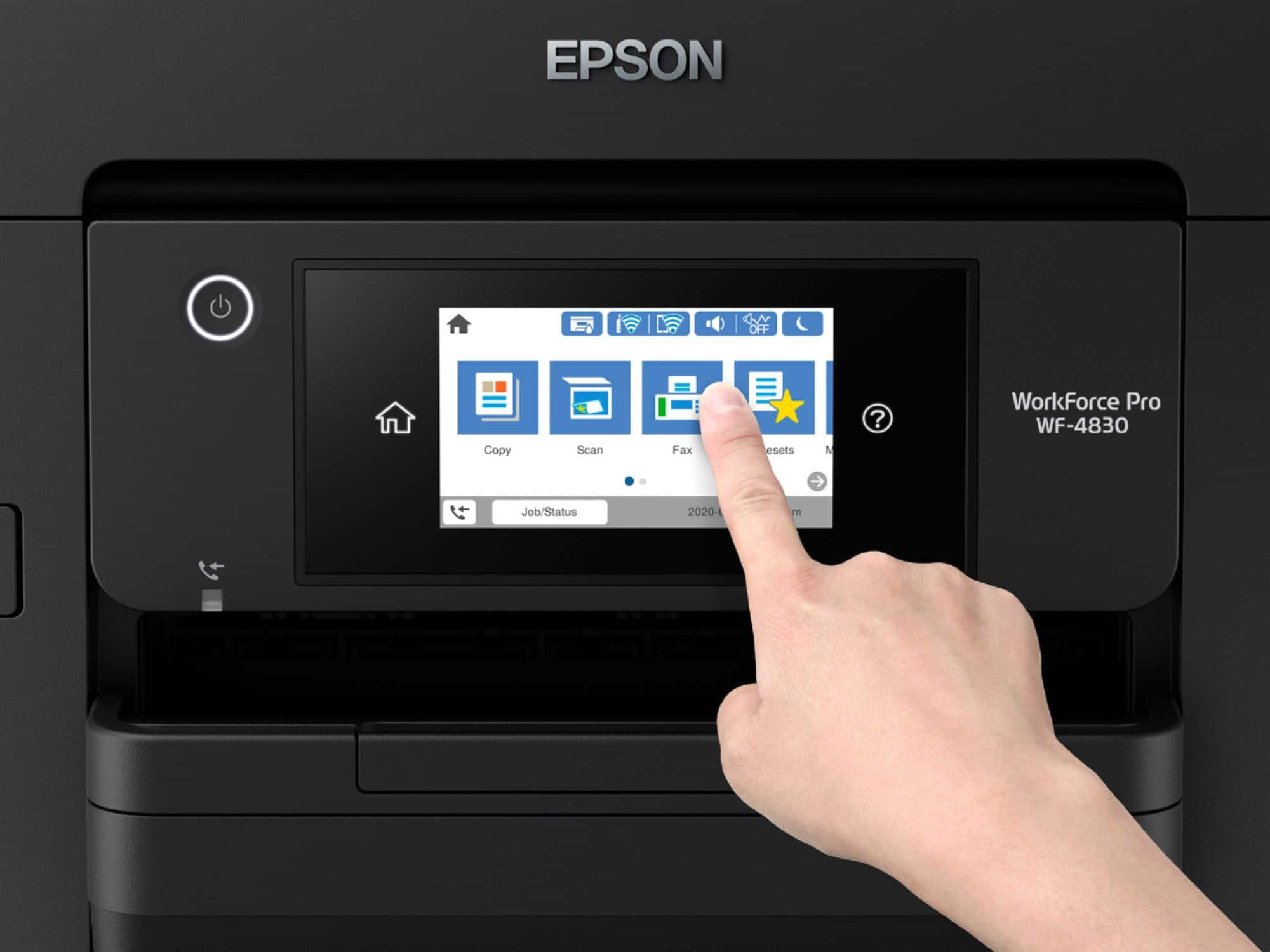
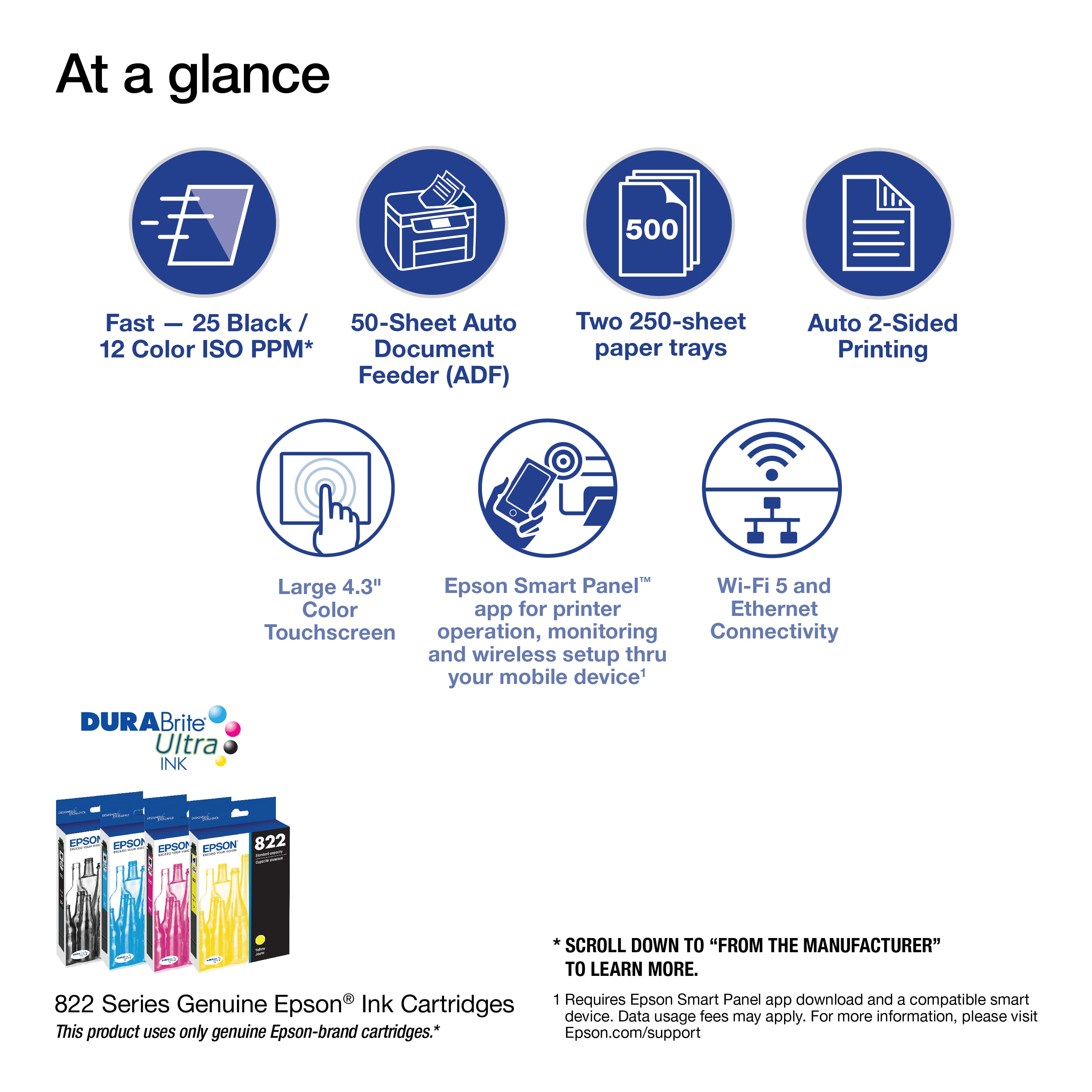
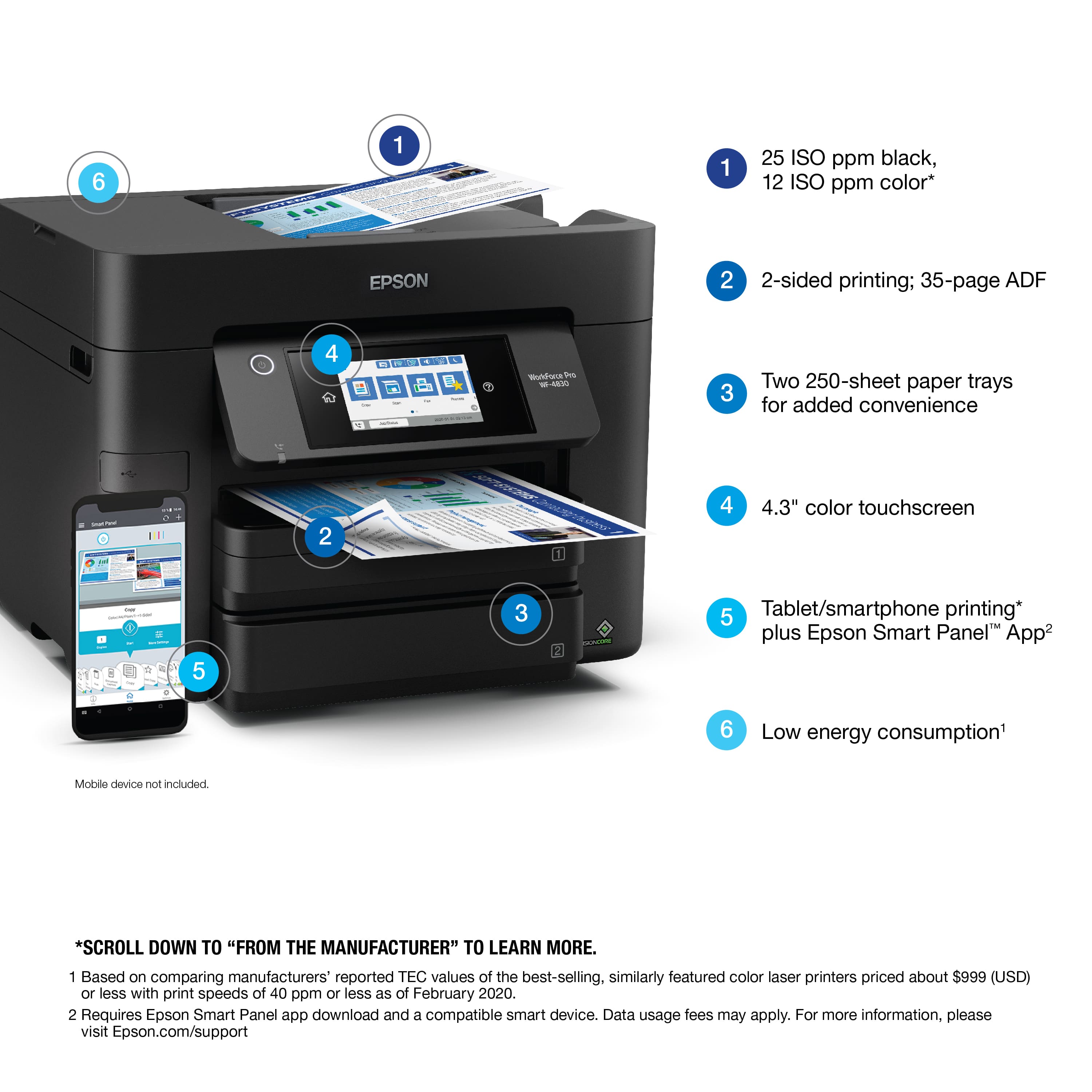
A:AnswerHi kbw624, Yes to all of your questions. The WF-4830 does auto two-sided copies prints and scans, the ink is smudge resistant, it wakes up when a job is sent. It is easy to setup, supports OS X 11, scans to a thumb drive and is wireless. Regards, Mark - The Epson Team.
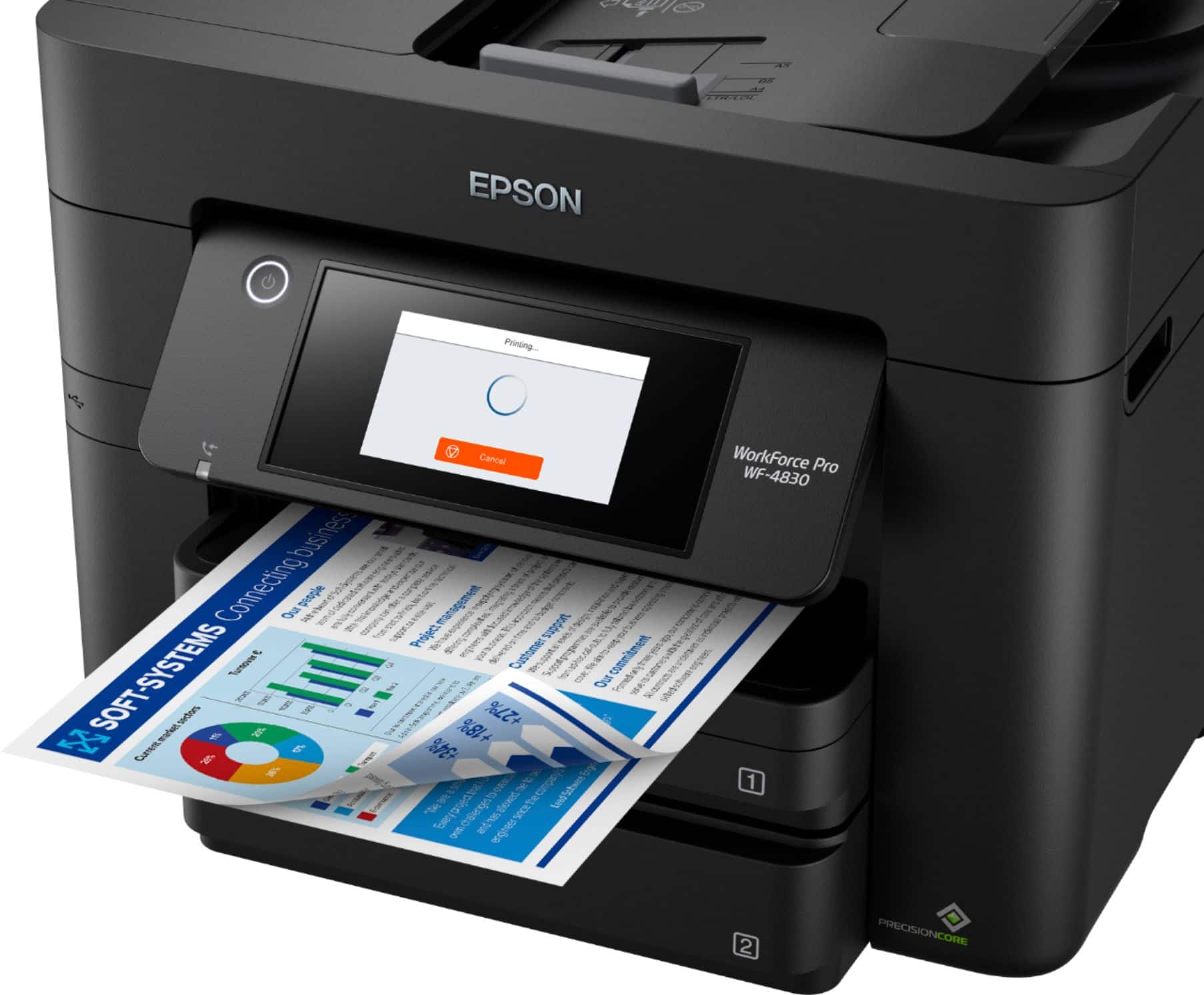
A:AnswerHi Chris, Sorry you are having network address issues with your WF-4830. This is not something that can be addressed over web-based Q & A. Please call Epson support again and ask to speak to a technician about network connection issues. They can route your call. You should have your previous call log number handy to avoid going through the same trouble shooting steps again. Also, be prepared with information about your network and router setup. Regards, Mark - The Epson Team.