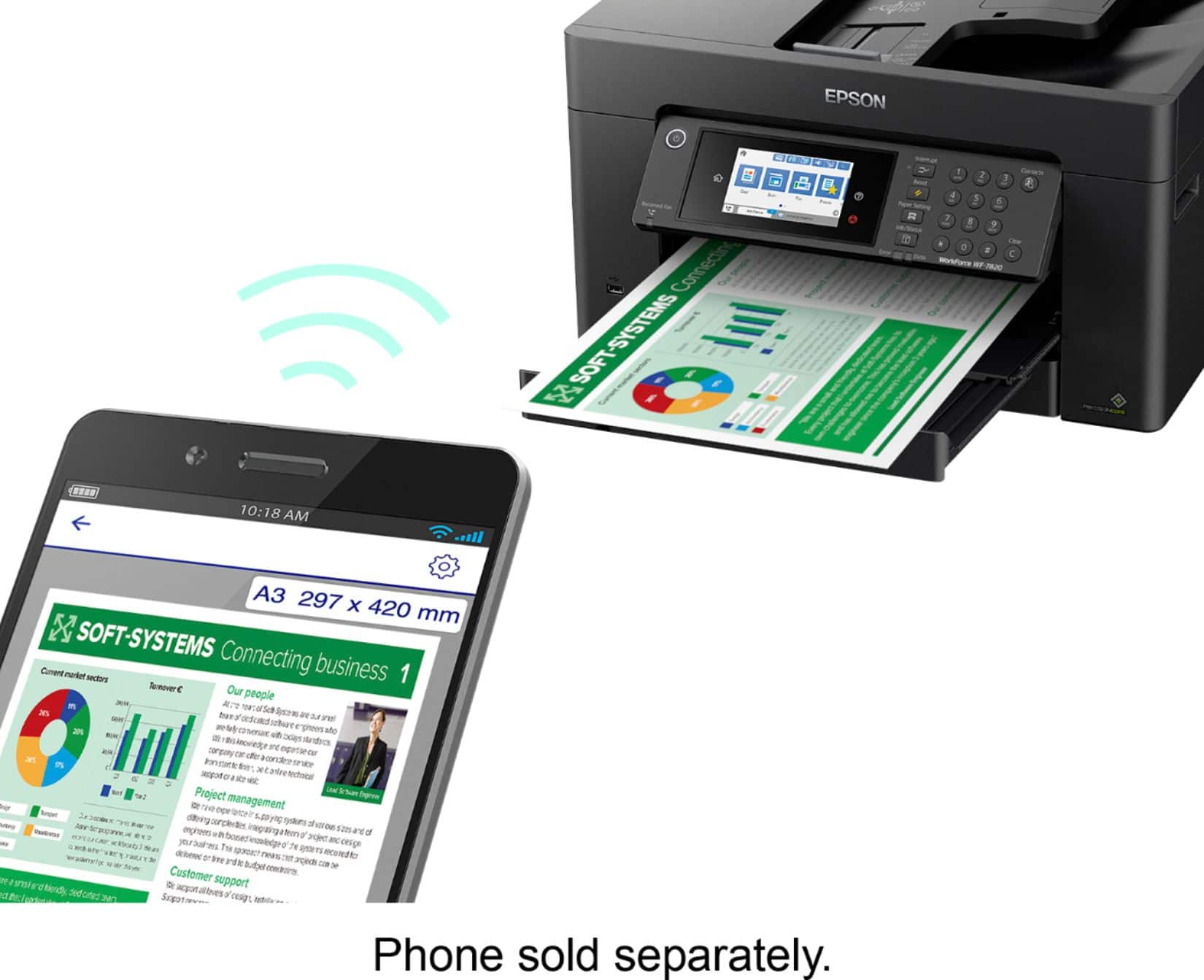
A:AnswerHello Jennifer. You can set up a WF-7820 without the use of a computer. The printer will work with your Android device; just make sure to download the Epson Smart Panel app from the Google Play Store. Regards, Kevin - The Epson Team.
A:AnswerHello Jennifer. Yes, you can set up the WF-7820 without using a computer. The printer is compatible with smartphones and tablets. Please download the Epson Smart Panel app from the App Store to set up and use the printer on alternate devices. Regards, Kevin - The Epson Team.
A:AnswerHi TNTAP, If you are referring to the scan bed itself, then no there is an unscannable area that is a few millimeters from each edge. Regards, Mark - The Epson Team.
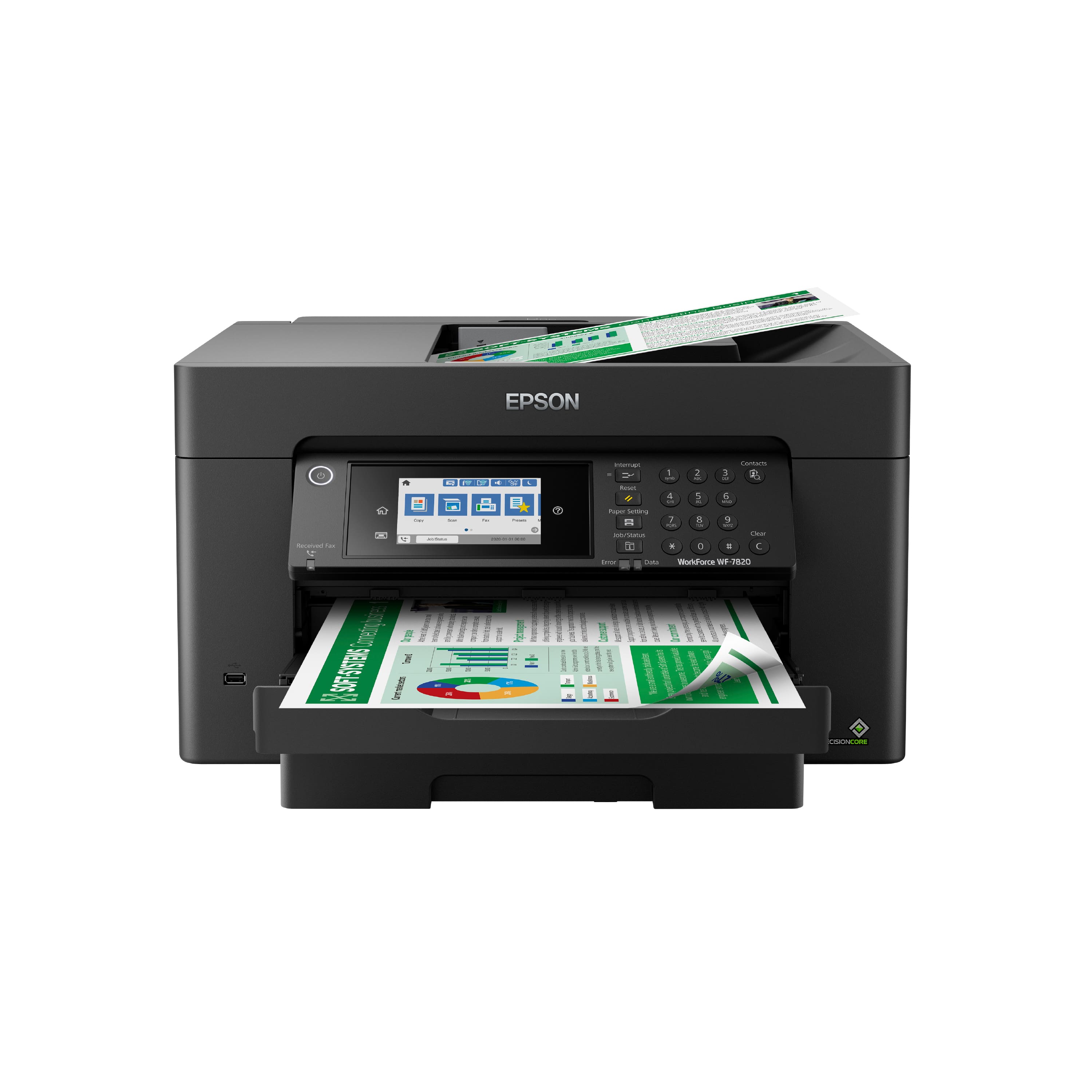
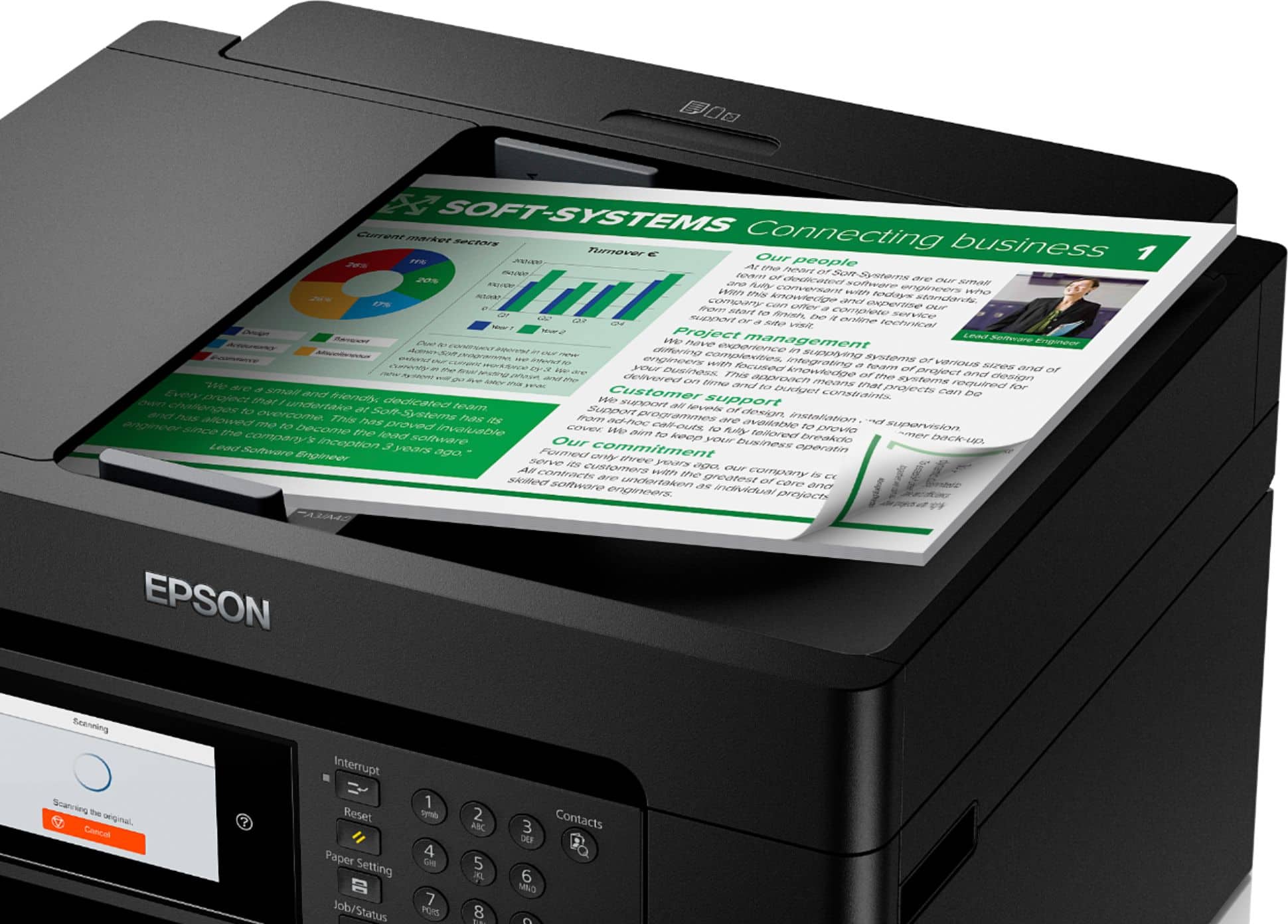
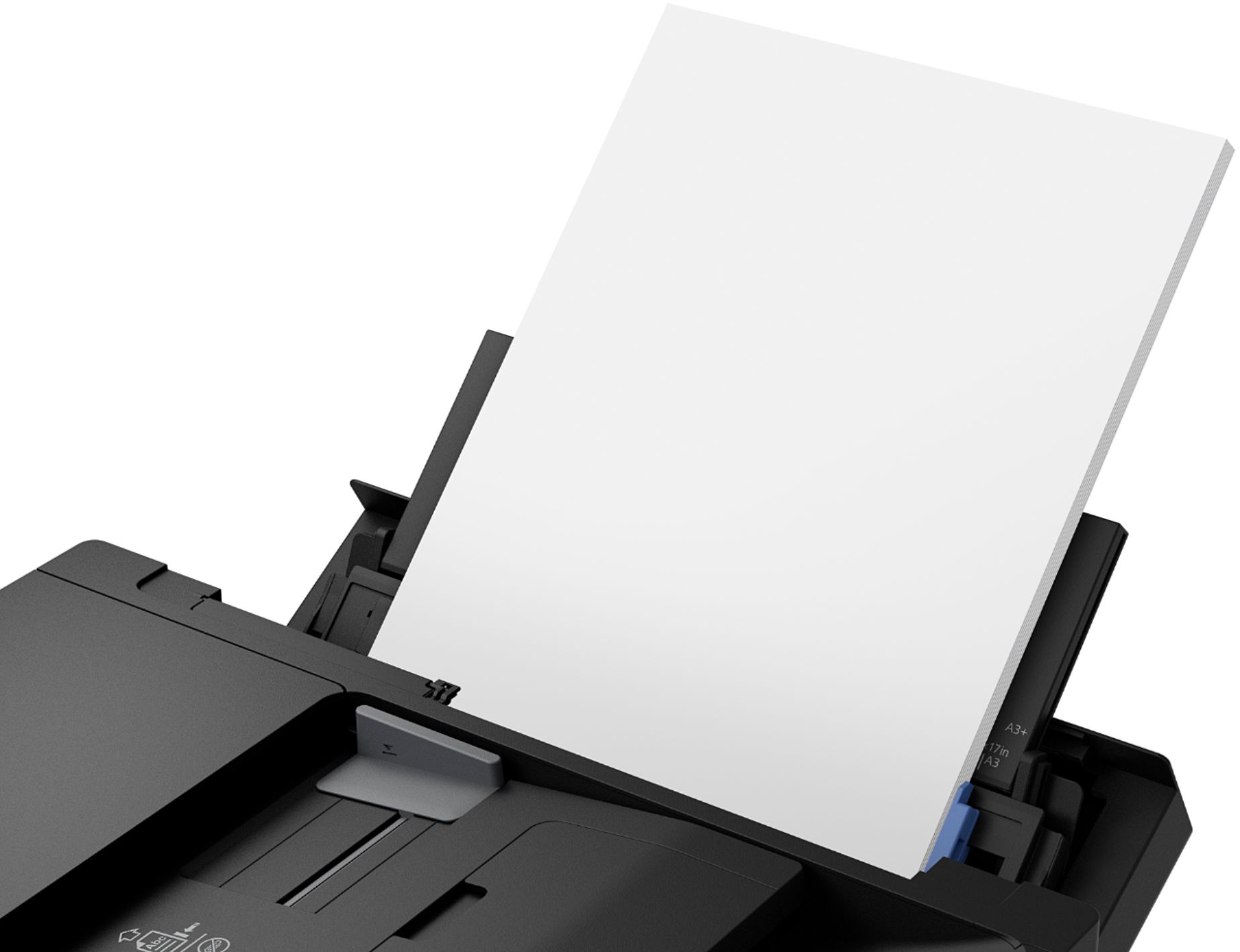
A:AnswerHello JB. The WF-7820's flatbed scanner size is 11.7" x 17", and the automatic document feeder can scan 11" x 17" originals. Regards, Kevin - The Epson Team.
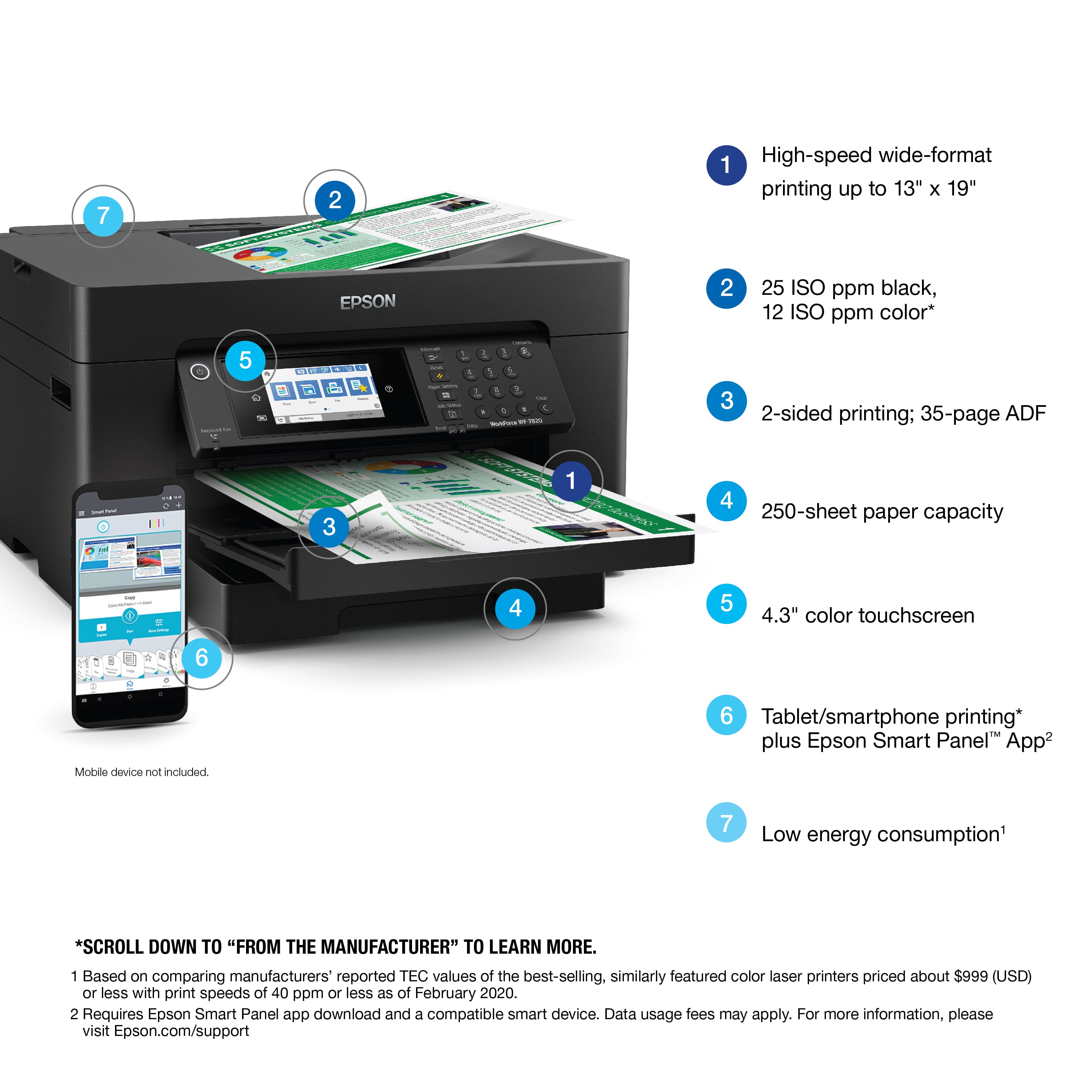
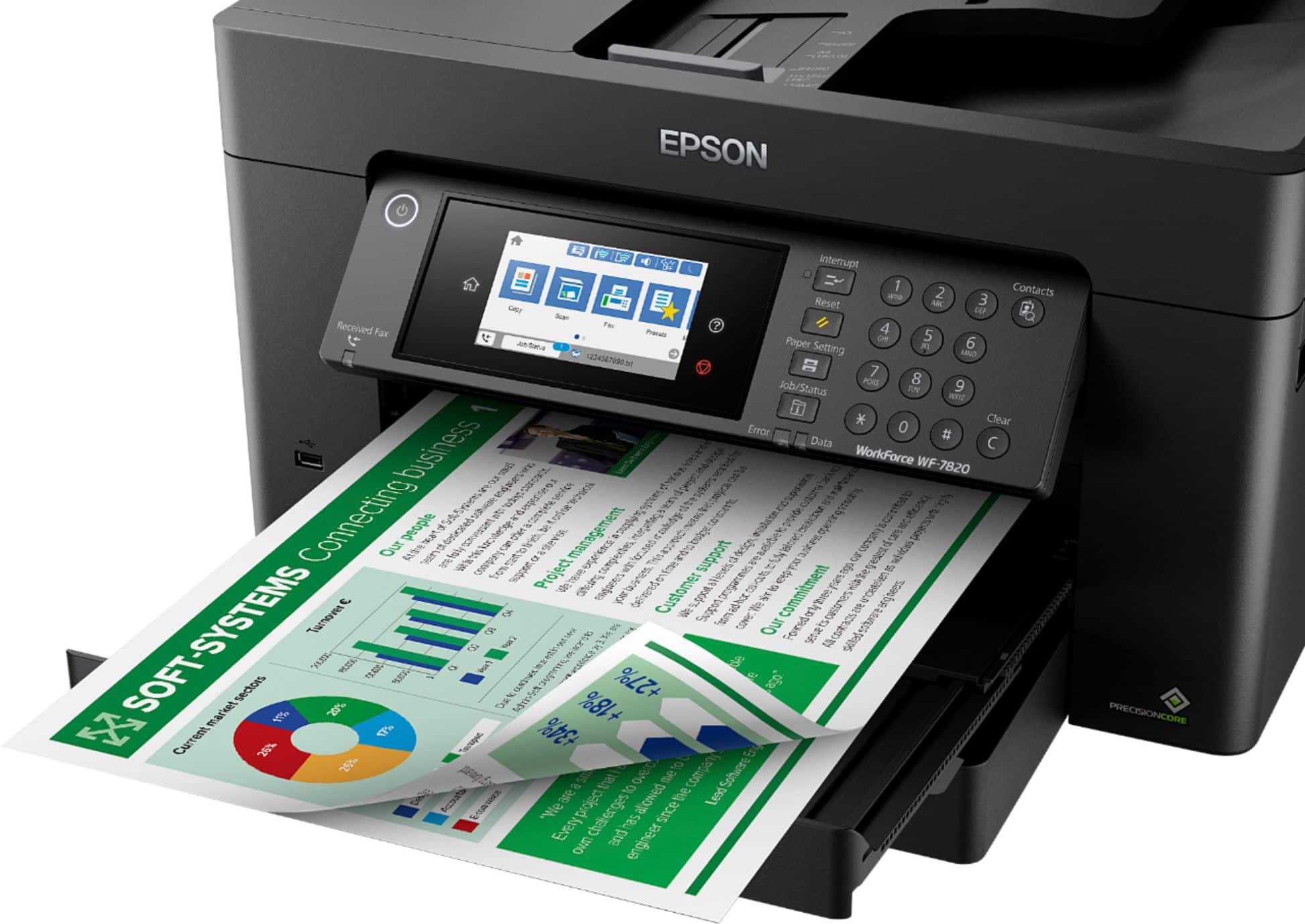
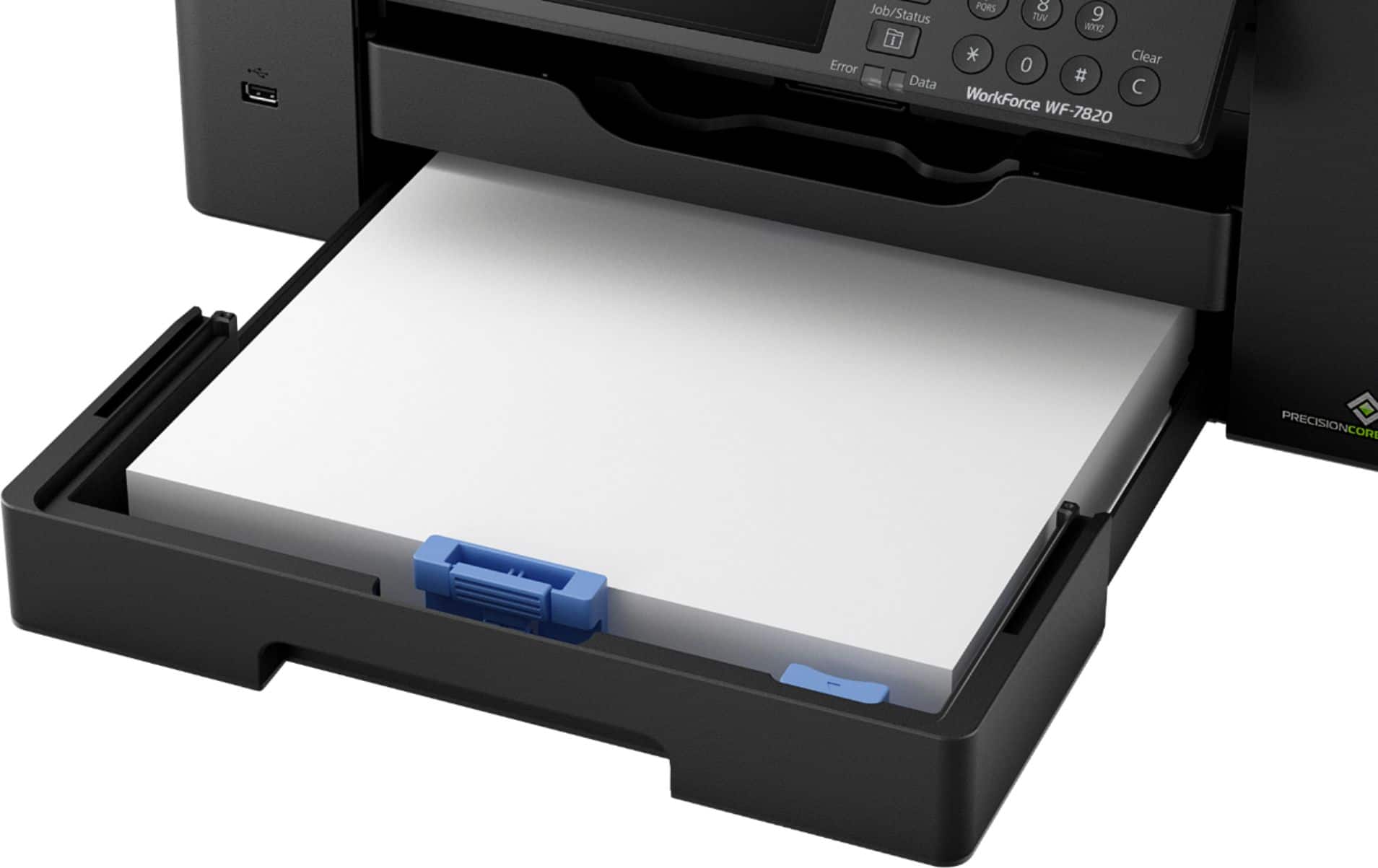
A:AnswerHello Paul. Yes, the WF-7820 can print on 8.5" x 11" paper. The printer supports paper sizes ranging from 3.5" x 5" to 13" x 19". Regards, Kevin - The Epson Team.
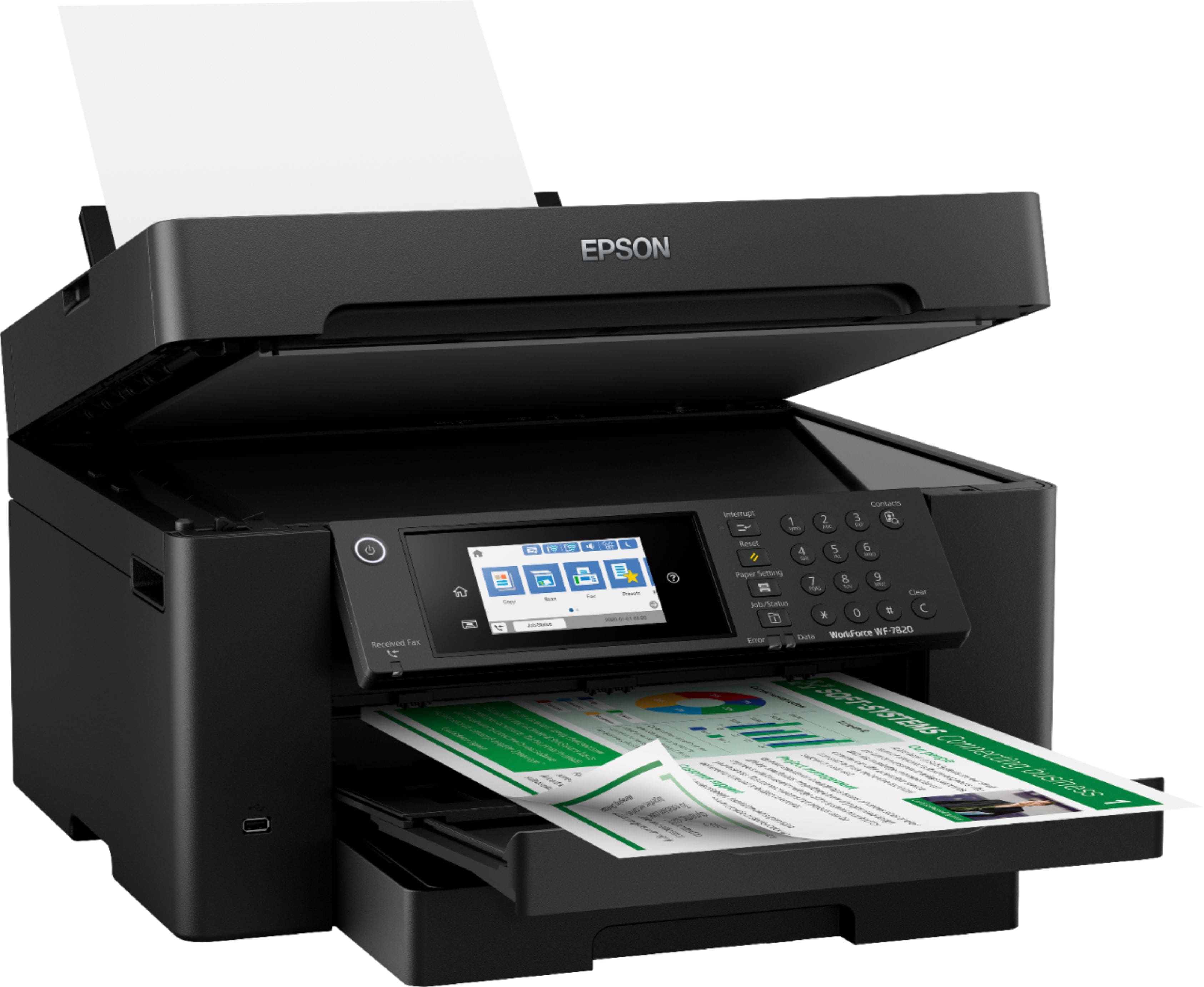
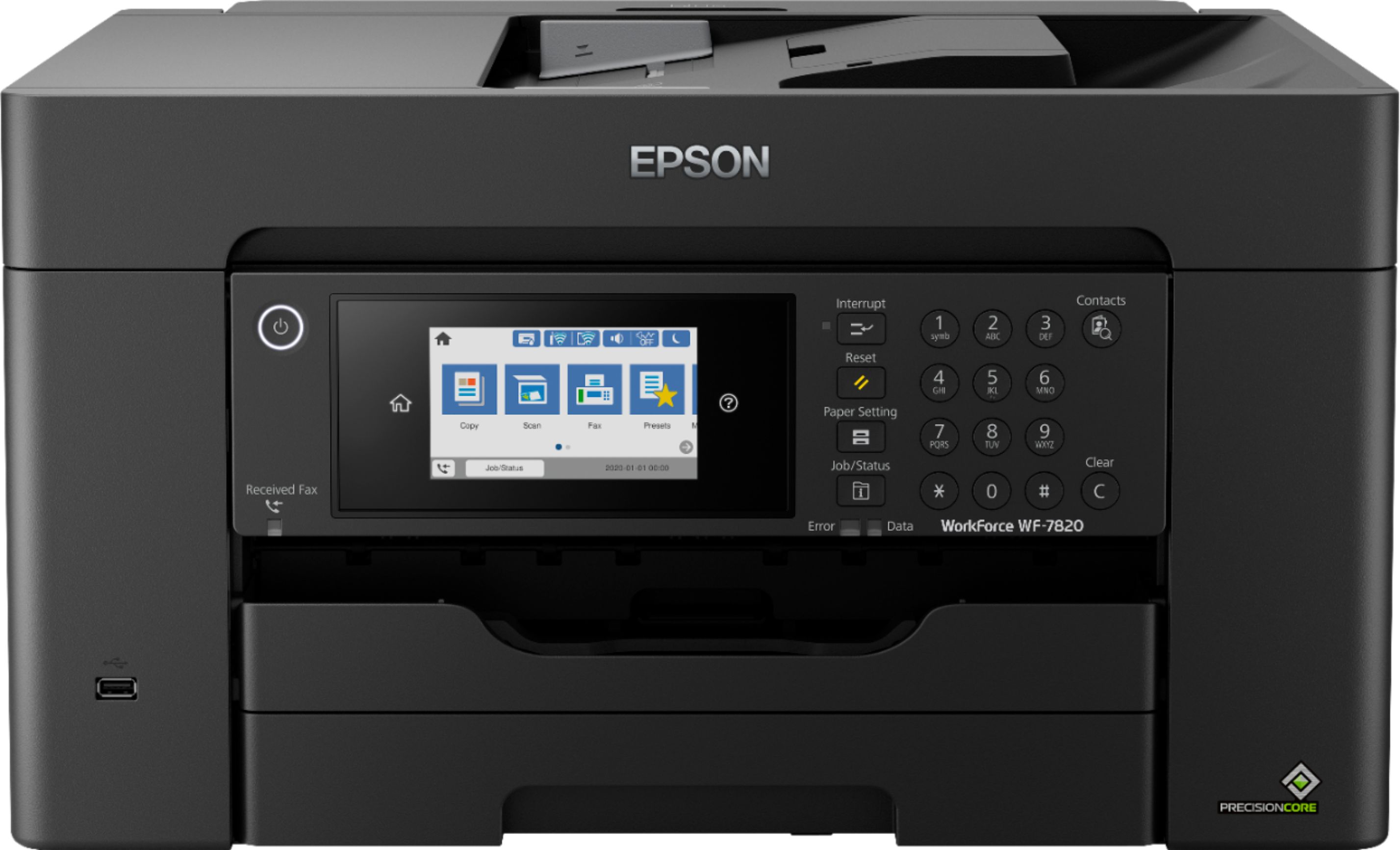
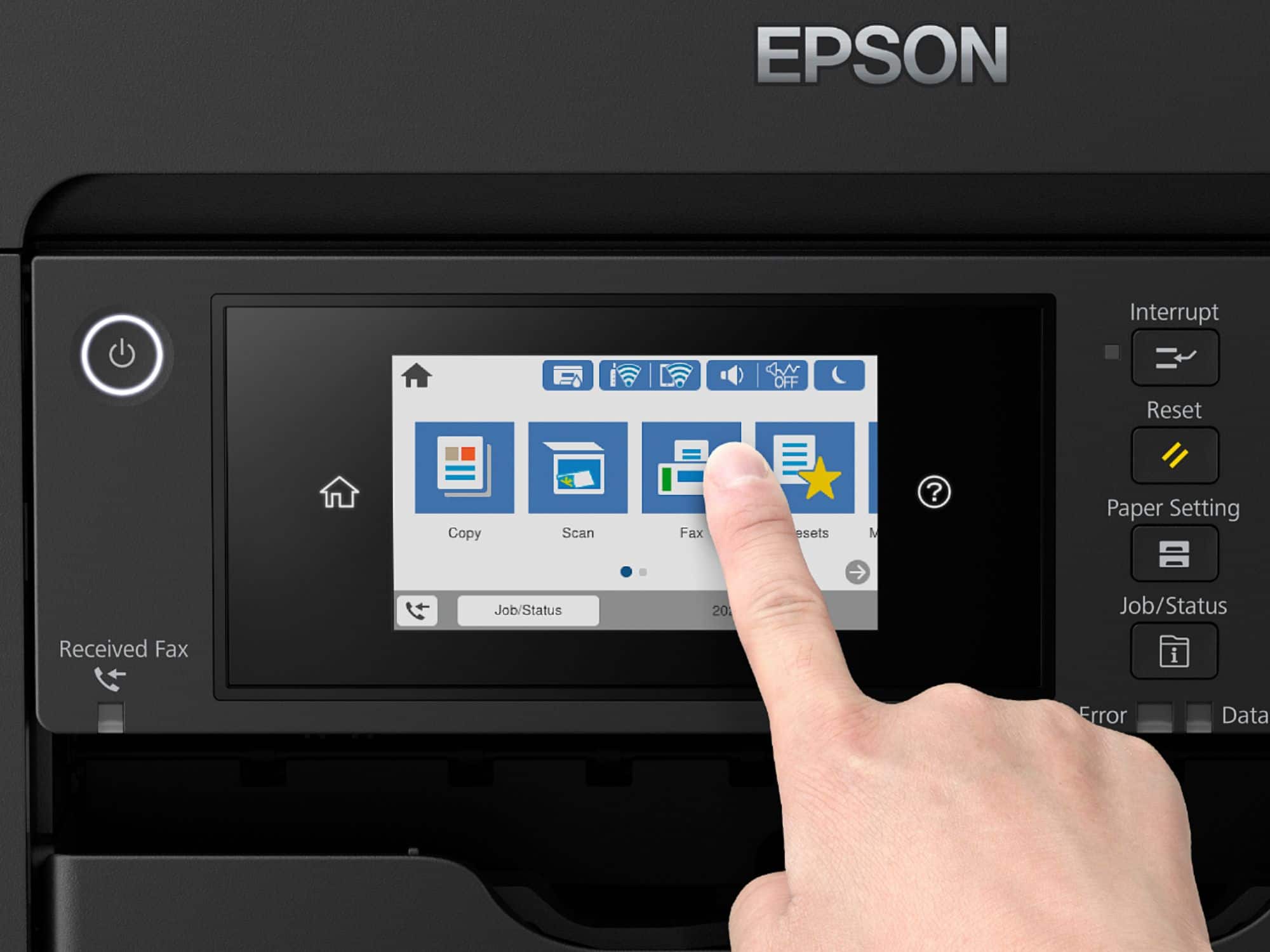
A:AnswerHello gongman67. Yes, you can disable Wi-Fi from the main menu of the WF-7820. From the control panel, click on the Wi-Fi symbol > Wi-Fi (Recommended) > Change Settings > Others > Disable Wi-Fi. Regards, Kevin - The Epson Team.
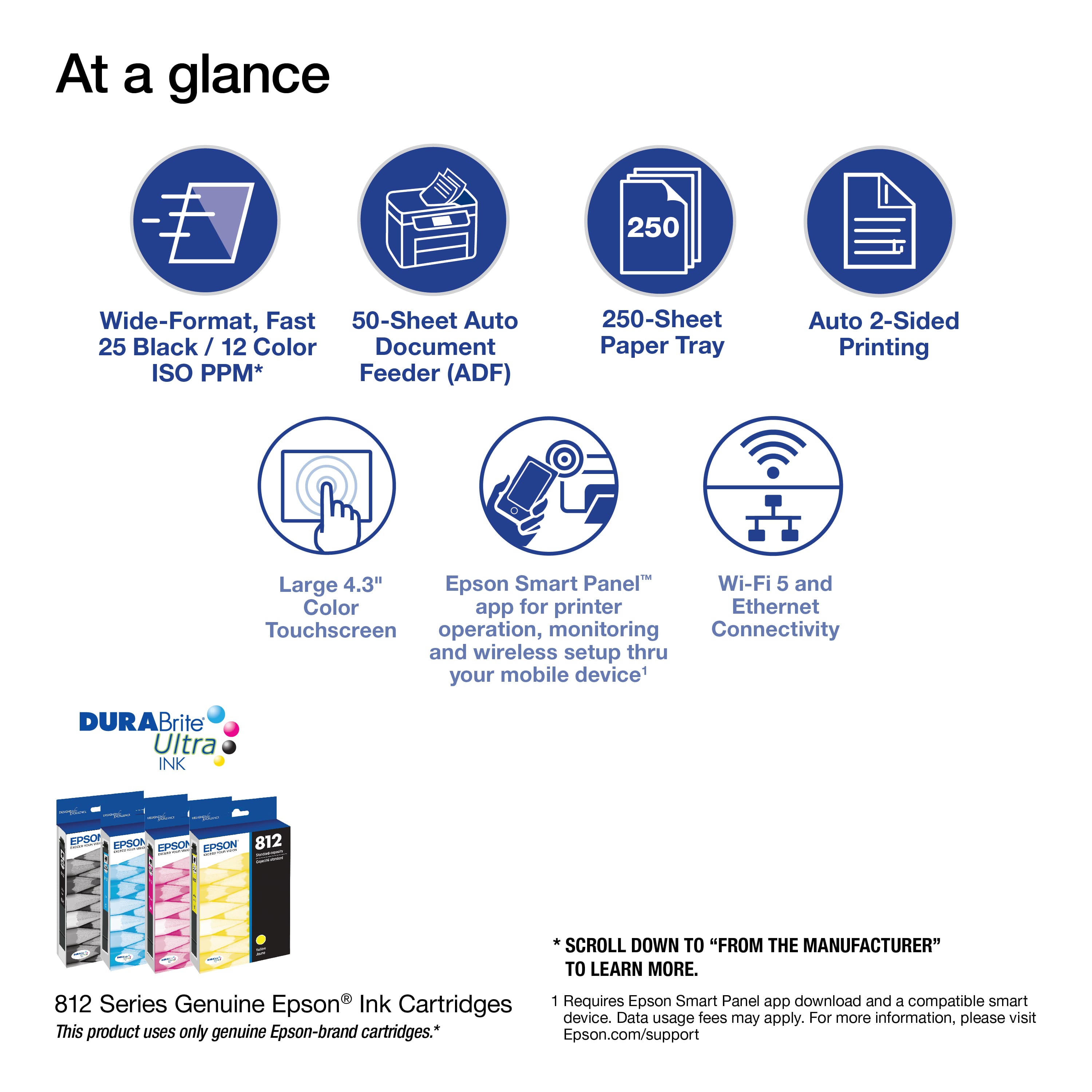
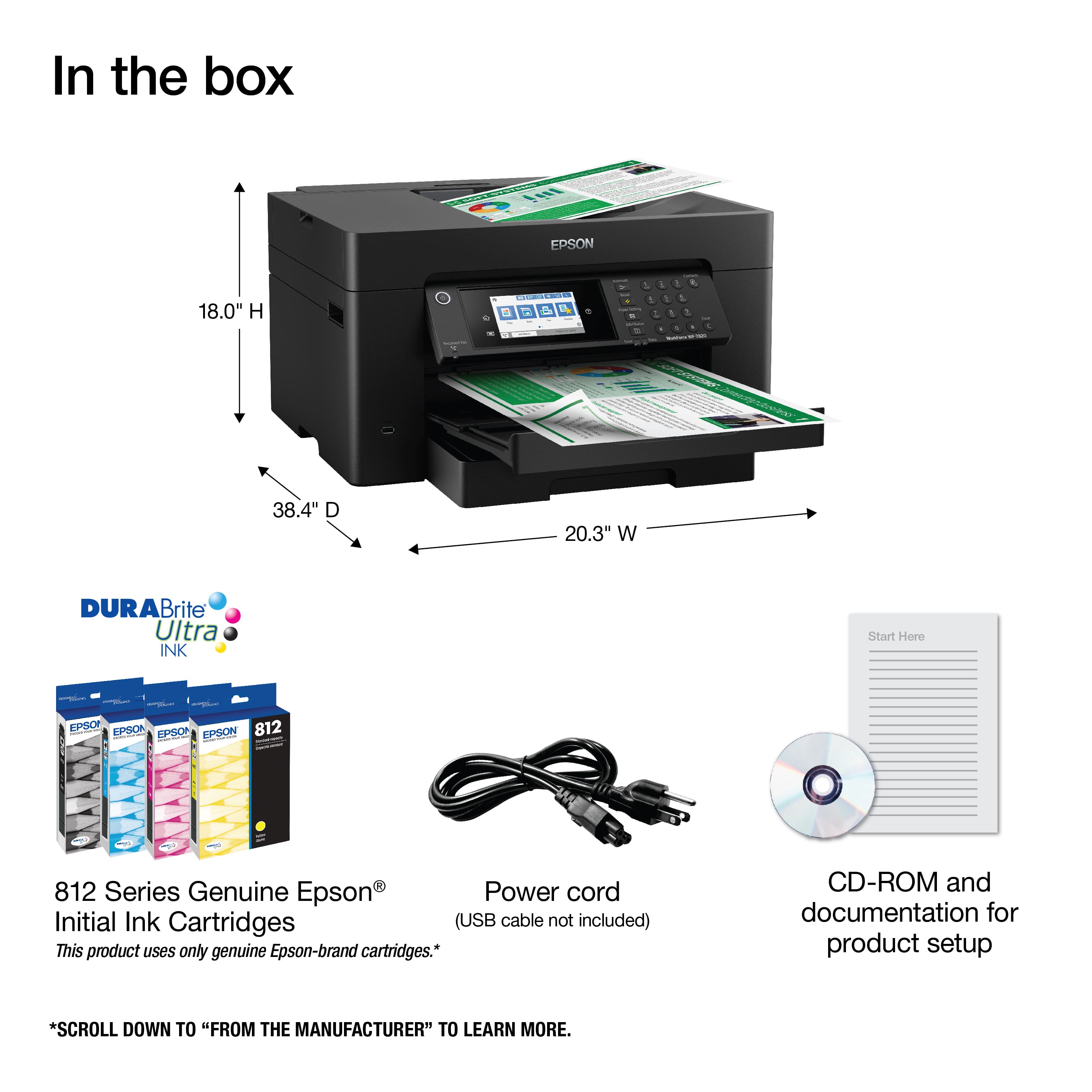
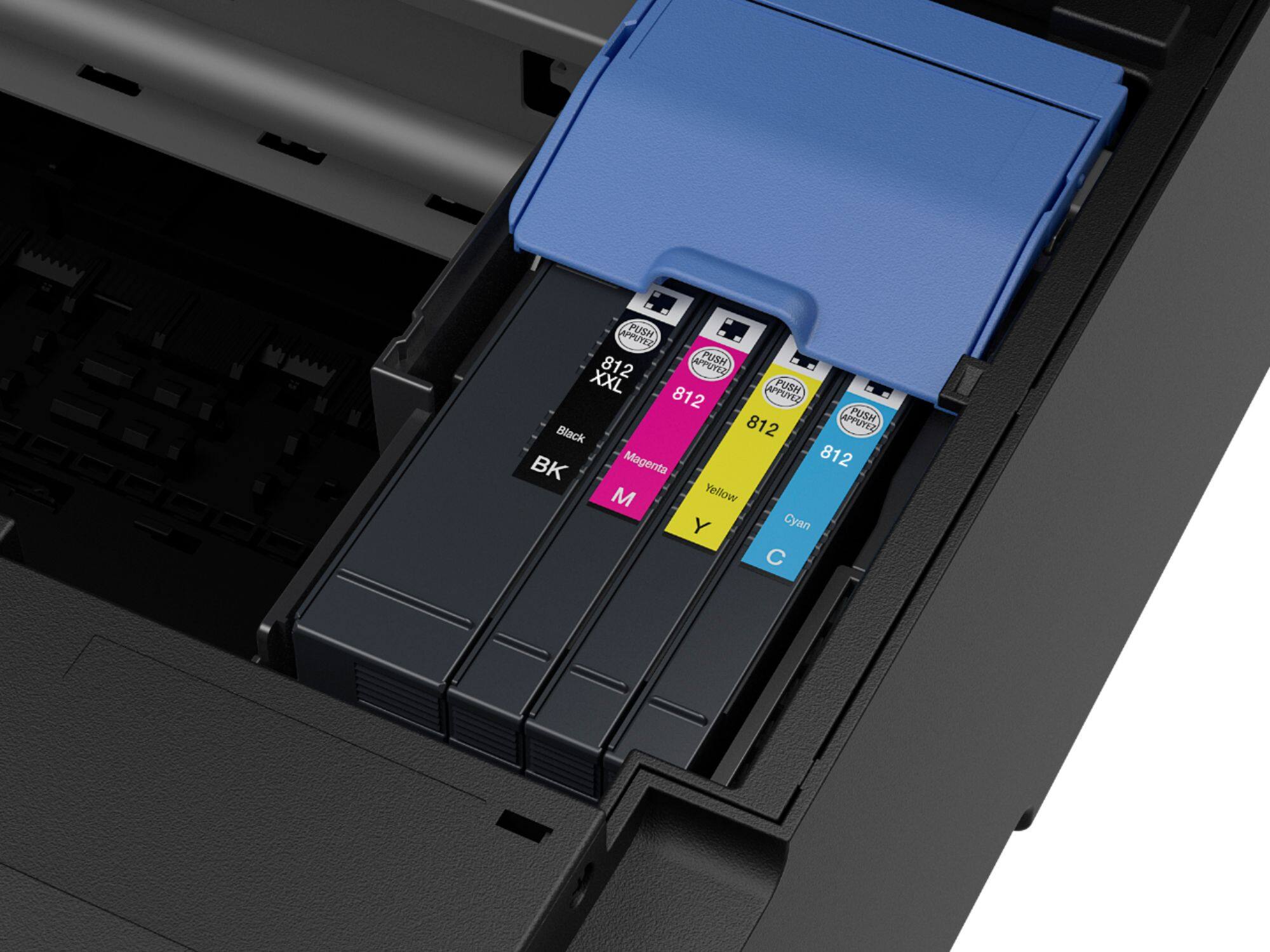
A:AnswerHi alvan, The WorkForce Pro WF-7820 is designed for Epson T812 and high-capacity T812XL cartridges only. Other brands of ink supplies are not compatible and, if described as compatible, may not function properly or continuously. Regards, Mark - The Epson Team.
A:AnswerHi jerry, The WorkForce Pro WF-7820 uses T812 cartridges, not 252s. 252 cartridges fit previous generations of Epson printers. Regards, Mark - The Epson Team.
A:AnswerHello Rob. Yes, you can print from an external USB memory device on the WF-7820. The printer can save scanned files onto the USB memory drive as well. For additional details, please visit our official Epson Support page. Regards, Kevin - The Epson Team.
A:AnswerHi hello, Yes, the WorkForce Pro WF-7820 prints Letter-size paper. It also prints 4" x 6", 5" x 7", 8" x 10", 8.5" x 14", 11" x 17", 13" x 19", A4, A6, Half Letter, and Executive. Regards, Mark - The Epson Team.
A:AnswerHello DawgHaus. To print envelopes, please ensure you are selecting the correct paper source and paper type setting through your print dialogue box on the computer. If your No.10-sized envelopes are properly loaded, and you are still experiencing issues, please contact our Technical Support team for assistance. Regards, Kevin - The Epson Team.
A:AnswerHi DocB, It depends on your phone system. In order to use the fax feature, the WorkForce Pro WF-7820 must be connected to a standard, POTS analog phone jack. If you use a VOIP system, check with your provider top see if your phone system supports a standard fax machine. Regards, Mark - The Epson Team.
A:AnswerHello Scanner. The WF-7820 features an optical resolution of 1200 dpi. It is a good all-around scanner and includes automatic 2-sided scanning for documents. Regards, Kevin - The Epson Team.
A:AnswerHello BH2022GA. The WF-7820 can print on paperweight ranging from 17 lb (64 g/m2) to 68 lb (256 g/m2). The printer is compatible with Windows 11. You can find the latest print drivers available for download on our official Epson Support page. Regards, Kevin - The Epson Team.
A:AnswerHi Jac42fesac, It depends on whether your laptop will be connected to the same Wi-Fi network as the WF-7820s or whether you will be remote. If you will be on the same Wi-Fi networks, load the drivers and you can select whichever printer is available at the time. If you want to print from a remote location, you must create an Epson Connection account and each WF-7820 must be connected to the Internet. See the Epson support site for more details. Regards, Mark - The Epson Team.
A:AnswerHello Scanning. Yes, the WF-7820 includes a USB port to use an external memory device. This allows you to save scanned files to your memory device and print files from it also. Regards, Kevin - The Epson Team.
A:AnswerHi Jen, Epson does not currently make 12" x 12" paper for the WorkForce Pro WF-7820. If you use a third-party paper, please make sure it is inkjet compatible and try a small print job before you purchase a large amount. Regards, Mark - The Epson Team.