Questions & Answers
- Model:
- C11CH78201
- |
- SKU:
- 6426723
Highly rated by customers for: Print Quality, Ease of use, Setup
$199.99Your price for this item is $199.99
Comp. Value: $329.99
The comparable value price is $329.99
Page Showing 61-80 of 117 questions
Q: QuestionIs this machine capable of edge-to-edge copying with no margins?
Asked by TNTAP.
- A:Answer Hi TNTAP, If you are referring to the scan bed itself, then no there is an unscannable area that is a few millimeters from each edge. Regards, Mark - The Epson Team.
Answered by Epson

Q: QuestionWhat is the size of the scanner bed? What is the max size of a scan if thru feeder
Asked by JB.
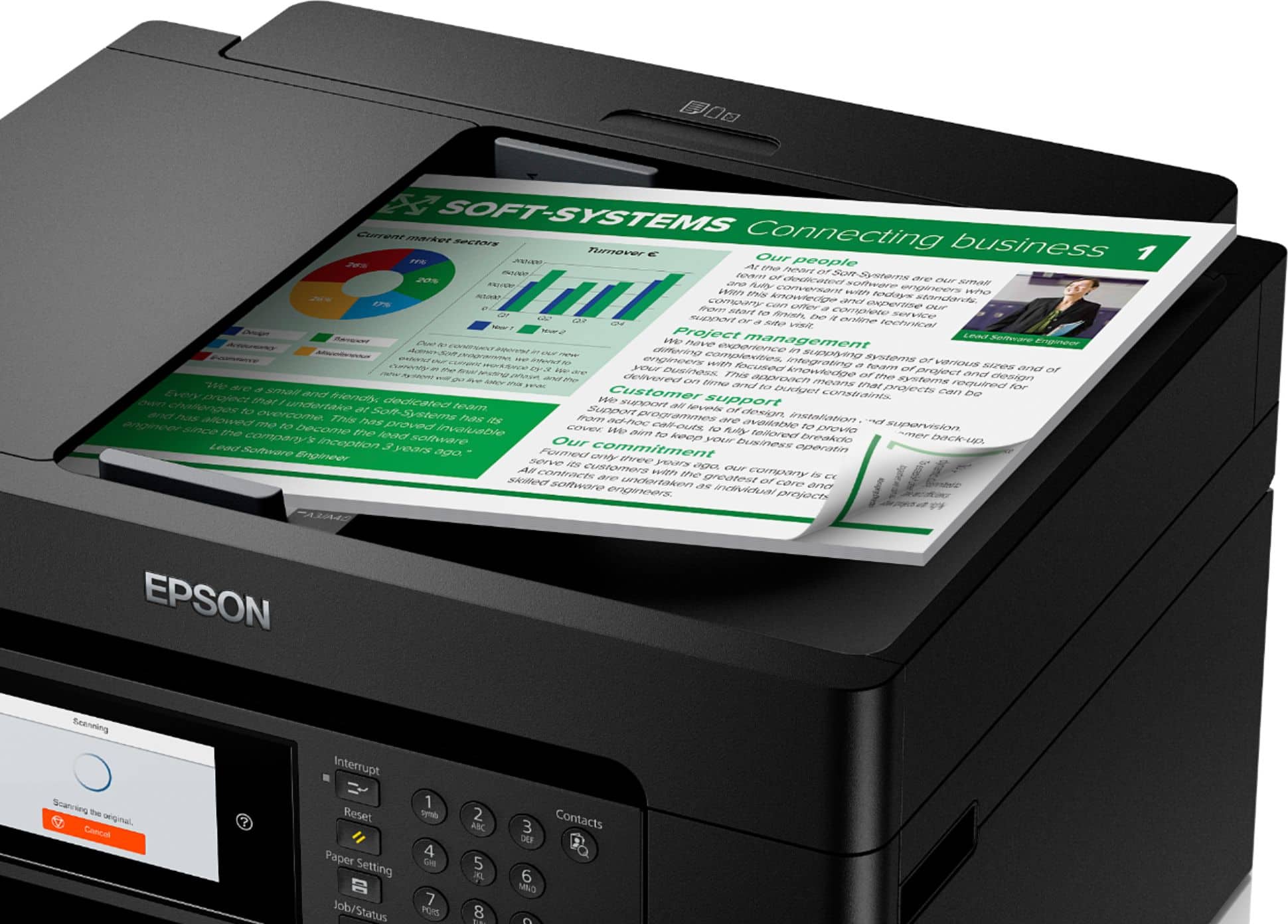
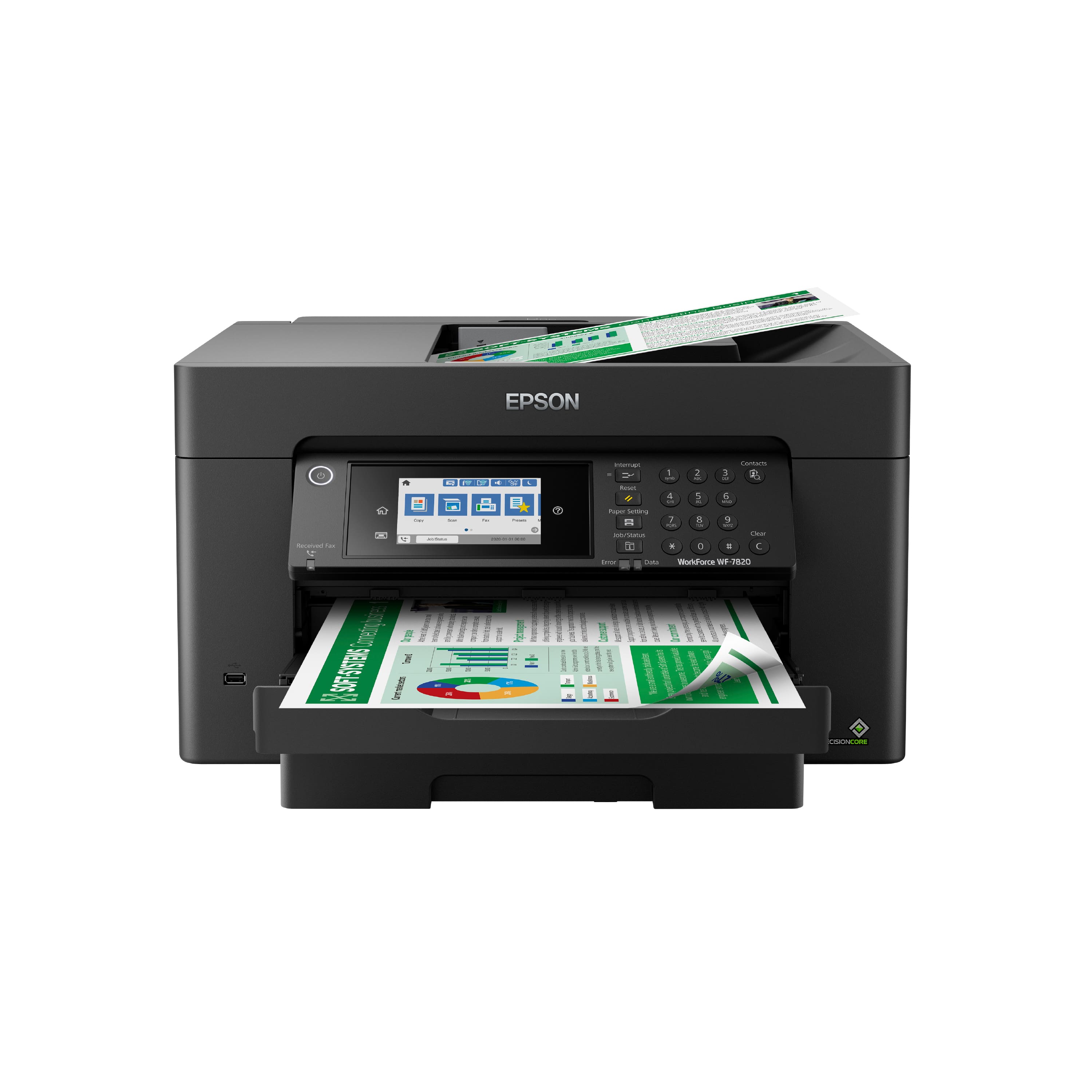
- A:Answer Hello JB. The WF-7820's flatbed scanner size is 11.7" x 17", and the automatic document feeder can scan 11" x 17" originals. Regards, Kevin - The Epson Team.
Answered by Epson

Q: Questioncan I also print size like 8.5x11?
Asked by Paul.
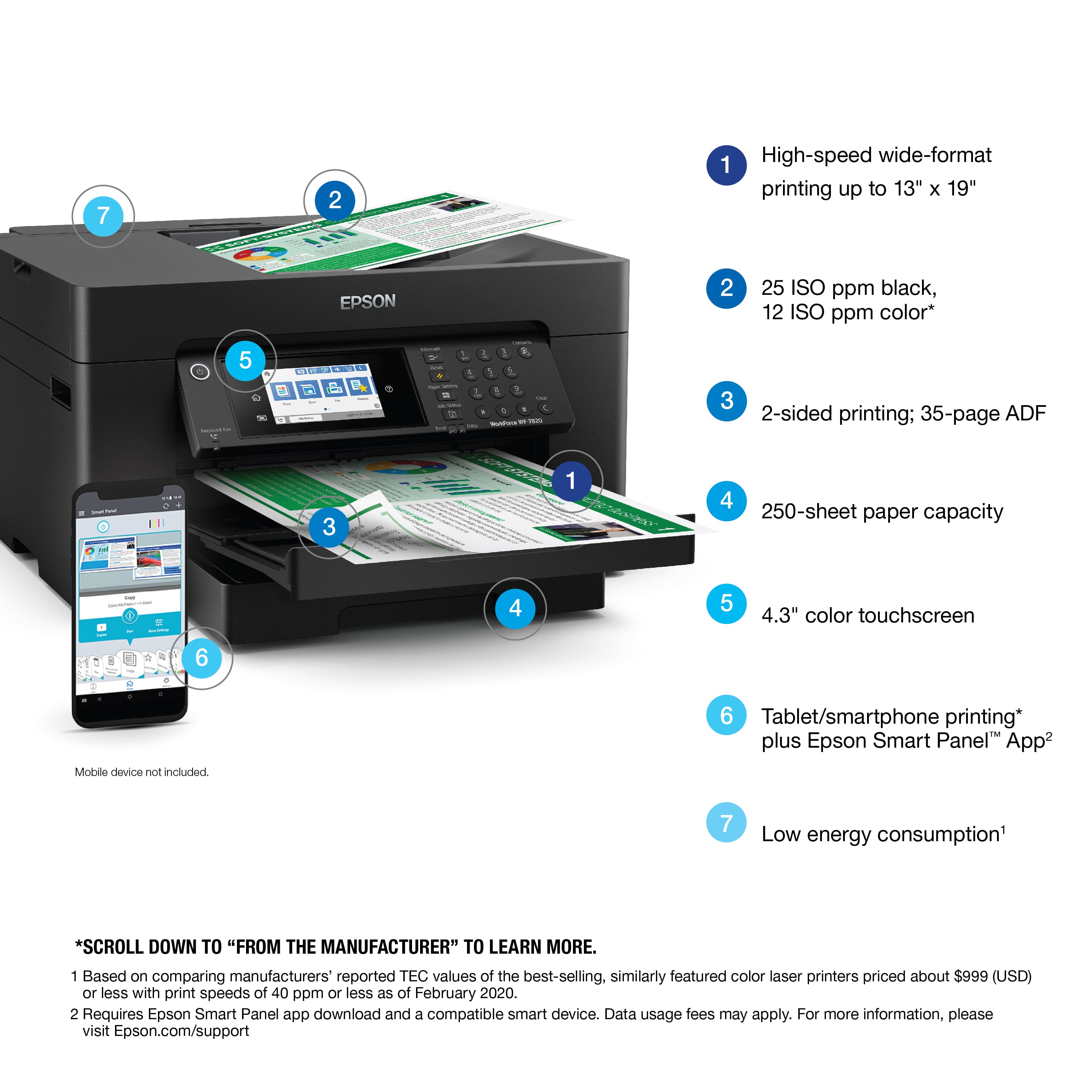
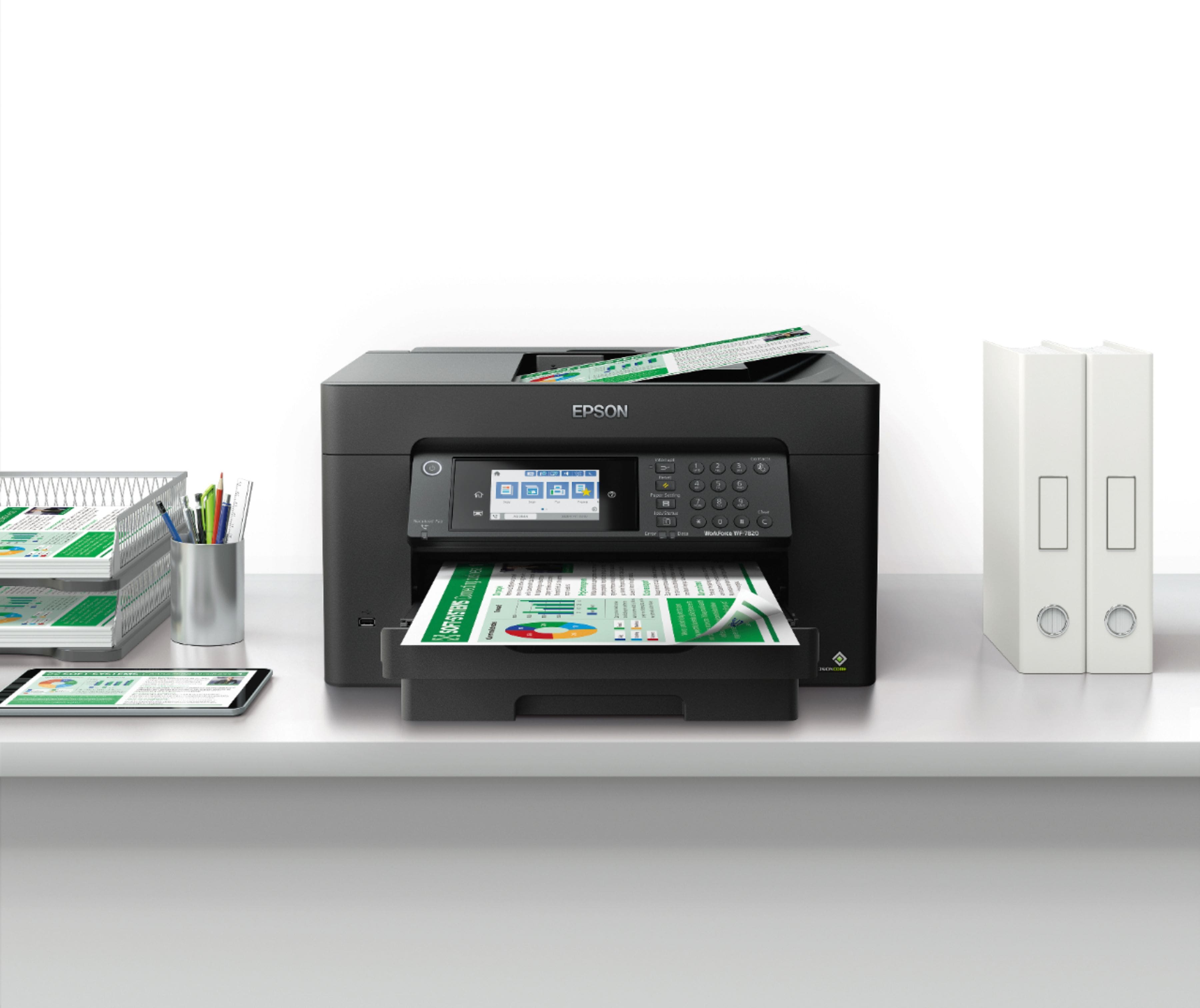
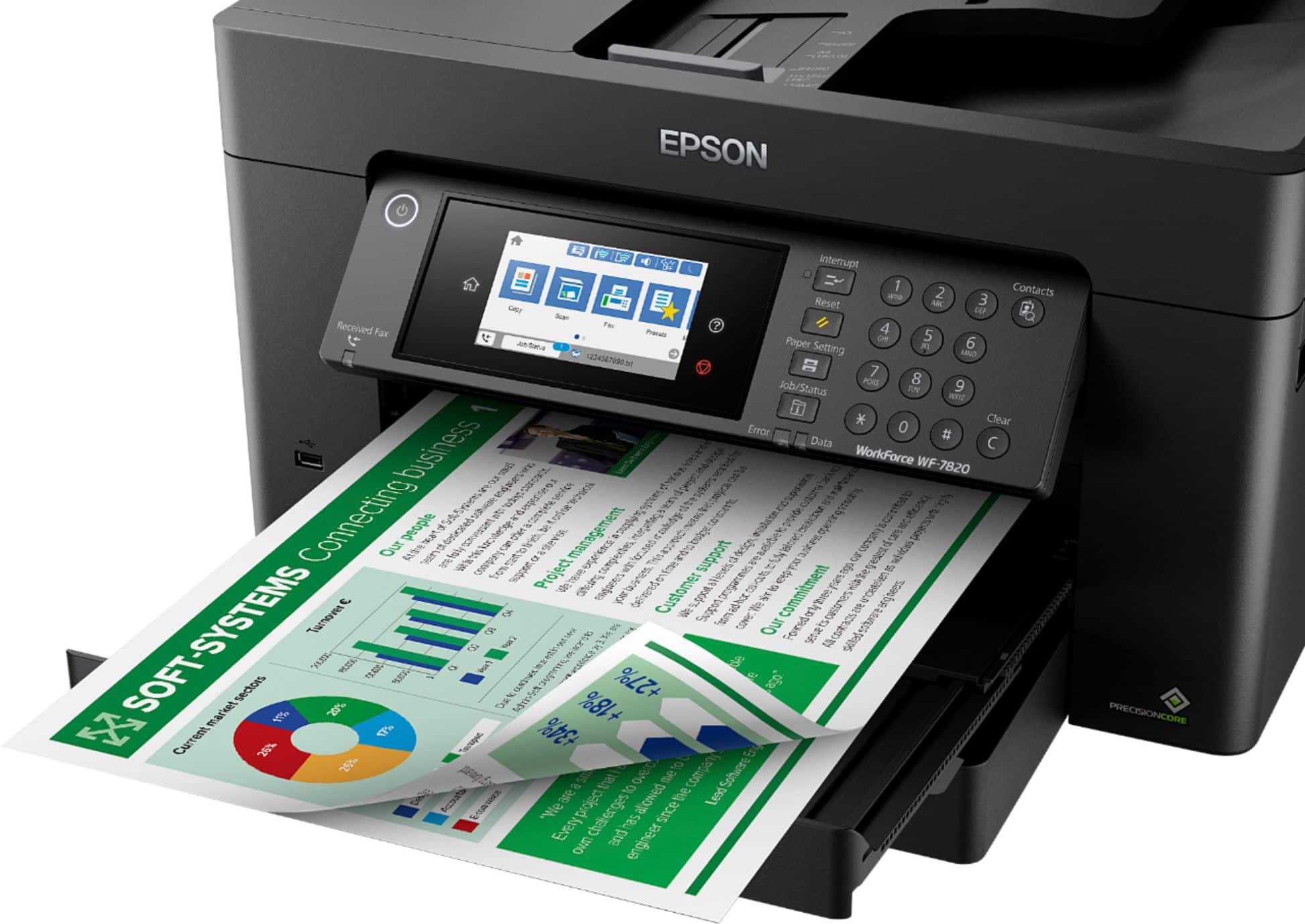
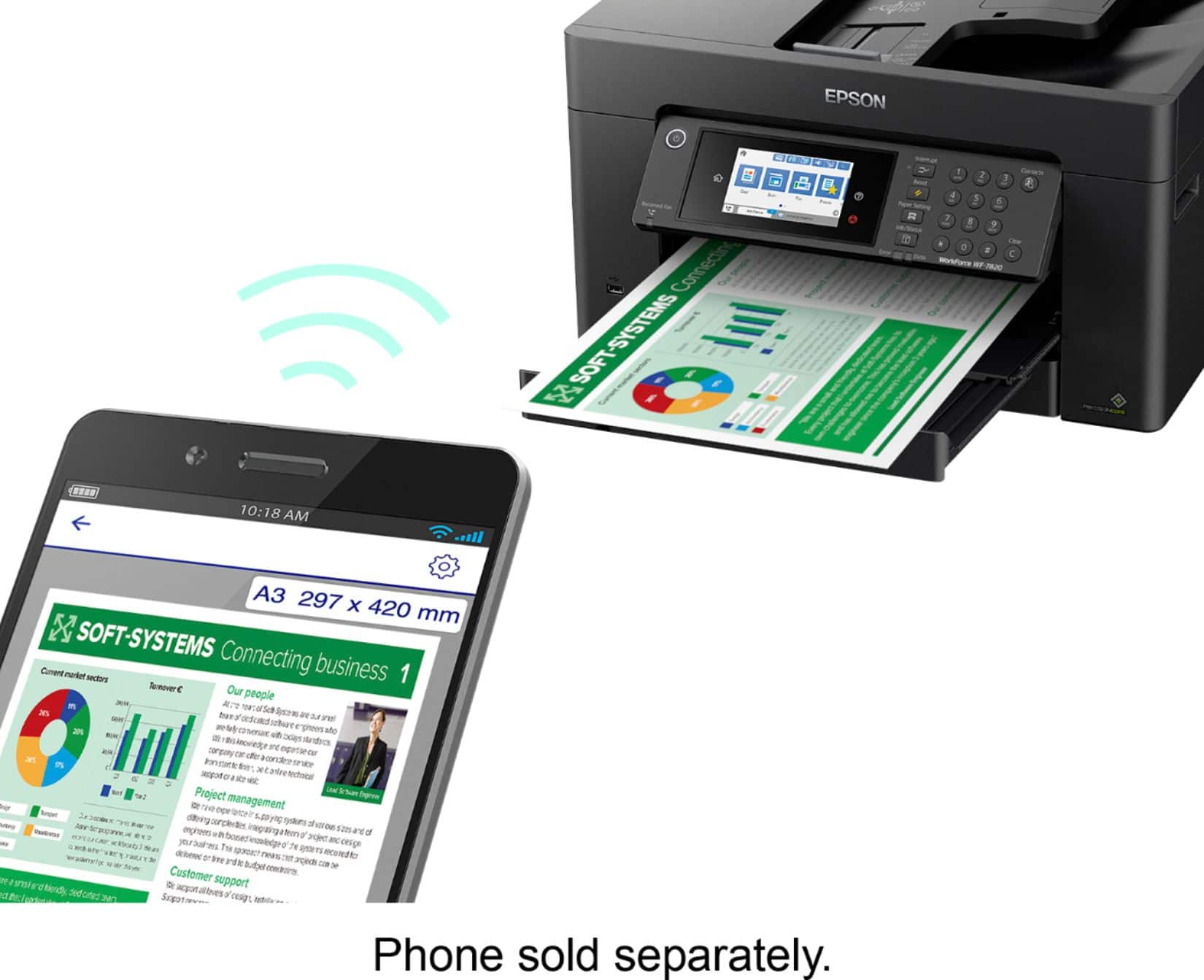
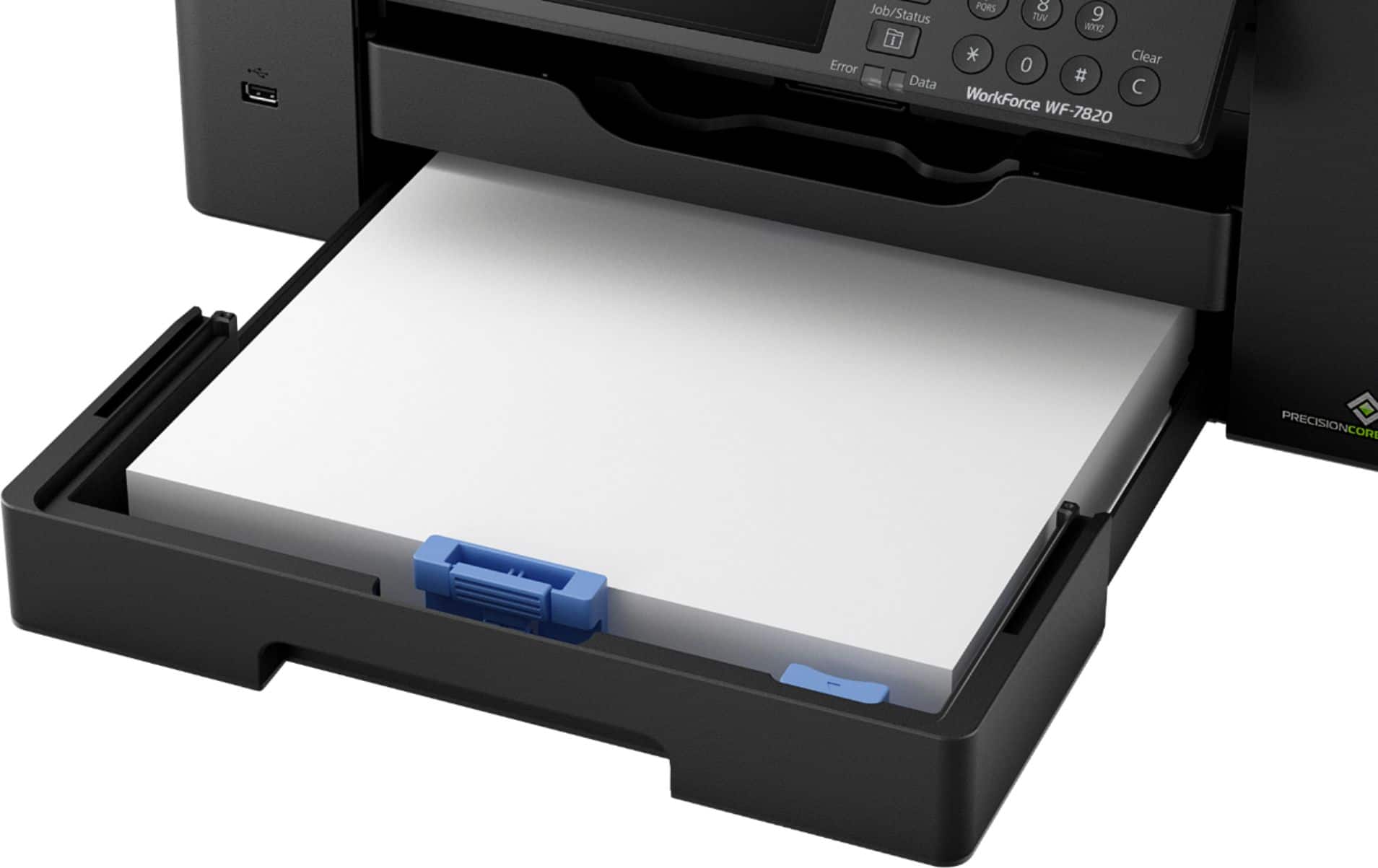
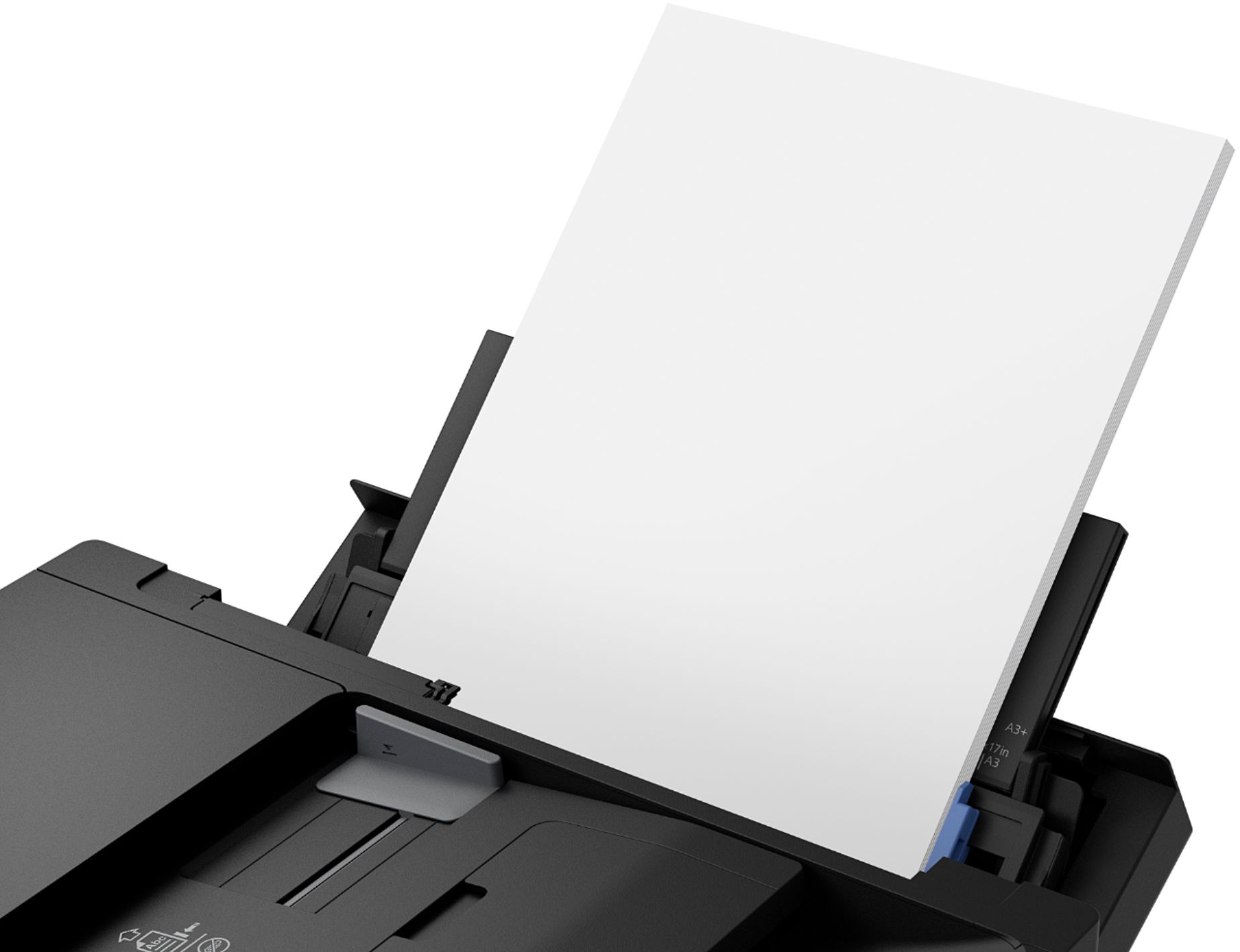
- A:Answer Hello Paul. Yes, the WF-7820 can print on 8.5" x 11" paper. The printer supports paper sizes ranging from 3.5" x 5" to 13" x 19". Regards, Kevin - The Epson Team.
Answered by Epson

Q: QuestionHi, can I turn off the Wi-Fi feature on this printer?
Asked by gongman67.
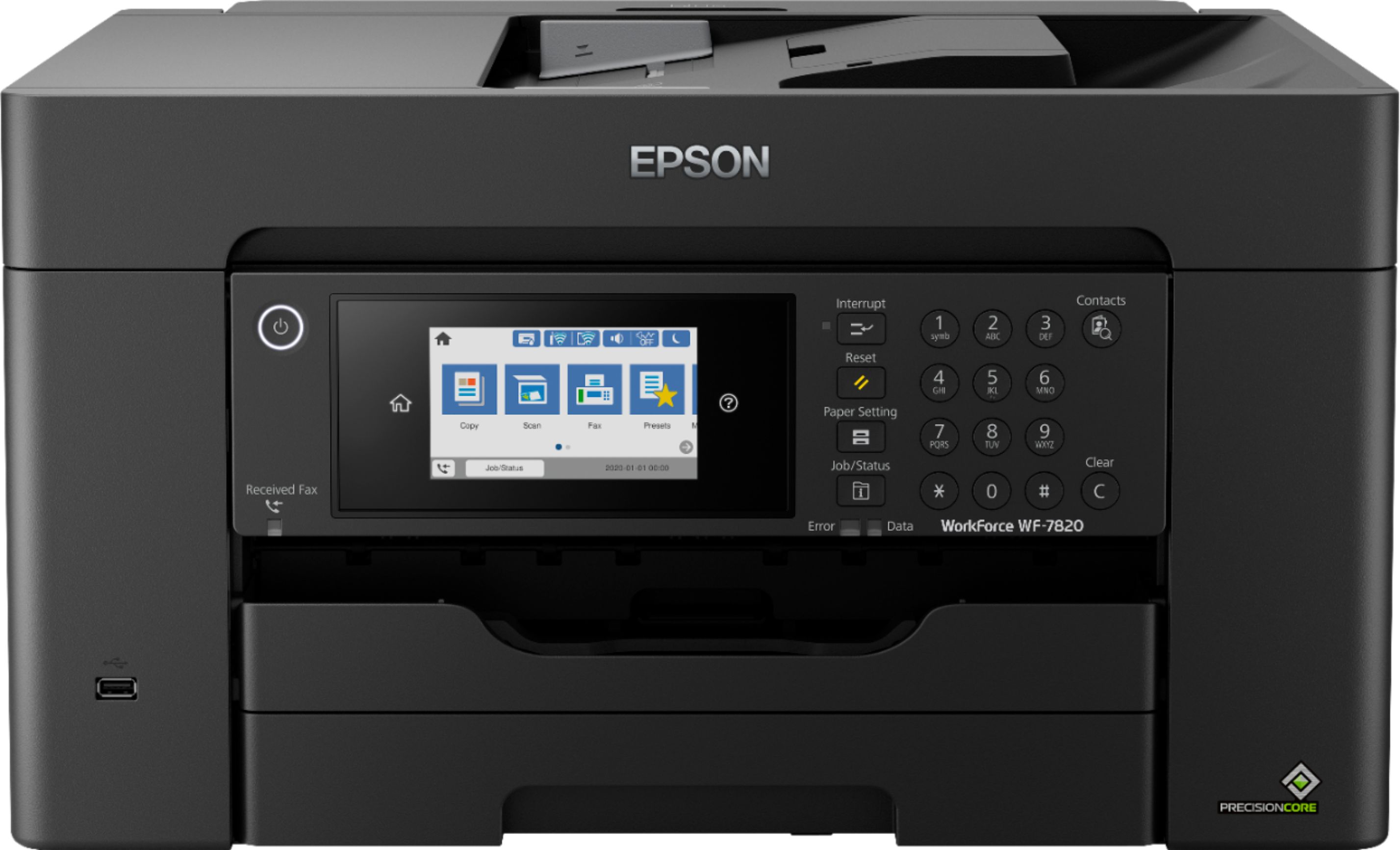
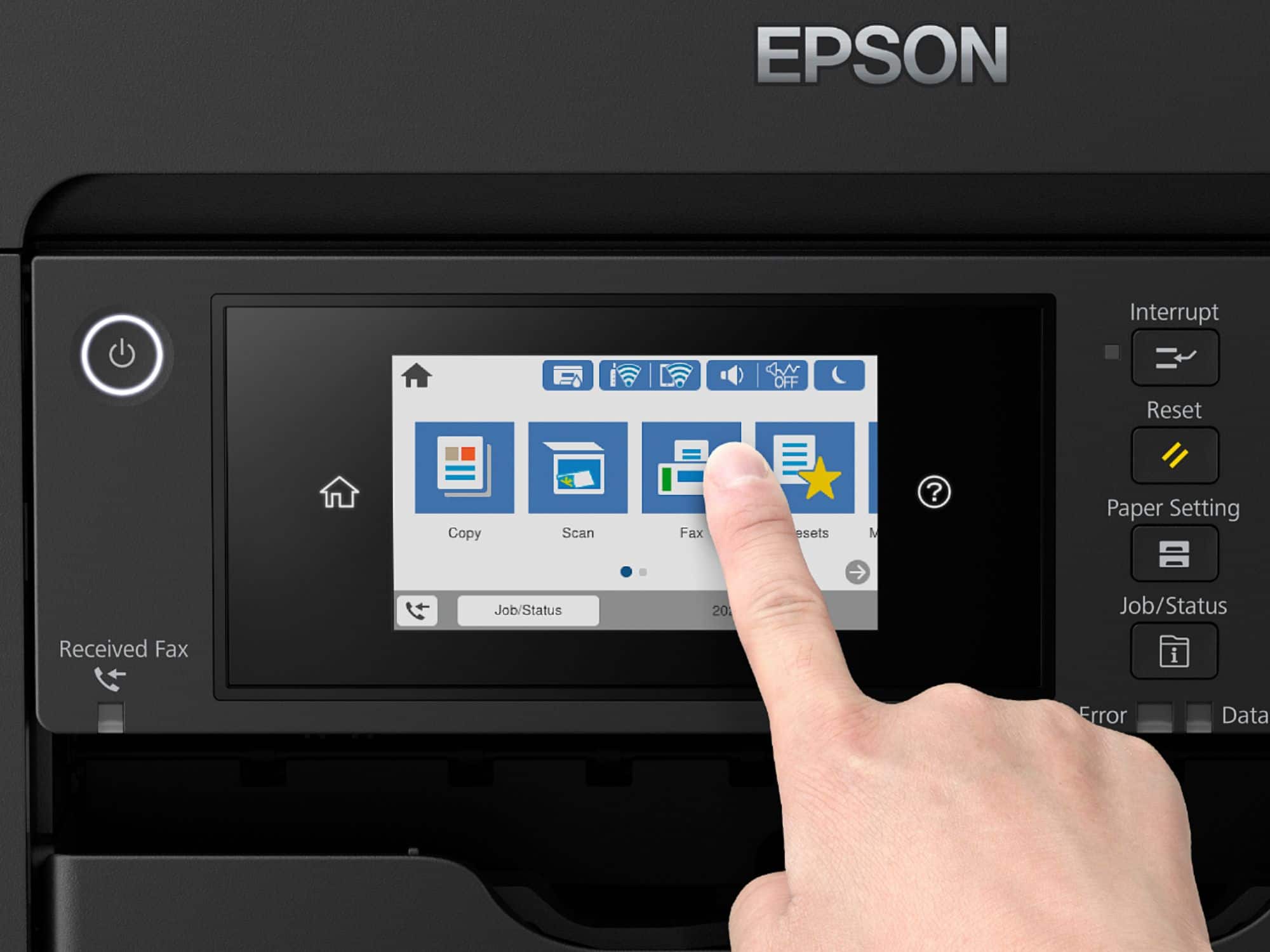
- A:Answer Hello gongman67. Yes, you can disable Wi-Fi from the main menu of the WF-7820. From the control panel, click on the Wi-Fi symbol > Wi-Fi (Recommended) > Change Settings > Others > Disable Wi-Fi. Regards, Kevin - The Epson Team.
Answered by Epson

Q: QuestionCan I use generic ink?
Asked by alvan.
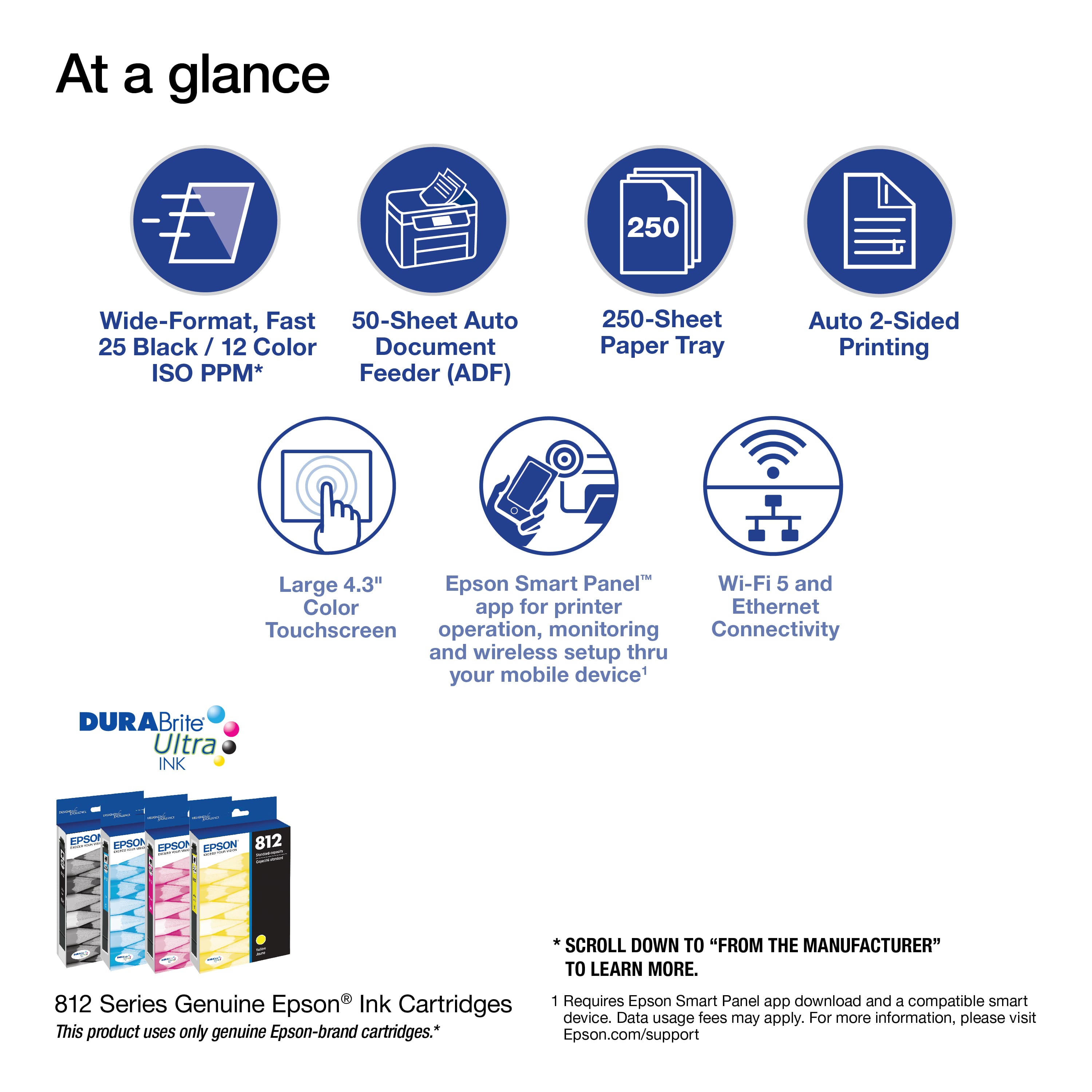
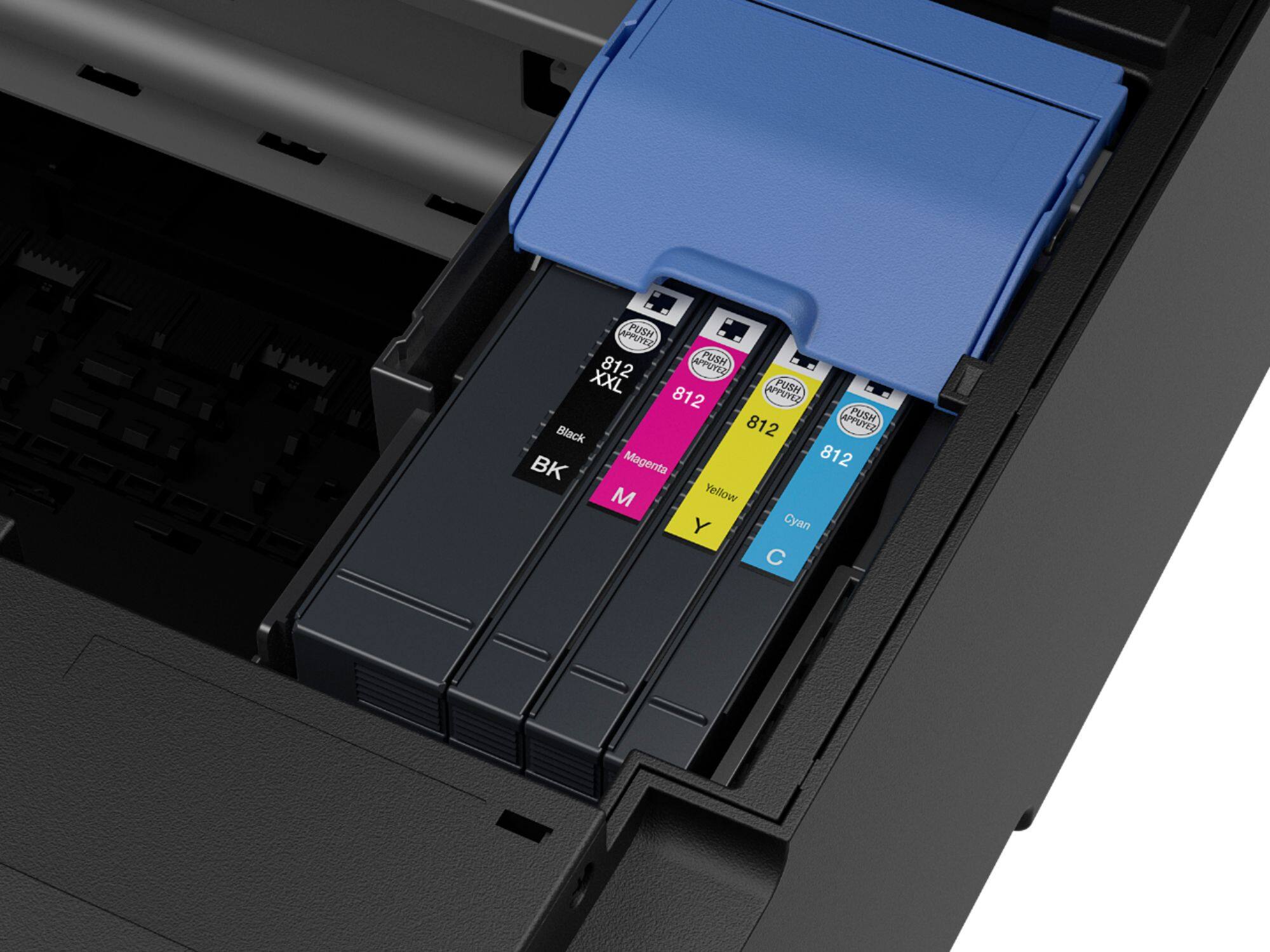
- A:Answer Hi alvan, The WorkForce Pro WF-7820 is designed for Epson T812 and high-capacity T812XL cartridges only. Other brands of ink supplies are not compatible and, if described as compatible, may not function properly or continuously. Regards, Mark - The Epson Team.
Answered by Epson

Q: Questiondo the 252 ink carts. fit the wf 7800 series?
Asked by jerry.
- A:Answer Hi jerry, The WorkForce Pro WF-7820 uses T812 cartridges, not 252s. 252 cartridges fit previous generations of Epson printers. Regards, Mark - The Epson Team.
Answered by Epson

Q: QuestionWith this printer, can you print from a USB memory card?
Asked by Rob.
- A:Answer Hello Rob. Yes, you can print from an external USB memory device on the WF-7820. The printer can save scanned files onto the USB memory drive as well. For additional details, please visit our official Epson Support page. Regards, Kevin - The Epson Team.
Answered by Epson

Q: QuestionI have set up the printer and ready to go, there is one issue I can't overcome. I would like to scan to computer but it's saying it can't find my computer, although I have been able to scan and print wirelessly. What is the issue here?
Asked by CakeG.
- A:Answer Is all the on PC software installed. Assuming Windows make sure you have the event manager running. Printer calls software to save to PC.
Answered by Disappointed
Q: QuestionDoes this printer print letter size?
Asked by hello.
- A:Answer Hi hello, Yes, the WorkForce Pro WF-7820 prints Letter-size paper. It also prints 4" x 6", 5" x 7", 8" x 10", 8.5" x 14", 11" x 17", 13" x 19", A4, A6, Half Letter, and Executive. Regards, Mark - The Epson Team.
Answered by Epson

Q: QuestionWhat is the scanner bed size for the wf 7820?
Asked by Whitney.
- A:Answer Hello Whitney. The WF-7820 can scan documents up to 11.7" x 17" in size from the scan bed. Regards, Kevin - The Epson Team.
Answered by Epson

Q: QuestionWhy can I not get an envelope to print. What do I need to do? Thank you
Asked by DawgHaus.
- A:Answer Hello DawgHaus. To print envelopes, please ensure you are selecting the correct paper source and paper type setting through your print dialogue box on the computer. If your No.10-sized envelopes are properly loaded, and you are still experiencing issues, please contact our Technical Support team for assistance. Regards, Kevin - The Epson Team.
Answered by Epson

Q: QuestionCan you use an existing fax number that is HIPAA compliant with this machine?
Asked by DocB.
- A:Answer Hi DocB, It depends on your phone system. In order to use the fax feature, the WorkForce Pro WF-7820 must be connected to a standard, POTS analog phone jack. If you use a VOIP system, check with your provider top see if your phone system supports a standard fax machine. Regards, Mark - The Epson Team.
Answered by Epson

Q: QuestionDoes it have a separate location for envelopes?
Asked by Sonata.
- A:Answer The panel in the rear of the printer can hold accept envelopes according to the manual and from what i can see on the printer.
Answered by CDLANY
Q: QuestionWhat is the DPI for this scanner. How good is the scanner
Asked by Scanner.
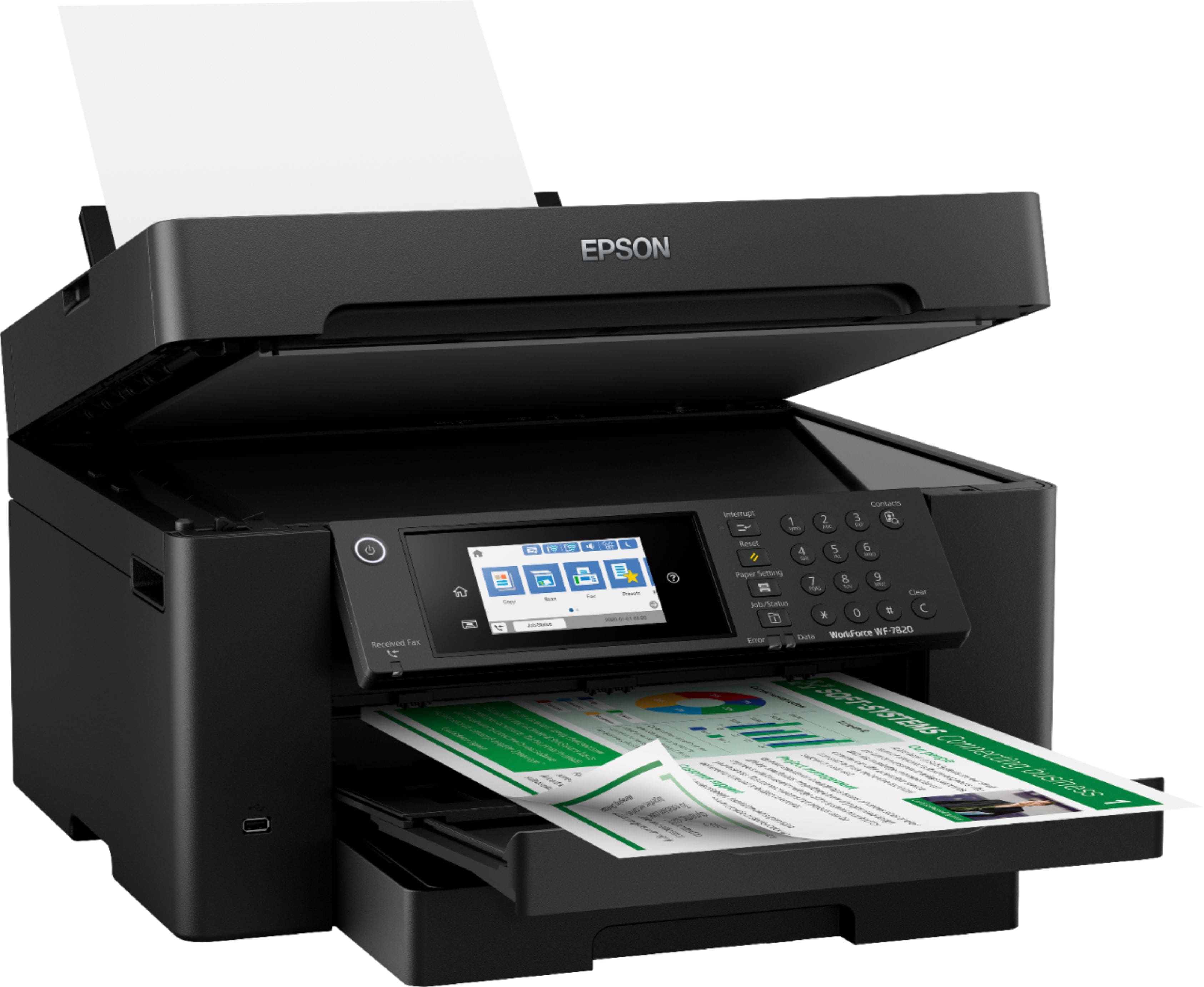
- A:Answer Hello Scanner. The WF-7820 features an optical resolution of 1200 dpi. It is a good all-around scanner and includes automatic 2-sided scanning for documents. Regards, Kevin - The Epson Team.
Answered by Epson

Q: QuestionWhat is maximum weight paper the WF-7820 can print? Is the printer compatible with Windows 11?
Asked by BH2022GA.
- A:Answer Hello BH2022GA. The WF-7820 can print on paperweight ranging from 17 lb (64 g/m2) to 68 lb (256 g/m2). The printer is compatible with Windows 11. You can find the latest print drivers available for download on our official Epson Support page. Regards, Kevin - The Epson Team.
Answered by Epson

Q: QuestionI have 2 Epson WF-7820. 1 in NewYork and 1 in Connecticut. How do I sent them up using the same laptop?
Asked by Jac42fesac.
- A:Answer Hi Jac42fesac, It depends on whether your laptop will be connected to the same Wi-Fi network as the WF-7820s or whether you will be remote. If you will be on the same Wi-Fi networks, load the drivers and you can select whichever printer is available at the time. If you want to print from a remote location, you must create an Epson Connection account and each WF-7820 must be connected to the Internet. See the Epson support site for more details. Regards, Mark - The Epson Team.
Answered by Epson

Q: QuestionCan you scan documents to and from a flash drive?
Asked by Scanning.
- A:Answer Hello Scanning. Yes, the WF-7820 includes a USB port to use an external memory device. This allows you to save scanned files to your memory device and print files from it also. Regards, Kevin - The Epson Team.
Answered by Epson

Q: QuestionIs there a 12x12 compatible paper for this printer? Usually used for digital scrapbooking. Thanks so much!
Asked by Jen.
- A:Answer Hi Jen, Epson does not currently make 12" x 12" paper for the WorkForce Pro WF-7820. If you use a third-party paper, please make sure it is inkjet compatible and try a small print job before you purchase a large amount. Regards, Mark - The Epson Team.
Answered by Epson

Q: QuestionWhat is the largest size this can scan?
Asked by LLES11.
- A:Answer Hello LLES. The WF-7820 can scan documents up to 11.7" x 17" in size. Regards, Kevin - The Epson Team.
Answered by Epson

Q: QuestionWhat is the lightest paper this printer can use? Does it have a thin paper setting?
Asked by M4tt.
- A:Answer Hello M4tt. The thinnest paper supported by the WF-7820 is 17 lb (64 g/m2). Unfortunately, there is no additional setting for thin paper. Regards, Kevin - The Epson Team.

Answered by Epson

Most-viewed items
- $79.89Your price for this item is $79.89$149.89The comparable value for this item is $149.89
- $49.89Your price for this item is $49.89$89.89The comparable value for this item is $89.89
- $69.00Your price for this item is $69.00$107.00The comparable value for this item is $107.00
- $69.00Your price for this item is $69.00$140.00The comparable value for this item is $140.00
- $159.89Your price for this item is $159.89$239.89The comparable value for this item is $239.89
- $149.99Your price for this item is $149.99$249.99The comparable value for this item is $249.99
- $209.89Your price for this item is $209.89$309.89The comparable value for this item is $309.89
- $129.99Your price for this item is $129.99$199.99The comparable value for this item is $199.99
- $99.99Your price for this item is $99.99
- $139.89Your price for this item is $139.89$179.89The comparable value for this item is $179.89
- $189.89Your price for this item is $189.89$239.89The comparable value for this item is $239.89
- $129.89Your price for this item is $129.89$159.89The comparable value for this item is $159.89
- $59.89Your price for this item is $59.89$89.89The comparable value for this item is $89.89
- $119.00Your price for this item is $119.00$161.00The comparable value for this item is $161.00
- $229.00Your price for this item is $229.00$323.00The comparable value for this item is $323.00
- $229.99Your price for this item is $229.99$379.99The comparable value for this item is $379.99
- $129.99Your price for this item is $129.99$194.99The comparable value for this item is $194.99