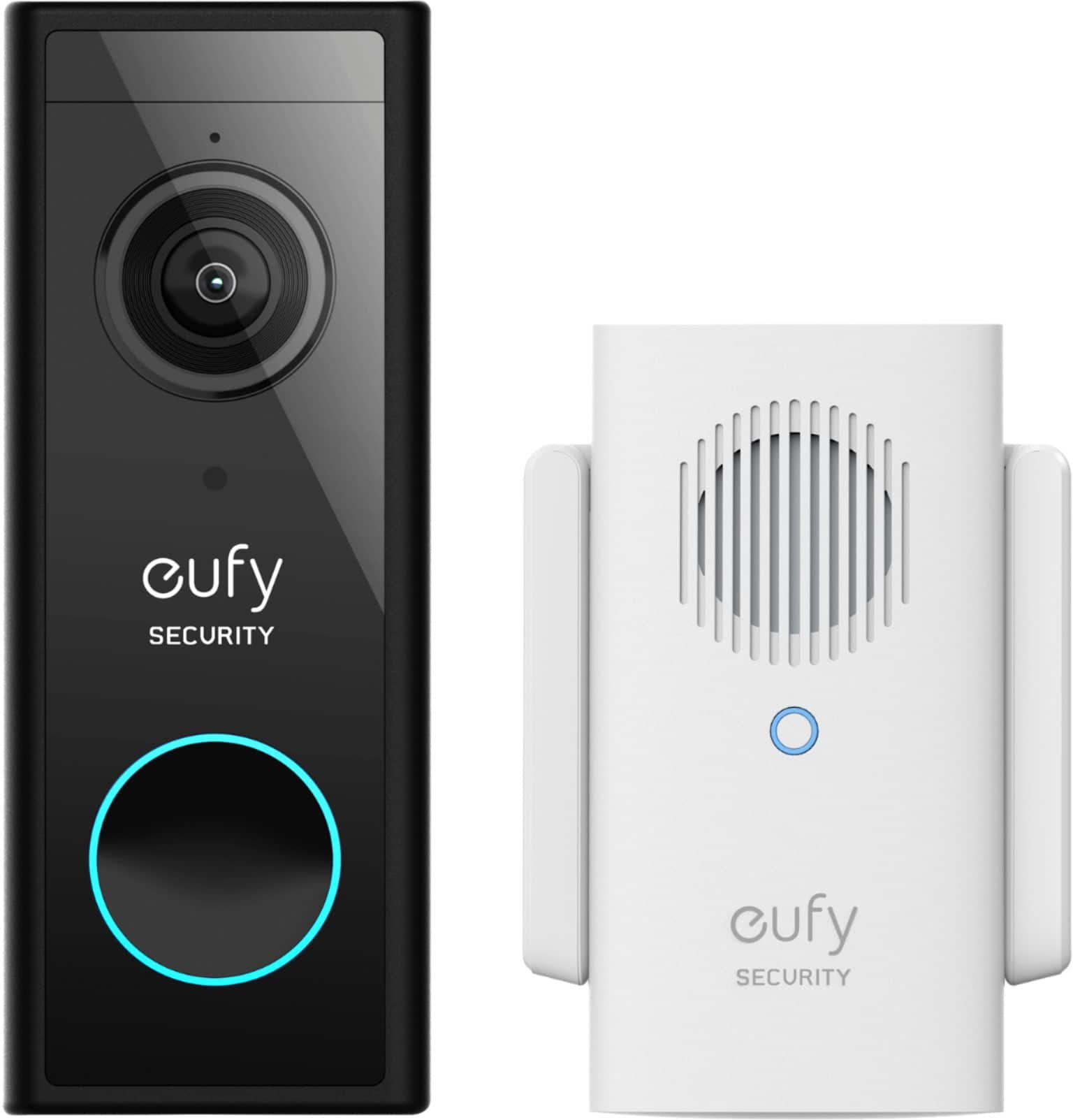
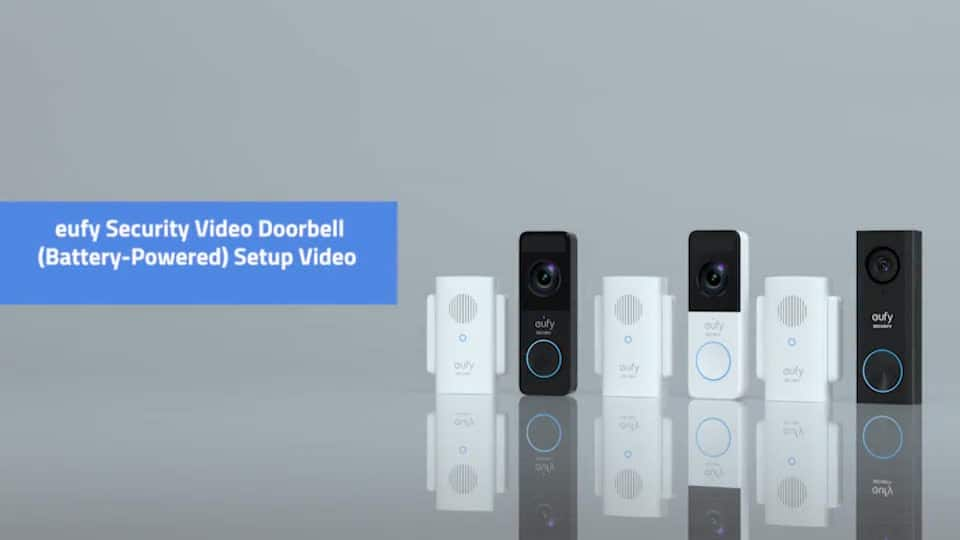
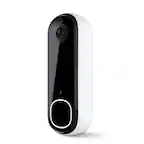
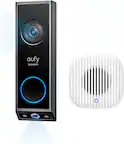
A:Answer Based on the information provided, the product you've referenced appears to be the eufy Video Doorbell 2K Battery Operated/Wired with Chime, model T8210.
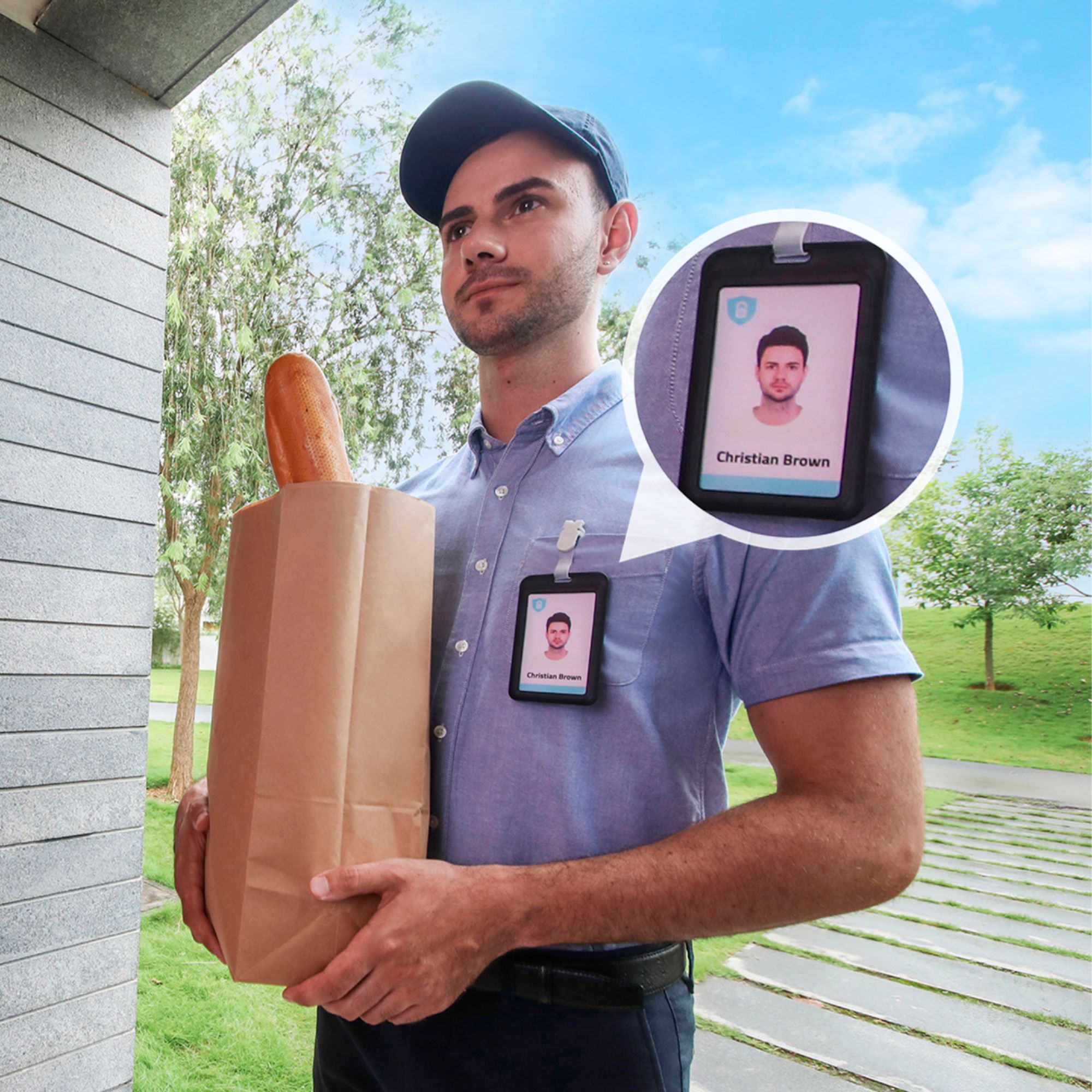
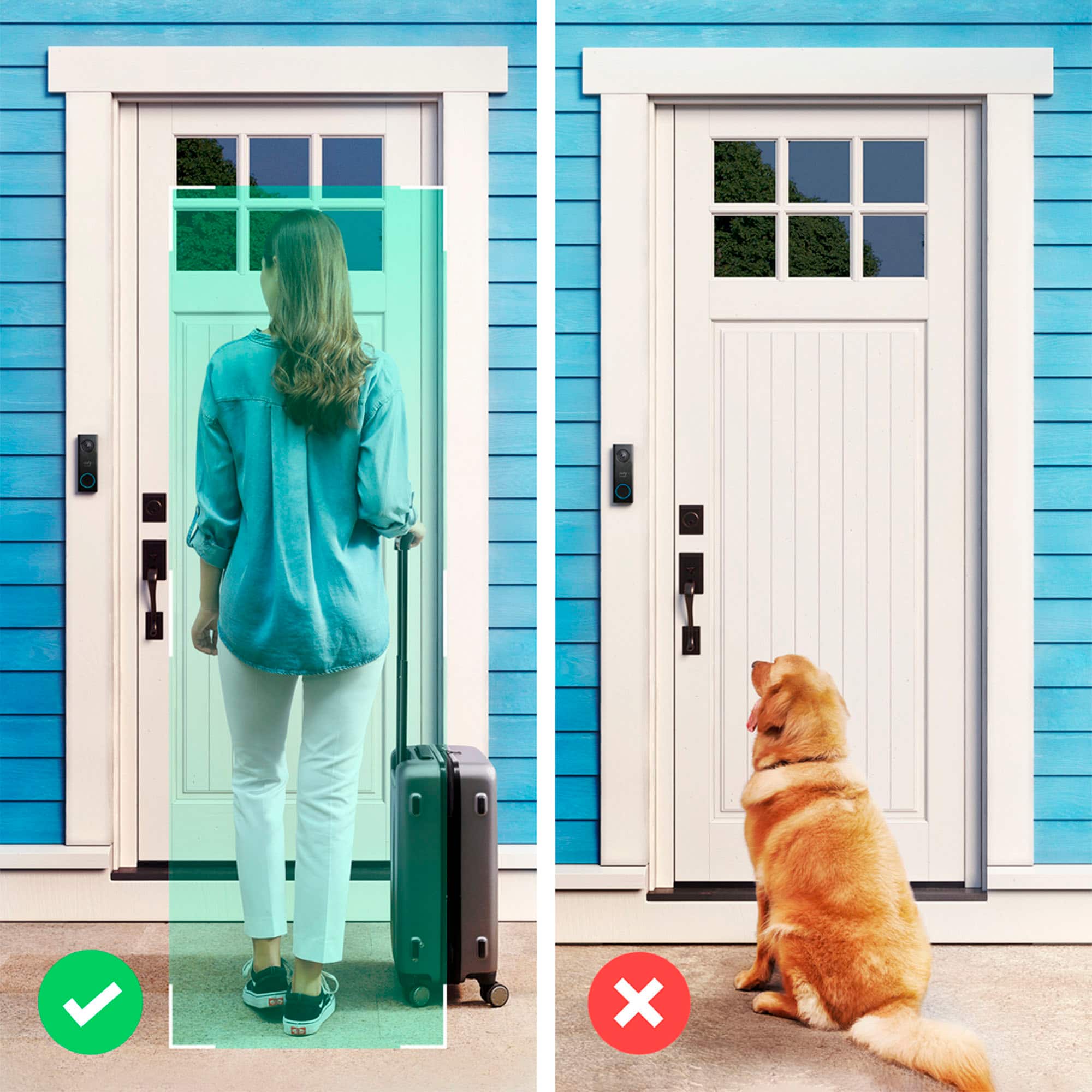
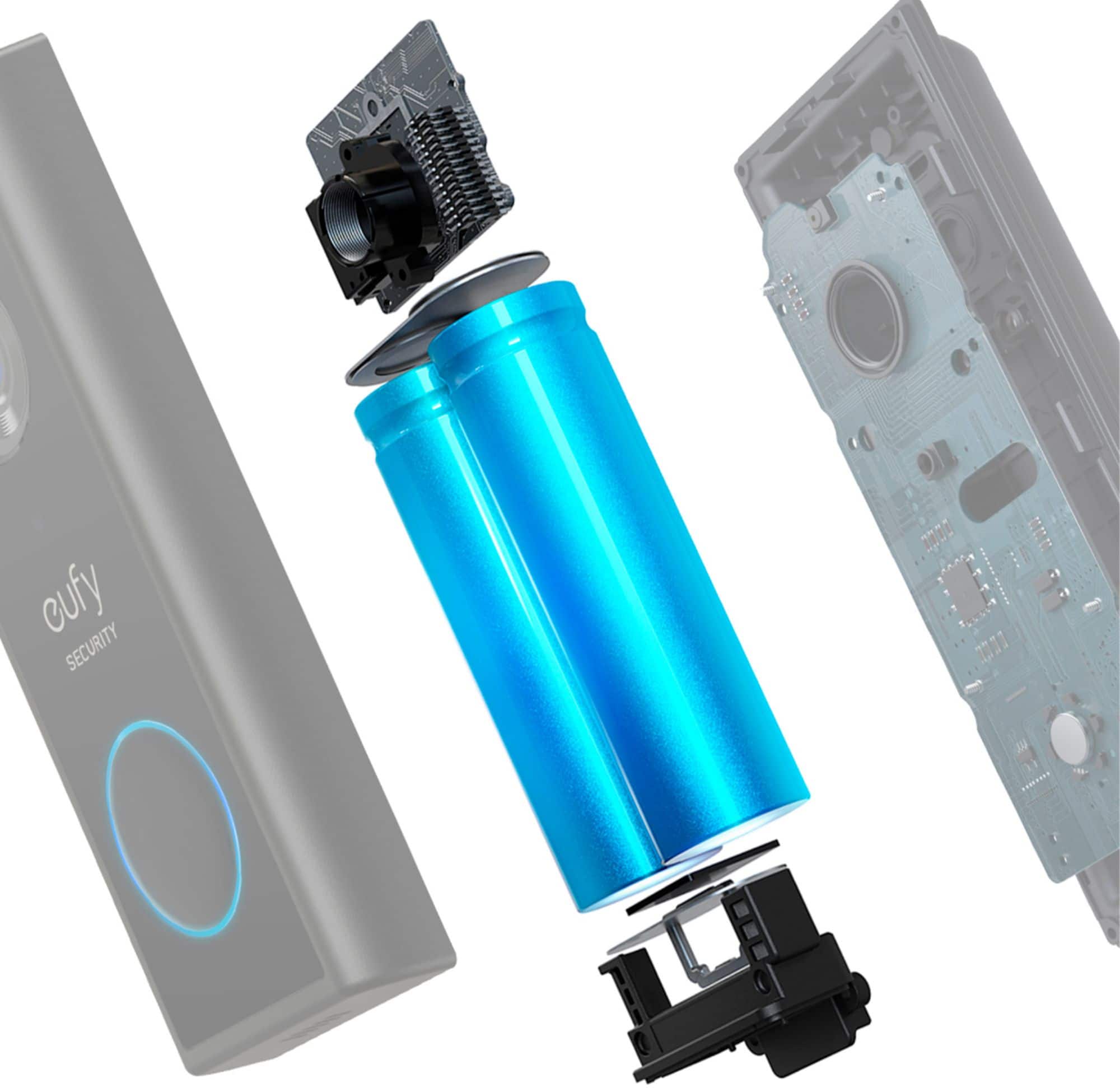
It includes both battery and wired power options, offers a 2K resolution video display, is equipped with WDR (Wide Dynamic Range) for advanced imaging, has a built-in 6500mAh battery with a 180-day battery life (non-replaceable), and supports smart integrations with Alexa and Google Assistant. It also features customized activity zones, smart human detection, and employs AES-128 data encryption for security.
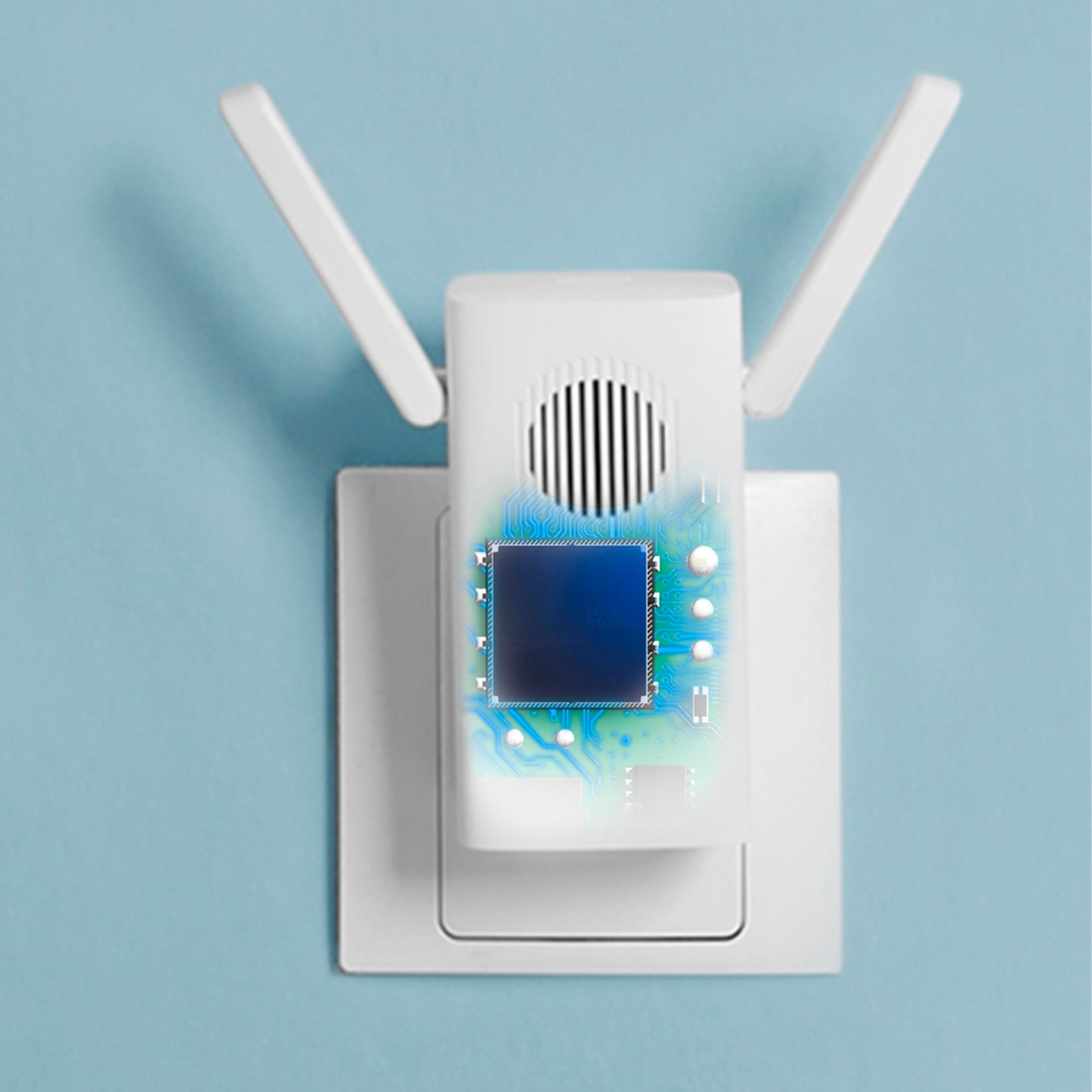
For storage, it connects to HomeBase 2, which offers 16GB of non-expandable local storage. The product is IP65 waterproof and comes with no monthly fees.