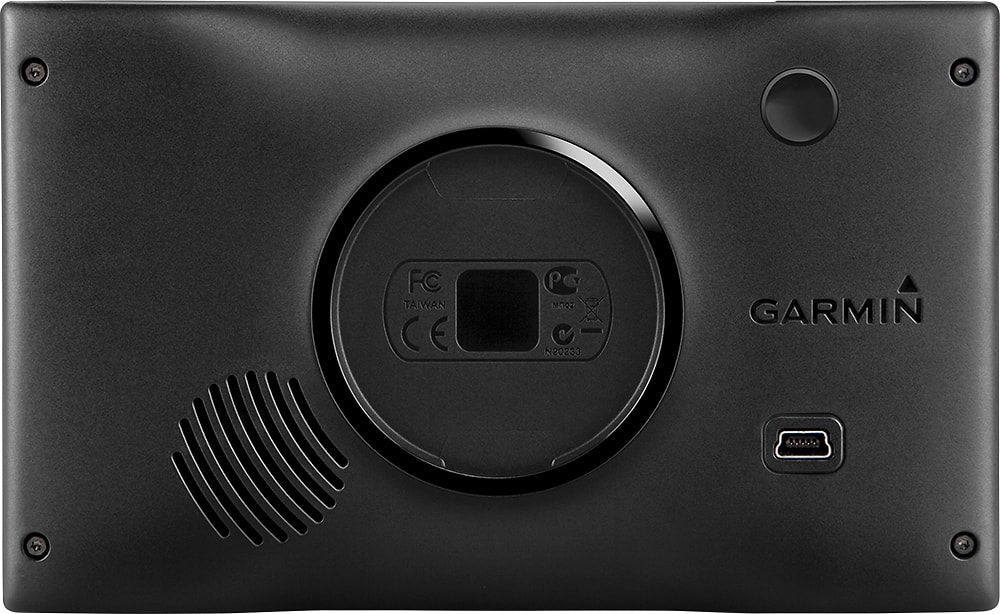
A:AnswerThe nüvi 2589LMT does not include and isn't compatible with hiking trails or off road maps. I suggest looking into our Montana series if you're looking for an outdoor devices with automotive features. Thanks! (KS)
A:AnswerI've not tried to do what you ask. I HAVE put in waypoints, but I don't think that the GPS necessarily routes the fastest way. It DOES present the waypoints, numbered on the screen and asks if that's the order that you want. The few times I've done that (only one waypoint), the 2589 has suggested the fastest way. But I don't think the stops were numbered on the map.
A:AnswerThank you for contacting Garmin.
To change the text language on the nüvi 2589LMT, follow the steps below:
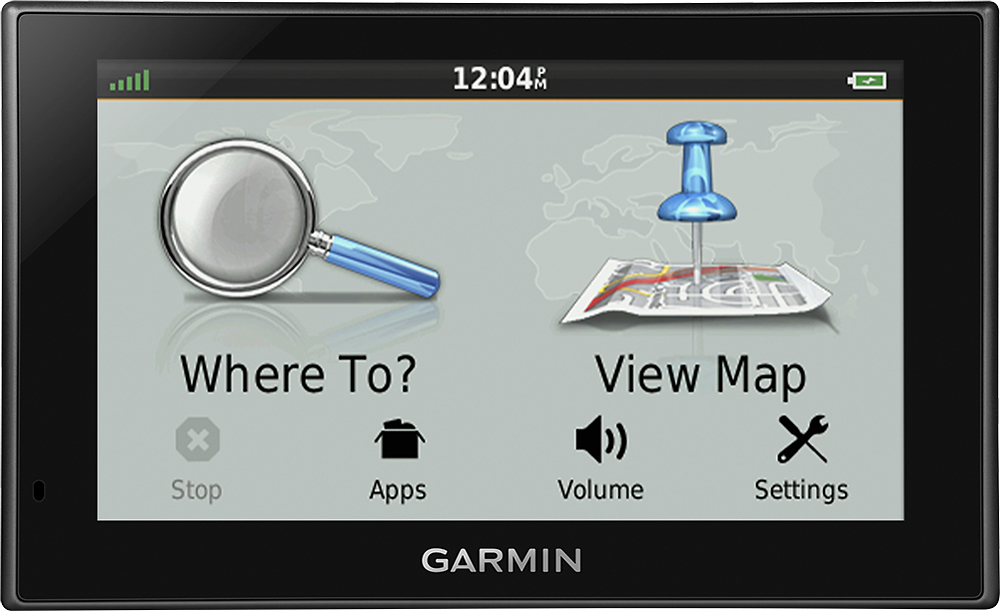
1. Touch the Wrench icon on the screen with the Magnifying Glass and Map icons
2. Touch the down arrow
3. Touch Lips icon
4. Touch the second option from the top
5. Touch the up or down arrow until you find the desired language
6. Touch the desired language
7. Touch Save
The device should now be in the selected text language
To change the voice language of the nüvi 2589LMT, follow the steps below:
1. Touch Settings
2. Touch Language & Keyboard
3. Touch Voice Language
4. Touch the desired language
5. Touch Save
The device will now speak the selected language.
<MC>
A:AnswerTurn on your GPS. Then go to "Saved" on your upper left corner you should see "3 lines" like parallel to each other. You will get an pop up saying "deleted saved places" press that button and you delete your old addresses.
Let me know if this works for you!! Thanks
A:AnswerNot in North America, this device is compatible with our Cyclops Safety Cameras (subscription required) but this model is not compatible with North American subscriptions. For more information about our Safety Camera compatible devices or how it works we strongly encourage you to contact our product support team in the following link:
www.garmin.com/support
~JH
A:AnswerOn major roads it does show the speed limit, and, if you are going over the limit, it has a tinge of red on either side of your speed. I believe you change the settings to show kilometers.
A:AnswerYes, the nüvi 2589LMT will indicate indicate when you are going over the speed limit, you can read more about this feature in the following article: http://bit.ly/2dW5jPZ
The nüvi 2589LMT is not compatible with Red Light and Speed Camera downloads. You can see a list of compatible devices in the following article: http://bit.ly/2aUrqoB -OA
A:AnswerIt's hard to say without taking a closer look. First, I suggest ensuring that your device has the latest maps installed via Garmin Express (garmin.com/express). If the issue persists, or if you already have the latest maps installed, please try the troubleshooting suggestions listed in the following FAQ: http://bit.ly/1Wugu13
Should you continue having trouble, Garmin Customer Care would be happy to assist you further and can be reached using the contact information listed on our Support page (bit.ly/worldGRMNsup). Thank you! (KS)