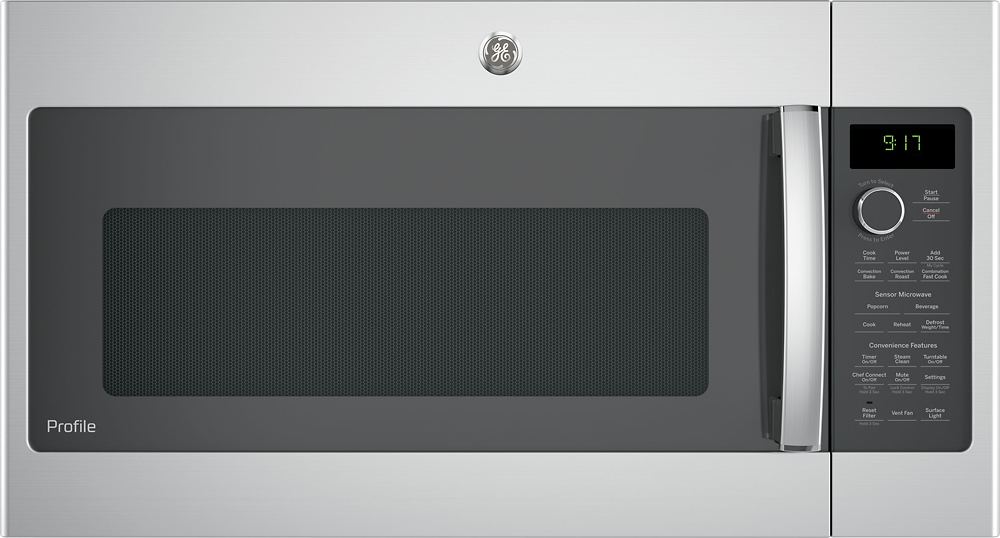
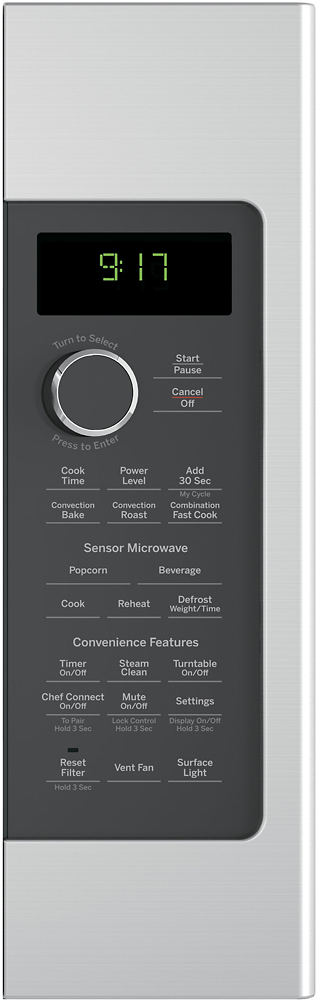
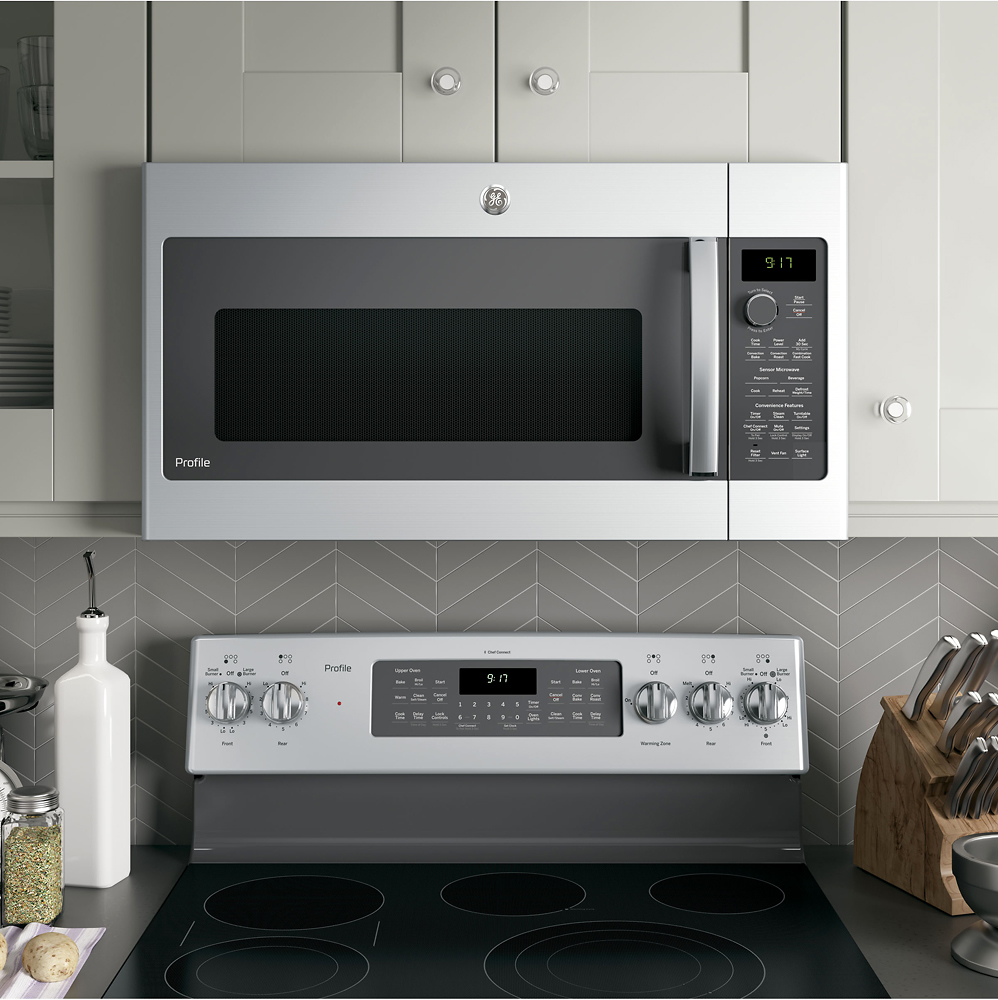
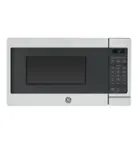
A:Answer Hello- We appreciate your question and are happy to help! On most models, the initial microwave time can be set in 15 second increments. Once the microwave starts running, however, any turn of the dial changes the time by 5 seconds (clockwise increases, counterclockwise decreases). For example: To heat something for 20 seconds, turn the dial to 15 seconds. Once you press in on the dial to start the microwave, turn the knob clockwise to add 5 seconds to the cooking time currently displayed.
You can make selections on the oven by turning the dial and pressing it to enter the selection. Pressing the dial can also be used in place of the Start/Pause button for quicker
programming of the oven.
Add 30 Sec: This is a quick way to set and start cooking in 30 second blocks each time the Add 30
Second button is pressed. The cook time may be changed by turning the dial at any time during cooking. The power level will automatically be set at 10 and the oven will start immediately.
Owner's Manual: http://products.geappliances.com/MarketingObjectRetrieval/Dispatcher?RequestType=PDF&Name=49-40774.pdf We hope this is helpful! Please let us know if you have any additional questions. We are here to help! Joyce@GEA