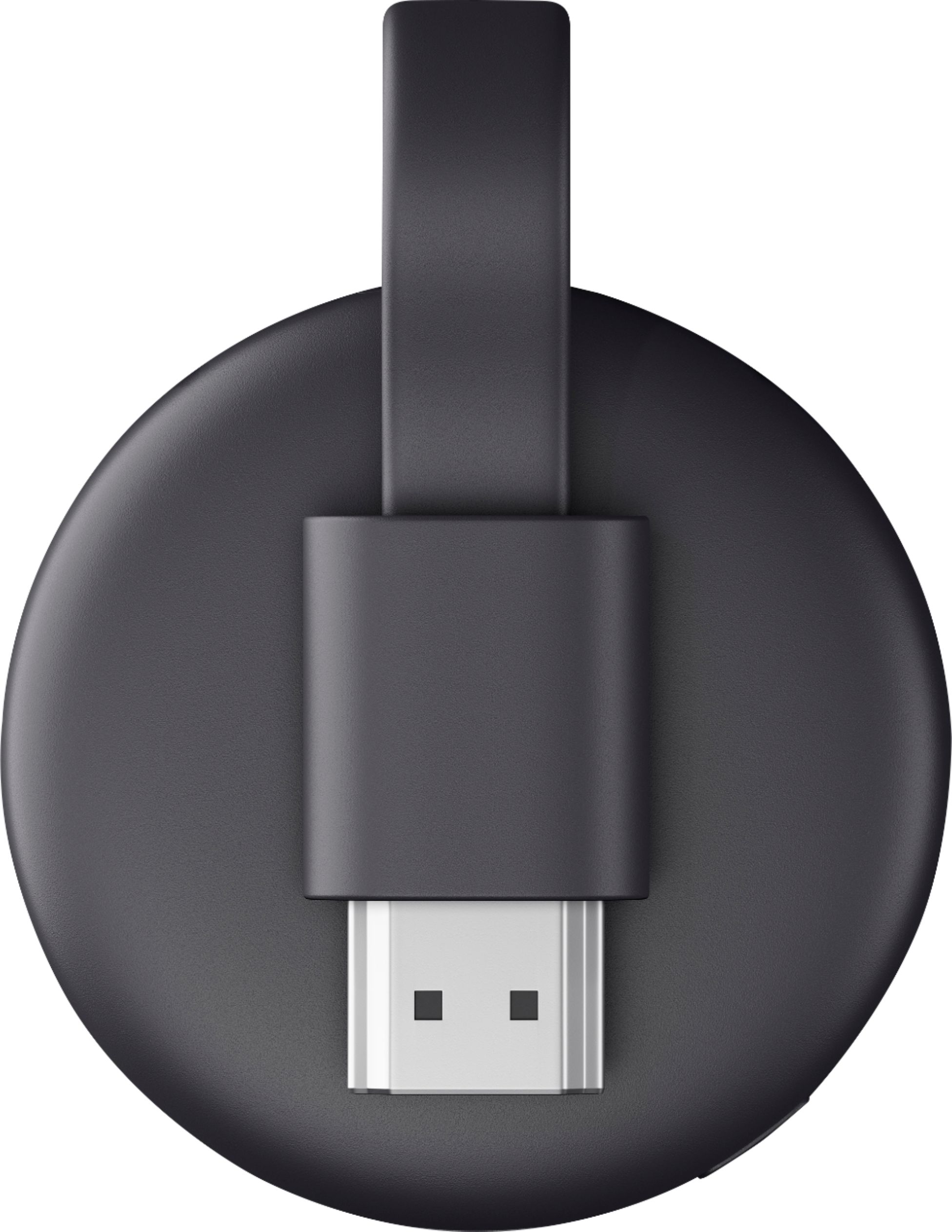
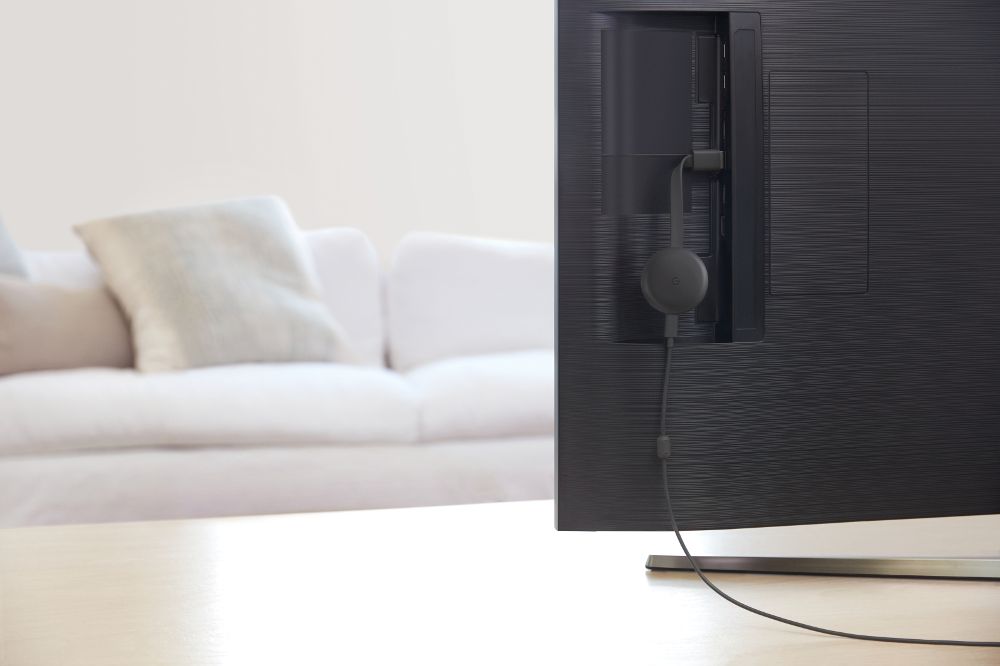
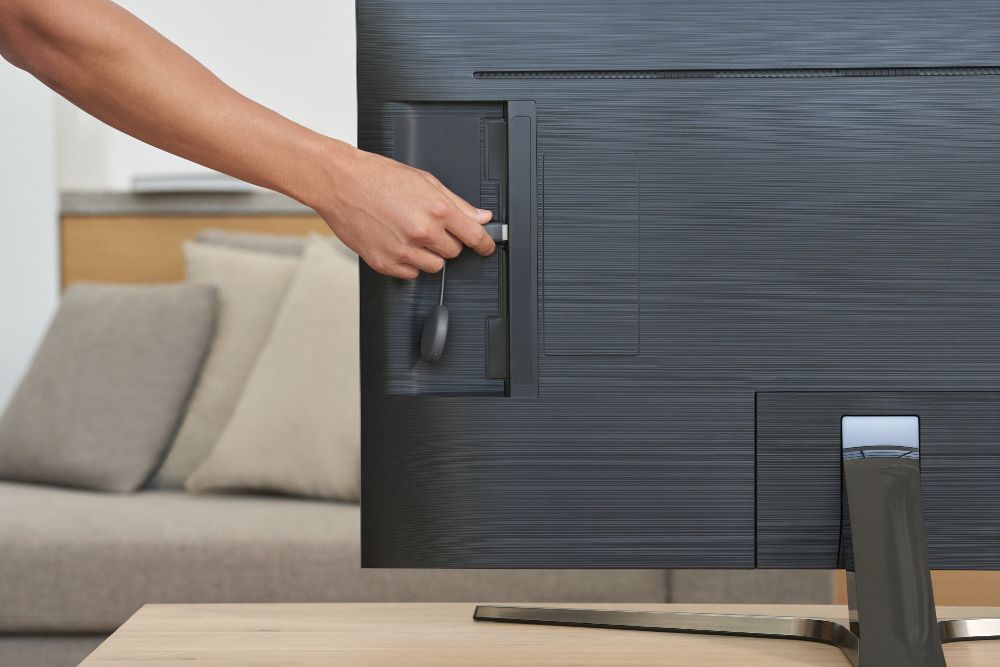
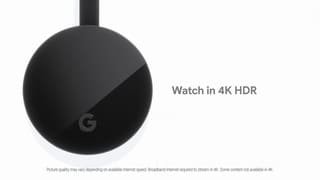
A:Answer Not all apps are Chromecast compatible. Most media apps are. Some games are. Most presentation apps are.
If your app is Chromecast compatible, it can cast directly, without screen mirroring or second monitor. Google Slides will allow you to present on a Chromecast, with speaker notes on your device.
You cannot load/install a Google PlayStore app (or any app) on the Chromecast. You install your apps where you normally would, just once, and if it is Comcast compatible, it will stream its contents directly to the Chromecast device, from the original source, (not your device) so your Android/Chromebook/Chrome browser will not be necessary after the stream starts, (except to possibly control the stream; pause, rewind, skip, etc.).
It is a different concept than Roku/Fire Stick/AppleTv, where one way have an app installed on their phone, and again on the cost device, with o linked account. Chromecast allows the app to be loaded only once, then cast to the stick, no account linking needed.